
Month: July 2025
Blog
File Server Backup Solutions: Step‐by‐Step Protection
Modern data protection has evolved far beyond manual copy scripts; the stop-gap era is well and truly gone. Over the years, data estates have sprawled across petabytes, the backups have become the prime target of attacks, and modern compliance demands are stricter than ever before, driving real changes in the way that file server admins protect data for provable recovery.
Where once techs were occupied after-hours, swapping disks with little more than a prayer that cron jobs ran smoothly, they now need provable safeguards driven by evidence and immutable data restoration.
So to prevent budgets spiraling and redundant copies, we have put together this guide to walk you through five interlocking steps to ensure that file server failure or ransomware blasts don’t leave you in crisis. They are: classification, granular retention, automated incremental snapshots, restore testing, and anomaly-driven monitoring. When those steps are paired with technologies such as Volume Shadow Copy snapshots, off-site object storage with immutability controls where the chosen target supports them, and API-first alerting, you have a more reliable restore process for ransomware, hardware failure, and accidental deletion.
Choose Melbicom— 1000+ ready-to-go servers — 21 global Tier IV & III data centers — 40 CDN PoPs across 35 countries |
 |
Share Classification: How to Prioritize
Backup windows become bloated when every share is treated equally, and that is a sure path to unmet Recovery Point Objectives (RPOs). Therefore, your first step should be a data-classification sweep to categorize data into the following tiers:
- Tier 1 – Critical finance ledgers, deal folders, and release artifacts.
- Tier 2 – Important workspaces and active project roots.
- Tier 3 – Non-critical archives, reference libraries, and retired project dumps.
Classifying data in this manner drives everything downstream. Be sure to interview data owners, scan for regulated content (PII, PHI), and log the operational impact of losing each share. This helps with creating policies; the data protection needs of a finance ledger that changes every hour are different from those of an archive with quarterly updates.
The approach also supports compliance work: for regulated personal data, classification and restore evidence make it easier to show that safeguards, recovery procedures, and periodic tests match the risk.
Granular, Immutable Retention Policies
With the tiers clarified, you can begin to craft retention that reflects data value and change rate. The typical “backup daily, retain 30 days” blanket rule hogs space unnecessarily, and critical RPO targets may still fall through the cracks with this method. Using a tiered matrix ensures efficient protection, keeping things sharp without wasting storage. Take a look at the following example:
| Tier | Backup cadence | Version retention |
|---|---|---|
| 1 | Hourly incremental snapshot and nightly full | 90 days |
| 2 | Nightly incremental snapshot and weekly full | 30 days |
| 3 | Weekly full | 14 days |
Non-negotiable Immutability
Recent Veeam research found that 89% of organizations hit by ransomware had their backup repositories targeted, with an average 34% of repositories modified or deleted, making immutability vital.[1] Use WORM-locked storage targets—S3 Object Lock, SFTP-WORM appliances, or cold snapshot tiers—so delete or overwrite attempts fail. Off-site object storage remains useful for remote copies, but the retention policy should explicitly enforce immutability on the chosen target. One simple change that takes away much of a ransomware gang’s leverage is to have one recent full backup for every Tier 1 dataset stored in an immutable bucket for 90 days before aging out automatically. That way, a “pay or lose everything” threat loses much of its force.
Following the 3-2-1 pattern (three copies, in two media, one kept off-site) helps reinforce disaster resilience. So, be sure to ship nightly copies of Tier 1 critical data and weekly copies of Tier 2 important data to remotely located storage in a different region. Remember, latency is less important than clean data should a physical disaster, such as a site-level fire or flood, happen to occur.
Snapshot Automation: VSS, LVM, ZFS
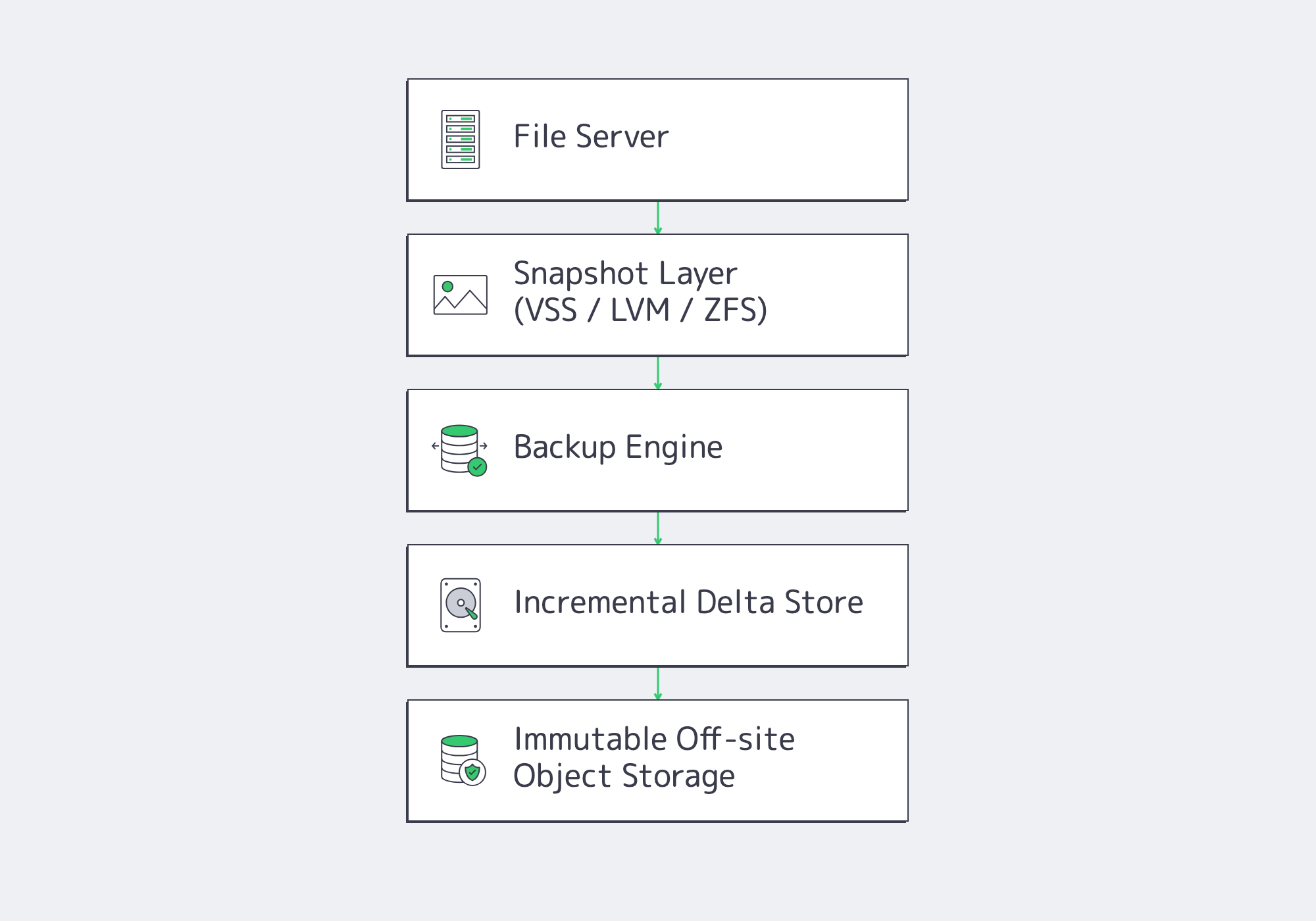
Modern backup solutions have moved away from running full multi-terabyte volumes all weekend, favoring synthetic incremental snapshots. After the initial full seed, only changed data moves; synthetic incremental designs merge those changes into current restore points, reducing routine transfer volume and shortening backup windows without running full jobs every cycle.[2]
Automating the process requires no human intervention:
- Job schedulers can run by tier cadence: hourly, nightly, and weekly.
- Post-process hooks immediately replicate backups to off-site targets.
- Report APIs automatically push status to Slack or PagerDuty.
Automated filesystem snapshots capture an application-consistent point in time and help eliminate “file locked” errors without taking the file server offline. When Volume Shadow Copy Service (VSS) is used on Windows, applications are briefly quiesced while the snapshot is created; backup software then reads the point-in-time blocks, including open files such as PSTs or SQLite databases. On Linux, LVM snapshots and ZFS send/receive fill a similar role when paired with application quiescing or pre/post hooks where needed.
Testing Restores Before Recovery Is Needed
Recent recovery research shows why testing belongs in regular operations: Veeam’s 2026 Data Trust and Resilience Report found that fewer than one in three ransomware victims fully recovered all affected data, while 44% recovered less than 75%.[3] Restore failures still often trace back to corrupt media, missing credentials, or mis-scoped jobs, so bake restores into the run-book rather than treating them as emergency-only tasks:
- Weekly random spot checks: pick three files from a variety of tiers; restore them to an isolated sandbox and validate hashes.
- Quarterly full volume recovery drills: Using a new VM or dedicated server host, perform a full Tier 1 recovery. Be sure to time the process and log any gaps identified.
- Verification after any changes: Ad-hoc restore tests should be performed following any changes, such as new shares being added, tweaks to ACLs, or backup agent upgrades.
Remember, while the auto-mount VM features included in many modern suites are useful to verify boot or run block-level checksums following a backup, human-eyed drills are still needed to validate run-books and credentials. Double-checking manually also builds muscle memory for when teams are under stress.
Anomaly Monitoring and Operational Alerts
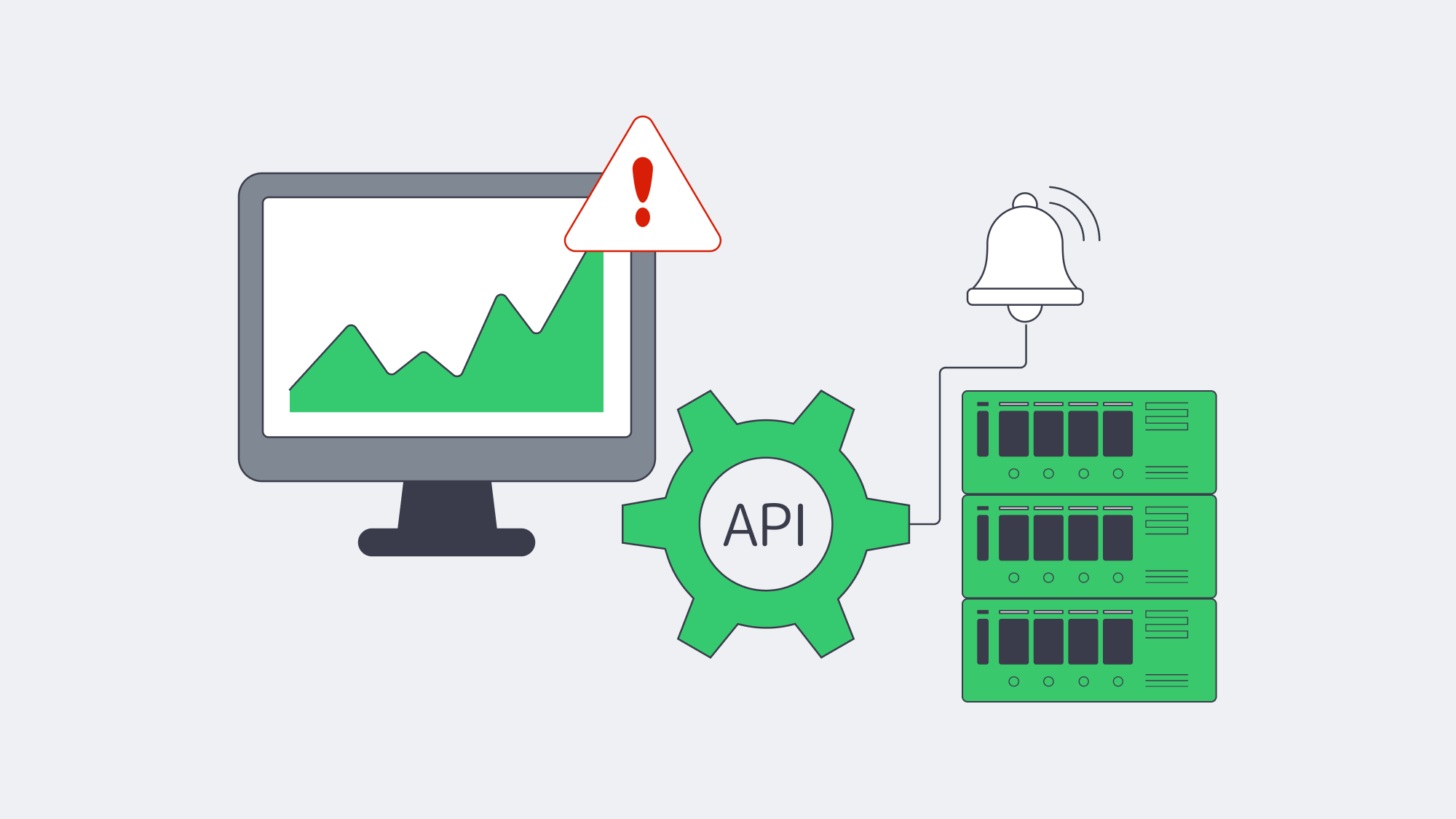
Automation has its perks, but monitoring is essential. Ransomware encrypts at machine speeds, and so a quiet backup that finishes without alert could be masking a future disaster, and you won’t know until the next scheduled backup. Anomaly engines can help observe backup activity and watch for spikes or changes in compression ratios and file counts to spot deletion and make sure delta ballooning is identified efficiently. If your nightly capture is usually around 800MB, and last night’s job hit 25 GB, time is of the essence. Next week’s review will be too late.
Back-end metrics also need monitoring for red flags such as low repository disk capacity, climbs in replication lag, and immutable lock misconfigurations. API endpoints or webhooks, fed to SIEM, Prometheus, or similar, can help with vigilance, and any failures can be reported to teams with a one-line cURL script; for example, JSON payloads triggering auto-ticket creation. Restrict the triggers to actionable events (failed jobs, anomalies, capacity thresholds) to prevent alert fatigue and be sure to train on them.
By integrating anomaly-driven monitoring into daily ops, you turn your backups into a built-in early-warning radar, and given that Veeam’s 2025 ransomware research found 89% of affected organizations had backup repositories targeted by threat actors,[1] you are better positioned to catch attack indicators early, isolate infected shares, and limit downtime during recovery.
Data Protection as an Ongoing Process
A disciplined process is needed for file-server protection in the modern world. It starts with classifying shares to make sure resources flow efficiently, then granular immutable retention can be put in place, assisted by technology such as VSS or similar for snapshot automation. Rehearsing restores turns the process into muscle memory, as does making anomaly alerts an integral part of everyday operations, reducing the level of panic faced during a real crisis.
Though the steps alone are each modest, they work in conjunction to form a last-line defense that hardens backups enough to withstand ransomware, hardware failure, site fires, and accidental deletion. The results of following the outline shared are quantifiable, too. Varonis currently cites 24 days as the average interruption after ransomware attacks in U.S. businesses and organizations,[4] but a tested recovery plan can shrink your own window toward hours when clean infrastructure, current credentials, and immutable backup copies are ready.
Deploy Your Backup Node Now
Get a dedicated backup node within 2 hours, with off-site object or SFTP storage, high-bandwidth links, and 24/7 support.
Get expert support with your services
Blog
Germany’s Servers Blend Savings With Low Latency
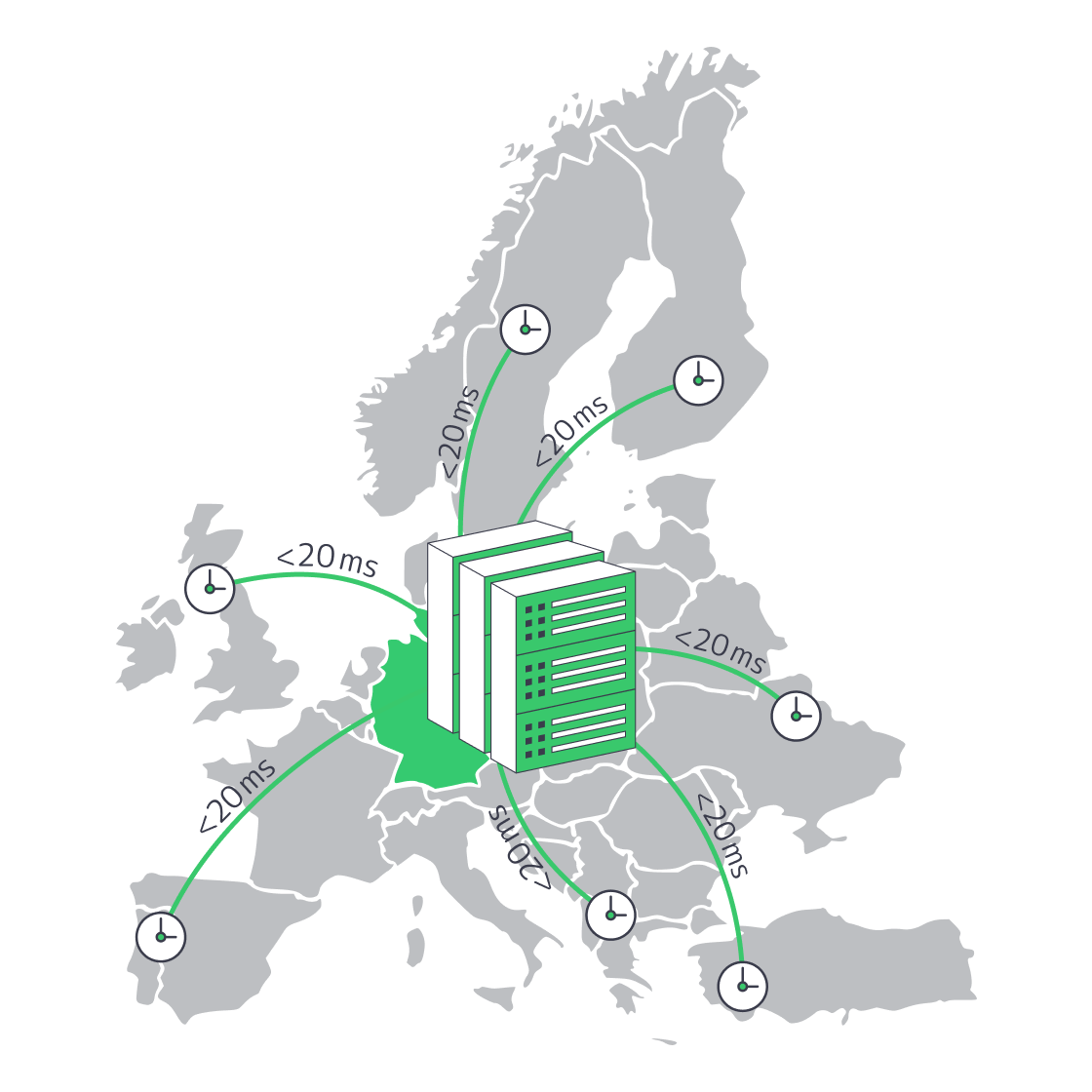
The German hosting sector has grown into a strong default for startups that need enterprise-level performance without premium-hub spending. Frankfurt is the ecosystem’s center of gravity: it hosts DE-CIX, one of the world’s largest internet exchanges, and sits among Tier III data centers that keep typical round-trip times to many major Western and Central European cities below about 20 ms. Intense competition, current multi-core hardware, and burstable bandwidth options make the buying decision less about sacrificing performance and more about reducing total cost of ownership while preserving speed, resilience, and scale.
Choose Melbicom— 200+ ready-to-go servers — Tier III & IV DCs in Frankfurt — 40 CDN PoPs in 35 countries |
|
How Do German Dedicated Servers Compare in Price and Performance?
German dedicated servers can pair low monthly pricing with strong EU performance when the server sits in Frankfurt: current Melbicom Frankfurt configurations start at €112/month, scale up to 200 Gbps per server, and use nearby DE-CIX peering to keep major Western and Central European round trips in the low double digits.
Server pricing in Germany is still shaped by supply and demand. Frankfurt alone has around 745 MW of data-center capacity, second in Europe only to London, with a 7 percent vacancy rate among FLAP-D markets that keeps the market highly competitive.[1] For buyers, the useful comparison is not only headline price, but the mix of monthly cost, dedicated hardware, port speed, and proximity to dense peering.
Competition shows up on invoice line items; Melbicom’s current Frankfurt inventory supports the following range:
| Current Frankfurt Option | Supported Range | Why It Matters |
|---|---|---|
| Ready-to-go servers | 200+ | Broad inventory without custom-build delay |
| CPU and memory range | Intel and AMD CPUs; 16–768 GB RAM | Covers entry services through dense application workloads |
| Network capacity | up to 200 Gbps per server | Allows low-latency deployments to scale bandwidth as traffic grows |
| Advertised price range | €112–€6,202/month | Keeps budget and high-capacity configurations in the same Frankfurt region |
Where 95th-percentile billing is available, it can be a second cost lever. The method drops the highest 5 percent of five-minute traffic samples, so short bursts can be absorbed without sizing the whole month around a launch spike or news-driven traffic surge.[2] It does not make bandwidth free, but it can reduce overbuying when traffic is bursty rather than continuously saturated.
The hardware range is also broad enough for current capacity planning: Frankfurt options span Intel and AMD CPUs, 16–768 GB RAM, and up to 200 Gbps network capacity per server. Single-core legacy boxes are not a serious 2026 baseline.
Energy-Efficient Tier III Facilities Cut Opex
TCO includes hardware outlay, bandwidth, and power. Under the current German Energy Efficiency Act framework, data centers that begin operations on or after July 1, 2026, must achieve PUE ≤ 1.2, while sites that began earlier must reach PUE ≤ 1.5 from July 2027 and ≤ 1.3 from July 2030.[3] A 2026 draft amendment proposes relaxing those PUE thresholds for new and existing facilities, so procurement teams should confirm the final EnEfG language during contract review.[4] Either way, cooling, power-train overhead, and waste-heat planning are becoming procurement issues, not just facilities-team concerns.
How Does Frankfurt DE-CIX Peering Reduce Latency Across Europe?
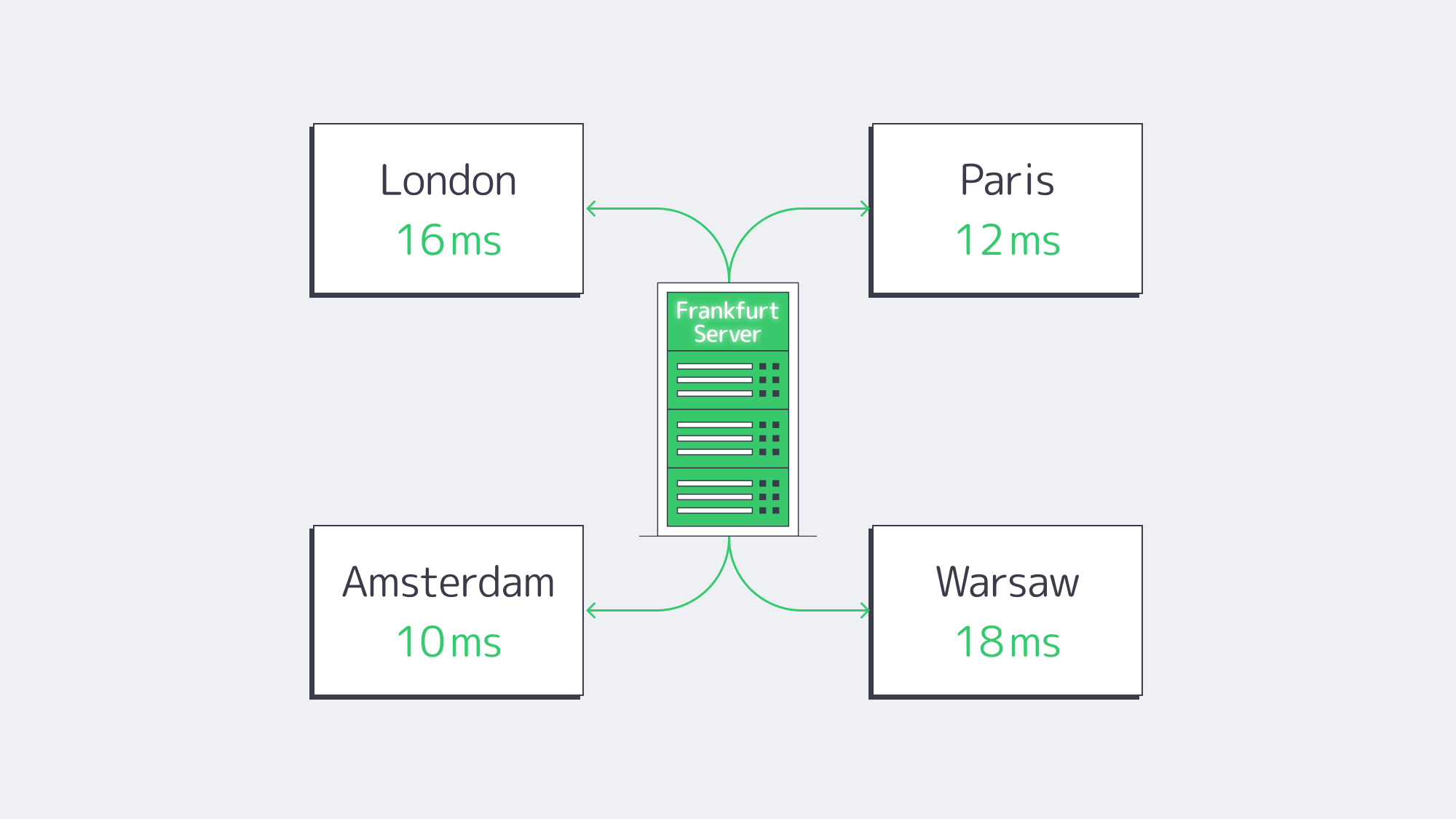
Frankfurt moves packets like no other European city. In 2025, DE-CIX Frankfurt handled 48 EB of traffic, up 6 percent from 2024, and set a new all-time peak of 18.73 Tbit/s on 9 December 2025.[5] The exchange gives customers reach to more than 1,000 local, regional, and global networks, reducing backtracking and keeping many European routes on short, direct paths.[6] Geography helps too: Frankfurt is close to London, Paris, Amsterdam, and Warsaw, keeping fiber miles modest.
Typical round-trip times (RTT):
| City | RTT (ms) | Source |
|---|---|---|
| London | 16.5 | wondernetwork.com |
| Paris | 12.0 | wondernetwork.com |
| Amsterdam | 9–11 | DE-CIX Looking-Glass |
Why Sub-20 ms Latency Matters for Users and APIs
Sub-20 ms RTT matters because each page view or API call often chains several network round trips. Keeping the server close to London, Paris, Amsterdam, and Warsaw gives application teams more of the response-time budget for TLS, database work, and business logic instead of spending it on fiber distance.
Which Industries See Revenue Gains from Lower Latency in Germany?
SaaS: Milliseconds Guard MRR
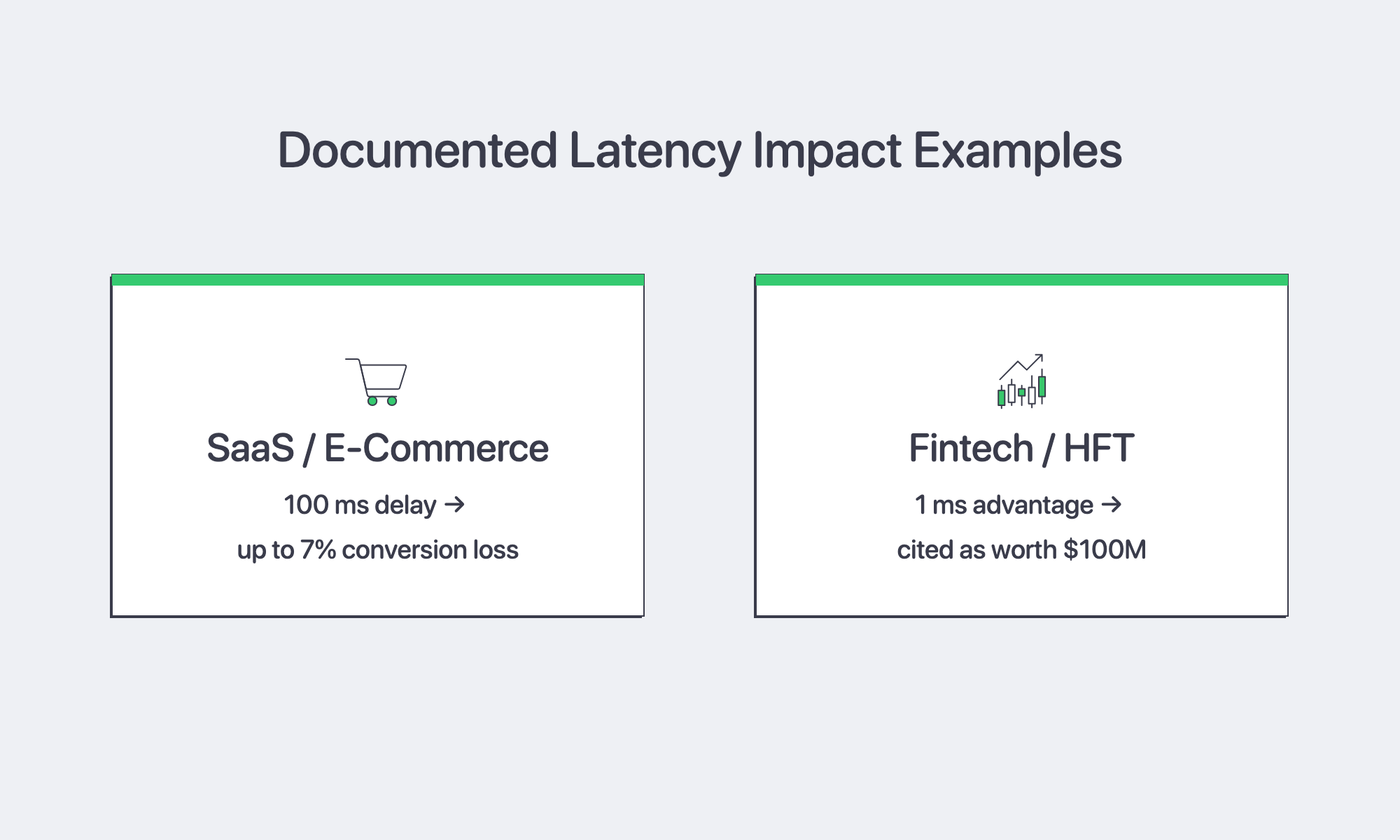
An AWS Partner Network summary of Amazon and Akamai performance research reports that an additional 100 ms of latency cost Amazon 1 percent of sales and could hurt conversion rates by as much as 7 percent in Akamai’s study.[7] For a SaaS company with €10 million in ARR, even small latency increases can turn into meaningful conversion or retention risk. Anchoring the application in Frankfurt keeps UI round trips across much of Western and Central Europe in the teens, leaving only small latency differences for interactive workflows.
Fintech & HFT: Milliseconds Mean Millions
Trading desks measure latency in monetary terms, and research on high-frequency trading notes that a one-millisecond advantage has been cited as worth $100 million to a major brokerage firm.[8] Physical proximity still matters: Deutsche Börse’s 2026 network access guide describes 10 Gbit/s dedicated cross-connects in Frankfurt co-location for latency-sensitive T7 applications.[9] Shorter round-trips between acquirer, issuer, and fraud-scoring engines can also reduce card-authorization times, lowering cart abandonment risk.
What Sets Our Frankfurt Servers Apart?
At Melbicom, the Frankfurt offer turns that regional advantage into deployable bare metal without procurement drag. The current Frankfurt inventory includes 200+ ready-to-go servers, with Intel and AMD CPU options, 16–768 GB RAM, and network capacity up to 200 Gbps per server. Ready-to-go servers can be activated within 2 hours; custom configurations are delivered in 3–5 business days. Teams can scale west to Amsterdam or east to Warsaw on the same network footprint, backed by 24/7 support.
Why Germany Is a Low-Latency, Cost-Efficient Choice for Dedicated Servers
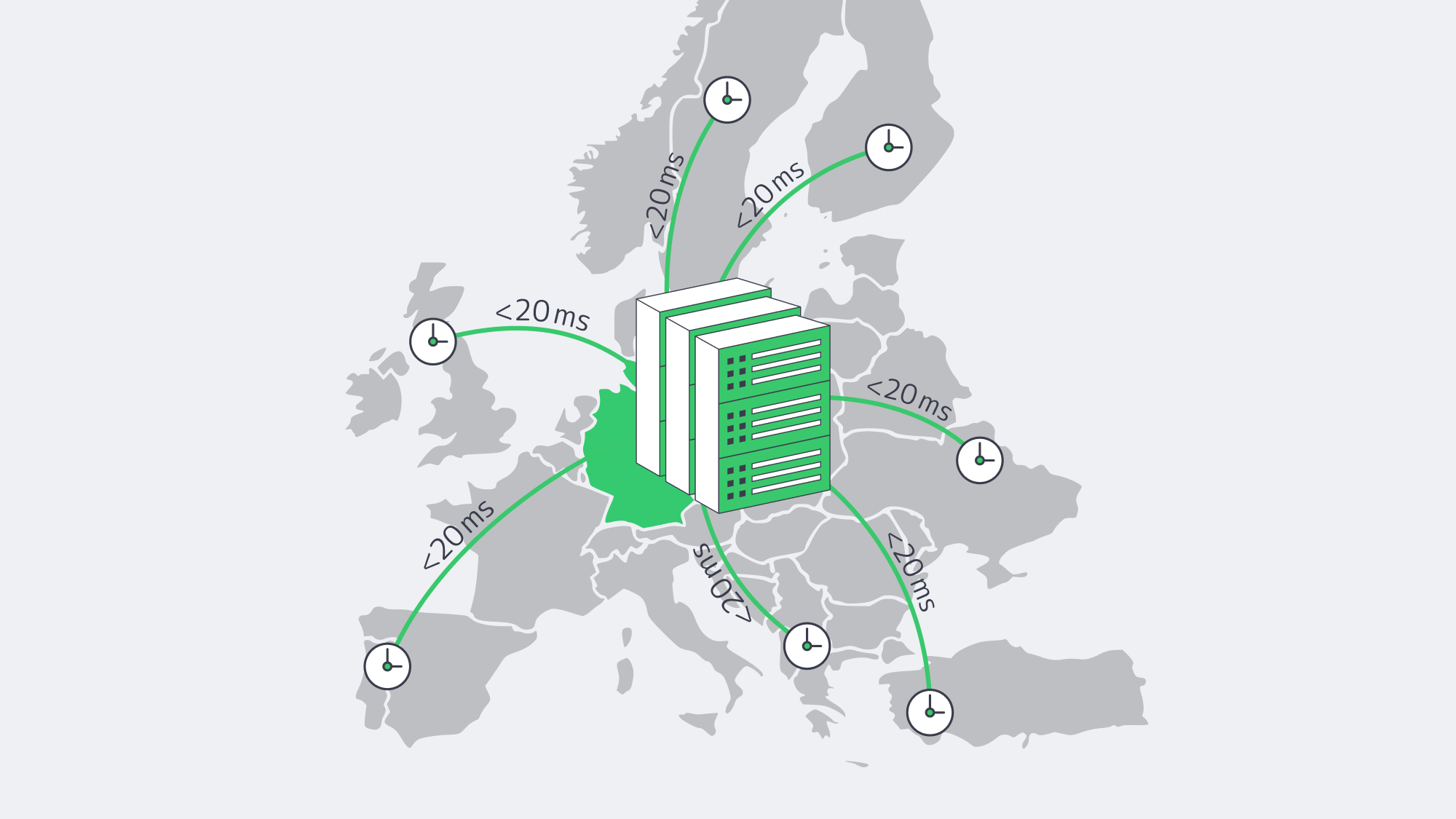
Architects used to frame infrastructure as a trade-off: lower-cost servers in second-tier markets or high performance in premium hubs such as London. Frankfurt changed that equation. Deep data-center capacity and the gravitational effect of DE-CIX put price and performance closer together than is typical in infrastructure economics. When an application can reach major Western and Central European population centers in about 20 ms or less while keeping server costs predictable, Germany becomes a practical default rather than a compromise.
Germany dedicated servers should be treated as a starting point for budget- and user-experience-driven startups. Tier III energy-efficient data centers, tighter efficiency rules, nearby peering, and burstable bandwidth options help keep latency low and cost planning manageable. Whether the workload is a latency-sensitive trading cache or a multi-tenant SaaS application, Germany dedicated hosting can deliver without blowing the budget.
Deploy in Germany Today
Launch high-performance dedicated servers in our Tier III & IV DCs in Frankfurt within 2 hours—high bandwidth options, low latency, and 24/7 support.
Get expert support with your services
Blog
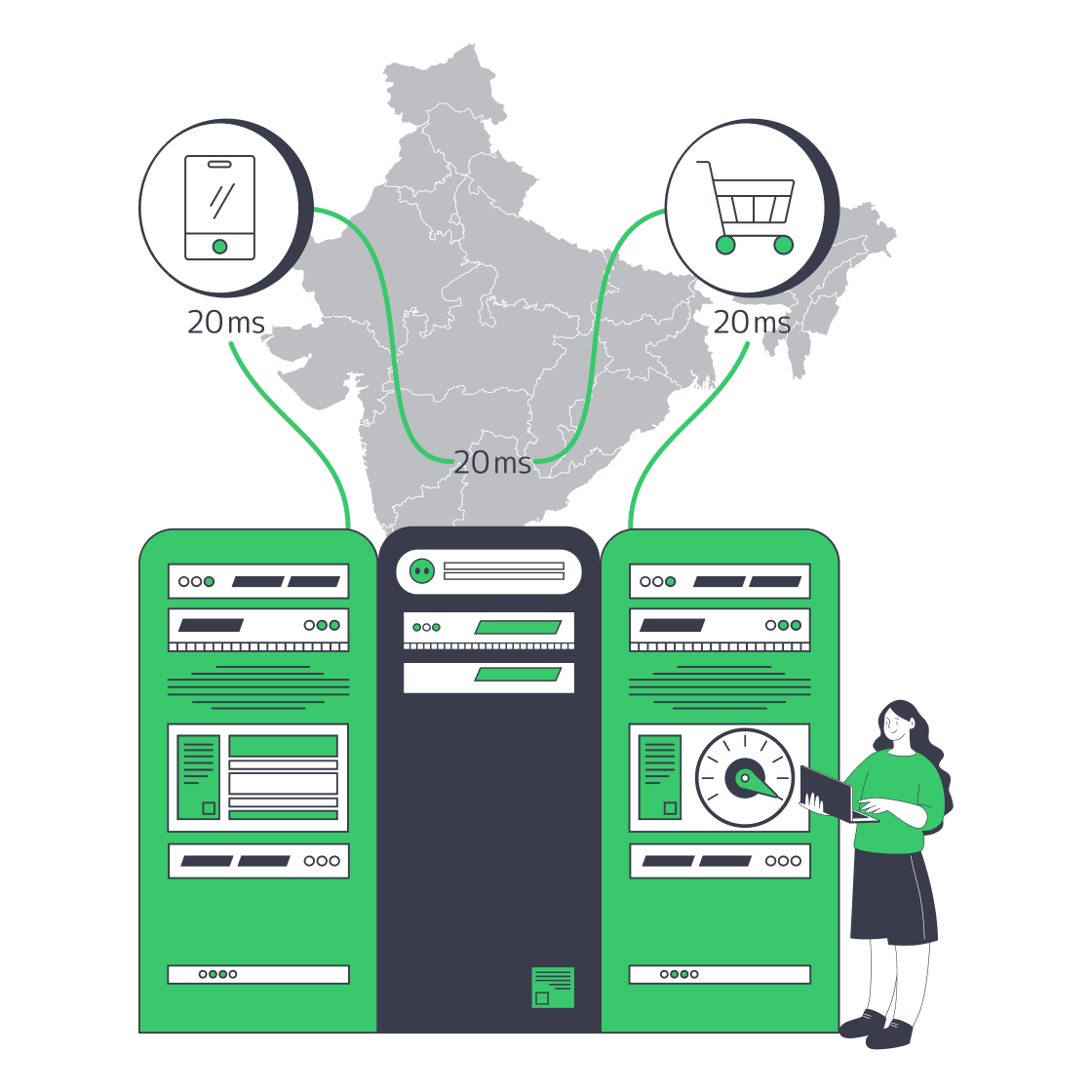
Why Indian Dedicated Servers Slash Cart Abandonment
The Indian e-retail market reached $65–$66 billion in gross merchandise value (GMV) in 2025, with 290–300 million online shoppers and sustained momentum into Q1 2026. [1]
For Indian ecommerce teams, slow mobile experiences remain a direct revenue risk: New Relic reports that 60 percent of surveyed Indian online shoppers would leave an app after more than 10 seconds of slow buffering, and 72 percent most often use mobile apps for online purchases in India.[2]
Choose Melbicom— Dozens of ready-to-go servers — Tier III-certified DC in Mumbai — 40 PoP CDN across 6 continents |
|
An Indian dedicated server keeps latency-sensitive requests in-country, supports a more defensible DPDP compliance posture, and connects into India’s fast-growing metro data-center ecosystem. We outline the key dimensions CTOs are calculating now: performance, compliance, infrastructure depth, and peak-season resilience, and how Melbicom can turn them into revenue.
How Dedicated Servers in India Cut Latency
When an Indian customer clicks a checkout button and the request is routed to Europe or North America, the round-trip time often exceeds 150 ms. Mumbai hosting can reduce that path to roughly 20–50 ms for users near major Indian metros, clearing the last-mile drag that increases Time to First Byte and Largest Contentful Paint (LCP).
- Faster LCP & INP. Shorter transport means headers appear sooner, scripts start sooner, and checkout steps avoid distant round trips.
- More predictable tails. Single-tenant hardware removes “noisy neighbor” contention, so P95 and P99 latency can improve with the average.
- Bandwidth headroom. Melbicom’s Mumbai dedicated servers support up to 40 Gbps per-server network capacity, giving headroom for 4K product video, high-volume catalog traffic, or on-device AI inference streams.
Why India Hosting Beats Distant Clouds
Cloud regions outside India can mask static-asset latency behind CDN edges, but API calls for carts, business logic, and real-time inventory still cross long-haul routes when the origin is offshore. Proximity wins for revenue-risk requests such as checkout, payments, and personalization. Compared with shared instances, dedicated servers give engineers direct kernel-to-NIC control for TCP tuning, QUIC settings, and traffic shaping.
Meeting DPDP Act Compliance with Dedicated Server Hosting in India
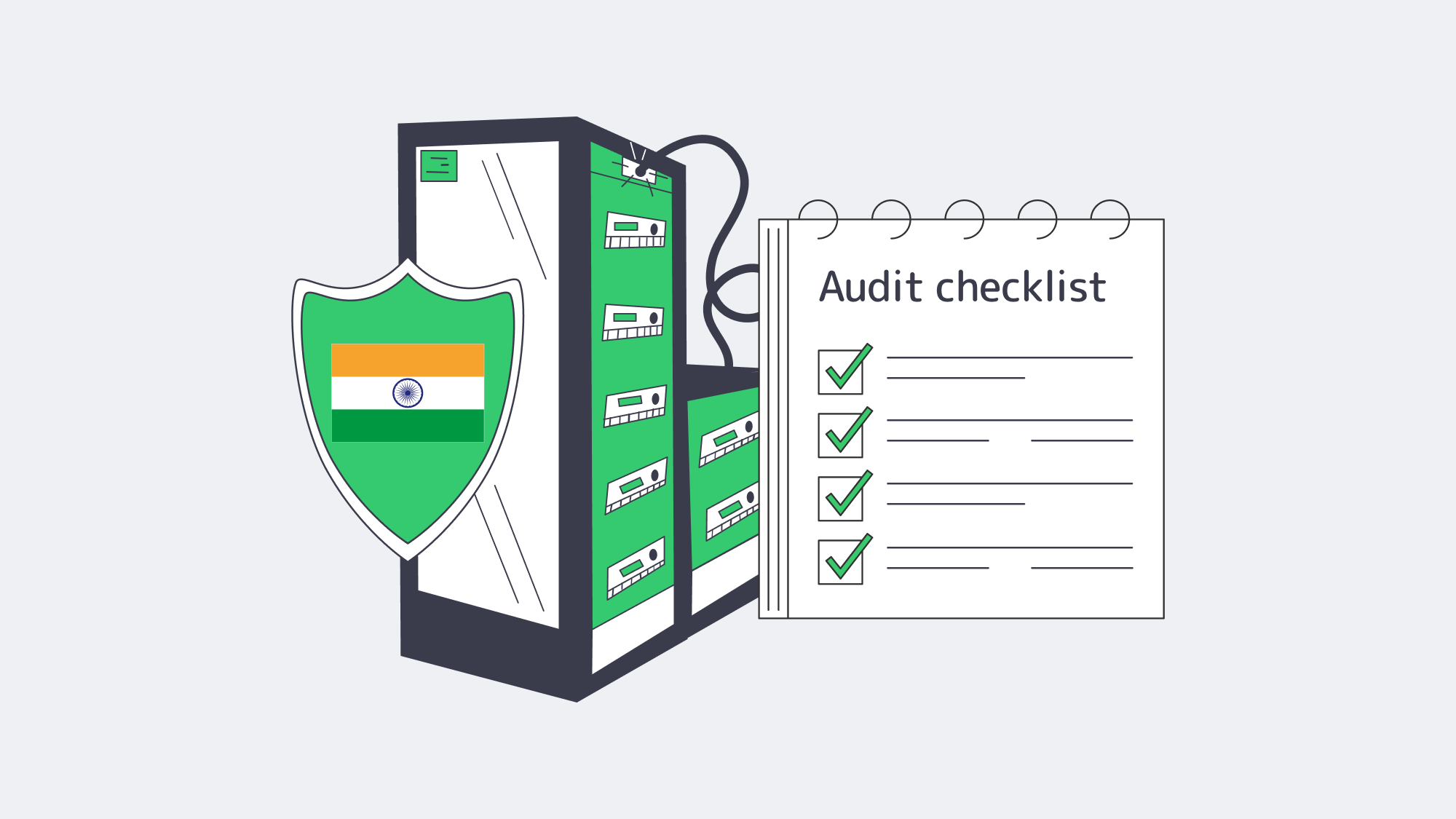
The Digital Personal Data Protection Act, 2023 (DPDP Act) does not impose a blanket data-localization rule or a whitelist of “trusted nations.” Instead, Section 16 lets the Central Government restrict transfers of personal data to notified countries or territories, while preserving stricter sector-specific transfer rules. Penalties under the Schedule can reach 250 crore rupees for failure to maintain reasonable security safeguards.[3] For retailers handling addresses, payment tokens, or behavioral profiles, keeping sensitive processing in India can still simplify evidence gathering and reduce transfer-risk reviews. A local dedicated server supports that position in three practical ways:
- Onshore processing. Customer records, session logs, and token-handling systems can remain in India unless a specific workload requires cross-border processing.
- Audit-ready visibility. Physical infrastructure, access logs, and backup locations are easier to document when production and evidence stay in the same jurisdiction.
- Consumer trust. Security and privacy are leading digital-payment concerns for Indian online shoppers, so local processing and clear audit trails support buyer confidence.[2]
By hosting servers in Indian Tier III data centers, Melbicom gives compliance teams infrastructure evidence without sacrificing performance.
Should You Deploy Dedicated Servers in Mumbai, Chennai, or Delhi-NCR?
For a dedicated server India deployment through Melbicom, Mumbai is the supported production location. Chennai and Delhi-NCR remain useful comparison points because they show how national capacity is distributed, but Melbicom’s India dedicated server inventory, Tier III certification, and local network configuration are centered on Mumbai.
India’s data-center landscape has leapfrogged legacy constraints. A March 2026 Press Information Bureau release from India’s Ministry of Electronics & IT says national data-center capacity grew from 375 MW in 2020 to more than 1,500 MW in 2025, led by Mumbai/Navi Mumbai, Chennai, and Delhi-NCR/Noida.[4]
| City | Operational Capacity (MW) | What It Means for Latency |
| Mumbai / Navi Mumbai | 790 | Largest operational footprint; useful for west-coast and national traffic aggregation |
| Chennai | 305 | Southern hub and comparison point for east-bound routes |
| Delhi-NCR / Noida | 76 | Northern edge close to government and banking hubs |
Unlike a decade ago, when diesel backups and brownouts scared CIOs, today’s facilities are built around redundant power, UPS designs, and carrier-neutral meet-me rooms. Redundant fiber rings allow tenants to multi-home without leaving the building.
Capacity trajectory
| Year | Installed Capacity (MW) |
| 2020 | 375 [4] |
| 2025 | >1,500 [4] |
| 2027 (est.) | 1,800 [5] |
| 2030 (est.) | 4,500 [6] |
Growth is propelled by AI workloads and e-commerce platforms aligning data placement with privacy rules. JLL reports that cloud service providers have pre-committed and reserved 800 MW for AI workloads, while Colliers expects USD 20–25 billion of investment over the next five to six years.[5][6] For CTOs, that means plentiful rack space, competitive pricing, and carrier diversity in every major zone.
400 G Peering Powers AI-Rich Commerce
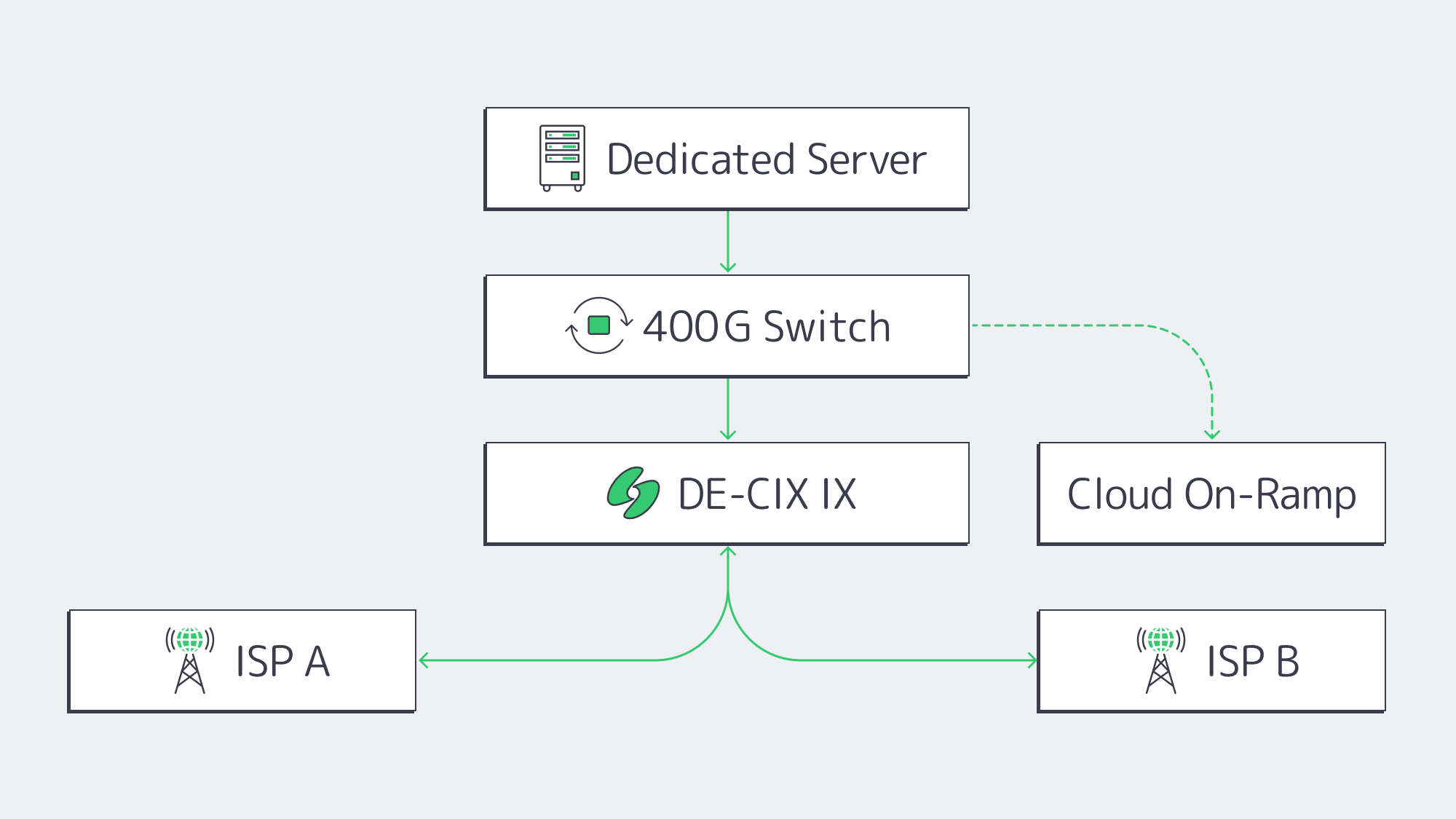
Closeness is irrelevant if packets queue at interconnection choke points. India’s leading IXPs are scaling capacity to keep up with AI, cloud, and commerce traffic. In its 2026 annual-report update, DE-CIX reported that Mumbai peak traffic grew 63 percent to 2.76 Tbit/s during 2025, alongside platform-wide growth in 400 GE ports and 800 GE-era upgrades.[7] The working result is this:
- Short metro paths among servers, ISPs, and CDNs that play a critical role in edge inference, live video, or AR try-ons.
- Cloud on-ramps when available in the same facility, so hybrid environments can burst to interconnects while avoiding distant public-internet routes.
- Lower transit cost curve. Dense peering can reduce bandwidth pressure and keep dedicated server hosting in India price-competitive without sacrificing throughput.
Preparing India Servers for Traffic Spikes
Diwali, Navratri, Big Billion Days—the festival pipeline is no longer a narrow marketing window. Bain’s 2026 India e-retail report says festive periods account for around one in four new shoppers, with nearly triple daily traffic during events such as Flipkart’s Big Billion Days versus business as usual.[1] A plain 99.9 percent uptime target is not enough when a short checkout or payment degradation can erase campaign gains.
Key practices we see winning teams adopt:
- Baseline on dedicated iron, burst elastically. Run mission-critical databases and checkout APIs on one or more Indian dedicated servers for latency and price predictability; spin up ephemeral cloud instances behind a load balancer when promotional banners go live.
- Run load simulations early. Four-week-ahead synthetic traffic helps right-size CPU, memory, and port speeds.
- Freeze non-essential maintenance. Define freeze windows, ticket owners, and escalation paths before sale traffic starts.
- Monitor tail latency, not just averages. Slow frames get abandoned before teams see a complete outage.
Avoid Last-Minute India Hosting Failures
Cheap capacity is useless when ports saturate or CPU cores are starved at peak load. Melbicom offers single-tenant systems in Mumbai with up to 40 Gbps per-server network capacity and 24/7 support. That gives ecommerce teams predictable festival-season headroom without moving checkout or database workloads back offshore.
Low-Latency Infrastructure Drives Growth
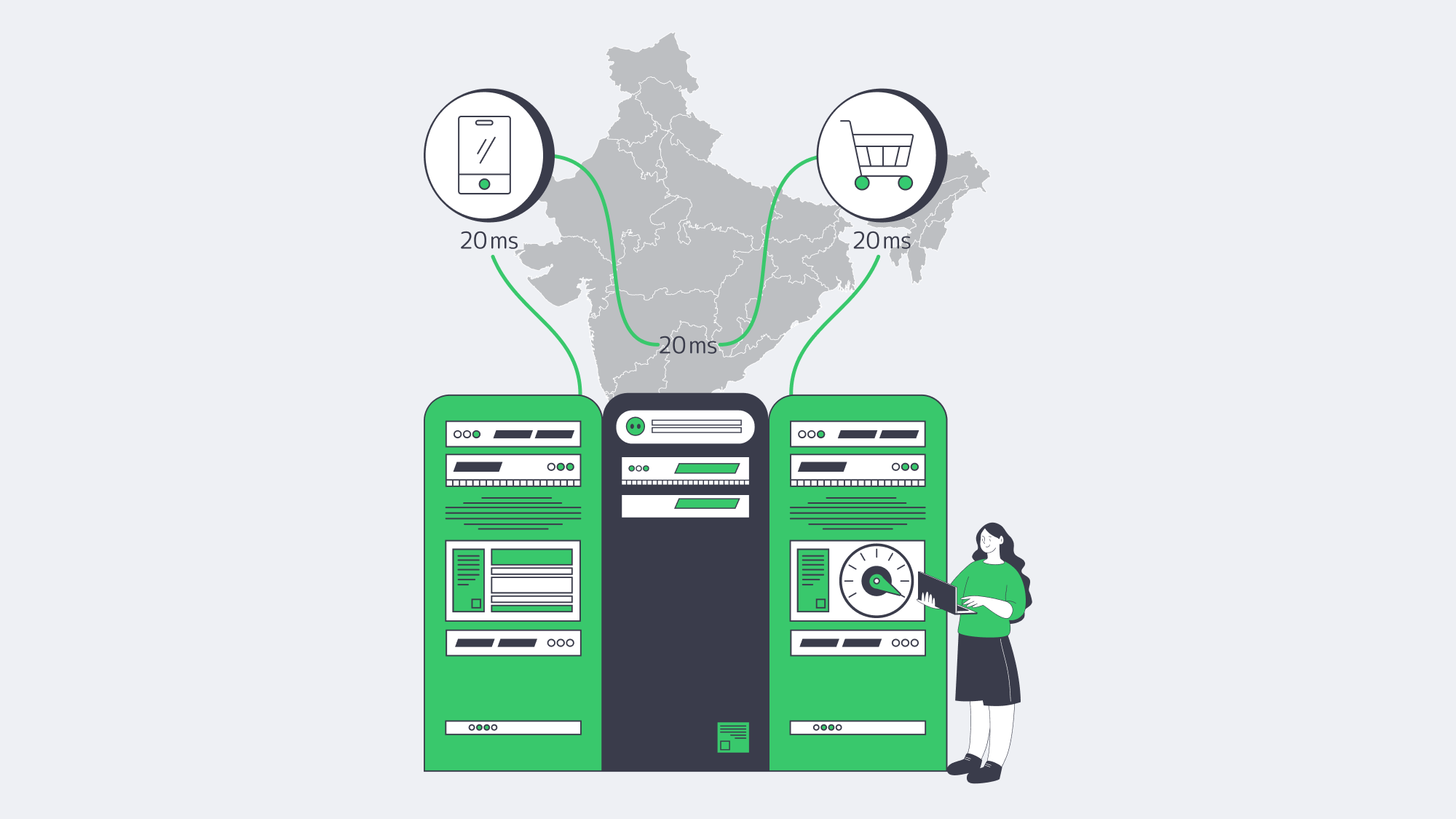
Regional geography, onshore data stewardship, and metro-edge density have come together to make dedicated servers in India a fast, practical path to scalable growth. CTOs who understand the latency revenue curve are treating Indian metros as prime deployment areas. The growing presence of Tier III and Tier IV facilities, high-capacity IXPs, and expanding data-center capacity gives the ecosystem the density needed for commerce, AI features, and cost-efficient delivery.
When a business migrates latency-sensitive workloads to Mumbai, it can reduce long-haul round trips, improve Core Web Vitals conditions, and simplify DPDP evidence collection. The infrastructure baseline is in place; the advantage goes to teams that move the highest-risk checkout, personalization, and inventory paths first.
Get expert support with your services
Blog
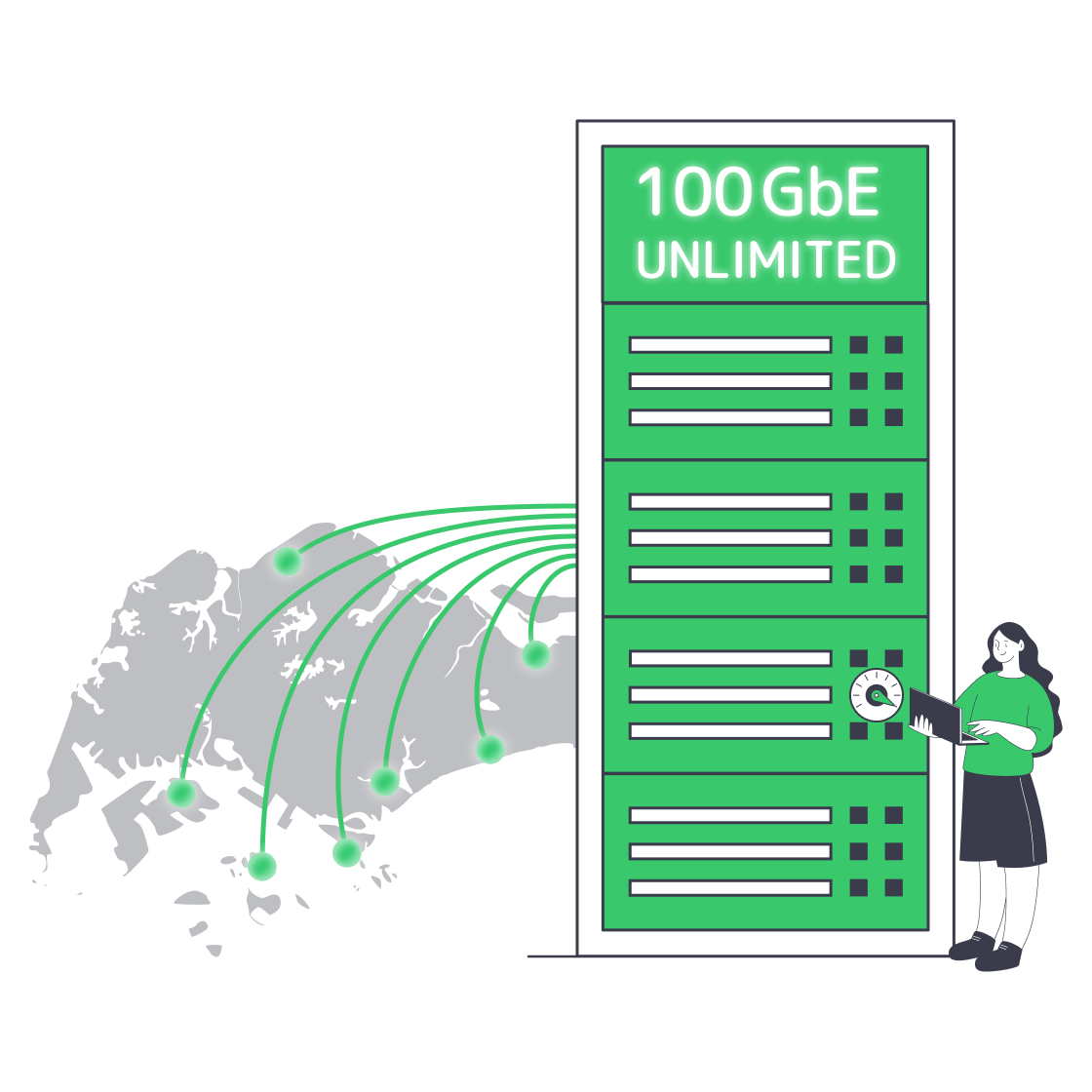
Find Truly Unlimited Bandwidth Servers in Singapore
Singapore’s strategic perch on Asian fiber routes—combined with a steady decline in wholesale IP-transit rates—has turned unmetered dedicated servers from niche luxury to a mainstream option. Singapore now has more than 70 cloud, enterprise, and colocation data centers with over 1.4 GW of computing capacity on the island. Its Green Data Centre Roadmap adds at least 300 MW of capacity in the next few years, with another 200 MW reserved for operators using green energy options. This expanding supply and cheaper costs mean that hosts can bundle sizeable, flat-priced ports for mainstream use that previously wouldn’t have been economically viable.[1]
Choose Melbicom— 90+ ready-to-go servers — Tier III-certified SG data center — Unmetered bandwidth plans |
|
These unlimited offers are particularly attractive for buyers dealing in petabytes. Streaming workloads are still a major bandwidth driver: Ericsson’s Q4 2025 Mobility Report says video accounted for 76 percent of global mobile data traffic at the end of 2025.[2] However, “unlimited” might not be as unlimited as it seems on the surface. Many deals still conceal the limits, making it hard to understand what you’re getting. Use this guide to understand what to audit, measure, and demand when choosing a cheap dedicated Singapore server that must run continuously under load.
How to Read an “Unlimited Bandwidth” Offer on Servers
Read an “unlimited bandwidth” server offer by separating port speed from transfer policy. A real unmetered plan should name the port speed, avoid hidden monthly TB caps, explain any fair-use language, and avoid billing models where sustained use above a commit triggers throttling or overage charges.
Fair-Use Clauses, TB Figures, and Wiggle Words
First off, be sure to look for fair use triggers in the terms of service. You will likely find something along the lines of “We reserve the right to cap after N PB.” If you deal with large traffic and a limit exists, it should be hundreds of terabytes per Gbps, or removed entirely.
Avoid 95th-Percentile “Bursts”
Some providers blur the difference between unmetered ports and burstable billing through the 95th-percentile model. You might find 1 Gbps advertised, but with a guarantee of only 250 Mbps sustained; once sustained usage exceeds the commit, the link may be throttled or billed at overage rates. In network billing, the 95th-percentile method discards the highest 5 percent of traffic samples and bills on the highest remaining value, so it is not the same as a continuously unmetered port.[3] When scanning the documentation, look for words like “burst,” “peak,” “commit,” or specific percentile formulas. If the port is truly unlimited, it will stay unmetered and simply state the speed transparently.
No-Ratio Guarantees and Transparency
If the port is oversubscribed, then “unmetered” is irrelevant. Ideally, you need dedicated capacities with no contention ratios, which means that the full line rate you purchase is solely yours. Marketing claims should be verifiable by looking at real-time graphs with measurable metrics, so that your teams can see the throughput matches. Melbicom offers single-tenant servers with unmetered bandwidth options and guaranteed no-ratio throughput for sustained use.
Which Infrastructure Signals Prove a Truly Unlimited Server?
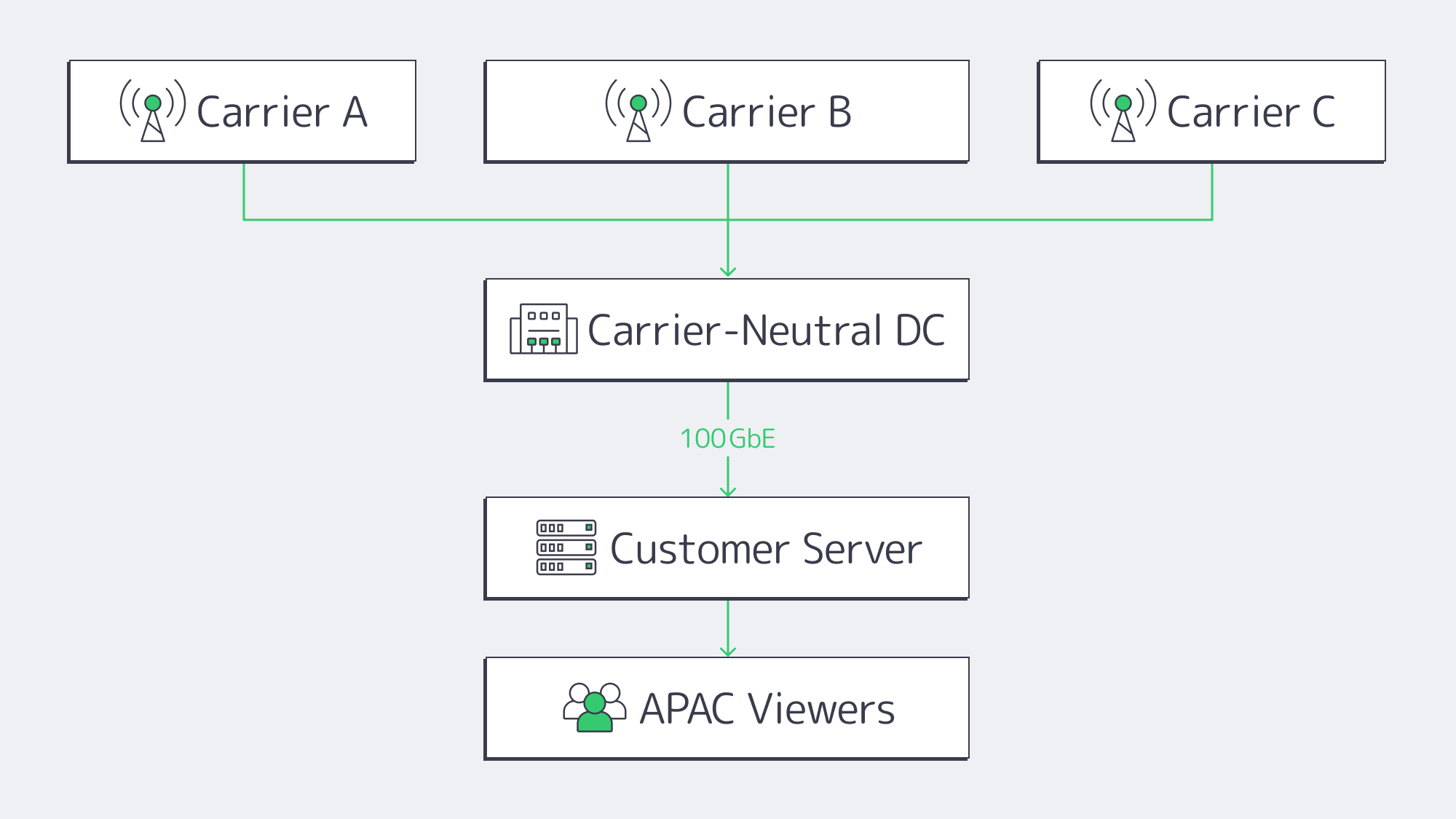
Carrier-Neutral Data Centers
It is wise to prioritize hosts located in carrier-neutral Tier III+ data centers.
- Singapore’s Equinix SG
- Global Switch
- Digital Realty
- Melbicom’s Singapore data center
Choosing multiple on-net carriers over single-carrier buildings that rely on one upstream prevents the likelihood of silent limits being imposed on heavy users during peaks, ensuring a plentiful upstream capacity and competitive transit rates.
Recent Fiber and Peering Expansion
Singapore’s trans-Pacific connectivity picture has moved forward since the earlier cable-delay cycle. Bifrost reached ready-for-service status in October 2025, adding a direct Singapore–U.S. West Coast route with more than 260 Tbps of capacity, while Echo is targeting ready-for-service in 2026.[4][5] Those systems improve route diversity and capacity headroom for hosts that can buy, peer, and engineer capacity across them.
Port Availability Options
If the vendor has a range of ports available, then it is an infrastructural signal that its back-end capacity can meet unlimited needs. When there are 10 Gbps, 40 Gbps, or 100 Gbps configurations ready to spin up today, you are in good hands. With Melbicom, you can have a Singapore server with up to 200 Gbps. Though the upper end may be far more than you need, knowing that you can commit to 1 Gbps with 100 GbE and higher network options available gives you the peace of mind that you won’t be oversold gigabit uplinks for your traffic.
How Can You Prove an “Unlimited” Port Is Truly Unlimited?
| Port speed | Max monthly transfer @ 100 % load | Rough equivalence |
|---|---|---|
| 1 Gbps | 330 TB | ≈66K 5 GB video files |
| 10 Gbps | 3.3 PB | ≈660K 5 GB video files |
| 100 Gbps | 33 PB | ≈6.6M 5 GB video files |
Tip: You should be able to move ~330 TB/mo. on an “unmetered 1 Gbps” port without incurring any sort of penalty. If the fine print states less, then it isn’t truly unlimited.
Test what you buy.
- Looking-glass probes – be sure to check multiple continents when you pull vendor sample files from the Singapore facility; compare observed throughput against the port speed you are buying.
- Iperf3 marathons – Run Iperf sessions at or near full port speed for at least 6 hours to spot any sudden drops that indicate hidden shaping.
- Peak-hour spot checks – To help detect oversubscription, you can saturate the link during APAC prime time; collective loads shouldn’t decrease with a capable network.
- Packet-loss watch – If a server is truly unlimited, then packet loss should be below 0.5 % during traffic spikes.
The tests above will expose any inconsistencies. If discovered, raise the issue under the service agreement and ask the host to troubleshoot or expand capacity. Reputable hosts committed to marketed throughput should document the remediation path.
Why Are “Unlimited Bandwidth” Offers Everywhere Now?
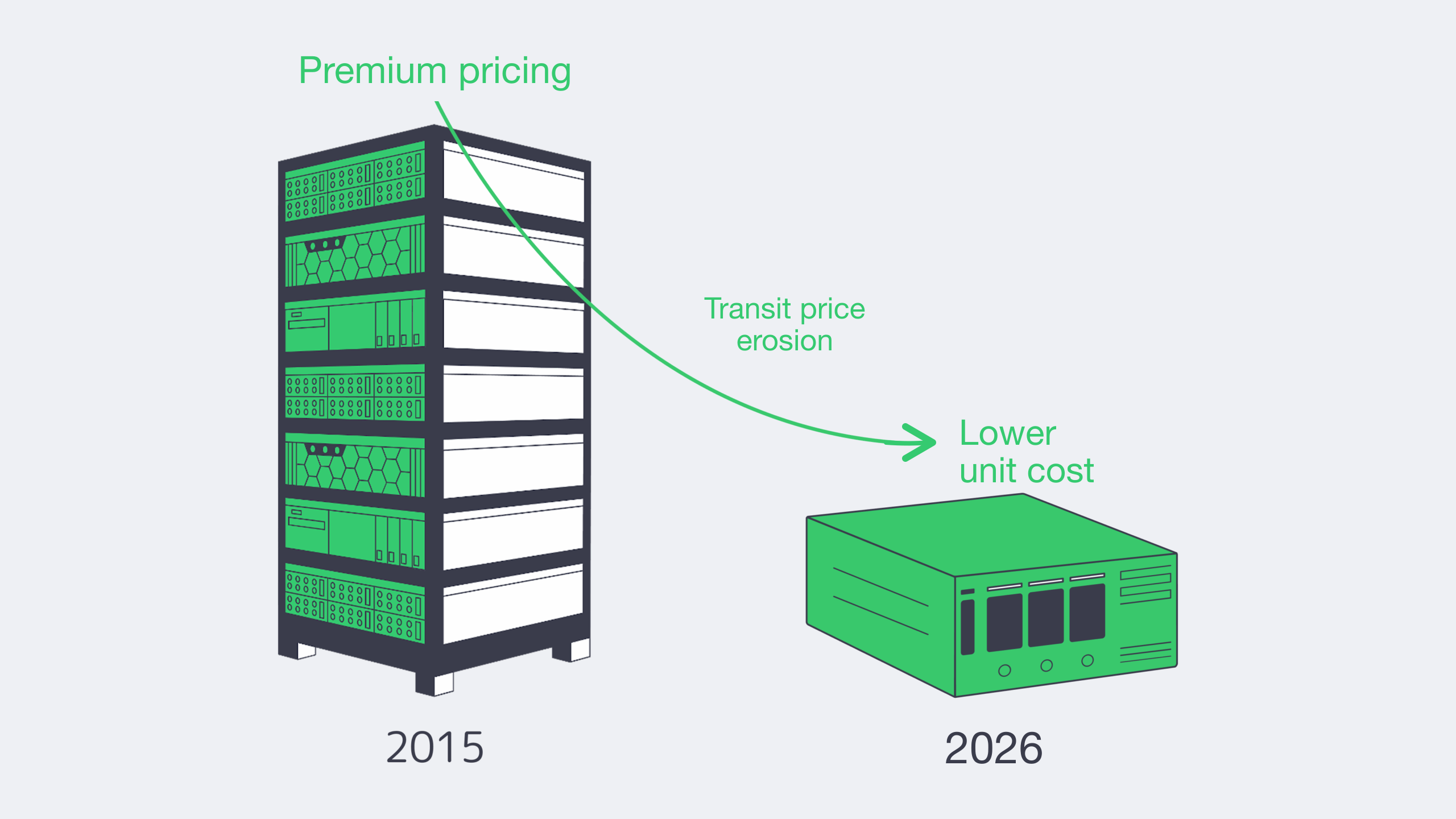
A decade ago, an unmetered 1 Gbps port in Singapore was commonly priced as a premium enterprise product. Bandwidth was bought wholesale, billed through sky-high 95th-percentile commits, and rationed through small TB quotas, making it far less viable for smaller businesses. These days, 100 GigE IP-transit pricing continues to decline; TeleGeography reports a 12 percent compound annual decrease across key cities from Q2 2022 to Q2 2025, and larger ports, competition, and content-provider-funded cables keep lowering the unit cost of heavy egress.[6]
- Local peering and content localization keep more popular traffic close to Singapore users, reducing the amount that must cross expensive long-haul routes.
- Singapore’s Green Data Centre Roadmap ties additional capacity to energy-efficiency and green-energy requirements, so new supply is expected to arrive with stricter sustainability conditions.
- Hosts such as Melbicom operate across 21 global Tier III and Tier IV data centers with 23 transit partners and 29 IXP peering hubs, helping high-traffic buyers combine local Singapore capacity with broader route diversity.
The changes above mean that streaming platforms and other high-traffic clients can get an Asia plan for a dedicated server that rivals European or U.S. pricing without moving away from end-users in Jakarta or Tokyo.
How to Choose an Unlimited-Bandwidth Dedicated Server in Singapore
- Scrutinize the contract. Make sure there are no references to 95th percentile, burst percentages, or vague commits. If “fair use” is mentioned without revealing the numbers, then steer clear.
- Vet the facility. Prioritize Tier III, carrier-neutral buildings with published lists that can be checked.
- Look for a 100 GbE-or-higher roadmap. Although you might only need 10 Gbps for now, a roadmap indicates that the provider is a future-proof option.
- Prove and verify marketing claims and service agreement details. Download test files, run lengthy Iperf tests, and review port graphs.
- Historical context checks. More established hosts could be carrying over outdated caps whereas the raw throughput capabilities provided by modern fiber often mean that newer entrants can beat them.
If you can tick the above criteria, you have a better chance of having found an authentic, always-on, “unlimited” full-speed dedicated Singapore server.
Why Singapore Is Ready for Truly Unlimited Dedicated Servers
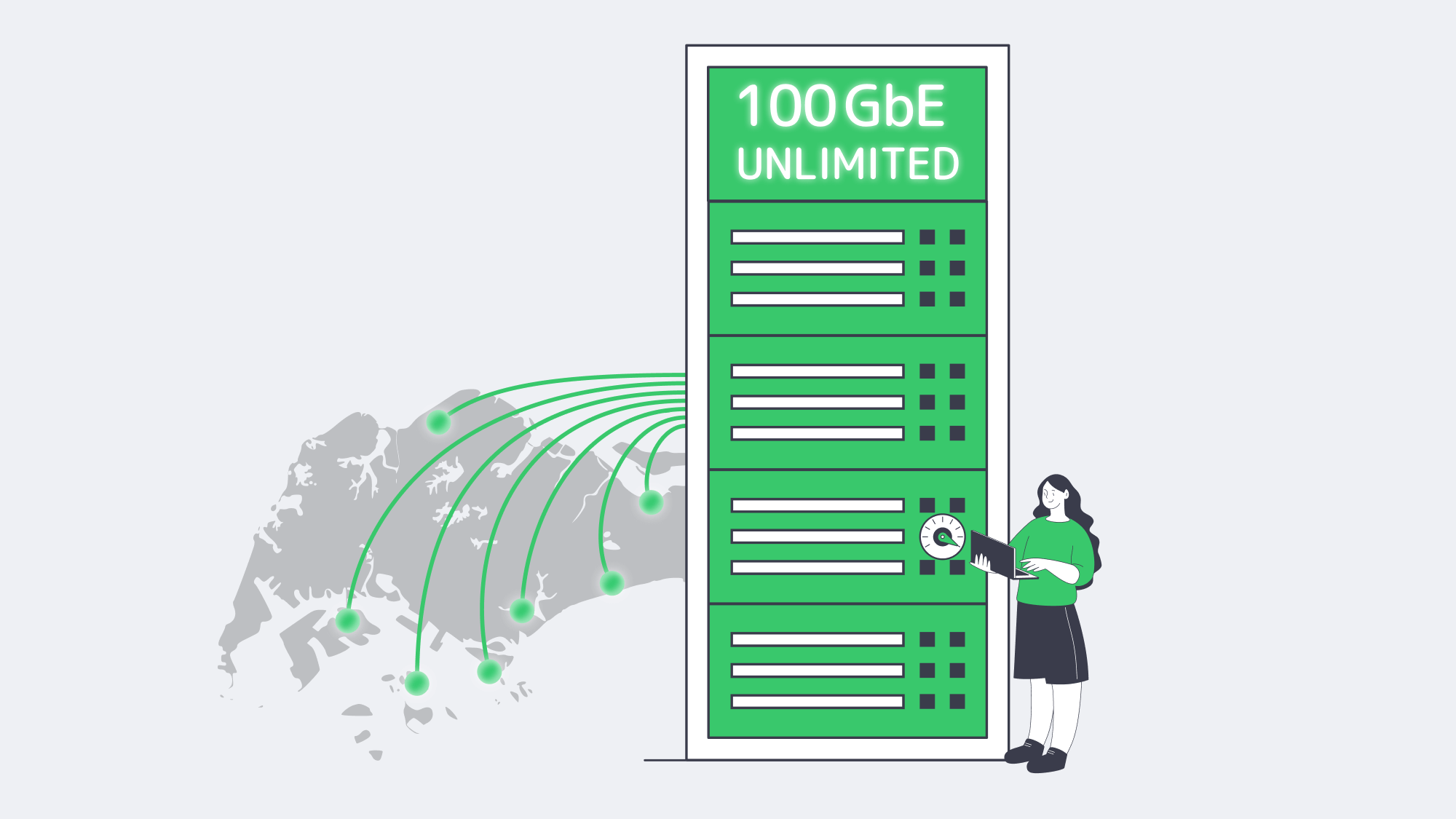
The bandwidth economics in Singapore have evolved: transit is cheaper, data-center capacity is expanding under tighter energy-efficiency rules, and new or recently activated terabit-scale cable systems are adding route diversity. It is now possible to obtain the bandwidth needed in Singapore for platforms with demanding, continuous, high-bit-rate traffic affordably and provably without hidden constraints.
When just about everybody boasts “unlimited” services and uses jargon to confuse the matter, it can be tougher to separate the smoke from the substance. However, armed with our advice, you should be able to weed out the genuine deals. The upside is that you can quickly separate smoke from substance by checking fair-use language, validating that the data center is carrier-neutral, looking for 100 GbE readiness, and benchmarking sustained throughput against published MSAs.
Get expert support with your services
Blog
Cut EU Latency with Amsterdam Dedicated Servers
Digital purchase flows live or die on latency. In 2025, web.dev reported that Ray-Ban improved Largest Contentful Paint by roughly 43% on product pages and increased PDP conversion rates by 101.47% on mobile and 156.16% on desktop [1], while T-Mobile saw a 60% improvement in prospect visit-to-order rate after Core Web Vitals work that included API caching and response-time improvements. [2] If your European traffic still hops the Atlantic or waits on under-spec hardware, every click costs money. A practical cure is a dedicated server in Amsterdam equipped with flash storage and modern multi-core CPUs, sitting a few fibre hops from one of the world’s largest internet exchanges.
Choose Melbicom— 300+ ready-to-go servers — Tier III & IV DCs in Amsterdam — 40 CDN PoPs across 6 continents |
|
This article explains why that combination—plus edge caching, DNS routing and compute offload in the Amsterdam metro—lets performance-critical platforms treat continental Europe as a “local” audience and leaves HDD-era tuning folklore in the past.
Amsterdam’s Short Routes and Big Pipes
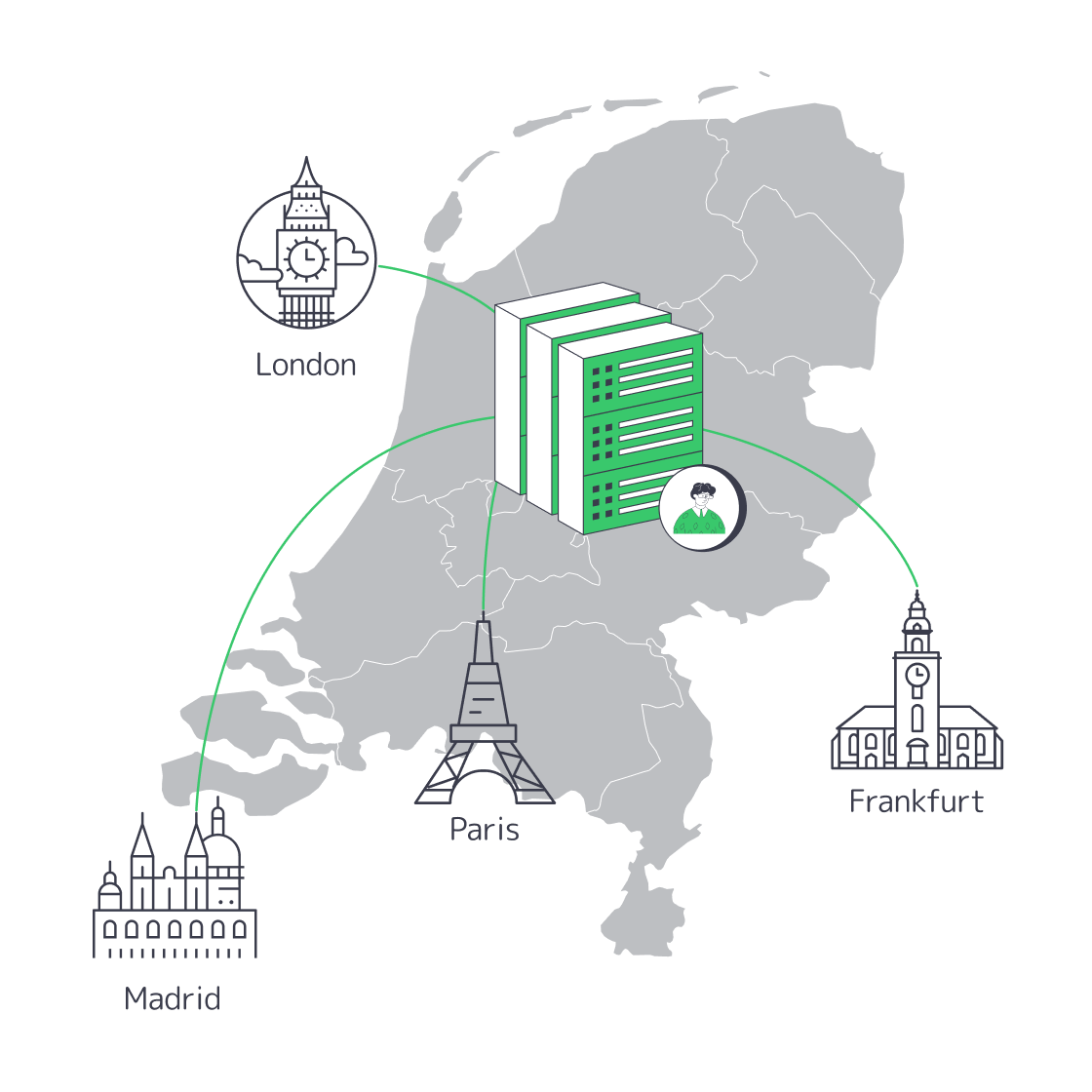
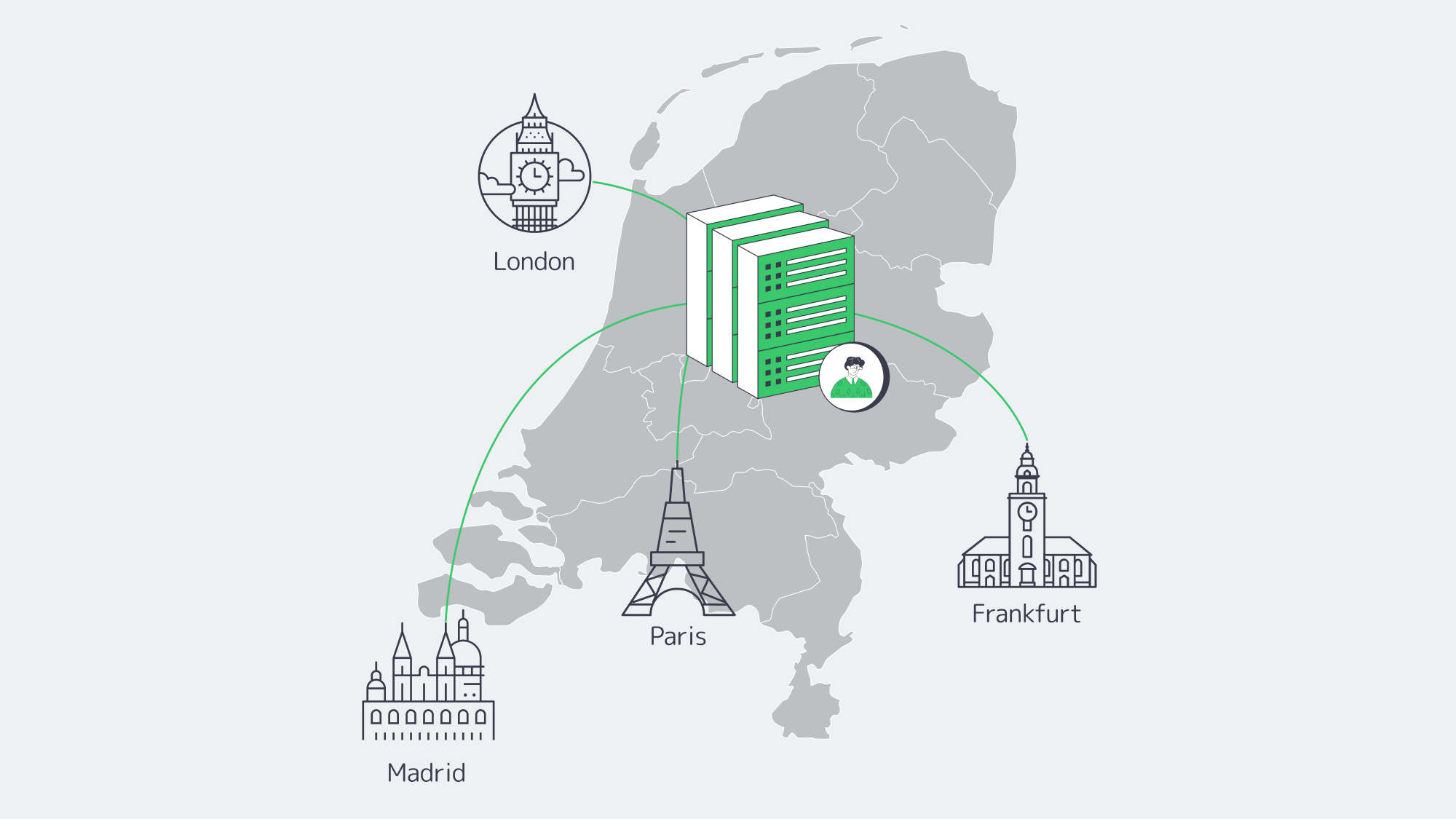
Amsterdam’s AMS-IX platform now tops 15 Tb/s of peak traffic [3] and reports 900+ total connected ASNs. [4] That peering density keeps paths short across European metros: the practical target is to keep API front ends, auth brokers and risk engines inside the Amsterdam or European network path instead of hairpinning to North America. Shifting those services onto a Netherlands server dedicated to your tenancy therefore removes much of the network delay European customers usually feel.
Melbicom’s footprint spans Tier III & IV DCs in Amsterdam with up to 200 Gbps network capacity per server. Because unmetered options are available—exactly what unmetered dedicated-hosting customers want—teams can plan seasonal peaks without metered-egress surprises.
How Do Anycast DNS and Edge Caching Speed Up Amsterdam Dedicated Servers?
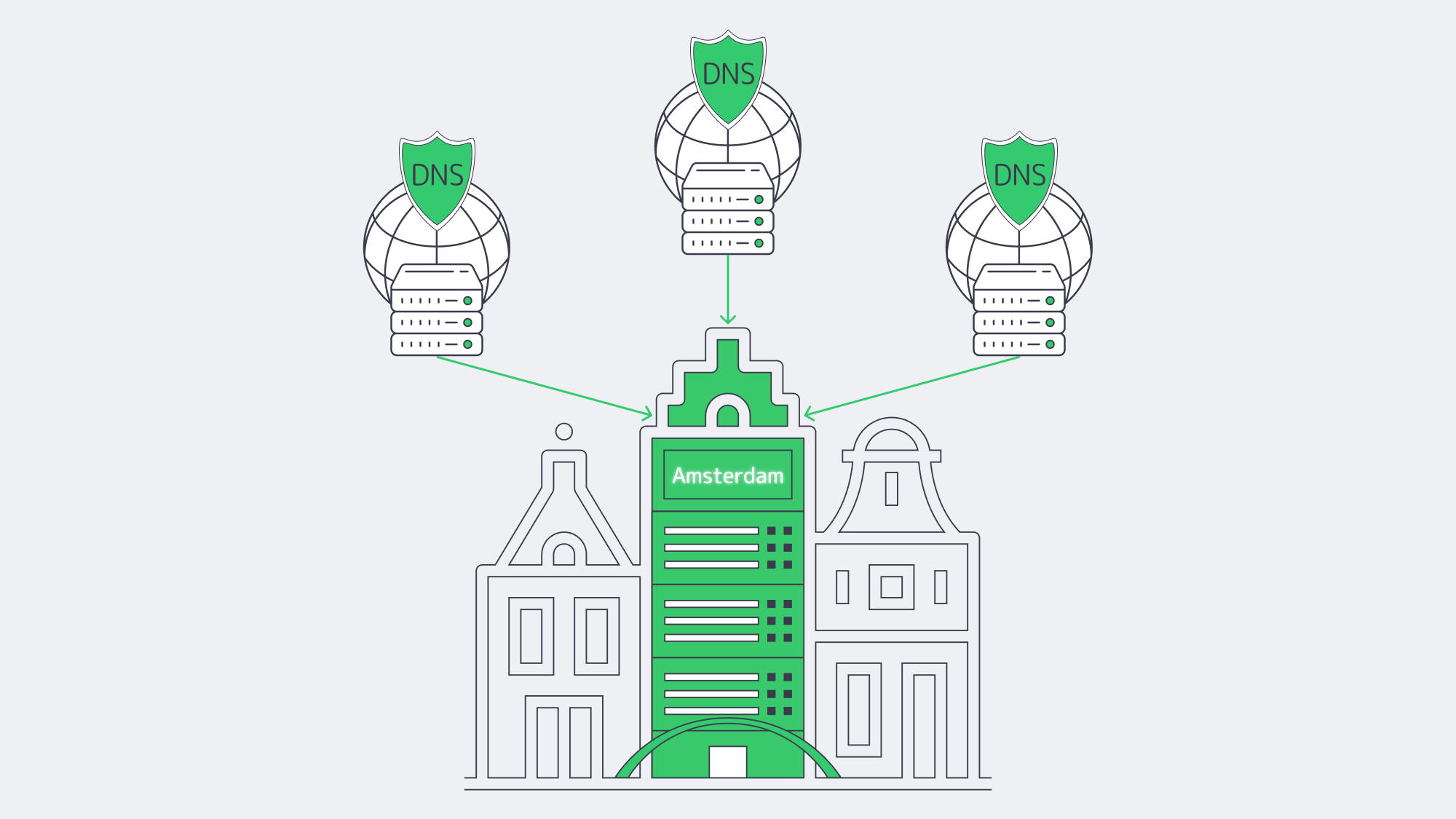
Latency is more than distance; it is also handshakes. Anycast DNS, when used in front of your stack, lets the same resolver IP be announced from multiple points of presence, so the nearest node answers each query. Once the name is resolved, edge caching keeps static assets closer to visitors instead of forcing every request back to origin.
Because Melbicom’s CDN includes an Amsterdam PoP, teams can keep an Amsterdam server as origin for dynamic APIs while CDN nodes cache images, JS bundles and style sheets. GraphQL persisted queries, signed cookies or ESI fragments can be served from cache where appropriate. Dynamic responses still originate from the dedicated server.
Hardware Built for Microseconds—The Melbicom Way
Melbicom’s Netherlands dedicated server line-up includes 300+ ready-to-go Amsterdam servers built on Intel and AMD platforms, with published options from 32 GB to 1536 GB of RAM and up to 200 Gbps network capacity per server. There are three ingredients that matter most for low-latency workloads.
High-Clock Xeon and Ryzen CPUs
Amsterdam configurations span Intel E3 v6, E5 v3/v4, E-21/22/23 and Xeon Scalable generations, plus AMD Ryzen 7000/9000 options. That mix gives teams high-clock choices for PHP render paths, TLS handshakes and market-data decoders, as well as multi-core Xeon options for OLTP, Kafka and Spark jobs that would otherwise queue up.
Memory Capacity and Error Correction
Netherlands configurations range from 32 GB to 1536 GB of RAM, giving small API nodes and large in-memory databases room to fit the workload. For configurations that use ECC DIMMs, memory-error correction can help prevent single-bit memory faults from reaching application data during peak checkout.
Fast Storage Built for Performance
SATA is still useful where capacity economics matter, but performance workloads belong on flash. Use the drive class to match the latency profile:
| Drive type | Seq. throughput | Random 4 K IOPS | Role in the stack | Best-fit use-case |
| Enterprise NVMe SSD | up to 12 GB/s | up to 2,000 K read | low-latency primary tier | hot databases, high-volume APIs |
| Enterprise SATA SSD | up to 550–560 MB/s | up to 97–98 K read | general flash tier | catalogue images, logs |
| 10 K RPM HDD | 130–266 MB/s sustained | seek-limited | capacity/archive tier | cold storage, backups |
* Enterprise NVMe and SATA SSD figures from Samsung data center SSD specifications [5];
** HDD baseline from Seagate Exos 10E2400 datasheet [6].
NVMe avoids millisecond seek delays from spinning disks and removes SATA as a bottleneck. Payment ledgers gain steadier commit times, and read-heavy product APIs serve cache misses without stalling worker threads.
Predictable Bandwidth, No Penalty
Melbicom offers unmetered plans for Netherlands workloads, and Amsterdam data centers list up to 200 Gbps per-server network capacity. That lets teams plan traffic spikes without treating every asset as a metered-egress liability. In practice, teams can pair high-clock front-end nodes with storage or database nodes in the same Amsterdam metro, keeping European RTTs low and avoiding an overloaded origin.
Designing for Tomorrow, Not Yesterday
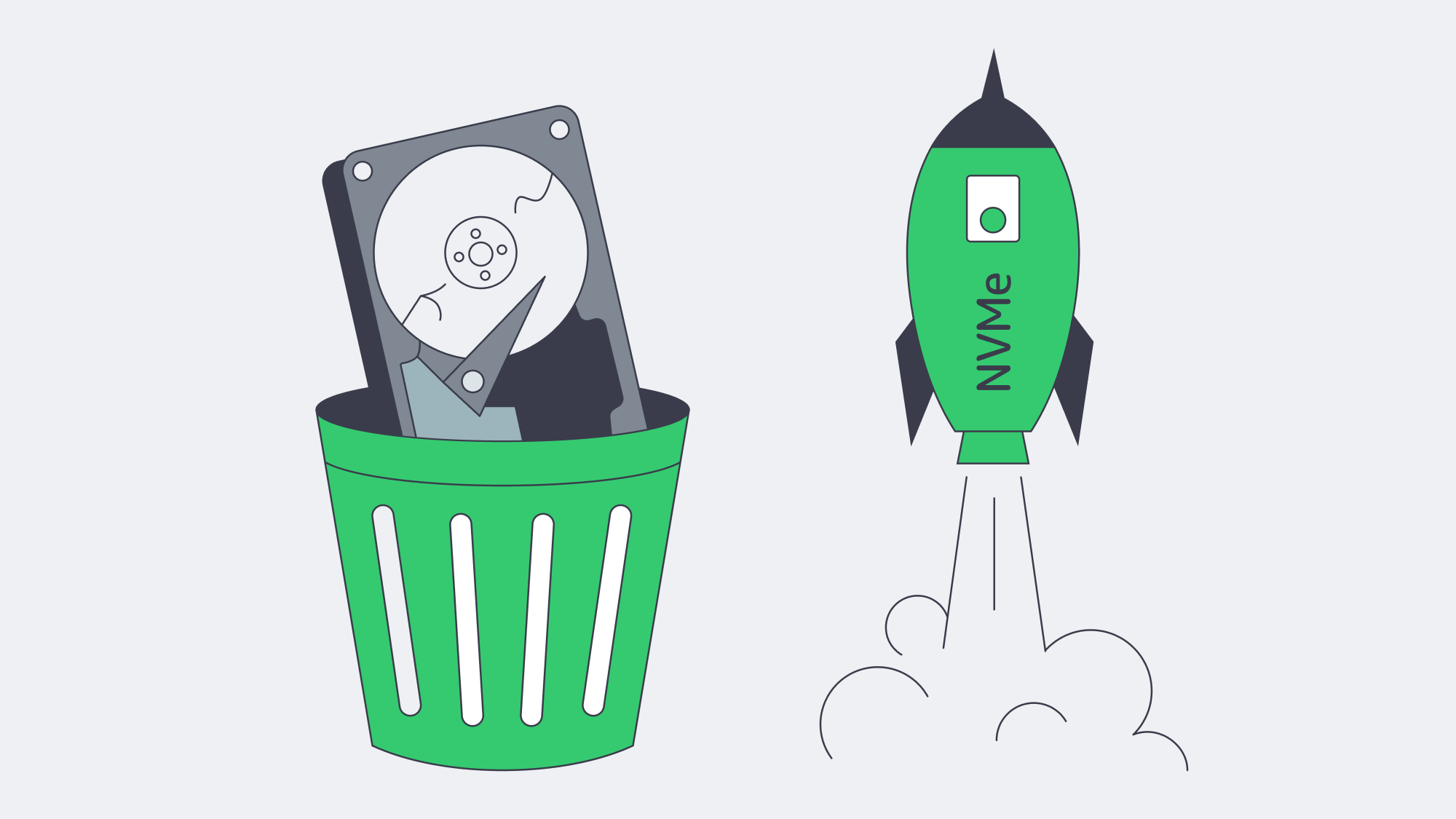
Defrag scripts, short-stroking platters and RAID-stripe gymnastics were brilliant in the 200 IOPS era; today they are noise. Performance hinges on:
- Proximity – keep European RTTs low enough for interactive checkout and API calls.
- Parallelism – multi-core CPUs reduce queueing inside busy application tiers.
- Persistent I/O – NVMe drives remove SATA and disk-seek bottlenecks from hot paths.
- Integrity – ECC-capable RAM helps keep correctable errors out of application data.
- Predictable bandwidth – unmetered options reduce the temptation to throttle success.
Early Hints headers and HTTP/3 can push the gains further, and AMS-IX reported 65 % annual growth in 400G ports in 2025 [7], so the exchange fabric continues to scale for higher-capacity traffic.
Security and Compliance—Without Slowing Down Performance
For teams handling EU data, hosting in the Netherlands can help keep latency and data-residency goals aligned. Tier III & IV DCs in Amsterdam support resilient hosting, and AES-NI-capable x86 CPUs can reduce encryption overhead for TLS and disk encryption. Keeping sensitive workloads close to EU users also simplifies architecture reviews when traffic and storage do not need to cross an ocean.
Turning Milliseconds Into Market Leadership
Latency is not a footnote—it is a P&L line. Parking workloads on dedicated server hosting in Amsterdam, with the right storage tier, ample RAM and modern multi-core CPUs, puts your stack close to EU consumers. Edge caching shaves repeat asset round trips; AMS-IX’s dense peering reduces the rest; well-matched storage and CPU capacity keep server-side work from becoming the next bottleneck. What reaches the shopper is an experience that feels instant—and a checkout flow that never gives doubt time to bloom.
Get expert support with your services
Blog

Speed and Collaboration in Modern DevOps Hosting
Modern software teams live or die by how quickly and safely they can push code to production. Current DORA benchmarks still show a wide delivery gap: elite teams deploy on demand, often multiple times per day, while low performers deploy between once per month and once every six months.[1]
To close that gap, engineering leaders are refactoring not only code but infrastructure: they are wiring continuous-integration pipelines to dedicated hardware, cloning on-demand test clusters, and orchestrating microservices across hybrid clouds. The mission is simple: erase every delay between “commit” and “customer.”
Choose Melbicom— 1000+ ready-to-go servers — 21 global Tier IV & III data centers — 40 CDN sites in 35 countries |
|
Below is a data-driven look at the four tactics that matter most—CI/CD, self-service environments, container orchestration, and integrated collaboration—followed by a reality check on debugging speed in dedicated-versus-serverless sandboxes and a brief case for why single-tenant servers remain the backbone of fast pipelines.
CI/CD: The Release Engine
Continuous integration and continuous deployment have become table stakes—not because deployment frequency alone proves performance, but because DORA now treats deployment frequency, change lead time, failed-deployment recovery time, change-fail rate, and deployment rework rate as a shared set of delivery metrics.[2] The practical target is smaller, safer batches moving through reproducible pipelines without long queues.
Key accelerators
| CI/CD Capability | Impact on Code-to-Prod | Typical Tech |
|---|---|---|
| Parallelized test runners | Cuts build times from 20 min → sub-5 min | GitHub Actions, GitLab, Jenkins on auto-scaling runners |
| Declarative pipelines as code | Enables one-click rollback and reproducible builds | YAML-based workflows in main repo |
| Automated canary promotion | Reduces blast radius; unlocks multiple prod pushes per day | Spinnaker, Argo Rollouts |
Many organizations still host runners on shared SaaS tiers that queue for minutes. Moving those agents onto dedicated machines—especially where license-weighted tests or large artifacts are involved—removes noisy-neighbor waits and pushes throughput to line-rate disk and network. Melbicom activates ready-to-go dedicated servers in under two hours and supports up to 200 Gbps per server, allowing teams to run large builds, security scans, and artifact replication without throttling.
Self-Service Preview Environments
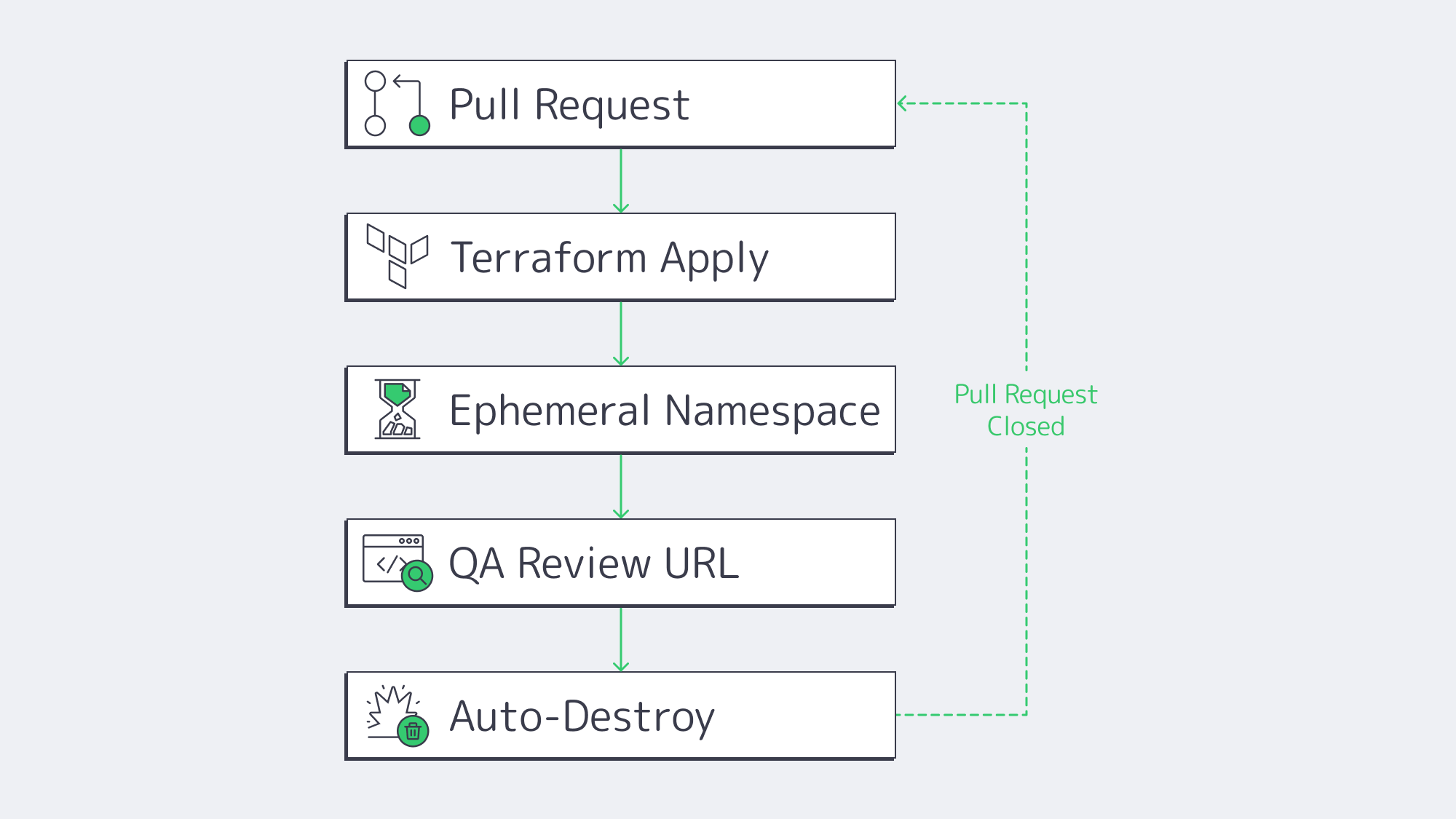
Even the slickest pipeline stalls when engineers wait days for a staging slot. Recent Puppet survey data on DevOps self-service links platform-engineering self-service to improved development velocity for 68% of teams and improved productivity for 59%.[3] The winning pattern is “ephemeral previews”:
- Developer opens a pull request.
- Pipeline reads a Terraform or Helm template.
- A full stack—API, DB, cache, auth—spins up on a disposable namespace.
- Stakeholders click a unique URL to review.
- Environment auto-destroys on merge or timeout.
Because every preview matches production configs byte-for-byte, integration bugs surface early, and parallel feature branches never collide. Cost overruns are mitigated by built-in TTL policies and scheduled shutdowns. Running these ephemerals on a Kubernetes cluster of dedicated servers keeps worker capacity warm while still letting the platform burst into a public cloud node pool when concurrency spikes.
Container Orchestration: Uniform Deployment at Scale
Containers and Kubernetes long ago graduated from buzzword to backbone. CNCF’s 2025 Annual Cloud Native Survey reports that 82% of container users run Kubernetes in production, up from 66% in 2023.[4] For developers, the pay-off is uniformity: the same image, health checks, and rollout rules apply on a laptop, in CI, or across ten data centers.
Why it compresses timelines:
- Environmental parity. “Works on my machine” disappears when the machine is defined as an immutable image.
- Rolling updates and rollbacks. Kubernetes deploys new versions behind readiness probes and auto-reverts on failure, so teams ship multiple times per day safely.
- Horizontal pod autoscaling. When traffic spikes at 3 a.m., the control plane—not humans—adds replicas, so on-call engineers write code instead of resizing.
Yet orchestration itself can introduce operational overhead. Bare-metal clusters remove the virtualization layer, simplify network paths, and improve pod density.
Melbicom racks single-tenant fleets with IPMI access so platform teams can flash exact kernels, CNI plugins, or NIC drivers without waiting on cloud hypervisors.
Integrated Collaboration in DevOps

Speed is half technology, half coordination. Fast teams use shared work surfaces:
- Repo-centric discussions. Whether on GitHub or GitLab, code, comments, pipeline status, and ticket links live in one URL.
- ChatOps. Deployments, alerts, and feature flags pipe into Slack or Teams so developers, SREs, and PMs troubleshoot in one thread.
- Shared observability. Engineers reading the same Grafana dashboard as Ops spot regressions before customers do. Post-incident reports feed directly into the backlog.
DORA’s current metrics guidance warns against siloed ownership and recommends sharing delivery metrics across development, operations, and release teams to avoid friction and finger-pointing.[2] Toolchains reinforce that culture: if every infra change flows through a pull request, approval workflows become social, discoverable, and searchable.
Debugging at Speed: Hybrid vs. Serverless
Nothing reveals infrastructure trade-offs faster than a 3 a.m. outage. When time-to-root-cause matters, always-on dedicated environments beat serverless sandboxes in three ways:
| Criteria | Dedicated Servers (or VMs) | Serverless Functions |
|---|---|---|
| Live debugging & SSH | Full access; attach profilers, inspect syscalls | Usually no SSH; depend on logs, traces, and provider tooling |
| Cold-start behavior | Resident services stay warm; latency depends on app and network path | May add cold-start latency unless warm or provisioned capacity is configured |
| Execution limits | Bound by hardware, OS settings, and your own quotas | Platform quotas apply; AWS Lambda, for example, runs a function for up to 15 minutes with up to 10,240 MB memory[5] |
Serverless excels at elastic front-end API scaling, but its abstraction hides the OS, complicates heap inspection, and enforces provider-specific runtime ceilings. The pragmatic pattern is therefore hybrid:
- Run stateless request handlers as serverless for cost elasticity.
- Mirror critical or stateful components on a dedicated staging cluster for step-through debugging, load replays, and chaos drills.
Developers reproduce flaky edge cases in the persistent cluster, patch fast, then redeploy the same container image to both realms.
This split keeps serverless economics and preserves deep debugging on dedicated servers.
Hybrid Dedicated Infrastructure
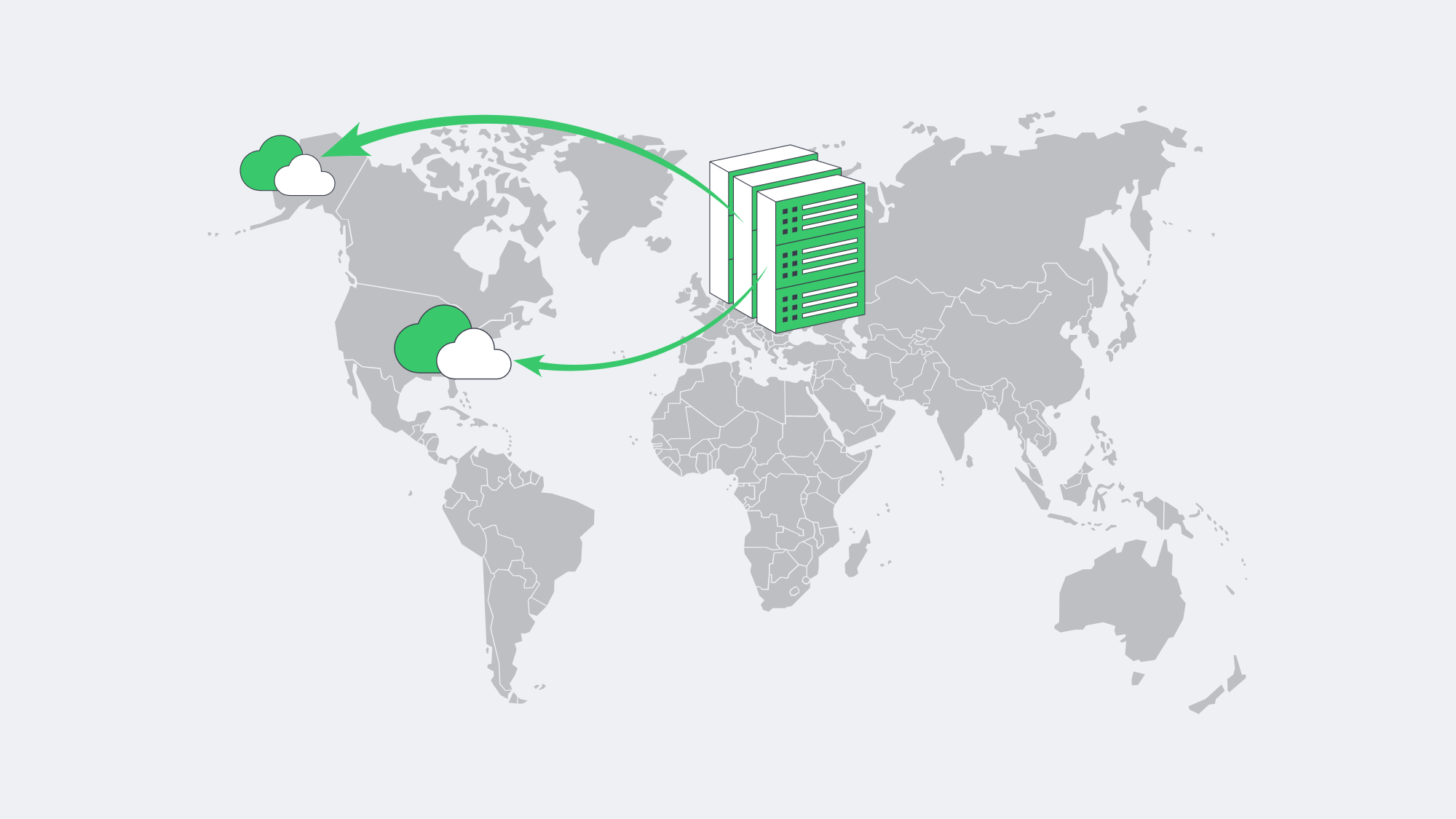
With Gartner forecasting worldwide public-cloud end-user spending at $723.4 billion in 2025 and noting that 90% of organizations will adopt hybrid cloud through 2027, it is tempting to assume all workloads belong in public cloud alone.[6] Reasons include:
- Predictable performance. No noisy neighbors means latency and throughput figures stay flat—critical for conversion-sensitive applications and latency-sensitive APIs.
- Cost-efficient base load. Steady 24 × 7 traffic can cost less on fixed-price servers than equivalent public-cloud VM capacity.
- Data sovereignty & compliance. Finance, health, and government workloads may need to reside in certified single-tenant environments.
- Customization. Teams can install low-level profilers, tune kernel modules, or deploy specialized GPUs without waiting for cloud SKUs.
Melbicom underpins this model with 1000+ ready-to-go servers across 21 Tier III/IV locations. Teams can anchor their stateful databases in Frankfurt, spin up build runners in Amsterdam, burst front-end replicas into Atlanta, and push static assets through a CDN in 40 locations across 35 countries. Bandwidth scales up to 200 Gbps per server, eliminating throttles during container pulls or artifact replication. Crucially, ready-to-go servers land online in two hours, not the multi-week procurement cycles of old.
Hosting That Moves at Developer Speed

Fast, collaborative releases hinge on eliminating every wait state between keyboard and customer. Continuous-integration pipelines slash merge-to-build times; self-service previews wipe out ticket queues; Kubernetes enforces identical deployments; and integrated toolchains keep everyone staring at the same truth. Yet the physical substrate still matters. Dedicated servers—linked through hybrid clouds—sustain predictable performance, deeper debugging, and long-term cost control, while public services add elasticity at the edge. Teams that stitch these layers together ship faster and sleep better.
Deploy Infrastructure in Minutes
Order high-performance ready-to-go dedicated servers backed by 21 global data centers and get online in under two hours.
Get expert support with your services
Blog
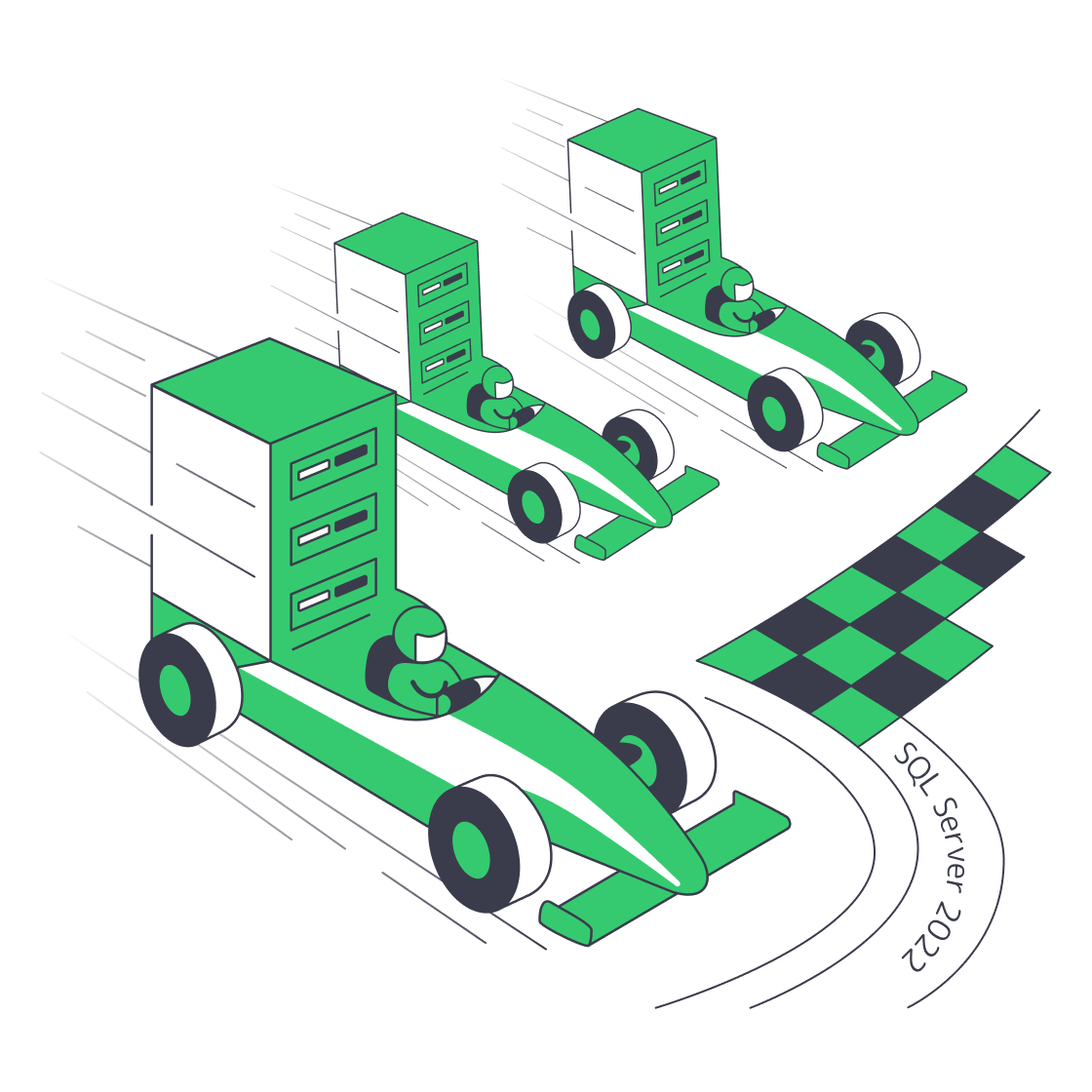
SQL Server 2022 Upgrade: Performance and Cost
Update
SQL Server 2025 is now generally available.[1] This article remains useful for teams standardizing on SQL Server 2022, which still has Microsoft mainstream support until January 2028 and extended support until January 2033.[2]
A production database is one of the fastest-aging technologies. Current SQL ConstantCare telemetry shows SQL Server 2014 and older releases still make up 6 % of monitored servers, while SQL Server 2016 and 2017 account for another 18 % and are near or approaching support deadlines.[3] In the meantime, data-hungry applications are demanding millisecond latency and predictable scalability—something older engines were never designed to handle.
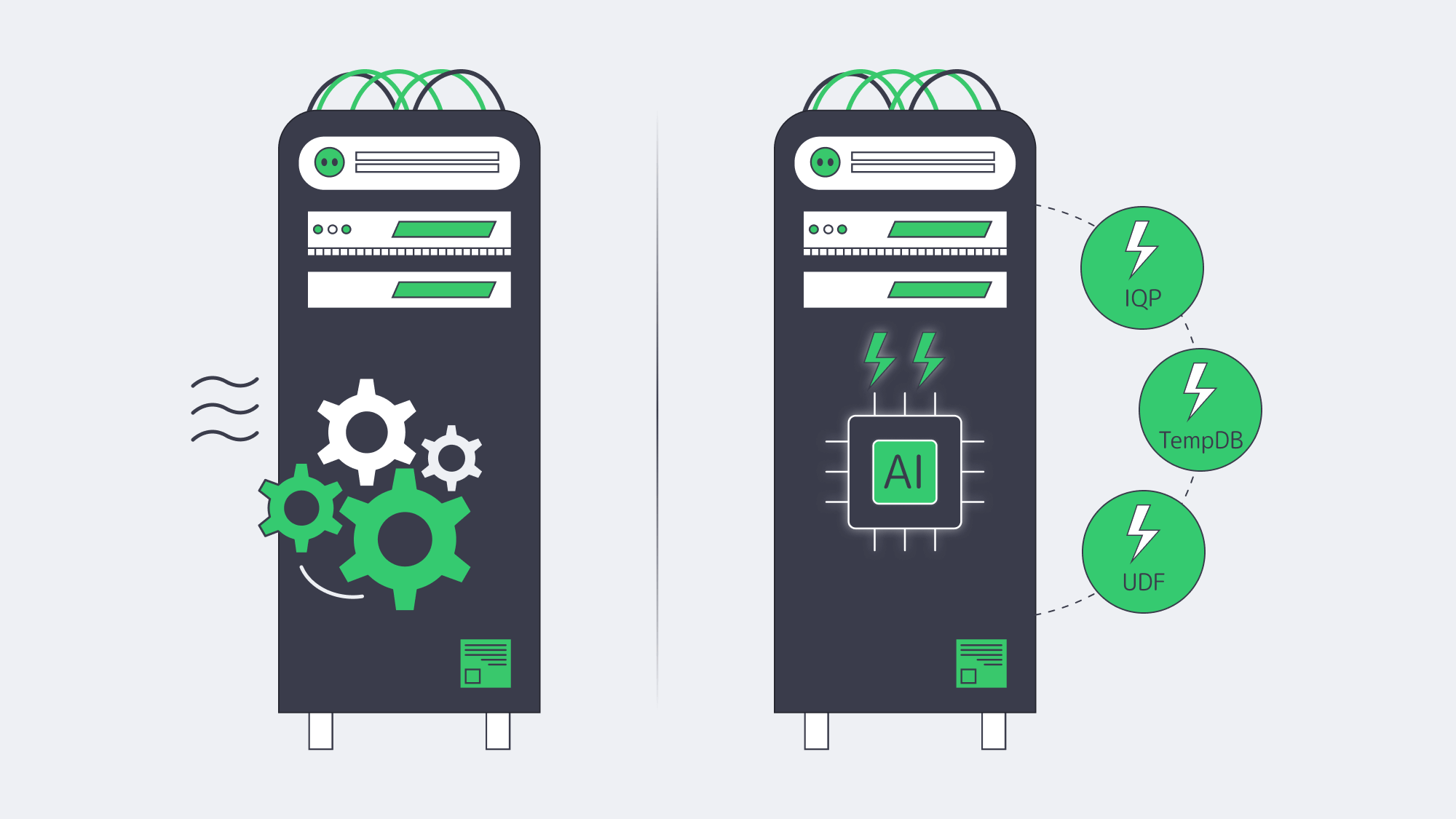
The most conservative route to both resilience and raw speed is an upgrade to a currently supported branch. For teams standardizing on SQL Server 2022, the 2022 release builds on all the progress in 2019 and adds another wave of Intelligent Query Processing, Parameter Sensitive Plan optimization, Query Store-based feedback, and TempDB scalability improvements. With the right compatibility-level testing, many workloads can improve before a T-SQL rewrite, especially when parameter skew, TempDB metadata contention, or eligible scalar UDFs are the underlying bottleneck.
Equally essential, SQL Server 2022 keeps the support clock running until January 2033, so there is no yearly scramble to buy Extended Security Updates while a migration is still in flight. Under a modern license, you have complete certainty about the database’s cost, regardless of how high transaction volumes increase; a type of predictability that is becoming increasingly valuable.
Why Upgrade Now for Support and Cost?
SQL Server 2012 and 2014 are out of extended support, and SQL Server 2016 reaches the end of extended support on July 14, 2026. ESUs are a last-resort security bridge rather than a long-term operating model: Microsoft’s current FAQ says on-premises and hosted ESUs are priced at 100 % of the full license price annually for Years 1-3, with the exception that SQL Server 2012 Year 1 was 75 %.[4] Paying for ESUs keeps security coverage in place, but it adds no performance headroom.
The same pattern is visible in market data: the Spring 2026 SQL ConstantCare population report shows SQL Server 2019 at 42 %, SQL Server 2022 at 31 %, and SQL Server 2025 at 1 %.[3] That still makes 2022 a meaningful modernization target for teams leaving 2016 or 2017, even though 2025 is now the newest release.
Support Clock at a Glance
| Release | Mainstream End | Extended End |
|---|---|---|
| 2012 | Jul 2017 | Jul 2022 |
| 2014 | Jul 2019 | Jul 2024 |
| 2016 | Jul 2021 | Jul 2026 |
| 2017 | Oct 2022 | Oct 2027 |
| 2019 | Feb 2025 | Jan 2030 |
| 2022 | Jan 2028 | Jan 2033 |
| 2025 | Jan 2031 | Jan 2036 |
Table 1. Microsoft lifecycle dates and ESU context as of June 2026.[5]
The pattern is evident: roughly every three to five years, the floor falls out under an older release. You are already beyond the safety net for 2012 or 2014. SQL Server 2016 has weeks of extended support left, not a full QA cycle. SQL Server 2019 has already left mainstream support and remains in extended support until January 2030. Moving to SQL Server 2022 extends mainstream support into January 2028 and extended support into January 2033, while SQL Server 2025 extends the runway further for organizations ready to adopt the newest branch.
How Does SQL Server 2022 Improve Performance on Day One?
SQL Server 2022 can improve day-one performance when a workload is limited by parameter-sensitive plans, memory grants, eligible scalar UDFs, or TempDB metadata contention. The upgrade is not a universal speed multiplier: test with compatibility level 160, Query Store, and representative production replay before forecasting production results with confidence.
Intelligent Query Processing 2.0
The 2022 release adds Parameter Sensitive Plan optimization and improves feedback features such as memory grant feedback. The optimizer can cache multiple plans for one parameterized statement and improve memory reservations over repeated runs. These features are most useful for skewed distributions and spill-prone queries, and they require compatibility level 160 or the relevant database settings.[6]
Memory-Optimized TempDB Metadata
TempDB metadata contention can throttle highly concurrent workloads. SQL Server 2019 introduced memory-optimized TempDB metadata, and SQL Server 2022 continues to support it on eligible editions for workloads where diagnostics show PAGELATCH contention on TempDB system tables. Enable it only after testing, because Microsoft notes restart requirements and memory-related limitations.[7]
Accelerated Scalar UDFs
SQL Server 2022 can inline eligible scalar UDFs as relational expressions within the primary plan, reducing CPU overhead where UDF calls previously dominated execution time. Add table-variable deferred compilation and rowstore batch mode, and many workloads can get measurable gains without code changes.
Putting the Numbers in Context
SQL Server 2022 performance gains are workload-dependent. The most reliable way to forecast them is to benchmark the current workload with Query Store, representative parameter values, and compatibility level 160 enabled in QA. Expect the largest wins when waits point to parameter-sensitive plans, memory grant spills, scalar UDF overhead, or TempDB metadata contention—not from the version number alone.
SQL Server Licensing Models
Licensing is what moves TCO, rather than hardware; hence choose wisely.
| Model | When It Makes Sense | 2022 List Price |
|---|---|---|
| Per Core (Std/Ent) | Internet-facing or > 60 named users; predictable cost per vCPU | Std USD$3,945 / 2 cores Ent USD$15,123 / 2 cores |
| Server + CAL (Std) | ≤ 30 users or devices; controlled internal workloads | USD$989 per server + USD$230 per user/device |
| Subscription (Azure Arc) |
Short-term projects, OpEx accounting, auto-upgrades | Std USD$73 / core-mo Ent USD$274 / core-mo |
Table 2. Open No-Level US pricing — check regional programs.[8]
Example: 100 User Internal ERP
- Server + CAL: $989 + (100 × $230 ) ≈ $24 k
- Per-Core Standard: 4 × 2-core packs × $3,945 ≈ $15.8 k
- Per-Core Enterprise: 4 × 2-core packs × $15,123 ≈ $60.5 k
CAL licensing is 50 % more expensive than per core Standard at 100 users.
Standard or Enterprise?
Standard limits the buffer pool to 128 GB and compute capacity to the lesser of four sockets or 24 cores. It still includes key IQP features such as Parameter Sensitive Plan optimization and scalar UDF inlining, so it is often enough for departmental OLTP when the database fits within those limits.[9]
With all physical cores licensed under the core model, Enterprise removes Standard’s engine limits and enables advanced availability, scalability, and management features. Enterprise pays off when you require more than a 128 GB buffer pool, more than 24 cores per instance, online operations, or multi-replica Availability Groups.
Dedicated Hardware for SQL Server
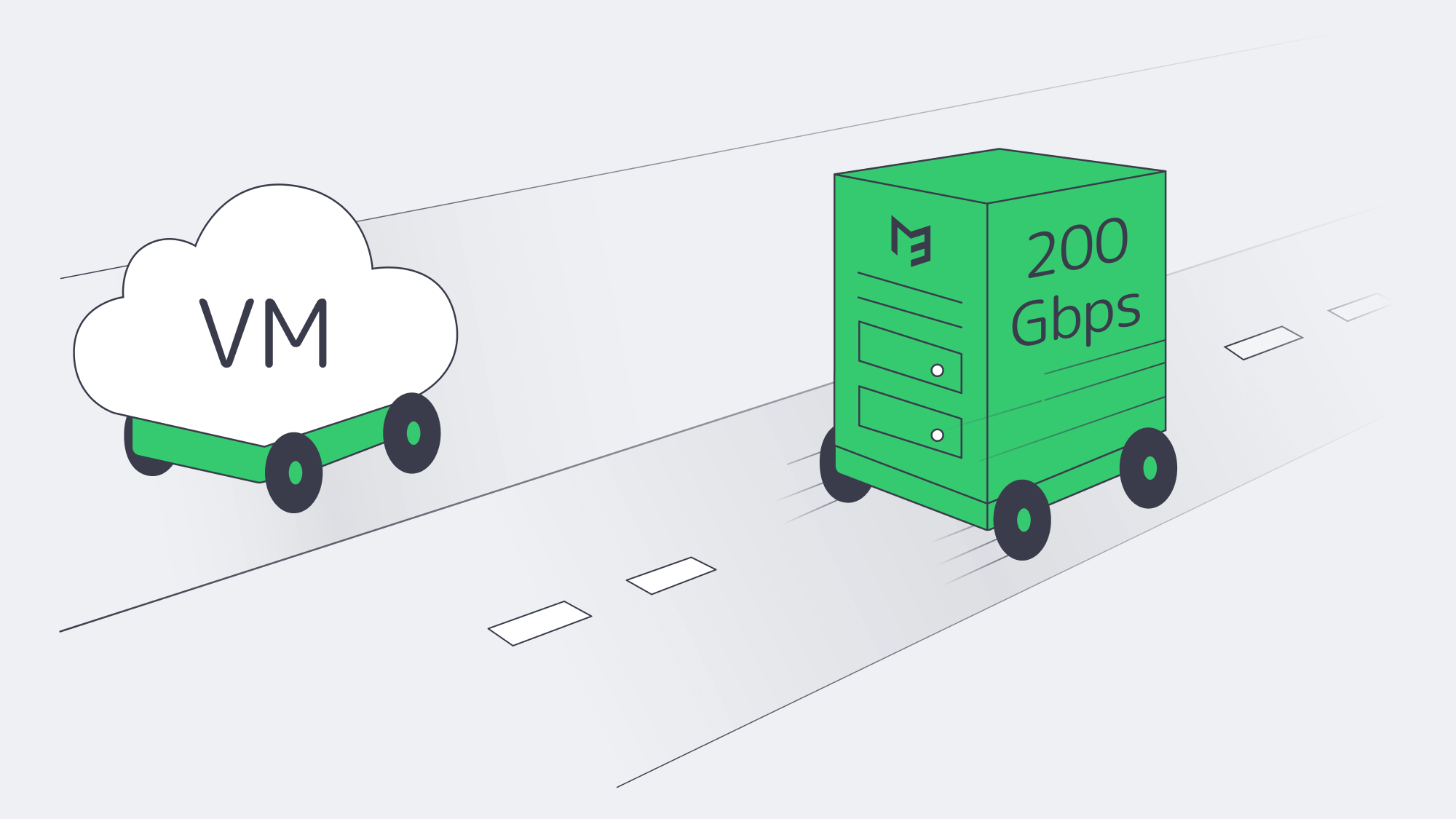
No matter how smart the optimizer is, it cannot outrun a slow disk or a clogged network. SQL Server 2022 on dedicated hardware prevents these noisy neighbor effects that are typical of multi-tenant cloud options and takes advantage of the engine memory bandwidth appetite.
Melbicom delivers dedicated servers with up to 200 Gbps per-server bandwidth and SSD/NVMe options for I/O-sensitive databases. With 21 Tier IV and Tier III data centers across Africa, Asia, Europe, North America, and South America, workloads can be placed closer to the user base. 1000+ ready-to-go servers can be deployed within two hours, while custom configurations are delivered in 3–5 business days.
For compliance-sensitive workloads, bare metal can also simplify audits: SQL Server runs on single-tenant hardware, application and database teams control the host configuration, and encryption-key handling does not need to share a multi-tenant hypervisor layer.
Choose Melbicom— 1000+ ready-to-go servers — 21 global Tier IV & III data centers — 40 CDN PoPs across 35 countries |
|
SQL Server 2022 Upgrade Checklist
- Take care of licensing ahead of time. Audit cores and user counts; then decide whether to reuse licenses with SA or purchase new packs.
- Benchmark before and after. Capture wait statistics, top query durations, CPU utilization, and storage latency before the upgrade, then compare them after compatibility-level testing.
- Roll out new features over time. Flip compatibility to 160 in QA, monitor Query Store, and repeat in production.
- Enable memory-optimized TempDB metadata only when it fits. Validate that the edition supports it and that latch waits justify the change.
- Review hardware headroom. If database-level changes still leave CPU, memory, or storage pressure, scaling clocks, cores, RAM, or NVMe capacity is simpler with dedicated gear.
Automated tooling is beneficial. Query Store retains the plans before the upgrade when it is enabled, and you can override to an old plan in case a regression is observed. Because Microsoft has deprecated Distributed Replay in SQL Server 2022, use a current workload replay tool, application-level test harness, or captured production traces replayed in a supported lab workflow. Finally, maintain a rollback strategy: after a database is upgraded to 2022, it cannot be attached back to an older engine version, so take a compressed copy-only backup before migrating. Storage is cheap, but downtime is not.
Ready to Modernize Your Data Platform?
SQL Server 2022 can reduce latency and CPU pressure when its IQP, TempDB, and UDF improvements match the workload’s real bottlenecks, while keeping Microsoft support in place until January 2033. The technical work is often completed in weeks when teams benchmark first, validate compatibility level 160, and keep a tested rollback path.
Get Your Dedicated Server Today
Deploy SQL Server 2022 on high-spec dedicated hardware with up to 200 Gbps per-server bandwidth.
Get expert support with your services
Blog
Architecting Minutes-Level RTO with Melbicom Servers
The impact of unplanned downtime for modern businesses remains high. A 2024 EMA-backed analysis puts the average cost of unplanned IT downtime at $14,056 per minute for midsize and large organizations, which is intolerable for workloads tied to revenue, contracts, or customer trust. In situations where real-time transactions are required for operations, every second of downtime equates to revenue loss. Furthermore, it can trigger contractual penalties and erode client and customer trust. The best preventative measure is storing a fully recoverable copy of critical workloads in a secondary data center. The location should be distant enough to survive regional disasters, yet close and fast for a swift takeover if needed.
Melbicom operates 21 Tier III and IV data centers connected by high-capacity backbone links, with dedicated-server bandwidth options up to 200 Gbps per server. Architects can place primary, secondary, and even tertiary nodes in separate facilities without changing vendors or tooling. That separation helps avoid the single-point-of-failure trap and supports minutes-level failover targets.
Choose Melbicom— 1000+ ready-to-go servers — 21 global Tier IV & III data centers — 40 CDN PoPs across 35 countries |
|
Why Pair or Triple Dedicated Backup Nodes?
- Node A and Node B are located hundreds of kilometres apart, serving as production and standby, respectively, and replicating data changes continually.
- Node C is located at a third site to provide a logically isolated safety layer that can also serve as a sandbox for testing and experimentation without affecting production.
Dual-site operation can absorb traffic and keep business running when the standby node is sized for the protected workload. Shared cloud DR can run into CPU contention and capacity constraints; capacity-reserved physical servers reduce that risk. If a problem arises at Site A, Site B can boot pre-scripted VMs or dedicated server images from recent replicas. The result is a practical path to minutes-level recovery instead of a best-effort restore.
How Does Block-Level Encrypted Replication Cut RPO and Network Load?
Block-level encrypted replication cuts RPO and network load by snapshotting changed disk blocks and sending only those deltas to the standby server. When storage I/O, write rate, and link capacity are sized together, smaller transfers can support sub-minute RPO targets while leaving more bandwidth for production traffic.
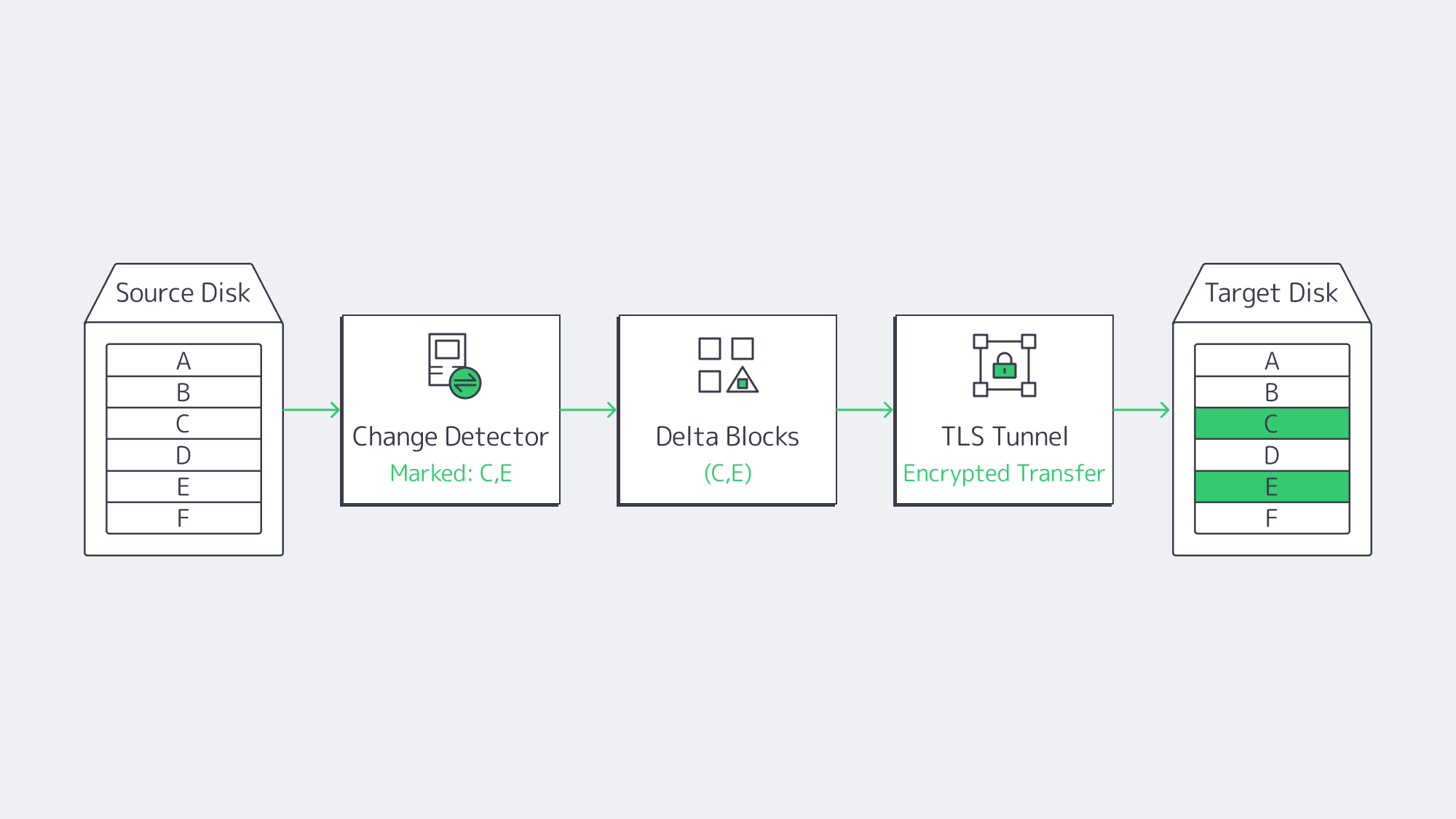
For always-on workloads, copying whole files wastes resources and slows operations. A modern backup server solution captures changed disk blocks in snapshots and streams those deltas to remote storage. For example, a 10 GB database update that flips 4 MB of pages will only send the 4 MB across the wire, providing the following pay-offs:
- Recovery point objectives (RPOs) can reach under one minute when write rate, storage I/O, and link capacity are sized correctly.
- Bandwidth impact remains minimal during business hours.
- Multiple point-in-time versions are retained without petabytes of duplicate data.
Replication data should be protected with AES-based encryption in the backup stack or TLS for each network hop, keeping it unreadable in flight; encryption at rest should be enforced on the storage target as well. This supports regulated-workload safeguards without implying that encryption alone satisfies GDPR, HIPAA, or similar obligations. On Melbicom dedicated servers, the high-bandwidth network path can carry these encrypted delta streams while WAN optimization layers reduce repeated data, which we will discuss next.
How Do WAN Acceleration and Burst Bandwidth Speed Initial Seeding?
Distance introduces latency, and a single TCP stream may not fill a high-capacity path without tuning. Add WAN acceleration or replication acceleration to the stack where the backup platform supports it, using inline deduplication and multi-threaded streaming. Veeam’s best-practice guidance cites 500 Mbit/s average throughput per target WAN accelerator and a typical 10x data-reduction rate, meaning 500 Mbit/s of processed change data can traverse about a 50 Mbit/s WAN link.
The most bandwidth-intensive step is the initial transfer: 50 TB over a 1 Gbps link can take almost five days before protocol and storage overhead. For compatible locations and configurations, using 100 or 200 Gbps server bandwidth for the initial seed can compress that copy window to roughly an hour or less before overhead. Once the baseline is complete, a lower-bandwidth plan can handle block-level delta transfers if the ongoing change rate fits the link budget.
Scripted VM and Server Spin-Up
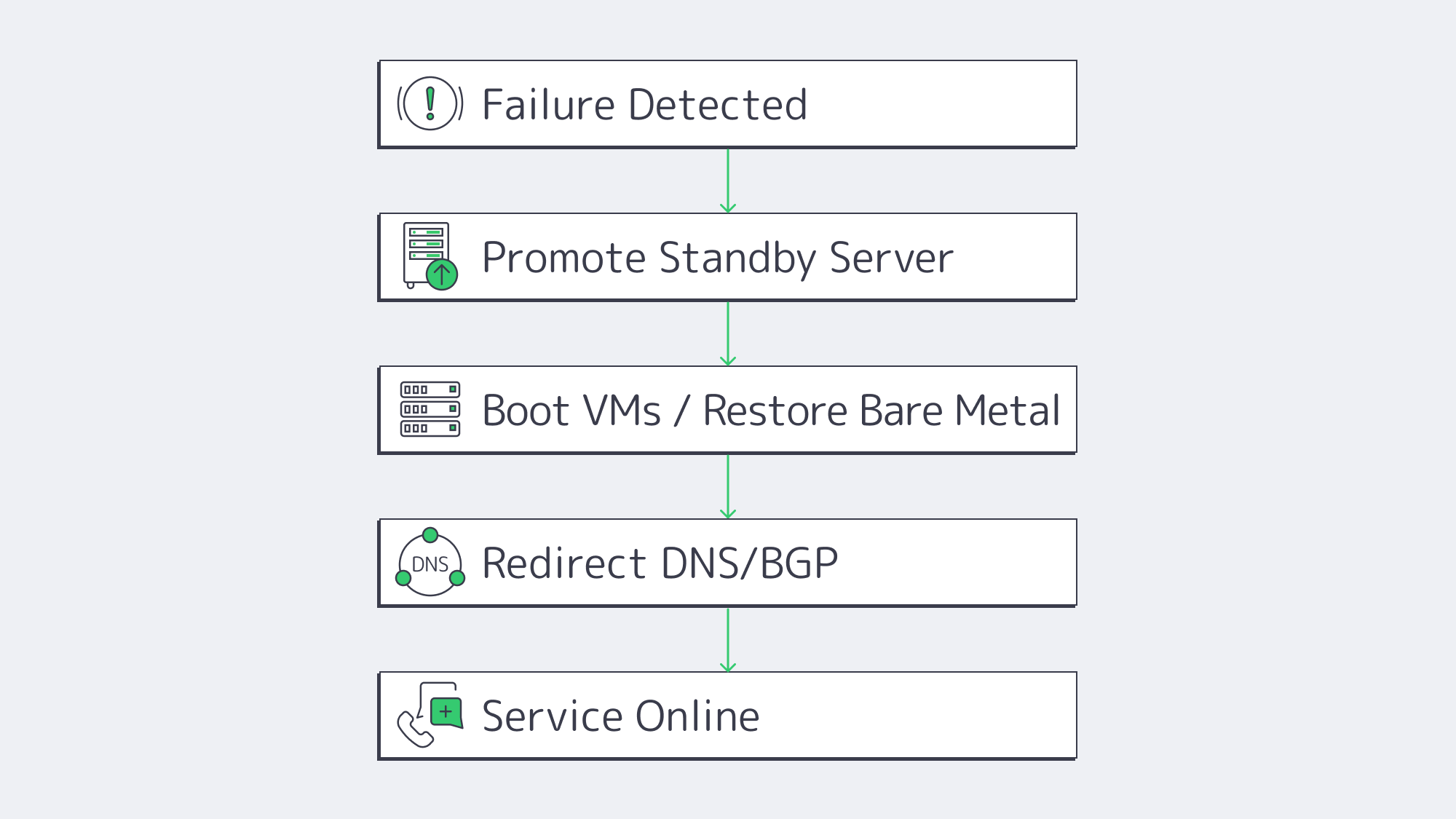
Replicated bits are no use if rebuilding your servers means prolonged downtime. That’s where instant-recovery workflows and scripted dedicated-server restore runbooks come into play. The average runbook looks something like this:
- Failure is detected and Site A is flagged offline.
- Scripts promote Node B and register the most recent snapshots as primary disks.
- Critical VMs are booted directly from the replicated images by the hypervisor on Node B through auto-provisioning. Dedicated server workloads PXE-boot into a restore kernel that writes the image to local NVMe volumes.
- User traffic is redirected toward Site B via BGP, Anycast, or DNS updates, while authentication caches and transactional queues help preserve session continuity where the application supports it.
When the standby hardware is already live in a Melbicom rack, total elapsed time becomes boot time plus DNS or BGP convergence, so recovery can stay in the minutes range. For compliance audits, scripts can run weekly fire drills that execute the same steps in an isolated VLAN and email a readiness report.
| Backup Strategy | Typical RTO | Ongoing Network Load |
|---|---|---|
| Hot site (active-active) | < 5 min | High |
| Warm standby (replicated dedicated server) | 5 – 60 min | Moderate |
| Cold backup (off-site tape) | 24 – 72 h | Low |
Warm standby—the model supported by paired Melbicom nodes—delivers a sweet spot between cost and speed, putting minutes-level RTO within reach of most budgets.
Designing for Growth & Threat Evolution
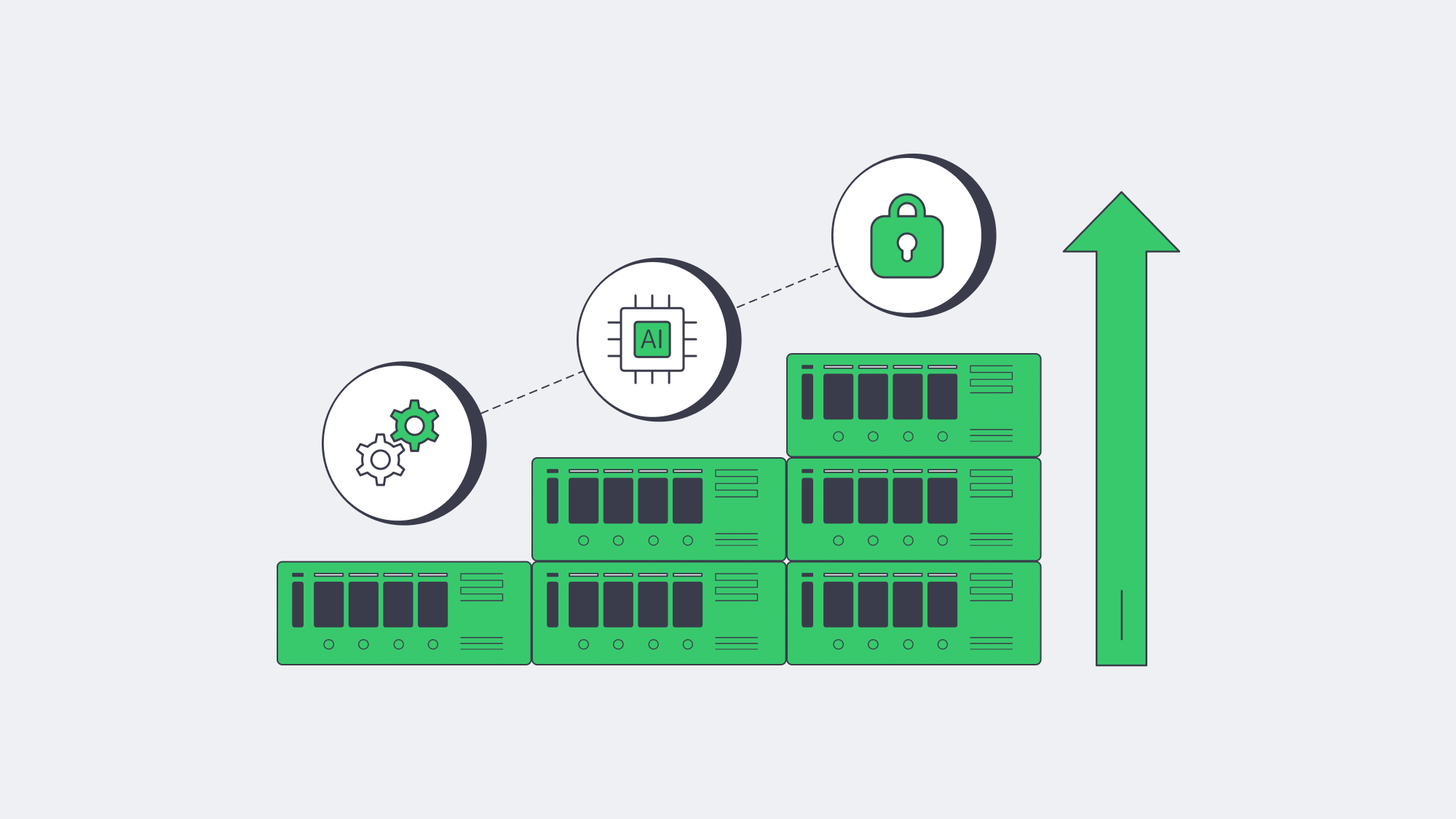
Cyber risk remains high for smaller organizations: the 2025 Hiscox Cyber Readiness Report found that 59% of SMEs surveyed had experienced a cyberattack in the previous 12 months. For these businesses, prolonged downtime is unaffordable, highlighting the importance of resilient architecture that can be scaled both horizontally and programmatically:
- Horizontal scale—Melbicom has 1000+ ready-to-go servers across its global footprint, with ready-stock activation available in as little as two hours. They span Intel and AMD platforms and, in selected locations, RAM options above 1 TB; a tertiary node can be provisioned in a different region without a long procurement cycle.
- Programmatic control—Backup infrastructure versions alongside workloads as Ansible, Terraform, or native SDKs turn server commissioning, IP-address assignment, and BGP announcements into code.
- Immutable or isolated copies—Keep at least one protected copy outside the production account or primary recovery path, using separately managed Object-storage or backup vaults to reduce ransomware blast radius.
In the future, anomaly detection will likely be AI-assisted, marking suspicious data patterns such as mass encryption writes and snapshotting clean versions before contamination spreads. Protocols such as NVMe-over-Fabrics may narrow failover performance gaps for metro or colocated designs, although distance and protocol overhead still matter. As these advances mature, Melbicom’s network can support the design with multiple Tier III/IV data centers and high-bandwidth per-server options.
Can SMBs Use Offsite Server Backup?
SMBs can use offsite backup solutions for servers when the design starts with one secondary dedicated server, block-level replication, encryption, and automated restore scripts. The key is matching RTO and RPO targets to budget so critical workloads get warm standby while less critical systems use scheduled backups.
Modern backup solutions are often considered “enterprise-only,” so midsize businesses sometimes choose simpler VM-only recovery. In practice, a single dedicated backup server at a secondary site can protect key workloads when it is paired with block-level replication, encryption, and tested restore automation. Recoveries run on reserved hardware instead of shared emergency capacity, and automation is especially beneficial to smaller operations with limited IT teams.
Geography, Speed, and Automation: Make the Most of Every Minute
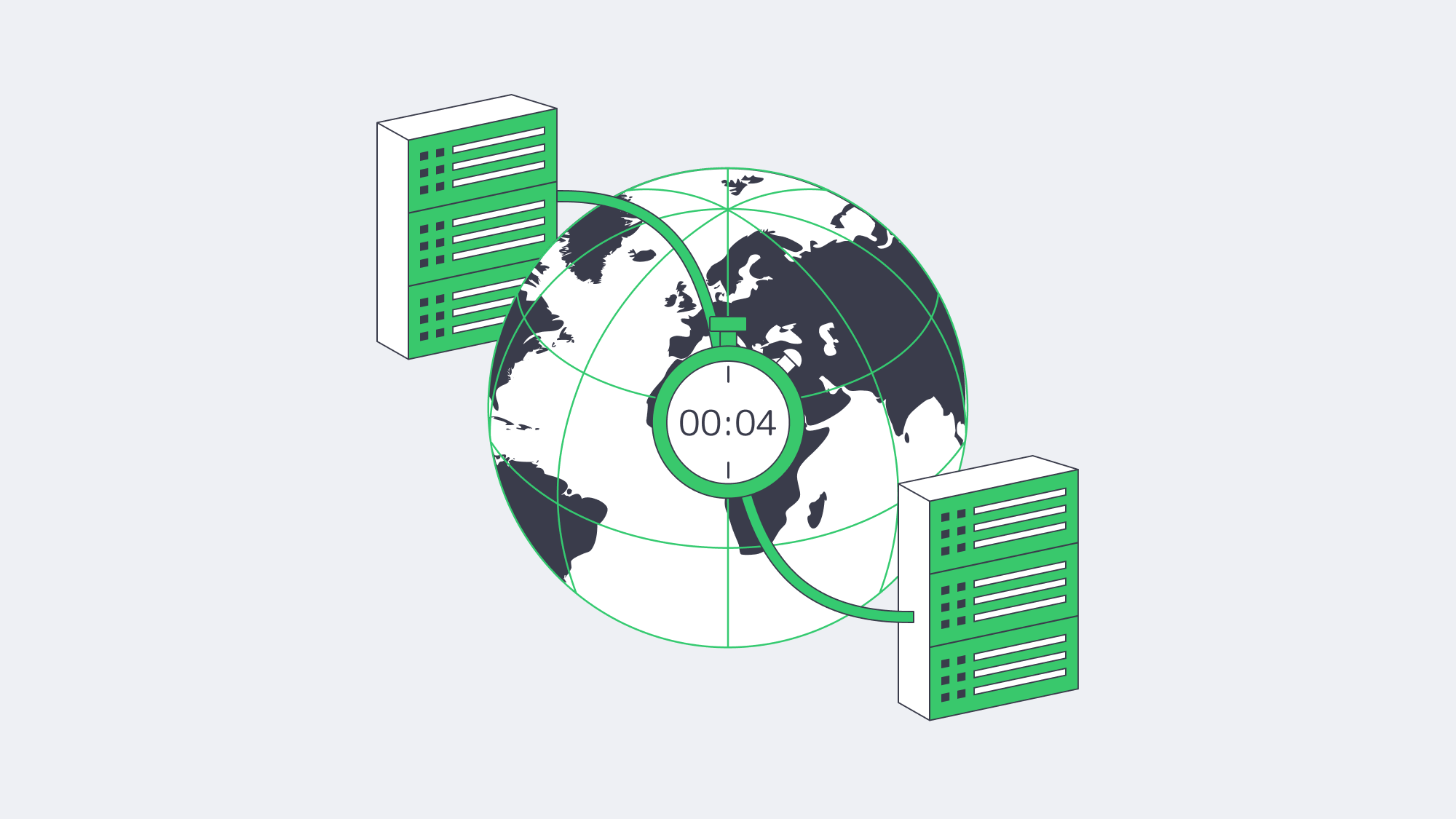
Current downtime and cyber-risk data signal that outages are costlier, attackers remain active, and customer tolerance is lower. By geographically separating production and standby services on Melbicom dedicated servers, you establish the cornerstone of a defensive blueprint. Securing operations requires block-level, encrypted replication for tight sync. Data streams then need compression and WAN acceleration, initial seeding over adequate bandwidth, and scripted spin-ups. That way, failover is integrated into daily workflows. Executing this blueprint can reduce RTO to minutes and help make even a severe outage a recoverable event.
Get Your Backup-Ready Server
Deploy backup-ready dedicated servers across Melbicom’s 21 Tier III/IV data centers and build toward minutes-level disaster recovery.
Get expert support with your services
Blog
Beyond Free: Building Bullet-Proof Server Backups
Savvy IT leads love the price tag on “free,” but experience shows that what you don’t pay in license fees you often pay in risk. The 2025 IBM “Cost of a Data Breach” report puts the global average breach cost at $4.44 million, down 9% from 2024 but still a multimillion-dollar incident.[1] Meanwhile, ITIC’s 2024 downtime analysis shows that an SMB estimating $25,000 in hourly downtime could lose about $417 for each minute a business-critical server is down, while higher-cost environments scale quickly from there.[2] With those stakes, backups must be bullet-proof. This piece dissects whether free server backup solutions—especially those pointed at a dedicated off-site server—can clear that bar, or whether paid suites plus purpose-built infrastructure are the safer long-term play.
Choose Melbicom— 1000+ ready-to-go servers — 21 global Tier IV & III data centers — 40 CDN PoPs across 6 continents |
|
Can Free Server Backup Solutions Work?
Free server backup solutions can be secure enough for a single low-risk server when restores are tested, alerts are monitored, and off-site copies are protected. They are usually not enough for production workloads that need provable recovery, compliance evidence, centralized oversight, or ransomware-resistant retention across multiple systems.
Why “Free” Still Sells
Free and open-source backup tools (rsync, Restic, Bacula Community, Windows Server Backup, etc.) thrive because they slash capex and avoid vendor lock-in. Bacula alone counts 2.5 million downloads, a testament to community traction. For a single Linux box or a dev sandbox, these options shine: encryption, basic scheduling, and S3-compatible targets are a CLI away. But scale, compliance and breach recovery expose sharp edges.
Reliability: A Coin-Toss You Can’t Afford
Sophos’ 2025 ransomware survey found that just 54% of organizations whose data was encrypted restored it using backups—the lowest rate in six years—while 49% paid the ransom and got data back.[3] Free tools can encrypt and schedule jobs, but they rarely verify images, hash files, or alert admins when last night’s job died. A mis-typed cron path or a full disk can lurk undetected for months. Paid suites automate verification, catalog integrity, and “sure-restore” drills—capabilities that cost time to script and even more to test if you stay free.
Automation & Oversight: Scripts vs. Policy Engines
Backups now span on-prem VMs, SaaS platforms, and edge devices. Free solutions rely on disparate cron tasks or Task Scheduler entries; no dashboard unifies health across 20 servers. When auditors ask for a month of success logs, you grep manually—if the logs still exist. Enterprise platforms ship policy-driven scheduling, health dashboards and API hooks that shut down noise. Downtime in a for-profit shop is measured in cash; paying for orchestration often costs less than the engineer hours spent nursing DIY scripts.

Storage Ceilings and Transfer Windows
Free offerings hide cliffs: older Windows Server Backup deployments and VSS-based jobs have practical volume limits; Microsoft’s current VSS guidance flags unsupported operations above 64 TB volumes, and native tooling still leaves more cataloging, central reporting, and restore validation to the administrator.[4] Object-storage-friendly tools avoid many single-job caps but can choke when incremental chains stretch to hundreds of snapshots. Paid suites bring block-level forever-incremental engines and WAN acceleration that help meet nightly windows at multi-terabyte scale.
Ransomware makes scale a security issue too. Sophos’ 2024 backup-compromise analysis found that 94% of organizations hit by ransomware said attackers attempted to compromise their backups, and 57% of those attempts succeeded.[5] Those odds demand at least one immutable or air-gapped copy—controls that are rarely turnkey in gratis software and must be verified on the chosen storage target.
Compliance & Audit Scenarios
Regulatory and customer audits increasingly ask not only, “Do you have a backup?” but also, “Can you prove it is encrypted, tested, access-controlled, and retained in the right geography?” Free tools leave encryption, MFA, and retention-policy scripting to the admin. Paid suites ship pre-built compliance templates and tamper-resistant logs—useful evidence when the clipboard comes out. In regulated environments, backup proof must show custody, retention, and test history before recovery pressure is highest.
The Hidden Invoice: Support and Opportunity Cost
Open-source forums are invaluable but not an MSA. During a restore crisis, waiting for a GitHub reply is perilous. Those hours are not free: someone must maintain scripts, monitor jobs, rotate credentials, document restore steps, and run test recoveries. For a small estate, that may be acceptable; for production systems, the opportunity cost can exceed the license savings. Factor in the reputational hit when customers learn their data vanished, and “free” becomes the priciest line item you never budgeted.
Why Do Dedicated Backup Servers Improve Security, Speed & Compliance?
A dedicated backup server improves resilience by separating recovery data from the production site, giving backup jobs predictable network and disk resources, and letting teams choose locations that match recovery and data-residency needs. It does not replace backup verification, but it gives free or paid tools a safer recovery target than shared, best-effort storage during an incident.
| Feature | Free Tool + Random Storage | Paid Suite on Dedicated Server |
|---|---|---|
| End-to-end verification | Manual testing | Automatic, policy-based |
| Retention protection | DIY scripting | Built-in retention controls; object lock where supported |
| Restore speed | Best-effort | Automated VM/file-level options |
| Support & escalation | None/community | Vendor + provider support |
Isolation and Throughput
Pointing backups to a dedicated backup server in a Tier III/IV data center separates recovery data from local disasters and noisy shared instances. Melbicom dedicated servers can be configured with up to 200 Gbps per server, so network capacity is less likely to be the bottleneck; actual transfer time still depends on source-side throughput, backup software, compression, and route conditions. Free tools can leverage that pipe too when the target is single-tenant infrastructure with predictable capacity rather than cheap shared storage.
Geographic Reach and Compliance Flex
Melbicom operates 21 data-center locations across Africa, Asia, Europe, North America, and South America, giving customers data-residency choices and lower-latency DR access. You can place backup infrastructure in Amsterdam for EU-oriented retention needs or Los Angeles for U.S.-based recovery capacity, then align retention, access policy, and recovery location with the applicable regulation.
Affordable Elastic Retention via S3
Melbicom’s S3-compatible Object Storage offers plans from 1 TB to 500 TB, free ingress, erasure coding, IAM security, and NVMe acceleration from an Amsterdam Tier IV data center. Any modern backup suite can target an S3-compatible bucket for off-site copies, but WORM-style immutability should be confirmed separately on the chosen storage target before it is treated as ransomware-proof. The blend of dedicated server cache + S3 deep-archive for off-site retention gives SMBs a practical 3-2-1 design without hyperscaler billing complexity.
Support That Shows Up
We provide 24/7 hardware and network support; if your backup server has a hardware or network issue, you have a provider escalation path in addition to your backup-tool documentation and community forums. That safety net converts an open-source tool from a weekend hobby into a production-ready shield.
Free vs. Paid Backup Solutions: The Math
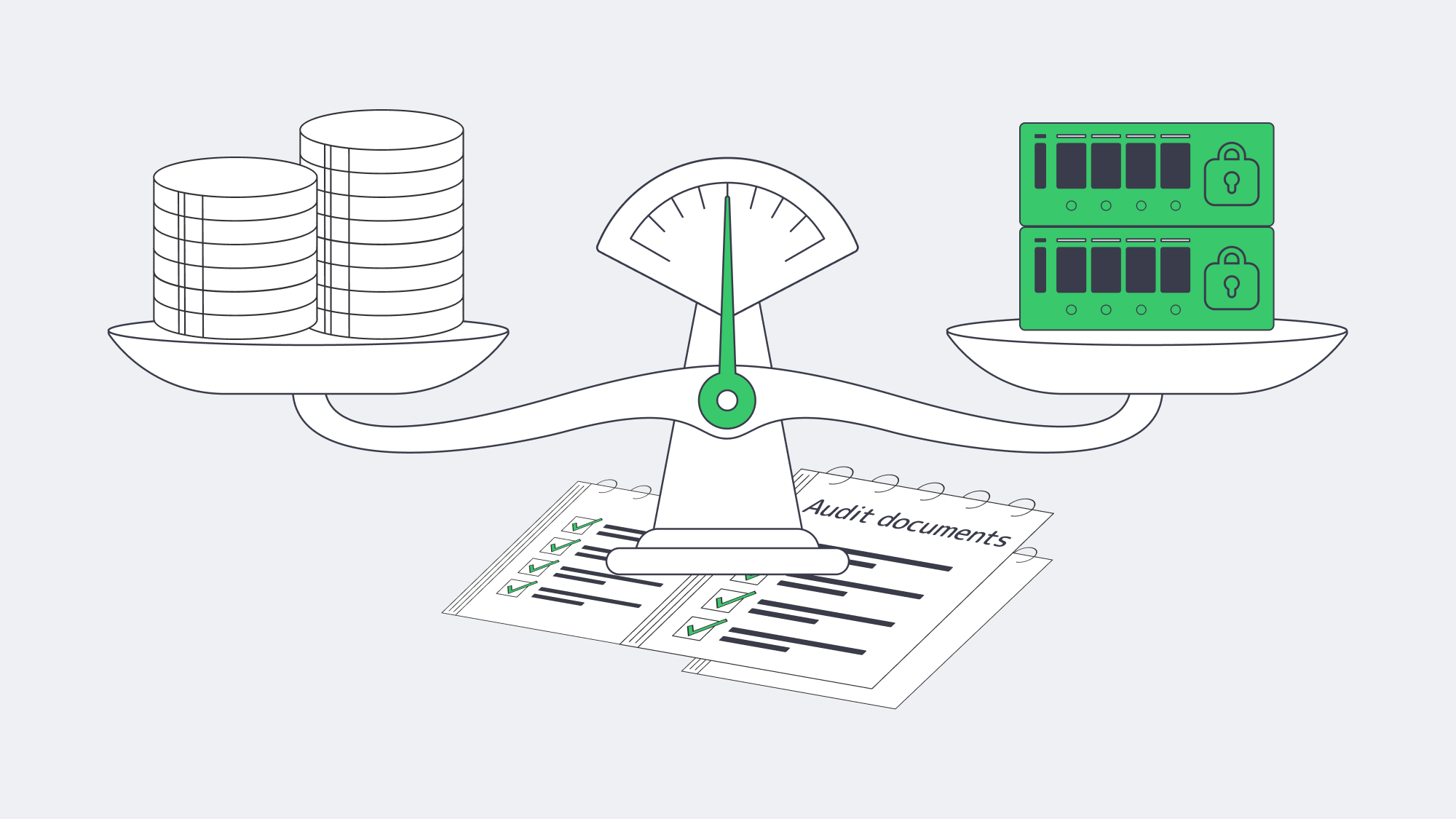
The financial calculus is straightforward: tally the probability × impact of data-loss events against the recurring costs of software and hosting. For many SMBs, a hybrid path balances software, storage, support, and recovery risk:
- Keep a trusted open-source agent for everyday file-level backups.
- Add a paid suite or plugin only for complex workloads (databases, SaaS, Kubernetes).
- Anchor everything on a dedicated off-site server with object-storage spill-over for off-site retention and a separately verified immutable or air-gapped copy.
Fortify Backups Beyond Good Enough
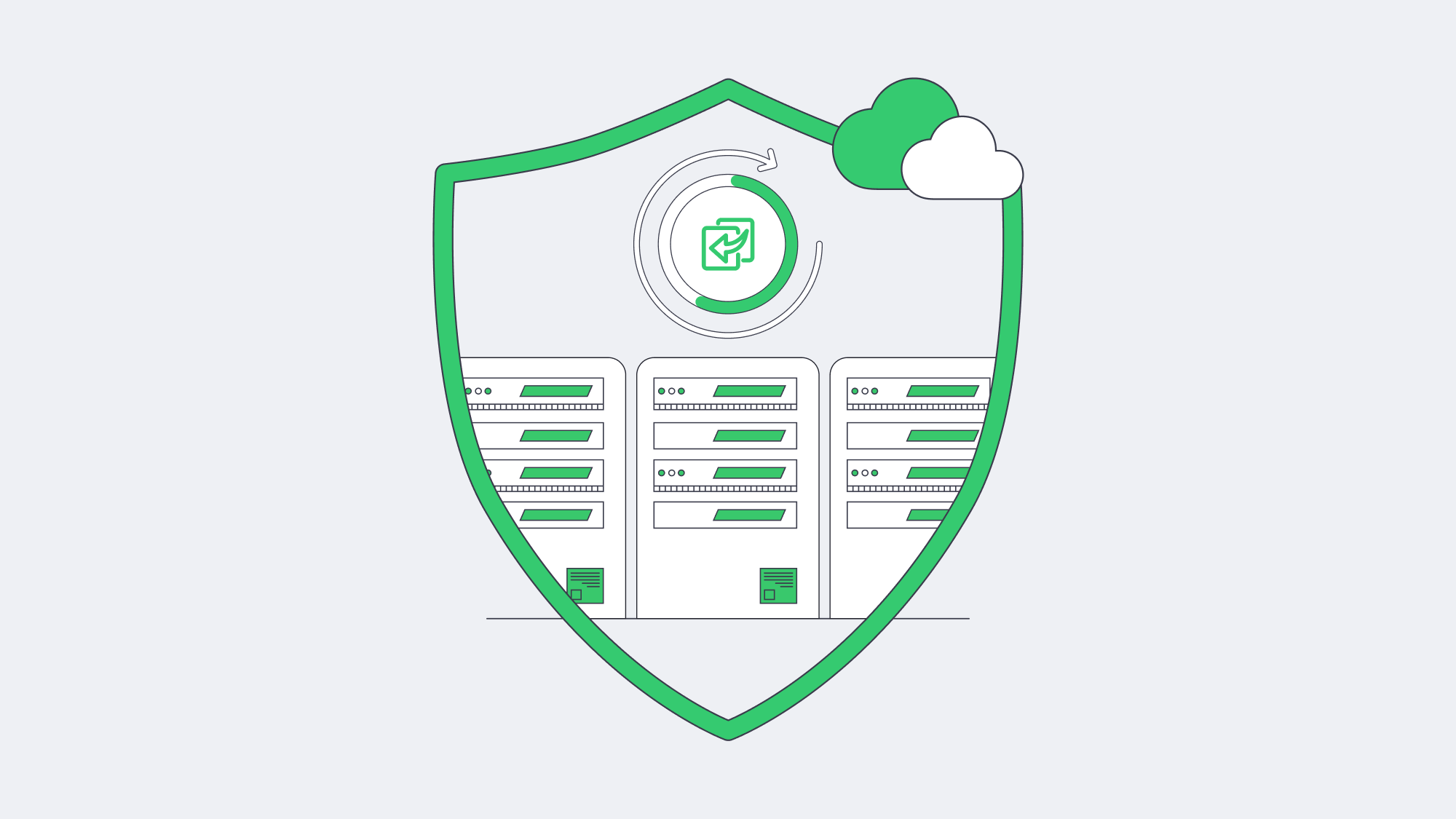
Free server backup solutions remain invaluable in the toolbox—but they rarely constitute the entire toolkit once ransomware, audits, and multi-terabyte growth enter the frame. Reliability gaps, manual oversight, storage ceilings, and limited support paths expose businesses to outsized risk. Coupling a robust backup application—open or commercial—with a dedicated backup server gives recovery teams capacity, isolation, and time to work.
Deploy a Dedicated Backup Server
Order a high-bandwidth backup node and keep recovery copies isolated from local failures.
Get expert support with your services
Blog
Hosting SaaS Applications: Key Factors for Multi‐Tenant Environments
Cloud adoption may feel ubiquitous, yet the economics and physics of running Software-as-a-Service (SaaS) are far from solved. Gartner forecast worldwide end-user spending on public cloud services at $723.4 billion in 2025, up from $595.7 billion in 2024.[1] At the same time, performance sensitivity keeps tightening: Akamai reported that even a 100 ms delay can reduce conversion rates by up to 7 % and that two seconds can increase bounce rates by up to 103 %.[2] Hosting strategy therefore becomes a core product decision, not a back-office concern for SaaS teams.
Public clouds and container Platform-as-a-Service (PaaS) offerings can be ideal for prototypes, but their usage-metered nature introduces budget shocks. Dedicated server clusters—especially when deployed across Melbicom’s Tier III and Tier IV facilities—offer a different trajectory: deterministic performance, full control over data residency and a flat, predictable cost curve. The sections that follow explain how to architect secure, high-performance multi-tenant SaaS systems on Melbicom hardware and when this approach can outperform generic container PaaS at scale.
Choose Melbicom— 1000+ ready-to-go servers — 21 global Tier IV & III data centers — 40 CDN PoPs across 35 countries |
|
Multi-Tenant Reality Check — Single-Tenant Pitfalls in One Paragraph
Multi-tenant design lets one running codebase serve thousands of customers, maximising resource utilisation and simplifying upgrades. Classic single-tenant hosting, by contrast, duplicates the full stack per client, inflates operating costs and turns every release into a coordination nightmare. Except for niche compliance deals, single-tenancy is today a margin-killer. The engineering goal is therefore to make a multi-tenant system behave like dedicated infrastructure for each tenant—without paying single-tenant prices.
How Can Dedicated Server Clusters Support Multi-Tenant SaaS Resource Pools?
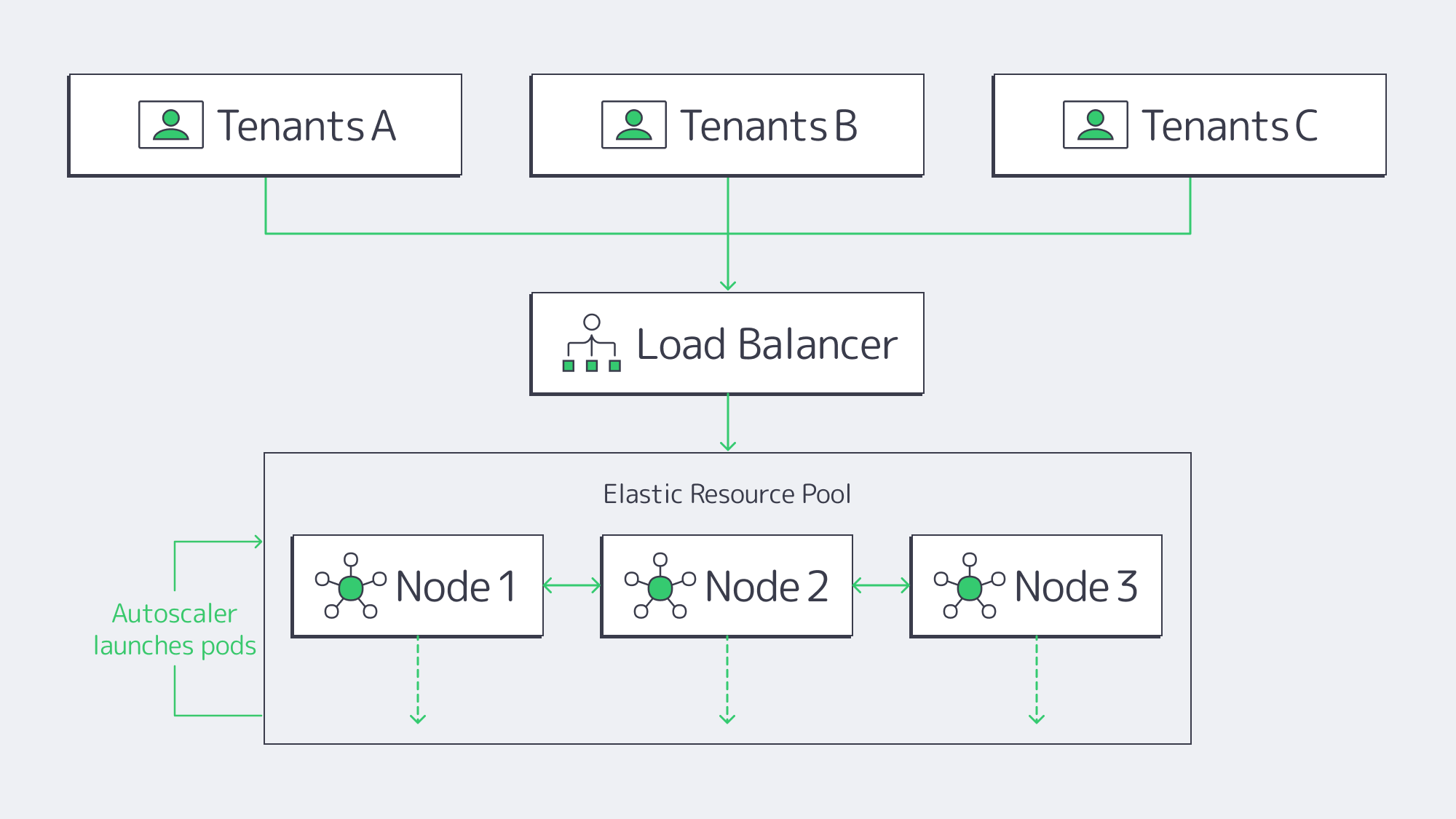
Every Melbicom dedicated server is a physical machine—its CPU, RAM and NVMe drives belong solely to you. Wire multiple machines into a Kubernetes or Nomad cluster and the fixed nodes become an elastic pool:
- Horizontal pod autoscaling adjusts containers as service metrics change.
- cgroup quotas and namespaces cap per-tenant CPU, memory and I/O, preventing starvation between tenants.
- Cluster load-balancing keeps hot shards near hot data.
Because no hypervisor interposes, workloads reach the metal directly, but the performance case is workload-specific rather than automatic. CNCF coverage notes that modern VM-based container platforms can approach bare-metal performance for many workloads, while bare metal remains useful for specialized latency-sensitive cases and direct hardware control.[3] Academic studies report virtualisation overheads between 5 % and 30 % depending on workload and hypervisor.[4] Practically, a spike in Tenant A’s analytics job will not degrade Tenant B’s dashboard when quotas, scheduling and placement rules are enforced across tenants.
Melbicom augments the design with per-server network capacity up to 200 Gbps and redundant uplinks, eliminating the NIC contention and tail spikes common in shared-cloud environments in production.
How Do Regional SaaS Controls Meet Residency Rules?
Regulators now scrutinize cross-border transfers: GDPR, Schrems II and similar frameworks make data location, transfer safeguards and key control part of SaaS architecture. Real compliance is easier when you own the rack. Melbicom operates 21 data centers worldwide—Tier III & IV DCs in Amsterdam for EU data, Tier III & IV DCs in Frankfurt, and Tier III sites in Madrid, Los Angeles, Mumbai, Singapore and more. SaaS teams deploy separate clusters per jurisdiction:
- EU tenants run exclusively on EU nodes with EU-managed encryption keys.
- U.S. tenants run on U.S. nodes with U.S. keys.
- Geo-fenced firewalls and asynchronous replication keep disaster-recovery targets low without breaching residency rules.
Because the hardware is yours, audits rely on direct evidence, not a provider’s white paper.
Zero-Downtime Rolling Upgrades
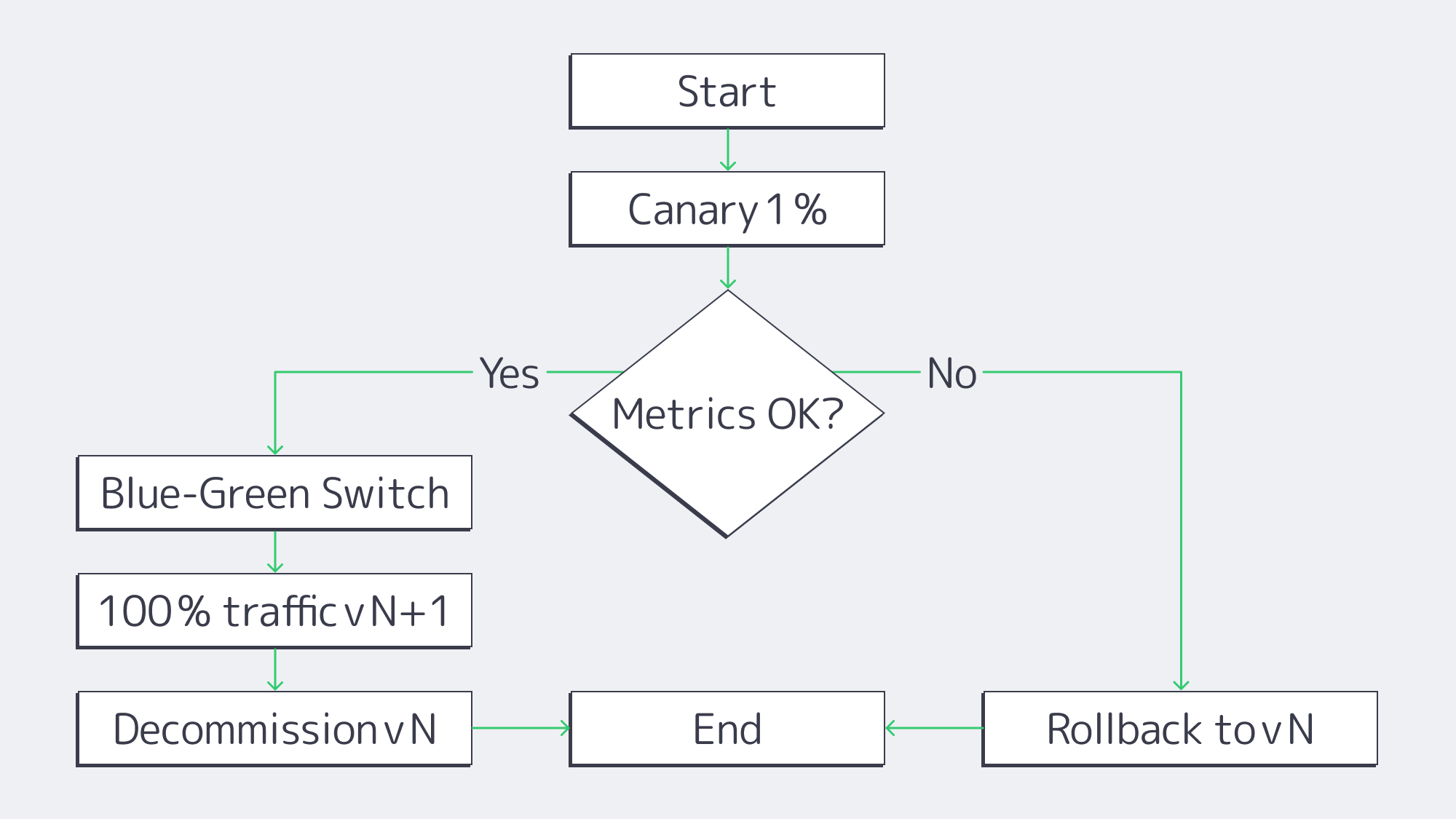
Continuous delivery is table stakes. On a Melbicom cluster the pipeline is simple:
- Canary – Route 1 % of traffic to version N + 1 and watch p95 latency.
- Blue-green – Spin up version N + 1 alongside N; flip the load-balancer VIP on success.
- Instant rollback – A single Kubernetes command reverts in seconds.
Full control of probes, disruption budgets and pod sequencing yields regular releases without maintenance windows.
How Does Physical Isolation Remove Hypervisor Cross-Talk Risks?
Physical isolation removes the shared-cloud risk of another customer’s VM using the same host, but it does not replace SaaS tenant controls. Multi-tenant SaaS still needs separate schemas, row-level security, scoped identities and resource quotas; dedicated hardware adds an outer isolation layer for infrastructure risk.
Logical controls (separate schemas, row-level security, JWT scopes) are stronger when paired with physical exclusivity:
- No co-located strangers. Provider-neighbor hypervisor-escape scenarios common to shared clouds are outside the threat model because no other customer’s VM shares that dedicated physical host.
- Hardware-root options. Where the selected hardware supports TPM 2.0, secure boot or self-encrypting drives, teams can bind boot and encryption controls to the physical node and verify firmware state during provisioning.
- Physical and network security. Tier III/IV data centers define the facility baseline, while VLANs, firewall policy and private networking keep tenant networks segmented.
Predictable Performance vs. PaaS Pricing
Container-PaaS billing is advertised as pay-as-you-go—vCPU-seconds, GiB-seconds and per-request fees—but the meter keeps ticking when traffic is steady. 37signals reports ≈ US $ 1 million in annual run-rate savings—and a projected US $ 10 million over five years—after repatriating Basecamp and HEY from AWS to owned racks.[5] Meanwhile, a 2024 Gartner pulse survey found that 69 % of IT leaders overshot their cloud budgets.[6]
Flat-rate dedicated clusters flip the model: you pay a predictable monthly fee per server and run it hot for steady workloads.
| Production-Month Cost at 100 Million Requests | Container PaaS | Melbicom Cluster |
| Cloud Run service requests + compute | US $ 137 (10 × GCP Cloud Run Example 1: $13.69 for 10 M req) (cloud.google.com) | US $ 1 320 (3 × € 407 ≈ US $ 440 “2× E5-2660 v4, 128 GB, 1 Gbps” servers) |
| Storage (5 TB NVMe) | US $ 400 (5 000 GB × $0.08/GB-mo gp3) (aws.amazon.com) | Included |
| Egress (50 TB) | US $ 4 300 10 TB × $0.09 + 40 TB × $0.085 (aws.amazon.com) | Included |
| Total | US $ 4 837 | US $ 1 320 |
Table. Public list prices for Google Cloud Run request-based billing, AWS gp3 storage and AWS internet egress vs. three 24-core / 128 GB servers on a 1 Gbps unmetered plan.
Performance should be modeled by workload rather than assumed: modern VM-based Kubernetes can approach bare-metal results in many tests, while bare-metal nodes still offer stronger control over noisy-neighbor risk, data placement and fixed monthly capacity for production SaaS workloads.[7]
How Can SaaS Reduce Delivery Latency?
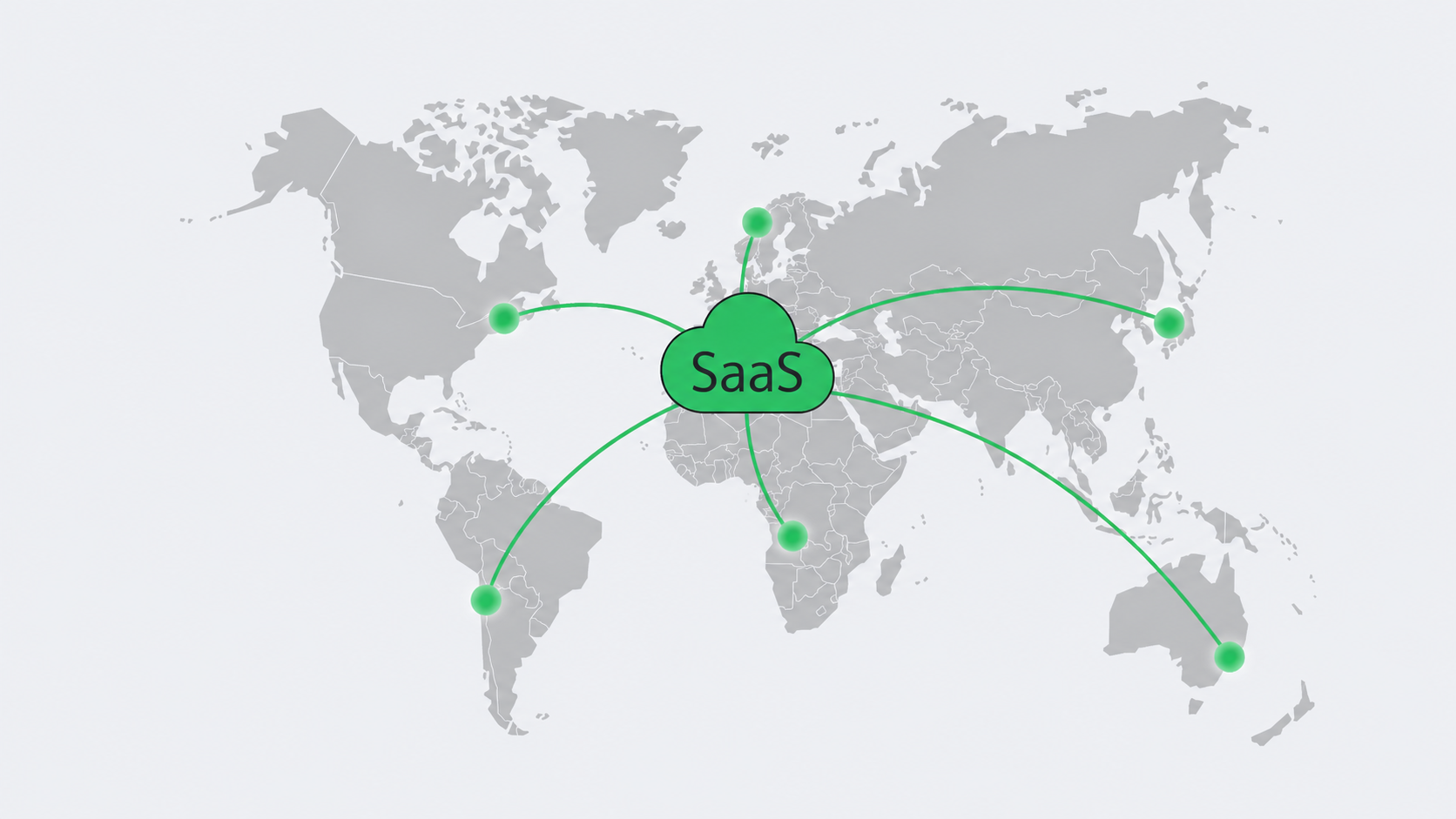
Physics still matters—roughly 10 ms RTT per 1 000 km—so locality is essential. Melbicom’s backbone links 21 data centers and feeds a 40-PoP CDN in 35 countries that caches static assets at the edge. Dynamic SaaS traffic should land on the nearest active application cluster through DNS, routing policy or application-level traffic steering rather than depending on a single origin. The same topology shortens database replication and accelerates TLS handshakes—critical for real-time dashboards and collaborative editing.
How Do Dedicated Clusters Lower Long-Term SaaS Hosting Costs?
Early-stage teams need elasticity; grown-up teams need margin. Flat-rate dedicated hosting flattens the spend curve: once hardware amortises—servers often run 5–7 years—every new tenant improves unit economics. Capacity planning is painless: Melbicom stocks 1000+ ready-to-go servers and can deploy extra nodes in hours. Seasonal burst? Lease for a quarter. Permanent growth? Commit for a year and capture volume discounts. GPU cards or AI accelerators slot directly into existing chassis instead of requiring a new cloud SKU for each expansion cycle.
Open-source orchestration keeps you free of platform lock-in: if strategy shifts, migrate hardware or multi-home with other providers without rewriting core code.
Dedicated Server Clusters—a Future-Proof Backbone for SaaS
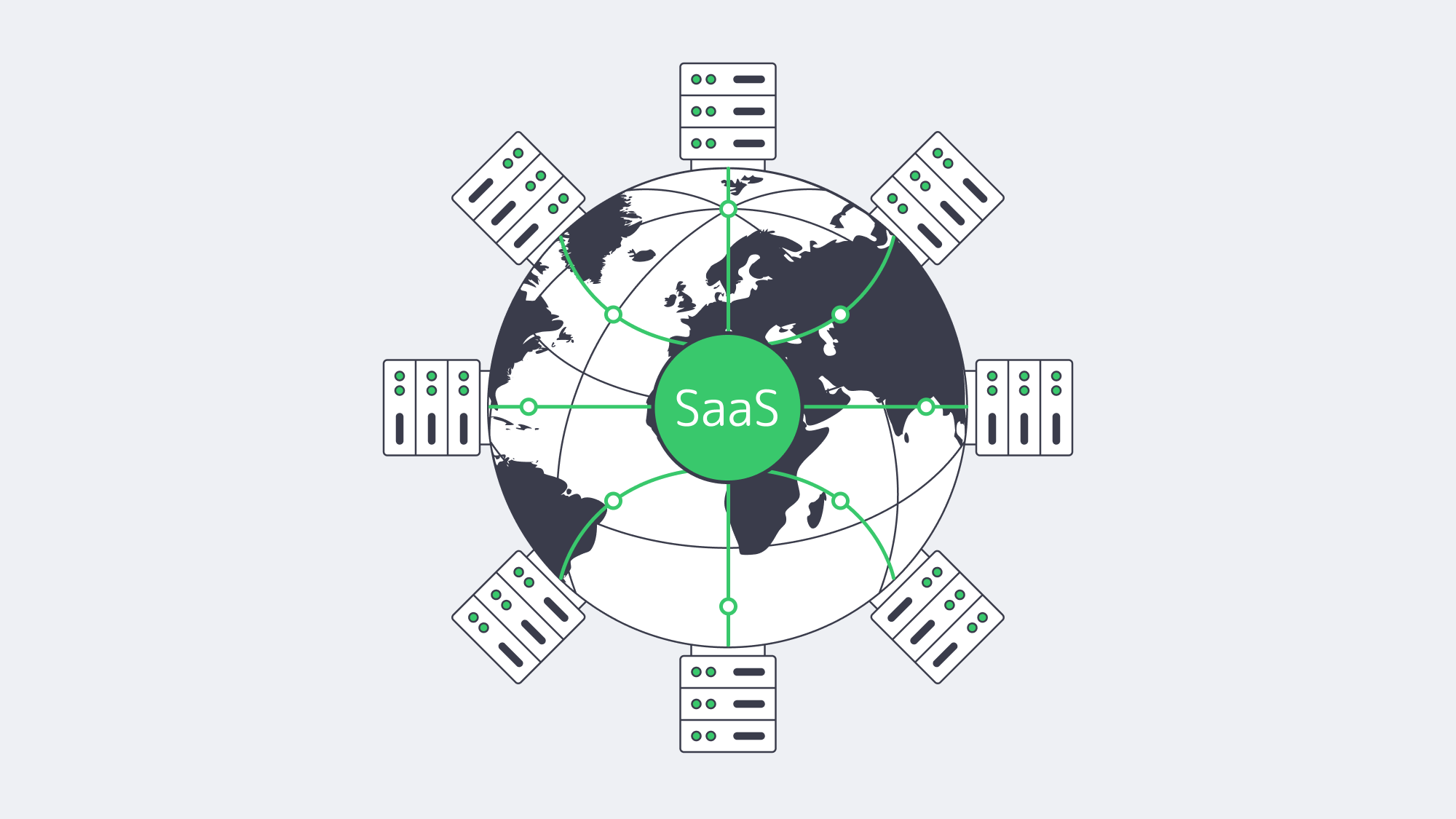
SaaS providers must juggle customer isolation, regulatory scrutiny, aggressive performance targets and rising cloud costs. A cluster of dedicated bare-metal nodes reconciles those demands: hypervisor-free control keeps every tenant fast when scheduling is designed well, strict per-tenant policies and regional placement satisfy regulators, and full-stack control enables rolling releases without downtime. Crucially, the spend curve flattens as utilisation climbs, turning infrastructure from a volatile liability into a strategic asset.
Hardware options are broader, APIs are friendlier, and global bare-metal capacity can be provisioned quickly—making this a practical moment to shift stable SaaS workloads from opaque PaaS meters to predictable dedicated clusters.
Order Your Dedicated Cluster
Launch high-performance SaaS on Melbicom’s flat-rate servers today.