
Blog

GPU Dedicated Servers: How to Choose Hardware for AI, Rendering, and Web3
The GPU is the headline, but production failures usually start elsewhere: too little VRAM for concurrency, CPU offload that adds latency, NVMe behind the wrong PCIe path, or a deployment region that burns the latency budget before the model answers. Choosing GPU dedicated servers well means sizing GPU model, CPU, RAM, NVMe, bandwidth, and location as one production system.
GPU Servers– Production GPU hardware – Dedicated compute – Global locations |
 |
How GPU Dedicated Servers Fit AI, Rendering, and Web3 Workloads
GPU dedicated servers fit AI, rendering, transcoding, and Web3 best when the workload has a stable bottleneck you can size in advance. AI inference usually runs into VRAM and latency limits, rendering into ray-tracing throughput and scene fit, transcoding into media-engine density, and Web3 proving into CUDA-capable VRAM, RAM, and fast local storage.
For AI inference, the question is not “What is the fastest GPU?” It is whether the server can hold the model, activations, and KV cache with enough headroom to keep latency predictable in production.
MLCommons’ MLPerf Inference v5.0 release is useful because it is open, peer-reviewed, and architecture-neutral. In that release, Llama 2 70B submissions increased 2.5x year over year, the median submitted score doubled, and the best score was 3.3x faster than the prior benchmark round.
Latency targets explain why memory discipline matters. MLPerf’s LLM inference benchmark page defines an Interactive Llama 2 70B benchmark with a 99th-percentile ceiling of 450 ms time to first token and 40 ms time per output token. For Llama 3.1 405B, it allows 6 seconds TTFT and 175 ms TPOT, which changes the serving budget.
GPU model selection follows. NVIDIA lists H200 with 141 GB of HBM3e and 4.8 TB/s of memory bandwidth; H100 SXM is listed with 80 GB and 3.35 TB/s. Those figures shape batching without spills. The PagedAttention paper reported 2–4x higher throughput at the same latency by reducing KV-cache waste. Current vLLM optimization docs warn that insufficient KV-cache space can trigger preemption and recomputation.
Rendering, transcoding, and Web3 proving have different signatures. NVIDIA’s L40S page lists 48 GB of ECC GDDR6, 864 GB/s of memory bandwidth, and 3x NVENC / 3x NVDEC with AV1 support for media workloads.
Blender Open Data describes its methodology as community-submitted benchmark runs scored by samples rendered per minute; the source report listed a median L40S score of 9083.53 from 57 submissions, versus 6259.42 from 11 submissions for H100 80GB HBM3.
For transcoding, encoder and decoder blocks matter as much as tensor throughput. NVIDIA’s Video Codec SDK page says Blackwell AV1 UHQ mode is comparable to software AV1 at roughly 3x throughput, and advertises up to 8K240 fps with 4 NVENCs on Blackwell.
Netflix’s technology blog reported on December 1, 2025 that AV1 powers about 30% of Netflix viewing. Media infrastructure should prioritize codec support, egress, and storage throughput together.
Web3 proving has its own shape. Succinct’s SP1 hardware requirements recommend GPUs with at least 24 GB of VRAM, CUDA compute capability 8.6+, and at least 4 CPU cores with 16 GB of RAM available to utilize the GPU. Its hardware acceleration docs note that provers may keep large matrices in memory.
The ZKProphet paper, published in 2025, says that after MSM acceleration, NTT can account for up to 90% of proof-generation latency on GPUs. In Web3 proving, dedicated servers—often called bare metal in that space—are GPU-plus-memory-plus-local-I/O systems.
GPU Model, CPU, RAM, and NVMe Requirements to Compare
Compare gpu dedicated servers by asking five production questions. Does the workload fit in VRAM with concurrency headroom? Can CPU and RAM feed the GPU without becoming a routine offload tier? Is NVMe on the right PCIe path? Do media engines match the codec plan? Is deployment location close enough to users or data?

Scatter chart comparing GPU memory capacity and memory bandwidth
The chart from the source report uses official NVIDIA specifications for H200, H100 SXM, L40S, and RTX PRO 6000 Blackwell Server Edition. Memory capacity and bandwidth scale differently across AI-first and universal GPU designs, so production fit matters more than spec-sheet ranking alone.
CPU and RAM are not secondary. vLLM’s offload documentation says CPU offloading uses zero-copy access from CPU-pinned memory and requires a fast CPU-GPU interconnect. Its example: adding 10 GiB of CPU offload to a 24 GB GPU can make it behave “virtually” like a 34 GB GPU, but the model is loaded from CPU memory to GPU memory during each forward pass. That is a fallback, not steady state.
NVMe and PCIe topology matter for the same reason. NVIDIA’s GPUDirect Storage docs say GDS creates a direct DMA path between GPU memory and storage, avoiding the CPU bounce buffer. It also notes that PCIe topology, root complex placement, and GPU, NIC, or NVMe path sharing can change storage latency and production throughput.
| Workload | First Constraint to Size For | Node Shape to Compare |
|---|---|---|
| AI inference | Interactive latency and KV-cache headroom | Favor VRAM and memory bandwidth before adding scaling complexity; keep host RAM as fallback, not normal operation |
| Rendering | Scene fit, RT throughput, and out-of-core avoidance | Favor graphics-capable GPUs with VRAM margin, substantial system RAM, and fast NVMe scratch |
| Transcoding | Media-engine density and sustained I/O | Favor GPUs with strong NVENC/NVDEC support, then size CPU, storage, and egress for packaging and delivery |
| Web3 proving | CUDA compatibility, VRAM floor, and artifact movement | Favor CUDA-capable GPUs with enough VRAM, plus host RAM and local NVMe for traces, checkpoints, and proofs |
When Dedicated GPU Hardware Beats Shared Cloud GPU Instances
Dedicated GPU hardware beats shared cloud GPU instances when latency budgets are tight, utilization is steady, or the I/O path is important enough that multi-tenant variance becomes operational risk. Once p95 and p99 behavior matter more than instant elasticity, dedicated hardware becomes the simpler and more controlled production choice.

The isolation argument is measurable. A 2026 noisy-neighbor study validated its methodology across 10 independent rounds in a Kubernetes testbed and found performance degradation up to 67.58% under combined stress, with a 75% increase in causal links when a noisy neighbor was active. Even with quotas and policies, hardware-level contention still caused severe degradation.
NVIDIA’s MIG doc adds the nuance: MIG exists because jobs sharing a GPU can compete for memory bandwidth and miss latency targets. On supported GPUs, MIG can partition one device into as many as seven isolated instances with dedicated compute, memory, cache, and guaranteed QoS. That is useful when you intentionally subdivide your own dedicated GPU server, not when you assume an upstream shared environment will stay deterministic.
The practical conclusion is narrow: once the workload shape is known, GPU dedicated servers remove a class of scheduling and tenancy uncertainty that affects live inference, render queues, dense transcoding fleets, and proving infrastructure. Burst testing can remain elastic; production should optimize for repeatable latency and utilization.
Location Is Part of the Hardware Spec
Location is a hardware decision because distance creates a latency floor. Light in fiber travels at roughly 200,000,000 meters per second, so even a perfect 100 km round trip costs about 1 ms. That sounds small until an inference service is already budgeting tens of milliseconds for queueing, token generation, retrieval, and network transit.
The placement rule changes by workload. Inference should sit near users and retrieval data. Rendering should sit near artists, asset storage, or review pipelines. Transcoding should sit near origin media and delivery edges. Proving should sit near the coordination and submission path. We at Melbicom support clients with this as we run 21 Tier III and Tier IV data centers, enable per-server bandwidth up to 200 Gbps, connect through 25+ IXP peering hubs and 20+ transit partners, and operate CDN infrastructure in 39 CDN PoPs across 35 countries.
From Spec Sheet to Production
The safest way to choose gpu dedicated servers is to start with the failure mode you cannot tolerate. Slow first-token latency points to memory headroom and locality. Scene spill points to VRAM margin and rendering throughput. Weak stream density points to media engines and bandwidth. Slow proof generation points to CUDA compatibility, RAM, and NVMe before peak compute.
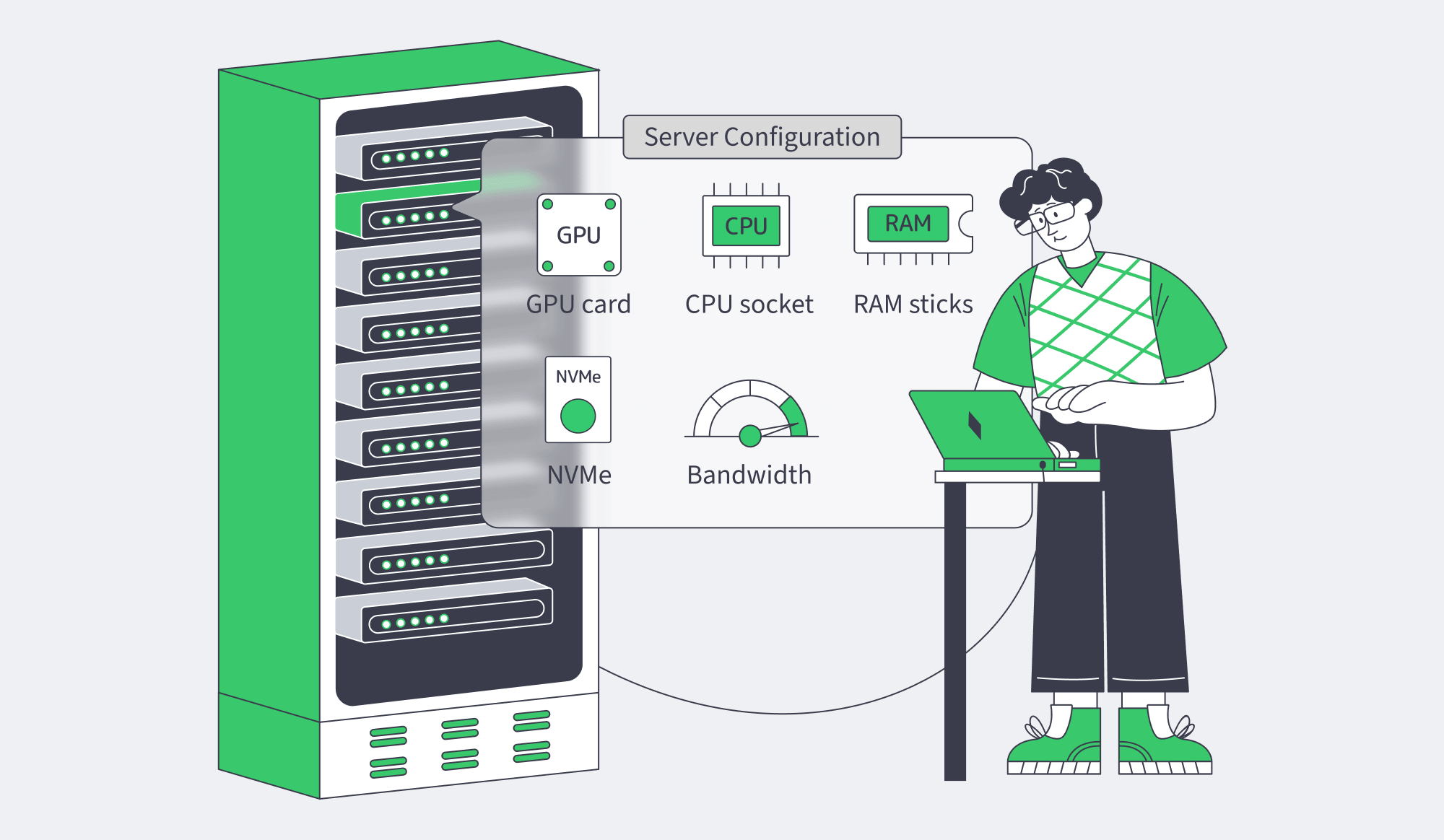
Before deployment, the production checklist should look like this:
- Verify that the model, scene, or proving workload fits in GPU memory with headroom, because vLLM preemption, Blender system-memory spill, and proving-memory pressure show up as performance penalties.
- Check PCIe and NUMA affinity, not just total core count, because crossing the wrong root complex or CPU socket changes throughput and latency.
- Treat host RAM as a working tier, not a magical extension of VRAM, because CPU offload depends on pinned memory and interconnect speed.
- Match media workloads to actual media hardware, because video fleets scale on encoder/decoder density and egress behavior more than tensor numbers.
- Decide the scaling path before deployment: larger single GPU, multiple GPUs with tensor or pipeline parallelism, or more single-GPU nodes.
Deploy GPU Dedicated Servers
Choose dedicated GPU hardware for AI, rendering, and production workloads with predictable capacity.