
Every cache miss is a request your origin has to answer. Origin Shield puts a shared cache layer in that path: it routes cache misses through a shared edge node, which removes redundant origin hits and protects your origin from direct traffic.
Instead of every edge asking your origin separately, misses funnel through the shield. Enabling it is a single toggle; this tutorial shows where it lives and how to apply it.
Prerequisites
- A CDN resource already created and pointing at your origin. See Add your first CDN resource.
- Client Area access to the package.
Step 1: Open the advanced General page
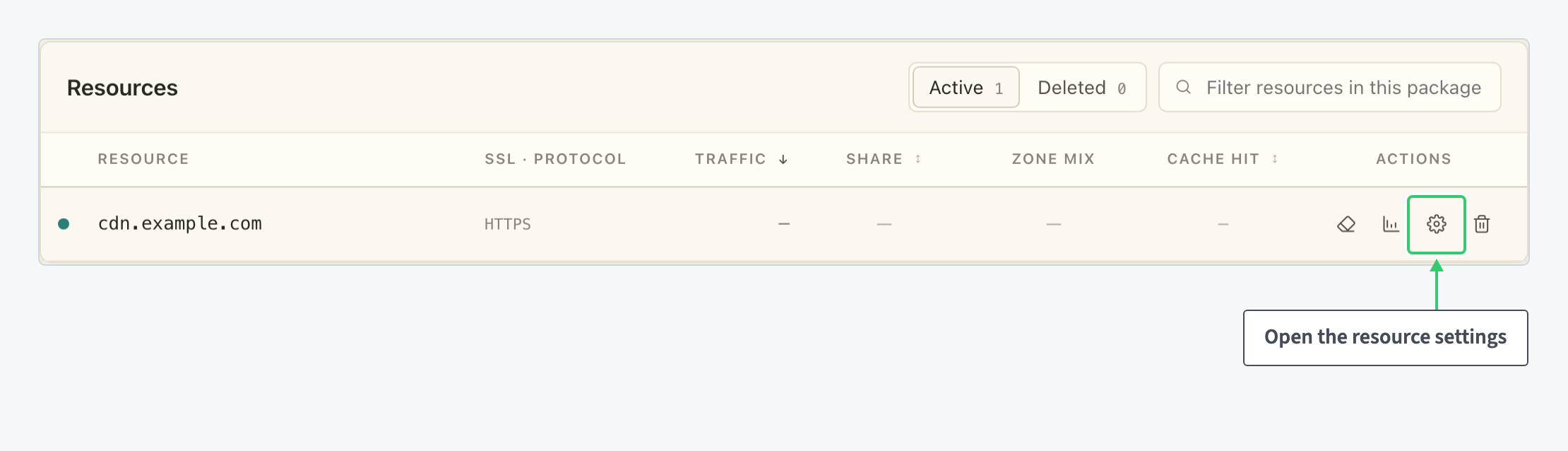
In the Resources table of your package, click the gear icon (Edit resource settings) on the resource’s row, then click Advanced settings.
Step 2: Turn on Origin Shield
The Origin Shield row sits in the Connection area of the advanced General page, right under the Protocol selector. Hover the ? next to the label to read the panel’s one-line definition quoted above. On a fresh resource the toggle reads Disabled:
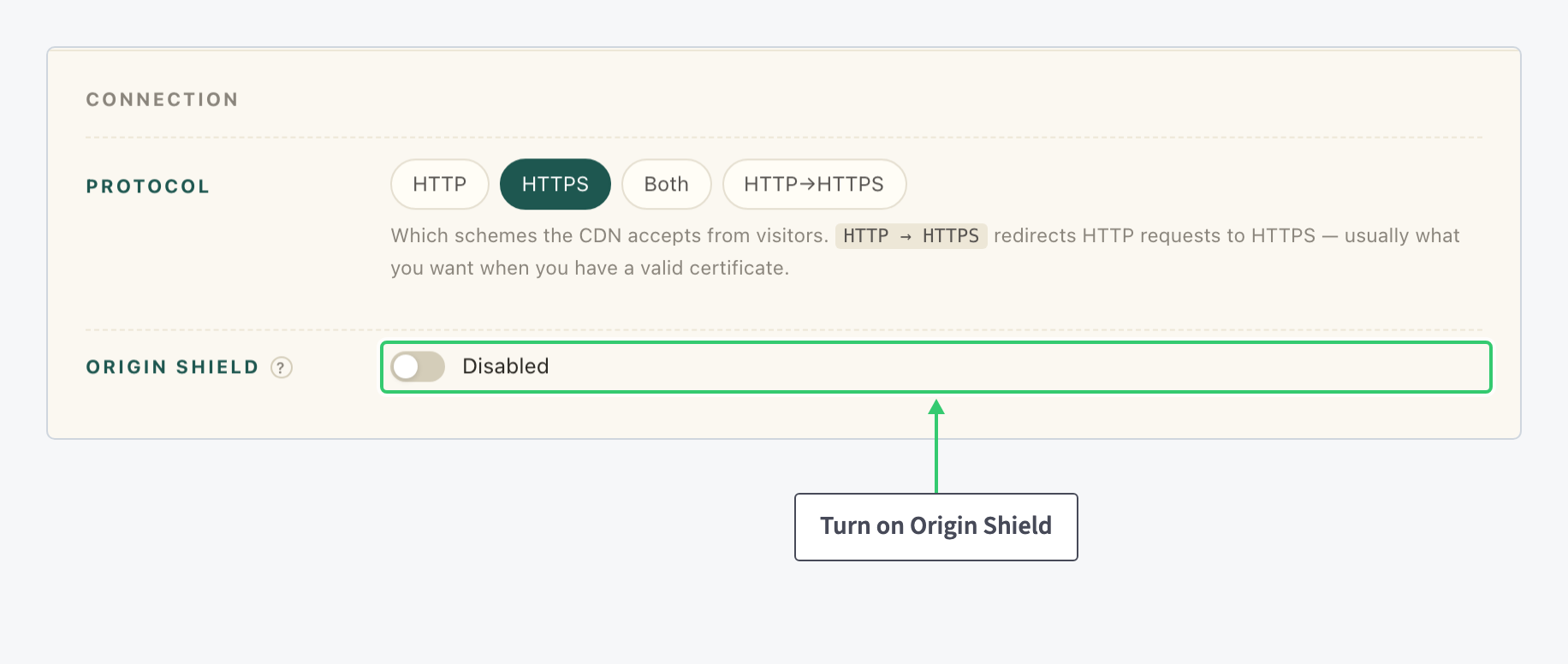
Click the toggle. The label flips to Enabled, but the change is only staged in the form at this point.
Step 3: Save the resource form
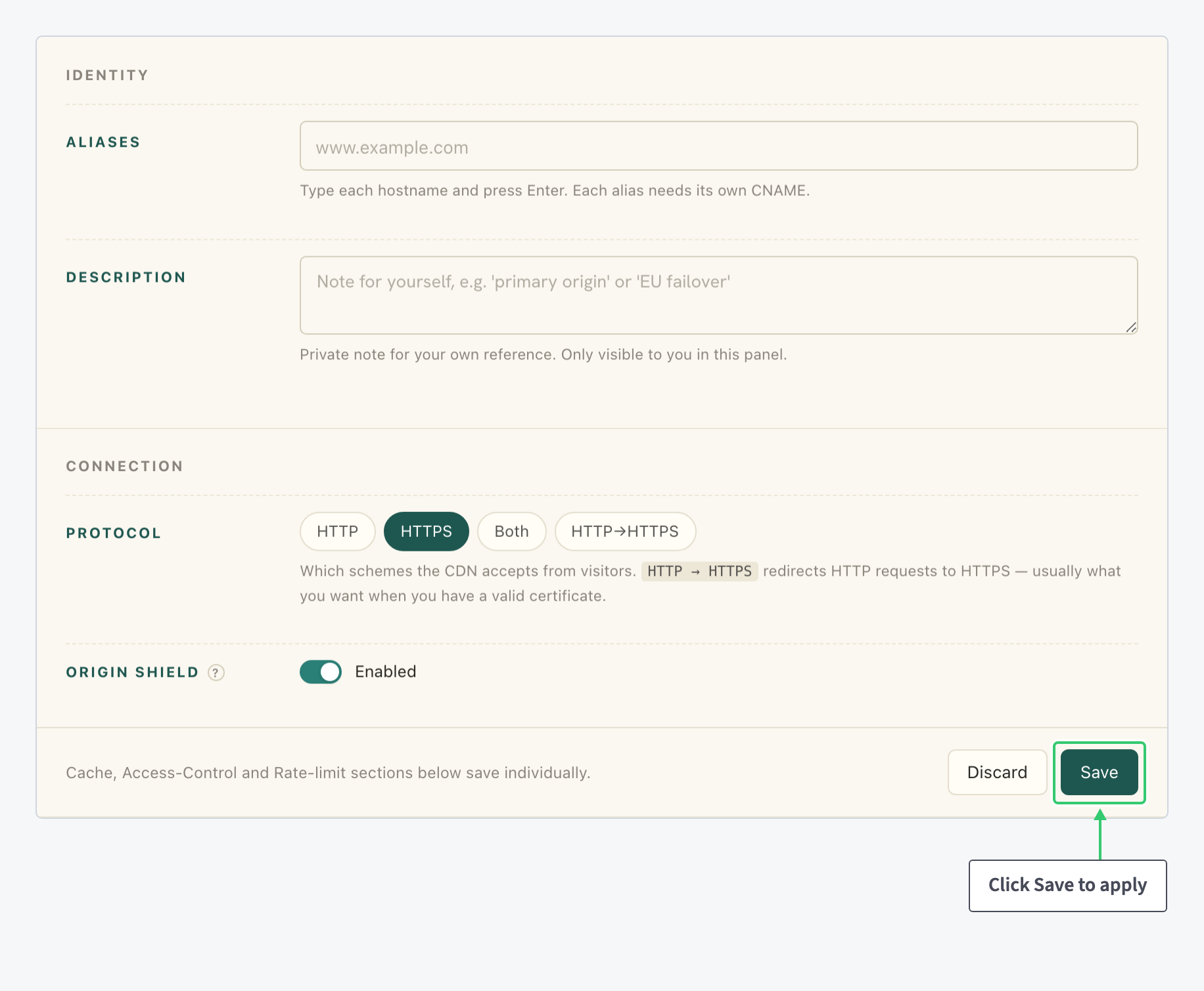
Origin Shield belongs to the main resource form, so it applies with the form’s save bar at the bottom. The sections further down the page (Cache, Access-Control and Rate-limit) save individually, as the bar itself notes. Click Save to apply, or Discard to drop the staged change:
What you’ve enabled
Cache misses for this resource now route through a shared edge node instead of reaching your origin directly. The origin sees fewer redundant hits and is shielded from direct traffic.
The other origin-related settings live on the Origins tab: Add multiple origins and failover to your CDN protects you against an origin going down, and Purge a URL or your entire CDN cache refreshes what the CDN holds when the origin’s content changes.