
Sometimes the CDN should add headers beyond what it forwards: a CORS policy for a font or API consumed from another origin, a security header, a custom marker for debugging. In the Melbicom CDN panel, headers are configured per location, the path-based routing rules of the Origins tab. Each location can carry up to 20 of them.
This tutorial opens the header editor, documents its fields, and shows how CORS headers fit the same mechanism. For adding locations and their per-path overrides, see Route and configure a specific URL path on your CDN.
Prerequisites
- A CDN resource already created. See Add your first CDN resource.
- Client Area access to the package.
Step 1: Open the Origins tab
In the Resources table of your package, click the gear icon (Edit resource settings) on the resource’s row, then click Advanced settings, and open the Origins tab. The Locations panel sits under the upstreams pool; every resource starts with the catch-all / location.
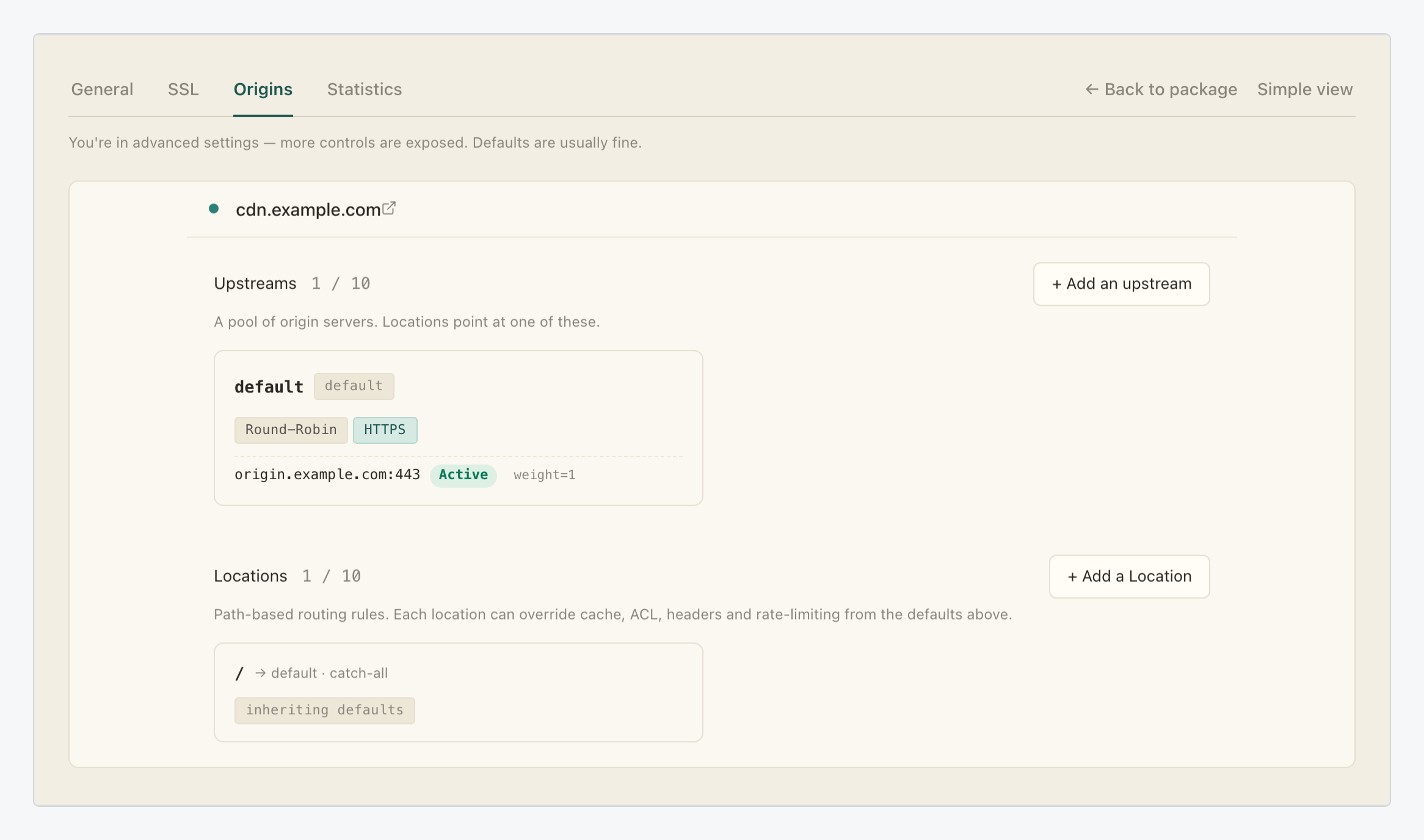
Because headers belong to a location, they are naturally per path: headers on the catch-all / apply everywhere, while headers on a narrower location such as /api/ apply only to requests matching that prefix.
Step 2: Click + Add header
Click the location’s row to expand its card. Below the General section sits the Headers group with a counter (0 / 20 on a fresh location), a No headers empty state, and the + Add header button.

Step 3: Fill in the Add a header dialog
The Add a header dialog asks for three things:
| Setting | Value |
|---|---|
| Type | A select with two options: proxy_set_header sets a header on the request sent to the origin; add_header adds a header on the response sent to the visitor. |
| Name | The header name, for example X-Custom-Header (the field’s placeholder). |
| Value | The header value. Spaces are fine, nginx variables such as $host are expanded, and an empty value strips the header before it reaches the origin. |

The type is the decision that matters. add_header is the response side: what the visitor’s browser receives, which is where CORS, caching hints and security headers live. proxy_set_header is the request side: what your origin receives, useful for tagging CDN traffic or passing a value your backend expects.
Pick the type, name the header, set its value and click Save. The header appears in the location’s list and the counter advances.
Step 4: Add CORS headers
Add each Access-Control-* header yourself as an add_header entry on the location that serves the cross-origin content: there is no dedicated CORS switch or preset, because CORS on this CDN is exactly the mechanism above. As an example (these are the standard CORS header names, not fields of the panel):
| Header (example) | Typical value |
|---|---|
Access-Control-Allow-Origin |
The origin allowed to read the response, e.g. https://app.example.com, or * for any |
Access-Control-Allow-Methods |
e.g. GET, POST, OPTIONS |
Access-Control-Allow-Headers |
Request headers the client may send, e.g. Content-Type, Authorization |
Access-Control-Max-Age |
Seconds a preflight response may be cached, e.g. 86400 |
The screenshot in Step 3 shows the first of these composed in the dialog: type add_header, name Access-Control-Allow-Origin, value https://app.example.com. Repeat the dialog for each header your cross-origin setup needs, up to the location’s limit of 20.
What you’ve set up
Your CDN now sends the headers you configured: response headers reach every visitor of the location, request headers reach your origin, and each path can carry its own set of up to 20. CORS needed no special feature, just the right response headers on the right location.
When different paths need different policies (an open API under /api/, a locked-down default everywhere else), add a location per path and give each its own list: see Route and configure a specific URL path on your CDN.