
Author: Melbicom
Blog
Speed and Collaboration in Modern DevOps Hosting
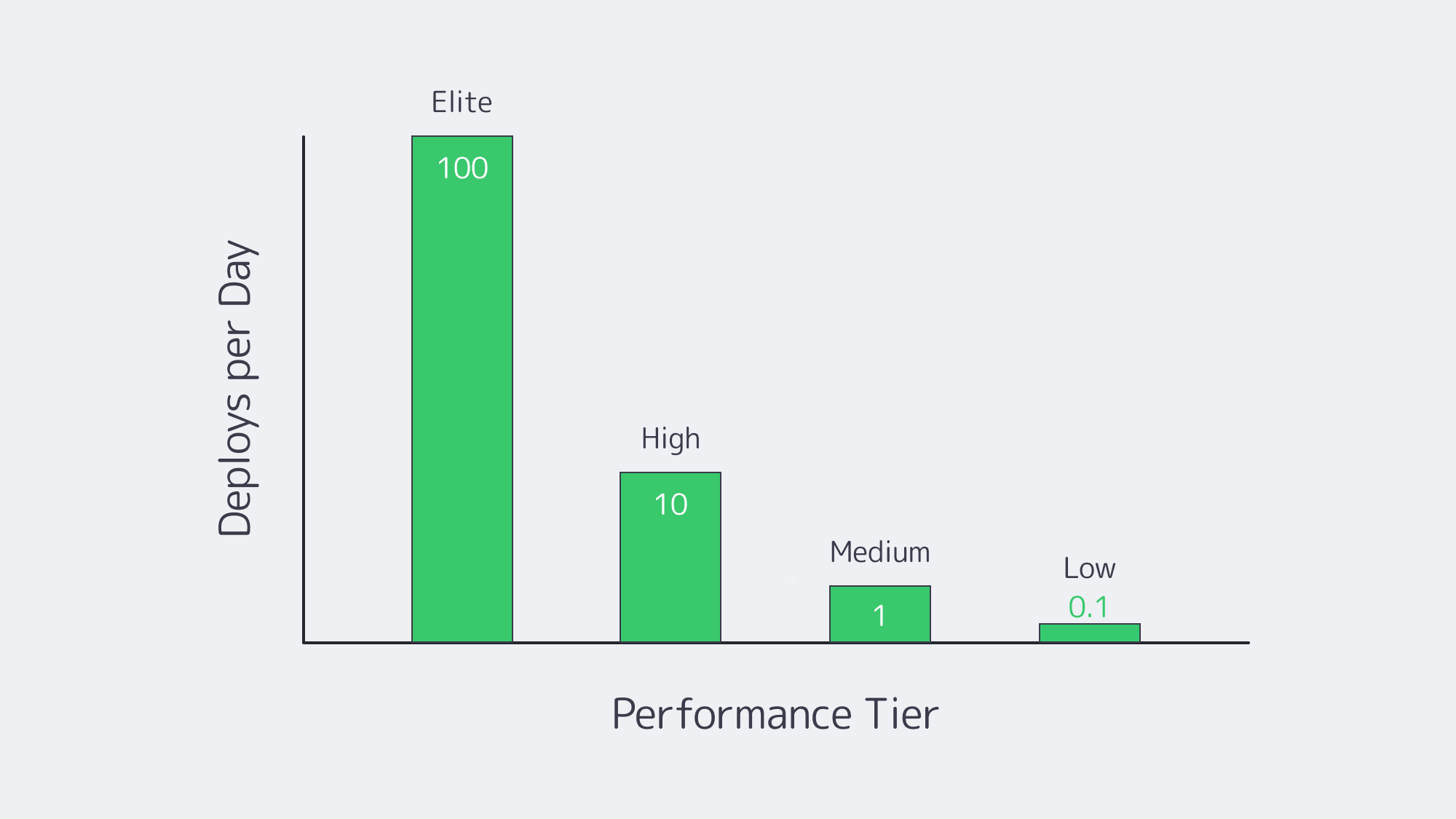
Modern software teams live or die by how quickly and safely they can push code to production. High-performing DevOps organizations now deploy on demand—hundreds of times per week—while laggards still fight monthly release trains.
To close that gap, engineering leaders are refactoring not only code but infrastructure: they are wiring continuous-integration pipelines to dedicated hardware, cloning on-demand test clusters, and orchestrating microservices across hybrid clouds. The mission is simple: erase every delay between “commit” and “customer.”
Choose Melbicom— 1,300+ ready-to-go servers — 21 global Tier IV & III data centers — 55+ PoP CDN across 6 continents |
 |
Below is a data-driven look at the four tactics that matter most—CI/CD, self-service environments, container orchestration, and integrated collaboration—followed by a reality check on debugging speed in dedicated-versus-serverless sandboxes and a brief case for why single-tenant servers remain the backbone of fast pipelines.
CI/CD: The Release Engine
Continuous integration and continuous deployment have become table stakes—83 % of developers now touch CI/CD in their daily work.[1] Yet only elite teams convert that tooling into true speed delivering 973 × more frequent releases with three orders of magnitude faster recovery times than the median.
Key accelerators
| CI/CD Capability | Impact on Code-to-Prod | Typical Tech |
|---|---|---|
| Parallelized test runners | Cuts build times from 20 min → sub-5 min | GitHub Actions, GitLab, Jenkins on auto-scaling runners |
| Declarative pipelines as code | Enables one-click rollback and reproducible builds | YAML-based workflows in main repo |
| Automated canary promotion | Reduces blast radius; unlocks multiple prod pushes per day | Spinnaker, Argo Rollouts |
Many organizations still host runners on shared SaaS tiers that queue for minutes. Moving those agents onto dedicated machines—especially where license-weighted tests or large artifacts are involved—removes noisy-neighbor waits and pushes throughput to line-rate disk and network. Melbicom provisions new dedicated servers in under two hours and sustains up to 200 Gbps per machine, allowing teams to run GPU builds, security scans, and artifact replication without throttling.
Self-Service Environments: Instant Sandboxes
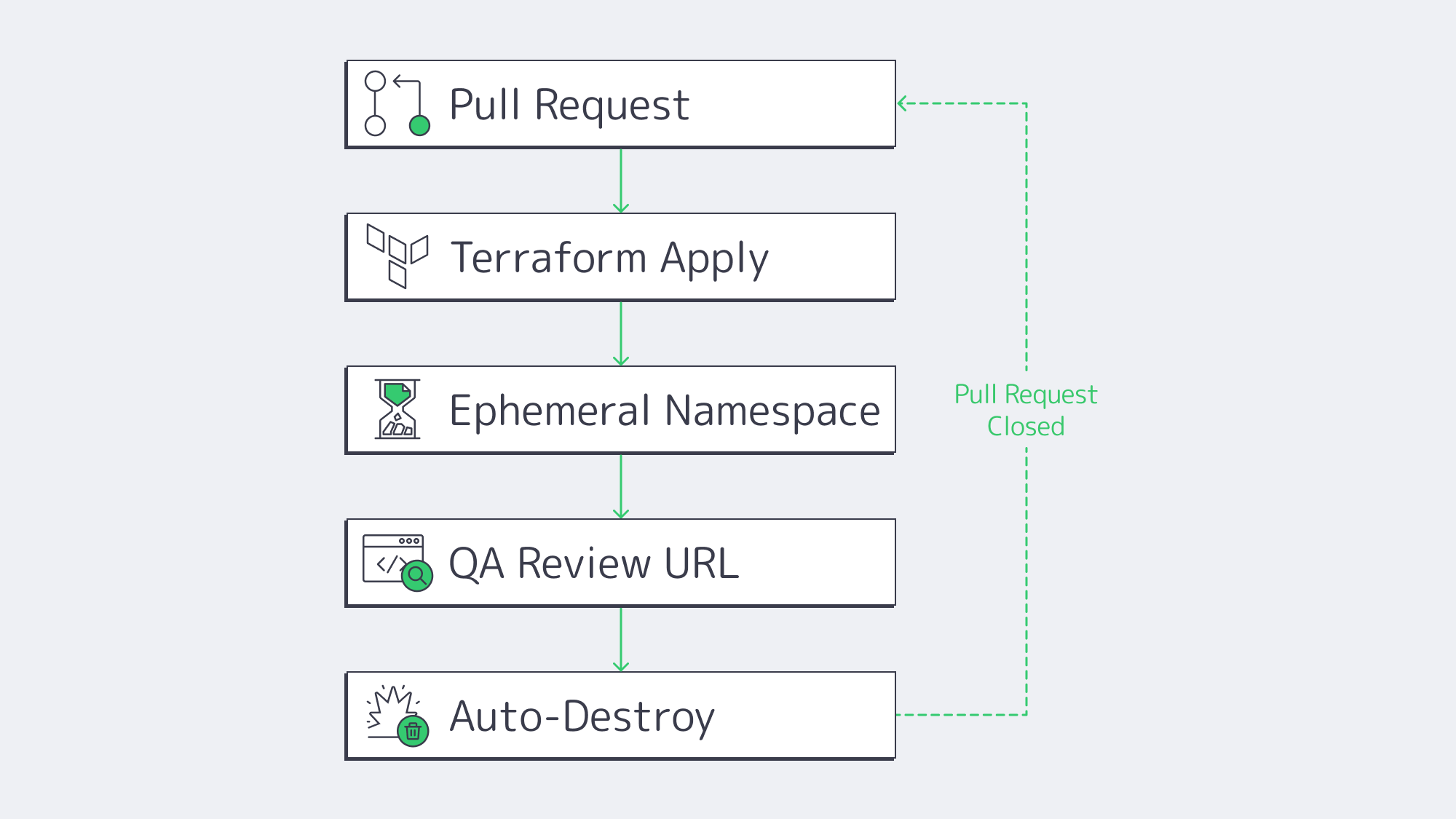
Even the slickest pipeline stalls when engineers wait days for a staging slot. Platform-engineering surveys show 68 % of teams reclaimed at least 30 % developer time after rolling out self-service environment portals. The winning pattern is “ephemeral previews”:
- Developer opens a pull request.
- Pipeline reads a Terraform or Helm template.
- A full stack—API, DB, cache, auth—spins up on a disposable namespace.
- Stakeholders click a unique URL to review.
- Environment auto-destroys on merge or timeout.
Because every preview matches production configs byte-for-byte, integration bugs surface early, and parallel feature branches never collide. Cost overruns are mitigated by built-in TTL policies and scheduled shutdowns. Running these ephemerals on a Kubernetes cluster of dedicated servers keeps cold-start latency near zero while still letting the platform burst into a public cloud node pool when concurrency spikes.
Container Orchestration: Uniform Deployment at Scale
Containers and Kubernetes long ago graduated from buzzword to backbone—84 % of enterprises already evaluate K8s in at least one environment, and two-thirds run it in more than one.[2] For developers, the pay-off is uniformity: the same image, health checks, and rollout rules apply on a laptop, in CI, or across ten data centers.
Why it compresses timelines:
- Environmental parity. “Works on my machine” disappears when the machine is defined as an immutable image.
- Rolling updates and rollbacks. Kubernetes deploys new versions behind readiness probes and auto-reverts on failure, letting teams ship multiple times per day with tiny blast radii.
- Horizontal pod autoscaling. When traffic spikes at 3 a.m., the control plane—not humans—adds replicas, so on-call engineers write code instead of resizing.
Yet orchestration itself can introduce overhead. Surveys find three-quarters of teams wrestle with K8s complexity. One antidote is bare-metal clusters: eliminating the virtualization layer simplifies network paths and improves pod density. Melbicom racks server fleets with single-tenant IPMI access so platform teams can flash the exact kernel, CNI plugin, or NIC driver they need—no waiting on a cloud hypervisor upgrade.
Integrated Collaboration: Tooling Meets DevOps Culture
Speed is half technology, half coordination. High-velocity teams converge on integrated work surfaces:
- Repo-centric discussions. Whether on GitHub or GitLab, code, comments, pipeline status, and ticket links live in one URL.
- ChatOps. Deployments, alerts, and feature flags pipe into Slack or Teams so developers, SREs, and PMs troubleshoot in one thread.
- Shared observability. Engineers reading the same Grafana dashboard as Ops spot regressions before customers do. Post-incident reports feed directly into the backlog.
The DORA study correlates strong documentation and blameless culture with a 30 % jump in delivery performance.[3] Toolchains reinforce that culture: if every infra change flows through a pull request, approval workflows become social, discoverable, and searchable.
Debugging at Speed: Hybrid vs. Serverless
Nothing reveals infrastructure trade-offs faster than a 3 a.m. outage. When time-to-root-cause matters, always-on dedicated environments beat serverless sandboxes in three ways:
| Criteria | Dedicated Servers (or VMs) | Serverless Functions |
|---|---|---|
| Live debugging & SSH | Full access; attach profilers, trace syscalls | Not supported; rely on delayed logs |
| Cold-start latency | Warm; sub-10 ms connection | 100 – 500 ms per wake-up |
| Execution limits | None beyond hardware | Hard caps (e.g., 15 min, 10 GB RAM) |
Serverless excels at elastic front-end API scaling, but its abstraction hides the OS, complicates heap inspection, and enforces strict runtime ceilings. The pragmatic pattern is therefore hybrid:
- Run stateless request handlers as serverless for cost elasticity.
- Mirror critical or stateful components on a dedicated staging cluster for step-through debugging, load replays, and chaos drills.
Developers reproduce flaky edge cases in the persistent cluster, patch fast, then redeploy to both realms with the same container image. This split retains serverless economics and dedicated debuggability.
Hybrid Dedicated Backbone: Why Hardware Still Matters
With public cloud spend surpassing $300 billion, it’s tempting to assume there’s no need for other types of solutions. Yet Gartner forecasts that 90% of enterprises will operate hybrid estates by 2027.[4] Reasons include:
- Predictable performance. No noisy neighbors means latency and throughput figures stay flat—critical when a 100 ms delay can cut e-commerce revenue 1 %.
- Cost-efficient base load. Steady 24 × 7 traffic costs less on fixed-price servers than per-second VM billing.
- Data sovereignty & compliance. Finance, health, and government workloads often must reside in certified single-tenant cages.
- Customization. Teams can install low-level profilers, tune kernel modules, or deploy specialized GPUs without waiting for cloud SKUs.
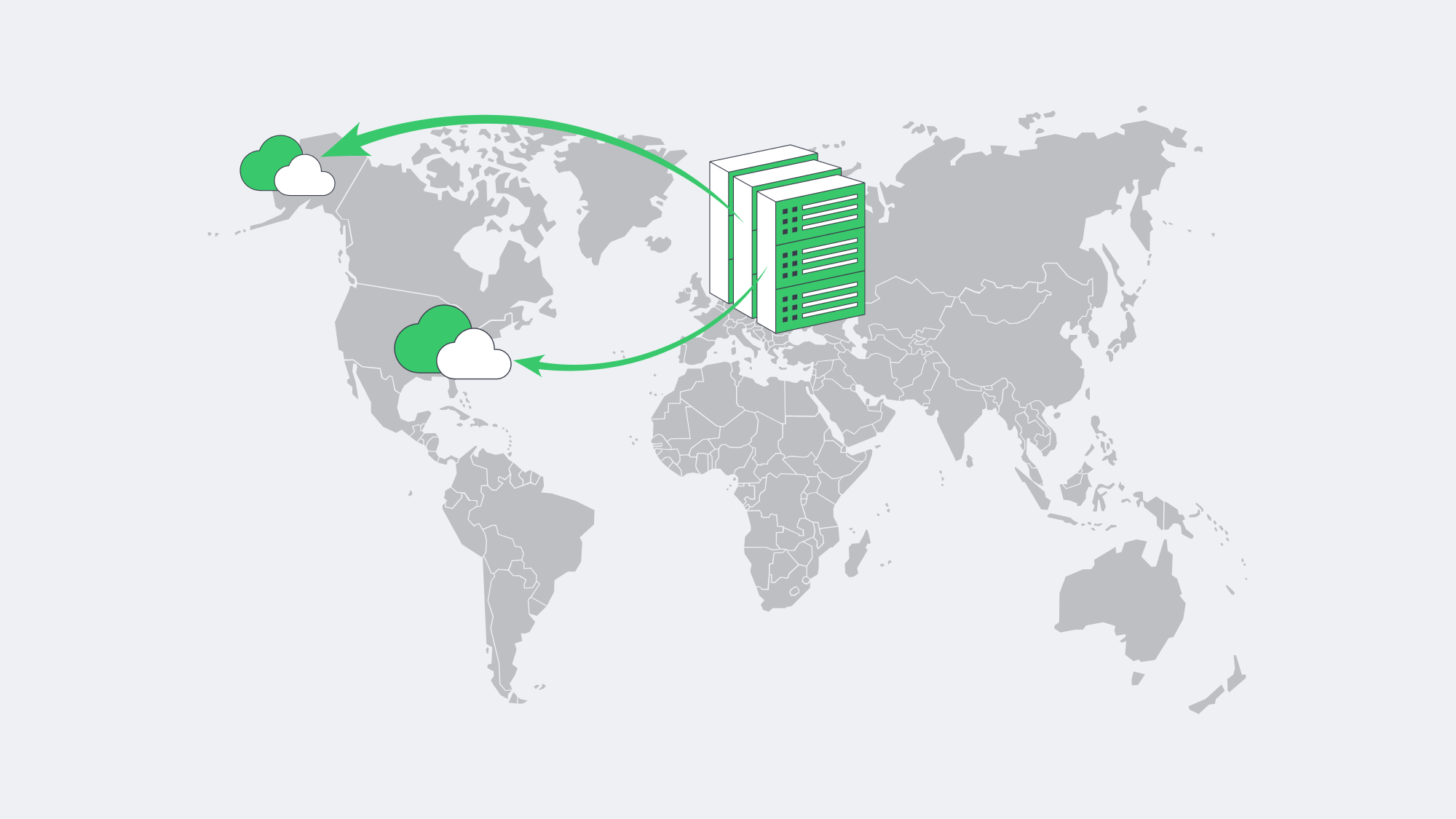
Melbicom underpins this model with 1,300+ ready configurations across 21 Tier III/IV locations. Teams can anchor their stateful databases in Frankfurt, spin up GPU runners in Amsterdam, burst front-end replicas into US South, and push static assets through a 55-plus-node CDN. Bandwidth scales to a staggering 200 Gbps per box, eliminating throttles during container pulls or artifact replication. Crucially, servers land on-line in two hours, not the multi-week procurement cycles of old.
Hosting That Moves at Developer Speed

Fast, collaborative releases hinge on eliminating every wait state between keyboard and customer. Continuous-integration pipelines slash merge-to-build times; self-service previews wipe out ticket queues; Kubernetes enforces identical deployments; and integrated toolchains keep everyone staring at the same truth. Yet the physical substrate still matters. Dedicated servers—linked through hybrid clouds—sustain predictable performance, deeper debugging, and long-term cost control, while public services add elasticity at the edge. Teams that stitch these layers together ship faster and sleep better.
Deploy Infrastructure in Minutes
Order high-performance dedicated servers across 21 global data centers and get online in under two hours.
Get expert support with your services
Blog
Upgrade to SQL Server 2022 for Peak Performance and Predictable Cost
A production database is one of the fastest aging technologies. However, a survey of thousands of instances under observation reveals that over 30 % of SQL Server implementations are currently running on a release that is already out of extended support, or within 18 months of being out of it. In the meantime, data-hungry applications are demanding millisecond latency and linear scalability—something the older engines were never designed to handle.
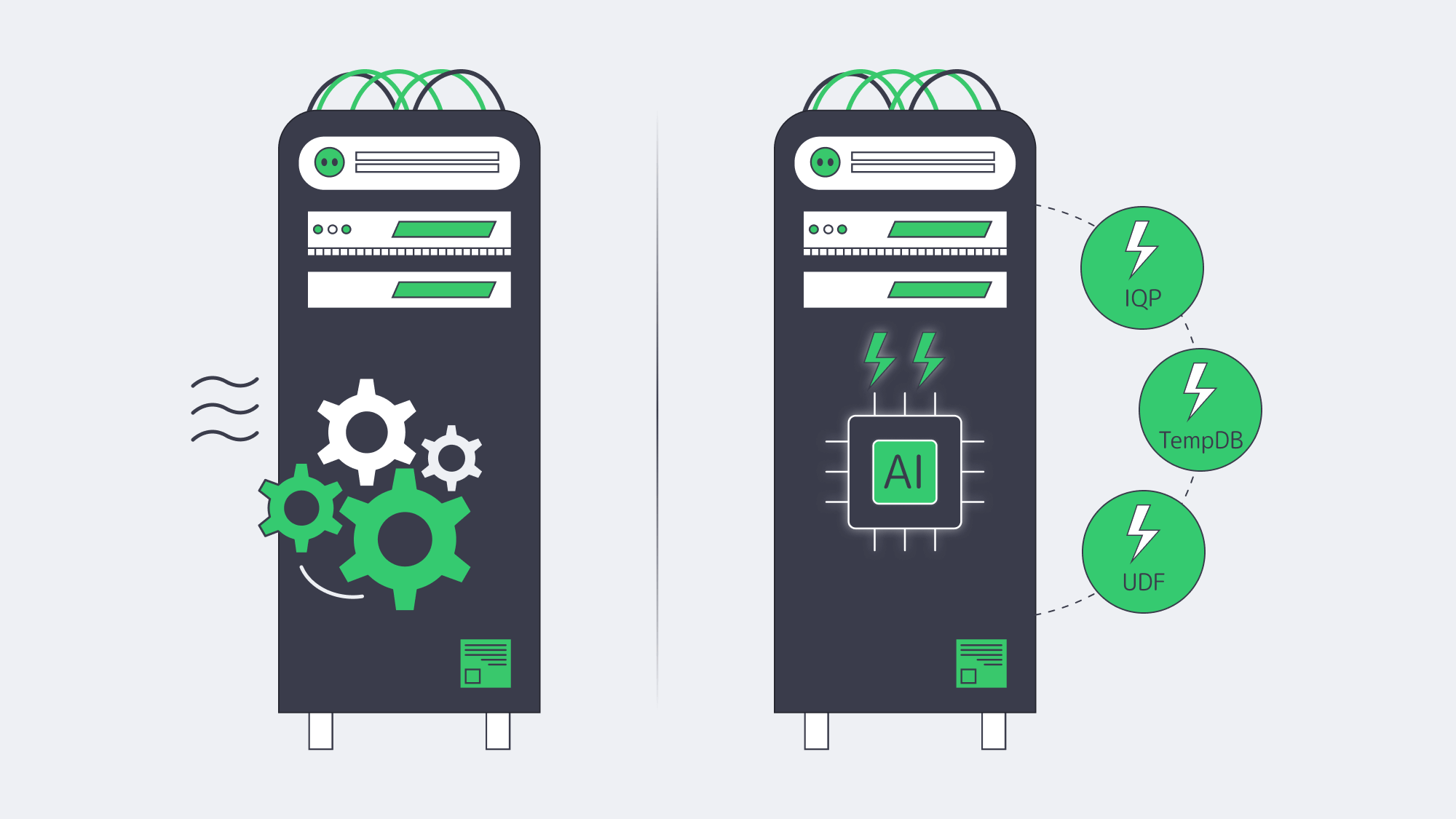
The fastest route to both resilience and raw speed is an in-place upgrade to SQL Server 2022. It builds on all the progress in 2019 and adds a second wave of Intelligent Query Processing, latch-free TempDB metadata, and fully inlined scalar UDFs. Before you write your first line of T-SQL, a lot of workloads will perform significantly faster, typically 20-40 % in Microsoft benchmarks, and sometimes by much more than 10 × when TempDB or UDF contention was the underlying problem.
Equally essential, the 2022 release sets the support clock well into the 2030s, so there is no longer the yearly scramble (and cost burden) to keep up with Extended Security Updates. Under a modern license, you have complete certainty about the database’s cost, regardless of how high transaction volumes increase; a type of predictability that is becoming increasingly valuable.
Why Move Now? Support Deadlines and Predictable Costs
SQL Server 2012, 2014, and 2016 either ran out of extended support or are heading to the door in a sprint. Security fixes now require ESUs that begin at 75 % of the original license price in year 1 and increase to 125 % by year 3.[1] Paying such ransom keeps the lights on but can purchase zero performance headroom.
The same is reflected in market data: ConstantCare telemetry data collected by Brent Ozar shows that 2019 already has a 44 % share, with 2022 already surpassing 20 % and being the fastest-growing release.[2] Enterprises are not only jumping on board to keep up with patching, but to get the performance that their peers are already experiencing.
Support Clock at a Glance
| Release | Mainstream End | Extended End |
|---|---|---|
| 2012 | Jul 2017 | Jul 2022 |
| 2014 | Jul 2019 | Jul 2024 |
| 2016 | Jul 2021 | Jul 2026 |
| 2019 | Jan 2025 | Jan 2030 |
| 2022 | Nov 2027 | Nov 2032 |
Table 1. ESUs available at escalating cost through 2025.
The pattern is evident: roughly every three to five years, the floor just falls out under an older release. You are already beyond the safety net regarding 2012 or 2014. People on 2016 only have a year’s worth of fixes left, not even a full QA cycle. Many multi-year migration programs will not complete before SQL Server 2019 loses its mainstream status. Leaping directly to 2022, the runway is extended by a decade, which leaves engineering capacity to complete its features and optimize performance, rather than emergency patch sprints.
How Does SQL Server 2022 Improve Performance on Day One?
Intelligent Query Processing 2.0
The 2022 release adds Parameter Sensitive Plan optimization and iterative memory grant feedback. The optimizer is allowed to hold multiple plans for the same query and to perfect memory reservations in the long term. Microsoft developers cite 2-5 × speedups on OLTP, including skewed data distributions, without a code change beyond a compatibility level.
Memory-Optimised TempDB Metadata
The TempDB latch waits used to throttle highly concurrent workloads. Microsoft migrated key system tables to latch-free and memory-optimized designs in 2019, and the feature has been enhanced further in 2022. The final bottleneck of the ETL pipelines and nightly index rebuild can be eliminated with one ALTER SERVER CONFIGURATION command.
Accelerated Scalar UDFs
SQL Server 2022 converts scalar UDFs to relational expressions within the primary plan, resulting in orders of magnitude CPU savings where UDFs previously ruled. Add table-variable deferred compilation and rowstore batch mode, and faster backup/restore, and most workloads get measurable gains without code changes.
Putting the Numbers in Context
The in-house TPC E run of SQL Server 2022 on 64 vCPUs achieved 7,800 tpsE, a 19 % increase over the 6,500 tpsE result achieved by SQL Server 2019 on the same hardware. The 95th percentile latency and CPU utilization also decreased by 82 % to 67 %.
Licensing Choices—Core or CAL, Standard or Enterprise
Licensing is what moves TCO, rather than hardware; hence choose wisely.
| Model | When It Makes Sense | 2022 List Price |
|---|---|---|
| Per Core (Std/Ent) | Internet-facing or > 60 named users; predictable cost per vCPU | Std $ 3,945 / 2 cores Ent $ 15,123 / 2 cores |
| Server + CAL (Std) | ≤ 30 users or devices; controlled internal workloads | $ 989 per server + $ 230 per user/device |
| Subscription (Azure Arc) |
Short-term projects, OpEx accounting, auto-upgrades | Std $ 73 / core-mo Ent $ 274 / core-mo |
Table 2. Open No-Level US pricing — check regional programs.
Example: 100 User Internal ERP
- Server + CAL: $989 + (100 × $230 ) ≈ $24 k
- Per-Core Standard: 4 × 2-core packs × $3,945 ≈ $15.8 k
- Per-Core Enterprise: 4 × 2-core packs × $15,123 ≈ $60.5 k
CAL licensing is 50 % more expensive than per core Standard at 100 users.
Standard or Enterprise?
Standard limits the buffer pool to 128 GB and parallelism to 24 cores, but has the entire IQP stack sufficient for the majority of departmental OLTP.
With all physical cores licensed, Enterprise eliminates hardware limits, enables online indexing operations, multi-replica Availability Groups, data compression, and unrestricted VM permissions. Enterprise pays off when you require more than 128 GB of RAM or multi-database failover.
How Do Dedicated Servers Multiply SQL Server 2022 Gains?
No matter how smart the optimizer is, it cannot outrun a slow disk or a clogged network. SQL Server 2022 on dedicated hardware prevents these noisy neighbour effects that are typical of multi-tenant cloud options and takes advantage of the engine memory bandwidth appetite.
Melbicom delivers servers with up to 200 Gbps of guaranteed throughput and NVMe storage arrays optimized to microsecond I/O. With 21 data centers spread throughout Europe, the Americas, and Asia, databases can be located within a few milliseconds of the user base. Over 1,300 server configurations are deployed within two-hour windows; scale-outs no longer wait months to be procured.
Compliance also increases. Financial regulators are increasingly singling out shared hosting as a site of sensitive workloads. Running SQL Server on bare metal makes audits easy: there are only your applications on the box and you are in control of the encryption keys.
Choose Melbicom— 1,300+ ready-to-go servers — 21 global Tier IV & III data centers — 55+ PoP CDN across 6 continents |
|
How to Upgrade to SQL Server 2022: Implementation Checklist
- Take care of licensing ahead of time. Check audit cores and user counts; then make a decision on whether to reuse licenses with SA or purchase new packs.
- Before and After Benchmark. Take before-and-after wait statistics on the current instance, including the upgrade counts.
- Roll out new features over time. Flip compatibility to 160 in QA, monitor Query Store, and repeat in production
- Enable memory-optimized TempDB metadata. Validate latch waits go away.
- Review hardware headroom. Even when DB-level features are no longer sufficient to fill up the CPU, scaling up clocks or core counts is no problem with dedicated gear.
Automated tooling is beneficial. Query Store retains the plans before the upgrade, and you can override to an old plan in case a regression is observed. Distributed Replay or Workload Tools may be used to record production traffic and replay it onto a test clone, revealing surprises well before go-live. Finally, maintain a rollback strategy: once a database connects to 2022, the engine cannot be rolled back, so only perform a compressed copy-only backup before migrating. Storage is cheap, but downtime is not.
Ready to Modernize Your Data Platform?
SQL Server 2022 reduces latency, minimizes CPU usage, and pushes the next support deadline almost a decade into the future, providing finance with a fixed-cost model. The technical work is done by most teams within weeks, followed by years of operational breathing space.
Get Your Dedicated Server Today
Deploy SQL Server 2022 on high-spec hardware with up to 200 Gbps bandwidth in just a few hours.
Get expert support with your services
Blog
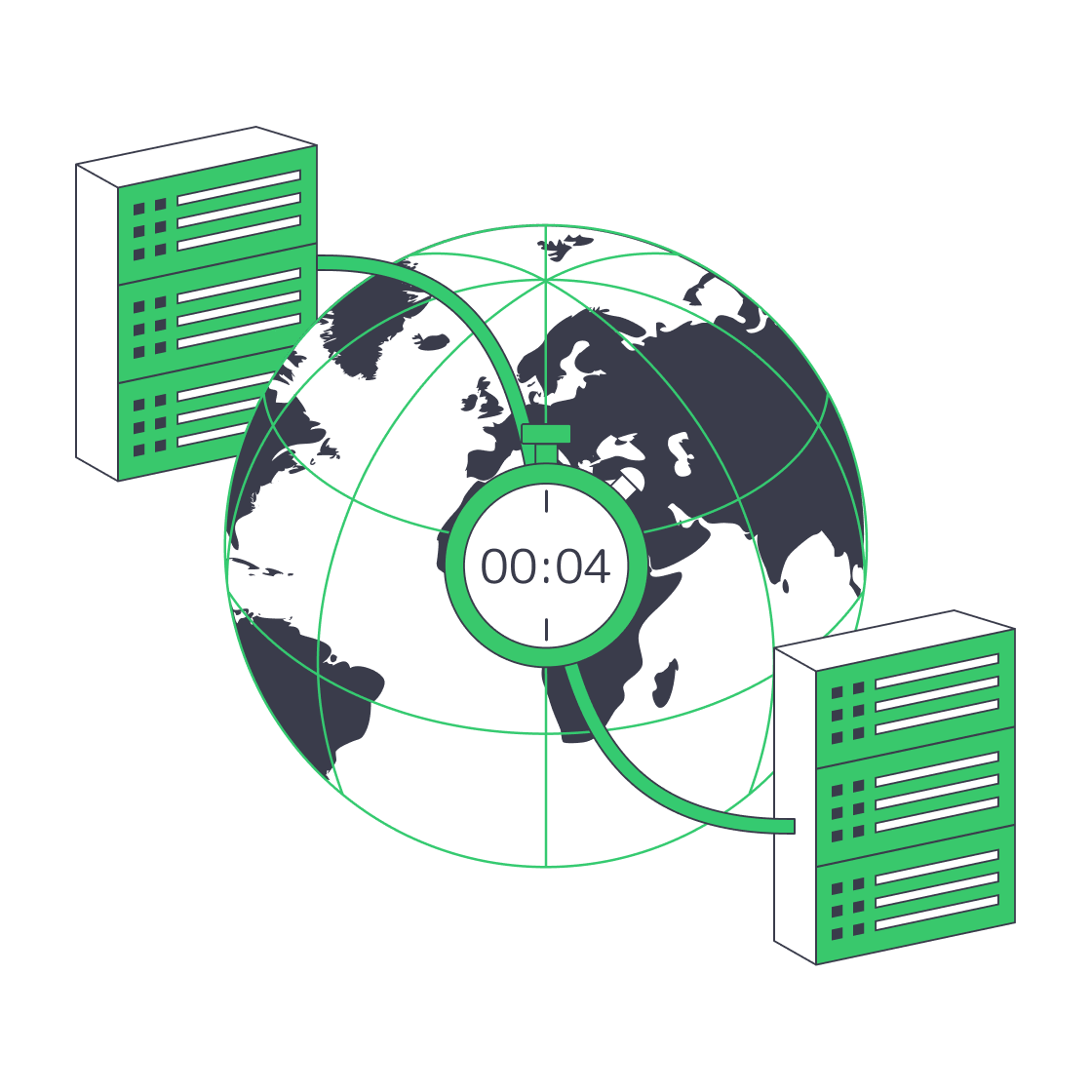
Architecting Minutes-Level RTO with Melbicom Servers
The impact of unplanned downtime for modern businesses is significantly higher than ever before. Research pegs last year’s average cost, which was once around $5,600, at $14,056 per minute for midsize and large organizations, which is intolerable. In situations where real-time transactions are required for operation, every second of downtime equates to revenue loss. Furthermore, it can spell contractual penalties and erode the client and customer trust of the brand. The best preventative measure is storing a fully recoverable copy of critical workloads in a secondary data center. The location should be distant enough to survive regional disasters, yet close and fast for a swift takeover if needed.
Melbicom operates via 21 Tier III and IV facilities; each is connected with high-capacity, private backbone links that are capable of bursting up to 200 Gbps per server. With our operation, architects are able to place primary and secondary—or even tertiary—nodes distinctly. There is no need to change vendors or tooling with our setup to achieve a geographically separated backup architecture. That way, a single-point-of-failure trap is evaded and the result is “near-zero downtime.”
Choose Melbicom— 1,300+ ready-to-go servers — 21 global Tier IV & III data centers — 55+ PoP CDN across 6 continents |
|
Why Should You Pair—or Triple—Dedicated Backup Server Nodes?
- Node A and Node B are located hundreds of kilometres apart, serving as production and standby, respectively, and replicating data changes continually.
- Node C is located at a third site to provide an air-gapped layer of safety that can also serve as a sandbox for testing and experimentation without affecting production.
Dual operation absorbs traffic and keeps business running. Shared cloud DR can often run into CPU contention and capacity issues, which is never a problem with physical servers. Likewise, power is never sacrificed; should a problem arise at Site A, there is an instantaneous plan B. Should ransomware encrypt Site A volumes, then Site B boots pre-scripted VMs or dedicated server images. Issues are resolved within minutes. When you consider that statistically only 24% of organisations expect to recover in under ten minutes, Melbicom’s minutes-long RTO demonstrates elite performance.
How Does Block-Level Encrypted Replication Cut RPO and Network Load?
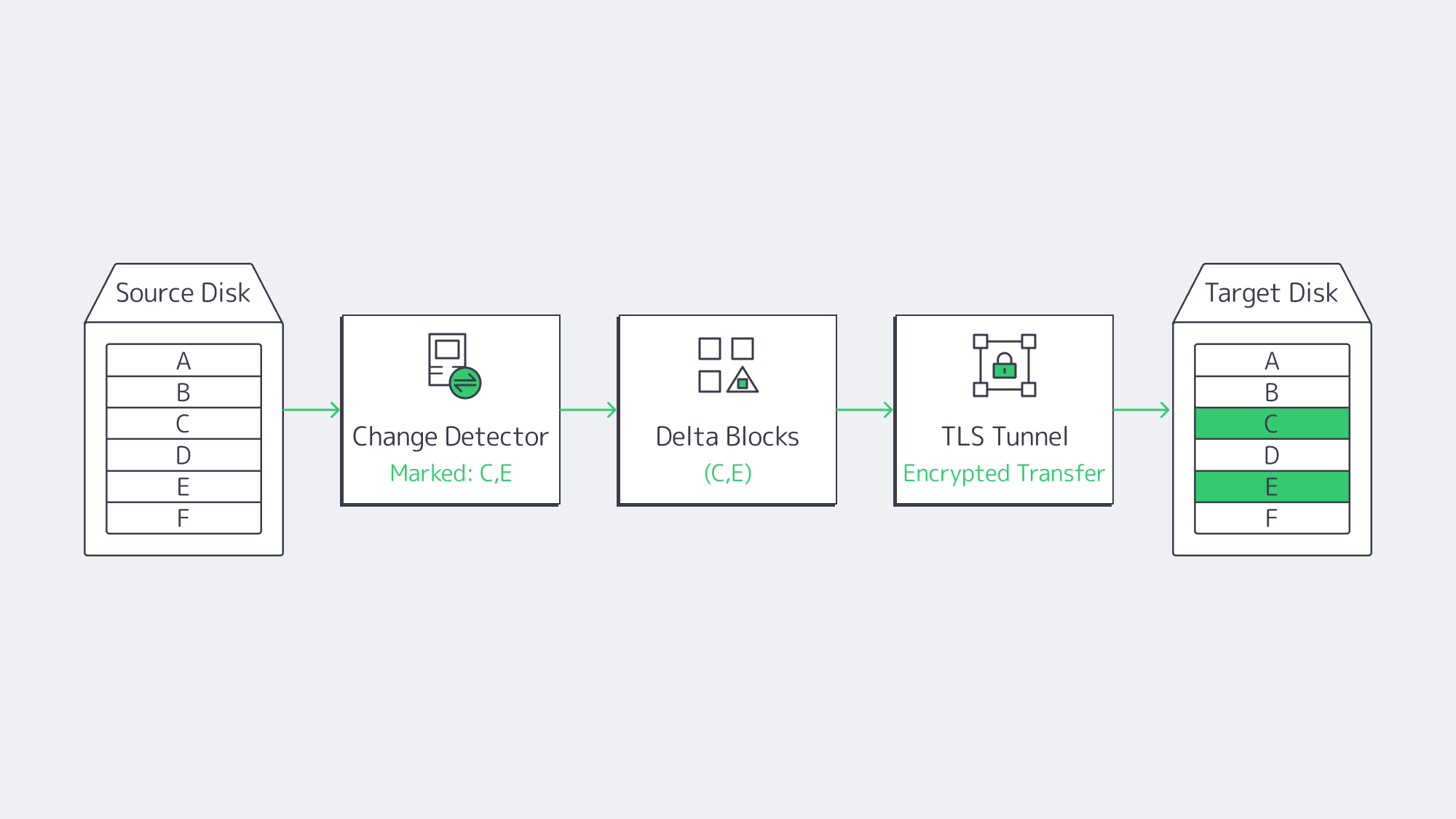
For always-on workloads, copying whole files wastes resources and slows operations. The modern backup solution is to merely capture changed disk blocks in snapshots, streaming solely those deltas to remote storage. In essence, a 10 GB database update that flips 4 MB of pages will only send the 4 MB across the wire, providing the following pay-offs:
- Recovery point objectives (RPOs) of under one minute, irrespective of heavy I/O.
- Bandwidth impact remains minimal during business hours.
- Multiple point-in-time versions are retained without petabytes of duplicate data.
The data is secured by wrapping each replication hop in AES or TLS encryption, keeping it unreadable both in flight and at rest. This satisfies GDPR and HIPAA mandates without the need for any gateway appliances. Melbicom‘s infrastructure encrypts block streams at line rate, and the available capacity is saturated thanks to WAN optimization layers, which we will discuss next.
How Do WAN Acceleration and Burst Bandwidth Speed Initial Seeding?
Separating by distance brings latency, TCP streaming across the Atlantic seldom manages to hit 500 Mbps unassisted. Therefore, bundle WAN accelerators on replication stacks, tuning protocols for inline deduplication and multi-threaded streaming. With WAN acceleration, a 10× data-reduction ratio is achievable even on modest uplinks, allowing 500 Mbit/s of raw change data to move over a 50 Mbit/s pipe in real time, as reported by Veeam.
The most bandwidth-intensive step is the initial transfer, 50 TB over a 1 Gbps link can take almost five days, creating a huge bottleneck, but Melbicom has a workaround. You can opt in for a 100 or even 200 Gbps server bandwidth on the initial replication burst and then switch to a more affordable plan. That way, the full dataset loads at the secondary node in less than an hour. Once the baseline is complete, you can downgrade to 1 Gbps for block-level delta transfers, keeping ongoing costs minimal and production workloads smooth.
Spinning Up Scripted VM & Dedicated Server
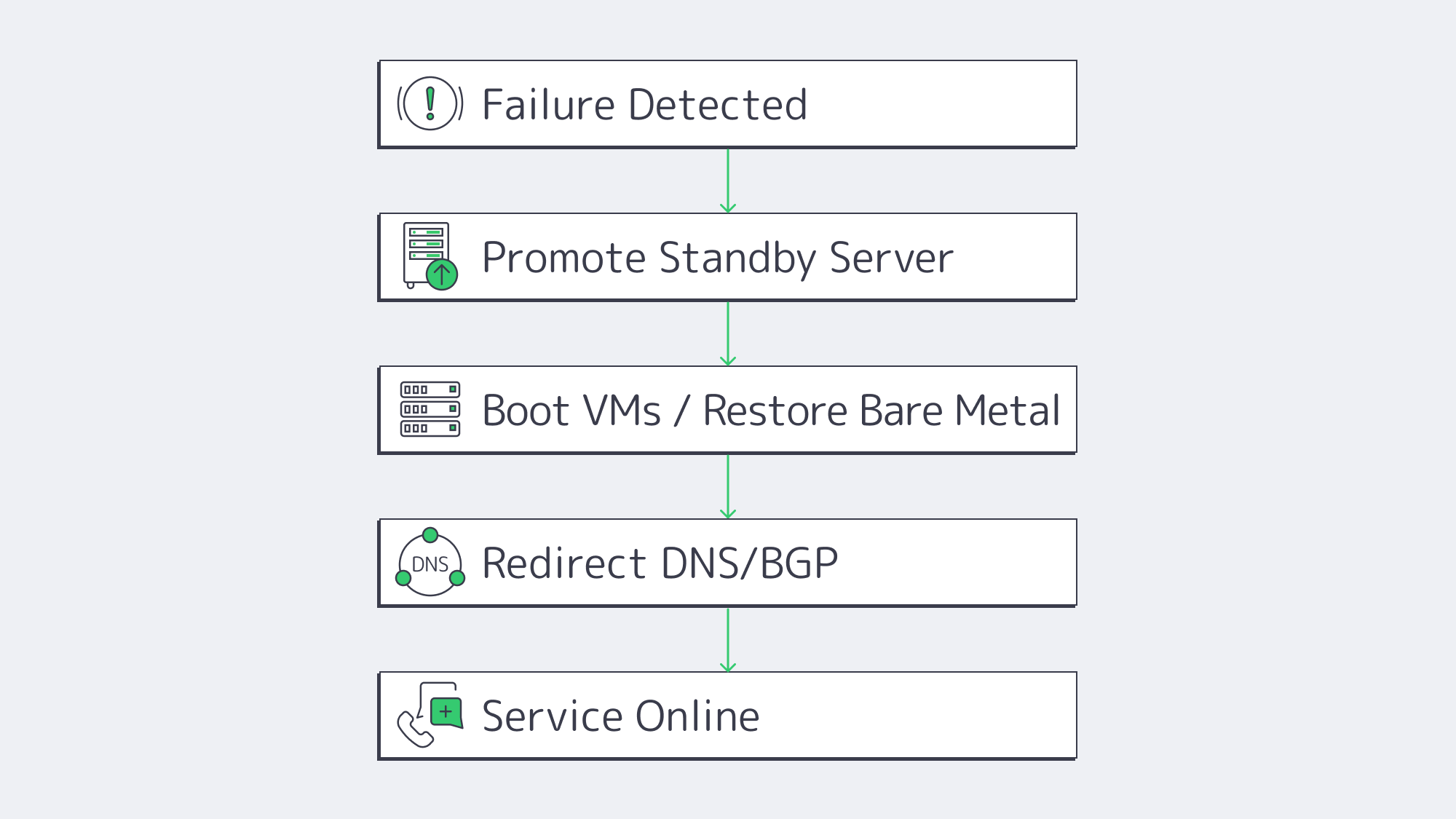
Replicated bits are no use if rebuilding your servers means a ton of downtime. That’s where Instant-Recovery and Dedicated-Server-Restore APIs scripts come into play. The average runbook looks something like this:
- Failure detected; Site A flagged offline.
- Scripts then promote Node B and register the most recent snapshots as primary disks.
- Critical VMs are then booted directly from the replicated images by the hypervisor on Node B through auto-provisioning. The dedicated server workloads PXE-boot into a restore kernel that blasts the image to local NVMe volumes.
- User sessions are swiftly redirected toward Site B via BGP, Anycast, or DNS updates using authentication caches and transactional queues to help identify where they left off and resume activity.
Because the hardware is already live in Melbicom‘s rack, total elapsed time equals boot time plus DNS / BGP convergence—often single-digit minutes. For compliance audits, scripts can run weekly fire-drills that execute the same steps in an isolated VLAN and email a readiness report.
| Backup Strategy | Typical RTO | Ongoing Network Load |
|---|---|---|
| Hot site (active-active) | < 5 min | High |
| Warm standby (replicated dedicated server) | 5 – 60 min | Moderate |
| Cold backup (off-site tape) | 24 – 72 h | Low |
Warm standby—the model enabled by paired Melbicom nodes—delivers a sweet spot between cost and speed, putting minutes-level RTO within reach of most budgets.
Designing for Growth & Threat Evolution
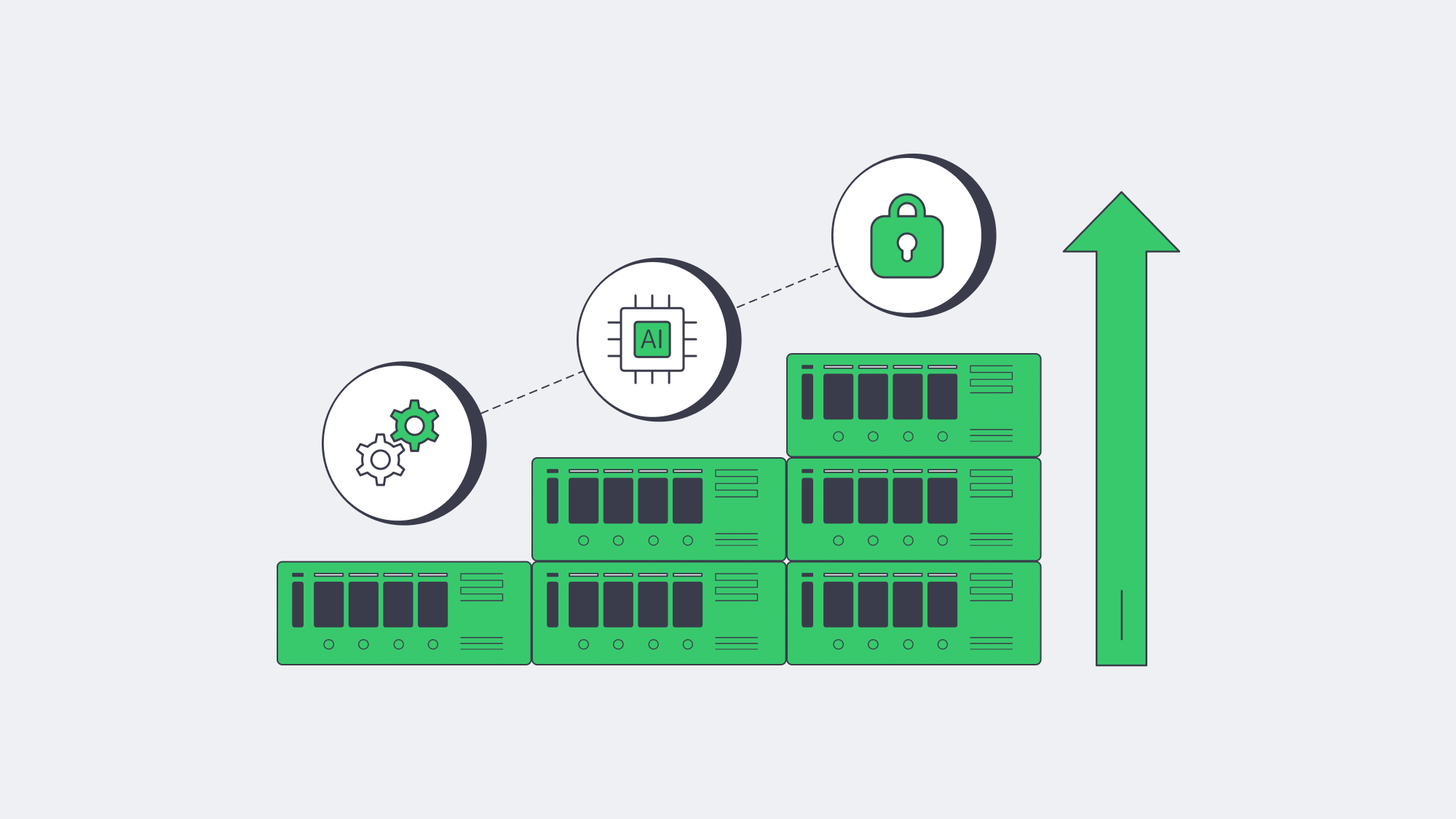
Shockingly, 54 % of organisations still lack a fully documented DR plan, despite 43 % of global cyberattacks now targeting SMBs. For these smaller enterprises, the downtime is unaffordable, highlighting the importance of resilient architecture that can be scaled both horizontally and programmatically:
- Horizontal scale—Melbicom has 1,300+ ready-to-go server configurations that can be provisioned in under two hours. They range from 8-core edge boxes to 96-core, 1 TB RAM monsters, and a further tertiary node can be spun up without procurement cycles in a different region.
- Programmatic control—Backup infrastructure versions alongside workloads as Ansible, Terraform, or native SDKs turn server commissioning, IP-address assignment, and BGP announcements into code.
- Immutable & air-gapped copies—Write-Once-Read-Many (WORM) flags on Object-storage vaults add insurance against ransomware threats.
In the future, anomaly detection will likely be AI-driven, marking suspicious data patterns such as mass encryption writes, automatically snapshotting clean versions to prevent contamination in an out-of-band vault before contamination spreads. Protocols such as NVMe-over-Fabrics will shrink failover performance gaps as they promise to make remote-disk latencies indistinguishable from local NVMe. As these advances come, Melbicom’s network will slot neatly in because it already supports sub-millisecond inter-rack latencies inside key metros with high-bandwidth backbone trunks between.
SMB Accessible
The sophistication of modern backup solutions is often considered to be “enterprise-only,” and so midsize businesses often opt for VMs, but the reality is that 75 % of SMBs, if hit by ransomware, would be forced to cease operations due to the devastation of downtime. The price of a midrange server lease at Melbicom is worth every penny, providing a single dedicated backup server in a secondary site through block-level replication of data secured with high-level encryption brings peace of mind. There is no throttling, and recoveries run locally at LAN speed, and automation is especially beneficial to smaller operations with limited IT teams.
Geography, Speed, and Automation: Make the Most of Every Minute
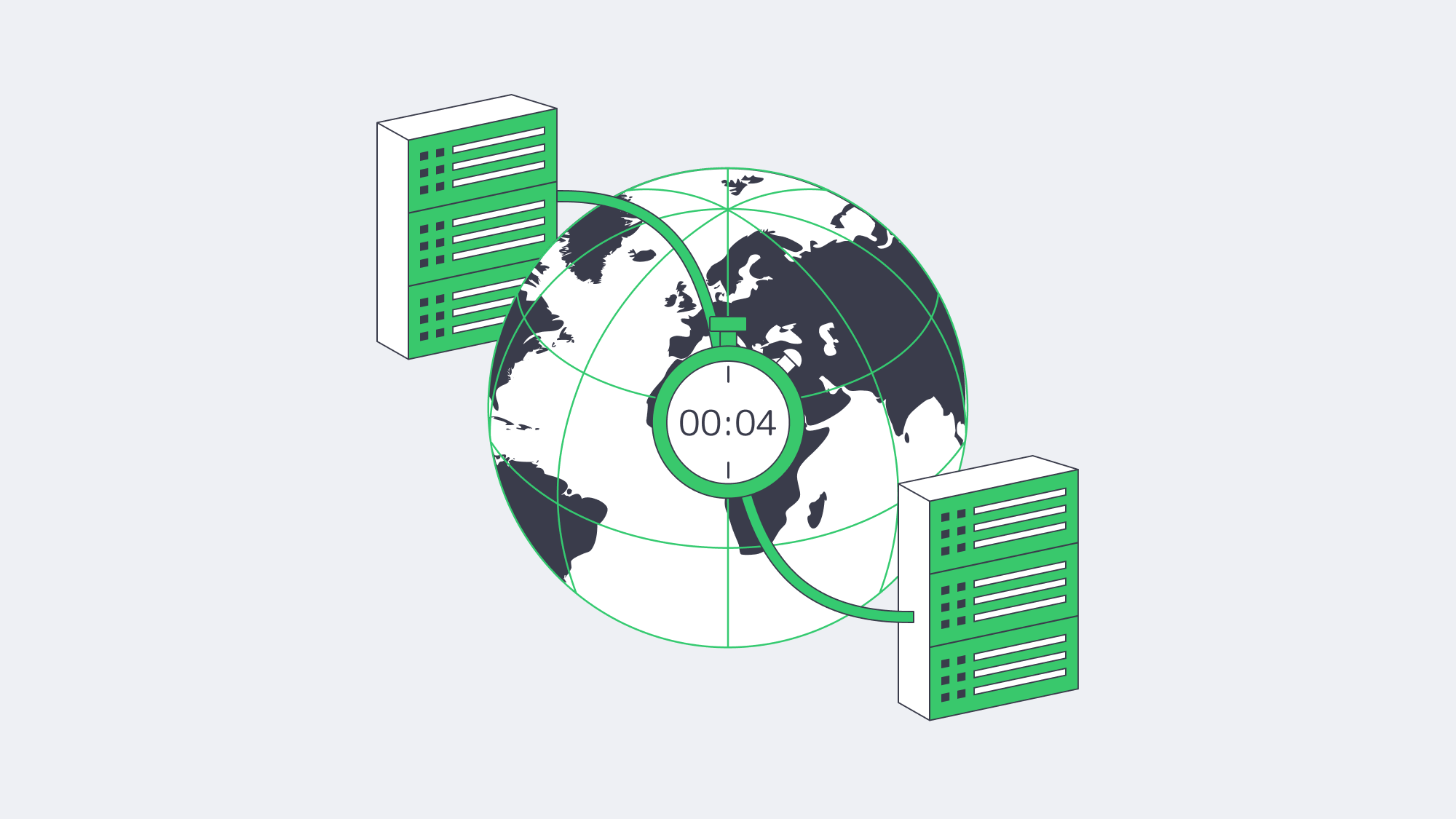
Current downtime trend statistics all signal that outages are costlier, attackers are quicker, and customer tolerance is lower. Thankfully, by geographically separating production and standby services like we do here at Melbicom, you have the cornerstone of a defensive blueprint. Securing operations requires block-level, encrypted replication for near-perfect sync. Data streams then need compression and WAN acceleration, seeding the first copy offline, and scripting the spin-ups. That way, you have a failover that is integrated into daily workflows. Executing this defense blueprint slashes an enterprise’s RTO to minutes and ensures that even the most catastrophic outage is merely a blip.
Get Your Backup-Ready Server
Deploy a dedicated server in any of 21 Tier III/IV locations and achieve minutes-level disaster recovery.
Get expert support with your services
Blog
Beyond Free: Building Bullet-Proof Server Backups
Savvy IT leads love the price tag on “free,” but experience shows that what you don’t pay in license fees you often pay in risk. The 2024 IBM “Cost of a Data Breach” study pegs the average incident at $4.88 million—the highest on record.[1] Meanwhile, ITIC places downtime for an SMB at $417–$16,700 per server‐minute.[2] With those stakes, backups must be bullet-proof. This piece dissects whether free server backup solutions—especially those pointed at a dedicated off-site server—can clear that bar, or whether paid suites plus purpose-built infrastructure are the safer long-term play.
Choose Melbicom— 1,300+ ready-to-go servers — 21 global Tier IV & III data centers — 55+ PoP CDN across 6 continents |
|
Are Free Server Backup Solutions Secure and Reliable Enough?
Why “Free” Still Sells
Free and open-source backup tools (rsync, Restic, Bacula Community, Windows Server Backup, etc.) thrive because they slash capex and avoid vendor lock-in. Bacula alone counts 2.5 million downloads, a testament to community traction. For a single Linux box or a dev sandbox, these options shine: encryption, basic scheduling, and S3-compatible targets are a CLI away. But scale, compliance and breach recovery expose sharp edges.
Reliability: A Coin-Toss You Can’t Afford
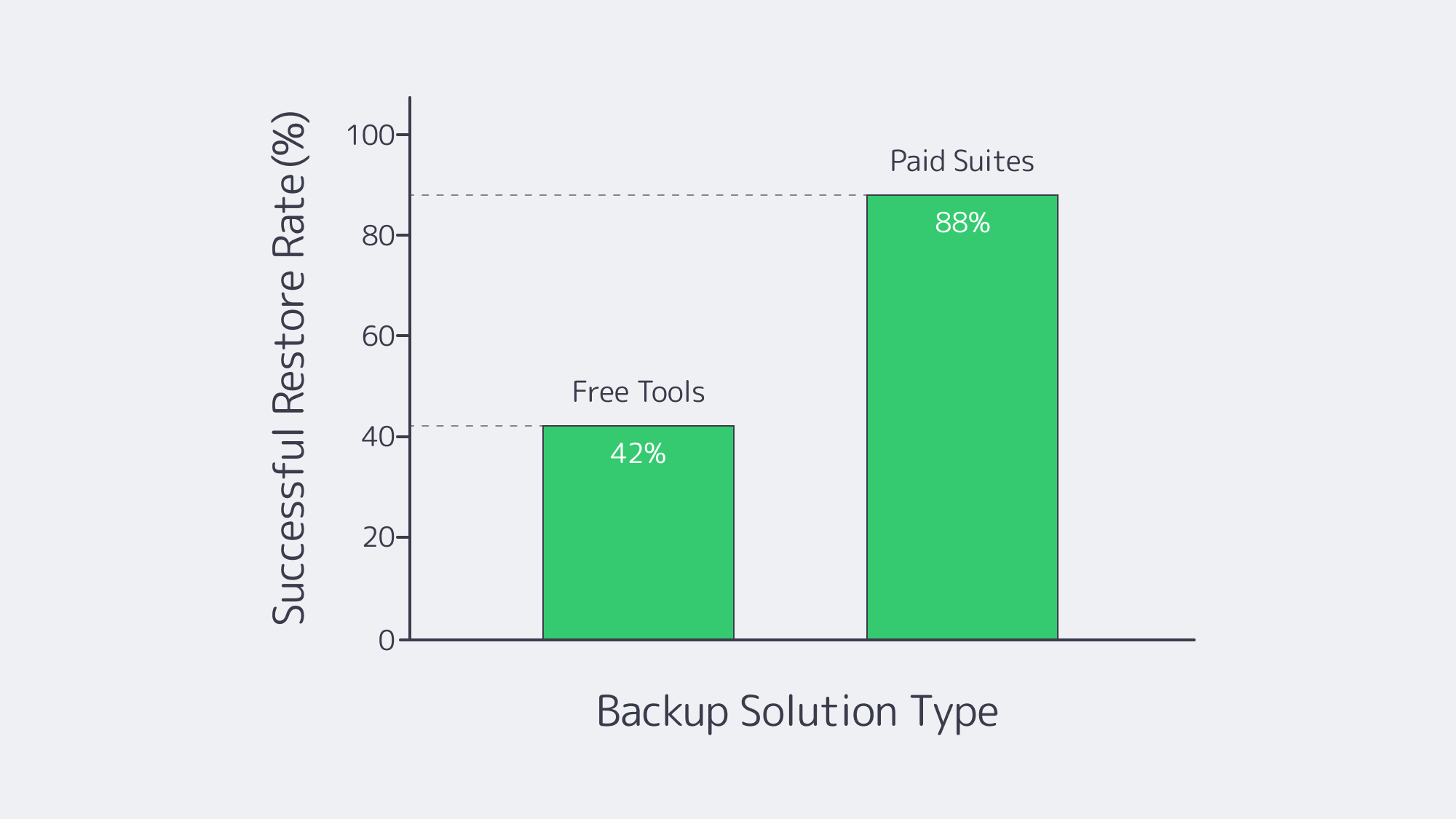
Industry surveys show 58-60 % of backups fail during recovery—often due to silent corruption or jobs that never ran.[3] Worse, 31 % of ransomware victims cannot restore from their backups, pushing many to pay the ransom anyway.[4] Free tools rarely verify images, hash files, or alert admins when last night’s job died. A mis-typed cron path or a full disk can lurk undetected for months. Paid suites automate verification, catalog integrity, and “sure-restore” drills—capabilities that cost time to script and even more to test if you stay free.
Automation & Oversight: Scripts vs. Policy Engines
Backups now span on-prem VMs, SaaS platforms, and edge devices. Free solutions rely on disparate cron tasks or Task Scheduler entries; no dashboard unifies health across 20 servers. When auditors ask for a month of success logs, you grep manually—if the logs still exist. Enterprise platforms ship policy-driven scheduling, SLA dashboards and API hooks that shut down noise. Downtime in a for-profit shop is measured in cash; paying for orchestration often costs less than the engineer hours spent nursing DIY scripts.
Storage Ceilings and Transfer Windows
Free offerings hide cliffs: Windows Server Backup tops out at 2 TB per job, only keeps a single copy, and offers no deduplication. Object-storage-friendly tools avoid the cap but can choke when incremental chains stretch to hundreds of snapshots. Paid suites bring block-level forever-incremental engines and WAN acceleration that hit nightly windows even at multi-terabyte scale.
Ransomware makes scale a security issue too. 94 % of attacks seek to corrupt backups, and a Trend Micro spin on 2024 data puts that number at 96 %.[5] Those odds demand at least one immutable or air-gapped copy—features rarely turnkey in gratis software.
Compliance & Audit Scenarios
GDPR, HIPAA, and PCI now ask not only, “Do you have a backup?” but also, “Can you prove it’s encrypted, tested, and geographically compliant?” Free tools leave encryption, MFA, and retention-policy scripting to the admin. Paid suites ship pre-built compliance templates and immutable logs—an auditor’s best friend when the clipboard comes out. When a Midwest medical practice faced an OCR audit last year, its home-grown rsync plan offered no chain of custody, and remediation fees ran into six figures. Real-world stories like that underscore that proof is part of the backup product.
The Hidden Invoice: Support and Opportunity Cost
Open-source forums are invaluable but not an MSA. During a restore crisis, waiting for a GitHub reply is perilous. Research by DevOps Institute pegs 250 staff-hours per year just to maintain backup scripts; at median engineer wages, that’s ~$16K—often more than a mid-tier commercial license. Factor in the reputational hit when customers learn their data vanished, and “free” becomes the priciest line item you never budgeted.
Why Do Dedicated Backup Servers Improve Security, Speed & Compliance?
| Feature | Free Tool + Random Storage | Paid Suite on Dedicated Server |
|---|---|---|
| End-to-end verification | Manual testing | Automatic, policy-based |
| Immutable copies | DIY scripting | One-click S3/Object lock |
| Restore speed | Best-effort | Instant VM/file-level |
| SLA & 24/7 help | None/community | Vendor + provider |
Isolation and Throughput
Pointing backups to a dedicated backup server in a Tier III/IV data center removes local disasters from the equation and caps attack surface. We at Melbicom deliver up to 200 Gbps per server, so multi-terabyte images move in one night, not one week. Free tools can leverage that pipe; the hardware and redundant uplinks eliminate the throttling that kills backup windows on cheap public VMs.
Geographic Reach and Compliance Flex
Melbicom operates 21 data-center locations across Europe, North America and beyond—giving customers sovereignty choices and low-latency DR access. You choose Amsterdam for GDPR or Los Angeles for U.S. records; the snapshots stay lawful without extra hoops.
Affordable Elastic Retention via S3
Our S3-compatible Object Storage scales from 1 TB to 500 TB per tenant, with free ingress, erasure coding and NVMe acceleration. Any modern backup suite can target that bucket for immutable, off-site copies. The blend of dedicated server cache + S3 deep-archive gives SMBs an enterprise-grade 3-2-1 posture without AWS sticker shock.
Support That Shows Up
We provide 24 / 7 hardware and network support; if a drive in your backup server fails at 3 a.m., replacements start rolling within hours. That safety net converts an open-source tool from a weekend hobby into a production-ready shield.
Free vs. Paid Backup Solutions: Making the Numbers Work
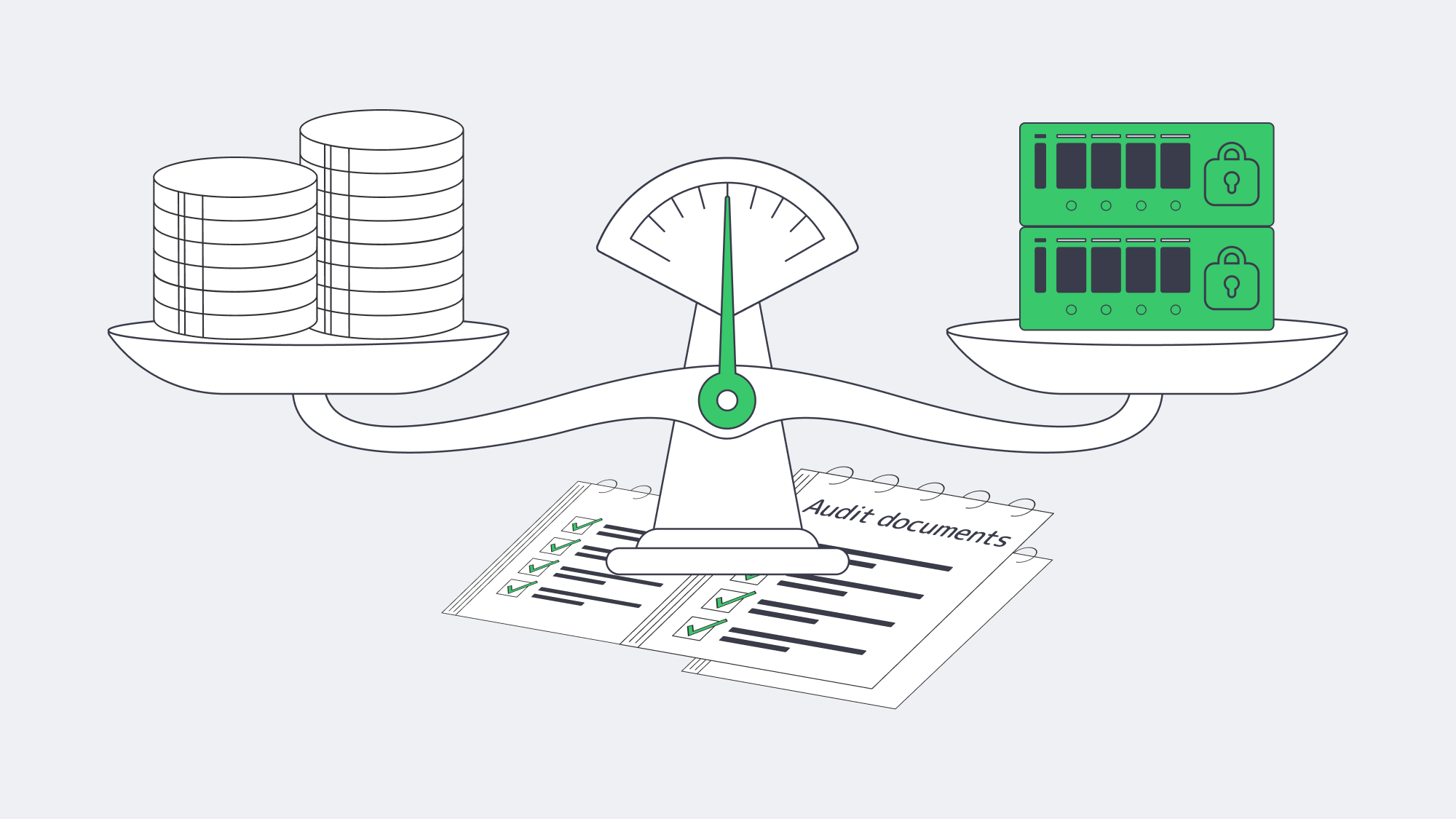
The financial calculus is straightforward: tally the probability × impact of data-loss events against the recurring costs of software and hosting. For many SMBs, a hybrid path hits the sweet spot:
- Keep a trusted open-source agent for everyday file-level backups.
- Add a paid suite or plugin only for complex workloads (databases, SaaS, Kubernetes).
- Anchor everything on a dedicated off-site server with object-storage spill-over for immutable retention.
How to Fortify Backups Beyond Just “Good Enough”
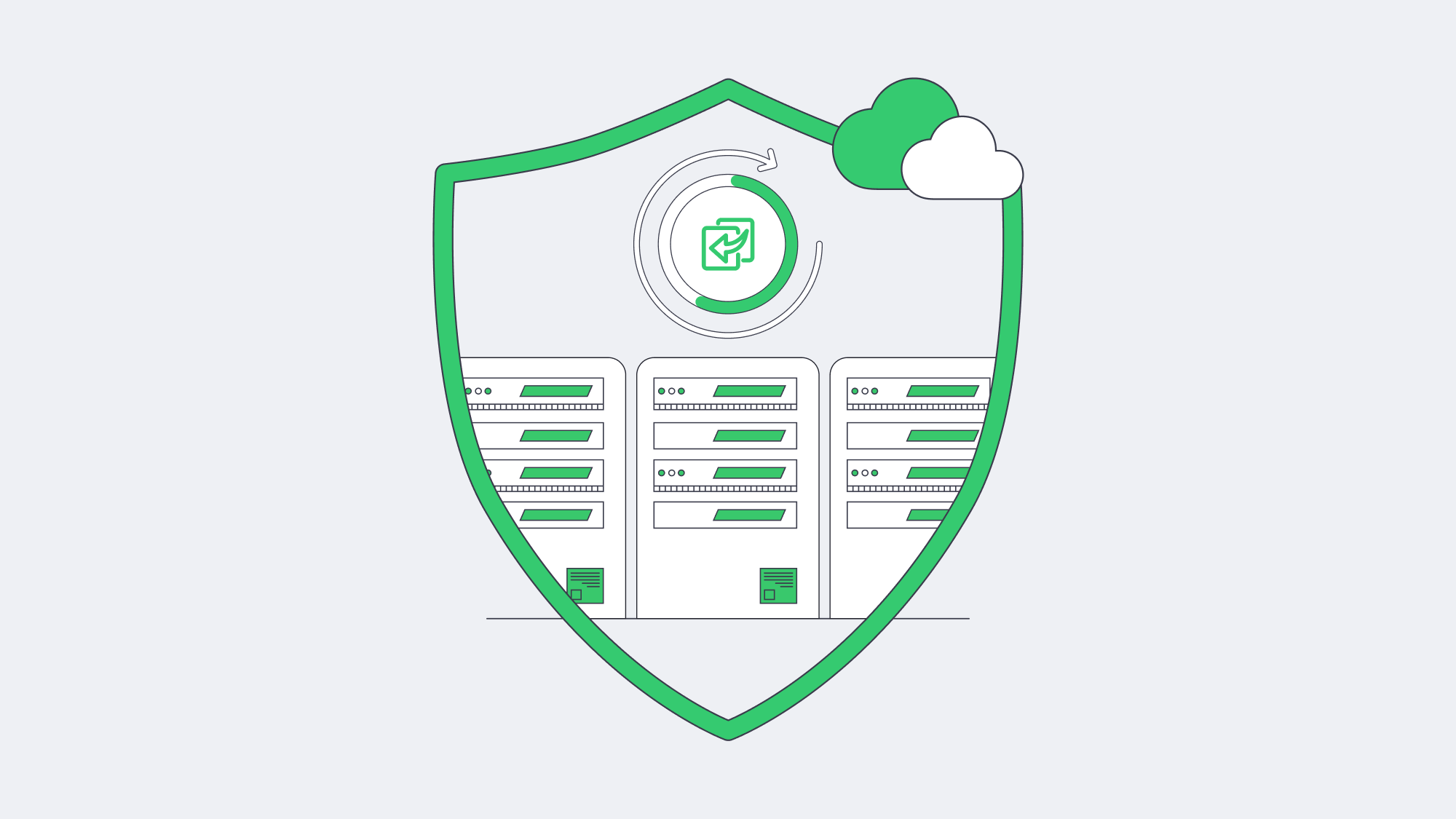
Free server backup solutions remain invaluable in the toolbox—but they rarely constitute the entire toolkit once ransomware, audits and multi-terabyte growth enter the frame. Reliability gaps, manual oversight, storage ceilings and absent SLAs expose businesses to outsized risk. Coupling a robust backup application—open or commercial—with a high-bandwidth, dedicated server closes those gaps and puts recovery time on your side.
Deploy a Dedicated Backup Server
Skip hardware delays—spin up a high-bandwidth backup node in minutes and keep your data immune from local failures.
Get expert support with your services
Blog
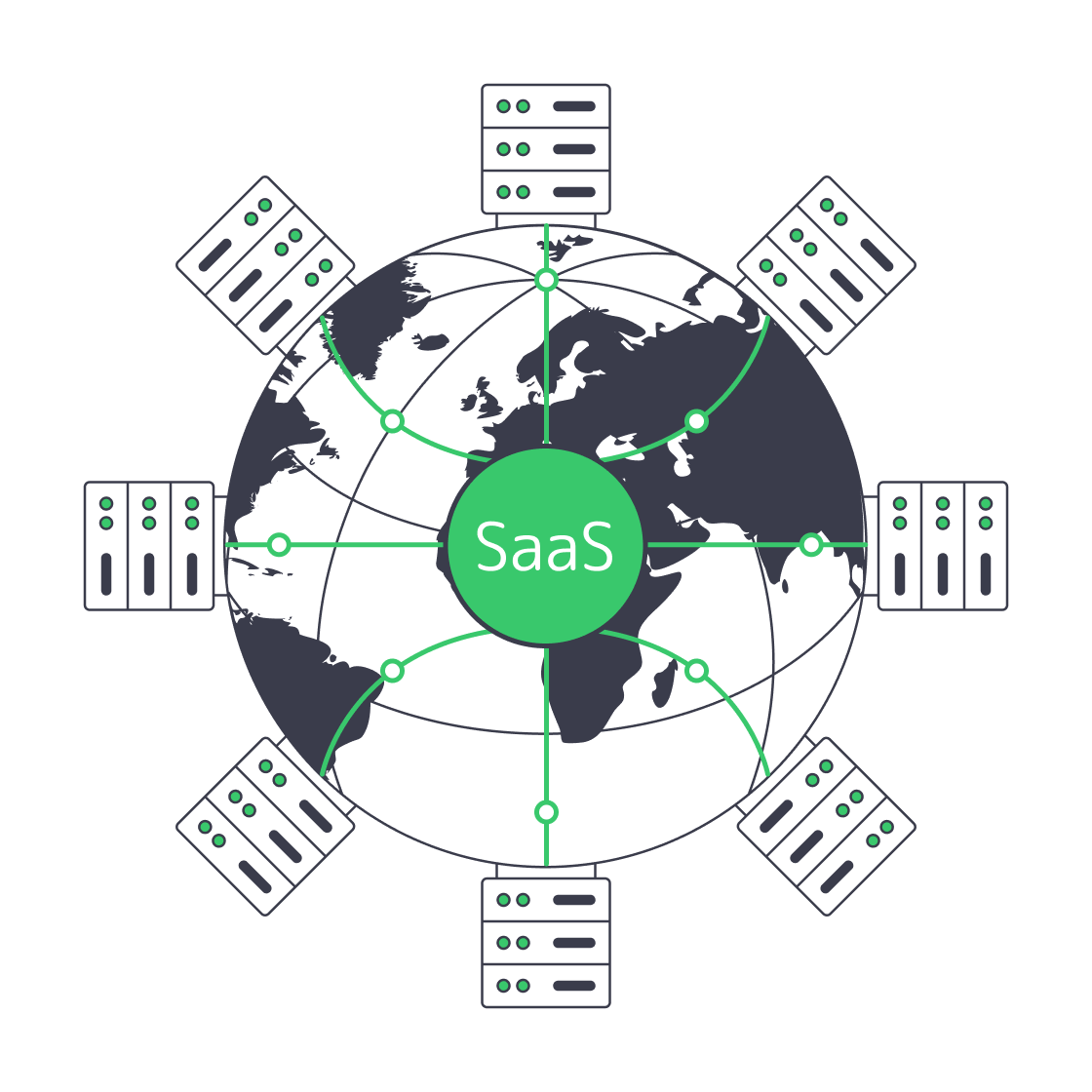
Hosting SaaS Applications: Key Factors for Multi‐Tenant Environments
Cloud adoption may feel ubiquitous, yet the economics and physics of running Software-as-a-Service (SaaS) are far from solved. Analysts put total cloud revenues at $912 billion in 2025 and still rising toward the trillion-dollar mark.[1] At the same time, performance sensitivity keeps tightening: Amazon found that every 100 ms of extra latency reduced sales by roughly 1 % [2], while Akamai research shows a seven-percent drop in conversions for each additional second of load time. Hosting strategy therefore becomes a core product decision, not a back-office concern.
Public clouds and container Platform-as-a-Service (PaaS) offerings were ideal for prototypes, but their usage-metered nature introduces budget shocks. Dedicated server clusters—especially when deployed across Melbicom’s Tier III and Tier IV facilities—offer a different trajectory: deterministic performance, full control over data residency and a flat, predictable cost curve. The sections that follow explain how to architect secure, high-performance multi-tenant SaaS systems on Melbicom hardware and why the approach outperforms generic container PaaS at scale.
Choose Melbicom— 1,300+ ready-to-go servers — 21 global Tier IV & III data centers — 55+ PoP CDN across 6 continents |
|
Multi-Tenant Reality Check — Single-Tenant Pitfalls in One Paragraph
Multi-tenant design lets one running codebase serve thousands of customers, maximising resource utilisation and simplifying upgrades. Classic single-tenant hosting, by contrast, duplicates the full stack per client, inflates operating costs and turns every release into a coordination nightmare. Except for niche compliance deals, single-tenancy is today a margin-killer. The engineering goal is therefore to make a multi-tenant system behave like dedicated infrastructure for each tenant—without paying single-tenant prices.
How Do Dedicated Server Clusters Create Elastic Resource Pools?
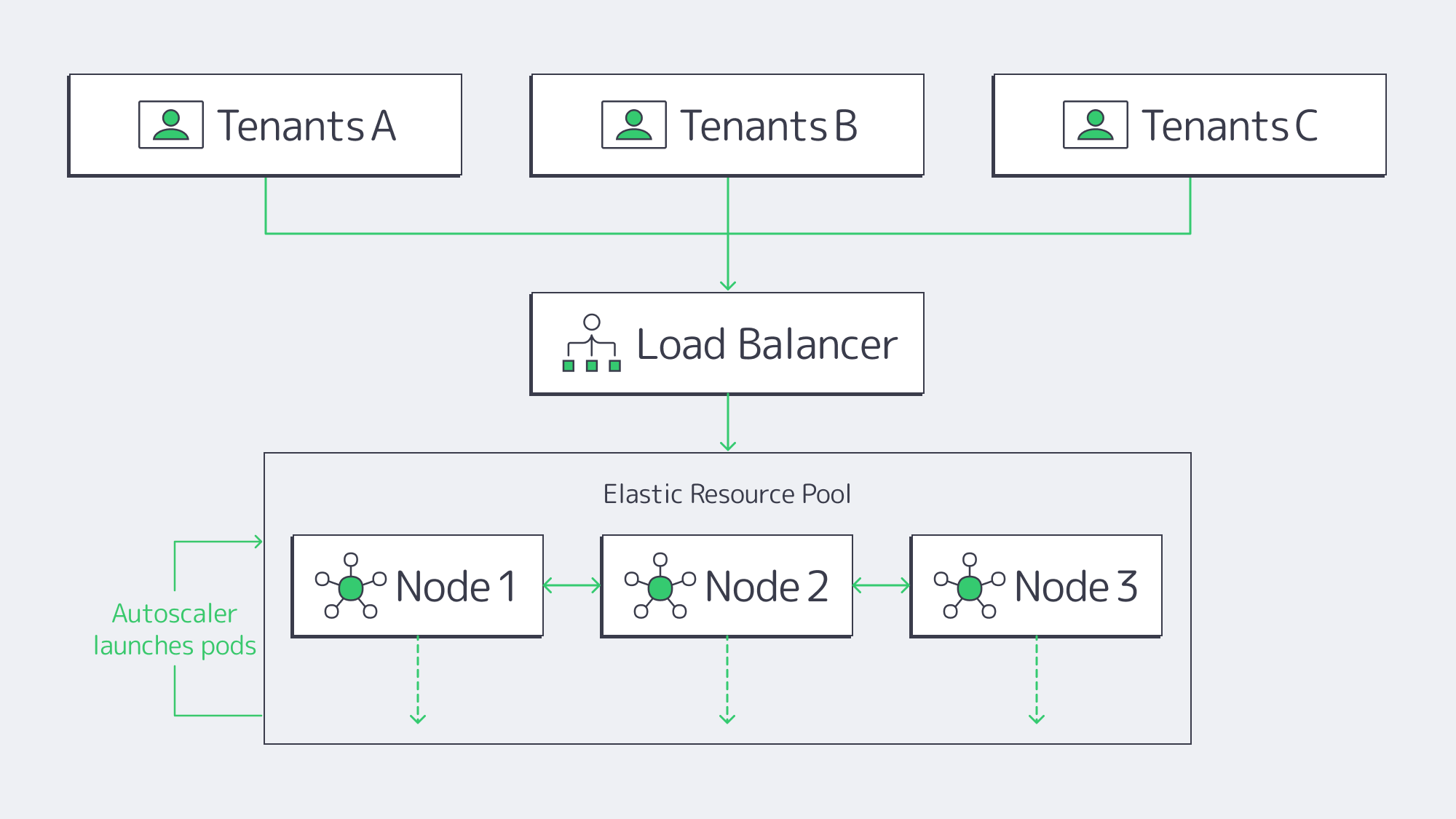
Every Melbicom dedicated server is a physical machine—its CPU, RAM and NVMe drives belong solely to you. Wire multiple machines into a Kubernetes or Nomad cluster and the fixed nodes become an elastic pool:
- Horizontal pod autoscaling launches or removes containers based on per-service metrics.
- cgroup quotas and namespaces cap per-tenant CPU, memory and I/O, preventing starvation.
- Cluster load-balancing keeps hot shards near hot data.
Because no hypervisor interposes, workloads reach the metal directly. Benchmarks from The New Stack showed a bare-metal Kubernetes cluster delivering roughly 2× the CPU throughput of identical workloads on virtual machines and dramatically lower tail latency.[3] Academic studies report virtualisation overheads between 5 % and 30 % depending on workload and hypervisor.[4] Practically, a spike in Tenant A’s analytics job will not degrade Tenant B’s dashboard.
Melbicom augments the design with per-server network capacity up to 200 Gbps and redundant uplinks, eliminating the NIC contention and tail spikes common in shared-cloud environments.
How Do Per-Region Controls Meet Data-Sovereignty Rules?
Regulators now legislate location: GDPR, Schrems II and similar frameworks demand strict data residency. Real compliance is easier when you own the rack. Melbicom operates 21 data centres worldwide—Tier IV Amsterdam for EU data and Tier III sites in Frankfurt, Madrid, Los Angeles, Mumbai, Singapore and more. SaaS teams deploy separate clusters per jurisdiction:
- EU tenants run exclusively on EU nodes with EU-managed encryption keys.
- U.S. tenants run on U.S. nodes with U.S. keys.
- Geo-fenced firewalls and asynchronous replication keep disaster-recovery targets low without breaching residency rules.
Because the hardware is yours, audits rely on direct evidence, not a provider’s white paper.
Zero-Downtime Rolling Upgrades
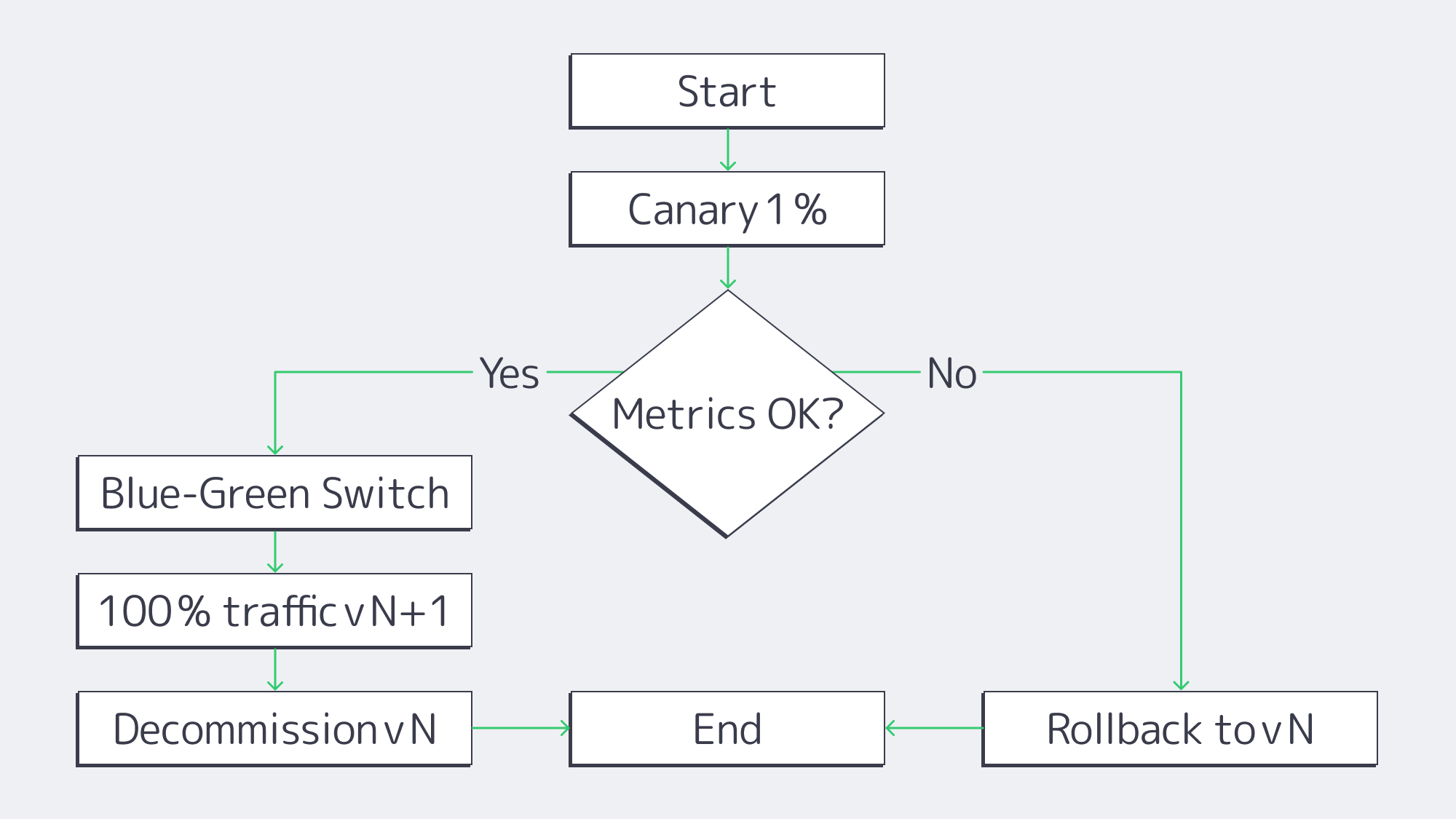
Continuous delivery is table stakes. On a Melbicom cluster the pipeline is simple:
- Canary – Route 1 % of traffic to version N + 1 and watch p95 latency.
- Blue-green – Spin up version N + 1 alongside N; flip the load-balancer VIP on success.
- Instant rollback – A single Kubernetes command reverts in seconds.
Full control of probes, disruption budgets and pod sequencing yields regular releases without maintenance windows.
How Does Physical Isolation Remove Hypervisor Cross-Talk Risks?
Logical controls (separate schemas, row-level security, JWT scopes) are stronger when paired with physical exclusivity:
- No co-located strangers. Hypervisor-escape exploits affecting multi-tenant clouds are irrelevant here—no one else’s VM runs next door.
- Hardware root of trust. Self-encrypting drives and TPM 2.0 modules bind OS images to hardware; supply-chain attestation verifies firmware at boot.
- Physical and network security. Tier III/IV data centers use biometrics and man-traps, while in-rack firewalls keep tenant VLANs isolated.
Predictable Performance Versus Container-Based PaaS Pricing
Container-PaaS billing is advertised as pay-as-you-go—vCPU-seconds, GiB-seconds and per-request fees—but the meter keeps ticking when traffic is steady. 37signals reports ≈ US $ 1 million in annual run-rate savings—and a projected US $ 10 million over five years—after repatriating Basecamp and HEY from AWS to owned racks.[5] Meanwhile, a 2024 Gartner pulse survey found that 69 % of IT leaders overshot their cloud budgets.[6]
Flat-rate dedicated clusters flip the model: you pay a predictable monthly fee per server and run it hot.
| Production-Month Cost at 100 Million Requests | Container PaaS | Melbicom Cluster |
| Compute + memory | US $ 32 (10 × GCP Cloud Run Example 1: $3.20 for 10 M req) (cloud.google.com) | US $ 1 320 (3 × € 407 ≈ US $ 440 “2× E5-2660 v4, 128 GB, 1 Gbps” servers) |
| Storage (5 TB NVMe) | US $ 400 (5 000 GB × $0.08/GB-mo gp3) (aws.amazon.com) | Included |
| Egress (50 TB) | US $ 4 300 10 TB × $0.09 + 40 TB × $0.085 (cloudflare.com, cloudzero.com) | Included |
| Total | US $ 4 732 | US $ 1 320 |
Table. Public list prices for Google Cloud Run request-based billing vs. three 24-core / 128 GB servers on a 1 Gbps unmetered plan.
Performance mirrors the cost picture: recent benchmarks show bare-metal nodes deliver sub-100 ms p99 latency versus 120–150 ms on hypervisor-backed VMs—a 20-50 % tail-latency cut.[7]
How to Achieve Global Low-Latency Delivery for SaaS
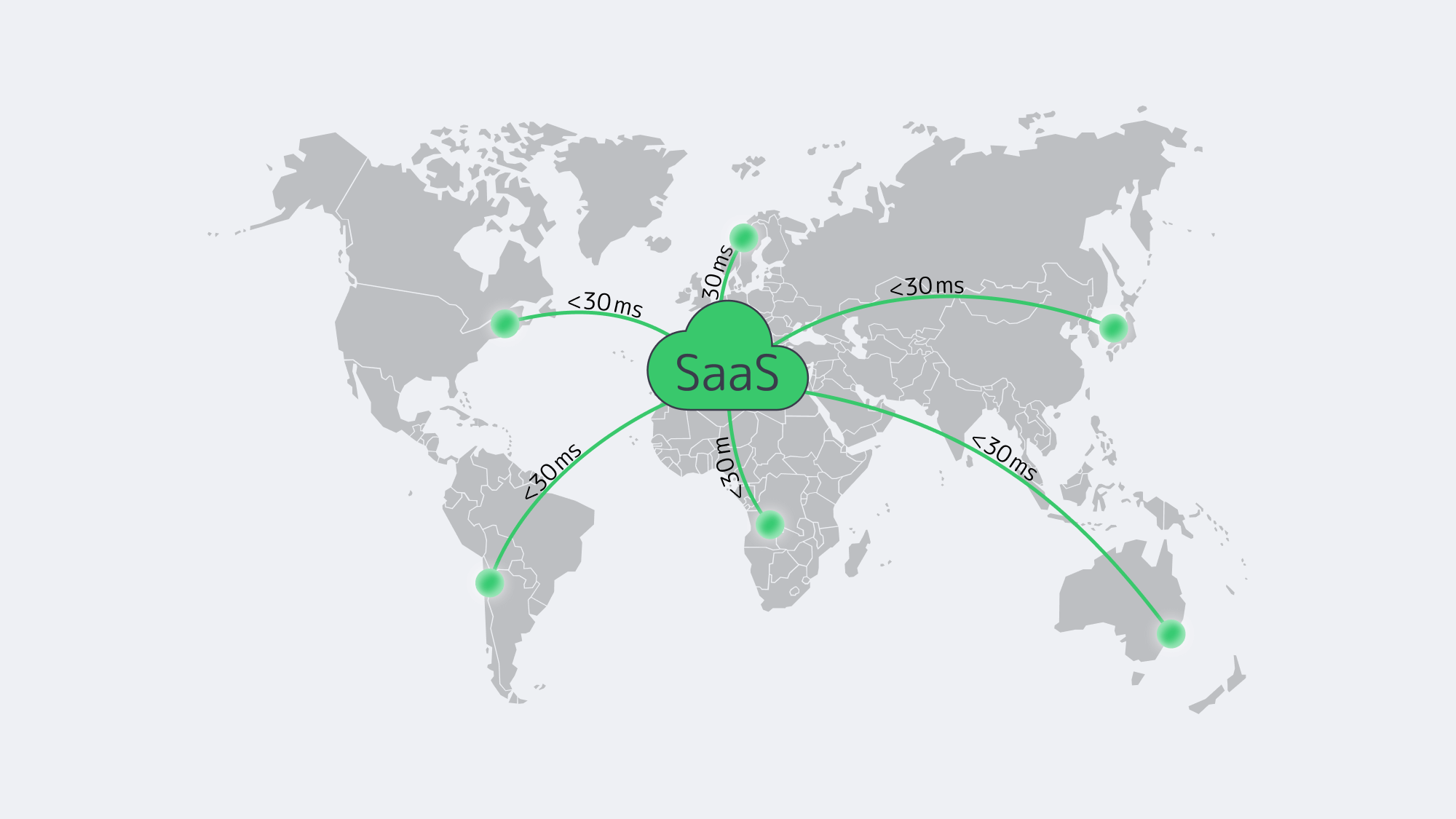
Physics still matters—roughly 10 ms RTT per 1 000 km—so locality is essential. Melbicom’s backbone links 21 regions and feeds a 55-plus-PoP CDN that caches static assets at the edge. Dynamic traffic lands on the nearest active cluster via BGP Anycast, holding user-perceived latency under 30 ms in most OECD cities and mid-20s for outliers. The same topology shortens database replication and accelerates TLS handshakes—critical for real-time dashboards and collaborative editing.
How Do Dedicated Clusters Improve Long-Term Economics & Flexibility?
Early-stage teams need elasticity; grown-up teams need margin. Flat-rate dedicated hosting flattens the spend curve: once hardware amortises—servers often run 5–7 years—every new tenant improves unit economics. Capacity planning is painless: Melbicom stocks 1,300+ ready-to-go configurations and can deploy extra nodes in hours. Seasonal burst? Lease for a quarter. Permanent growth? Commit for a year and capture volume discounts. GPU cards or AI accelerators slot directly into existing chassis instead of requiring a new cloud SKU.
Open-source orchestration keeps you free of platform lock-in: if strategy shifts, migrate hardware or multi-home with other providers without rewriting core code.
Dedicated Server Clusters—a Future-Proof Backbone for SaaS
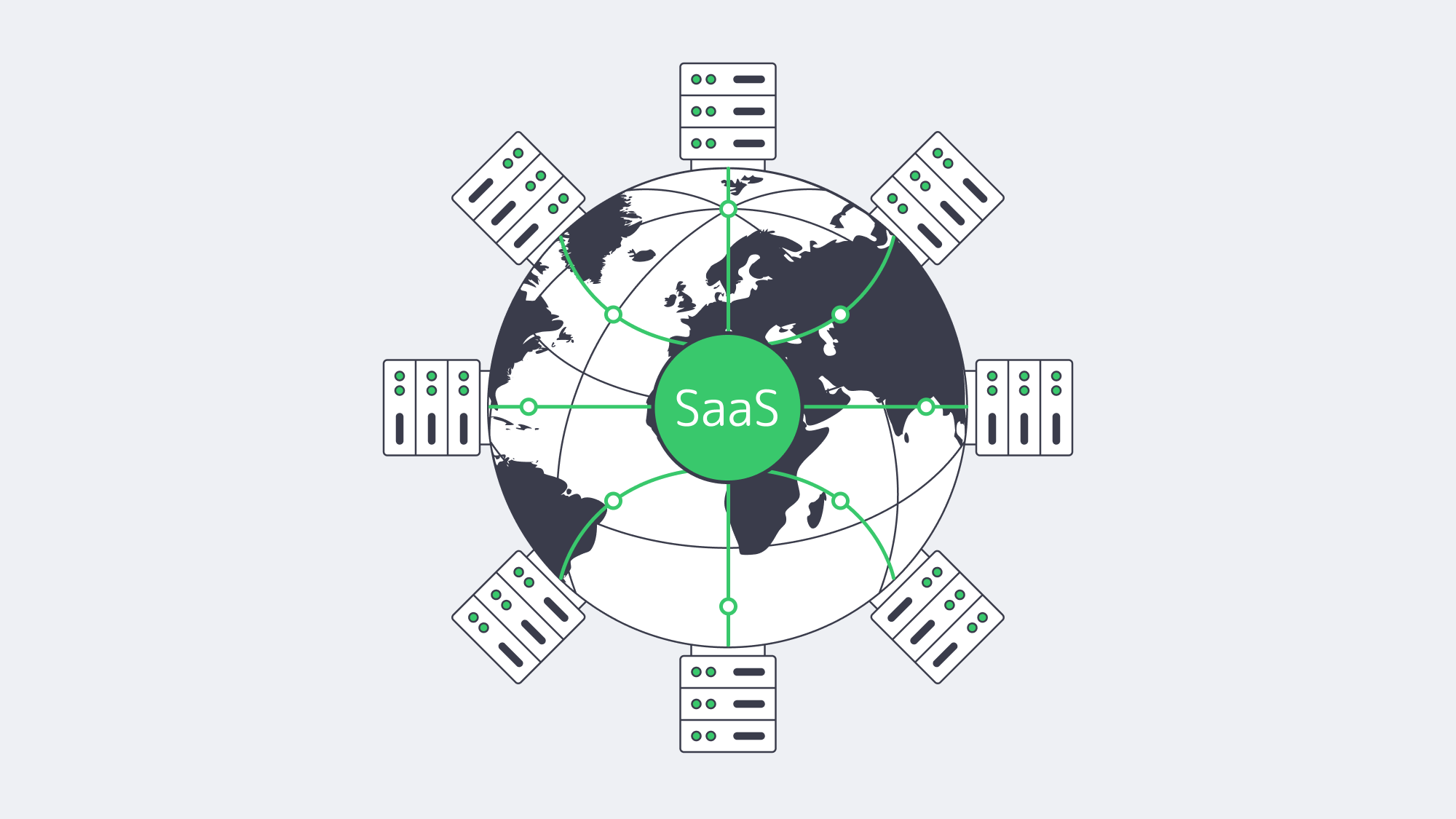
SaaS providers must juggle customer isolation, regulatory scrutiny, aggressive performance targets and rising cloud costs. A cluster of dedicated bare-metal nodes reconciles those demands: hypervisor-free speed keeps every tenant fast, strict per-tenant policies and regional placement satisfy regulators, and full-stack control enables rolling releases without downtime. Crucially, the spend curve flattens as utilisation climbs, turning infrastructure from a volatile liability into a strategic asset.
Hardware is faster, APIs are friendlier, and global bare-metal capacity is now an API call away—making this the moment to shift SaaS workloads from opaque PaaS meters to predictable dedicated clusters.
Order Your Dedicated Cluster
Launch high-performance SaaS on Melbicom’s flat-rate servers today.
Get expert support with your services
Blog
Integrating Windows Dedicated Servers Into Your Hybrid Fabrics
Hybrid IT is not an experiment anymore. The 2024 State of the Cloud report by Flexera revealed that 72 percent of enterprises have a hybrid combination of both public and private clouds, and 87 percent of enterprises have multiple clouds.[1] However, a significant portion of line-of-business data remains on-premises, and the integration gaps manifest themselves in Microsoft-centric stacks, where Active Directory, .NET applications, and Windows file services are expected to function seamlessly. The quickest way to fill in those gaps is with a dedicated Windows server that will act as an extension of your on-premises and cloud infrastructure.
Choose Melbicom— 1,300+ ready-to-go servers — 21 global Tier IV & III data centers — 55+ PoP CDN across 6 continents |
|
This guide outlines the process of selecting and configuring such a server. We compare Windows Server 2019 and 2022 for different workloads, map key integration features (Secured-core, AD join, Azure Arc, containers), outline licensing traps, and flag infrastructure attributes such as 200 Gbps uplinks that help keep latency out of the headlines. A brief shout-out to the past: Windows Server 2008, 2012, and 2016 introduced PowerShell and simple virtualization, but they lack modern hybrid tooling and are no longer in mainstream support, so we only mention them in the context of legacy.
Why Edition Choice Still Matters
| Decision Point | Server 2019 | Server 2022 |
|---|---|---|
| Support horizon | Extended support ends Jan 9 2029 | Extended support ends Oct 14 2031 |
| Built-in hybrid | Manual Arc agent; basic Azure File Sync | One-click Azure Arc onboarding, SMB over QUIC (Datacenter: Azure Edition option) |
| Security baseline | Defender, TLS 1.2 default | Secured-core: TPM 2.0, UEFI Secure Boot, VBS + HVCI, TLS 1.3 default |
| Containers | Windows Containers; host must join domain for gMSA | Smaller images, HostProcess pods, gMSA without host domain join |
| Networking | Good TCP; limited UDP offload | UDP Segmentation Offload, UDP RSC, SMB encryption with no RDMA penalty—crucial for real-time traffic |
| Ideal fit | Steady legacy workloads, branch DCs, light virtualization | High-density VM hosts, Kubernetes nodes, compliance-sensitive apps |
Takeaway: When the server is expected to last beyond three years, or would require hardened firmware defenses, or must be migrated out of Azure, 2022 is the practical default. 2019 can still be used in fixed-function applications that cannot yet be recertified.
Which Windows Server Features Make Hybrid Integration Frictionless?
Harden the Foundation with Secured-core
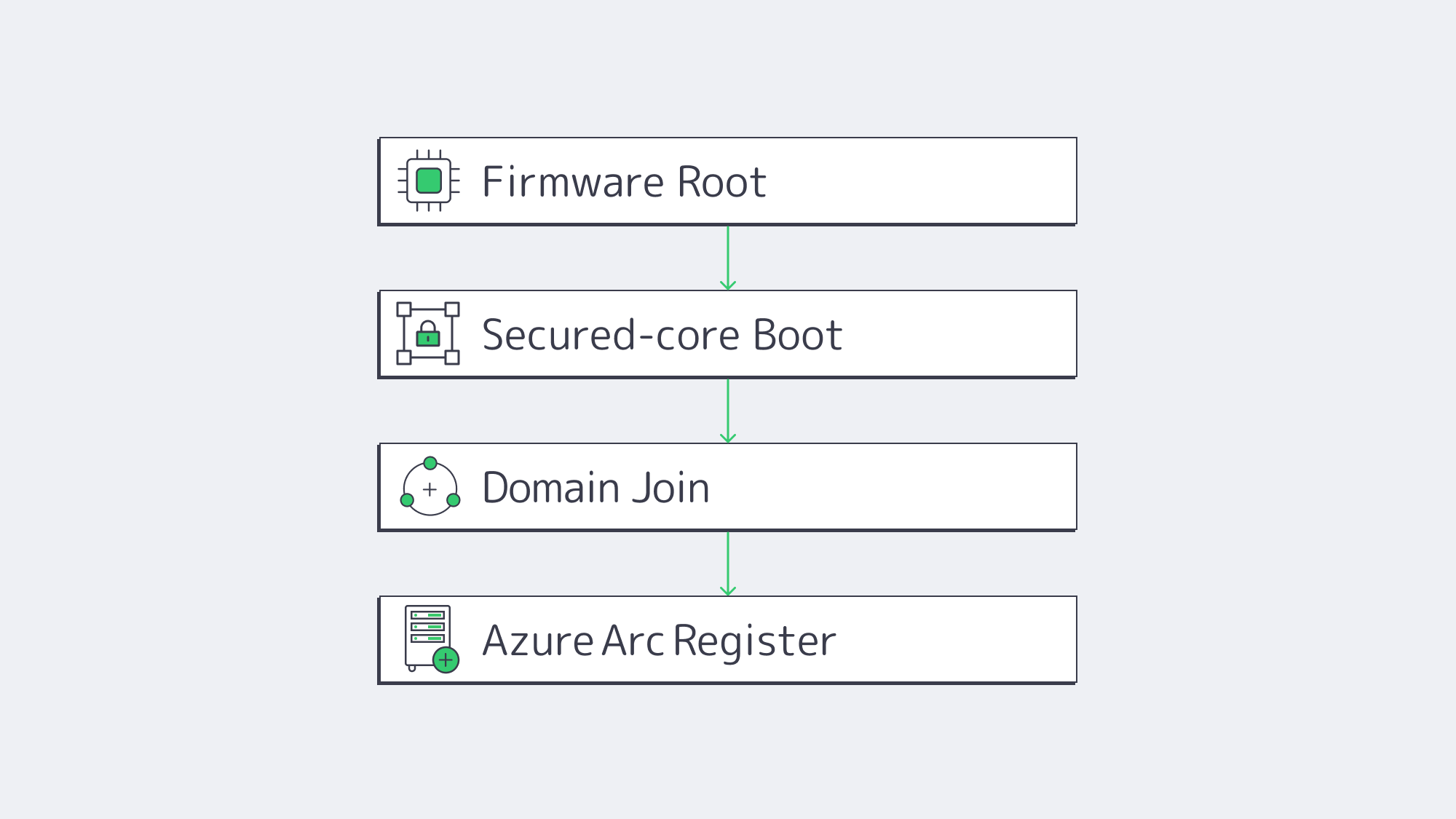
Firmware attacks are no longer hypothetical; over 80 percent of enterprises have experienced at least one firmware attack in the last two years.[2] Secured-core in Windows Server 2022 locks that door by chaining TPM 2.0, DRTM, and VBS/HVCI at boot and beyond. Intel Xeon systems have the hypervisor isolate kernel secrets, and hardware offload ensures that performance overhead remains in the single-digit percentages in Microsoft testing.
Windows Admin Center is point-and-click configuration, with a single dashboard toggling on Secure Boot, DMA protection, and memory integrity, and auditing compliance. The good news, as an integration architect, is that you can trust the node that you intend to domain-join or add to a container cluster.
Join (and Extend) Active Directory
Domain join remains a two-command affair (Add-Computer -DomainName). Both 2019 and 2022 honor the most up-to-date AD functional levels and replicate through DFS-R. The new thing is the way 2022 treats containers: Group-Managed Service Accounts can now be used even when the host is not domain-joined, eliminating security holes in perimeter zones. That by itself can cut hours out of Kubernetes day-two ops.
In case you operate a hybrid identity, insert Azure AD Connect into the same AD forest—your dedicated server will expose cloud tokens without any additional agents.
Treat On-prem as Cloud with Azure Arc
Azure Arc converts a physical server into a first-class Azure resource in terms of policy, monitoring, and patch orchestration. Windows Server 2022 includes an Arc registration wizard and ARM template snippets, allowing onboarding to be completed in 60 seconds. After being projected into Azure, you may apply Defender for Cloud, run Automanage baselines, or stretch a subnet with Azure Extended Network.
Windows Server 2019 is still able to join Arc, but it does not have the built-in hooks; scripts provide a workaround, but they introduce friction. In the case that centralized cloud governance is on the roadmap, 2022 will reduce the integration glue code.
Run Cloud-Native Windows Workloads
Containers are mainstream, with 93 percent of surveyed organizations using or intending to use them in production, and 96 percent already using or considering Kubernetes.[3] Windows Server 2022 closes the gap with Linux nodes:
- Image sizes are reduced by as much as 40 percent, and patch layers are downloaded progressively.
- HostProcess containers enable cluster daemons to be executed as pods, eliminating the need for bastion scripts.
- The support of GPU pass-through and MSDTC expands the catalogue of apps.
If you have microservices or GitOps in your integration strategy, the new OS does not allow Windows nodes to be second-class citizens.
Licensing in One Paragraph
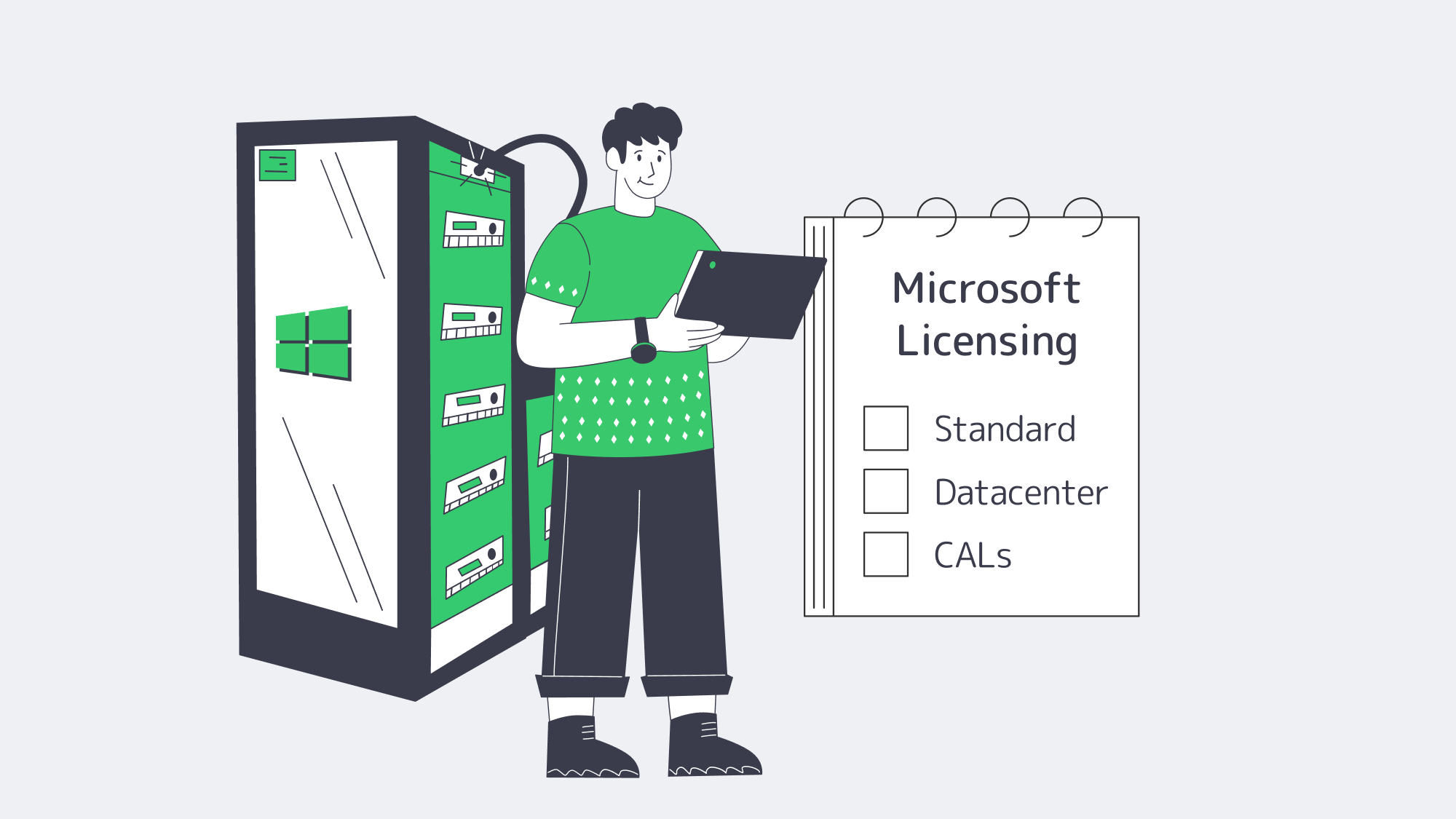
Microsoft’s per-core model remains unchanged: license every physical core (minimum of 16 cores). Standard Edition provides two Windows guest VMs per 16 cores; Datacenter provides unlimited VMs and containers. Add additional Standard licenses only when you have three or four VMs; otherwise, Datacenter is more cost-effective in the long run. Client Access Licenses (CALs) still apply to AD, file, or RDS access. Bring-your-own licenses (BYOL) can be used, but are limited by Microsoft mobility regulations; please note that portability is not guaranteed.
Infrastructure: Where Integration Bottlenecks Appear
A Windows server will just not fit in unless the fabric around it is up to date.
- Bandwidth & Latency: At Melbicom, we install links of up to 200 Gbps in Tier IV Amsterdam and Tier III locations worldwide. Cross-site DFS replication or SMB over QUIC will then feel local.
- Global Reach: A 14+ Tbps backbone and CDN in 55+ PoPs is fed by 21 data centers in Europe, the U.S., and major edge metros, meaning AD logons or API calls are single-digit-millisecond away to most users.
- Hardware Baseline: All configurations run on Intel Xeon platforms with TPM 2.0 and UEFI firmware, Secured-core ready, out of the crate. More than 1,300 servers can be deployed in two hours, and KVM/IPMI is standard to handle low-level management.
- 24/7 Support: When the integration stalls at 3 a.m., Melbicom employees can quickly exchange components or redirect traffic, without requiring a premium ticket.
How to Integrate a Windows Dedicated Server into a Hybrid System
The blueprint of integration now appears as follows:
- Choose the edition: Use Server 2022 unless you have a legacy workload or certification that flatlines on 2019.
- Select the license: Standard when you require 2 VMs or fewer; Datacenter when the server has a virtualization farm or Windows Kubernetes nodes.
- Order Intel hardware that has TPM 2.0, Secure Boot, and a NIC that supports USO/RSC.
- Turn on Secured-core in Windows Admin Center; check in msinfo32.
- Domain-join, in case of container hosts, use gMSA without host join.
- Register with Azure Arc to federate policy and telemetry.
- Install container runtime (Docker or containerd), apply HostProcess DaemonSets if using Kubernetes.
- Confirm network bandwidth with ntttcp – should be line rate on 10/40/200 GbE ports due to USO.
Then follow that checklist and the new Windows dedicated server falls into the background a secure policy-driven node that speaks AD, Azure and Kubernetes natively.
What’s Next for Windows Dedicated Servers in Hybrid IT?
Practically, a Server 2022 implementation bought now gets at least six years of patch runway and aligns with current Azure management tooling. Hybrid demand continues to rise; the 2024 breach report by IBM estimates the average cost of an incident at 4.55 million dollars, a 10 percent YoY increase[4]—breaches in integration layers are costly. The most secure bet is to toughen and standardize today instead of waiting until the next major Windows Server release.
Integration as an Engineering Discipline
Windows dedicated servers are no longer static file boxes; they are nodes in a cross-cloud control plane that can be programmed. When you select Windows Server 2022 on Intel, you get Secured-core as a default, zero click Azure Arc enrollment, and container parity with Linux clusters. Pair that OS with a data center capable of 200 Gbps throughput per server and able to pass Tier IV audits, and your hybrid estate will no longer care where the workload resides. Integration is not a weekly fire drill but a property of the platform.
Deploy Windows Servers Fast
Spin up Secured-core Windows dedicated servers with 200 Gbps uplinks and integrate them into your hybrid fabric in minutes.
Get expert support with your services
Blog
Finding an Unmetered Dedicated Server Plan in Amsterdam
A decade ago, it was necessary to count every gigabyte and keep your fingers crossed that the 95th-percentile spike on your invoice wasn´t horrendous in order to plan your bandwidth. For video platforms, gaming labs, and other traffic-heavy businesses, this was a genuine gamble and required calculus to keep within budget limitations. These days, thankfully, the math is no longer a caveat. Fixed monthly prices and hundreds of terabytes are on tap thanks to the AMS-IX exchange based in Amsterdam. The high-capacity network serves as the main crossroad for most of Europe and can hit a 14 Tbps peak.[1]
Choose Melbicom— 400+ ready-to-go servers configs — Tier IV & III DCs in Amsterdam — 55+ PoP CDN across 6 continents |
|
Definition Matters: Unmetered ≠ Infinite
Jargon can confuse matters; it is important to clarify that unmetered ports refer to the data and not the speed. Essentially, the data isn’t counted, but that doesn´t mean that the speed is unlimited. If saturated 24 x 7, a fully dedicated 1 Gbps line should be capable of moving 324 TB each month. That ceiling climbs to roughly 3.2 PB with a 10Gbps line. So you need to consider how much headroom you need, which could be considerable if you are working with huge AI datasets or operating a multi-regional 4K streaming. If you are using shared uplinks, it is wise to read through the service agreements, one line at a time, or you will find out the hard way how “fair use” throttle affects you:
- Guaranteed Port: Our Netherlands-based unmetered server configurations indicate that the bandwidth is solely yours, with language such as “1:1 bandwidth, no ratios.”
- Zero Bandwidth Cap: The phrase “reasonable use” should raise alarm bells. It often means the host can and will slow you at will. If limitations are in place, look for hard numbers to understand potential caps.
- Transparent overage policy: The legitimacy of an unmetered plan boils down to overage policies. Ideally, there should be an explicit statement, such as “there isn’t one.”
How Does Amsterdam’s AMS-IX Multipath Deliver Low Latency?
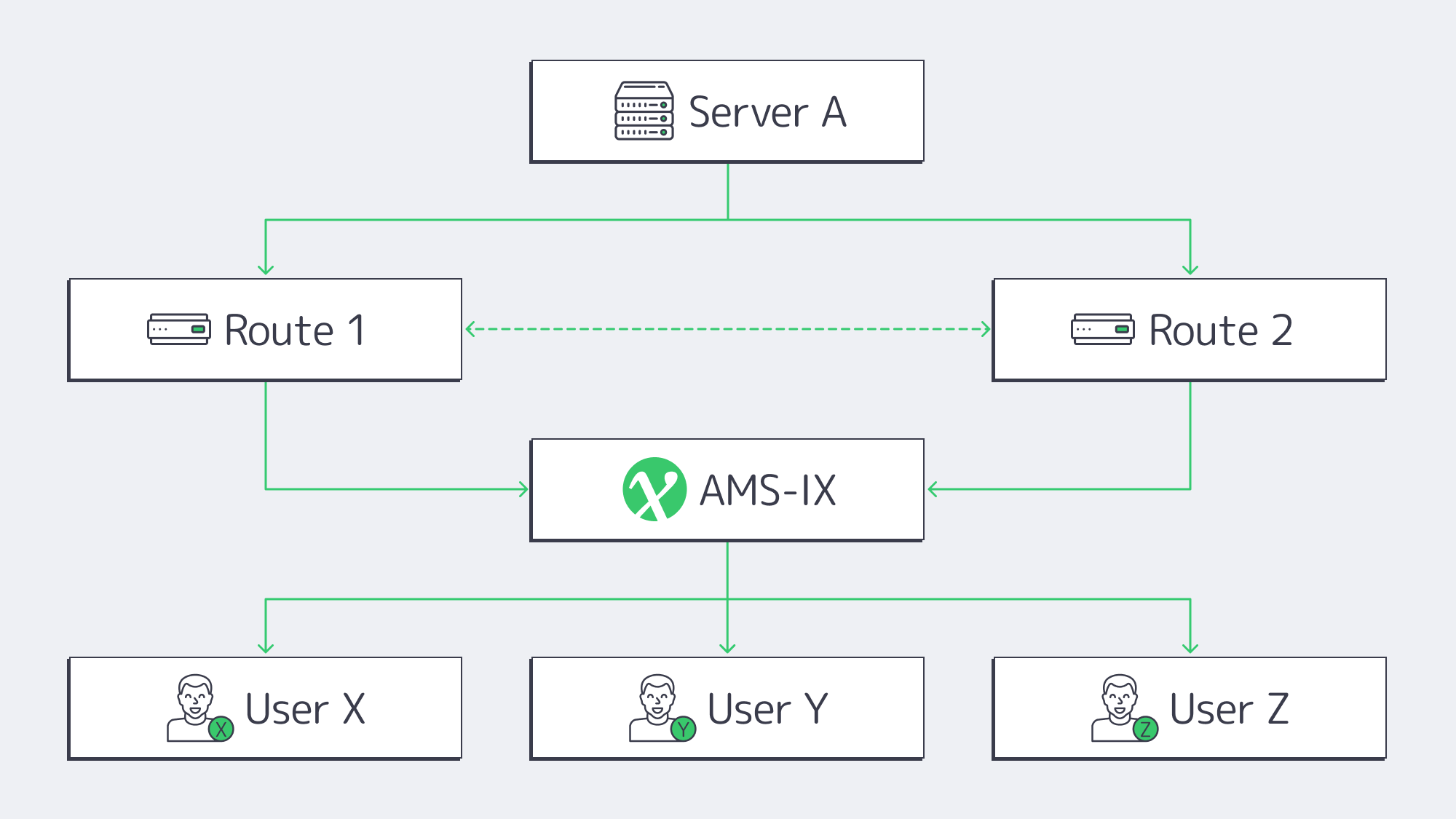
The infrastructure provided by Amsterdam’s AMS-IX connection unites over 880 networks operating at the 14 Tbps mark. Theoretically, that sort of power can serve almost a million concurrent 4K Netflix users at once. Traffic is distributed via multiple carrier-neutral facilities, automatically rerouting if there is any delay at a single site. Hiccups. Fail-over is afforded without ticket requests or manual BGP surgery when providers peer on at least two physical AMS-IX points at a time.
We at Melbicom, rack into 3 IXPs and operate via 7 Tier-1 transit providers, so flow is easily automatically shifted should a cable cut on one path appear for whatever reason. The shift occurs in a single-digit-millisecond ping across Western Europe with respectable latency round-trip at all times. New York and back pings in under ~75 ms, ideal for those providing live feeds that must meet low glass-to-glass latency demands.
What Can You Run on 1–10 Gbps Unmetered Bandwidth Ports?
| Port speed | Concurrent 4K streams* | Max data/month** |
|---|---|---|
| 1 Gbps | ≈ 60 | 324 TB |
| 5 Gbps | ≈ 300 | 1.6 PB |
| 10 Gbps | ≈ 600 | 3.2 PB |
*In accordance with Netflix’s 15 Mbps UHD guideline.[2] **Theoretical, 100 % utilization.
Streaming & CDN nodes: According to Cisco’s forecasts, video streaming is expected to make up more than 80 % of global IP traffic in the years to come.[3] Currently, the edge boxes feeding Europe max out nightly at 10 Gbps, and live streaming of a single 4K live event at 25 Mbps hits a gigabit with just 40 viewers.
AI training bursts: GPT-3 by OpenAI used ≈ 45 TB of text before preprocessing.[4] To put things into perspective, copying such a dataset takes around five days across nodes on a 1 Gbps line or half a day on a 10 Gbps line. Without GPUs bolstered by generous unmetered pipes, parameter servers can easily spike during distributed training.
How to Verify a Genuine Unmetered Dedicated Server in the Netherlands
- Dedicated N Gbps + port in writing.
- SLA with no traffic ceiling and no “fair use” policy unless clearly defined.
- Dual AMS-IX peerings (minimum) and diverse transit routes.
- Tier III or IV facility to ensure sufficient power and cooling redundancy.
- Real-world test file demonstrates that it hits 90 % of the stated speed.
- Complimentary 24/7 support (extra ticket fees are common with budget plans).
If the offer doesn´t meet at least four out of the six above-mentioned criteria, then steer clear because you are looking at throttled gigabits.
How to Balance Price and Performance for Unmetered Plans
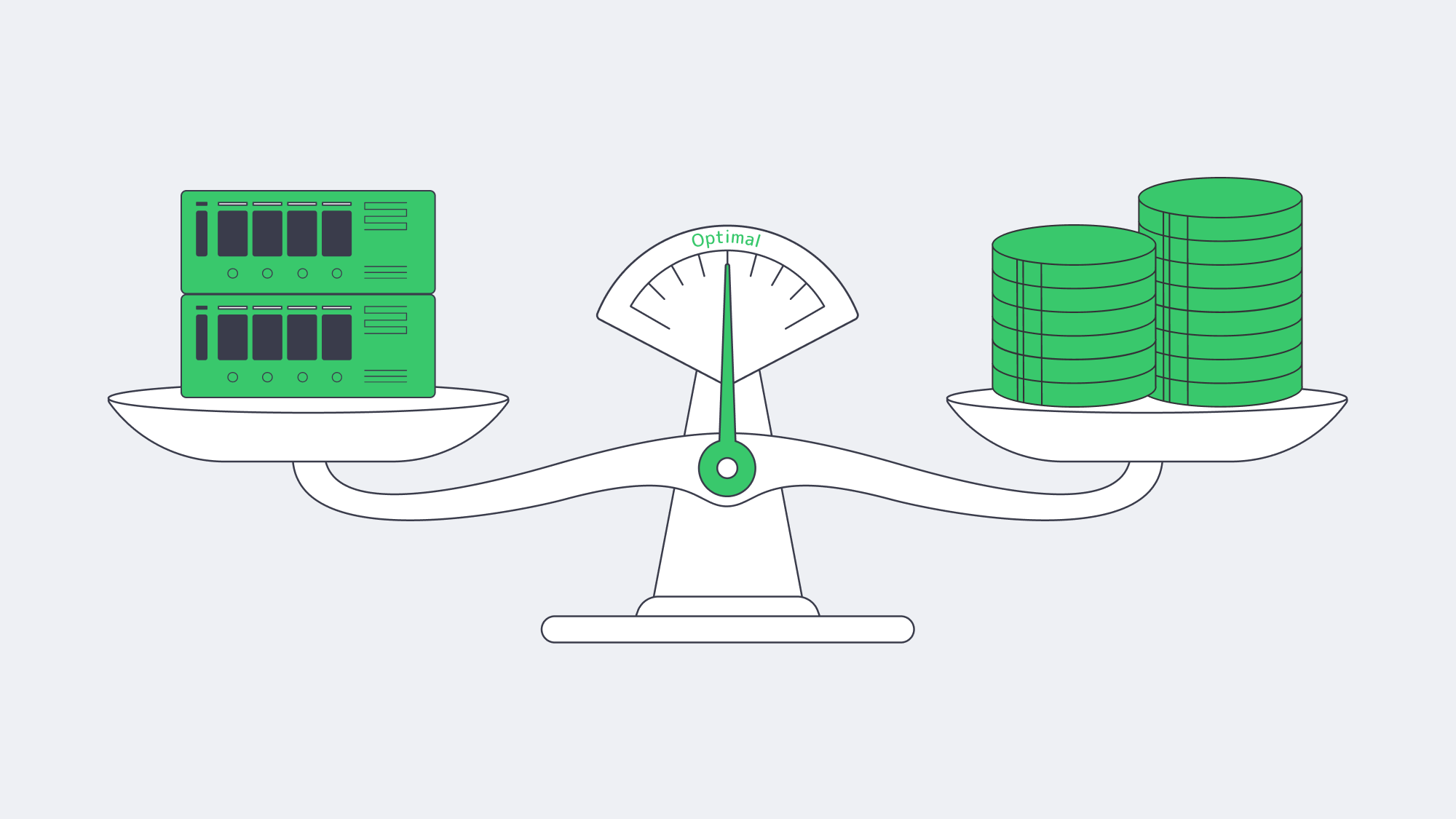
Search pages are littered with “cheap dedicated server Amsterdam” adverts, but headline prices and true throughput can be widely disparate. You have to consider the key cost lenses to know if you are getting a good deal. When you hone in on the cost per delivered gigabit, a €99/month “unmetered” plan that delivers 300 Mbps after contention works out pricier than a plan for €179 that sustains 1 Gbps. Consider the following:
- Effective €/Gbps – Don´t let port sizes fool you, sustainable speed tests are more significant.
- Upgradability – How easy is it to bump from 1 to 5 Gbps next quarter? Do you need to migrate racks? Not with us!
- Bundles – The total cost of ownership may include hidden add-ons, Melbicom bundles in IPMI, and BGP announcements, keeping costs transparent.
The sweet spot for the majority of bandwidth-heavy startups is either an unmetered 1 Gbps or 5 Gbps node. Either 10 Gbps or 40 Gbps is required for traffic-heavy endeavors such as gaming and streaming platforms that are expecting petabytes. With U.S metros, costs can be high, but the carrier density on offer in Amsterdam keeps tiers cheaper.
What’s the Upgrade Path from 10G to 100G–400G?
The rise of AI and ever-increasing popularity of video has meant that AMS-IX has seen an eleven-fold jump in 400 Gbps member ports during last year.[5] Trends, forecasts and back end capacity dictate all points towards 25 G and 40 G dedicated uplinks becoming the new standard. At Melbicom, we are prepped and ahead of the curve with 100 Gbps unmetered configurations and hints at 200 G on request.
With our roadmap developers can rest assured that they won’t face detrimental bottlenecks with future upgrade cycles because it is waiting and ready to go regardless of individual traffic curves. Whether your climb is linear with a steady subscriber base or lumpy surging at the hands of a viral game patch or a large sporting event, a provider that scales beyond 10 Gbps is insurance for a steady future.
What Else Should You Check—Latency, Security, Sustainability?
Don’t overlook latency: High bandwidth means nothing if there is significant packet loss; low latency is vital to be sure to test both.
Security is bandwidth’s twin: A 200 Gbps DDoS can arrive as fast as a legitimate traffic surge. Ask if scrubbing is on-net or through a third-party tunnel.
Greener operations have better uptime: Megawatt draw is monitored by Dutch regulators and power can be capped, causing downtime. Tier III/IV operators that recycle heat or buy renewables are favorable, which is why Melbicom works with such sites in Amsterdam.
How to Choose an Unmetered Dedicated Server in Amsterdam
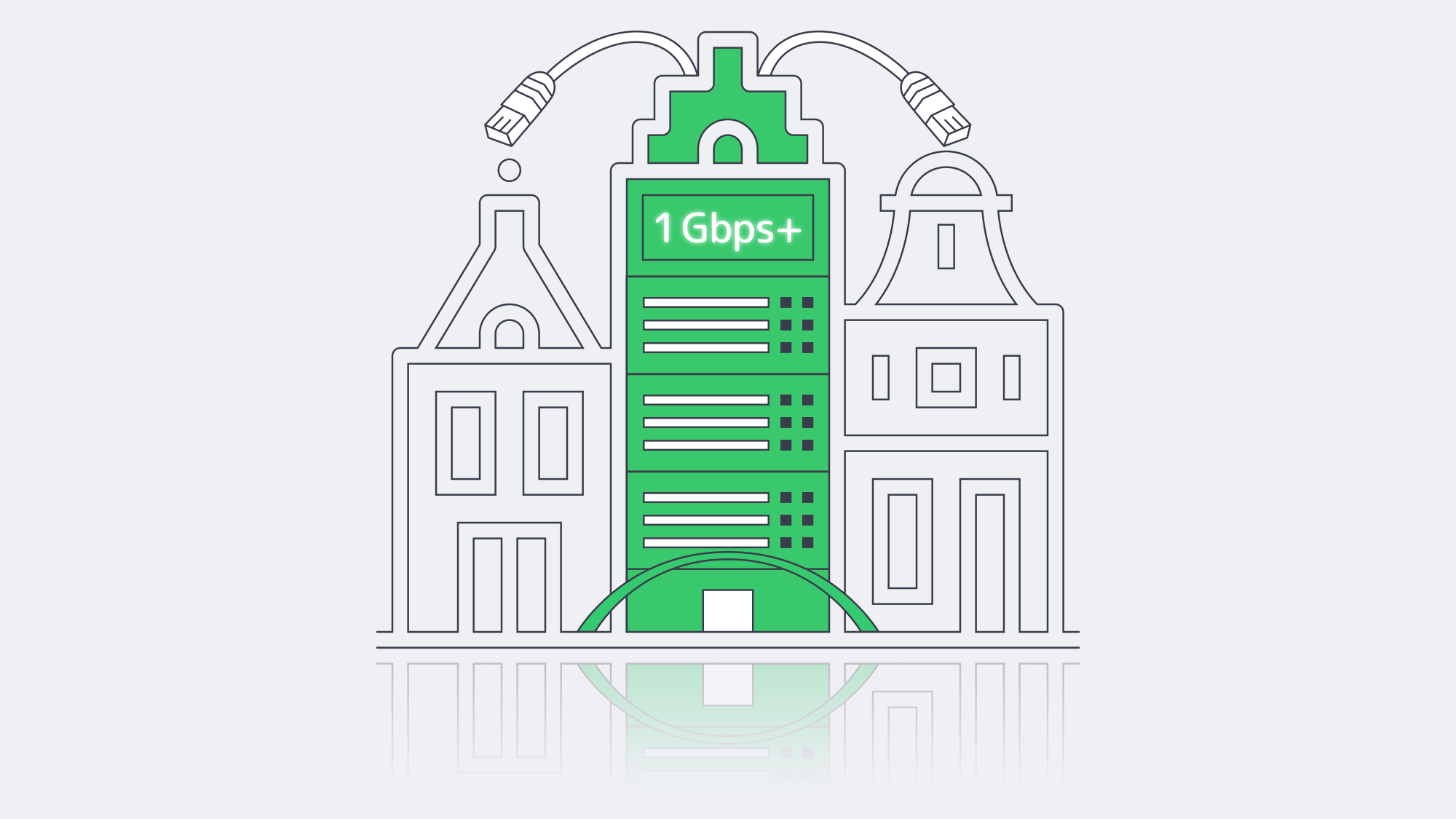
Amsterdam’s AMS-IX is the densest fiber intersection on the continent; the infrastructure’s multipath nature ensures that a single cut cable won’t tank your operations. For a dedicated server that is truly unmetered, you have to go through the SLA behind it with a fine-tooth comb. Remember proof of 1:1 bandwidth is non-negotiable, look for zero-cap wording, and diagrammable physical redundancy. Additionally, you need verifiable, sustained live speed tests; only then can you sign a contract with confidence that your server is genuinely “unmetered.”
Ready for unmetered bandwidth?
Spin up a dedicated Amsterdam server in minutes with true 1:1 ports and zero caps.
Get expert support with your services
Blog
Building a Predictive Monitoring Stack for Servers
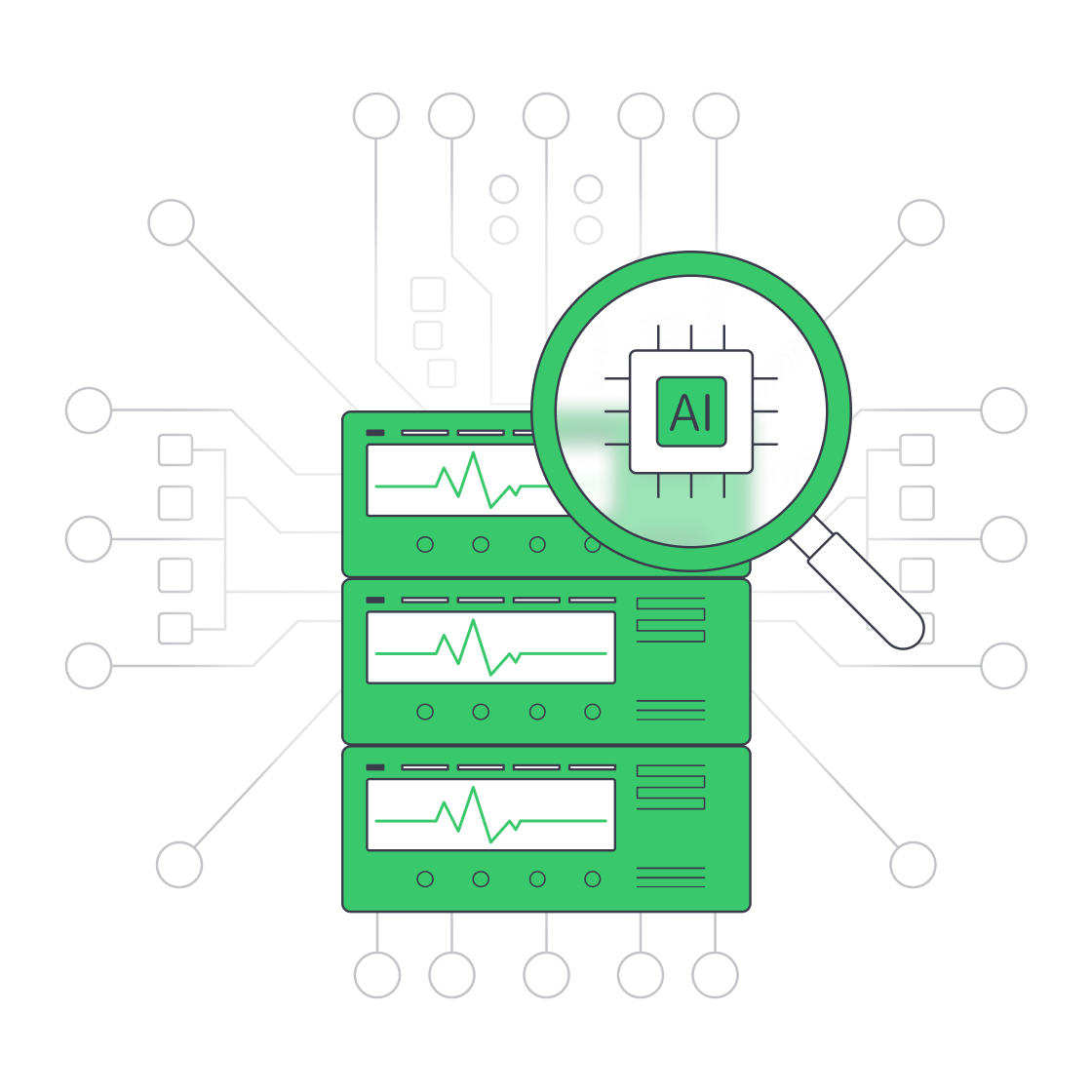
Downtime is brutally expensive. Enterprise Management Associates pegs the average minute of an unplanned IT outage at US $14,056, climbing to US $23,750 for very large firms.[1] Stopping those losses begins with smarter, faster observability—far beyond yesterday’s “ping-only” scripts. This condensed blueprint walks step-by-step through a metrics + logs + AI + alerts pipeline that can spot trouble early and even heal itself—exactly the level of resilience we at Melbicom expect from every bare-metal deployment.
Choose Melbicom— 1,300+ ready-to-go servers — 21 global Tier IV & III data centers — 55+ PoP CDN across 6 continents |
|
From Pings to Predictive Insight
Early monitoring checked little more than ICMP reachability; if ping failed, a pager screamed. That told teams something was down but said nothing about why or when it would break again. Manual dashboards added color but still left ops reacting after users noticed. Today, high-resolution telemetry, AI modeling, and automated runbooks combine to warn engineers—or kick off a fix—before customers feel a blip.
The Four-Pillar Blueprint
| Step | Objective | Key Tools & Patterns |
|---|---|---|
| Metrics collection | Stream system and application KPIs at 5-60 s granularity | Prometheus + node & app exporters, OpenTelemetry agents |
| Log aggregation | Centralize every event for search & correlation | Fluent Bit/Vector → Elasticsearch/Loki |
| AI anomaly detection | Learn baselines, flag outliers, predict saturation | AIOps engines, Grafana ML, New Relic or custom Python ML jobs |
| Multi-channel alerts & self-healing | Route rich context to humans and scripts | PagerDuty/Slack/SMS + auto-remediation playbooks |
Metrics Collection—Seeing the Pulse
High-resolution metrics are the vitals of a dedicated server: CPU load, 95th-percentile disk I/O, kernel context switches, TLS handshake latency, custom business counters. Exporters pull these numbers into a time-series store—most shops adopt the pull model (Prometheus scraping) for its simplicity and discoverability. Labels such as role=db-primary or dc=ams make multi-site queries easy.
Volume is real: a single node can emit hundreds of series; dozens of nodes create billions of data points per day. Tool sprawl reflects that reality—two-thirds of teams juggle at least four observability products, according to Grafana Labs’ latest survey.[2] Consolidating feeds through OpenTelemetry or alloy collectors reduces overhead and feeds the same stream to both dashboards and AI detectors.
Log Aggregation—Reading the Narrative
Metrics flag symptoms; logs give quotes. A centralized pipeline (Vector → Loki or Logstash → OpenSearch) fans in syslog, app, security, and audit streams. Schema-on-ingest parsing turns raw text into structured JSON fields, enabling faceted queries such as “level:error AND user=backend-svc-03 in last 5 m”.
Unified search slashes Mean Time to Detect; when an alert fires, a single query often reveals the root cause in seconds. Correlation rules can also raise proactive flags: repeated OOMKilled events on a container, or a surge of 502s that precedes CPU spikes on the front-end tier.
Because Melbicom provides servers with up to 200 Gbps of burst headroom per machine in global Tier III/IV sites, IT operations staff can ship logs continuously without throttling production traffic.
AI-Driven Anomaly Detection—From Rules to Learning
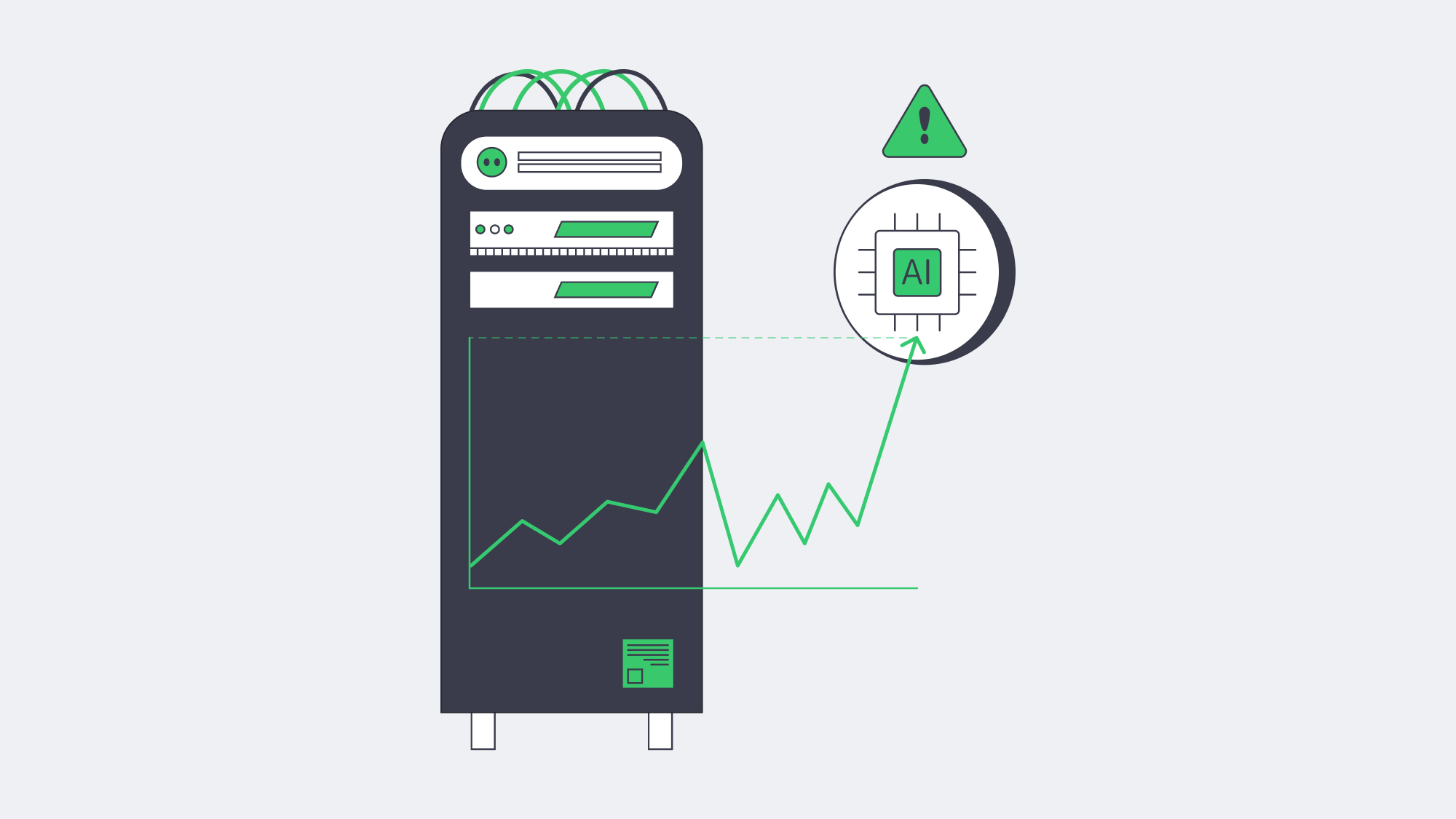
Static thresholds (“alert if CPU > 90%”) drown teams in noise or miss slow burns. Machine-learning models watch every series, learn its daily and weekly cadence, and raise alarms only when a pattern really breaks. EMA’s outage study shows AIOps users trimming incident duration so sharply that some issues resolve in seconds.[3]
- Seasonality-aware CPU: nightly backup spikes are normal; a lunchtime jump is not.
- Early disk failure: subtle uptick in ata_errors often precedes SMART alarms by hours.
- Composite service health: hairline growth in p95 latency + rising GC pauses + error-log rarity equals brewing memory leak.
Predictive models go further, projecting “disk full in 36 h” or “TLS cert expires in 10 days”—time to remediate before SLA pain.
Multi-Channel Alerts—Delivering Context, Not White Noise
Detection is moot if nobody hears it. Modern alert managers gate severity bands:
- Info → Slack channel, threads auto-closed by bot when metric normalizes.
- Warn → Slack + email with run-book links.
- Critical → PagerDuty SMS, voice call, and fallback escalation after 10 m.
Alerts carry metadata: last 30-minute sparkline, top correlated log excerpts, Grafana explore link. This context trims guesswork and stress when bleary-eyed engineers get woken at 3 in the morning.
Companies with full-stack observability see 79 % less downtime and 48 % lower outage cost per hour than peers without it.[5] The right payload—and less alert fatigue—explains much of that edge.
Self-Healing Workflows—When the Stack Fixes Itself
Once alerts trust ML accuracy, automation becomes safe. Typical playbooks:
- Service restart when a known memory-leak signature appears.
- IPMI hard reboot if node stops responding yet BMC is alive.
- Traffic drain and container redeploy on Canary errors > threshold.
- Extra node spin-up when request queue exceeds modelled capacity.
Every action logs to the incident timeline, so humans can audit later. Over time, the books grow—from “restart Nginx” to “migrate master role to standby if replication lag stable”. The goal: humans handle novel problems; scripts squash the routine.
Distributed Insight: Why Location Still Matters
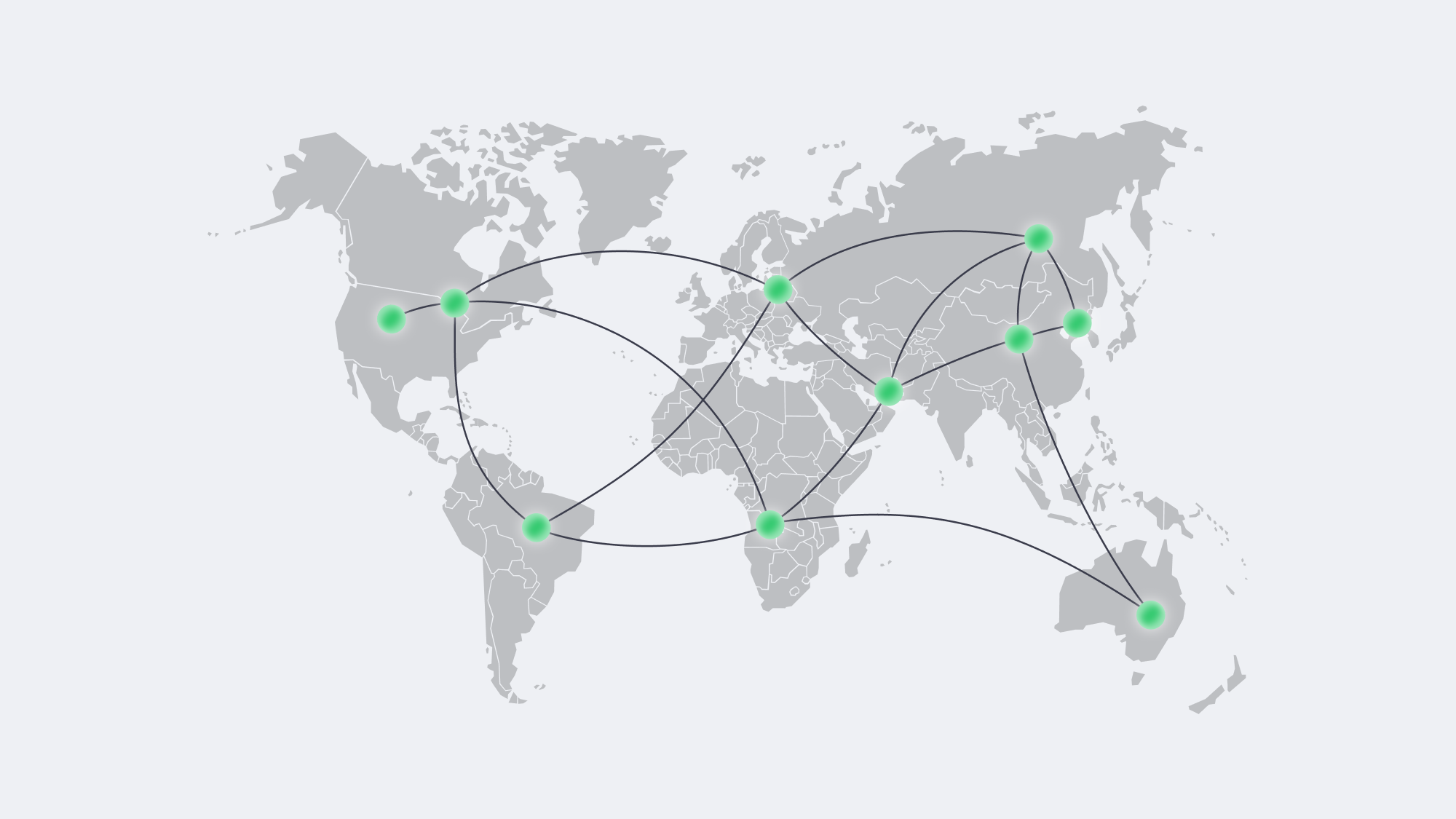
Metric latency to the collector can mask user pain from the edge. Dedicated nodes often sit in multiple regions for compliance or low-latency delivery. Best practice is a federated Prometheus mesh: one scraper per site, federating roll-ups to a global view. If trans-Atlantic WAN links fail, local alerts still trigger.
External synthetic probes—HTTP checks from Frankfurt, São Paulo, and Tokyo—verify that sites are reachable where it counts: outside the data-center firewall. Combined with Melbicom’s 21 locations and CDN pops in 55+ cities, ops teams can blend real user measurements with synthetic data to decide where to expand next.
Incident Economics—Why the Effort Pays
Tooling is not cheap, but neither is downtime. BigPanda’s latest benchmark shows every minute of outage still burns over $14k, and ML-backed AIOps can cut both frequency and duration by roughly a third.[4] Grafana adds that 79 % of teams that centralized observability saved time or money.[5] In plain terms: observability investment funds itself the first time a production freeze is shaved from an hour to five minutes.
Putting It All Together
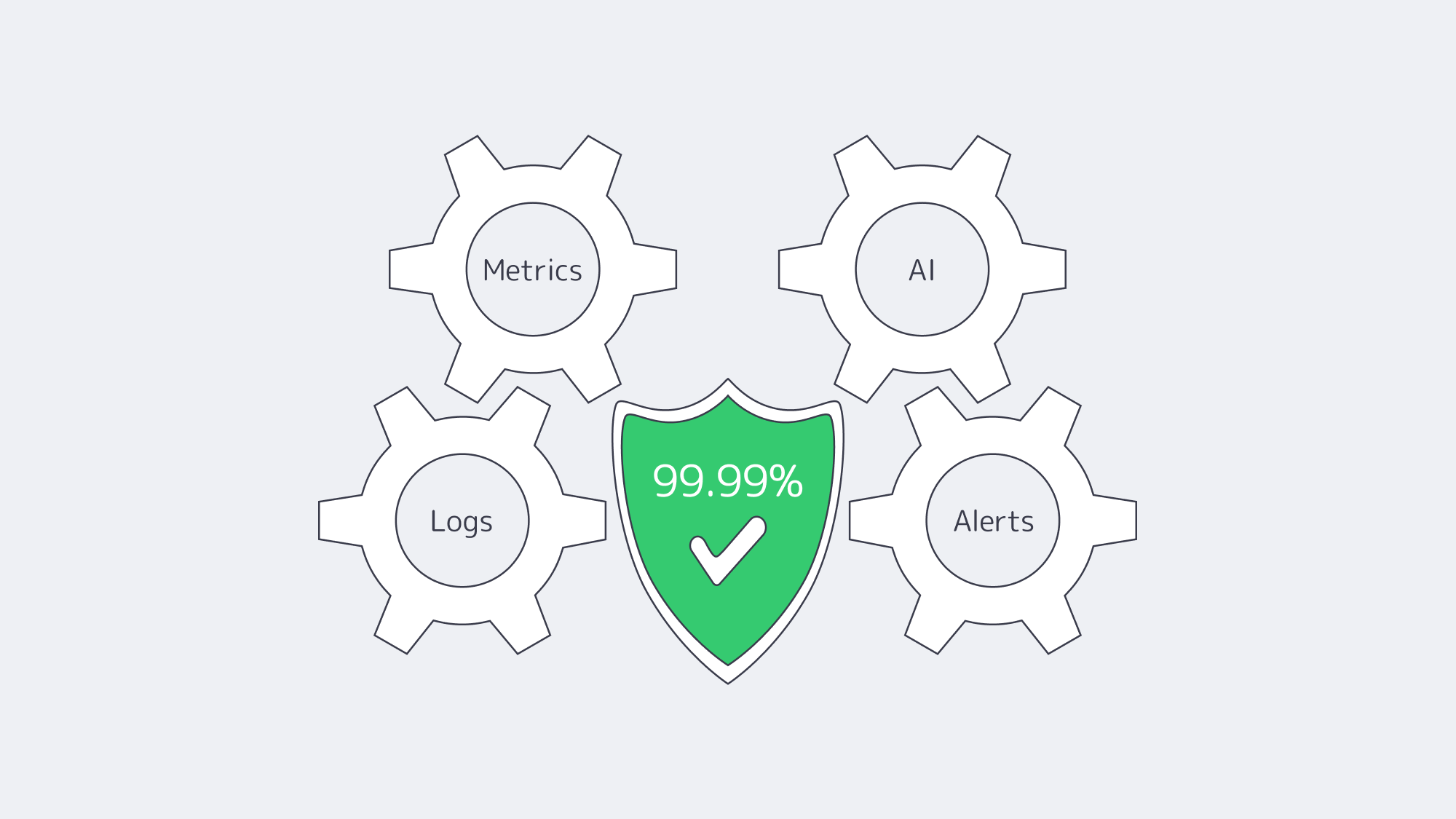
Build the stack incrementally:
- Instrument everything—system exporters first, app metrics next.
- Ship every log to a searchable index.
- Enable anomaly ML on the full data lake, tune until noise drops.
- Wire multi-channel alerts with rich context.
- Automate the obvious fixes, audit, and expand the playbook.
- Test failovers—simulate host death, packet loss, disk fill—until you trust the automation more than you trust coffee.
Each phase compounds reliability; skip one and blind spots emerge. When executed end-to-end, ops teams shift from firefighting to forecasting.
Conclusion — From Reactive to Resilient
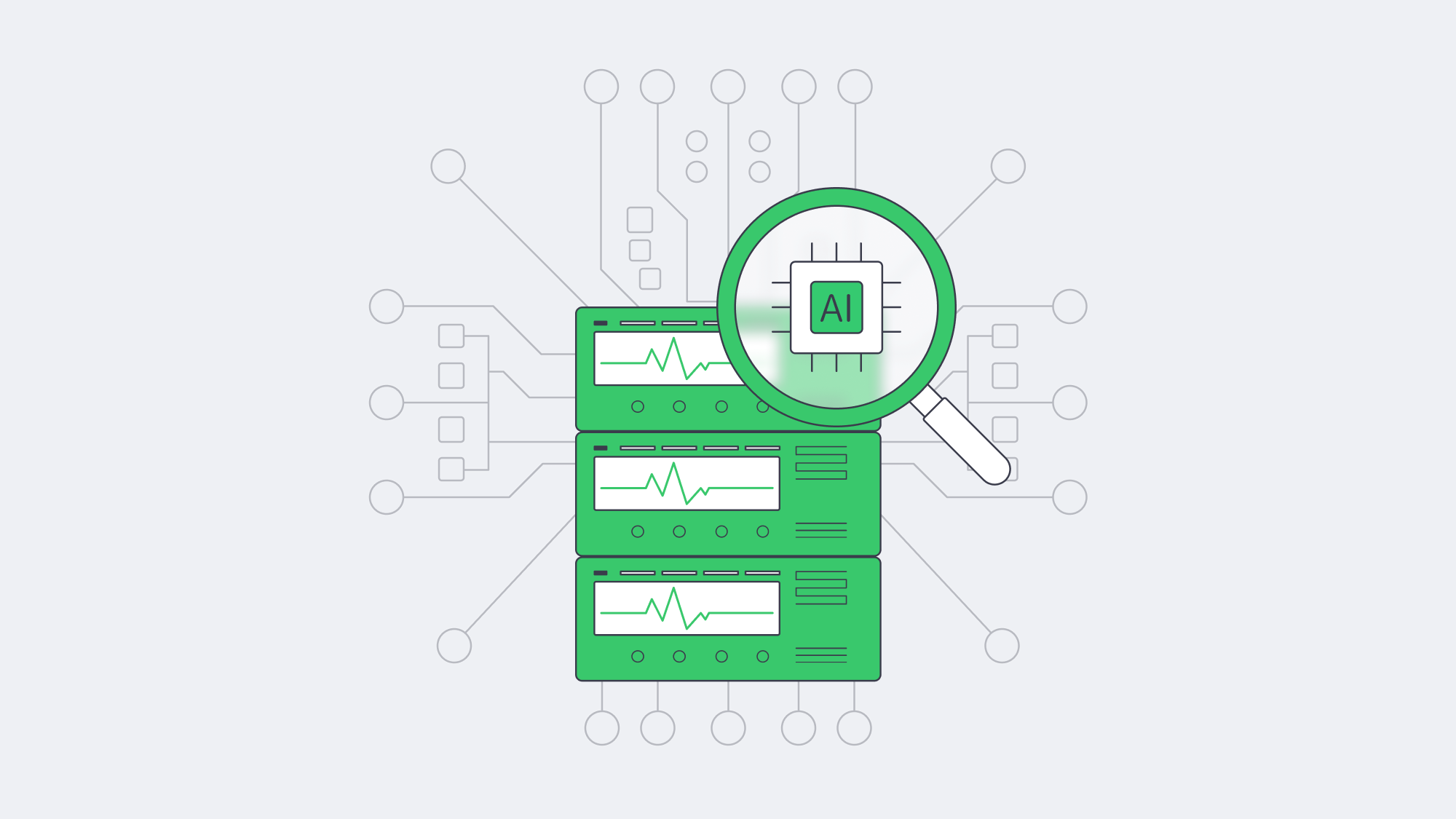
A modern monitoring stack turns servers into storytellers: metrics give tempo, logs provide narrative, AI interprets plot twists, and alerts assign actors their cues. Tie in automated runbooks and the infrastructure heals before the audience notices. Companies that follow this blueprint bank real money—downtime slashed, reputations intact, engineers sleeping through the night.
Launch Your Dedicated Server
Deploy on Tier III/IV hardware with up to 200 Gbps per server and 24×7 support. Start today and pair your new machines with the monitoring stack above for unbeatable uptime.
Get expert support with your services
Blog
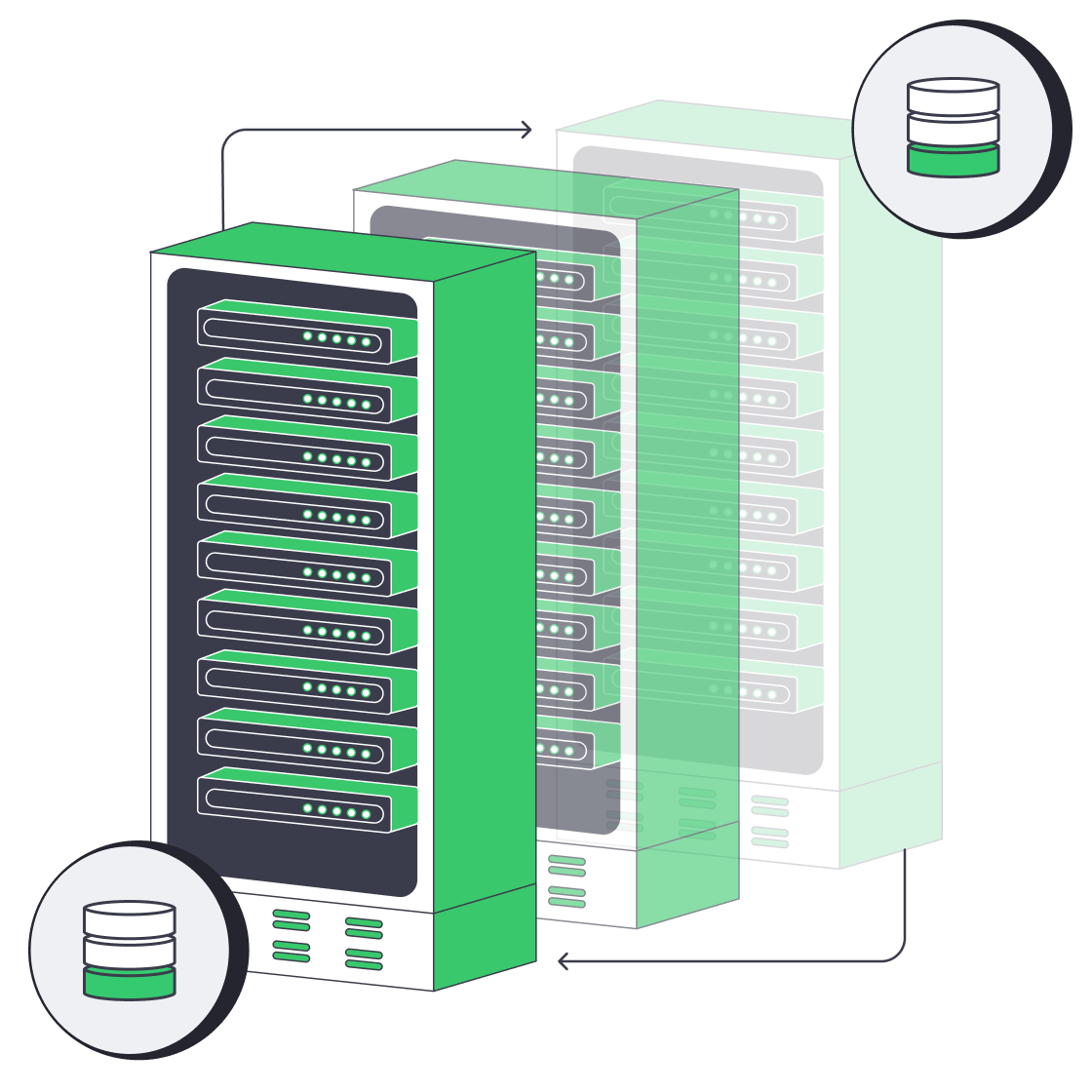
Database Hosting Services for Low Latency, High Uptime & Lower TCO
Modern database hosting services span far more than the racks that once anchored corporate IT. Today, decision-makers juggle dedicated servers, multi-cloud Database-as-a-Service (DBaaS) platforms, and containerized deployments—each promising performance, scale, and savings. The goal of this guide is simple: to show how to pick the right landing zone for your data by weighing five hard metrics—latency, uptime guarantees, compliance, elastic scaling, and total cost of ownership (TCO). Secondary considerations (feature sets, corporate politics, tooling preferences) matter, but they rarely outrank these fundamentals.
Choose Melbicom— 1,300+ ready-to-go servers — 21 global Tier IV & III data centers — 55+ PoP CDN across 6 continents |
|
Which Database Hosting Services Are Available—and How Do They Differ?
Before public clouds, running a database meant buying hardware, carving out space in an on-prem data center, and hiring specialists to keep disks spinning. That model still lives in regulated niches, yet most organizations now treat on-prem data centers as legacy—valuable history, not future direction. The pressures shaping current choices are sovereignty rules that restrict cross-border data flow, hybrid resiliency targets that demand workloads survive regional failures, and a CFO-driven insistence on transparent, forecastable economics.
Three modern options dominate
| Model | Core Idea | Prime Strength |
|---|---|---|
| Dedicated server | Single-tenant physical host rented or owned | Predictable performance & cost |
| Cloud DBaaS | Provider-managed database instance | Rapid deployment & elastic scale |
| Container platform | Database in Kubernetes or similar | Portability across any infrastructure |
Each model can power QSL database hosting, web hosting MySQL database clusters, or high-volume postgres database hosting at scale; the difference lies in how they balance the five decision metrics that follow.
How Does Latency Affect Database Hosting—and How Do You Reduce It?
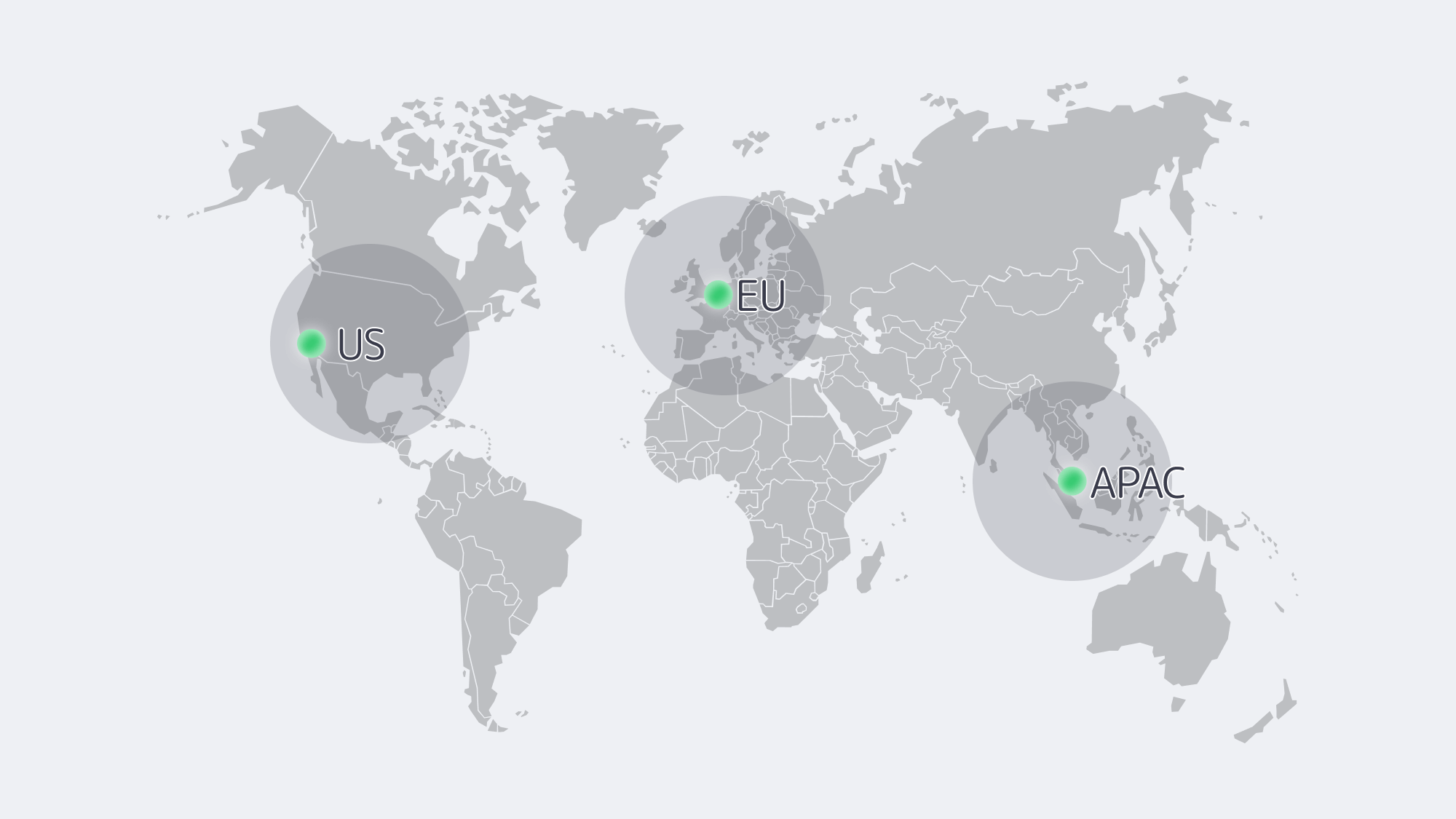
Every extra millisecond between application and datastore chips away at user experience. Dedicated servers let teams drop hardware into specific metros—Amsterdam for pan-EU workloads, Los Angeles for West-Coast startup—bringing median round-trip times under 5 ms within region and avoiding multi-tenant jitter.
DBaaS instances are just as quick when compute lives in the same cloud zone, but hybrid topologies suffer: shipping queries from an on-prem app stack to a cloud DB 2 000 km away adds 40-70 ms and invites egress fees. Container clusters mirror their substrate; run Kubernetes on bare metal in a regional facility and you match dedicated latencies, run it on VMs across zones and you inherit cloud hop counts.
For global audiences, no single host sits near everyone. The low-latency playbook is therefore:
- Pin read-heavy replicas close to users. Cloud DBaaS makes this almost one-click; dedicated nodes can achieve the same with streaming replication.
- Keep write primaries near business logic. It minimizes chatter on chatty OLTP workloads.
- Avoid forced detours. Private links or anycast routing outperform public-internet hops.
Melbicom pairs twenty Tier III–IV facilities with 200 Gbps server uplinks, so we can land data exactly where users live—without virtualization overhead or surprise throttling.
Is Your Database Hosting Highly Available—and What Should You Verify?
Dedicated servers inherit their facility rating: Tier IV promises <26 minutes of annual infrastructure downtime, Tier III about 1.6 hours. Hardware still fails, so true availability hinges on software redundancy—multi-node clusters or synchronous replicas in a second rack. Melbicom mitigates risk by swapping failed components inside 4 hours and maintaining redundant upstream carriers; fail-over logic, however, remains under your control.
Cloud DBaaS automates much of that logic. Enable multi-zone mode and provider target 99.95 %-plus availability; failovers finish in <60 s. The price is a small performance tax and dependence on platform tooling. Region-wide outages are rare yet headline-making; multi-region replication cuts risk but doubles cost.
Container databases ride Kubernetes self-healing. StatefulSets restart crashed pods, Operators promote replicas, and a cluster spread across two sites can deliver four-nines reliability—provided storage back ends replicate fast enough. You’re the SRE on call, so monitoring and rehearsed run-books are mandatory.
Rule of thumb: platform automation reduces human-error downtime, but the farther uptime is outsourced, the less tuning freedom you retain.
Compliance & Data Sovereignty: Control vs Convenience
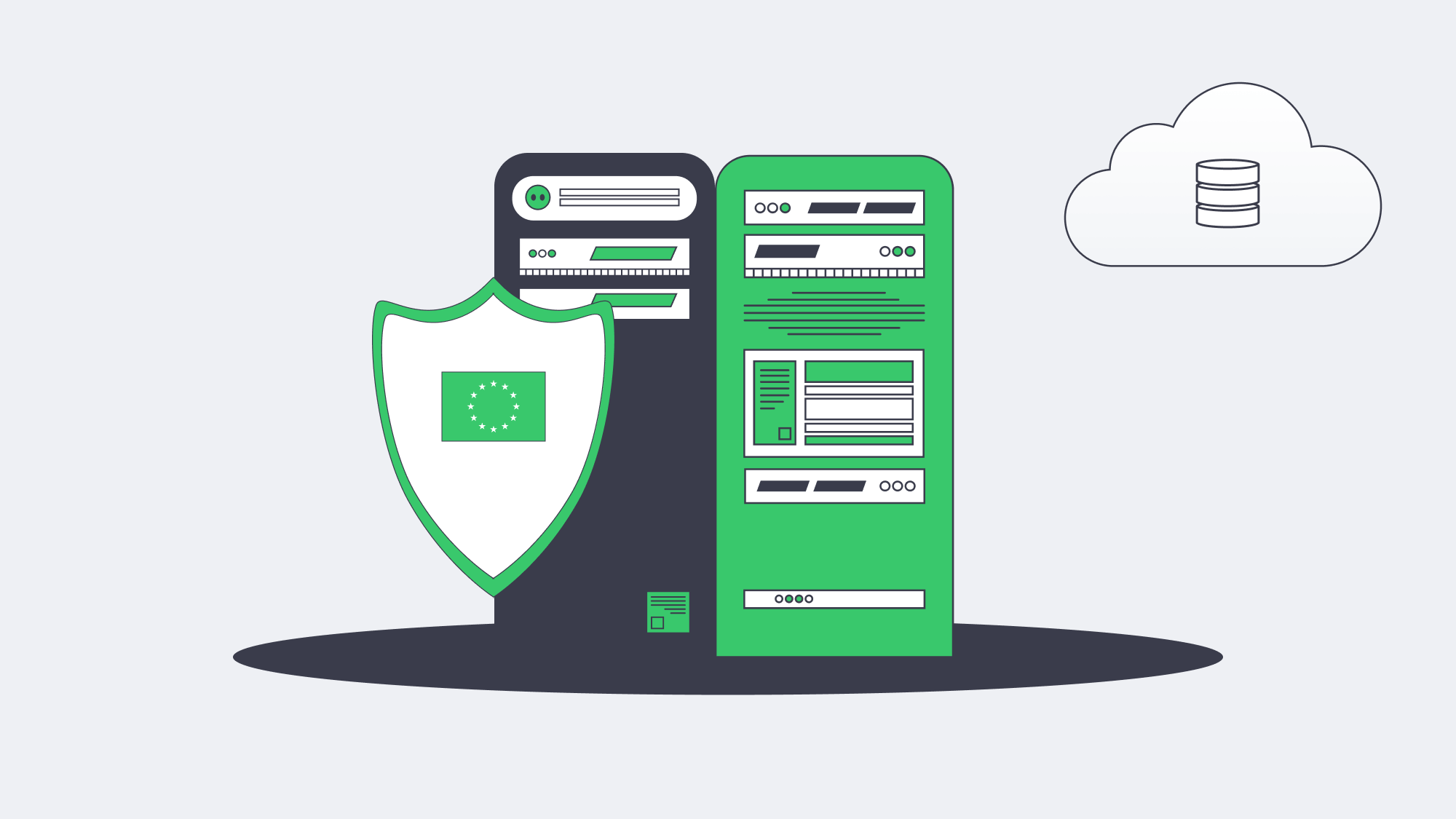
- Dedicated servers grant the clearest answers. Choose a country, deploy, and keep encryption keys offline; auditors see the whole chain. European firms favor single-tenant hosts in EU territory to sidestep cross-border risk, while U.S. healthcare providers leverage HIPAA-aligned cages.
- DBaaS vendors brandish long lists of ISO, SOC 2, PCI, and HIPAA attestations, yet true sovereignty is fuzzier. Metadata or backups may leave region, and foreign-owned providers remain subject to their home-state disclosure laws. Customer-managed keys, private endpoints, and “sovereign-cloud” variants ease some worries but add cost and sometimes feature gaps.
- Containers let teams codify policy. Restrict nodes by label, enforce network policies, and pin PostgreSQL clusters to EU nodes while U.S. analytics pods run elsewhere. The trade-off is operational complexity: securing the control plane, supply-chain-scanning images, and documenting enforcement for auditors.
When sovereignty trumps all, single-tenant hardware in an in-country facility still rules. That is why we at Melbicom maintain European data centers and make node-level placement an API call.
How Do Database Hosting Services Scale—Vertical, Horizontal, or Serverless?
Cloud DBaaS sets the benchmark: resize a MySQL instance from 4 vCPUs to 16 vCPUs in minutes, add replicas with one API call, or let a serverless tier spike 20× during a flash sale. It’s difficult to match that zero-touch elasticity elsewhere.
Dedicated servers scale vertically by swapping CPUs or moving the database to a bigger box and horizontally by adding shard or replica nodes. Melbicom keeps > 1,000 configurations on standby, so extra capacity appears within hours, not weeks, but day-scale elasticity cannot copy second-scale serverless bursts. For steady workloads—think ERP, catalog, or gaming back-ends—predictable monthly capacity often beats pay-per-peak surprises.
Container platforms mimic cloud elasticity inside your footprint. Kubernetes autoscalers launch new database pods or add worker nodes when CPU thresholds trip, provided spare hardware exists or an underlying IaaS can supply it. Distributed SQL engines (CockroachDB, Yugabyte) scale almost linearly; classic Postgres will still bottleneck on a single writer. Good operators abstract most of the ceremony, but hot data redistribution still takes time and IO.
In practice, teams often blend models: burst-prone workloads float on DBaaS, while core ledgers settle on right-sized dedicated clusters refreshed quarterly.
How Much Do Database Hosting Services Cost—and What Drives TCO?
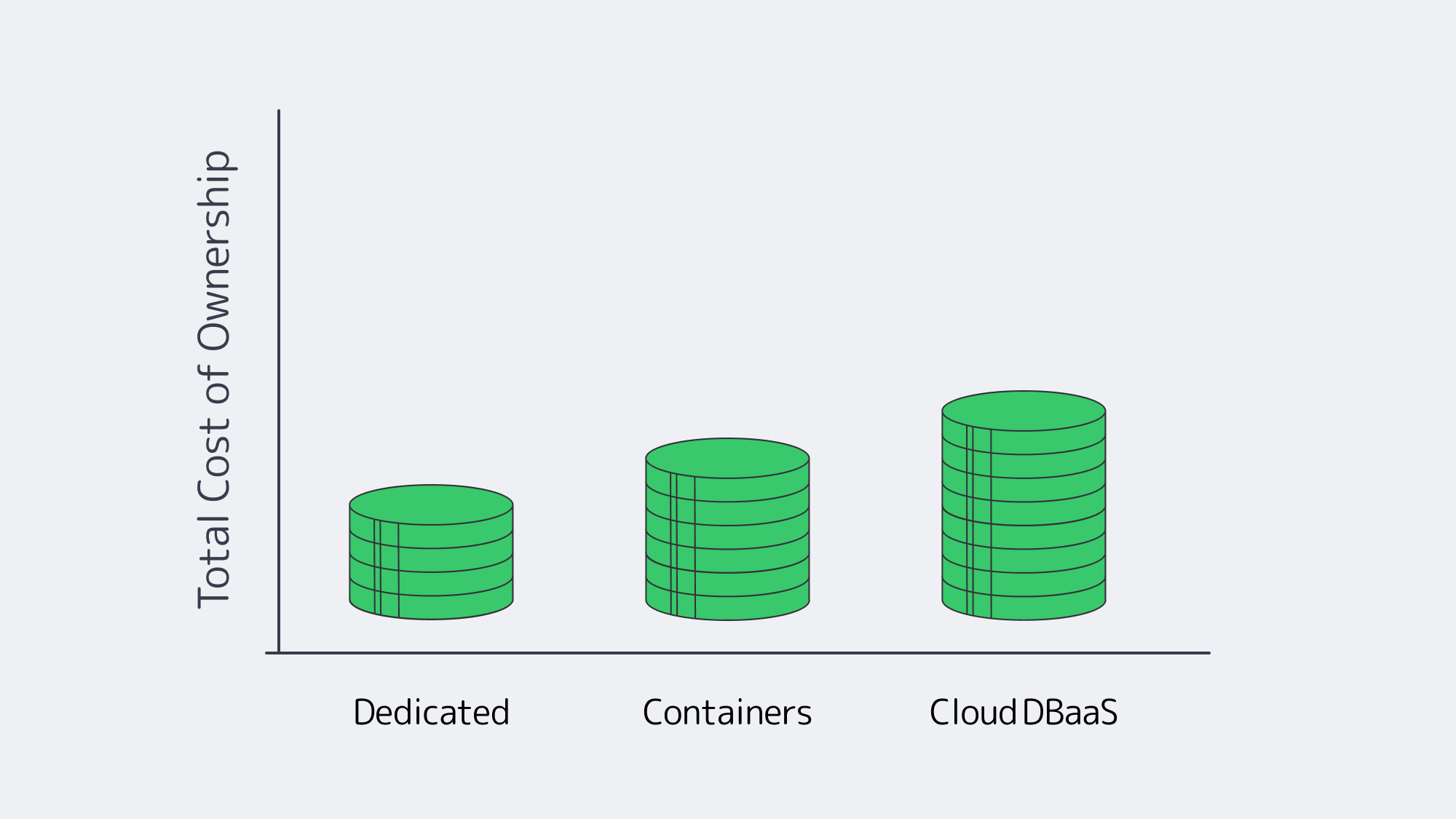
Price tags without context are dangerous. Evaluate three buckets:
- Direct infrastructure spend. Cloud on-demand rates can be 2-4× the monthly rental of an equivalently specced dedicated host when utilized 24 / 7. Transferring 50 TB out of a cloud region can cost more than leasing a 10 Gbps unmetered port for a month.
- Labor and tooling. DBaaS bundles patching, backups, and monitoring. Dedicated or container fleets need DBAs and SREs; automation amortizes the cost, but talent retention counts.
- Financial risk. Over-provision on-prem and you eat idle capital; under-provision in cloud and burst‐pricing or downtime hits revenue. Strategic lock-in adds long-term exposure: repatriating 100 TB from a cloud can incur five-figure egress fees.
A common pattern: startups prototype on DBaaS, stabilize growth, then migrate stable workloads to dedicated hardware to cap expenses. Dropbox famously saved $75 million over two years by exiting cloud storage; not every firm hits that scale, yet many mid-sized SaaS providers report 30–50 % savings after moving heavy databases to single-tenant hosts. Transparent economics attract finance teams; we see customers use Melbicom servers to fix monthly costs for core data while keeping elastic analytics in cloud Spot fleets.
Which Database Hosting Service Fits Your Use Case? Decision Matrix
| Criterion | Dedicated server | Cloud DBaaS | Container platform |
|---|---|---|---|
| Latency control | High (choose metro, no hypervisor) | High in-zone, variable hybrid | Mirrors substrate; tunable |
| SLA responsibility | Shared (infra provider + your cluster) | Provider-managed failover | You + Operator logic |
| Compliance sovereignty | Full control | Certifications but shared jurisdiction | High if self-hosted |
| Elastic scaling speed | Hours (new node) | Seconds–minutes (resize, serverless) | Minutes; depends on spare capacity |
| Long-term TCO (steady load) | Lowest | Highest unless reserved | Mid; gains from consolidation |
How to Choose a Database Hosting Service: A Balanced Framework
Every serious database platform evaluation should begin with hard numbers: latency targets per user region, downtime tolerance in minutes per month, regulatory clauses on data residency, scale elasticity curves, and projected three-year spend. Map those against the strengths above.
- If deterministic performance, sovereign control, and flat costs define success—bank transactions, industrial telemetry—dedicated servers excel.
- If release velocity, unpredictable bursts, or limited ops staff dominate, cloud DBaaS delivers fastest returns—think consumer apps, proof-of-concepts.
- If portability, GitOps pipelines, and multi-site resilience are priorities, container platforms offer a compelling middle road—particularly when married to dedicated nodes for predictability.
Hybrid architectures win when they let each workload live where it thrives. That philosophy underpins why enterprises increasingly mix clouds and single-tenant hardware rather than betting on one model.
Conclusion
The Path to Confident Database Hosting
Choosing a home for critical data is no longer about picking “cloud vs. on-prem.” It is about aligning latency, availability, compliance, elasticity, and cost with the realities of your application and regulatory environment—then revisiting that alignment as those realities shift. Dedicated servers, cloud DBaaS, and containerized platforms each bring distinct advantages; the smartest strategies orchestrate them together. By quantifying the five core metrics and testing workloads in realistic scenarios, teams reach decisions that hold up under growth, audits, and budget scrutiny.
Launch Your Database on Dedicated Servers
Provision a high-performance, low-latency dedicated server in hours and keep full control of your data.
Get expert support with your services
Blog
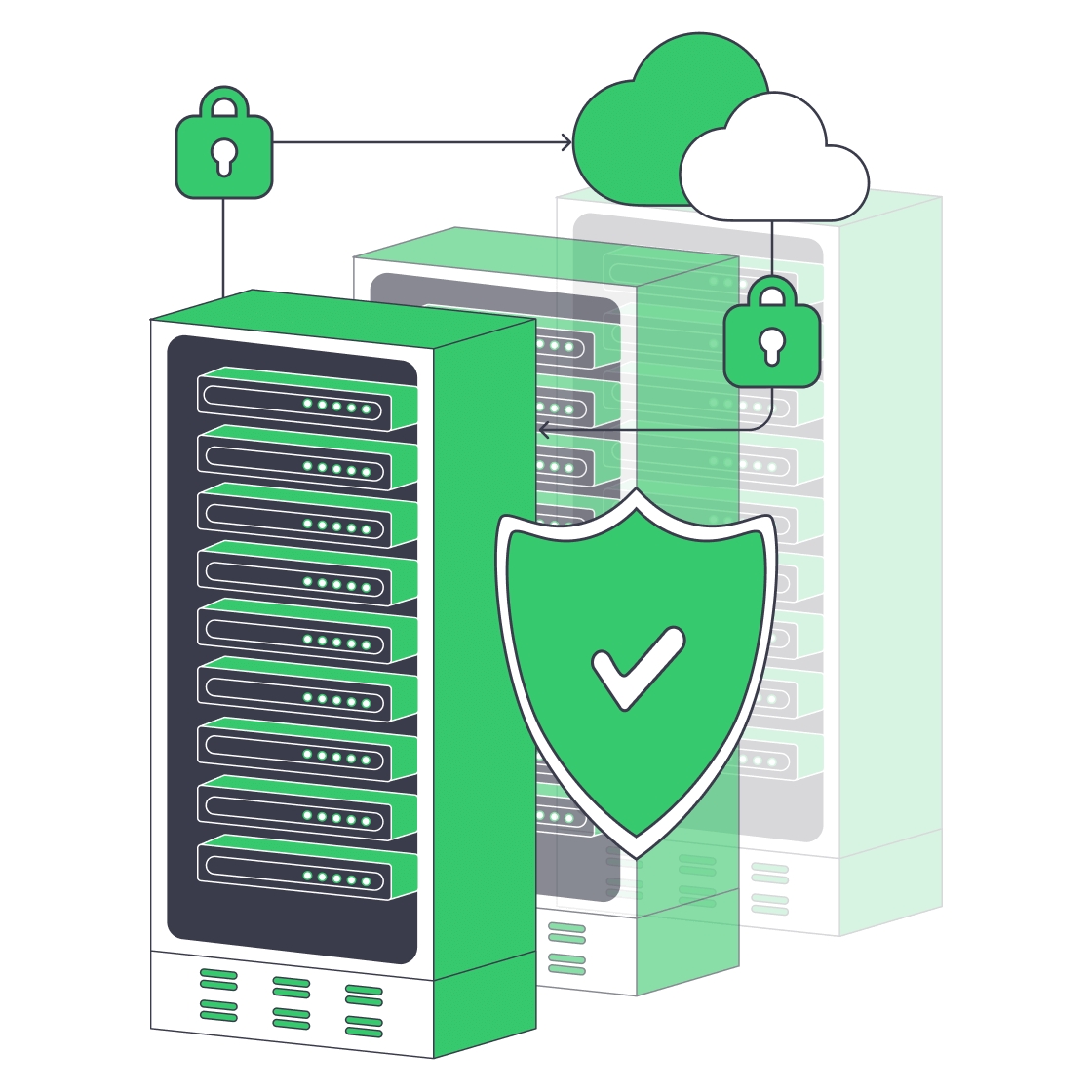
Why SMBs Need a Dedicated Backup Server Now
Ransomware attacks now seem to be focusing on smaller businesses. Reports from within the industry show that over a third of infections now hit companies with fewer than 100 employees, and nearly 75 % face permanent closure following prolonged outage. According to Verizon, human error is also still a big culprit when it comes to many breaches, so a solid backup plan is evidently needed. Unfortunately, many small and mid-size businesses (SMBs) rely on consumer-grade cloud sync as a backup or worse still, rest their bets on a USB drive. When faced with a worst-case scenario, these recovery plans will leave them in a very unfavorable position when regulators, courts, and customers come knocking.
Choose Melbicom— 1,300+ ready-to-go servers — 21 global Tier IV & III data centers — 55+ PoP CDN across 6 continents |
 |
A much better plan is to reap the benefits of a dedicated on-prem backup server to capture and store data that can be re-hydrated if there is a mishap. Having a single, hardened box specifically to handle data backup gives SMBs the following:
- Self-controlled protection without third-party retention policies, API limits, or hidden egress charges.
- Predictable costs with a fixed hardware or rental fee, with the ability to scale storage on your terms.
- Low-latency recovery flow is restored at LAN or dedicated-link speed rather than over a public pipe that may be congested.
Additionally, backup software ecosystems have evolved to provide an array of modern tools that were previously reserved for much larger enterprises. This means SMBs with even the leanest IT teams can pass compliance audits. Combining tools such as incremental-forever data capture, built-in immutability, and policy-driven cloud synchronization is a surefire protection plan to reduce ransomware risk, avoid accidental deletion crises, and satisfy security regulators.
Technology Evolution: Why USB & Tape Backups No Longer Suffice
Before we go any further, it is important to take a moment to highlight how legacy technologies that were once useful are no longer adequately capable of defending against modern risks:
| Medium | Weaknesses | Consequences |
|---|---|---|
| USB/external drives | Manual plug-in, no centralized monitoring, easy to mistakenly overwrite | Backup gaps, silent corruption |
| Tape rotation | Slow restores, operator error, single-threaded jobs | Extensive RTOs, unreliable for frequent restores |
Theft and fire are also a concern with either medium and, more importantly, both are defenseless against ransomware because it encrypts writable drives. Sadly, although these legacy technologies were once a first-line defense, with modern threats, they serve as little more than a reminder of how far we have come.
Rapid Deployment, Modest Budgets: Hardware is the Answer
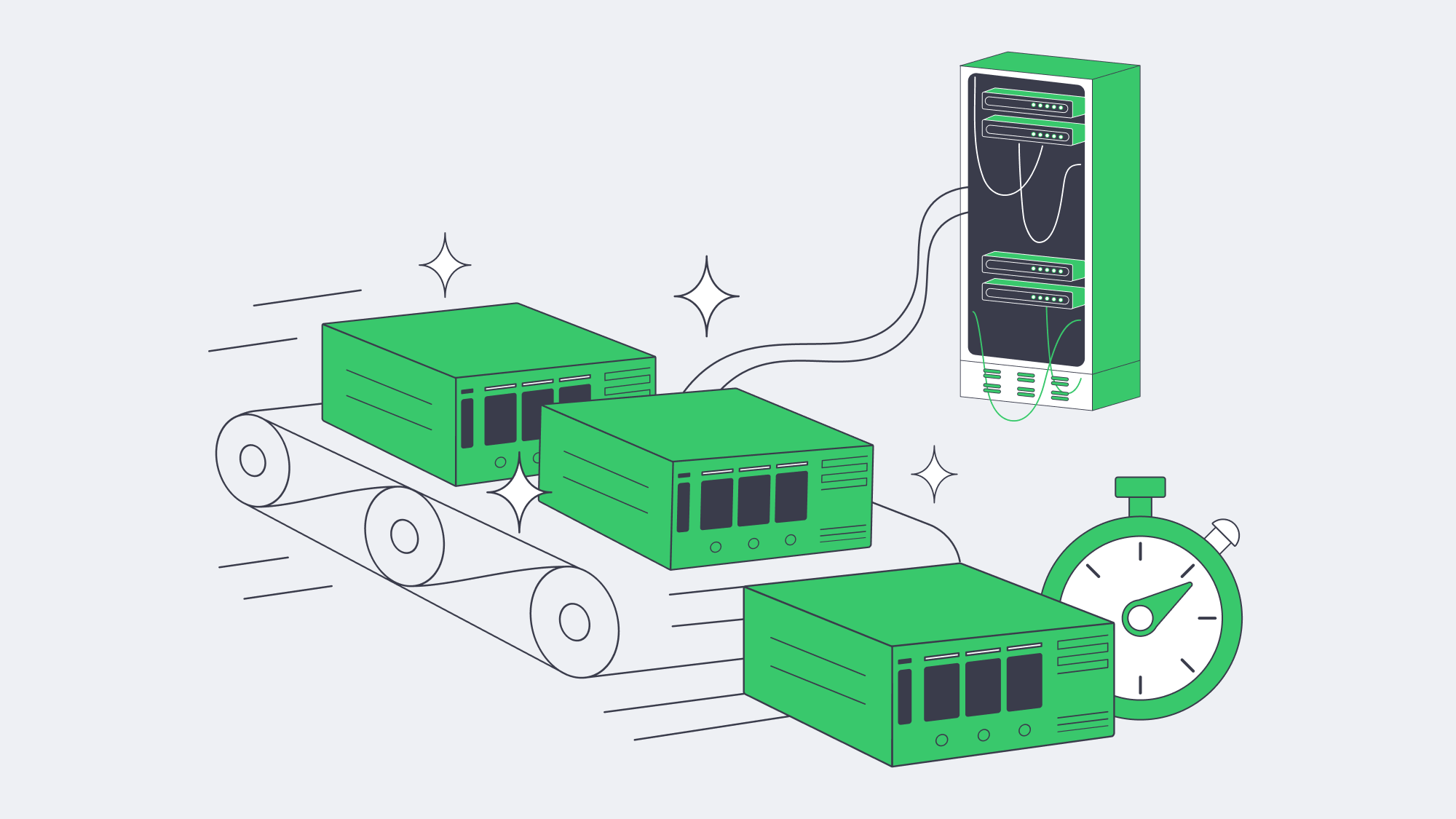
Once upon a time setting up a dedicated backup server was a lengthy process, but with over 1,300 ready-to-go configurations on the floor at Melbicom, we can offer rapid deployment. The majority of our configurations can be racked, imaged, and handed over with a two-hour turnaround. We offer 21 global Tier III/IV data centers to provide a local presence. Alternatively, you can park the server on-site and tether it back to Melbicom for off-site replication. With either option, per-server pipes scale to 200 Gbps, so regardless of how large your datasets are, nightly backup windows remain controllable.
The hands-off operation is a bonus for those with limited IT teams. Hardware health is monitored on our end, and SMART alerts automatically trigger disk reboots. With Melbicom, you can control your infrastructure via IPMI without driving to the rack. The elimination of maintenance labor and the inevitable depreciation offsets the rental premiums in the long run of buying a chassis outright.
How Do Incremental-Forever Backups Save Disk and Bandwidth?
Traditionally, the typical practice was to perform a full backup every weekend, with increments in between, but that can hog bandwidth and disk space. With solutions such as Veeam Backup & Replication, MSP-focused offerings like Acronis Cyber Protect, or the open-source tool Restic, incremental-forever backups have become the new standard:
- Initial synthetic full backup.
- Block-level deltas thereafter.
- Background deduplication to identify duplicate chunks helping to shrink stored volume by 60–95 %.
Independent lab tests show that even a 10 TB file share can be kept well within a gigabit maintenance window, as we see around 200 GB of new blocks nightly. This can be really beneficial to SMBs with growing data needs, with no need to double down on storage needs.
How to Sync Off-Site Without High Cloud Overheads (the 3-2-1 Rule)
Depending on a single copy is risky, it is better to follow the 3-2-1 rule. This means to have three copies, in two distinct media, and keep one stored off-site. A dedicated backup server delivers rapid copies for instant restoration, two local copies: production and local backup, and a third copy stored following policy:
- First, data is encrypted and then synced to object storage. Melbicom’s high-performance S3 cloud storage is recommended in this instance.
- Uploads are scheduled during off-peak hours making sure there is throttle to spare and plenty of daytime bandwidth.
- Where upstream links are small, the first TB is seeded via a shipped disk.
Operating in this manner keeps cloud storage bills down, as the deltas travel compressed without any duplications. The copy stored in the off-site vault eliminates expensive multi-site clustering or DR orchestration and guarantees the data is protected against unexpected events such as flood, fire, or burglary occurring in the primary site.
How Does Built-In Immutability Defeat Ransomware?
Attackers often go straight for the backups, scanning the networks and rapidly encrypting the data or deleting it entirely. This can be effectively countered with immutability locks. Our backup stacks enable write-once-read-many (WORM) retention. Once set, even admin accounts are unable to purge until the window expires. A 14- to 30-day lock window is recommended as a timer. This immutability can be bolstered further with certain products such as Linux-based hardened repositories that serve as an air gap. They are imperceptible to SMB/CIFS browsing but separate production credentials from stored backups.
Organizations leveraging immutable copies restore operations in half the time of those using non-hardened repositories. They also slash their ransomware recovery costs considerably. Studies by Sophos and IDC suggest they save over 60 %.
Lightweight, Automated Day-to-Day Ops
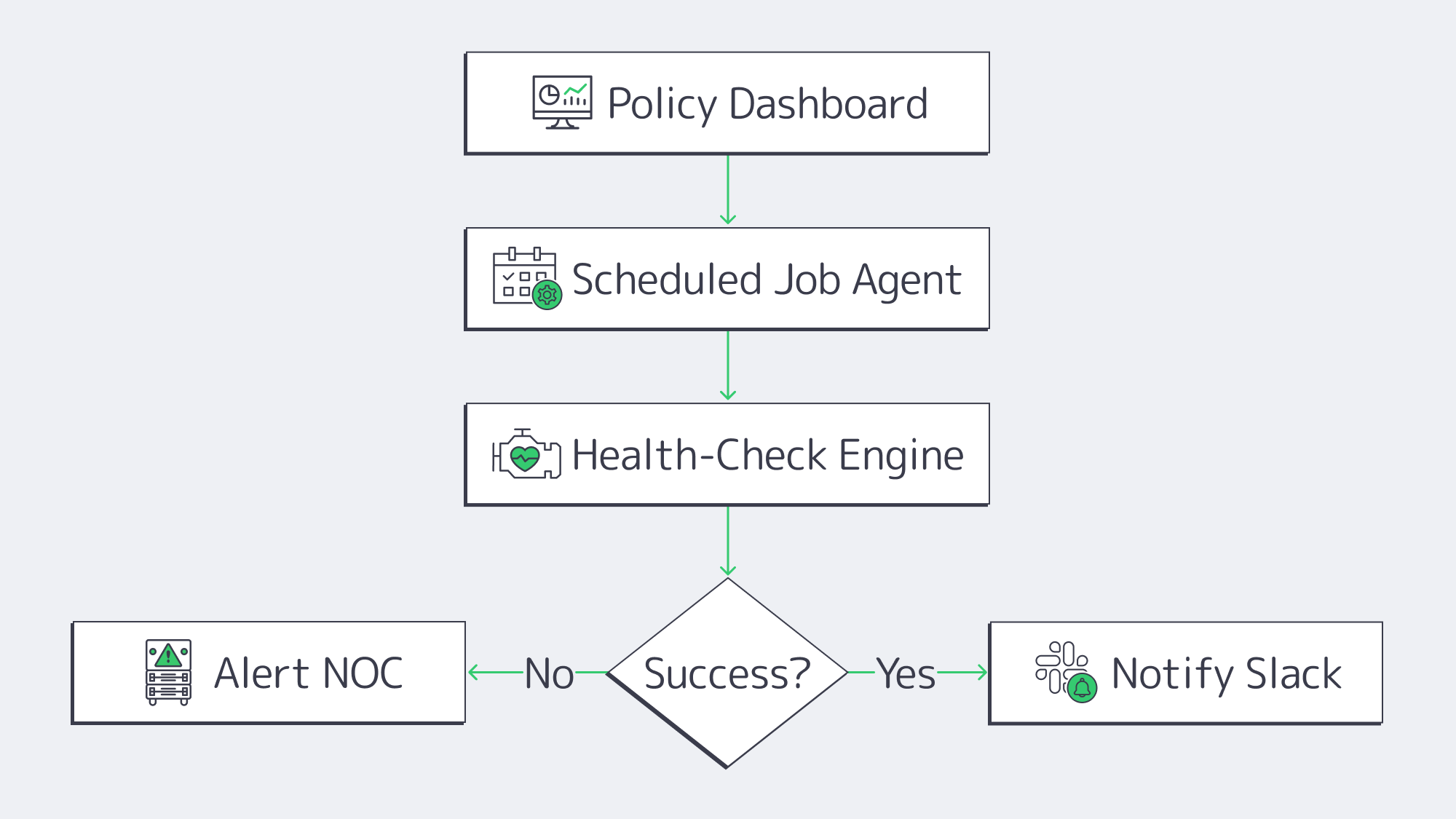
In SMBs where IT resources are constrained backup babysitting can be a real headache, but with modern engines operations and IT workloads are streamlined:
- Job scopes are defined with policy-first dashboards. Agents inherit RPOs, retention, and encryption once settings are applied.
- Restore points are constantly verified through automated health checks ensuring data is bootable.
- Success and failure events are automatically forwarded to Slack or SIEM through API hooks and webhooks.
Workflow times for quarterly test restores are significantly reduced, as most software can automate 90 % of the work. It is simple to select a VM and a handful of files and verify hashes, comparing them with production by spinning them up and tearing them down in an isolated VLAN or sandbox.
A Brief Overview of Best Hardening Practices
- Isolating networks: You can reduce unnecessary port exposure by placing the backup server on a VLAN of its own or operating on a separate subnet.
- MFA as standard: Secondary forms of authentication are required for both console and software access.
- In flight and at rest encryption: Replication paths should employ TLS and stored blocks should leverage AES-256 encryption as standard.
- Frequent patching: Hardened backup appliances need to be regularly patched to reduce the attack surface; if self-patching, follow a 30-day update SLA.
The above steps make your infrastructure less of a target for ransomware attacks. Should you fall prey, these extra precautions ought to raise alarm bells tripping SIEM before the damage is done and they don’t cost any extra to put in place.
Checklist: Implement a Dedicated Backup Server with Confidence
| Step | Outcome |
|---|---|
| Size capacity & retention | Enough headroom for 12–18 mo. growth |
| Select incremental-forever capable software | Faster jobs, smaller footprint |
| Enable immutability locks | Protect recent backups against deletion |
| Configure cloud sync or second site | Satisfy 3-2-1 without manual media rotation |
| Schedule quarterly test restores | Prove backups are usable |
Follow the list and the gap between a compliance breach and a clean audit narrows dramatically.
Make Your SMB Data Protection Future-Proof with a Dedicated Backup Server
Backup efforts need to take the following into consideration: ransomware, compliance scrutiny, and raw data growth. Modern-day digital operations have gone beyond cloud SaaS and tape silos. The simplest, safest solution is a dedicated backup server for full control. With a dedicated server solution, incremental-forever captures run in the background, syncs are automatic, and deltas are stored off-site, bolstered by advanced encryption. This keeps data sealed, and all restore points are protected by immutable locks that prevent tampering. For SMBs, this modern model grants recoveries akin to those of a Fortune 500 company without hefty budgets, global clustering overheads, or complex DR orchestration.
Making the move to a dedicated setup is far less of a headache than it sounds. Simply provision a server, deploy backup software and point agents on it, and leave policy engines to do the hard work for you. For very little outlay and effort, you get airtight retention and rapid restoration at LAN speed should disaster strike. With this type of modern setup and the best practices in place, ransomware actors have a hard time getting their hands on anything of any use to exploit and corrupt, and it demonstrates secure operations to compliance auditors and customers. Organizations with smaller IT teams will also benefit from a higher return on uptime than ever before.
Order a Backup Server
Deploy a purpose-built backup server in minutes and safeguard your SMB data today—with Melbicom’s top-line infrastructure.