
A zone on FastPath DNS answers for your domain only once the domain’s registrar lists the service’s name servers. That switch is one change at the registrar, and it is safe when the zone already holds every record the domain uses today. This tutorial checks that first, then makes the change and verifies it.
Prerequisites
- A zone for your domain on your FastPath DNS service that holds every record the domain uses today: the records of your website (Create the Root Record for Your Domain in FastPath DNS) and, if the domain has email, its mail records (Set Up Email Records in FastPath DNS: MX, SPF, DKIM and DMARC).
- Access to the account at the registrar where the domain is registered.
Step 1: Note the Name Servers
Open Services in the client area and click your FastPath DNS service. The two name servers are in the Information card:
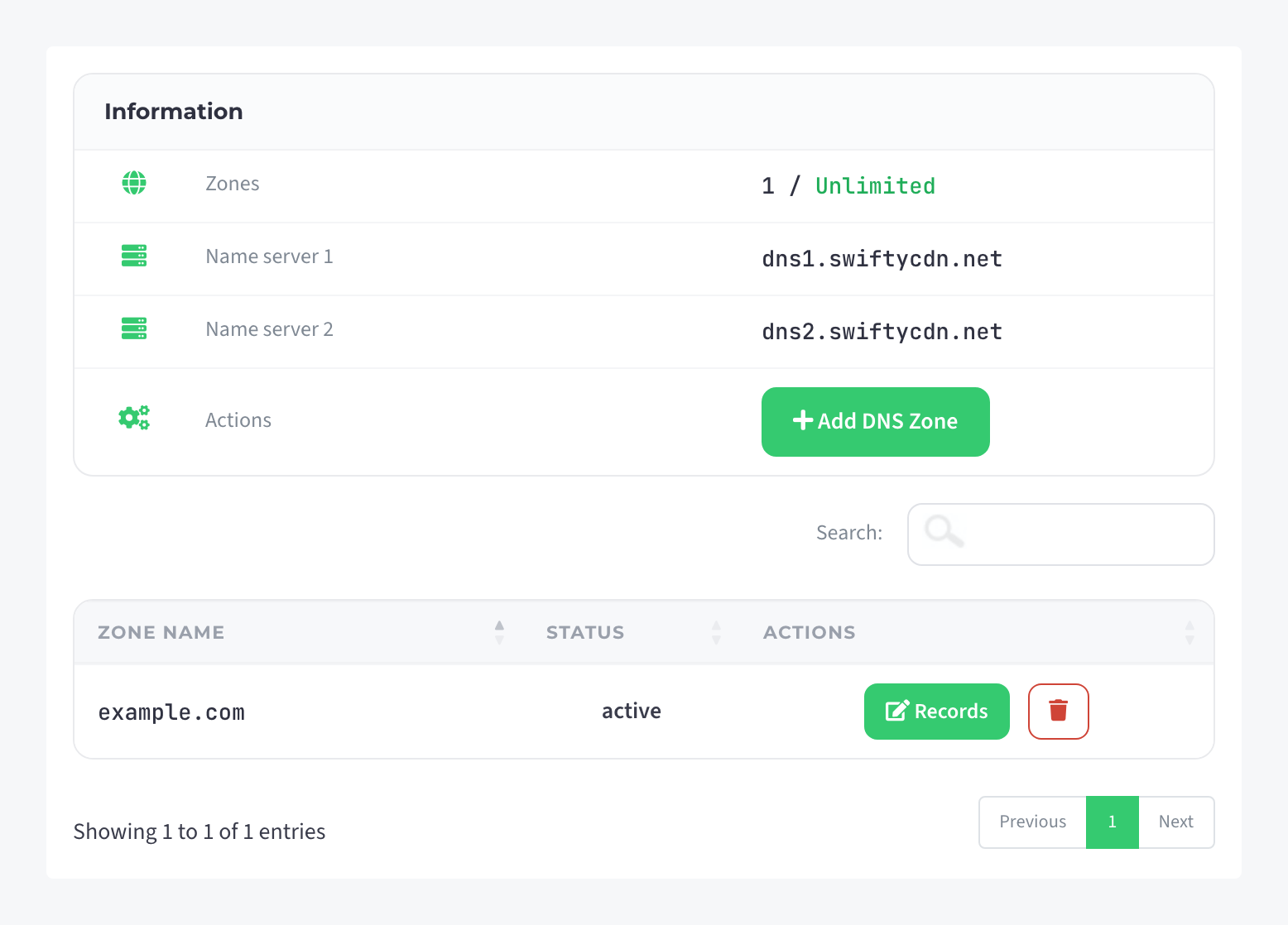
| Name server | Value |
|---|---|
| Name server 1 | dns1.swiftycdn.net |
| Name server 2 | dns2.swiftycdn.net |
Step 2: Check That the Zone Answers
From the moment the registrar is updated, resolvers ask the new name servers for everything: a record missing from the zone is a service that stops working. Query the FastPath DNS name server directly for each name your domain uses, before changing anything:
dig @dns1.swiftycdn.net example.com A +short
dig @dns1.swiftycdn.net www.example.com A +short
dig @dns1.swiftycdn.net example.com MX +short
Each answer must match what your current DNS provider returns for the same name. Skip the MX query for a domain without email. Check the TXT records used for email and for ownership checks in the same way.
If an answer is missing or different, do not continue. Open the zone and click Add Record. Create the missing record with the same type, name, value and TTL as at your current DNS provider. Correct a record that differs with the edit button on its row. Then run the queries again. The dialog and its fields are detailed in Add DNS Records with the FastPath DNS Manager.
Step 3: Replace the Name Servers at the Registrar
Log in to the registrar of the domain, open the domain’s name server settings, and replace the existing name servers with the two from Step 1. Remove every other name server from the list, then save.
For a domain registered with Melbicom, open it under Domains in the client area and edit its name servers there.
Step 4: Verify the Delegation
Ask a public resolver which name servers the domain uses:
dig example.com NS +shortWhen the answer lists dns1.swiftycdn.net and dns2.swiftycdn.net, the domain is served by FastPath DNS. On Windows, nslookup -type=NS example.com gives the same information.
The change is not instant everywhere: resolvers keep the previous name servers until their cached copy expires, which can take 24 to 48 hours. Keep the zone at your previous DNS provider unchanged during that time, so both sets of name servers give the same answers.
What You Have
A domain answered by the FastPath DNS name servers from every location of the Anycast network. From now on, every DNS change for the domain is made in the zone on your service, and takes effect within the TTL of the record you change.