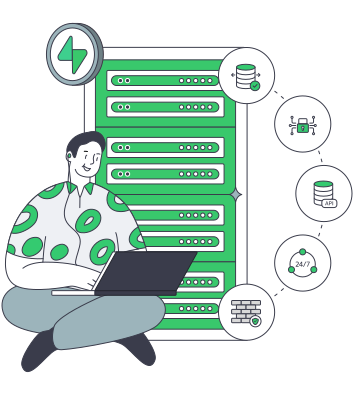
Supabase hosting for every service in your production stack

Run PostgreSQL writes, API and Auth traffic, Realtime connections, Storage, and background work on a dedicated server with CPU, memory, disk I/O, and bandwidth matched to their combined work.

Dedicated servers for Supabase services

Plan Supabase self hosting around service roles

CPU capacity sizing
CPU and RAM headroom

Give queries, authentication, API calls, Realtime, and background jobs room to run together without crowding the host.

Verified storage I/O
Database storage I/O

Use SSD or NVMe for data, indexes, WAL, temporary work, backups, and maintenance that share the physical host.

Multiple LAN bandwidth paths
Bandwidth for live traffic

Match port speed to API traffic, WebSockets, object transfers, replication, migrations, and backups during production.

S3-compatible storage servers
Objects off local disks

Keep uploaded object bytes in Amsterdam S3-compatible storage while PostgreSQL continues to hold the related metadata.

Available configurations
Need a Custom Build?
Filters
Clear all
Data center
Data center
CPU
CPU
CPU Brand
CPU Brand
RAM
RAM
Storage
Storage
from
up to
GPU
GPU
    Bandwidth
    Bandwidth
    Data Transfer
    Data Transfer
    Available configurations –
    CPU
    Memory
    Storage
    Network
    GPU
    Data center
    Price
    Show more

    One deployment, multiple services share the same host

    A self-hosted Supabase deployment runs PostgreSQL beside Auth, PostgREST, Realtime, Storage, Edge Functions, and connection pooling. Queries, API calls, WebSockets, object transfers, migrations, and maintenance can overlap in production, drawing from shared CPU, memory, disk I/O, connections, and bandwidth during busy periods and recovery operations.

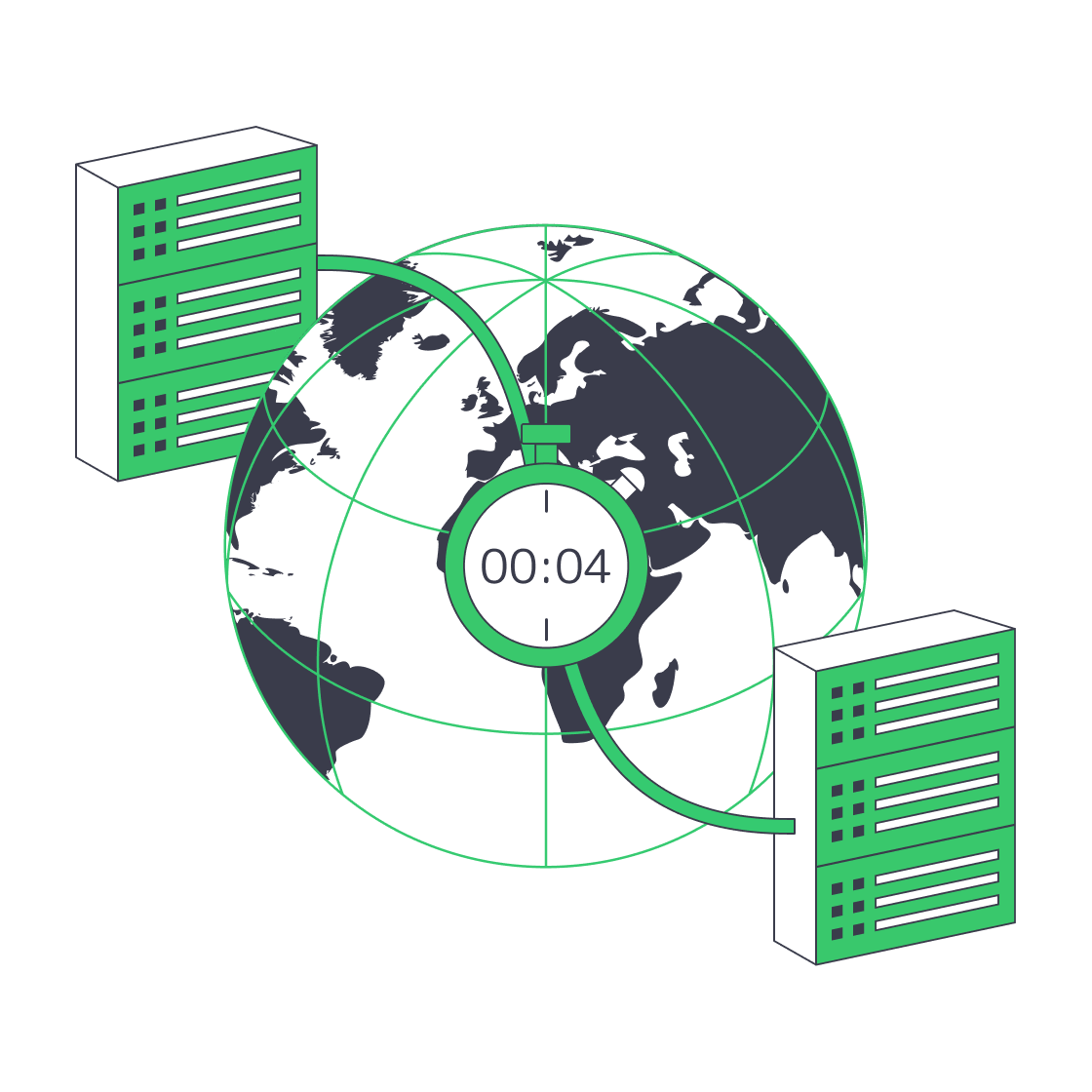
    Melbicom offers ready physical servers or custom builds shaped around processor, memory, SSD/NVMe layout, port speed, retained data, and expected traffic. Custom configurations are delivered in 3–5 business days, with placement across 21 data centers worldwide to keep the backend close to its application tier or principal users and shorten round trips.

    Keep the substantial production deployment on dedicated hardware, place uploaded object bytes on S3-compatible storage in Amsterdam so local disks remain available for PostgreSQL, and assign smaller projects to cloud VPS when their resource profile fits. Your team keeps control of Docker Compose, releases, secrets, backups, and restores.

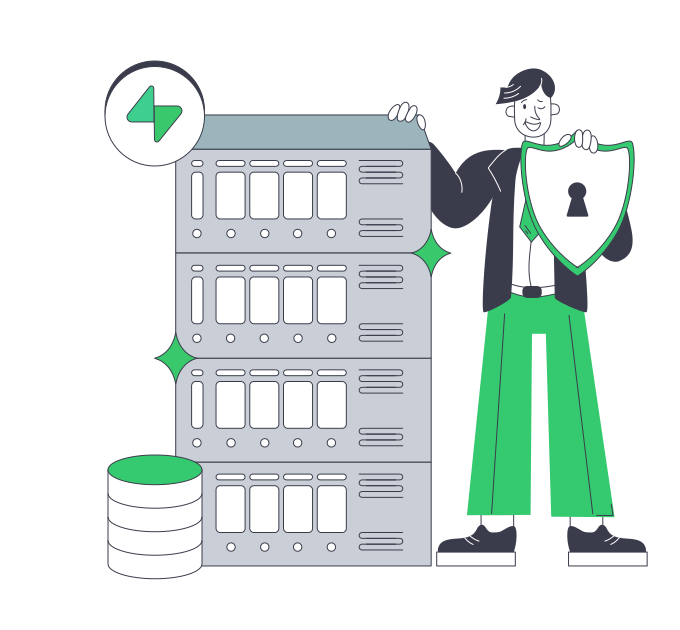
    Supabase operator managing a production application stack

    Operational control across every service layer

    What improves when one host is planned around all services.
    Room for simultaneous services
    WAL and maintenance headroom
    Pools sized to connection limits
    Ports ready for WebSocket traffic
    Release timing under your control
    Cloud VPS for smaller projects

    Build the host around your stack

    Choose the hardware, access, storage, and network options that match how your Supabase deployment runs.
    Whole-host CPU and memory
    Local SSD and NVMe options
    Configurable storage layouts
    Ports matched to transfer volume
    Full root and IPMI access
    Ready and custom server builds
    Regional server placement choices
    S3-compatible storage in Amsterdam
    Bandwidth plan options by location
    Cloud VPS for smaller stacks
    Plan your server build
    Share your workload profile and match CPU, memory, storage, and bandwidth to it.
    Talk to an expert

    Match infrastructure to each Supabase workload

    Application server operations
    Production SaaS backends

    Keep database work, authentication, APIs, and workers on a host sized for the busiest production periods.

    Three-person user group
    Collaborative applications

    Keep WebSocket sessions and change traffic moving alongside queries, authentication, and live application requests.

    Verified storage I/O
    Write-heavy systems

    Plan disk I/O and memory for WAL, indexes, autovacuum, migrations, and sustained transaction volume on the host.

    Application traffic capacity sizing
    API-intensive platforms

    Reserve compute and network headroom for REST traffic, user sessions, background jobs, and object access.

    Server analytics processing
    Internal data platforms

    Give growing datasets, reporting queries, backups, and recovery work a storage layout for overlapping I/O activity.

    Regional application placement
    Regional backend hosting

    Place the backend near application services or principal users to shorten round trips for database and API requests.

    S3-compatible storage servers
    Object-heavy applications

    Move uploaded object bytes to Amsterdam S3-compatible storage while PostgreSQL retains the related metadata.

    Cloud VPS server stack
    Smaller project stacks

    Use cloud VPS for evaluation, internal tools, and lower-volume projects that fit a measured virtual-machine profile.

    Infrastructure decisions for your application stack

    Illustration of server rack topped by HDD, SSD, and NVMe icons showing speed hierarchy
    Choosing Dedicated Server Storage: HDD, SSD, or NVMe?
    Balanced scale comparing owned servers to rented subscription contract
    Database Server Acquisition: Should You Buy or Rent?
    Globe with paired data‑centres linked for four‑minute disaster recovery.
    Architecting Minutes-Level RTO with Melbicom Servers
    Technician audits hosting options to ensure reliable web-application functionality
    Choosing the Right Web Application Hosting Strategy
    More articles
    FAQ
    What does Supabase hosting include here?
    When does a dedicated server fit Supabase?
    Can a smaller deployment use cloud VPS?
    How should we size CPU and memory?
    Which database connection mode should we use?
    What belongs in a Supabase backup plan?
    Can Supabase Storage use Melbicom S3?
    Who controls releases, secrets, and recovery?
    When should the deployment use multiple hosts?
    What network setup does Realtime need?
    Opening an account
    Create your account, fund the balance, and choose the server configuration for your Supabase deployment.
    Create an account
    Review your requirements
    Share traffic, data, storage, and network requirements to shape a ready or custom server.
    Talk to an expert