
Blog

Database Server Acquisition: Should You Buy or Rent?
Buying a database server, installing it in a rack, and depreciating it over several years was once the default. That model can still work, but scaling it requires capital, facilities, and procurement lead time. Renting dedicated or cloud capacity offers a different tradeoff, so the right choice depends on the workload and operating model.
Compare the capital-expense (CapEx) path of owning hardware with the operating-expense (OpEx) model of renting dedicated or cloud-hosted capacity. The better choice depends on utilization, staffing, software licensing, deployment speed, refresh plans, and how often capacity or location needs change. This guide compares those factors without treating either model as automatically cheaper.
Choose Melbicom— 1100+ ready-to-go servers — 21 Tier III/IV data centers — 40 CDN PoPs |
 |
The True Cost of Buying a Database Server
How much is a database server? There is no reliable single figure. A purchase quote depends on CPU count, memory, storage, redundancy, support, and software licensing. Ownership also adds power, cooling, rack space, spare parts, and staff time; rental quotes vary by location, configuration, bandwidth, and term.
Compare both options over the same planning horizon and service level. For buying, include hardware, warranties, facilities, network, licenses, maintenance, migration, and residual value. For rented dedicated hardware, include setup, monthly server and traffic charges, remote hands where applicable, and exit or migration costs. For public cloud, include compute, storage, data transfer, managed services, and discounts.
Renting lowers the upfront cash commitment, but it does not always mean per-second billing. Dedicated servers are commonly billed for a fixed period, while public cloud resources are more elastic. Over three to five years, either model can be cheaper depending on utilization, labor, power, licensing, and refresh requirements.
Accounting treatment also depends on the contract and jurisdiction. Capital purchases normally enter asset and depreciation workflows; service and lease arrangements may be treated differently. Finance and procurement teams should confirm the treatment before using CapEx or OpEx labels as the deciding factor.
The Economics At A Glance
| Dimension | Buy (CapEx) | Rent Dedicated or Cloud (OpEx) |
|---|---|---|
| Up-front outlay | High (hardware and setup) | Low to moderate (setup and first billing period) |
| Accounting | Capital asset; depreciation rules apply | Service or lease expense; treatment depends on contract |
| Flexibility | Specification and location stay fixed until replacement | Cloud can resize quickly; rented bare metal changes in server-sized steps |
| Refresh cycle | Buyer-managed around warranty, support, and economics | Provider owns the physical lifecycle; the customer still plans workload migration |
Refresh Cycles: Avoiding the Inevitable Treadmill
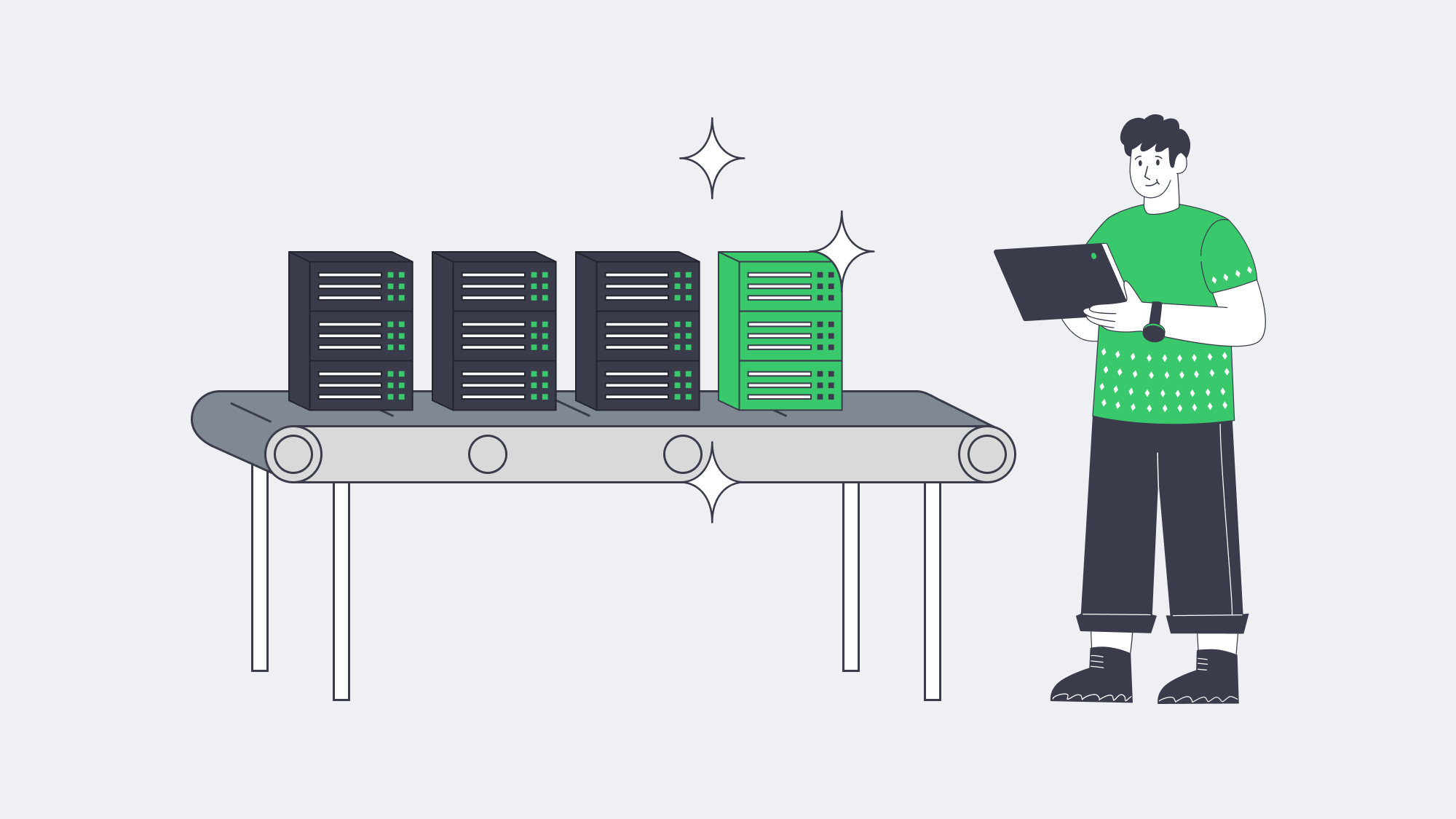
Hardware refresh decisions should be based on workload performance, energy use, support status, failure risk, and migration cost—not on a fixed annual efficiency assumption. Uptime Intelligence notes that work delivered per unit of energy can improve substantially across four- to five-year technology cycles, but the benefit depends on utilization, consolidation, and workload fit.
Renting changes who owns the physical refresh; it does not eliminate database migration work. The provider handles the hardware lifecycle and failed components, while the customer still needs to validate compatibility, benchmark the new platform, replicate data, test failover, schedule cutover, and retire the old node.
On-premises refreshes can add procurement, shipping, installation, cabling, and power or cooling work. Melbicom ready-to-go servers can be activated in two hours in Tier III or Tier IV facilities, and custom configurations are delivered in 3–5 business days. That shortens infrastructure lead time, but workload migration and acceptance testing still need a plan.
Workload Utilization and Burst Capacity
Utilization is workload-specific. A purchased server and a rented dedicated server can both sit idle because each reserves a fixed machine for one customer. Public cloud improves elasticity by allowing resources to be added or removed on demand, while rented bare metal scales in server-sized steps and on the provider’s provisioning and billing cycle.
During a launch or seasonal surge, replicas or higher-IOPS nodes can be added. Cloud resources can usually be removed quickly; dedicated rentals require planning around activation and billing terms. Melbicom offers 1100+ ready-to-go servers across 21 global Tier III and Tier IV data centers, including Los Angeles, Singapore, Amsterdam, and Mumbai. Bandwidth options are available up to 200 Gbps per server, but actual latency must be measured from the users and systems that matter.
Steady workloads can still be oversized. Renting reduces capital lock-in and makes replacement or relocation easier, but it does not remove the need for telemetry, load testing, and capacity planning. Right-size CPU, memory, storage IOPS, and network headroom against sustained and peak demand.
Understanding Operational Overheads: Who Does the Heavy Lifting?
With owned hardware, your team is responsible for the facility, physical components, firmware, and replacement logistics. With a rented dedicated server, the provider handles the data center and failed hardware, while the customer still manages the operating system, database, backups, monitoring, access controls, and incident response unless a separate managed service says otherwise.
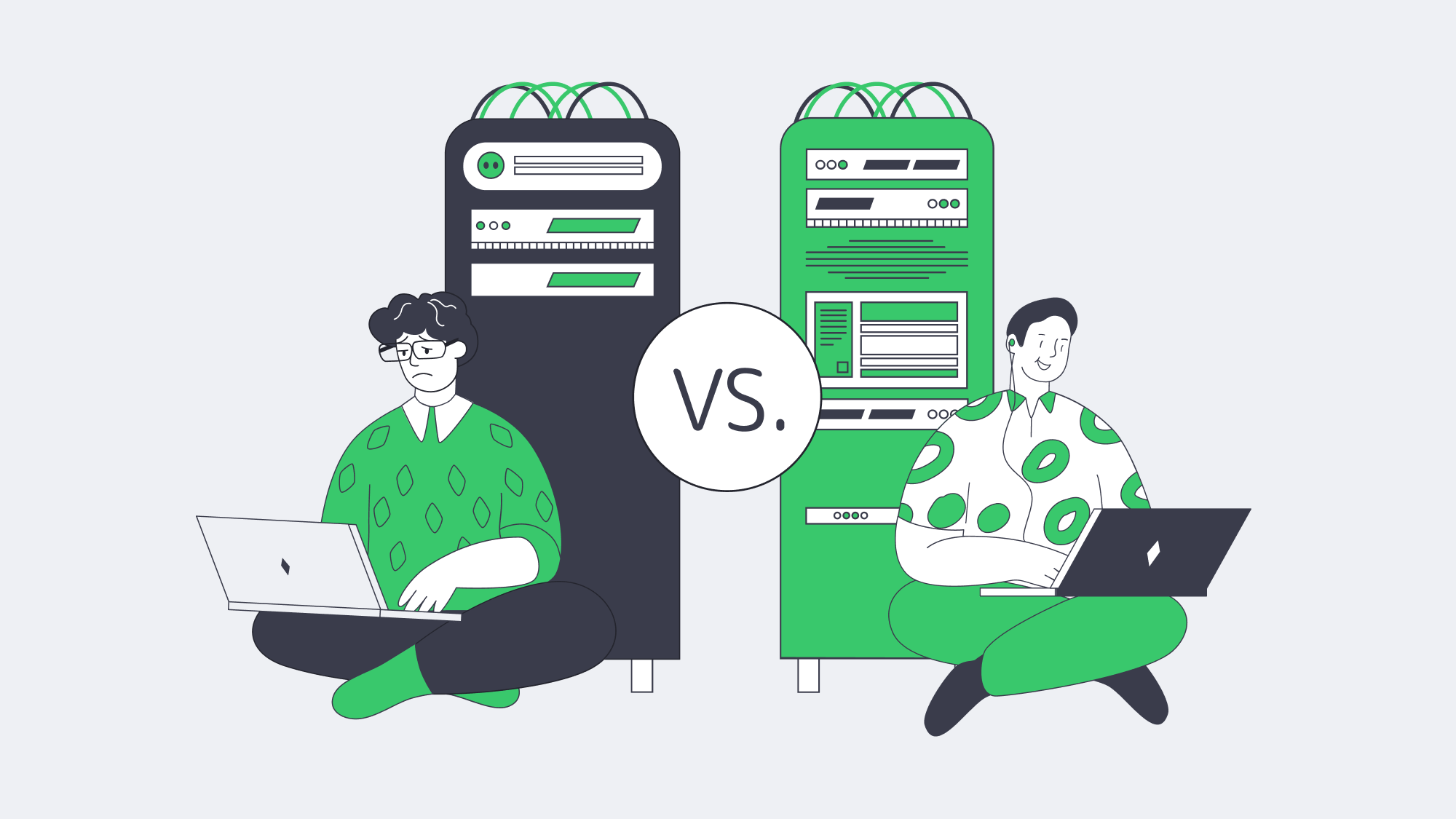
That division of responsibility should be written into the contract. Confirm who patches firmware and the operating system, replaces failed drives, manages backups, monitors hardware, and responds to incidents; do not assume a dedicated-server rental includes database administration or managed services.
Dedicated servers provide single-tenant isolation and can support customer-controlled encryption keys, but neither renting nor dedicated hardware makes a workload compliant by itself. Compliance depends on facility certifications, data location, contractual controls, logging, encryption, identity and access management, backup and retention policies, and audit evidence.
Subscription Growth Favors Hybrid Models
Service-based infrastructure continues to expand, but the practical outcome is often hybrid rather than a complete replacement of owned hardware. Gartner reported that the worldwide IaaS market grew 22.5% in 2024, reflecting sustained demand for flexible infrastructure. Organizations still choose different ownership models for different workloads.
Hybrid deployment is often the practical landing zone. Dedicated rentals with predictable monthly costs suit steady, latency-sensitive transactional databases, while temporary analytics, development and test environments, and variable front ends are better suited to cloud infrastructure that can scale independently.
Software licensing should be modeled separately from hardware ownership. Microsoft’s current SQL Server pricing guidance includes license-purchase, subscription, and pay-as-you-go options, so the lowest-cost licensing path can differ between owned hardware, rented dedicated servers, and cloud instances.
Contract terms vary by provider and service. Renting can make it easier to adopt a newer CPU generation or change location without disposing of owned assets, but application compatibility, data-residency requirements, licenses, and migration plans still determine whether a move is feasible.
When to Buy or Rent Database Servers
Buy a database server when utilization is stable, the hardware will remain useful for several years, and your organization already has the facilities and staff to operate it. Rent when faster deployment, easier relocation, lower upfront cost, or the ability to replace capacity without owning residual hardware matters more.
Ownership can make sense for stable, high-utilization workloads when the organization already operates suitable facilities, expects a long service life, needs specialized hardware, or has policies that require owned equipment. Renting is often stronger when demand, location, or technology changes faster than the procurement and depreciation cycle.
Compare both scenarios using the same performance target, availability design, and time horizon. Include utilization, power, cooling, network, staff, support, software licenses, downtime risk, migration, and exit costs. Neither model is automatically cheaper: a rented server can be wasteful when oversized, and a purchased server can be economical when fully utilized and kept within support.
Conclusion: Agility Over Ownership

Renting dedicated servers or cloud resources is usually the lower-friction choice when deployment speed, geographic choice, refresh flexibility, or limited upfront capital are priorities. Buying can be rational for stable, high-utilization workloads where facilities, staff, and a long service life are already in place. The decision should come from workload-specific TCO and operational risk, not a blanket rule.
Whether you run PostgreSQL, Oracle Database, or Microsoft SQL Server, size CPU, memory, storage, network, licensing, backups, and recovery together. Revisit the assumptions before each refresh or contract renewal because the cheaper acquisition model can change as utilization, energy prices, software licensing, and location requirements change.
Ready to Deploy Your Database Server?
Choose from 1100+ ready-to-go dedicated servers and have your database server online in hours.