WordPress Multisite hosting sized around network activity

Rent a dedicated server for your shared WordPress installation. Reserve CPU and RAM for concurrent requests, size media storage for growth, and set your network's release schedule.
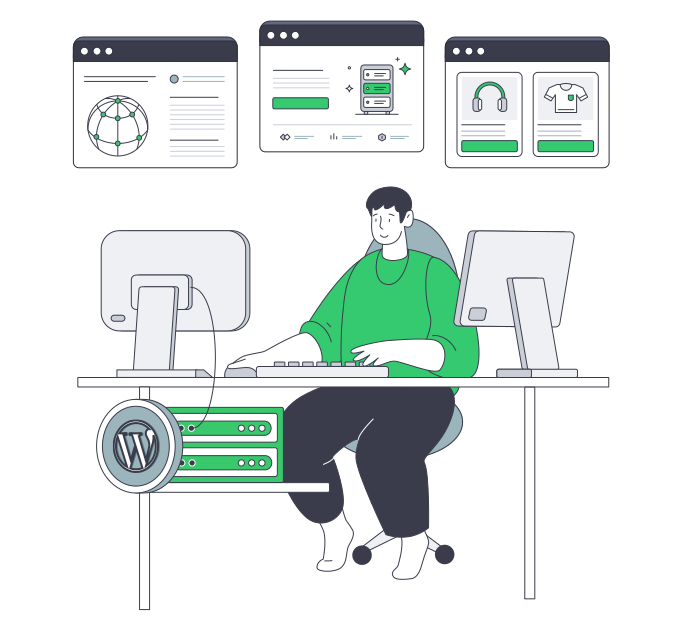
WordPress sites and publishing tools on shared dedicated infrastructure

Allocate your WordPress dedicated server by workload

CPU capacity sizing
Processor capacity for overlapping work

Match CPU capacity to simultaneous PHP requests and database tasks, with headroom for peak publishing periods.

RAM memory module
Memory headroom for active services

Allocate RAM across PHP workers, database caches, and host overhead to support overlapping site activity.

Storage retention capacity sizing
Persistent storage for growing media

Select disk capacity for site databases and upload libraries, allowing for media retention and content growth.

Application user controls
Shared software on your release schedule

Coordinate theme and plugin changes across sites, keeping network releases aligned with your publishing schedule.

Available configurations
Need a Custom Build?
Filters
Clear all
Data center
Data center
CPU
CPU
CPU Brand
CPU Brand
RAM
RAM
Storage
Storage
from
up to
GPU
GPU
    Bandwidth
    Bandwidth
    Data Transfer
    Data Transfer
    Available configurations –
    CPU
    Memory
    Storage
    Network
    GPU
    Data center
    Price
    Show more

    One shared installation, your decisions

    Editors, members, and background jobs can demand resources at the same time across a WordPress network. That combined activity matters more than site count alone. Base the rental specification on concurrent PHP work, database activity, and media growth so capacity spending reflects your publishing, membership, and sales operations.

    Melbicom rents dedicated hardware with CPU, RAM, storage, and bandwidth choices for your network. Select a ready-to-go configuration or a custom build delivered in 3–5 business days. Match the hardware to simultaneous PHP processing, database memory use, and storage for uploads, retained site content, and growing media libraries.

    Allocate the host’s resources across application processing, database services, and operating-system overhead. Your team installs WordPress, administers the network, and schedules shared theme and plugin changes. Keep the common codebase under one release process, with a resource budget that reflects peak traffic and daily publishing activity.

    Developer launching a WordPress publishing network

    Capacity and control for network operators

    Plan resources for busy periods, retain growing content, and control shared software changes.
    Compute for concurrent requests
    Memory headroom at peak
    Space for retained media
    Control of shared releases
    Hardware sized for site growth
    Public assets via optional CDN

    Hardware choices for site workloads

    Select the host resources, server location, and transfer plan for your network's daily operations.
    Reserve the whole physical host.
    Choose CPUs for concurrent tasks.
    Size RAM for active PHP workers.
    Select storage for media growth.
    Choose bandwidth for site traffic.
    Match transfer plans to usage.
    Choose from 21 data centers worldwide.
    Compare ready-to-go server options.
    Order hardware built for your network.
    Get 24/7 infrastructure support.
    Build around demand
    Size hardware for peak PHP activity, database demand, and growing media.
    Discuss hardware

    Business sites on a common codebase

    Corporate business customer
    Agency client sites

    Pool host resources for client sites that share a WordPress codebase and follow a common release schedule.

    Multi-location data centers
    Franchise branches

    Reserve capacity for branch editors and local sites, with domain mapping and shared code under your control.

    Approved deployment region
    Regional brand sites

    Choose an origin location for your main audience, with CPU capacity sized for regional publishing peaks.

    Landscape image content
    Publishing groups

    Size storage for media libraries and the disk activity generated by editorial uploads and daily content publishing.

    Overlapping storage folders
    Campus departments

    Plan CPU and storage around campus editing activity and document libraries, with room for busy publishing periods.

    Three-person user group
    Member communities

    Reserve CPU and RAM for logged-in members, with capacity for the PHP and database work behind dynamic pages.

    E-commerce shopping cart
    Related storefronts

    Allocate CPU and RAM for overlapping checkout requests and catalog jobs across your network of related stores.

    Scalable advertising campaigns
    Campaign microsites

    Align hardware delivery with campaign launches, reserving capacity for peak visits and storage for content you retain.

    Plan the infrastructure behind your site network

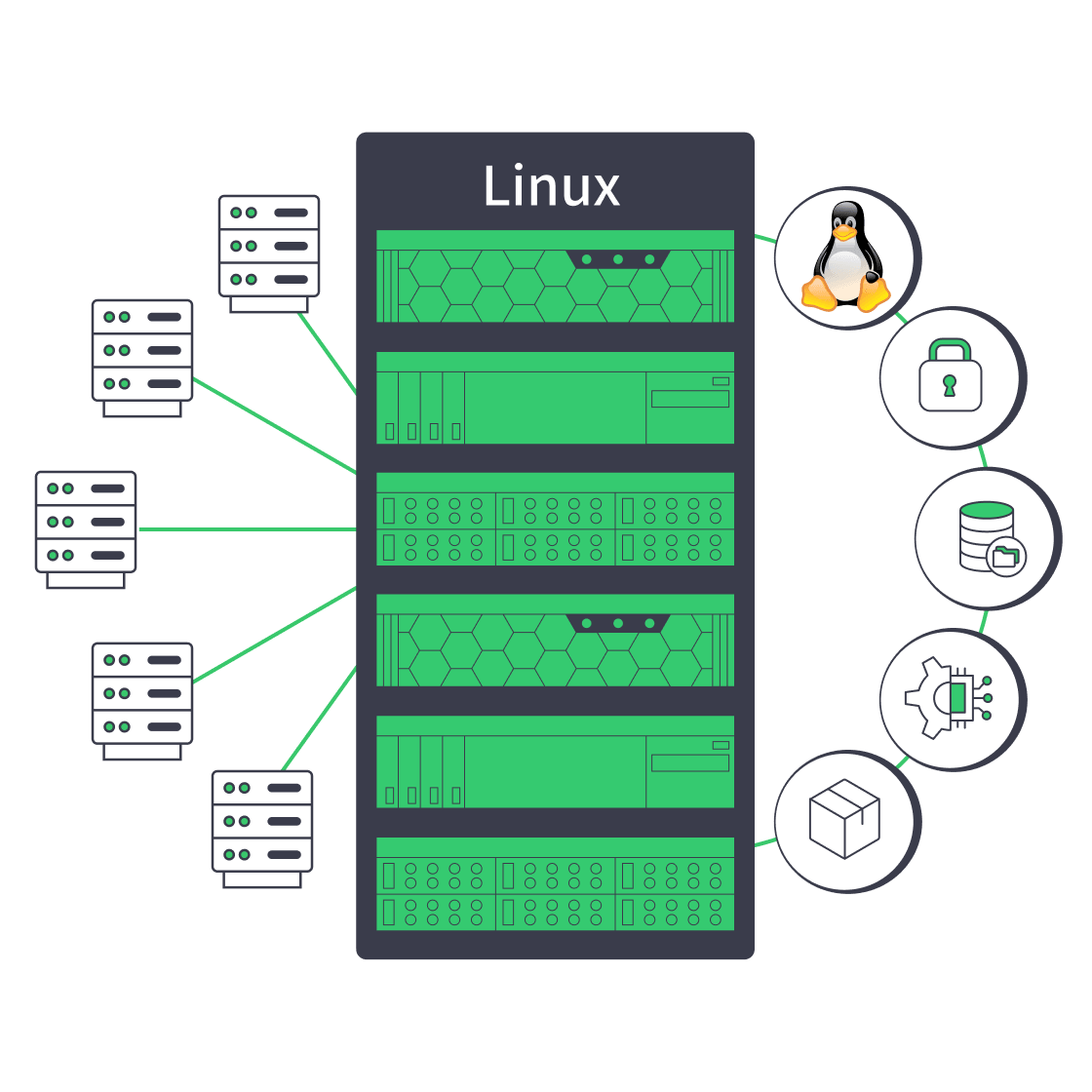
    Linux dedicated server with security, automation, storage, and network controls
    Linux Dedicated Server: Production Checklist for Control, Security, & Scale
    Dedicated server BOM with CPU, RAM, NVMe, and NIC modules sized from workloads
    Spec Dedicated Servers From Workload, Not the Catalog
    Server rack adding NVMe and nodes, with an 80% capacity gauge and p99 latency dial
    When and How to Scale Storage on Dedicated Servers
    Technician audits hosting options to ensure reliable web-application functionality
    Choosing the Right Web Application Hosting Strategy
    More articles
    FAQ
    How does Multisite differ from separate WordPress installations?
    When is whole-host capacity useful for a network?
    How should we size CPU, RAM, and storage?
    How do logged-in visits affect resource needs?
    Who controls themes, plugins, and shared updates?
    What belongs in storage and recovery planning?
    Can network sites use their own domains?
    Are sites within the network isolated from each other?
    What does Melbicom operate, and what do we manage?
    Can we put the database on a separate host?
    What can the optional CDN deliver for our network?
    How do ready configurations and custom builds differ?
    How should we choose a server location?
    Prepare your server order
    Create an account to order hardware for site requests, database activity, and media growth.
    Create an account
    Discuss your workload
    Share peak PHP activity and media growth to discuss the capacity your network will need.
    Discuss hardware
