Size Windows dedicated server capacity from workload evidence

Run IIS, ASP.NET, SQL Server, Active Directory, and RDP sessions on isolated hardware sized to demand, keeping bottlenecks attributable, recovery controlled, and regional access aligned to user paths.

Windows workloads on dedicated server hardware

Map dedicated server hosting to Windows demand

Application capacity sizing
Size CPU capacity for application demand

Reserve cores for IIS requests, ASP.NET execution, SQL concurrency, and scheduled jobs under representative load.

RAM memory module
Match memory capacity with working sets

Size RAM for database working sets, service caches, directory activity, and concurrent remote sessions under load.

Verified storage I/O
Trace storage I/O under workload pressure

Choose storage for transaction logs, temporary data, backups, and recovery reads so I/O pressure stays attributable.

Unmetered bandwidth capacity
Plan bandwidth and region around operations

Select bandwidth and location from user paths, data flows, remote administration, and recovery requirements.

Available configurations
Need a Custom Build?
Filters
Clear all
Data center
Data center
CPU
CPU
CPU Brand
CPU Brand
RAM
RAM
Storage
Storage
from
up to
GPU
GPU
    Bandwidth
    Bandwidth
    Data Transfer
    Data Transfer
    Available configurations –
    CPU
    Memory
    Storage
    Network
    GPU
    Data center
    Price
    Show more

    Make capacity, recovery, and licensing one operating plan

    Windows capacity follows workload demand, not the OS label. IIS request volume, SQL concurrency, memory pressure, storage I/O, remote-session density, and recovery objectives shape the hardware profile. We include a Windows license. Choose the required edition, then review image compatibility, virtualization rights, and operating responsibilities before ordering.

    At Melbicom, we offer configurable CPU, RAM, storage, bandwidth, and location on isolated hardware. IPMI/KVM, OS installation help, and custom ISO uploads create controlled paths for installation and recovery. Our management API supports repeatable infrastructure workflows, while 24/7 technical support covers the provider side of the physical platform.

    Assign capacity from measured application demand and keep administrative access inside your security model. Document customer ownership of Windows patching, hardening, backups, and application operations. This separates hardware control from managed-service assumptions and gives migration teams clearer recovery, edition, and operating decisions.

    Operator launching configured Windows dedicated server

    Turn hidden pressure into operating control

    Make bottlenecks, recovery duties, and edition choices easier to explain.
    Attributable SQL bottlenecks
    Controlled administrator access
    Isolated resource allocation
    Planned recovery workflows
    Explicit patch ownership
    Windows license included

    Control the build through recovery

    Align workload sizing, image access, recovery paths, and operating ownership before production deployment.
    Configurable CPU and RAM profiles
    Storage sized for Windows I/O
    Bandwidth matched to traffic demand
    Regional placement for user paths
    IPMI/KVM access for recovery
    Custom ISO uploads for deployment
    Repeatable server workflows via API
    24/7 physical infrastructure support
    Windows license included with the server
    Explicit patch and backup ownership
    Plan the Windows build
    Share workload, image, edition, access, and recovery needs before choosing hardware.
    Talk to an expert

    Microsoft workloads that reward isolation

    Application performance optimization
    IIS application tiers

    Isolate web requests, application pools, and background jobs so CPU pressure stays attributable during traffic peaks.

    Stacked database cylinder
    SQL database systems

    Match cores, memory, and storage I/O to transaction concurrency, working sets, logs, and planned recovery demand.

    Verified identity login operation
    Active Directory services

    Reserve capacity for directory queries, authentication traffic, replication, and administrative work under measured load.

    Cross-platform application screens
    Remote desktop pools

    Size CPU and memory around concurrent sessions while keeping access, patching, and backup ownership explicit.

    Windows server appliance
    Windows compatibility for vendor software

    Run vendor software on isolated hardware with a Windows license included; review compatibility and administration scope.

    Application server migration
    Migration staging and cutover workflow

    Stage data, applications, and configuration transfers with out-of-band access for installation and recovery checks.

    Isolated verified server
    Isolation across build and test workloads

    Isolate compilation, packaging, and test workloads so demand stays visible without masking production behavior.

    Successful recovery test
    Validate installation and recovery paths

    Rehearse image installation and restore workflows through IPMI/KVM or custom ISO before production cutover.

    Windows infrastructure planning and operations

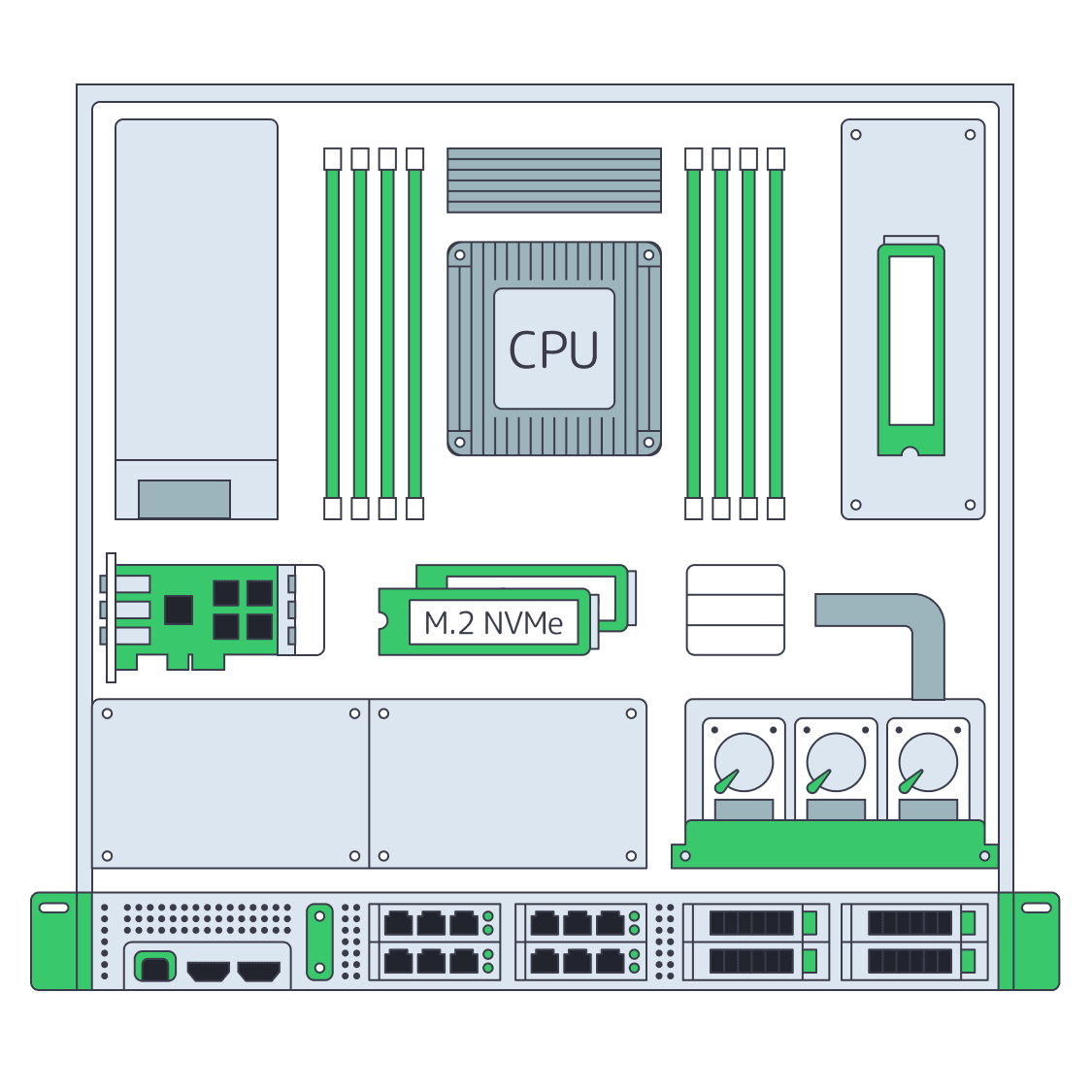
    Dedicated server BOM with CPU, RAM, NVMe, and NIC modules sized from workloads
    Spec Dedicated Servers From Workload, Not the Catalog
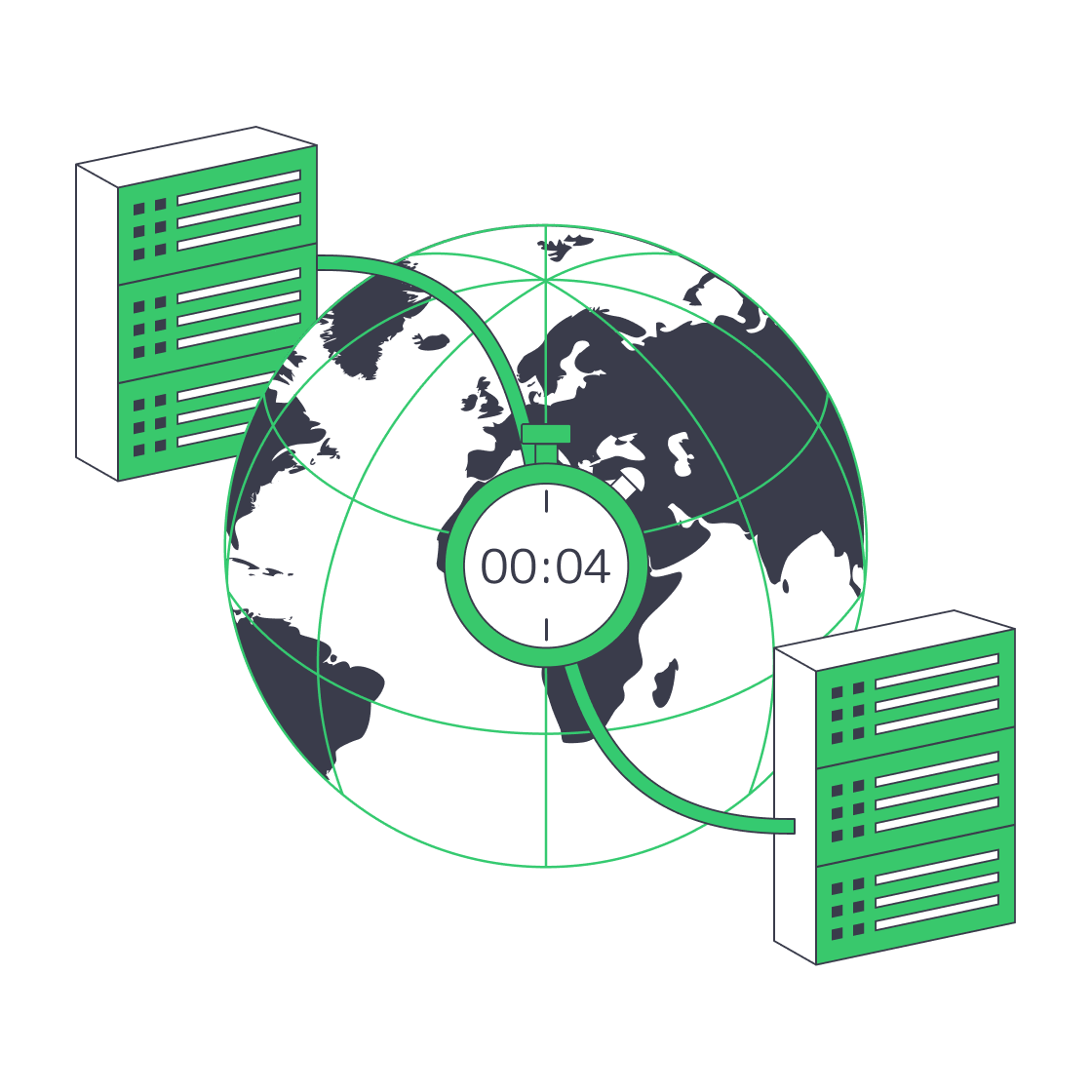
    Globe with paired data‑centres linked for four‑minute disaster recovery.
    Architecting Minutes-Level RTO with Melbicom Servers
    Illustration of servers bridging data center and cloud integration
    Integrating Windows Dedicated Servers Into Your Hybrid Fabrics
    Servers under AI magnifier displaying live metrics
    Building a Predictive Monitoring Stack for Servers
    More articles
    FAQ
    What should we size before ordering a Windows server?
    How should we choose a Windows Server edition?
    Is a Windows license included with the server?
    Does Melbicom provide an RDP-ready installation?
    Can I upload a custom Windows ISO?
    How do IPMI and KVM help recovery?
    What does Melbicom manage for Windows workloads?
    Can configurations be managed through an API?
    Where can Windows workloads be deployed?
    How much bandwidth can a server use?
    Is SQL Server licensing included?
    Create your account
    Register, add funds, and review hardware; we include a Windows license with the server.
    Create an account
    Plan the deployment
    Share workload, image, edition, access, and recovery needs to map a suitable configuration.
    Talk to an expert