VoIP server hosting built for active call paths

Rent dedicated servers for Asterisk and FreePBX, matching reserved CPU, NIC capacity, local NVMe, and regional placement to concurrent calls, codec conversion, recording, and route testing.
Asterisk and FreePBX call processing on dedicated VoIP servers

FreePBX & Asterisk hosting follows live call demand

CPU capacity sizing
Set CPU headroom for concurrent media

Reserved cores isolate call processing, codec conversion, conferences, prompts, and encryption when traffic peaks.

User-controlled routing policy
Keep SIP signaling and RTP paths configurable

Public addressing and network control align SIP transports, RTP ranges, NAT rules, and firewalls with each call path.

NVMe storage drive
Match NVMe capacity to recording policy

Local NVMe handles concurrent recording writes while your policy sets retention, call files, voicemail, prompts, and logs.

Cloud VPS server stack
Assign focused capacity to smaller PBX roles

Cloud VPS provides smaller PBX systems, labs, and control services with resources matched to their operating roles.

Available configurations
Need a Custom Build?
Filters
Clear all
Data center
Data center
CPU
CPU
CPU Brand
CPU Brand
RAM
RAM
Storage
Storage
from
up to
GPU
GPU
    Bandwidth
    Bandwidth
    Data Transfer
    Data Transfer
    Available configurations –
    CPU
    Memory
    Storage
    Network
    GPU
    Data center
    Price
    Show more

    Turn call behavior into server decisions

    Busy-hour demand comes from the calls that stay in the media path, not the number of registered extensions. Concurrent legs, codec conversion, conferences, prompts, encryption, and recording can peak together. Size the host from that overlap so processing headroom and hardware spend stay aligned through traffic peaks, maintenance, and change windows.

    Melbicom gives sustained voice traffic an isolated CPU and NIC budget, local NVMe for recording writes, and regional placement across 21 data centers worldwide. Your team chooses where the PBX runs, then sets Asterisk or FreePBX, SIP transports, RTP ranges, NAT, firewall policy, codecs, monitoring, and release timing around each call path.

    Keep sustained call processing on dedicated hardware, then place smaller PBX systems, labs, demonstrations, and ancillary control services on cloud VPS with resources matched to each role. This division keeps the operating model clear while your engineers own trunk integration, dial plans, monitoring, backups, health checks, routing changes, and recovery procedures.

    Voice call paths and dedicated PBX server resources

    Keep call capacity under operating control

    Operational gains your voice team can verify before production.
    Hardware spend follows call load
    Codec headroom stays visible
    Recording I/O stays budgeted
    SIP and RTP stay configurable
    Regions match tested call paths
    Smaller PBX roles fit their load

    Capacity follows active call demand

    Match compute, network, storage, and placement to media paths active on your PBX at peak load.
    Reserved CPU for active media work
    Reserved NIC capacity for RTP traffic
    Local NVMe for concurrent recordings
    System memory for PBX services
    Public addressing under your control
    SIP, RTP, NAT, and firewall controls
    Regional placement for route testing
    Backup architecture under your control
    Cloud VPS for smaller PBX systems
    Virtual labs for release testing
    Plan your PBX server
    Share call demand, codec paths, recording load, and target regions to size your server.
    Talk to an expert

    Match infrastructure to each voice workload

    Voice and chat support
    Business PBX hosting

    Run Asterisk or FreePBX with reserved resources for concurrent calls, queues, IVR prompts, voicemail, and recording.

    Isolated tenant workloads
    Multi-tenant PBX hosting

    Allocate CPU, NIC, and disk budgets across tenant instances, media paths, recordings, and shared control services.

    Queue worker workflow
    Contact center queues

    Keep queue traffic, call recording, conferences, and codec conversion inside a defined host budget during busy hours.

    Multi-location data centers
    Distributed office calling

    Place the PBX near branches and trunk edges; test routes for jitter, packet loss, latency, and route stability.

    Verified storage I/O
    Call recording workflows

    Size local NVMe for concurrent writers, file formats, retention windows, exports, voicemail, prompts, and operational logs.

    Audio codec conversion
    Codec conversion paths

    Reserve CPU headroom when endpoint and trunk codec sets require translation across overlapping calls and sessions.

    High-availability service failover
    Standby PBX recovery

    Deploy primary and standby nodes with health checks, routing changes, backup schedules, and recovery procedures.

    Cloud VPS server stack
    Smaller voice systems

    Use cloud VPS for smaller PBX systems, labs, demonstrations, and control services with resources sized for each role.


    Infrastructure guides for voice platform teams

    Dedicated server BOM with CPU, RAM, NVMe, and NIC modules sized from workloads
    Spec Dedicated Servers From Workload, Not the Catalog
    Illustration of server rack topped by HDD, SSD, and NVMe icons showing speed hierarchy
    Choosing Dedicated Server Storage: HDD, SSD, or NVMe?
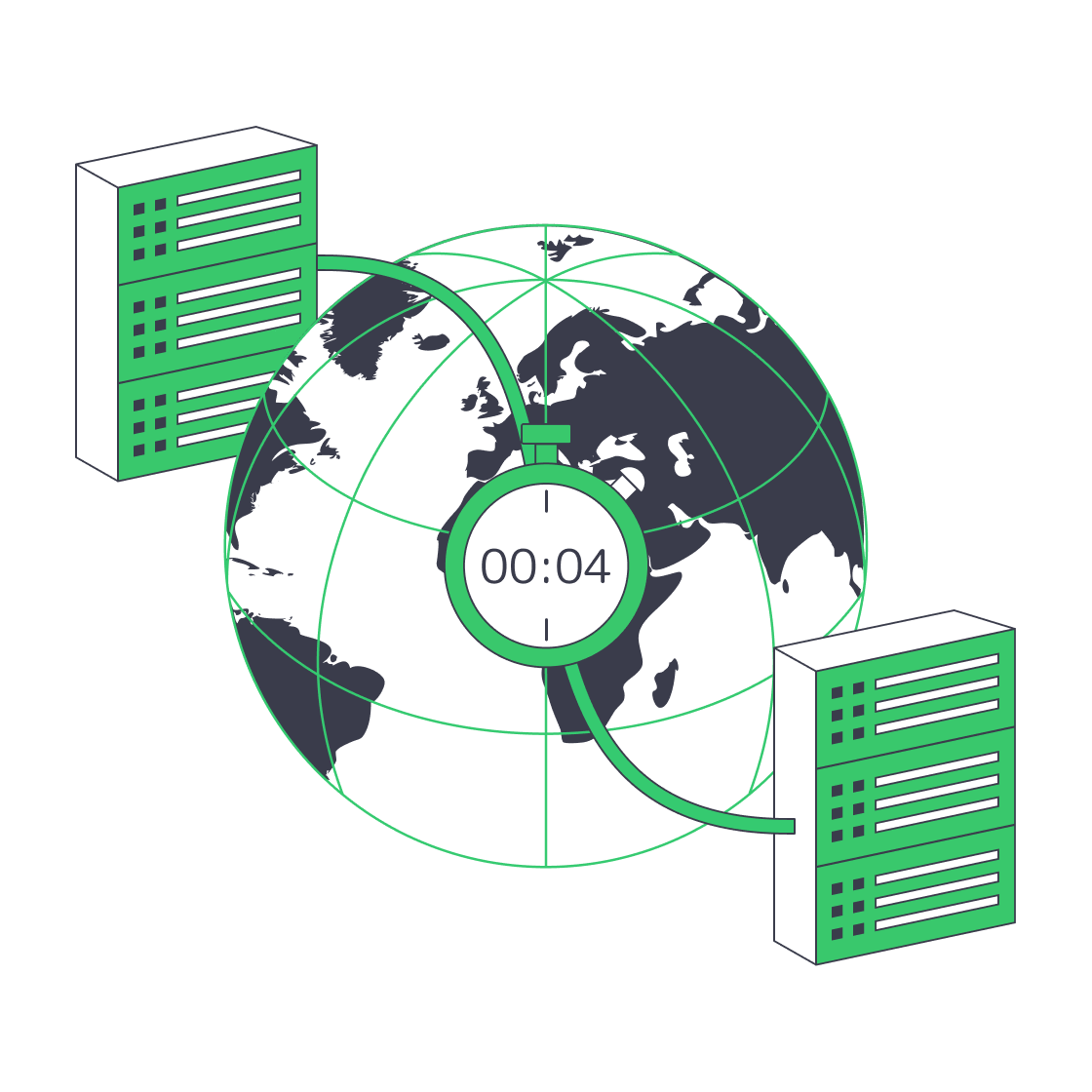
    Globe with paired data‑centres linked for four‑minute disaster recovery.
    Architecting Minutes-Level RTO with Melbicom Servers
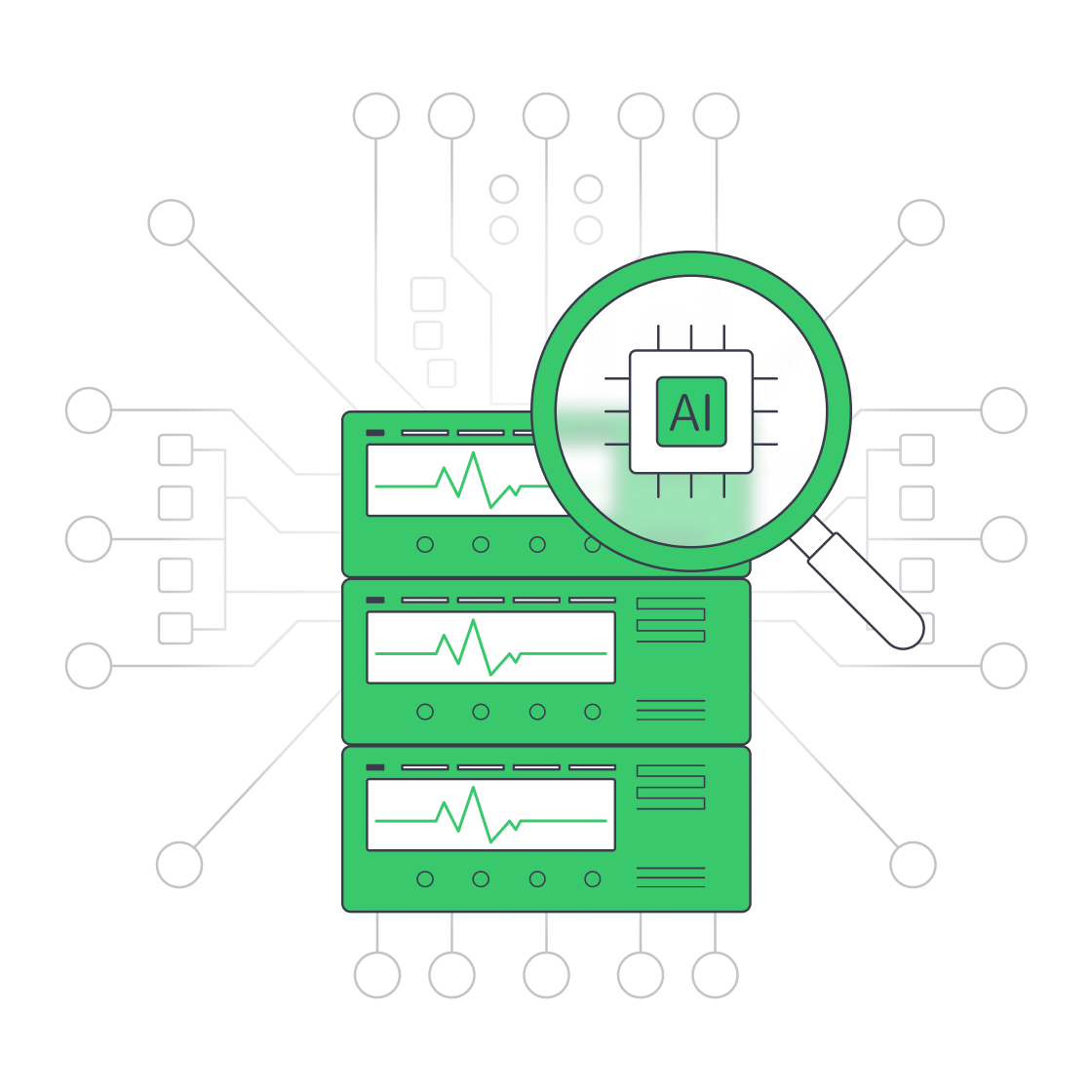
    Servers under AI magnifier displaying live metrics
    Building a Predictive Monitoring Stack for Servers
    More articles
    FAQ
    How should I size a VoIP server?
    Do extension counts determine server capacity?
    When does transcoding increase CPU demand?
    What affects recording storage requirements?
    How should SIP and RTP be configured?
    How do I choose a server region?
    Can I design a warm-spare PBX?
    Where does cloud VPS fit?
    Do you manage Asterisk or FreePBX?
    Can I run multiple PBX tenants?
    Opening an account
    Create your account, add funds, and deploy a server sized around your PBX workload and chosen region.
    Create an account
    Plan your PBX deployment
    Bring concurrent calls, codec paths, recording demand, and target regions to map the right server.
    Talk to an expert