Vector database hosting for predictable retrieval under heavy load

Choose dedicated CPU, RAM, storage, network, and regional placement for Qdrant, Milvus, Weaviate, pgvector, and other production retrieval workloads with steadier latency and controlled scaling.

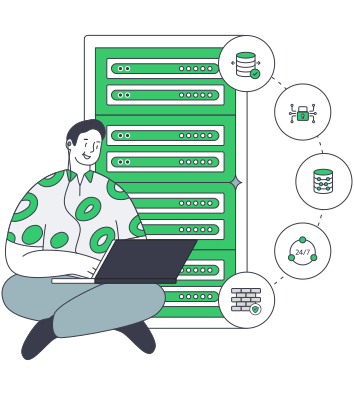
Secure vector databases on dedicated servers

Vector database infrastructure for workload fit

Database capacity sizing
Align index resources

Map processor, memory, and storage to index builds and queries to reduce contention and keep latency stable.

Private network shield
Bound the working set

Keep working sets within RAM and storage so queries and ingestion avoid spillover and maintain stable latency.

User database topology
Scale topology deliberately

Progress from one node to sharding and replication with defined limits that prevent interference across workloads.

Regional node placement
Place compute near data

Use regional placement and network capacity near data pipelines to reduce movement and sustain throughput.

Available configurations
Need a Custom Build?
Filters
Clear all
Data center
Data center
CPU
CPU
CPU Brand
CPU Brand
RAM
RAM
Storage
Storage
from
up to
GPU
GPU
    Bandwidth
    Bandwidth
    Data Transfer
    Data Transfer
    Available configurations –
    CPU
    Memory
    Storage
    Network
    GPU
    Data center
    Price
    Show more

    Size vector database resources for query and ingestion workloads

    Production vector retrieval blends query serving, embedding ingestion, index builds, metadata filtering, and compaction into one system. As the working set grows, these paths compete for CPU, memory, and storage I/O, causing latency drift and throughput variance unless teams define clear resource boundaries for query and ingestion workloads.

    Melbicom provides dedicated servers where teams select CPU, RAM, storage, network, and regional placement based on workload behavior. Isolated resources keep index residency and background maintenance within known limits, and support a path from single-node sizing to sharding and replication as demand and data volume increase.

    Teams operate database software, topology, and upgrade cadence on their terms while keeping recovery isolated from live query paths. Data storage is used only as an off-host destination for snapshots, backups, and archives, supporting repeatable restore testing and long-term retention without introducing additional load on active vector index operations.

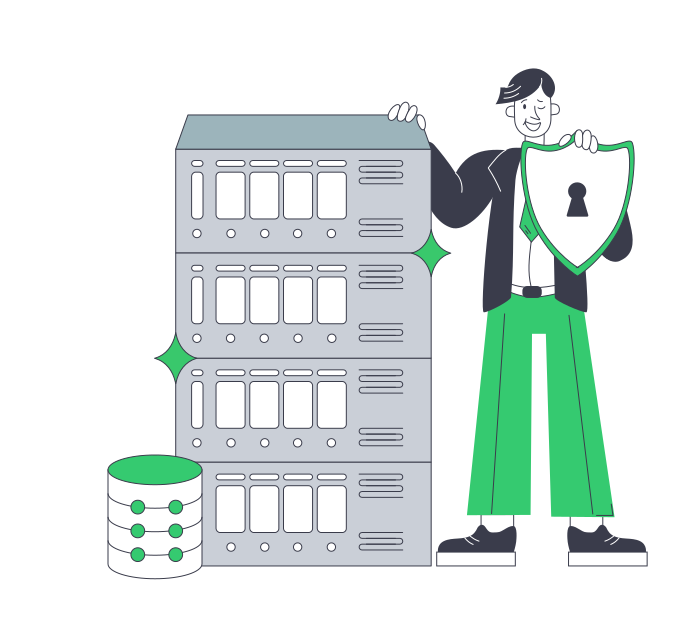
    Operator managing secure vector databases

    Vector retrieval outcomes teams can control

    Operational gains from deliberate resource sizing across query and ingestion workloads.
    More stable query latency
    Fewer ingestion slowdowns
    Better index residency control
    Clear scaling decisions
    Predictable resource allocation
    Defined backup workflows

    Core resources for vector indexes

    Align query and ingestion workloads with index upkeep using controlled operations and clear boundaries.
    Selectable CPU and memory profiles
    Storage aligned with index behavior
    Regional deployment for data proximity
    Network capacity for ingestion load
    Isolated resources for mixed workloads
    Self-hosted operational control
    Custom configurations for workload fit
    Off-host backup and archive storage
    Snapshot export and restore workflows
    Archive storage outside the live index
    Build your server setup
    Configure CPU, memory, storage, and location for your vector workload deployment.
    Talk to an expert

    Vector database server use cases in production

    Database read processing
    Semantic search platforms

    Serve semantic search queries with controlled memory residency and filtering paths so latency remains stable under load.

    Optimized database read path
    RAG retrieval systems

    Run RAG retrieval alongside ingestion and query serving while controlling working sets to prevent contention under load.

    Database server operations
    Recommendation engines

    Support recommendation queries with predictable CPU and RAM so similarity scoring stays stable under load.

    Statistics monitoring dashboard
    Hybrid search pipelines

    Handle hybrid search pipelines where filtering and ranking need balanced compute and storage for stable output.

    Parallel event processing
    Embedding ingestion

    Process continuous embedding updates while maintaining query availability by separating ingestion pressure from reads.

    Isolated tenant workloads
    Multi-tenant services

    Deploy isolated nodes with controlled resource allocation to avoid unpredictable interference across tenant workloads.

    Successful recovery plan
    Backup and recovery

    Export snapshots and store them off-host to test restore paths without affecting production query workloads.

    Service compliance monitor
    Archive and compliance

    Keep historical vector data outside the active index while maintaining access for audits or reconstruction scenarios.

    Infrastructure guides for vector database teams

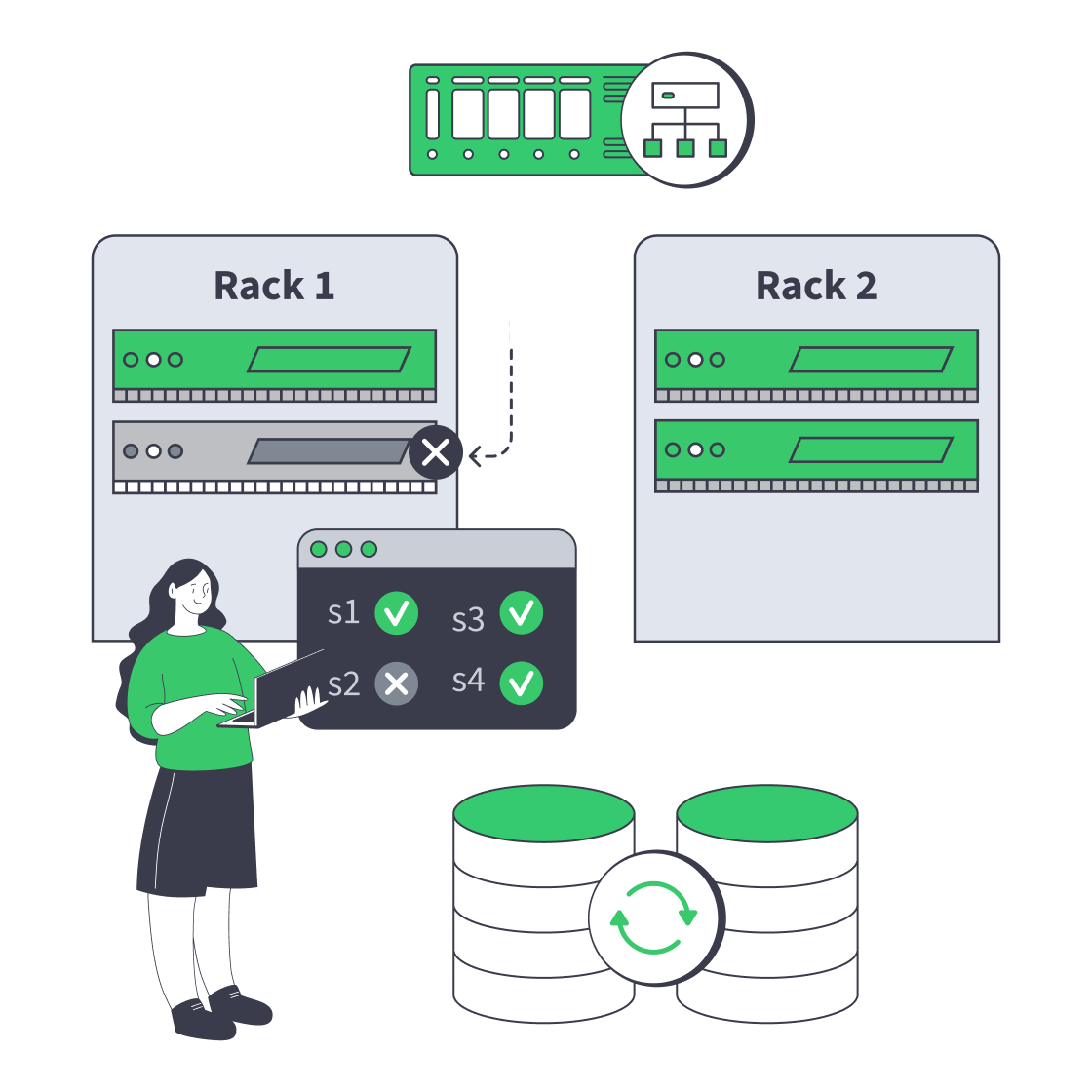
    Dedicated server cluster rerouting traffic after a node failure
    Designing High-Availability Clusters That Fail Safely
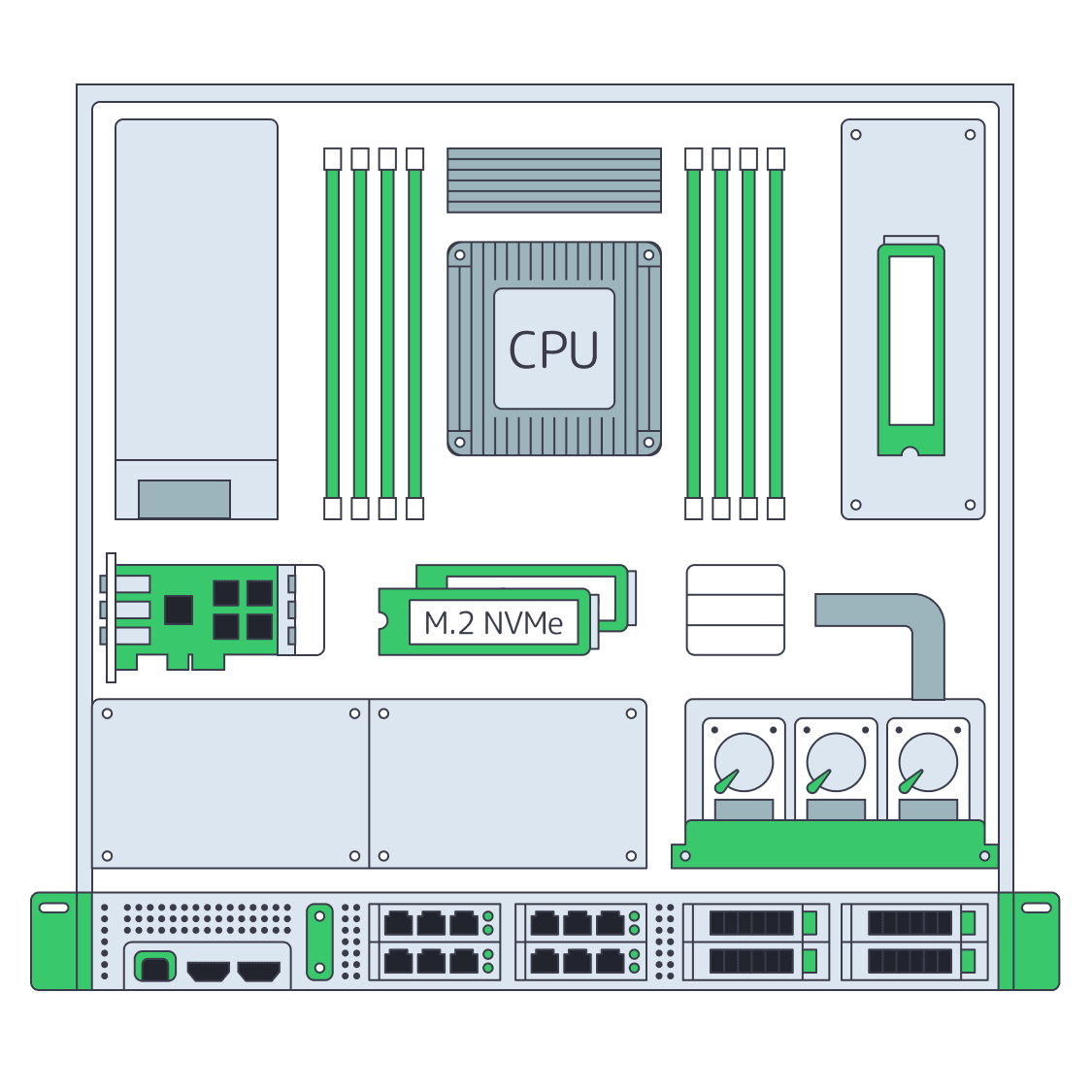
    Dedicated server BOM with CPU, RAM, NVMe, and NIC modules sized from workloads
    Spec Dedicated Servers From Workload, Not the Catalog
    Server rack adding NVMe and nodes, with an 80% capacity gauge and p99 latency dial
    When and How to Scale Storage on Dedicated Servers
    Illustration of server rack topped by HDD, SSD, and NVMe icons showing speed hierarchy
    Choosing Dedicated Server Storage: HDD, SSD, or NVMe?
    More articles
    FAQ
    Who manages indexing and recovery in a self hosted vector database?
    What should teams benchmark when choosing a vector database server?
    How do memory and index size affect performance?
    How should teams scale vector workloads?
    What role does storage play in vector databases?
    How should backup and restore be handled?
    Can teams choose deployment locations?
    Does Melbicom provide managed vector databases?
    Opening an account
    Access our control panel, top up your balance, and configure infrastructure for your vector workload.
    Create an account
    Migration without drama
    Share your vector engine, target region, and workload mix; we’ll map node sizing and placement.
    Talk to an expert