OpenStack hosting with capacity sized around growing node workloads

Rent dedicated servers and run your own OpenStack cloud. Match compute to tenant demand, reserve cloud-service resources, and size storage for persistent volumes.

OpenStack operator with physical and cloud servers

Private cloud hosting on hardware you control

Isolated verified server
Whole-host resources for cloud workloads

Allocate the host's CPU and memory between OpenStack services and the guest workloads you operate.

CPU capacity sizing
Compute and RAM for concurrent guests

CPU and RAM choices give concurrent guests room for peak activity and capacity for additional workloads.

Verified storage I/O
Storage hardware for persistent data

Disk choices match usable volume capacity and I/O demand, with room for retained volumes and data growth.

Server capacity sizing
Custom hardware for distinct node roles

Order controller, compute, and storage hosts with hardware tailored to the work each node performs.

Available configurations
Need a Custom Build?
Filters
Clear all
Data center
Data center
CPU
CPU
CPU Brand
CPU Brand
RAM
RAM
Storage
Storage
from
up to
GPU
GPU
    Bandwidth
    Bandwidth
    Data Transfer
    Data Transfer
    Available configurations –
    CPU
    Memory
    Storage
    Network
    GPU
    Data center
    Price
    Show more

    Node roles shape your hardware order

    Your tenant VMs are only part of your cloud’s demand. Controllers run OpenStack services, Nova compute hosts run guests, and storage holds the data you retain. A role-based host order lets you reserve service resources alongside the CPU, RAM, and disks your applications need.

    Melbicom supplies ready-to-go hosts and custom hardware with CPU, RAM, and disks for each node role. Custom builds are ready in 3–5 business days. Your hardware choices give concurrent guests room to run and match disks to the usable capacity and I/O needs of your storage backend.

    You run OpenStack on rented hosts, controlling guest allocations, storage software, and platform upgrades. As tenant demand grows, add hosts to the pool that needs capacity. Custom hardware rental lets you reserve maintenance headroom and expand without buying the machines outright.

    OpenStack administrator managing cloud infrastructure

    Room for guests, services, and growth

    Allocate resources by role and add hardware where your cloud needs capacity.
    Compute for active guests
    Reserved service resources
    Storage for retained volumes
    Growth by node role
    Control of cloud operations
    Capacity without buying hosts

    Choose hosts for each cloud role

    Build your OpenStack cloud with host choices for CPU, memory, disks, bandwidth, and location.
    Rent whole hosts for OpenStack.
    Match processors to guest demand.
    Reserve memory for concurrent guests.
    Specify disks for persistent volumes.
    Assign hosts to your node roles.
    Choose from ready-to-go configurations.
    Order custom hardware for each role.
    Select bandwidth for public traffic.
    Choose from 21 global data centers.
    Contact our infrastructure support team.
    Configure your cluster
    Order custom hosts for your node roles, storage needs, and planned cluster size.
    Plan your cluster

    Match physical hosts to your OpenStack workloads

    Virtual machines on host
    SaaS application fleets

    Equip compute hosts for application and worker VMs, with CPU and RAM to serve concurrent tenants.

    Three-person user group
    Internal business apps

    Reserve guest RAM and disk space for departmental apps, with room for new teams and retained data.

    Database capacity sizing
    Stateful database VMs

    Match RAM to database working sets and disks to usable volume capacity and sustained read/write demand.

    Server analytics processing
    Scheduled analytics

    Size compute, RAM, and scratch disks for parallel analytics jobs within your scheduled reporting windows.

    Virtualized server operations
    Client cloud operations

    Allocate compute and memory to client VMs, adding physical hosts as your customer cloud services grow.

    Server workflow topology
    Build and test fleets

    Size hosts for parallel builds and disposable test VMs, with disks for images and temporary job data.

    QA server staging
    Platform change testing

    Test OpenStack changes on separate hosts that mirror your node roles before upgrading production.

    Expandable server capacity
    Compute pool growth

    Add compute hosts to match your CPU baseline, with capacity reserved for guest growth and maintenance.

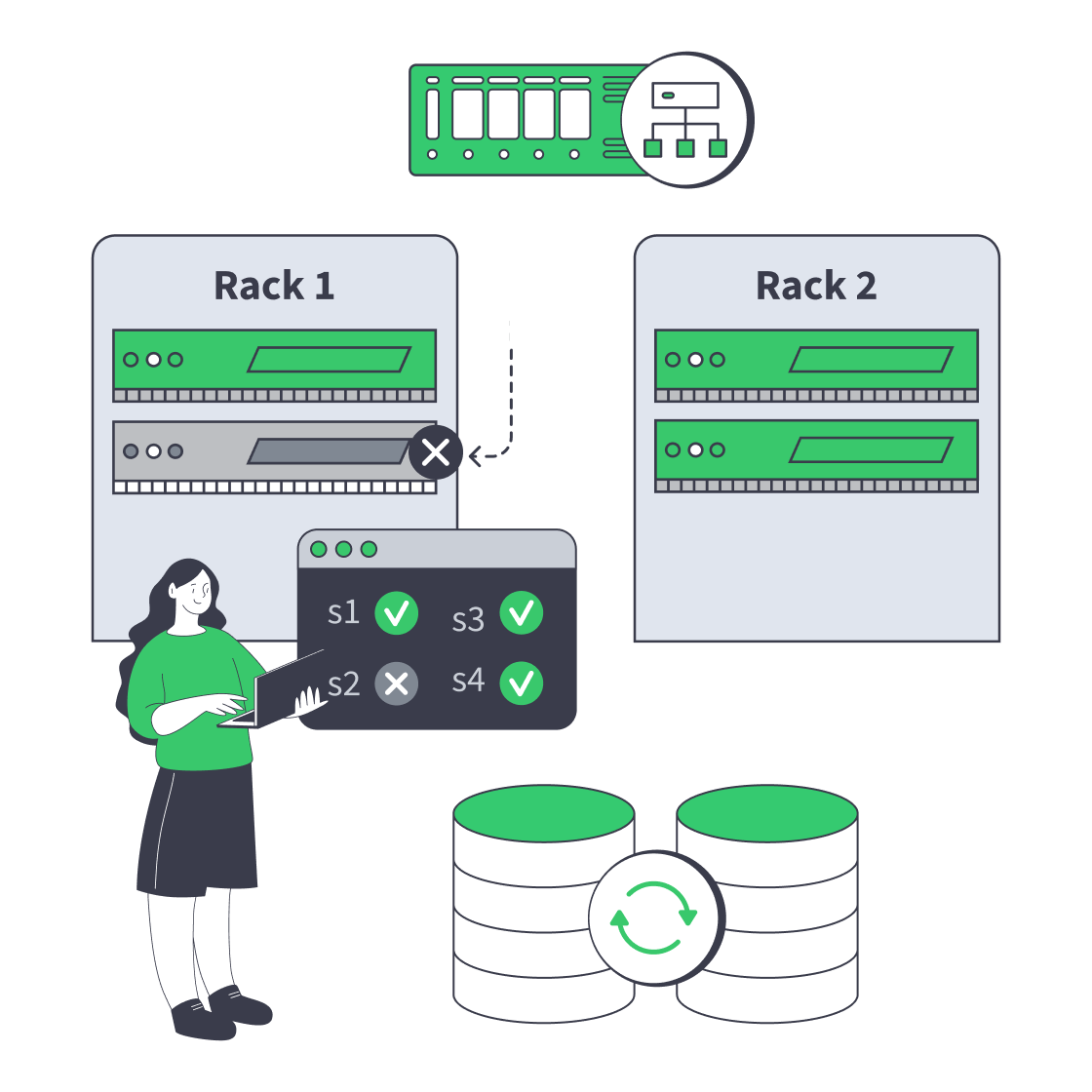
    Hardware choices for cluster operation and growth

    Dedicated server cluster rerouting traffic after a node failure
    Designing High-Availability Clusters That Fail Safely
    Dedicated server BOM with CPU, RAM, NVMe, and NIC modules sized from workloads
    Spec Dedicated Servers From Workload, Not the Catalog
    Server rack adding NVMe and nodes, with an 80% capacity gauge and p99 latency dial
    When and How to Scale Storage on Dedicated Servers
    Illustration of server rack topped by HDD, SSD, and NVMe icons showing speed hierarchy
    Choosing Dedicated Server Storage: HDD, SSD, or NVMe?
    More articles
    FAQ
    How many physical hosts does my cloud need?
    How should I size CPU and RAM for my guests?
    What storage details belong in my hardware order?
    How do I specify networking for the cluster?
    What matters when adding compute hosts?
    How do ready-to-go and custom orders work?
    Choose your hardware
    Register to order ready-to-go hosts for the virtual machines and services in your cloud.
    Create an account
    Build your cluster
    Order custom hosts with the CPU, RAM, and disk capacity that fits each role in your cloud.
    Plan your cluster
