Odoo hosting sized for concurrent workers and scheduled jobs
Rent a dedicated server for production ERP workloads, with capacity for overlapping jobs and growing data. Your team controls Odoo, custom modules, and the upgrade schedule.
Rent a dedicated server for production ERP workloads, with capacity for overlapping jobs and growing data. Your team controls Odoo, custom modules, and the upgrade schedule.


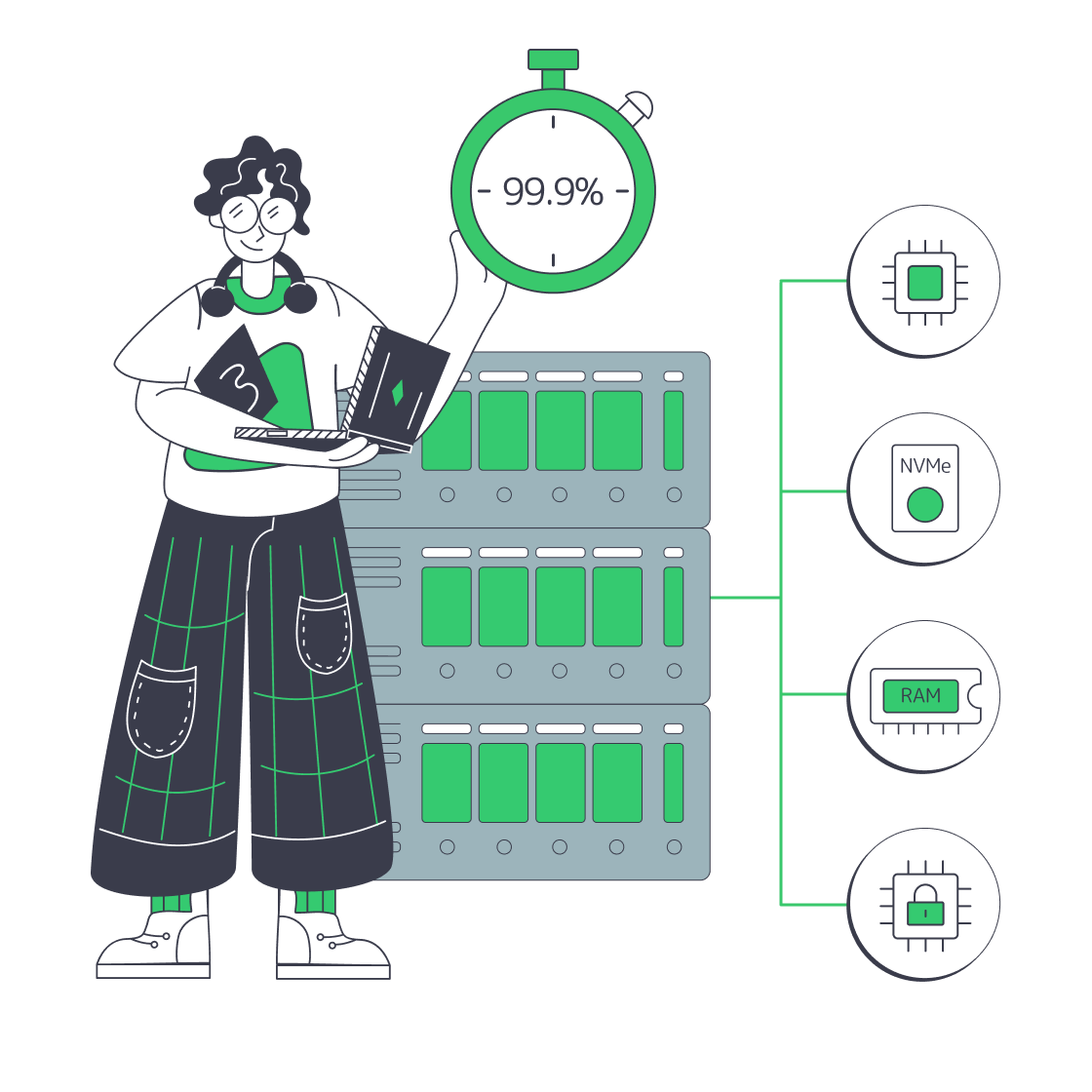
Reserve the host's compute and memory for your production stack. Your operator controls resource allocation.

Choose CPU and RAM for concurrent workers and scheduled jobs, including room for report and import overlaps.

Choose storage layout and usable capacity around PostgreSQL and filestore growth, with room for expanding business data.

Tailor CPU, RAM, storage layout, and networking to your production ERP workload and expected data growth.
Size your ERP host for the hours when Odoo workers, cron jobs, imports, and reports overlap. Account for PostgreSQL activity, custom modules, and filestore growth alongside concurrent sessions. Use response and job completion times from representative production workloads to choose CPU and memory headroom for your team’s daily ERP work.
Melbicom rents dedicated servers with CPU, RAM, storage layout, and networking choices for your ERP workload. Choose a ready-to-go configuration or a custom build ready in 3–5 business days for your ERP migration or additional workload. Specify usable capacity for PostgreSQL databases, filestore attachments, and working space for imports.
Put the host’s reserved compute and memory to work across Odoo and PostgreSQL, with storage sized for the database and attachments. Your team or implementation partner installs and runs Odoo, controlling custom modules and upgrade timing. Coordinate consistent database and filestore backups, then test restores against your recovery time and data-loss targets.



Allocate CPU and RAM for active Odoo sessions, with headroom for background work during your busiest periods.

Size CPU and RAM for cron jobs that run alongside interactive workers, leaving headroom for overlapping activity.

Choose host capacity for report runs that overlap with daily work, then validate completion times with representative data.

Include import batches in CPU and memory planning, then test worker and database demand on your selected configuration.

Give growing PostgreSQL databases and filestore attachments room to expand with a storage layout sized for retained data.

Size compute and memory for your custom modules. Your team checks compatibility before production changes.

Give your implementation partner a host sized for client workloads, with control over resource allocation and releases.

Use a modest cloud VPS to test custom modules and upgrade workflows separately from your production deployment.