Keep Linux dedicated server capacity aligned with workload demand

Match isolated Intel or AMD compute, memory, storage, bandwidth, and region to production Linux demand. Your team controls packages, access policy, observability, releases, and recovery.

Linux workloads on dedicated server hardware

Vet bare metal server companies for top performance

CPU resource monitoring
Trace CPU pressure clearly

Match Intel or AMD capacity to process concurrency, compile demand, scheduler pressure, and measured CPU saturation.

Linux server appliance
Keep working sets resident

Size memory for active datasets, caches, containers, and service working sets before swap activity distorts latency.

Recovered storage files
Plan storage for recovery

Build storage around write volume, queue depth, backup windows, restore reads, and the accepted rebuild window.

Unmetered bandwidth capacity
Match bandwidth to traffic

Choose regional bandwidth from traffic volume, transfer patterns, user paths, and the access your operators require.

Available configurations
Need a Custom Build?
Filters
Clear all
Data center
Data center
CPU
CPU
CPU Brand
CPU Brand
RAM
RAM
Storage
Storage
from
up to
GPU
GPU
    Bandwidth
    Bandwidth
    Data Transfer
    Data Transfer
    Available configurations –
    CPU
    Memory
    Storage
    Network
    GPU
    Data center
    Price
    Show more

    Control the Linux lifecycle from hardware upward

    Production Linux is an operating model, not a distribution badge. Capacity planning starts with application concurrency, working-set size, storage I/O, transfer demand, and recovery windows under production load. The same decision must assign ownership for packages, hardening, observability, backups, releases, and incident response.

    Melbicom gives that model isolated hardware, Intel and AMD choices, multiple memory capacities, regional bandwidth options, ready-to-deploy configurations, and Tier III and Tier IV placement across regions. Teams can turn measured demand into a server profile aligned with workload pressure, recovery limits, and operating ownership.

    Your team owns the Linux lifecycle and application stack; Melbicom supplies infrastructure and 24/7 technical support. Set access policy, patch cadence, backup ownership, rebuild steps, and escalation paths before launch. Routine changes stay deliberate; incidents begin with a defined operating boundary and clearly named responsibilities.


    Operator launching configured Linux dedicated server

    Keep production pressure measurable and ownership explicit

    Tie each hardware choice to workload signals, recovery limits, and a named operating owner.
    Attributable CPU pressure
    Resident service working sets
    Controlled storage queues
    Explicit Linux ownership
    Defined rebuild windows
    Workload-fit hardware spend

    Size a dedicated Linux server stack

    Configure physical capacity and support boundaries around the Linux services your team runs in production.
    Intel processor configurations
    AMD processor configurations
    Multiple RAM capacity options
    Regional bandwidth variants
    Single-tenant physical server capacity
    Tier III and Tier IV facilities
    1000+ ready-to-go configurations
    Custom server configurations available
    Bandwidth up to 200 Gbps per server
    24/7 technical support for your team
    Validate the configuration
    Review workload signals and ownership boundaries with an expert before ordering.
    Talk to an expert

    Linux workloads with explicit capacity boundaries

    API server configuration
    Web and API workloads

    Match CPU, memory, and regional bandwidth to request rates, payload sizes, latency budgets, and peak concurrency.

    Stacked database cylinder
    Database transactions

    Size memory for active datasets and storage for write pressure, checkpoints, logs, recovery reads, and restores.

    Software container cube
    Container workloads

    Reserve CPU and RAM for service density, orchestration load, image activity, and planned deployment headroom.

    Server workflow topology
    Build and release jobs

    Choose processor capacity and storage throughput for parallel builds, package creation, artifacts, and release cadence.

    Server telemetry statistics
    Observability pipelines

    Allocate sustained CPU, memory, storage, and transfer capacity for metrics, logs, traces, indexing, and retention.

    Queue worker workflow
    Scheduled batch jobs

    Map cores, RAM, and storage queues to dataset size, job parallelism, completion windows, rerun cost, and deadlines.

    Application server operations
    Self-hosted platforms

    Select isolated capacity for application services, databases, queues, caches, and the operating stack your team maintains.

    Recovered storage files
    Backup and rebuilds

    Plan storage and regional bandwidth for backup volume, accepted windows, restore tests, and rebuild demand.

    Linux infrastructure guides for platform teams

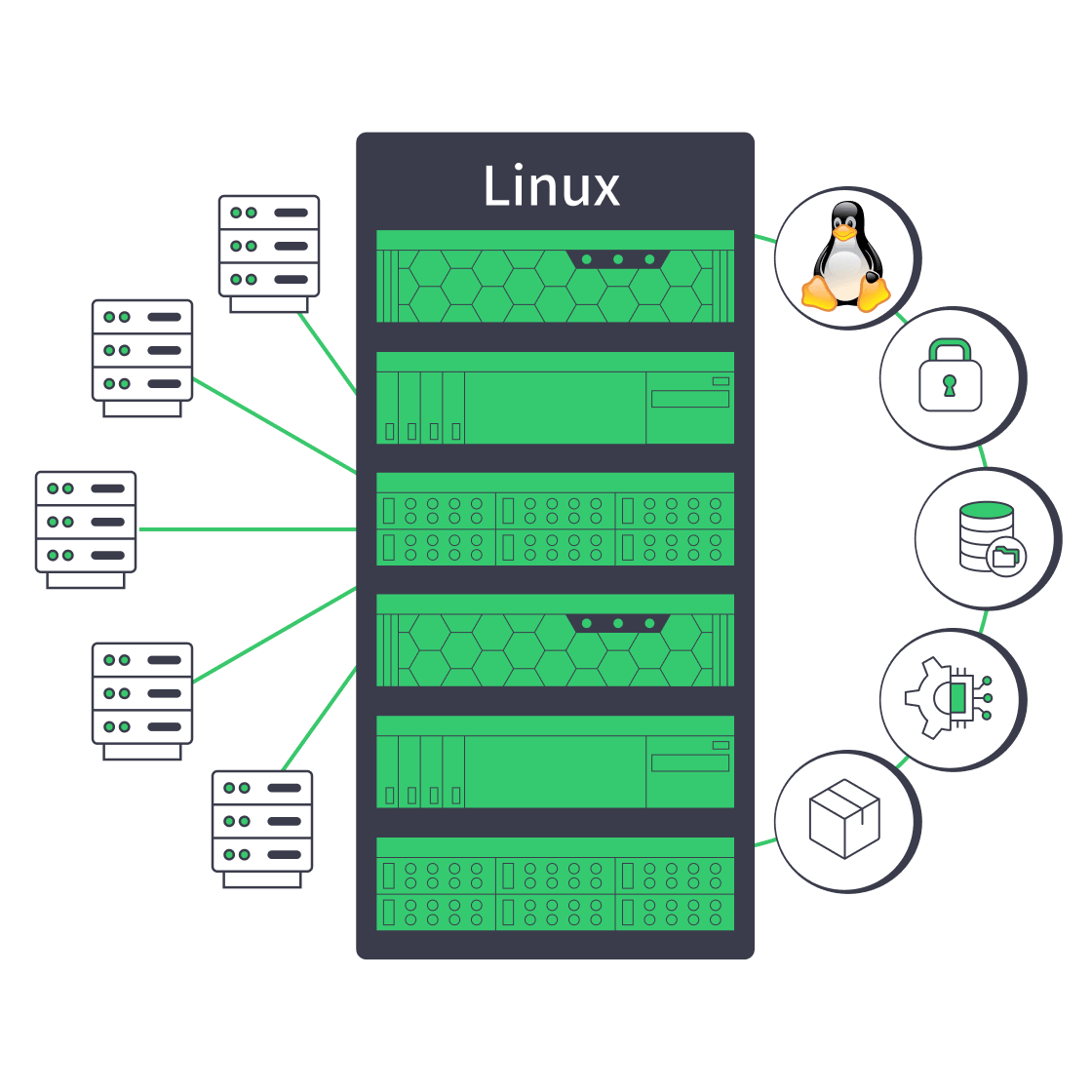
    Linux dedicated server with security, automation, storage, and network controls
    Linux Dedicated Server: Production Checklist for Control, Security, & Scale
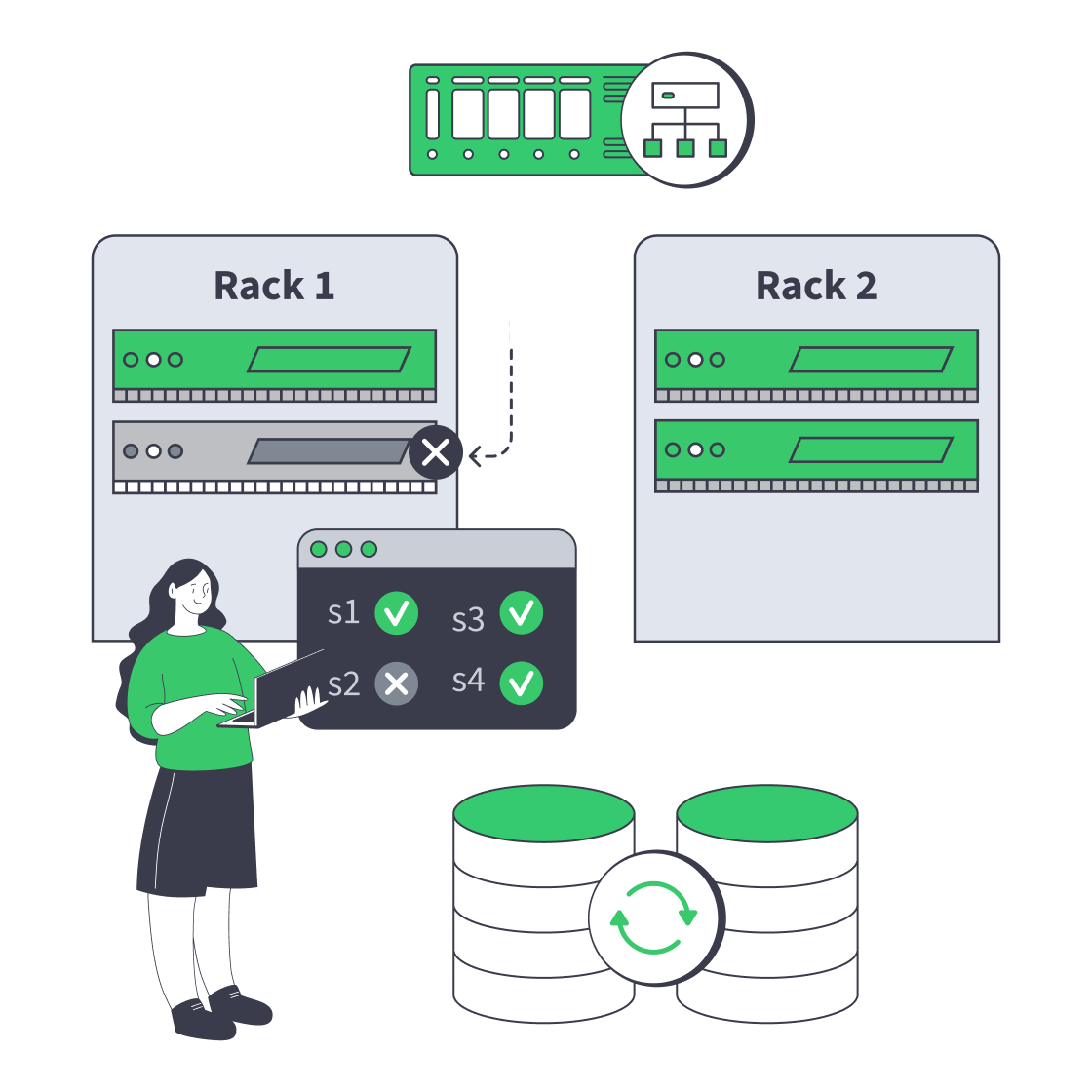
    Dedicated server cluster rerouting traffic after a node failure
    Designing High-Availability Clusters That Fail Safely
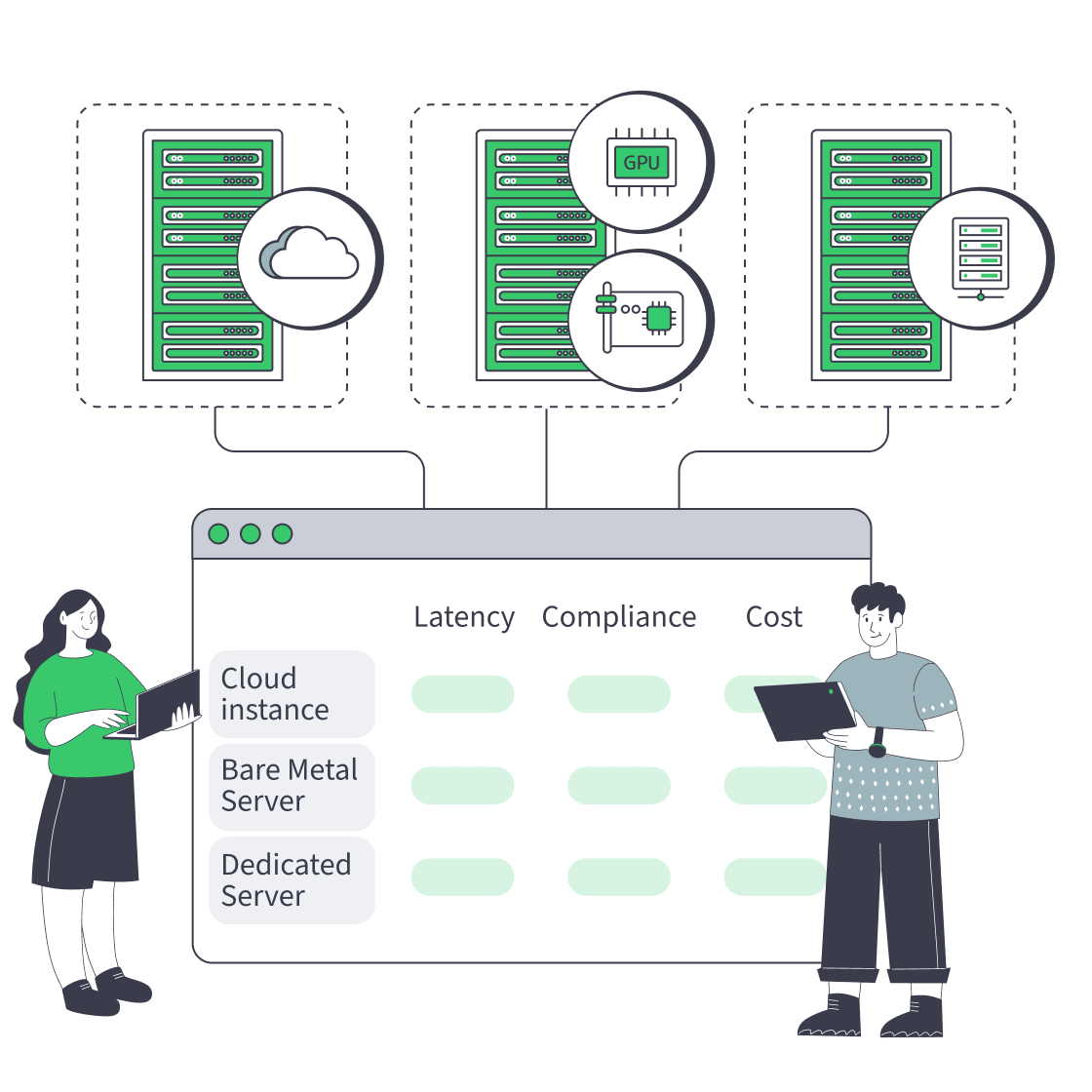
    Cloud, bare metal, and dedicated servers feeding one decision dashboard
    Bare Metal Server vs Cloud: Checklist for Performance, Compliance, and Cost
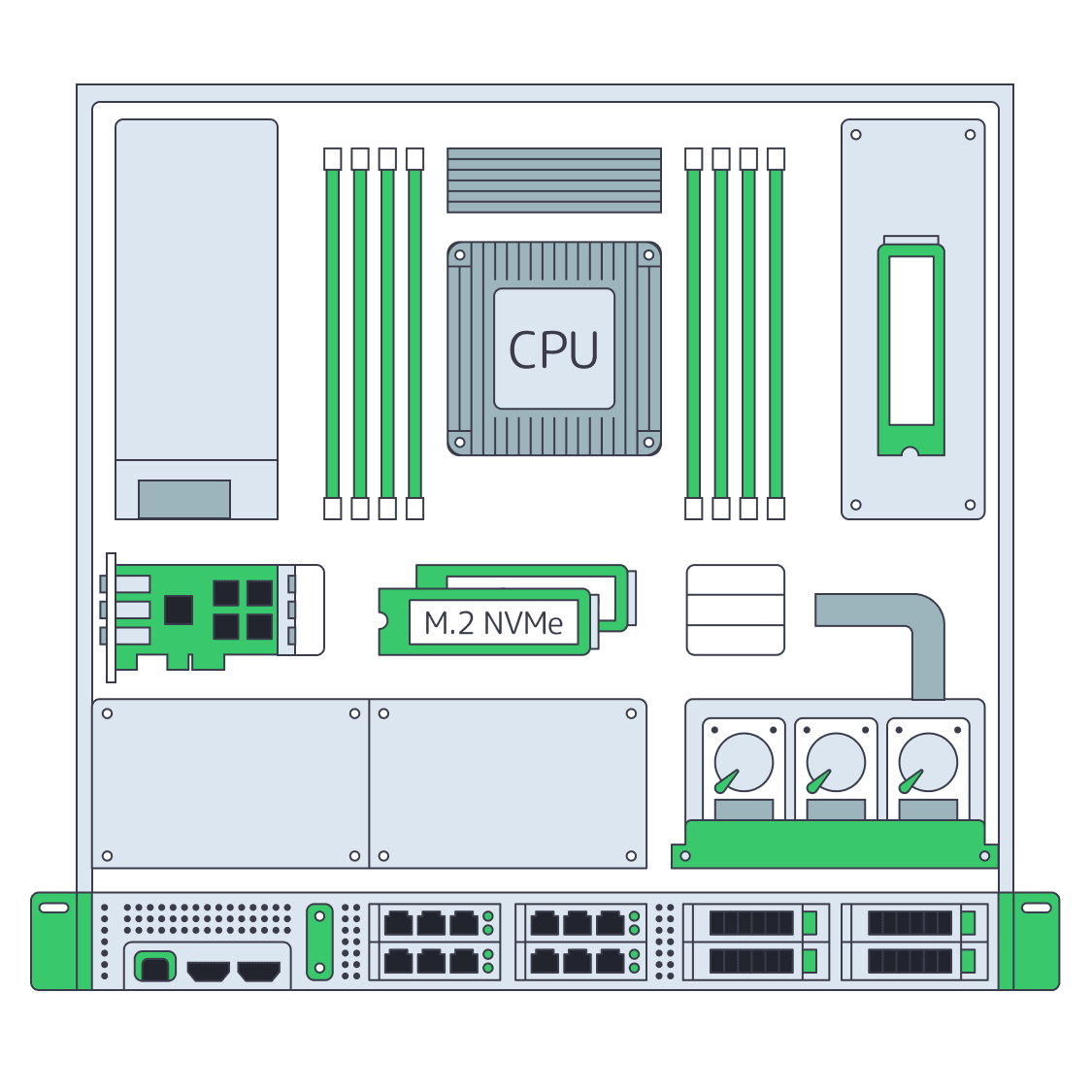
    Dedicated server BOM with CPU, RAM, NVMe, and NIC modules sized from workloads
    Spec Dedicated Servers From Workload, Not the Catalog
    More articles
    FAQ
    How does dedicated server Linux capacity planning work?
    Who manages the Linux operating system?
    Which processor options are available?
    How much memory can configurations provide?
    What storage should Linux workloads use?
    How should teams plan network capacity?
    Where can servers be deployed?
    Are custom server configurations available?
    Is 24/7 technical support available?
    What is bare metal Linux hosting?
    How should remote recovery be planned?
    Deploy from measured demand
    Create an account, compare configurations, and match hardware to your Linux workload.
    Create an account
    Review operating boundaries
    Review workload signals, recovery targets, and ownership boundaries before you select hardware.
    Talk to an expert