Size a gpt-oss-120b dedicated server for measured demand

Run a private assistant on isolated GPU capacity. Size memory, context, concurrency, queue depth, and latency while your team owns the runtime, access, integrations, and recovery.
Private gpt-oss-120b assistant on dedicated servers

GPU dedicated servers sized for inference demand

GPU server appliance
Verify GPU memory fit

Start with OpenAI’s single 80 GB GPU guidance, then verify hardware against your inference engine and workload.

AI inference operations
Measure request load

Test context length, concurrency, batching, queue depth, and token generation demand with the selected inference engine.

AI inference controls
Own the serving stack

Control the operating system, drivers, inference engine, model files, API layer, authentication, observability, and releases.

AI assistant operations
Separate assistant roles

Keep inference capacity separate from retrieval, identity, workflow integrations, observability, and the assistant interface.

Available configurations
Need a Custom Build?
Filters
Clear all
Data center
Data center
CPU
CPU
CPU Brand
CPU Brand
RAM
RAM
Storage
Storage
from
up to
GPU
GPU
    Bandwidth
    Bandwidth
    Data Transfer
    Data Transfer
    Available configurations –
    CPU
    Memory
    Storage
    Network
    GPU
    Data center
    Price
    Show more

    Run a customer-controlled gpt-oss-120b production assistant

    A private assistant is more than a model file. Teams must turn gpt-oss-120b into a production serving plan that covers GPU memory, context length, concurrency, batching, queue depth, latency targets, identity, retrieval, evaluation, and recovery before employees rely on its answers.

    Melbicom provides isolated GPU-capable infrastructure with customer control over the operating environment. Size CPU, RAM, storage, and network capacity for the chosen inference engine, then verify the current configuration against OpenAI’s single 80 GB GPU starting point, expected request patterns, and workload measurements under representative load.

    Your team owns drivers, runtime, model artifacts, APIs, access controls, integrations, observability, releases, evaluation, and incident response. Clear boundaries separate infrastructure from assistant behavior, assign recovery work, and tie capacity changes to measured utilization while all application decisions stay with the operating team throughout production operations.
    Operator launching private gpt-oss-120b assistant

    Keep private assistant capacity measurable

    Track model-serving pressure before queue time and answer latency reach employees.
    Verified GPU memory fit
    Measured context demand
    Attributable queue pressure
    Controlled serving stack
    Explicit incident ownership
    Evidence-led capacity changes

    Own each layer of model serving

    Set clear owners for hardware, runtime, access, telemetry, releases, and recovery before launch.
    Isolated GPU-capable hardware
    Customer-owned operating environment
    GPU memory matched to model
    CPU and RAM sized to runtime
    Storage sized for model artifacts
    Bandwidth choices for data paths
    Custom ISO upload support
    Customer-managed serving software
    Ready-to-deploy server configurations
    Custom server configuration options
    Plan the inference build
    Check model memory, runtime, load, storage, and network before selecting hardware.
    Talk to an expert

    Run internal AI workloads with clear ownership

    AI assistant operations
    Knowledge assistant

    Serve authenticated chats while the application controls retrieval, permissions, citations, session state, and responses.

    Customer support chat
    Support assistant

    Generate drafts and summarize cases while your systems enforce customer-data access, approvals, and review workflows.

    Self-hosted ChatGPT server
    Research assistant

    Synthesize long contexts while teams track prompt size, queue depth, generation time, and source-handling behavior.

    Automated service workflow
    Workflow assistant

    Connect reasoning to internal tools with application-owned authorization, action limits, audit logs, and rollback controls.

    Service compliance monitor
    Policy assistant

    Answer policy questions from trusted sources with identity, retrieval, versioning, and escalation controlled internally.

    Software development screen
    Engineering copilot

    Assist with code and system questions while repositories, permissions, tool calls, and review gates remain application-owned.

    API server configuration
    Inference API

    Expose inference through an internal API with controlled schemas, authentication, quotas, telemetry, and versioned releases.

    Validated AI model processing
    Evaluation service

    Compare prompts, runtimes, and model customizations against task quality, latency, resource use, and regression thresholds.

    Infrastructure guidance for private AI teams

    Linux dedicated server with security, automation, storage, and network controls
    Linux Dedicated Server: Production Checklist for Control, Security, & Scale
    GPU Dedicated Servers: How to Choose Hardware for AI, Rendering, and Web3
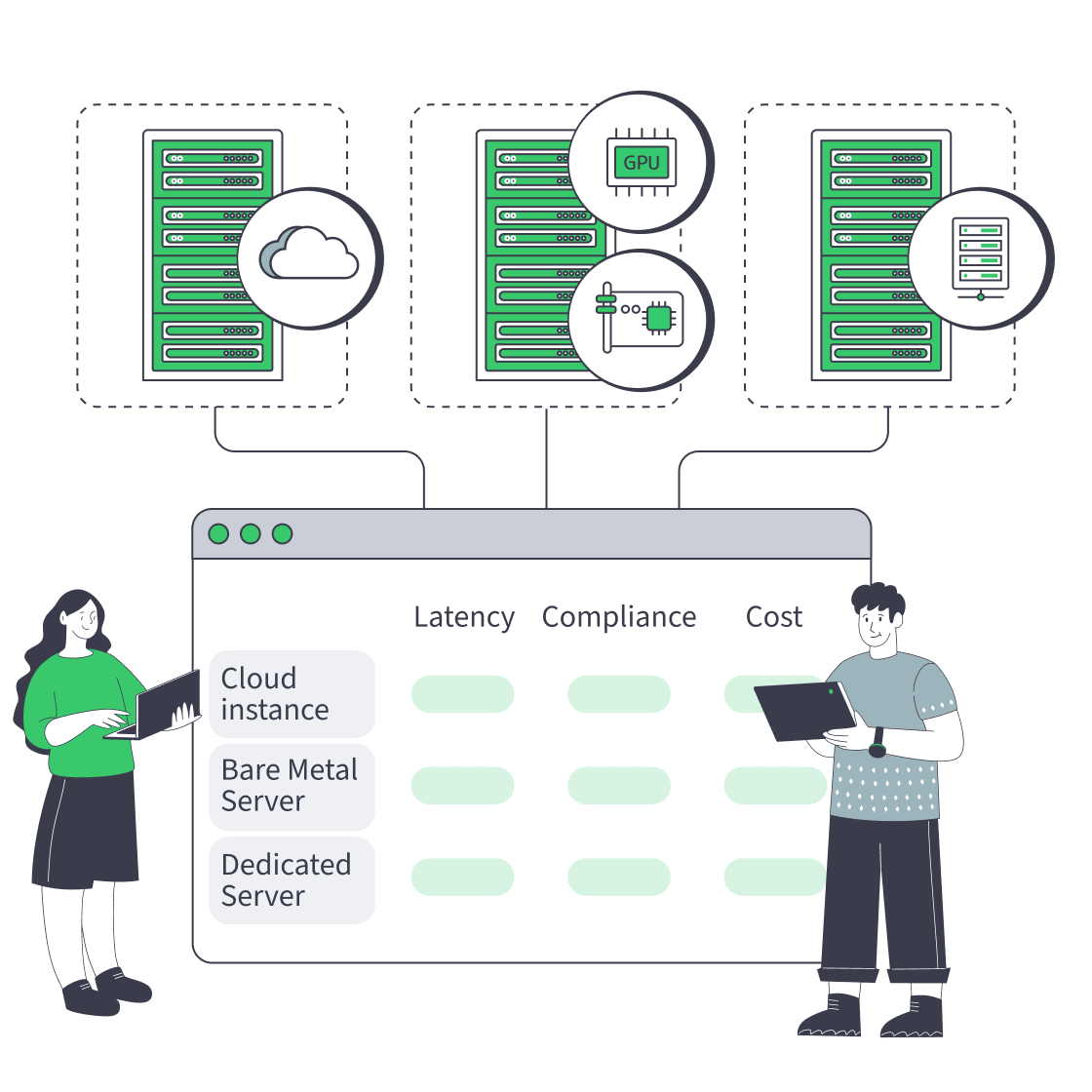
    Cloud, bare metal, and dedicated servers feeding one decision dashboard
    Bare Metal Server vs Cloud: Checklist for Performance, Compliance, and Cost
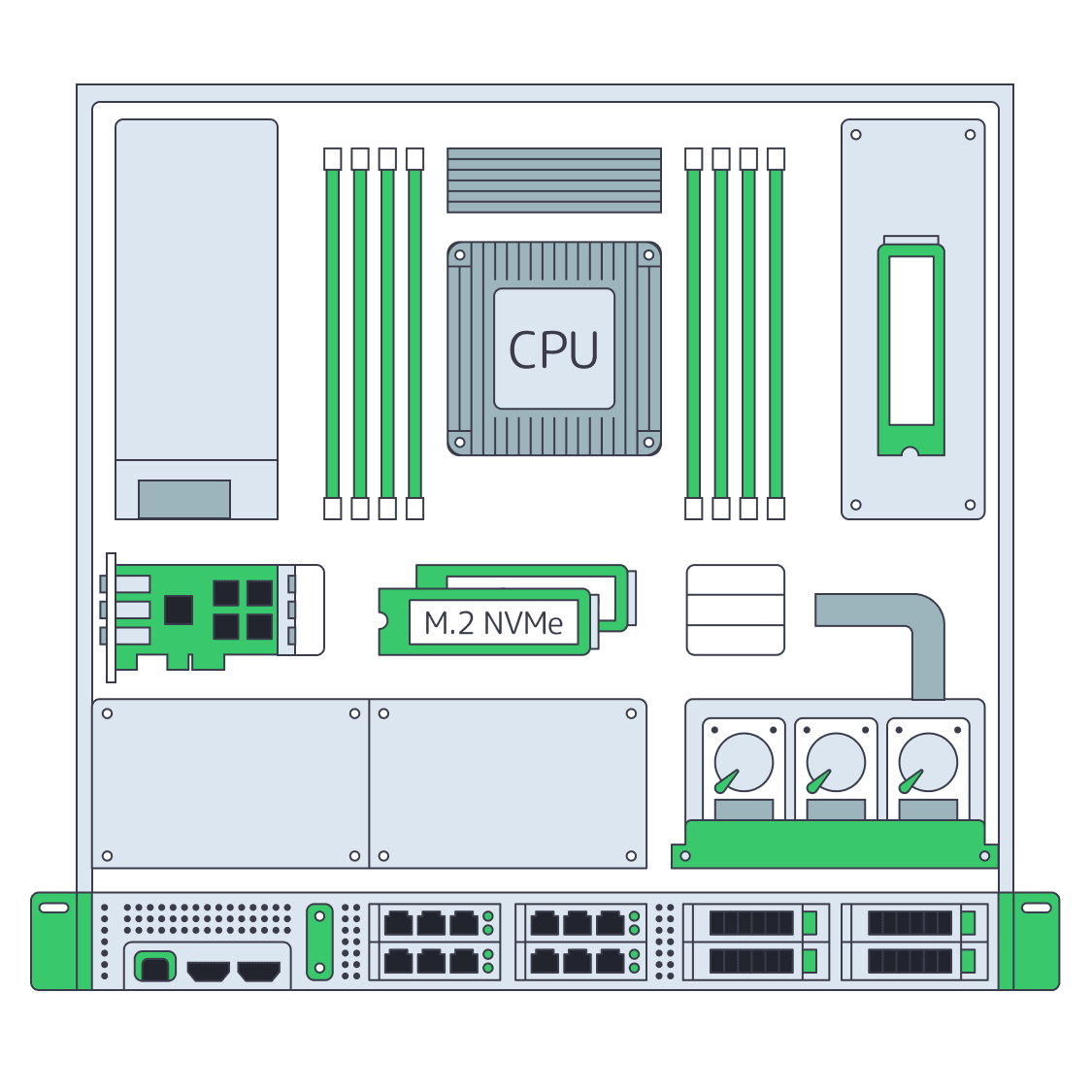
    Dedicated server BOM with CPU, RAM, NVMe, and NIC modules sized from workloads
    Spec Dedicated Servers From Workload, Not the Catalog
    More articles
    FAQ
    Is gpt-oss-120b the same as ChatGPT?
    What are the model’s core specifications?
    What does OpenAI say about GPU memory?
    Is one 80 GB GPU enough for production?
    Who manages the inference software?
    Can gpt-oss-120b be customized?
    What should we measure before ordering?
    Does Melbicom provide OpenAI’s hosted API?
    Can we upload a custom ISO?
    Are specific GPU models always available?
    How quickly are custom configurations delivered?
    What support does Melbicom provide?
    Create your account
    Access the control panel, review server configurations, and prepare the order for your inference stack.
    Create an account
    Review the model fit
    Share model memory, runtime, load, storage, and network requirements before selecting a server.
    Talk to an expert