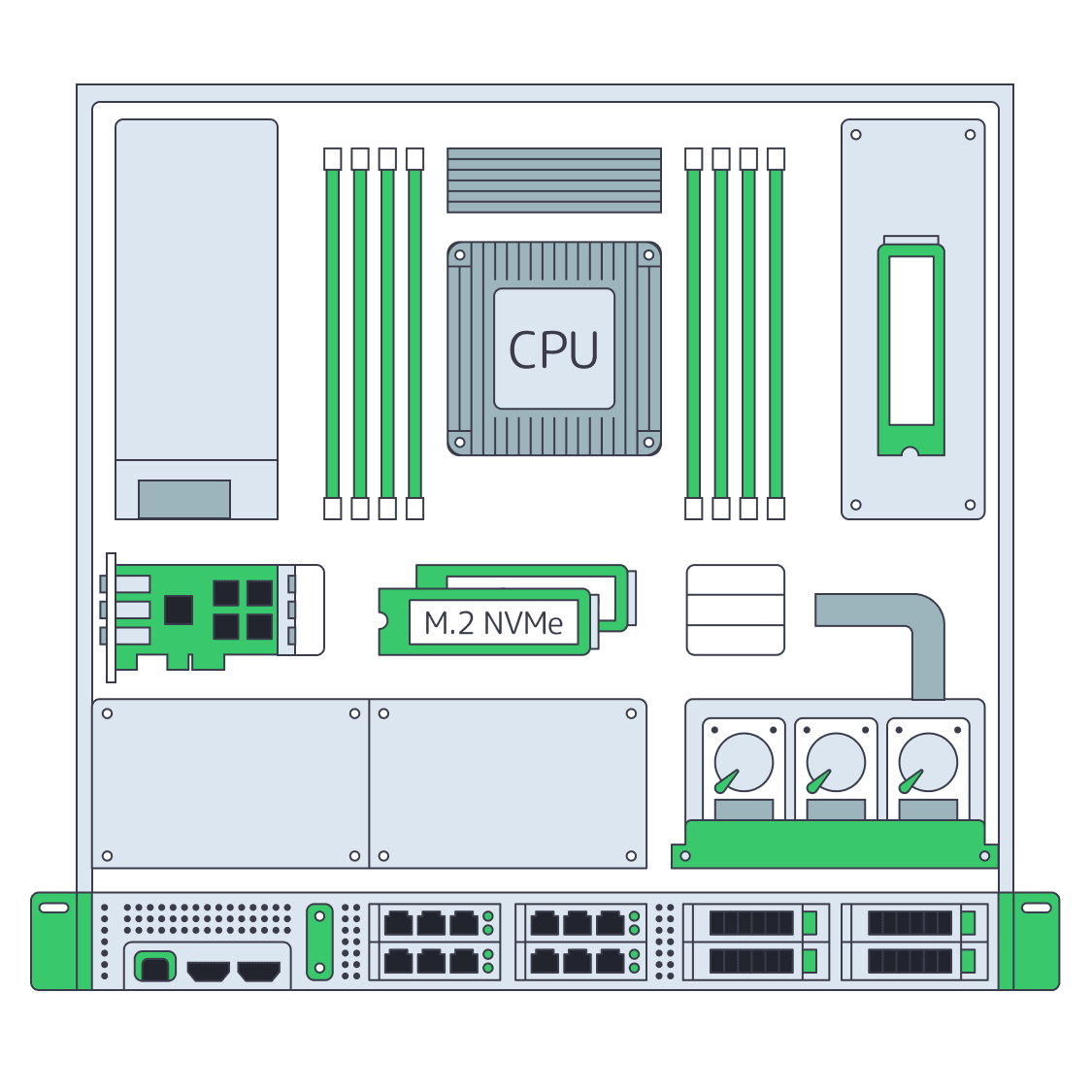
Control every stage of esports broadcast infrastructure by role

Run contribution ingest, production encoding, replay capture, packaging, and origin on isolated dedicated servers sized by role, with regional placement and bandwidth choices matched to each event plan.

Protected live esports broadcast servers

Plan esports streaming infrastructure by role

Isolated media broadcast
Isolate every broadcast role

Allocate CPU, memory, storage, and network capacity across ingest, encoding, replay, packaging, and origin workloads.

Protected media broadcast
Protect event headroom

Measure each feed and rendition against capacity, then reserve operating headroom before the tournament window opens.

Recovery capacity expansion
Rehearse recovery paths

Define active and standby roles, validate the complete chain, and rehearse operator recovery before the broadcast begins.

Packaged media delivery
Offload packaged segments

After packaging, CDN distributes repeated segment requests while production and origin stay under your control.

Available configurations
Need a Custom Build?
Filters
Clear all
Data center
Data center
CPU
CPU
CPU Brand
CPU Brand
RAM
RAM
Storage
Storage
from
up to
GPU
GPU
    Bandwidth
    Bandwidth
    Data Transfer
    Data Transfer
    Available configurations –
    CPU
    Memory
    Storage
    Network
    GPU
    Data center
    Price
    Show more

    Esports teams structure production, replay, origin, and delivery

    An esports broadcast is a chain of dependent jobs, not one generic streaming workload. Contribution feeds, production encoding, replay capture, packaging, and origin delivery draw on different resources. Each stage needs a defined capacity budget, clear ownership, and a recovery path. Plan these steps before the event window opens.

    Melbicom lets production teams place those stages on isolated hardware with configurable CPU, memory, storage, regional placement, and bandwidth choices. Separating roles protects one workload’s headroom from another, while ready-to-deploy configurations make primary and standby paths easier to plan, validate, and operate.

    After packaging, global CDN takes the downstream role: distributing completed segments and moving repeated audience requests away from the live origin. Dedicated infrastructure still owns ingest, processing, recording, packaging, and origin control, giving the team a cleaner boundary for rehearsals, incident response, and event-day decisions.

    4K live esports broadcast infrastructure

    Keep the event window under control

    Operational KPIs your production team can test and defend before airtime.
    Capacity reserved by role
    Ingest headroom protected
    Recovery paths rehearsed
    Origin capacity budgeted
    Event chain validated
    Repeated requests offloaded

    Plan broadcast capacity by role

    Configure each production role around the event plan, then validate capacity, access, and recovery before airtime.
    Isolated CPU for contribution ingest
    RAM profiles for production encoding
    Storage profiles for replay capture
    Metered and unmetered bandwidth
    Separate capacity for standby roles
    Reserved compute for stream packaging
    Regional placement for event paths
    Infrastructure support around the clock
    CDN delivery for packaged segments
    Origin offload for repeated requests
    Broadcast role builder
    Choose a ready-to-deploy configuration or plan a custom build around each broadcast role.
    Talk to an expert

    Map every broadcast workload to isolated capacity

    Multiple media stream ingestion
    Contribution ingest

    Receive contribution feeds on isolated capacity, budgeting network headroom for the planned number of concurrent sources.

    Media encoding processing
    Production encoding

    Run the chosen encoding software on configured CPU and memory profiles sized for the full planned rendition set.

    Recovered media recording
    Replay capture

    Reserve storage and processing capacity for recordings and replay workflows without borrowing resources from live ingest.

    Packaged media delivery
    Stream packaging

    Package completed outputs on a defined role, keeping segment generation separate from contribution and recording workloads.

    Media origin delivery network
    Live origin capacity

    Size the esports broadcasting server at live origin with bandwidth matched to packaged output and the planned delivery path.

    Recovery capacity expansion
    Standby recovery path

    Reserve standby capacity for critical roles, test failover steps, and rehearse operator access before the event window.

    Distributed streaming locations
    Packaged segment delivery

    Use CDN for esports streaming after packaging to deliver segments and keep repeated audience requests downstream.

    Cache policy operations
    Repeated-request offload

    Offload repeated audience requests from live origin while dedicated nodes keep ingest, processing, and recording upstream.

    Infrastructure guides for esports broadcast teams

    Global gaming infrastructure with servers, CDN nodes, and DDoS protection
    Gaming Infrastructure: Build Low-Ping Multiplayer & Resilience
    Dedicated server BOM with CPU, RAM, NVMe, and NIC modules sized from workloads
    Spec Dedicated Servers From Workload, Not the Catalog
    Dedicated servers feeding CDN edge nodes for seamless global live streaming
    How Dedicated Servers Power Seamless Live Streaming
    Dedicated server feeding CDN to deliver 4K streams over 200 Gbps link
    Dedicated Servers for Video Streaming at Scale
    More articles
    FAQ
    What kind of server is needed for live video streaming?
    When should an esports broadcast origin use a CDN delivery layer?
    How should we size capacity for concurrent feeds?
    Should ingest, encoding, and replay share one node?
    How do we plan primary and backup broadcast paths?
    Can we choose CPU, RAM, storage, and bandwidth by location?
    Does every configuration include a GPU or hardware encoder?
    Where can Melbicom deploy dedicated broadcast infrastructure?
    How do metered and unmetered bandwidth options differ?
    Is support available during live event operations?
    Start planning capacity
    Create an account, compare server builds, and map broadcast roles to the planned event workflow.
    Create an account
    Review the broadcast plan
    Share feed counts, role budgets, locations, and recovery needs with a Melbicom infrastructure expert.
    Talk to an expert