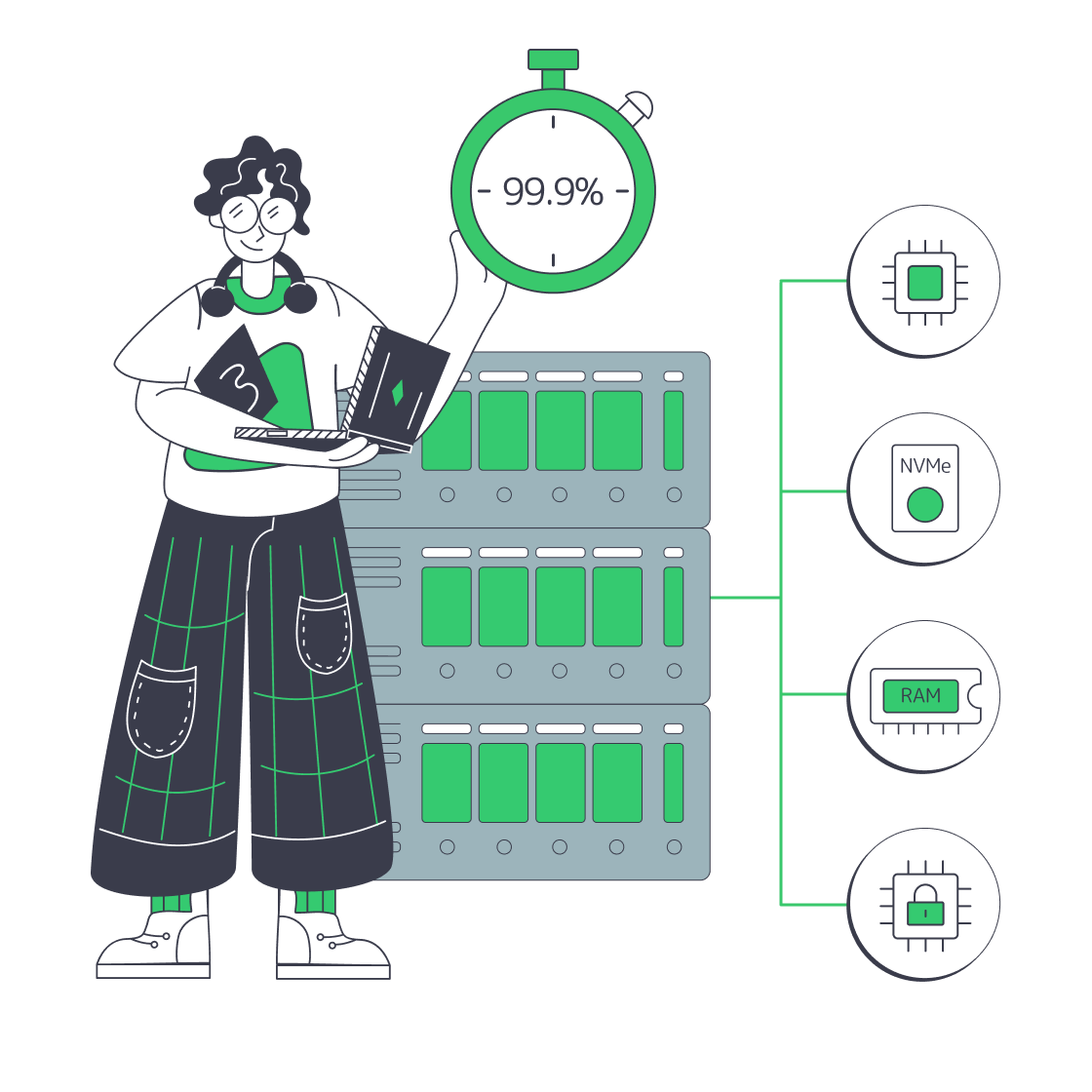
ERPNext hosting matched to sales and reporting demand

Rent a dedicated server for business ERP. Reserve compute for concurrent sales and reporting, store growing transaction history, and keep application changes under your team's control.
ERPNext operator monitoring business server capacity

Capacity for concurrent ERPNext business activity

Isolated verified server
Whole-host compute for sales and stock

The host's compute is reserved for your deployment, supporting overlapping sales entries and stock updates.

Database capacity sizing
Memory and storage for business data

Keep active database data in memory and size disk space for attachments, transaction history, and growth.

Parallel queue worker processing
Processing for queued business work

Control compute allocation between report workers, integration jobs, and your ERP application's interactive work.

QA server staging
Custom server builds for apps and testing

Match the build to your custom Frappe apps and testing, with software changes timed around business workflows.

Available configurations
Need a Custom Build?
Filters
Clear all
Data center
Data center
CPU
CPU
CPU Brand
CPU Brand
RAM
RAM
Storage
Storage
from
up to
GPU
GPU
    Bandwidth
    Bandwidth
    Data Transfer
    Data Transfer
    Available configurations –
    CPU
    Memory
    Storage
    Network
    GPU
    Data center
    Price
    Show more

    Sales and reports shape server needs

    A busy ERP is more than the people signed in. Sales entries, stock receipts, and prepared reports can overlap with scheduled integration jobs while business data keeps growing. Transaction times, queue age, and database growth connect your hardware investment to daily processing demand and the transaction history your business needs to keep.

    Melbicom rents physical servers with processor, memory, and storage choices matched to that workload. Choose a ready configuration or a custom build, ready in 3–5 business days. The specification brings together compute for simultaneous work, memory for the active database, and usable disk space for transaction history and attachments.

    Single-tenant hardware puts the host’s resources under your control. Your team or implementation partner divides compute and memory among application containers, report workers, and client databases. Set aside testing and recovery space so custom Frappe changes can be checked against business workflows before production updates.
    ERPNext administrator managing business applications

    Resource control for daily ERP operations

    Reserved hardware supports transactions, background jobs, data growth, and your own change schedule.
    Transaction processing headroom
    Compute for queued reports
    Active-data memory headroom
    Storage for growing records
    Controlled change windows
    Control of client resources

    Match hardware to daily ERP work

    Your rental combines hardware choice, server location, and bandwidth for the business ERP you operate.
    Reserve a whole physical host.
    Choose your processor configuration.
    Select memory for your database.
    Specify storage for business data.
    Compare ready-to-go configurations.
    Order a custom hardware build.
    Choose your server's location.
    Select a suitable bandwidth plan.
    Control your software environment.
    Get 24/7 infrastructure support.
    Build around your ERP
    Bring your database, reporting, and custom app needs into one server specification.
    Discuss your build

    From stock movements to client deployments

    System log document
    Wholesale operations

    Store stock receipts, deliveries, and transfers on disks sized for transaction history across your warehouses.

    Automated service workflow
    Factory production

    Match compute to work orders and production plans, including simultaneous entries from teams on the shop floor.

    E-commerce shopping cart
    Retail transactions

    Reserve compute for point-of-sale activity and closing-session posting across busy trading periods and daily close.

    Server analytics processing
    Period-end reporting

    Give prepared reports worker resources alongside the application processes handling ongoing sales and purchasing.

    Three-person user group
    Business groups

    One host can serve multiple companies, with hardware choices shaped by their combined transactions and data growth.

    API server configuration
    Connected commerce

    Give API requests and scheduled jobs a defined compute share for exchanges between ERPNext and commerce tools.

    Software development screen
    Custom applications

    Custom Frappe apps run on hardware matched to their processing needs, with test resources for checking changes.

    Isolated tenant workloads
    Partner client sites

    Operate client sites with their own databases, assigning host resources for each customer's activity and growth.


    ERP infrastructure choices from sizing to ownership

    Dedicated server BOM with CPU, RAM, NVMe, and NIC modules sized from workloads
    Spec Dedicated Servers From Workload, Not the Catalog
    ERP server with CPU, RAM, NVMe, shield, uptime clock, and scaling arrows
    Choosing ERP Servers for Performance, Uptime, and Scale
    Balanced scale showing cloud costs vs dedicated server control for ERP
    Hybrid ERP Hosting for Cost, Control, and Speed
    Balanced scale comparing owned servers to rented subscription contract
    Database Server Acquisition: Should You Buy or Rent?
    More articles
    FAQ
    When does whole-host capacity suit ERPNext?
    What should drive the initial server specification?
    How should memory and storage be sized?
    How do reports and integrations affect capacity?
    Can one host serve multiple companies or clients?
    How do custom apps change the hardware choice?
    What data belongs in the storage plan?
    How should we choose the server location?
    How do we choose a ready or custom configuration?
    What should a production deployment include?
    Choose a ready host
    Open an account and choose a ready host for the ERP environment your business operates.
    Create an account
    Plan a custom build
    Share your database, reporting, and custom app needs to shape the server your team operates.
    Discuss your build