ERP hosting: month-end workloads under measured control

Run ERP application, database, reporting, integration, and batch tiers on isolated dedicated servers. Size CPU, memory, storage, bandwidth, and region for measurable response times and planned recovery.

Secure ERP hosting with performance monitoring

ERP infrastructure starts with workload boundaries

Isolated verified server
Isolate CPU for transactions and batch jobs

Single-tenant compute keeps transaction processing and batch jobs attributable when concurrency rises during closing periods.

RAM memory module
Keep database working sets resident in memory

Size memory to the active database working set so query latency remains measurable under representative concurrency.

Server analytics processing
Separate report load from production tiers

Assign reporting, integration, test, and backup jobs to separate capacity when shared I/O hides the bottleneck.

Regional node map placement
Measure network paths for users and partners

Measure branch, user, and partner paths before choosing regions; both metered and unmetered bandwidth options are available.

Available configurations
Need a Custom Build?
Filters
Clear all
Data center
Data center
CPU
CPU
CPU Brand
CPU Brand
RAM
RAM
Storage
Storage
from
up to
GPU
GPU
    Bandwidth
    Bandwidth
    Data Transfer
    Data Transfer
    Available configurations –
    CPU
    Memory
    Storage
    Network
    GPU
    Data center
    Price
    Show more

    Compare what matters when choosing ERP hosting infrastructure

    ERP performance depends on combined system behavior, not a single metric. Concurrent users, transaction mix, database growth, reports, integrations, and closing runs pull on shared compute, memory, storage I/O, and network paths together. Test these pressures under representative concurrency so hidden contention does not extend month-end close, payroll, or inventory workflows.

    At Melbicom, we provide isolated dedicated servers for ERP server hosting with configurable CPU, memory, storage, bandwidth, and regional placement. This creates a clear baseline to measure database latency, transaction throughput, report completion time, and business-process response time without mixing signals from unrelated workloads or shared infrastructure.

    Separate production application and database tiers from reporting, integration, test, and backup activity wherever contention is material. Keep ERP installation, database tuning, patching, monitoring, backups, failover, and restore testing under explicit customer ownership, then validate change windows, rollback paths, and recovery workflows before releasing production updates.

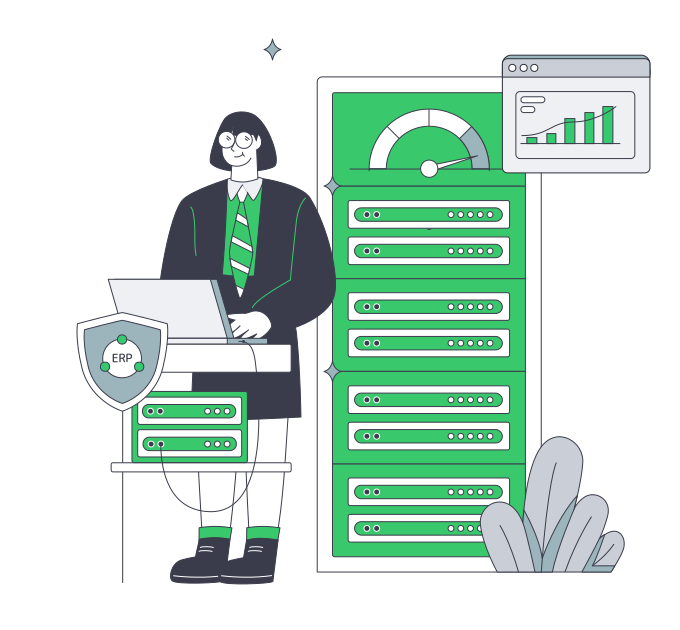
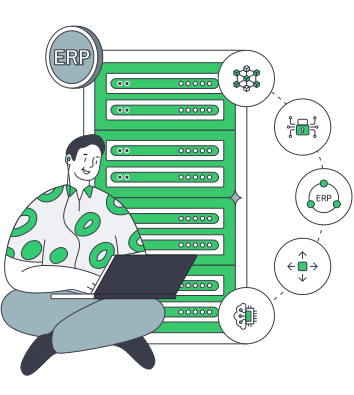
    Operator managing scalable ERP infrastructure

    ERP outcomes tied to defined capacity

    Measure the workflows that matter before production users feel the slowdown.
    Measured transaction latency
    Traceable batch duration
    Measured report completion
    Clear workload ownership
    Reserved recovery headroom
    Validated regional paths

    Control capacity across ERP tiers

    Configure compute, memory, storage, bandwidth, and region for customer control of ERP operations.
    Isolated CPU and memory capacity
    Configurable storage and bandwidth
    Regional deployment options
    Ready-to-deploy server choices
    Direct control of ERP workload tiers
    Custom server configuration options
    Capacity for database growth
    Headroom for batch processing
    Access to 24/7 technical support
    Customer-owned ERP operations
    Build your ERP server
    Share workload measurements and choose a dedicated ERP server profile for your topology.
    Talk to an expert

    Dedicated capacity for every ERP workload role

    Application server operations
    ERP application tiers

    Run ERP application services on isolated compute sized for concurrent sessions and transaction mix during business peaks.

    Database performance optimization
    Transactional databases

    Keep database memory and storage I/O attributable while measuring query latency, log behavior, and throughput.

    Analytics server operations
    Reporting workloads

    Isolate scheduled reporting from production when long queries compete with transactions and delay report completion.

    API server configuration
    Integration services

    Run APIs and partner connectors on defined capacity so queue depth and round-trip network paths remain traceable.

    Parallel queue worker processing
    Month-end batch runs

    Reserve compute and I/O headroom for closing, payroll, inventory, and planning jobs within defined batch windows.

    QA server staging
    ERP test and upgrade

    Run test, patch validation, and rollback rehearsals away from production before approving each change window.

    Verified database recovery
    Backup and restore tests

    Keep backup and restore work on defined capacity, then test recovery steps against customer-defined recovery objectives.

    Regional node placement
    Distributed ERP access

    Choose regions and bandwidth from measured branch, user, and partner paths before routing production ERP traffic.

    Infrastructure insights for ERP teams

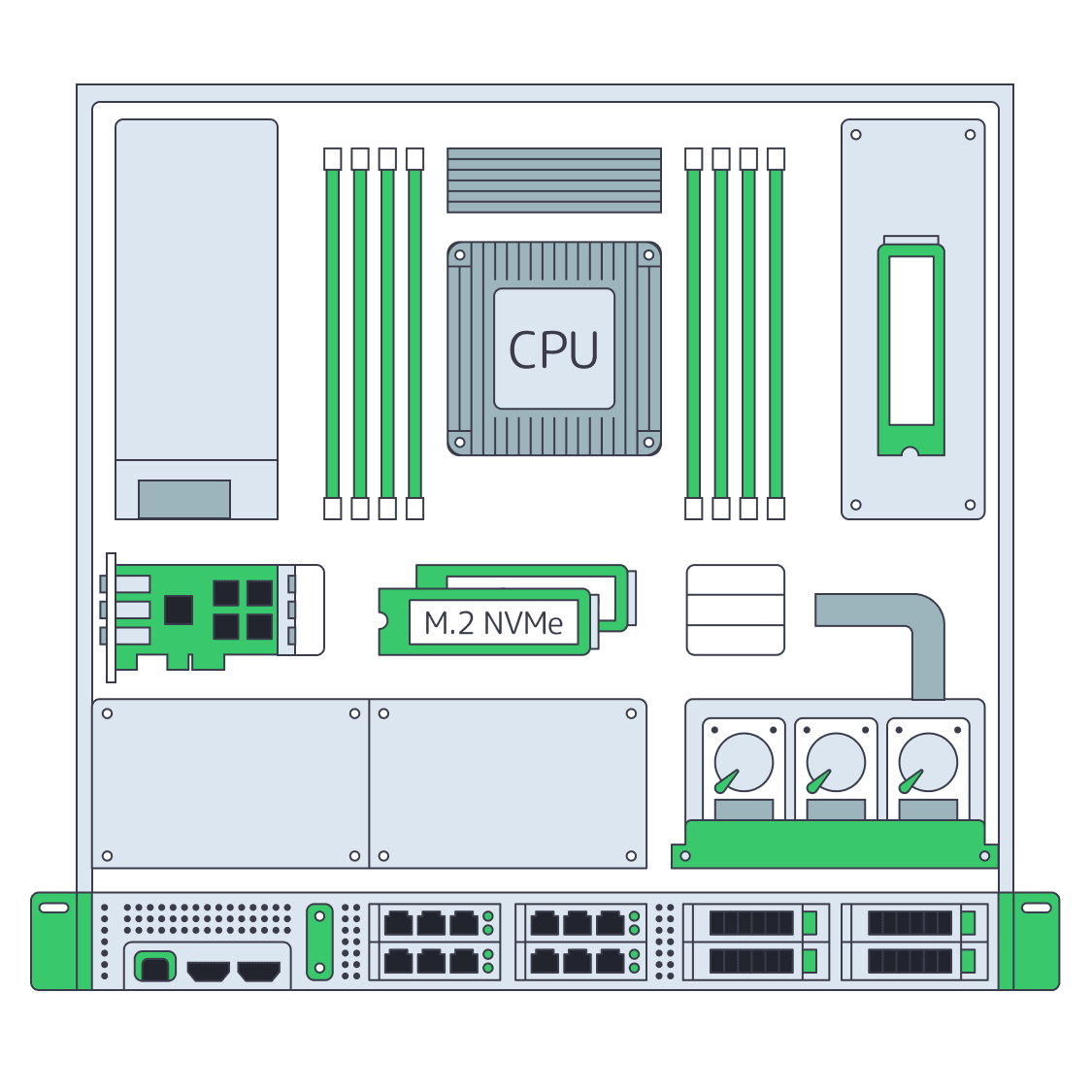
    Dedicated server BOM with CPU, RAM, NVMe, and NIC modules sized from workloads
    Spec Dedicated Servers From Workload, Not the Catalog
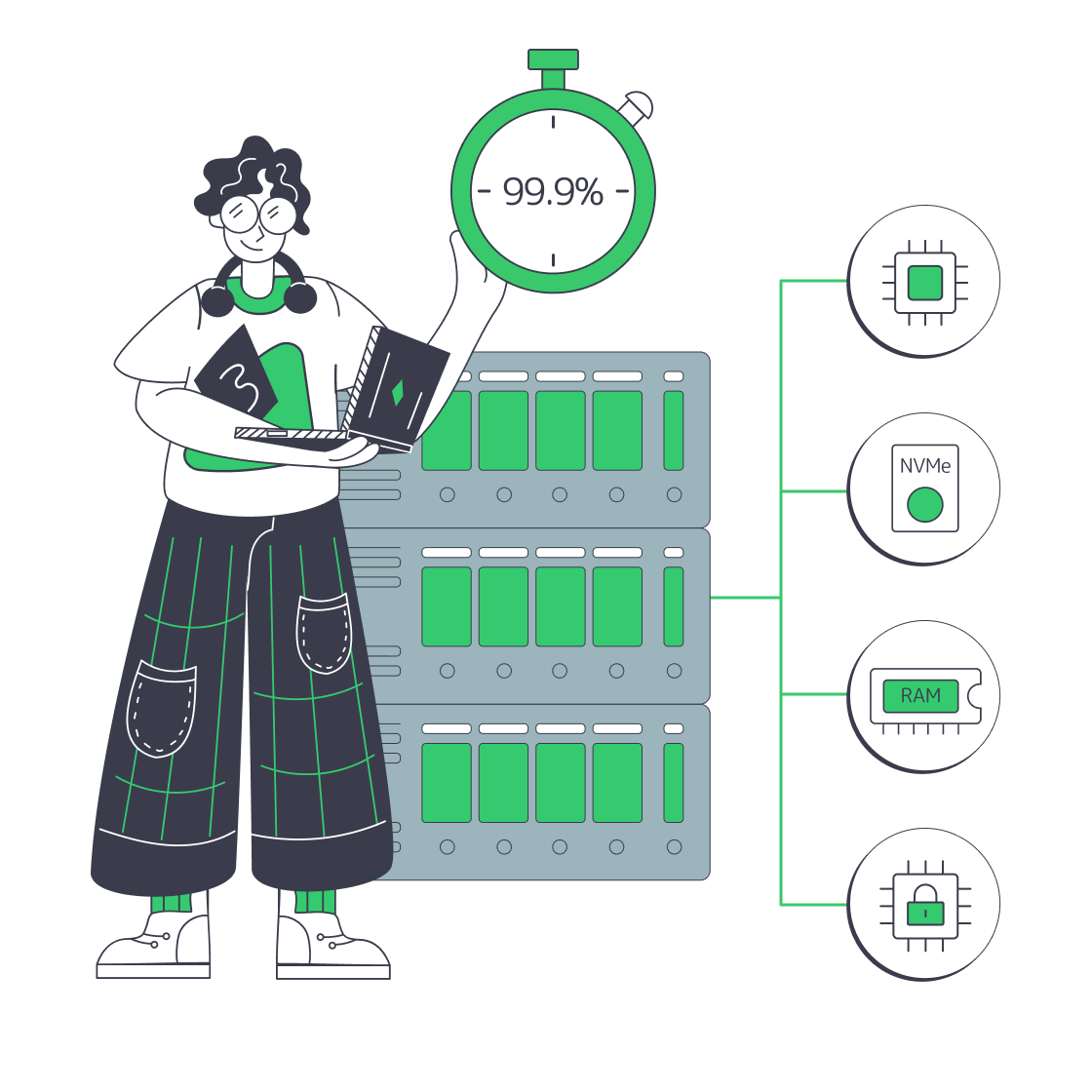
    ERP server with CPU, RAM, NVMe, shield, uptime clock, and scaling arrows
    Choosing ERP Servers for Performance, Uptime, and Scale
    Balanced scale showing cloud costs vs dedicated server control for ERP
    Hybrid ERP Hosting for Cost, Control, and Speed
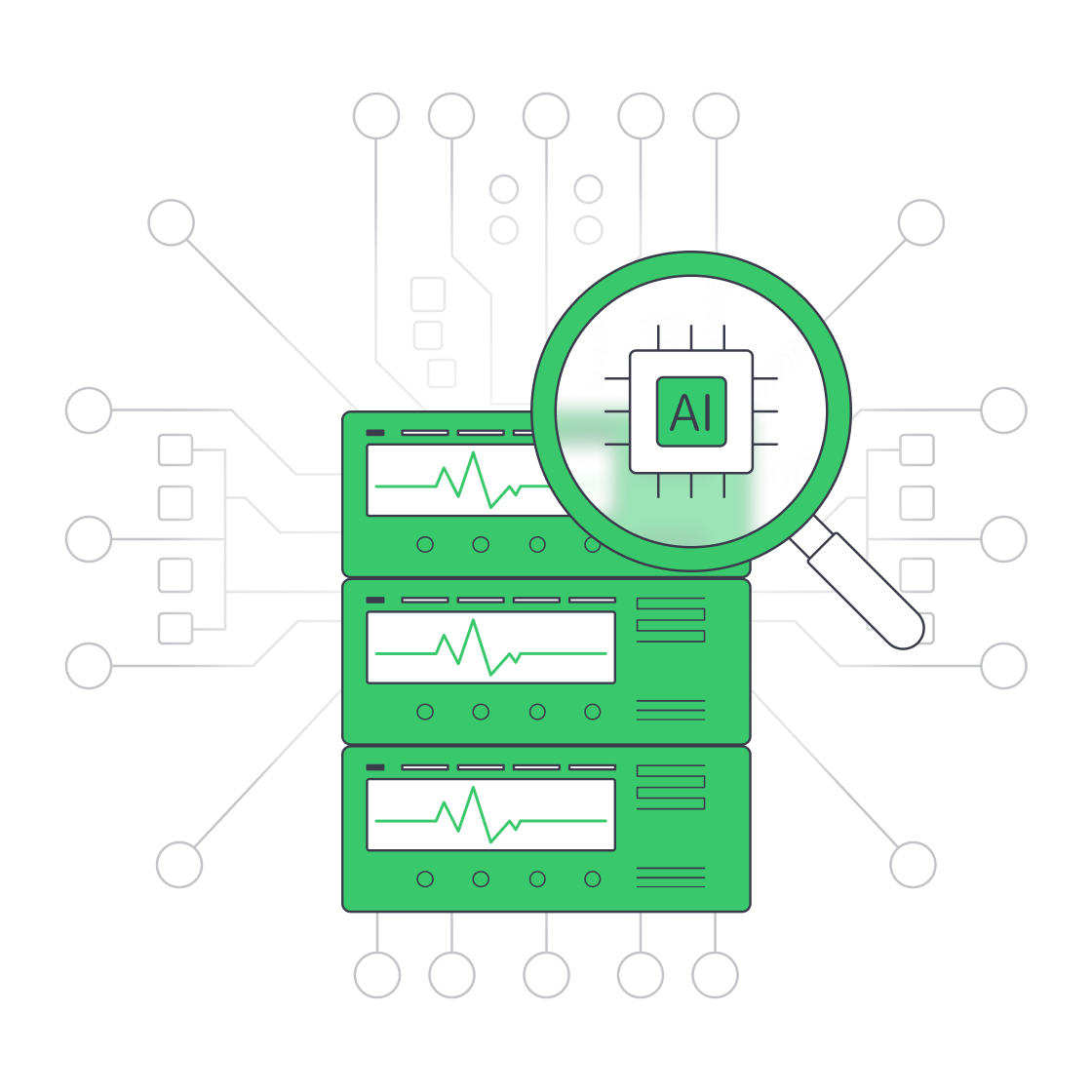
    Servers under AI magnifier displaying live metrics
    Building a Predictive Monitoring Stack for Servers
    More articles
    FAQ
    How to size ERP servers for transaction, reporting, and batch workloads?
    Which ERP workloads are isolated from production database tiers?
    What should teams benchmark before moving production ERP?
    How does database growth affect server selection?
    How should distributed ERP users choose a region?
    Who manages ERP software and database operations?
    Does one dedicated server make ERP highly available?
    Can you migrate or tune our ERP application?
    What server options support ERP workloads?
    How should ERP teams choose metered or unmetered bandwidth?
    Open an ERP account
    Create an account, select a server profile, and prepare your customer-managed ERP environment.
    Create an account
    Plan your ERP topology
    Share concurrency, database growth, batch windows, regional paths, and recovery ownership with our team.
    Talk to an expert