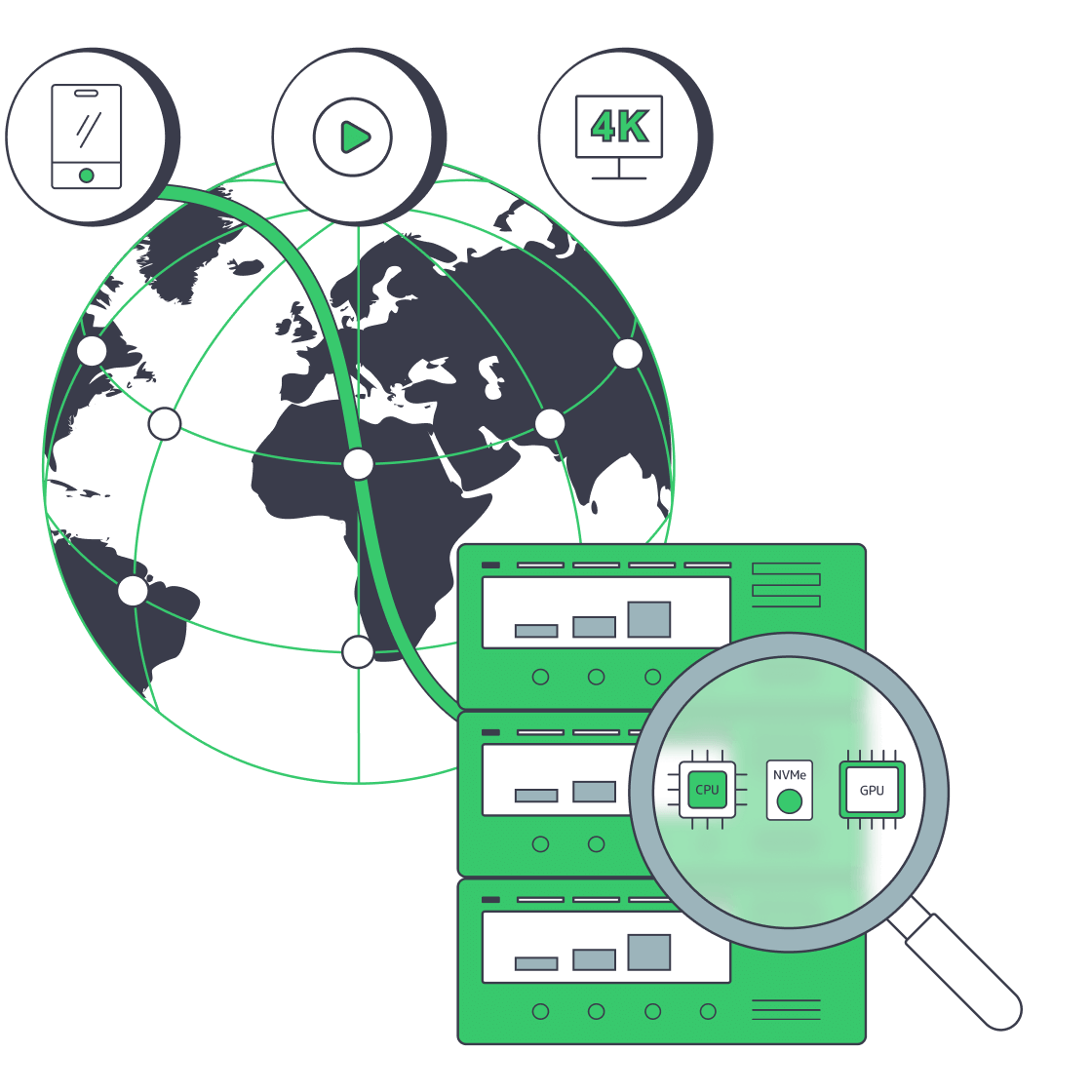
Enterprise live streaming infrastructure built for event control

Run corporate events and webinars on isolated dedicated hardware, sizing each webinar streaming server role to limit contention, preserve recording headroom, and control origin load.

Protected enterprise webinar streaming servers

Control corporate event streaming infrastructure

Isolated media broadcast
Isolated server capacity for every event role

Separate ingest, processing, recording, packaging, and origin roles so each workload receives a defined capacity.

Server capacity sizing
Planned server capacity budgets for events

Plan server capacity for concurrency, rendition outputs, recording windows, and standby headroom your team validates.

Regional node placement
Regional placement aligned to origin demand

Choose regional placement and bandwidth that match contribution paths, origin demand, and your operating model.

Multi-location CDN network
CDN delivery after stream packaging phase

Deliver packaged streams through CDN to public audiences and reduce repeat requests against the origin.

Available configurations
Need a Custom Build?
Filters
Clear all
Data center
Data center
CPU
CPU
CPU Brand
CPU Brand
RAM
RAM
Storage
Storage
from
up to
GPU
GPU
    Bandwidth
    Bandwidth
    Data Transfer
    Data Transfer
    Available configurations –
    CPU
    Memory
    Storage
    Network
    GPU
    Data center
    Price
    Show more

    Structure event ingest, processing, recording, origin & delivery

    Corporate events concentrate ingest, processing, recording, packaging, and origin demand into a fixed broadcast window. When those roles share an undifferentiated environment, one workload can consume the resources another needs. Plan each role against concurrency, rendition count, recording policy, and recovery objectives before go-live.

    Melbicom provides isolated dedicated hardware with configurable CPU, RAM, storage, regional placement, and bandwidth choices. Your team installs and operates the streaming application, assigns role-specific capacity, and validates primary and standby behavior. The infrastructure stays under your control without implying a managed webinar platform.

    Keep contribution, processing, recording, packaging, and origin on customer-operated servers, then hand already packaged streams to global CDN for public delivery and origin offload. This complementary boundary keeps application logic and recovery decisions with your team while the distribution layer absorbs repeated audience requests.
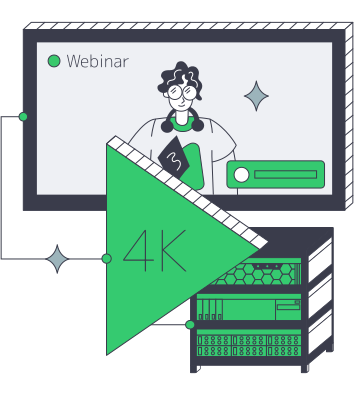
    4K corporate webinar streaming infrastructure

    Control across the full event window

    Six measurable effects of role-based capacity and bounded downstream delivery.
    Defined role capacity
    Lower resource contention
    Planned standby headroom
    Predictable recording throughput
    Controlled event infrastructure
    Reduced repeat origin requests

    Run event roles on isolated hardware

    Configure each webinar streaming server for role budgets, placement, storage, and bandwidth.
    Isolated hardware for event roles
    CPU and RAM choices by location
    Storage profiles for long recordings
    Both metered and unmetered bandwidth
    Regional placement for ingest paths
    Ready-to-deploy server configurations
    Custom configurations for specific roles
    24/7 infrastructure support access
    Packaged stream delivery through CDN
    Origin offload for public audiences
    Plan your event stack
    Match isolated server resources to event roles, concurrency, recording, and origin demand.
    Talk to an expert

    Infrastructure patterns for corporate broadcasts

    Broadcast media delivery
    Town hall broadcasts

    Isolate ingest, processing, recording, and origin roles so scheduled town halls keep workloads from competing.

    Media broadcast operations
    Executive live updates

    Reserve compute and bandwidth for executive broadcasts to protect capacity through the fixed event window.

    Broadcast media delivery
    Investor event streams

    Size recording, packaging, and origin capacity for investor streams by viewers, renditions, and recovery needs.

    Isolated media broadcast
    Product launch webinars

    Run customer-operated webinar application modules on isolated hardware so teams control product launch workloads.

    Operator-managed media broadcast
    Virtual conferences

    Assign independent capacity to concurrent sessions, recordings, packaging jobs, and origin workloads across the agenda.

    Streaming playback buffering
    Employee training streams

    Keep long-form training recordings and live processing on separately budgeted roles managed by the customer's software stack.

    Global event presentations
    Public webinar delivery

    Hand packaged outputs to global CDN so public viewers do not send repeated requests back to the event origin.

    Packaged media delivery
    Packaged stream delivery

    Use CDN for live webinars after packaging to distribute audience traffic while keeping origin operations customer-controlled.

    Infrastructure insights for corporate event teams

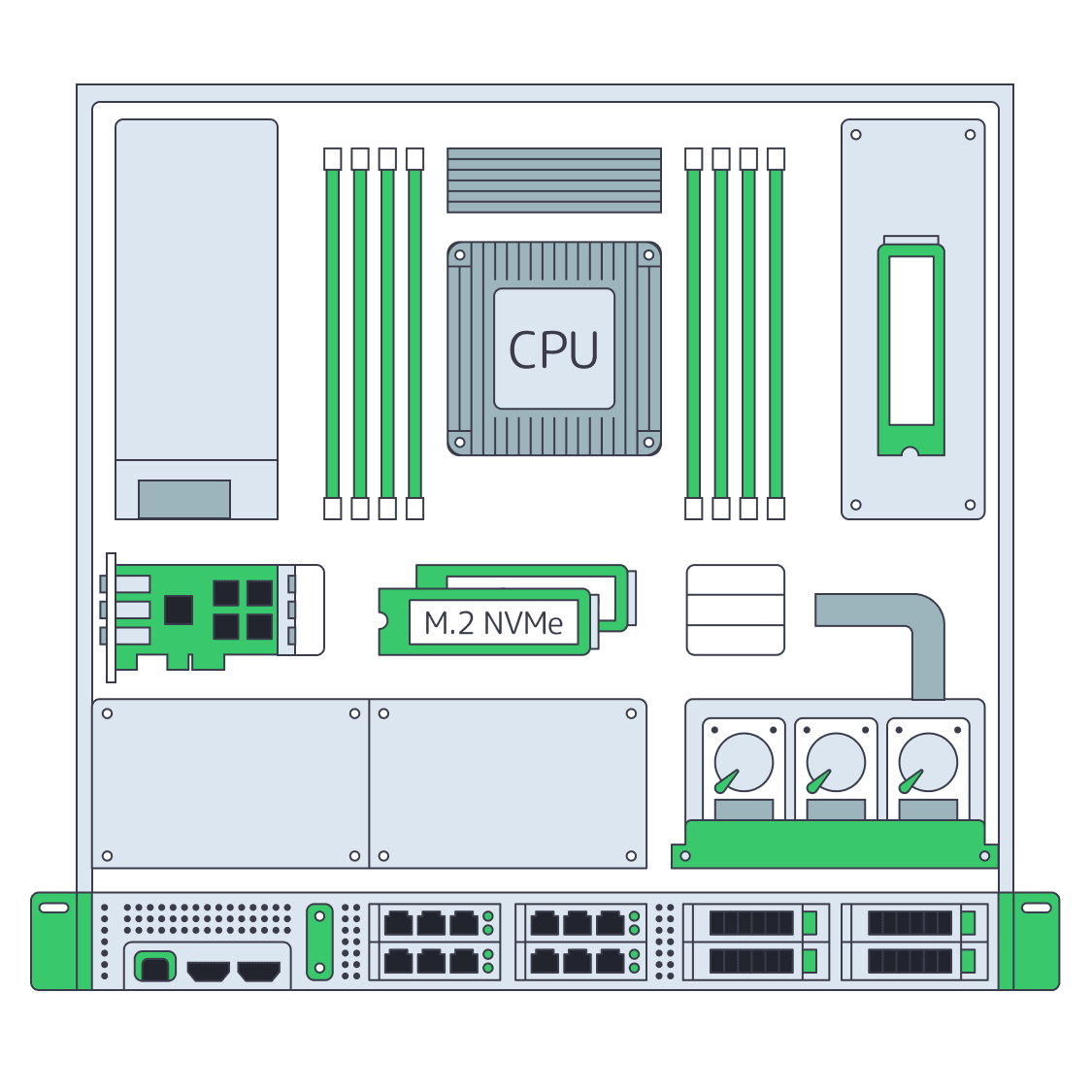
    Dedicated server BOM with CPU, RAM, NVMe, and NIC modules sized from workloads
    Spec Dedicated Servers From Workload, Not the Catalog
    Dedicated servers feeding CDN edge nodes for seamless global live streaming
    How Dedicated Servers Power Seamless Live Streaming
    Dedicated server feeding CDN to deliver 4K streams over 200 Gbps link
    Dedicated Servers for Video Streaming at Scale
    Illustration of a server rack, symbolizing the gold standard of dedicated server reliability
    How Dedicated Server Hosting Supports Infrastructure Reliability
    More articles
    FAQ
    What kind of server is needed for live video streaming?
    When should a corporate webinar origin use a CDN delivery layer?
    Who provides the webinar application?
    Can event roles run on separate servers?
    How should teams plan standby capacity?
    Do server configurations vary by location?
    How should teams choose metered or unmetered bandwidth?
    How many data centers are available?
    Is infrastructure support available around the clock?
    Who operates recording and packaging software?
    Opening an account
    Create an account, choose a server configuration, and assign capacity to your first event role.
    Create an account
    Plan your event stack
    Share event roles, regions, concurrency, and recording plans so our team can discuss infrastructure options.
    Talk to an expert