Dify hosting for responsive workflows and controlled queues

Rent dedicated servers with reserved CPU, RAM, and NVMe for Dify workflows, AI agents, APIs, workers, retrieval, and persistent data—keeping requests responsive and queues controlled.

Dedicated servers for Dify workflows

Capacity follows workflows, queues, and data

Application traffic capacity sizing
Keep APIs responsive

Size CPU and memory for API traffic, editor sessions, and overlapping workflows to support concurrent request handling.

Parallel queue worker processing
Clear worker queues

Match worker capacity to queue depth, scheduled jobs, long tasks, retries, and document-processing bursts.

AI inference controls
Control model data flows

Use customer-operated inference for Dify workflows with confidential documents and source code in your environment.

Virtualized server operations
Support smaller stacks

Cloud VPS gives development, staging, proofs of concept, and smaller production stacks a practical operating base.

Available configurations
Need a Custom Build?
Filters
Clear all
Data center
Data center
CPU
CPU
CPU Brand
CPU Brand
RAM
RAM
Storage
Storage
from
up to
GPU
GPU
    Bandwidth
    Bandwidth
    Data Transfer
    Data Transfer
    Available configurations –
    CPU
    Memory
    Storage
    Network
    GPU
    Data center
    Price
    Show more

    Dify self hosted on isolated resources

    Production Dify runs live API traffic and editor sessions beside asynchronous workers, document ingestion, PostgreSQL, Redis, vector retrieval, plugins, and sandboxed tools on the same host. When those jobs peak together, they compete for CPU, memory, and disk I/O, stretching queues and making AI workflow completion harder to predict in production.

    Melbicom dedicated servers give the application, workers, and persistent services reserved CPU, host RAM, local SSD or NVMe, and network capacity. Shape the host around concurrent runs, indexing bursts, data retention, and backup windows, while your team keeps control of Docker, secrets, upgrades, and recovery under sustained production demand.

    Use cloud VPS for development, staging, release rehearsal, and smaller Dify deployments that suit a virtual machine. Keep the same customer-operated model across environments, connect external model APIs or your own compatible endpoint, and move changes into production with clearer resource, cost, and operational boundaries across the release process.

    Dify application and infrastructure management

    Operational gains from workload-led sizing

    Keep response times, queues, and data growth aligned with the operating plan.
    Responsive API handling
    Shorter worker queues
    Stable database I/O
    Indexing window control
    Predictable backup runs
    Controlled staging costs

    Plan resources across the stack

    Choose CPU, RAM, NVMe, and network capacity for live workflows, persistent data, and scheduled recovery.
    Reserved CPU for concurrent requests
    Host RAM for parallel workflow runs
    Local NVMe for database writes
    Fast storage for vector retrieval
    Capacity for plugins and tools
    Isolation for sandboxed code runs
    Network capacity for backup windows
    Cloud VPS for release staging
    Smaller production environments
    Development and integration testing
    Plan your Dify host
    Map workflows, queues, storage growth, and recovery windows to the right server.
    Discuss your stack

    Workloads that compete for host resources

    Application traffic capacity sizing
    Concurrent API traffic

    Reserve CPU and memory for concurrent requests, editor sessions, AI workflow starts, and response assembly under busy traffic.

    Parallel queue worker processing
    Worker queue pressure

    Match worker capacity to scheduled jobs, long tasks, and retries so queued work clears within planned operating windows.

    Overlapping storage folders
    Document ingestion

    Give parsing, chunking, embedding calls, and index updates enough capacity without displacing live workflow execution.

    Software development screen
    AI agent tool execution

    Run sandboxed code for AI agents; size CPU and memory for plugin activity, tool calls, and concurrent workflows.

    Storage retention capacity sizing
    Persistent data growth

    Keep PostgreSQL, vector data, uploads, plugins, and logs on storage sized for growth, maintenance, and recovery.

    AI inference delivery
    Model endpoint choices

    Connect external model APIs, or run compatible inference separately when data flow, control, or latency calls for it.

    QA server staging
    Release testing

    Use cloud VPS to test releases, integrations, migrations, and restore procedures before they reach production.

    Cloud VPS server stack
    Smaller Dify stacks

    Use cloud VPS for smaller Dify deployments that need persistent services without a dedicated application host.


    Infrastructure guides for Dify teams

    Dedicated server BOM with CPU, RAM, NVMe, and NIC modules sized from workloads
    Spec Dedicated Servers From Workload, Not the Catalog
    Illustration of server rack topped by HDD, SSD, and NVMe icons showing speed hierarchy
    Choosing Dedicated Server Storage: HDD, SSD, or NVMe?
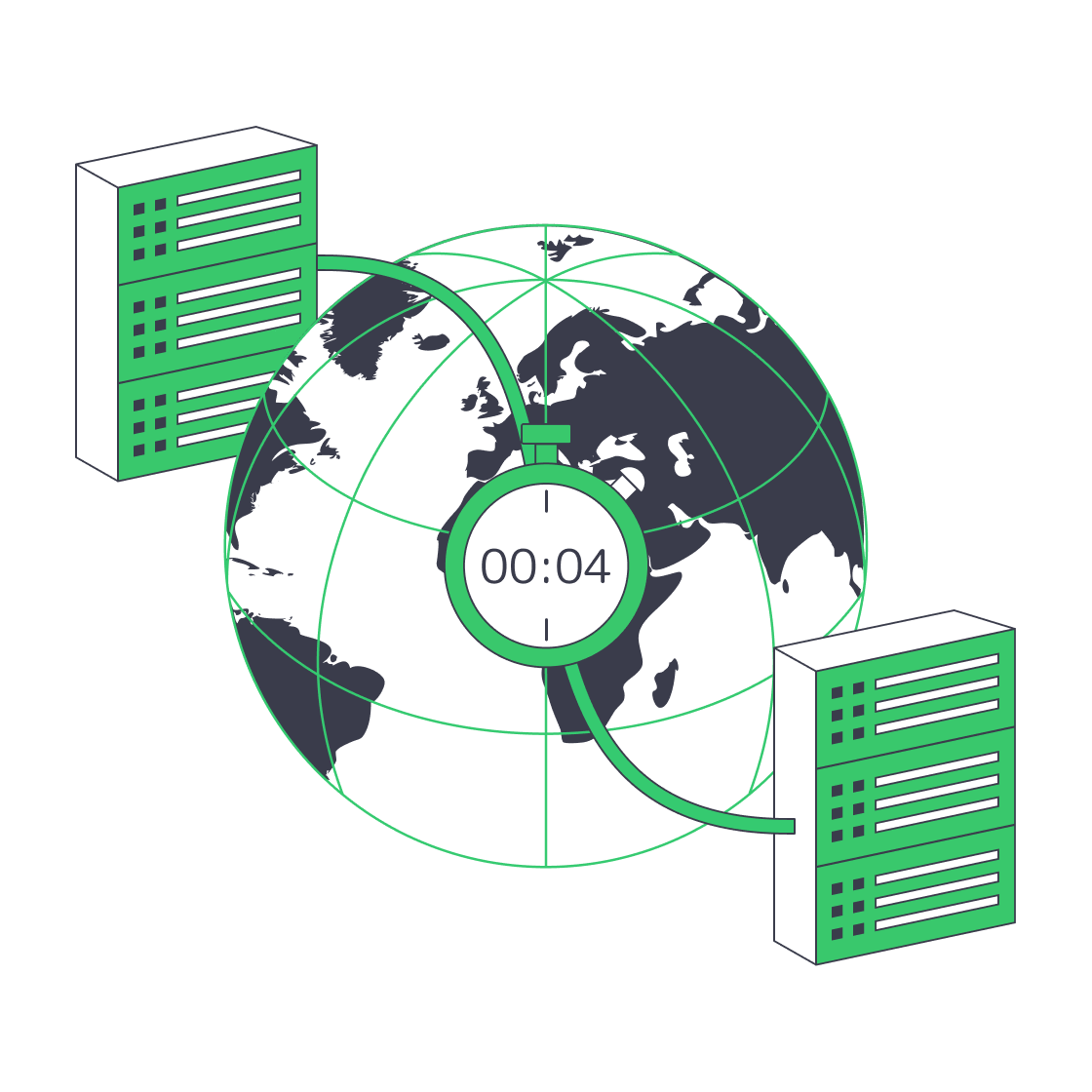
    Globe with paired data‑centres linked for four‑minute disaster recovery.
    Architecting Minutes-Level RTO with Melbicom Servers
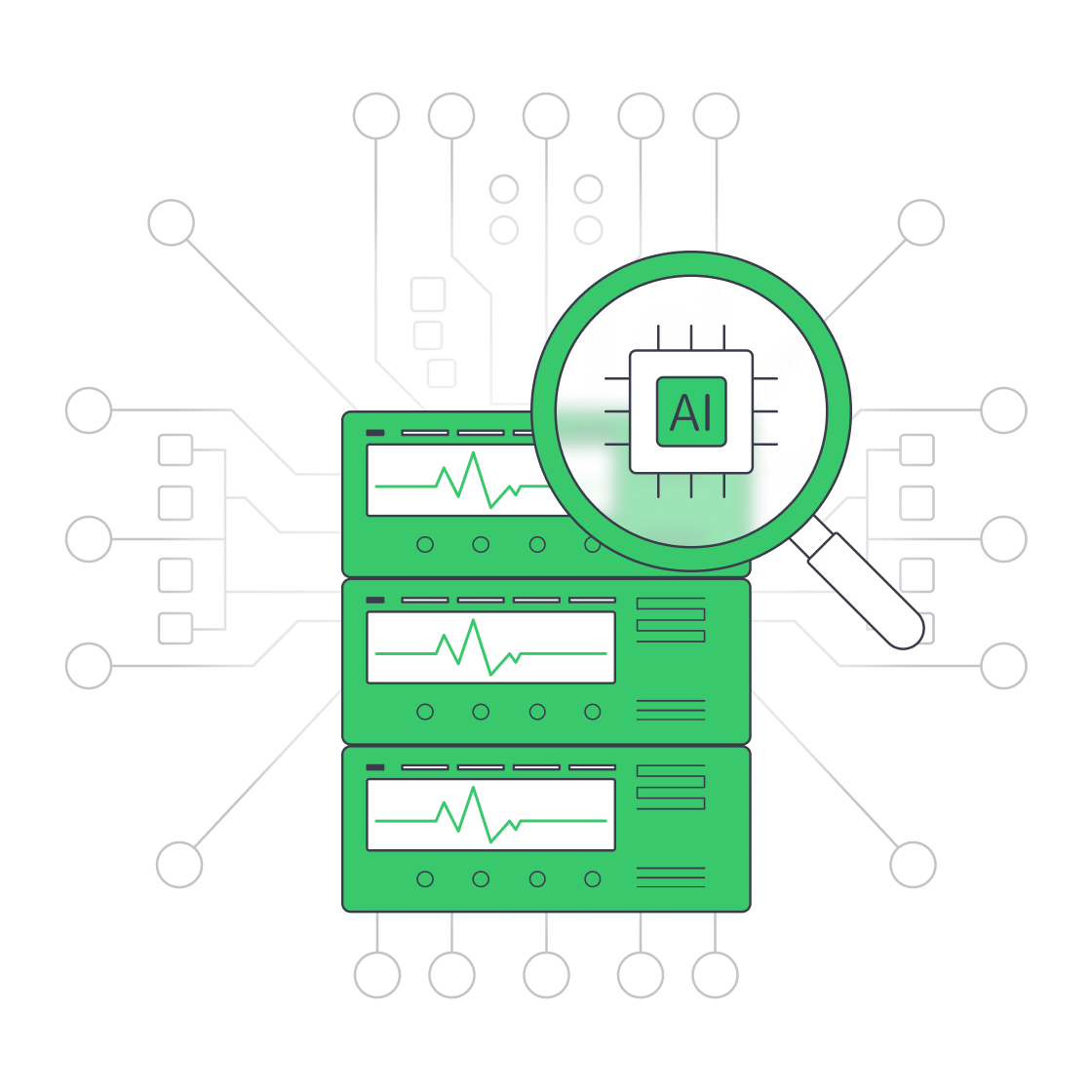
    Servers under AI magnifier displaying live metrics
    Building a Predictive Monitoring Stack for Servers
    More articles
    FAQ
    What should shape Dify hosting capacity?
    Does Dify need CPU or GPU infrastructure?
    How can Dify connect to model providers?
    Which services can share the application host?
    How should persistent storage be planned?
    Where does cloud VPS fit the deployment?
    Who operates the Dify software stack?
    How should teams prepare for upgrades?
    How should teams control data flows?
    How should teams plan availability and recovery?
    Create your account
    Open the control panel, fund your balance, and configure the server for your Dify deployment.
    Create an account
    Plan your deployment
    Share concurrency, queue depth, storage growth, and recovery targets to identify the right host.
    Talk to an expert