Size dedicated servers for virtualization from measured guest demand

Model active CPU, memory, storage I/O, network traffic, and reserve before placing customer-operated VMs, keeping contention attributable and recovery capacity available across each host boundary.

Dedicated servers hosting virtual machine workloads

Match our dedicated infrastructure to VM workloads

RAM memory module
Model CPU and memory

Aggregate guest CPU and memory demand, hypervisor overhead, and burst headroom before assigning capacity per host.

Verified storage I/O
Expose storage pressure

Separate capacity, latency, and IOPS pressure so guest activity cannot hide contention across the storage path.

Locked stable bandwidth
Budget network headroom

Combine public, east-west, and backup traffic demand before selecting bandwidth headroom and regional placement.

Recovery capacity expansion
Protect recovery reserve

Hold maintenance and host-loss capacity outside planned guest density so recovery headroom remains available.

Available configurations
Need a Custom Build?
Filters
Clear all
Data center
Data center
CPU
CPU
CPU Brand
CPU Brand
RAM
RAM
Storage
Storage
from
up to
GPU
GPU
    Bandwidth
    Bandwidth
    Data Transfer
    Data Transfer
    Available configurations –
    CPU
    Memory
    Storage
    Network
    GPU
    Data center
    Price
    Show more

    Bare metal server hosting follows measured guest demand

    Start with the guest estate. Add active CPU, memory, storage I/O, network traffic, and hypervisor overhead, then reserve capacity for bursts, maintenance, and host failure. That model determines whether one dense node is enough or the workload needs separate roles with explicit failure domains and recovery headroom for planned maintenance.

    At Melbicom, we provide isolated physical hosts with configurable Intel and AMD processors, location-specific memory and storage options, regional deployment, and selectable bandwidth. Match those resources to VM density and traffic patterns so contention remains attributable to each host and capacity changes follow measured pressure instead of catalog assumptions.

    Your team chooses, licenses, installs, and operates Proxmox VE, SolusVM, VirtFusion, OpenStack, VMware, or another compatible stack. We provide 24/7 technical support for the hosts. This boundary keeps guest lifecycle, clustering, backups, upgrades, quorum, and recovery with the operators who define the platform and own its production outcomes.


    Operator managing virtual machines across hosts

    Keep every host boundary measurable

    Track density, contention, headroom, and ownership before production guests arrive.
    Measured guest density
    Attributable CPU pressure
    Protected recovery reserve
    Visible storage contention
    Planned network headroom
    Explicit platform ownership

    Host controls for customer-run VMs

    Choose compute, memory, storage, bandwidth, and region while your team operates every software layer.
    Configurable Intel and AMD hosts
    Location-specific memory options
    Storage options for guest I/O
    Bandwidth options by location
    Regional deployment across continents
    Isolated capacity for each host
    Ready-to-go server configurations
    Expert review for unusual requirements
    24/7 technical support for hosts
    Customer-run virtualization stack
    Build your host plan
    Compare ready configurations, then discuss unusual capacity, location, or network needs.
    Talk to an expert

    Virtualization estates built around clear host roles

    Virtualized server operations
    Proxmox VE host estates

    Size CPU, memory, storage, and reserve while your team still owns clustering, upgrades, and guest recovery.

    Isolated tenant workloads
    SolusVM tenant hosts

    Map tenant density, storage pressure, and network demand before your team operates the selected control plane.

    Virtual machines on host
    VirtFusion VM fleets

    Allocate host capacity from VM demand, bursts, and maintenance headroom while retaining guest lifecycle ownership.

    Server workflow topology
    OpenStack cloud nodes

    Separate management, compute, storage, and network roles by demand; your team owns quorum and recovery design.

    Server capacity sizing
    VMware guest estates

    Match CPU, memory, storage, bandwidth, and region to the licensed guest estate managed by your operations team.

    Isolated verified server
    Mixed-tenant VM hosts

    Isolate tenant workloads on physical hosts, then track contention, reserve, and failure domains across host groups.

    Application server operations
    Consolidated app hosts

    Map consolidated services to measured peaks, storage I/O, maintenance windows, and customer recovery targets.

    Multi-location data centers
    Multi-node VM clusters

    Plan node roles, quorum, network paths, and failure reserve before placing production guests across the cluster.

    Infrastructure decisions for virtualization teams

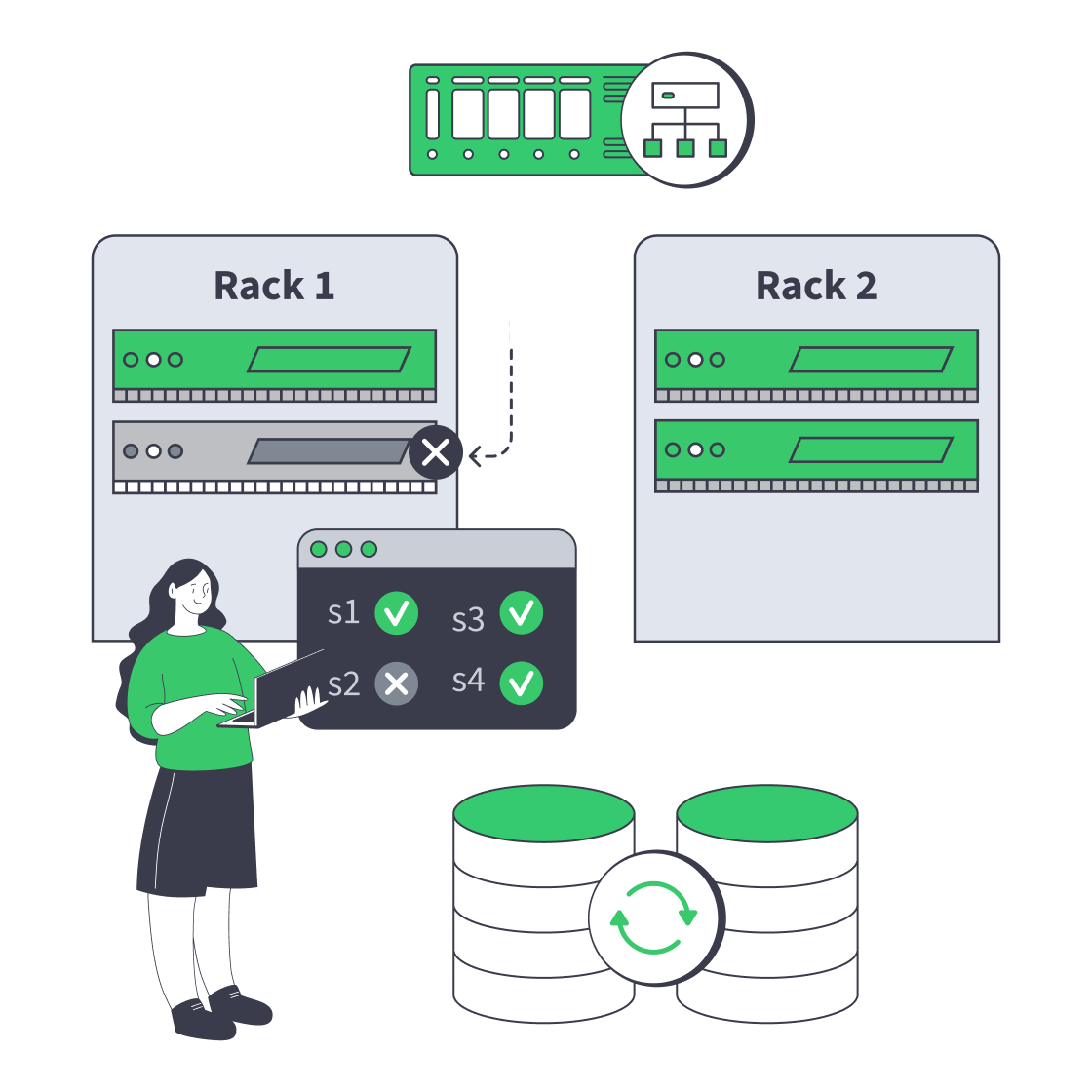
    Dedicated server cluster rerouting traffic after a node failure
    Designing High-Availability Clusters That Fail Safely
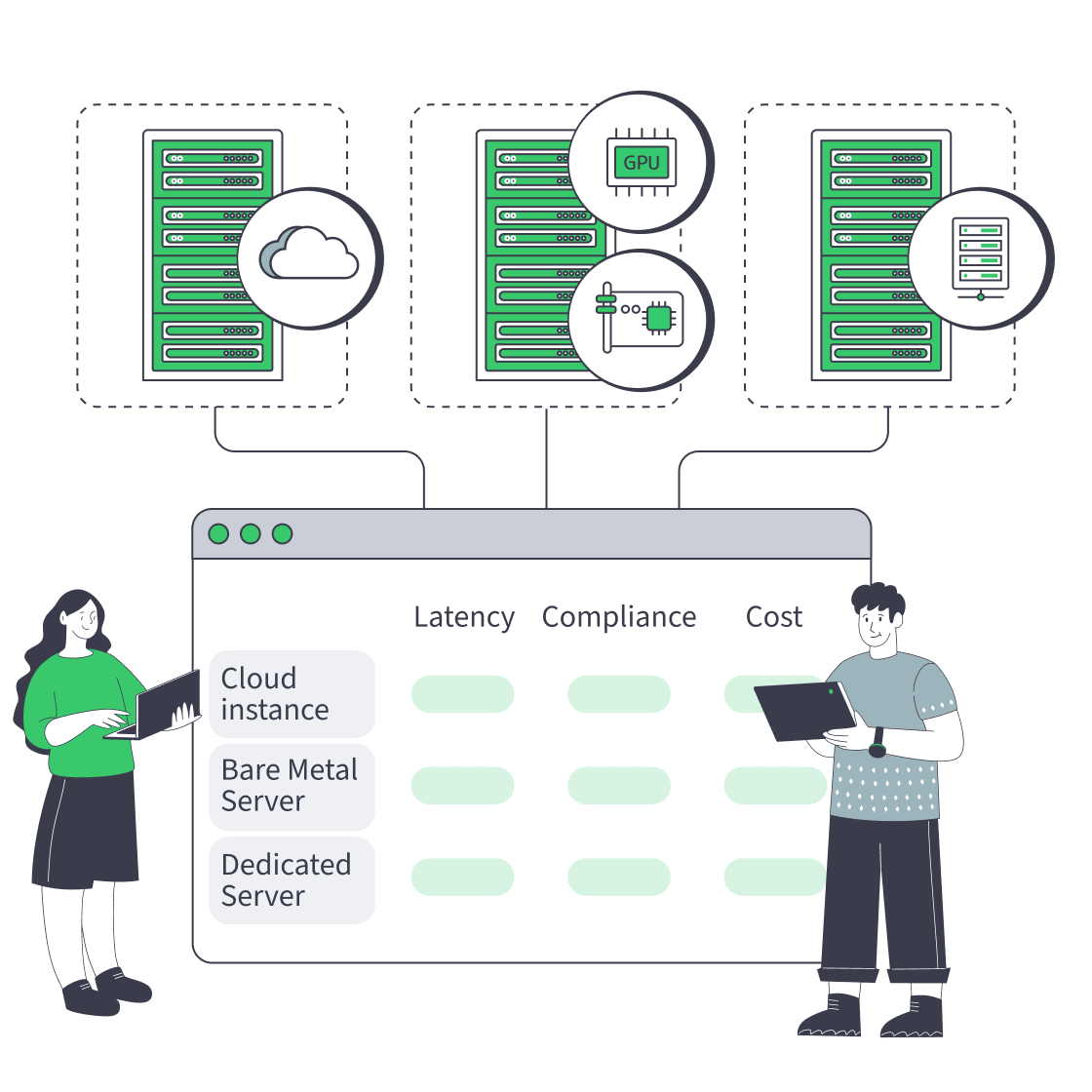
    Cloud, bare metal, and dedicated servers feeding one decision dashboard
    Bare Metal Server vs Cloud: Checklist for Performance, Compliance, and Cost
    Dedicated server pricing drivers arranged around a server rack and invoice
    Beyond Hardware: Total Cost Of Dedicated Servers
    Servers under AI magnifier displaying live metrics
    Building a Predictive Monitoring Stack for Servers
    More articles
    FAQ
    Does Melbicom manage the virtualization platform?
    Which virtualization platforms can I select?
    How should I size a virtualization host?
    When does a multi-node design make sense?
    What storage inputs should I measure?
    How much network capacity should I plan?
    How much spare host capacity is enough?
    Can I choose hosts in different regions?
    Does Melbicom provide platform licenses?
    Does isolated hardware guarantee VM performance?
    What does 24/7 technical support cover?
    Can I discuss an unusual host requirement?
    Start with host demand
    Create an account, compare configurations, and order capacity against measured guest demand.
    Create an account
    Review unusual requirements
    Share guest density, storage I/O, bandwidth, region, and reserve needs with an expert.
    Talk to an expert