Coolify hosting for application runtimes and release headroom

Rent a dedicated server with CPU, RAM, and storage for business applications and deployment peaks. Run your own Coolify instance and control your Git release workflow.

Coolify application deployment and server infrastructure

Match a Coolify dedicated server to application load

Dedicated bare-metal server stack
Whole-host resources for active services

Reserve the host's resources for your business applications, allocating capacity to live requests and background jobs.

CPU capacity sizing
Compute headroom for release peaks

Choose CPU and RAM for concurrent requests and local builds, giving release work room alongside running applications.

Regional node placement
Placement choices for application traffic

Choose from 21 data centers worldwide to place application hosts around your users, service dependencies, and traffic.

Storage retention capacity sizing
Storage capacity for data and release assets

Specify space for databases, persistent volumes, and application images, with room for build caches and release files.

Available configurations
Need a Custom Build?
Filters
Clear all
Data center
Data center
CPU
CPU
CPU Brand
CPU Brand
RAM
RAM
Storage
Storage
from
up to
GPU
GPU
    Bandwidth
    Bandwidth
    Data Transfer
    Data Transfer
    Available configurations –
    CPU
    Memory
    Storage
    Network
    GPU
    Data center
    Price
    Show more

    Run Git deployments on rented hosts

    Business applications need capacity for user requests and Git-driven releases moving into production. A whole physical host gives your services a resource budget for live traffic, local builds, and overlapping deployments. Allocate CPU, RAM, and disk space across application data and runtime demand, with room for the operating system, proxy, and Coolify panel.

    Melbicom offers ready-to-go hardware and custom configurations sized for your application runtimes and release workloads. Choose CPU and RAM for concurrent services, storage for persistent application data and images, and location and bandwidth for users and dependencies. Rent your application capacity without purchasing the underlying physical hardware upfront.

    Install Coolify and connect your application hosts to manage Git releases and application settings. Run the panel and services together or assign them to separate machines as their workloads require. With Melbicom supporting the infrastructure, your team controls the software stack, release schedule, and separate recovery of platform state and application data.

    Developer managing applications with Coolify

    Put application capacity under your control

    Reserve resources for application traffic, deployment peaks, and the data your services retain.
    Resources reserved for apps
    Headroom for local builds
    Control of Git releases
    Room for persistent data
    Your choice of host location
    Rent without buying hardware

    Rent hardware for the apps you run

    Choose compute, storage, and bandwidth for the services and releases you run through Coolify.
    Reserve resources for your apps
    Select CPU for concurrent requests
    Reserve memory for service peaks
    Leave headroom for local builds
    Choose a worldwide host location
    Select bandwidth for app traffic
    Size disks for persistent data
    Make room for deployment assets
    Choose ready-to-go hardware
    Get support for infrastructure
    Build your app host
    Order custom hardware for your application workload, delivered in 3–5 business days.
    Discuss your host

    Application workloads under your deployment control

    Application server operations
    SaaS applications

    Allocate host resources to subscription applications, accounting for active users and the capacity each release needs.

    API server configuration
    Business APIs

    Reserve CPU and RAM for concurrent API requests, with deployment headroom alongside the services your customers use.

    Corporate business customer
    Internal tools

    Run staff applications on rented hosts, with resources for daily business activity and control of scheduled releases.

    Application traffic operations
    Customer portals

    Reserve CPU and memory for busy customer sessions, with storage capacity for portal data and application releases.

    QA server staging
    Staged releases

    Give staging its own capacity budget, then test changes through your Coolify setup before deploying to production.

    Verified storage I/O
    Persistent data

    Give databases and persistent volumes room to grow alongside application images, build caches, and retained release files.

    Queue worker workflow
    Background jobs

    Reserve CPU and RAM for queue workers and scheduled jobs, sizing their demand alongside application traffic.

    Container network topology
    Multiple services

    Assign business services across rented hosts, coordinating Git releases through the Coolify instance your team runs.

    Plan application hosts from sizing to recovery

    Linux dedicated server with security, automation, storage, and network controls
    Linux Dedicated Server: Production Checklist for Control, Security, & Scale
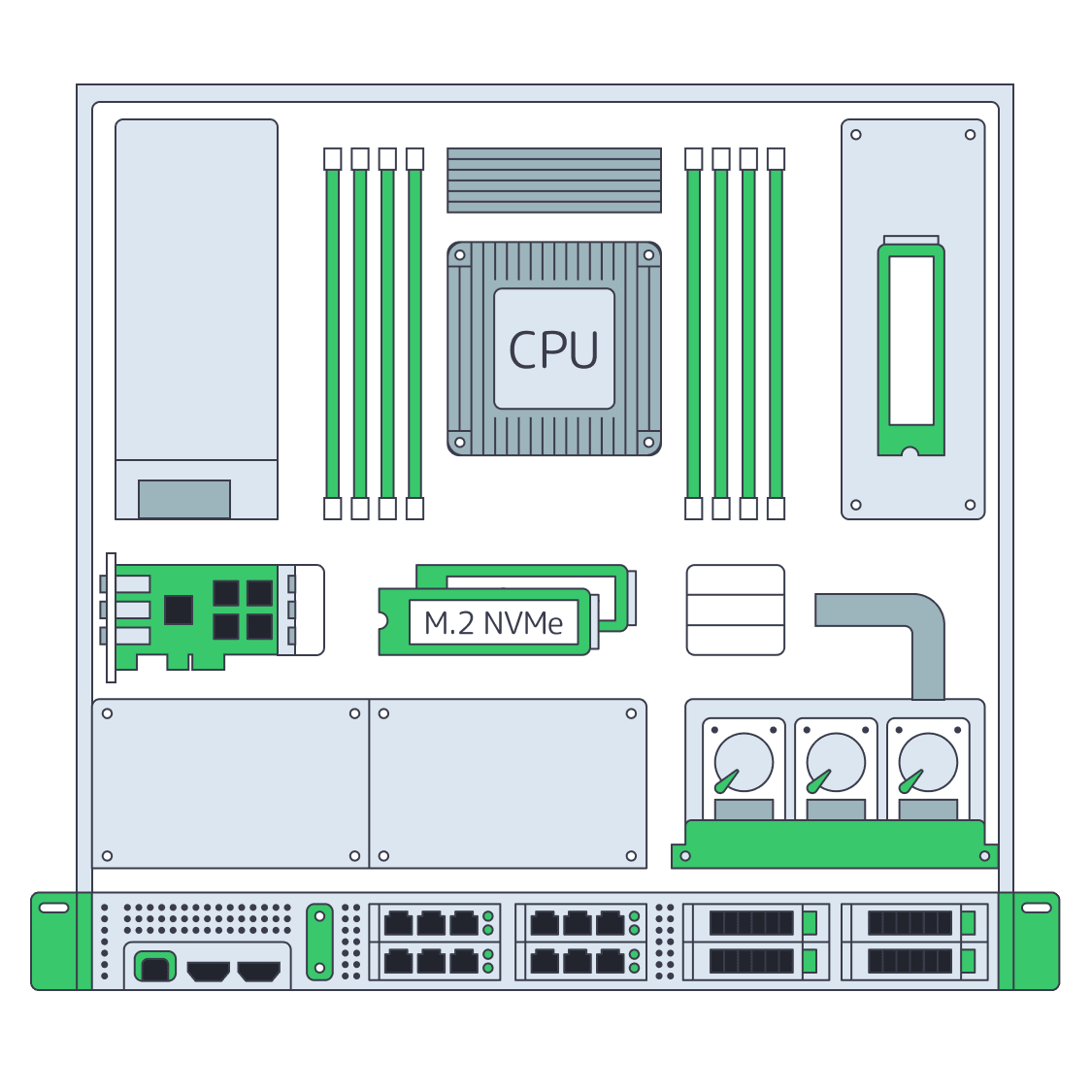
    Dedicated server BOM with CPU, RAM, NVMe, and NIC modules sized from workloads
    Spec Dedicated Servers From Workload, Not the Catalog
    Illustration of servers linked to cloud object storage by green high‑speed cables
    Blueprint for High-Performance Backup Server Solutions
    Technician audits hosting options to ensure reliable web-application functionality
    Choosing the Right Web Application Hosting Strategy
    More articles
    FAQ
    What does Melbicom provide for this setup?
    Which workloads fit a whole physical host?
    How should we size CPU, memory, and storage?
    Can we choose ready-to-go hardware or a custom build?
    Can the panel and applications share one host?
    How do we connect a rented host to Coolify?
    Can we use a separate build host?
    Does application traffic pass through the panel?
    What happens if the Coolify panel is unavailable?
    What belongs in our recovery plan?
    How should we validate the application host?
    How should we compare the total operating cost?
    Start your server rental
    Create your Melbicom account and choose rental hardware for your application and release workloads.
    Create an account
    Discuss your workload
    Share app traffic, build peaks, and data growth to shape a custom configuration for your workload.
    Discuss your host