Size ClickHouse hosting from measured query and ingest pressure

Run customer-operated ClickHouse on isolated dedicated servers sized for inserts, concurrent queries, background merges, replication, and recovery, so headroom and saturation signals stay attributable.

Protected ClickHouse servers monitoring analytics performance

Dedicated server hosting follows ClickHouse demand

RAM memory module
Trace compute load and memory pressure

Match CPU and RAM to scan volume, query concurrency, inserts, joins, compression, and background merges.

Storage retention capacity sizing
Expose hot-storage headroom under load

Choose SSD or NVMe layouts from measured latency, throughput, capacity, merge demand, and replica catch-up.

Locked stable bandwidth
Reserve bandwidth for recovery traffic

Cover client results, distributed queries, replication, maintenance, recovery, and replica catch-up in bandwidth sizing.

Self-hosted ClickHouse analytics
Keep customer-owned software operations

Your team owns ClickHouse and Keeper installation, tuning, security, updates, monitoring, backups, and recovery.

Available configurations
Need a Custom Build?
Filters
Clear all
Data center
Data center
CPU
CPU
CPU Brand
CPU Brand
RAM
RAM
Storage
Storage
from
up to
GPU
GPU
    Bandwidth
    Bandwidth
    Data Transfer
    Data Transfer
    Available configurations –
    CPU
    Memory
    Storage
    Network
    GPU
    Data center
    Price
    Show more

    Plan node growth from measured capacity headroom

    A ClickHouse warehouse runs continuous inserts, concurrent scans, aggregations, joins, and background merges against the same resource pool. Retention, replicas, maintenance, and recovery add pressure that steady-state sizing misses. Capacity planning should expose which resource closes first before re-sharding becomes an emergency engineering project.

    Melbicom supplies isolated hardware with configurable compute, memory, local storage, bandwidth choices, and regional placement. This bare metal server hosting model makes query, merge, replication, and replica catch-up pressure attributable to known nodes, while ready-to-deploy configurations give data teams a practical path for adding measured capacity.

    Melbicom keeps the boundary explicit through dedicated capacity and 24/7 infrastructure support; your team owns ClickHouse and ClickHouse Keeper installation, topology, tuning, security, updates, observability, backups, restores, and releases. Test production-like demand, scale vertically with headroom, and change replicas or shards only when workload evidence justifies the work.

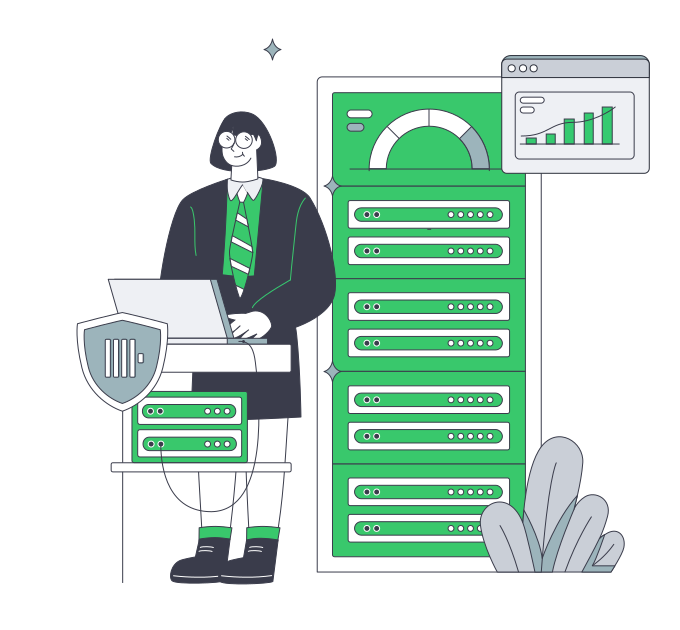
    Operator monitoring secure ClickHouse analytics workloads

    Measure saturation signals under representative load

    Trace query, ingest, merge, replication, and recovery pressure before scaling.
    Query latency under load
    Visible merge backlog
    Measured ingest headroom
    Tracked memory spills
    Visible replication lag
    Planned shard expansion

    Match capacity to warehouse load

    Choose physical capacity and regional placement while your team owns every ClickHouse software decision.
    Configurable CPU and memory
    Isolated physical resources
    SSD and NVMe storage choices
    Configurable bandwidth capacity
    Regional server deployment options
    Ready-to-deploy server configurations
    24/7 infrastructure support
    Customer-operated ClickHouse stack
    Capacity for replica catch-up
    Headroom for background merges
    Plan server capacity
    Bring ingest, query, retention, and recovery requirements to an infrastructure discussion.
    Talk to an expert

    ClickHouse workloads expose different bottlenecks

    Optimized database read path
    User-facing analytics

    Test concurrency, scan volume, query latency, memory pressure, and result traffic under representative product load.

    Parallel event processing
    Continuous event ingest

    Absorb sustained and burst inserts while preserving CPU, storage, and merge headroom for analytical queries.

    Statistics monitoring dashboard
    Observability analytics

    Query high-cardinality logs, metrics, and traces while tracking memory pressure, disk queues, and merge backlog.

    Analytics server operations
    Embedded dashboards

    Track tenant concurrency, scan patterns, result sizes, cache assumptions, and query latency under representative load.

    Server analytics processing
    Ad hoc warehouse queries

    Test joins, aggregations, and wide scans on production-like data to expose spills, queueing, and tail latency.

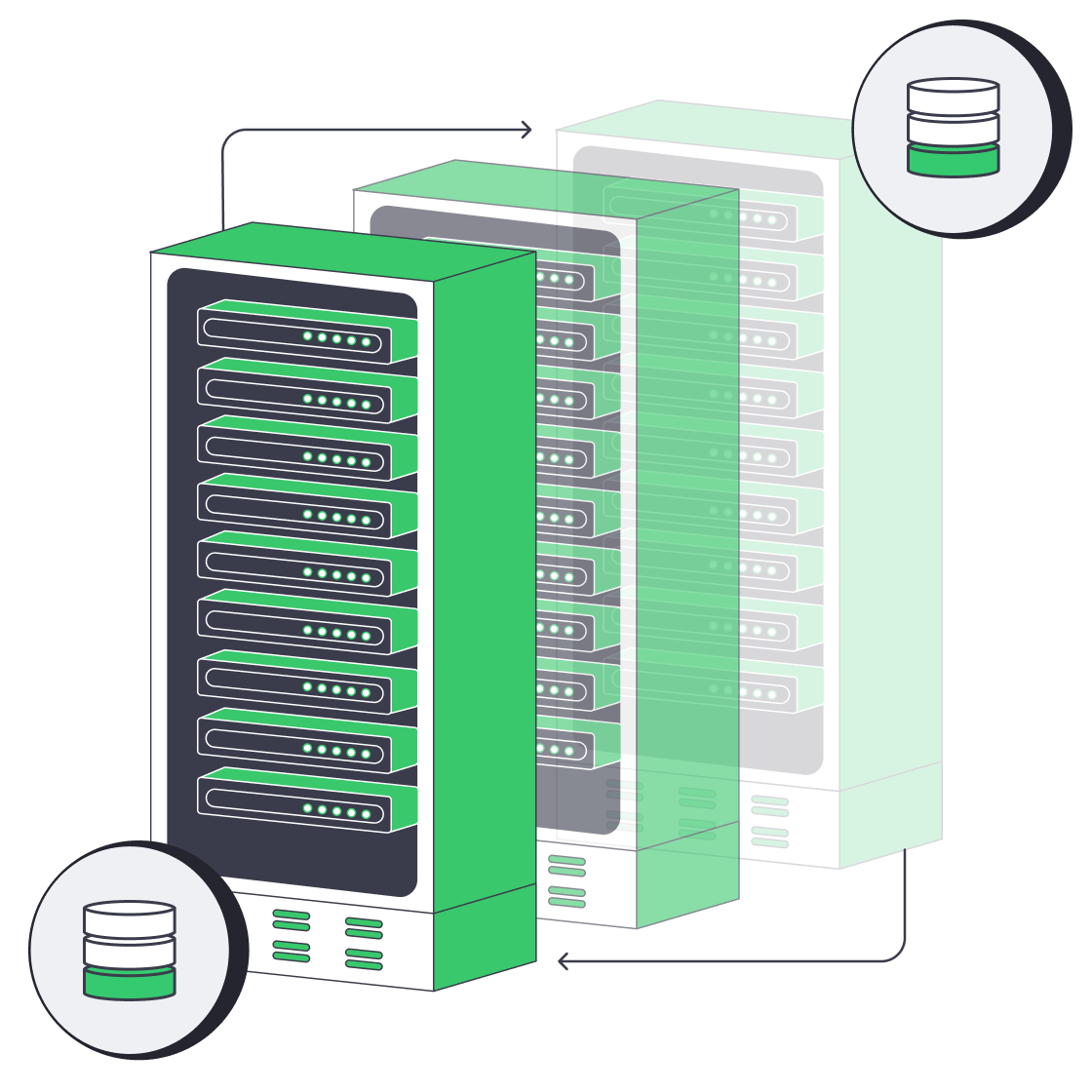
    Recovered database replica
    Replica recovery paths

    Reserve compute, storage, and network headroom for maintenance, replica catch-up, failures, and recovery testing.

    Storage retention capacity sizing
    Retention growth planning

    Model compressed, replicated, and retained data before headroom closes and re-sharding demands urgent work.

    Self-hosted ClickHouse analytics
    Keeper coordination

    Place ClickHouse Keeper around failure tolerance and disk-latency needs while your team operates topology and health.

    Infrastructure guidance for ClickHouse teams

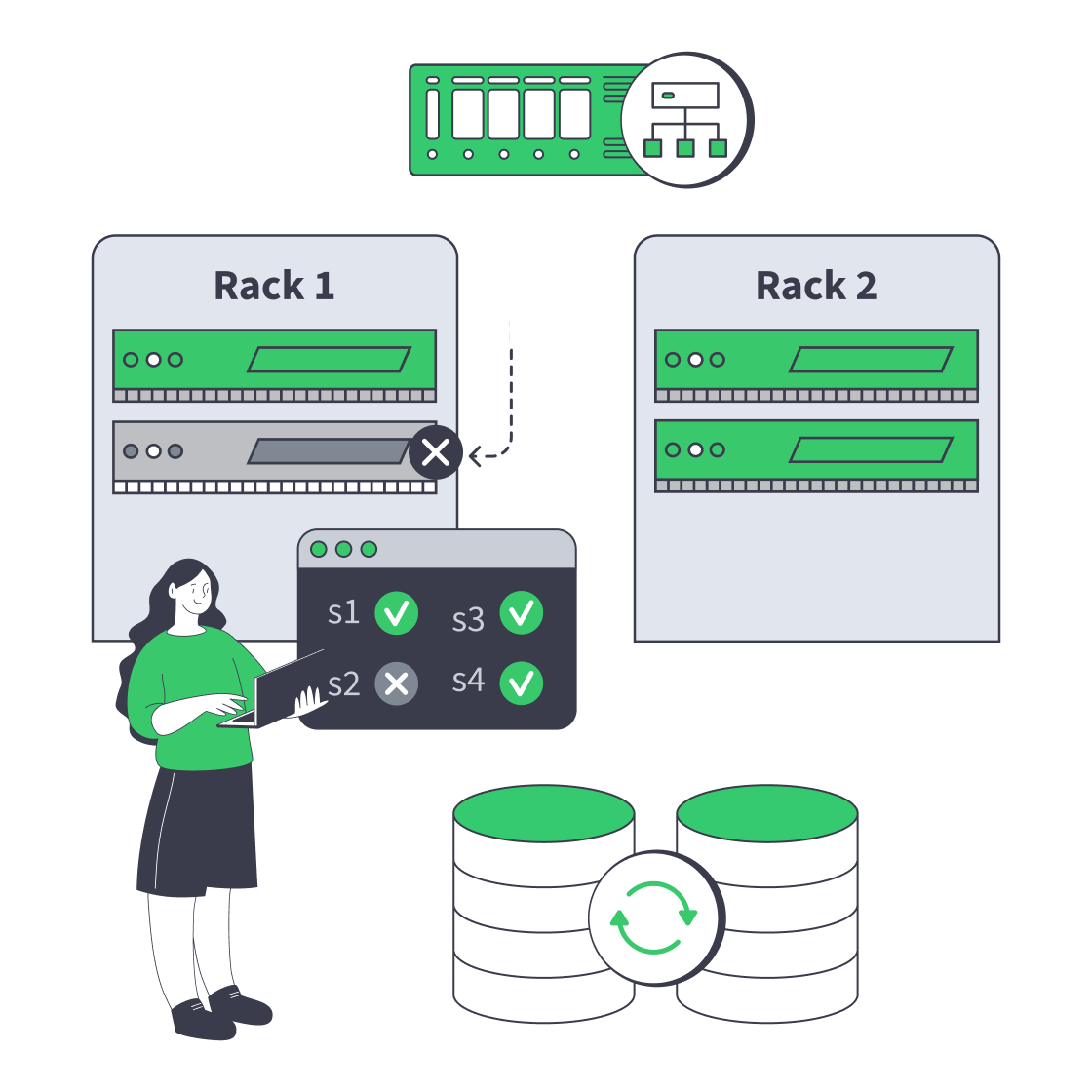
    Dedicated server cluster rerouting traffic after a node failure
    Designing High-Availability Clusters That Fail Safely
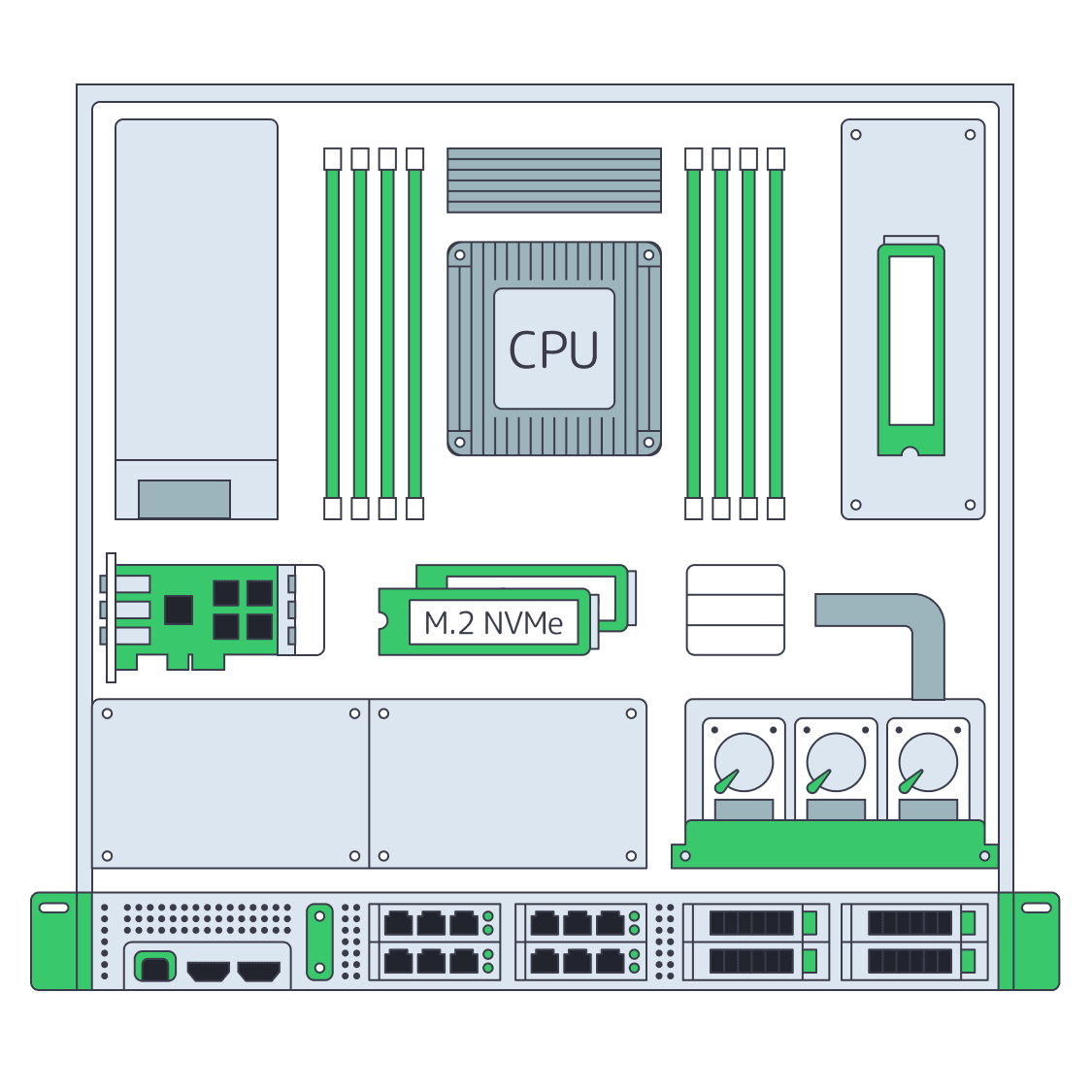
    Dedicated server BOM with CPU, RAM, NVMe, and NIC modules sized from workloads
    Spec Dedicated Servers From Workload, Not the Catalog
    Illustration of server rack topped by HDD, SSD, and NVMe icons showing speed hierarchy
    Choosing Dedicated Server Storage: HDD, SSD, or NVMe?
    Database Hosting Services for Latency, Uptime, and TCO
    More articles
    FAQ
    Who operates ClickHouse on Melbicom infrastructure?
    How should we size CPU for ClickHouse?
    How much memory does a warehouse need?
    When does NVMe storage fit ClickHouse?
    What network traffic should capacity planning include?
    Should ClickHouse Keeper run separately?
    How should we plan replicas and shards?
    Which ClickHouse metrics should trigger scaling?
    Does Melbicom manage backups or restores?
    Can we deploy ClickHouse across regions?
    Create your account
    Access the control panel, fund your balance, and prepare your ClickHouse server order.
    Create an account
    Discuss warehouse capacity
    Bring ingest, query, retention, and recovery evidence into a server capacity discussion.
    Talk to an expert