Match bare metal Kubernetes node roles with workload demand

Run customer-operated Kubernetes on dedicated servers, mapping control-plane, worker, and stateful roles to physical capacity with headroom, measured network paths, and recovery planning.
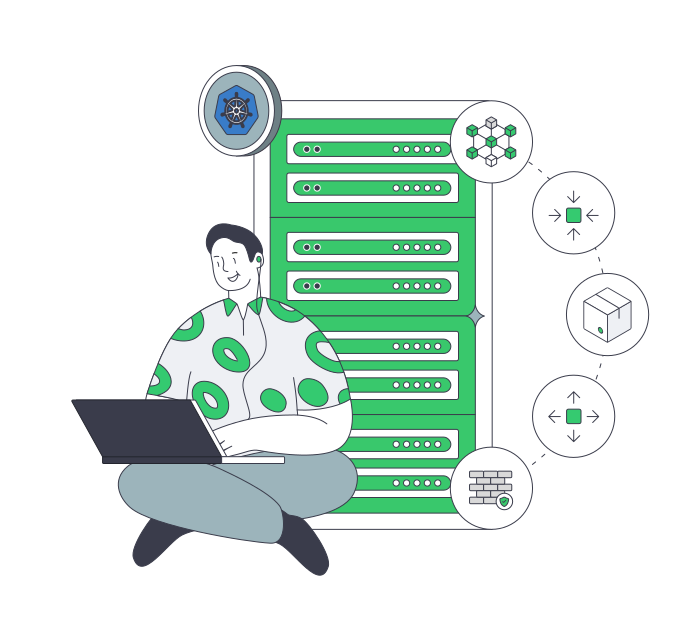
Scalable Kubernetes cluster on dedicated servers

Bare metal node roles match workload requirements

Container network topology
Match roles to nodes

Map control-plane, worker, and stateful workloads to dedicated nodes so resource pressure stays visible and attributable.

Container cluster capacity sizing
Size nodes by workload

Choose CPU, RAM, storage, bandwidth, and location based on pod concurrency, I/O demand, and network paths under load.

Recovery capacity expansion
Reserve recovery headroom

Reserve capacity for node maintenance, pod rescheduling, rebuilds, and recovery so cluster behavior remains predictable.

Isolated application traffic
Isolate public ingress

Keep public ingress and APIs isolated from worker-node sizing, with optional DDoS protection for external endpoints.

Available configurations
Need a Custom Build?
Filters
Clear all
Data center
Data center
CPU
CPU
CPU Brand
CPU Brand
RAM
RAM
Storage
Storage
from
up to
GPU
GPU
    Bandwidth
    Bandwidth
    Data Transfer
    Data Transfer
    Available configurations –
    CPU
    Memory
    Storage
    Network
    GPU
    Data center
    Price
    Show more

    Build a Bare Metal Kubernetes Cluster Around Real Workloads.

    Kubernetes on bare metal starts by mapping control-plane, worker, and stateful node roles to physical capacity you can measure. CPU, memory, storage I/O, and network paths shape pod behavior under load, so each role needs headroom for representative concurrency, latency targets, maintenance, and defined failure domains across the full cluster.

    At Melbicom, we provide dedicated servers for bare metal Kubernetes hosting, so you can assign those roles to isolated hardware with explicit resource limits. Choose CPU, RAM, storage, bandwidth, and location from observed workload pressure, then reserve capacity for rescheduling, maintenance, node rebuilds, and recovery windows across steady and peak conditions.

    Your team installs and operates Kubernetes, including cluster networking, storage architecture, observability, security, and application availability. Our infrastructure keeps control-plane and worker capacity distinct, preserves stateful I/O boundaries, and separates ingress exposure; optional DDoS protection applies only to public endpoints, applications, or APIs.

    Operator managing Kubernetes workloads across nodes

    Kubernetes operations that stay predictable

    Six operational outcomes teams observe when node roles and capacity align with workload pressure.
    Stable pod latency
    Visible node saturation
    Faster rescheduling cycles
    Predictable capacity planning
    Clear failure boundaries
    Controlled ingress exposure

    Kubernetes on bare metal nodes

    Dedicated server infrastructure mapped to node roles, workload pressure, and explicit operational boundaries.
    Single-tenant node isolation
    CPU and RAM role mapping
    NVMe storage for stateful pods
    Bandwidth aligned to traffic plans
    Regional placement by latency paths
    Headroom for rebuild and recovery
    Network separation for ingress
    Optional DDoS protection for APIs
    Access to 24/7 technical support
    Custom builds in 3–5 business days
    Plan cluster capacity
    Map node roles, capacity, and locations to measured Kubernetes workload demand.
    Talk to an expert

    Plan bare metal Kubernetes cluster workloads

    Container network topology
    Control-plane nodes

    Isolate control-plane nodes so API response and scheduling stay stable as customer-operated cluster demand rises.

    Container cluster capacity sizing
    Worker node pools

    Size worker nodes from pod concurrency, CPU, memory, and network demand across representative application loads.

    Stateful service optimization
    Stateful workloads

    Place stateful services on storage-focused nodes so I/O pressure stays isolated from stateless application workloads.

    Application traffic operations
    Ingress and APIs

    Separate ingress controllers and APIs from core workers so external traffic spikes do not disrupt cluster workloads.

    Queue worker workflow
    Batch and background jobs

    Run batch jobs on separate nodes so queue workloads do not affect latency-sensitive services or user-facing pods under load.

    Multi-location data centers
    Multi-region clusters

    Distribute nodes across regions to match user paths and recovery plans while keeping failure domains clear and isolated.

    Verified regional server protection
    Public endpoints protection

    Apply DDoS protection to exposed ingress and APIs while leaving internal cluster networking and node sizing unchanged.

    Checked server recovery
    Plan recovery and rebuilds

    Reserve capacity for node rebuilds and rescheduling so recovery stays predictable under sustained cluster load.

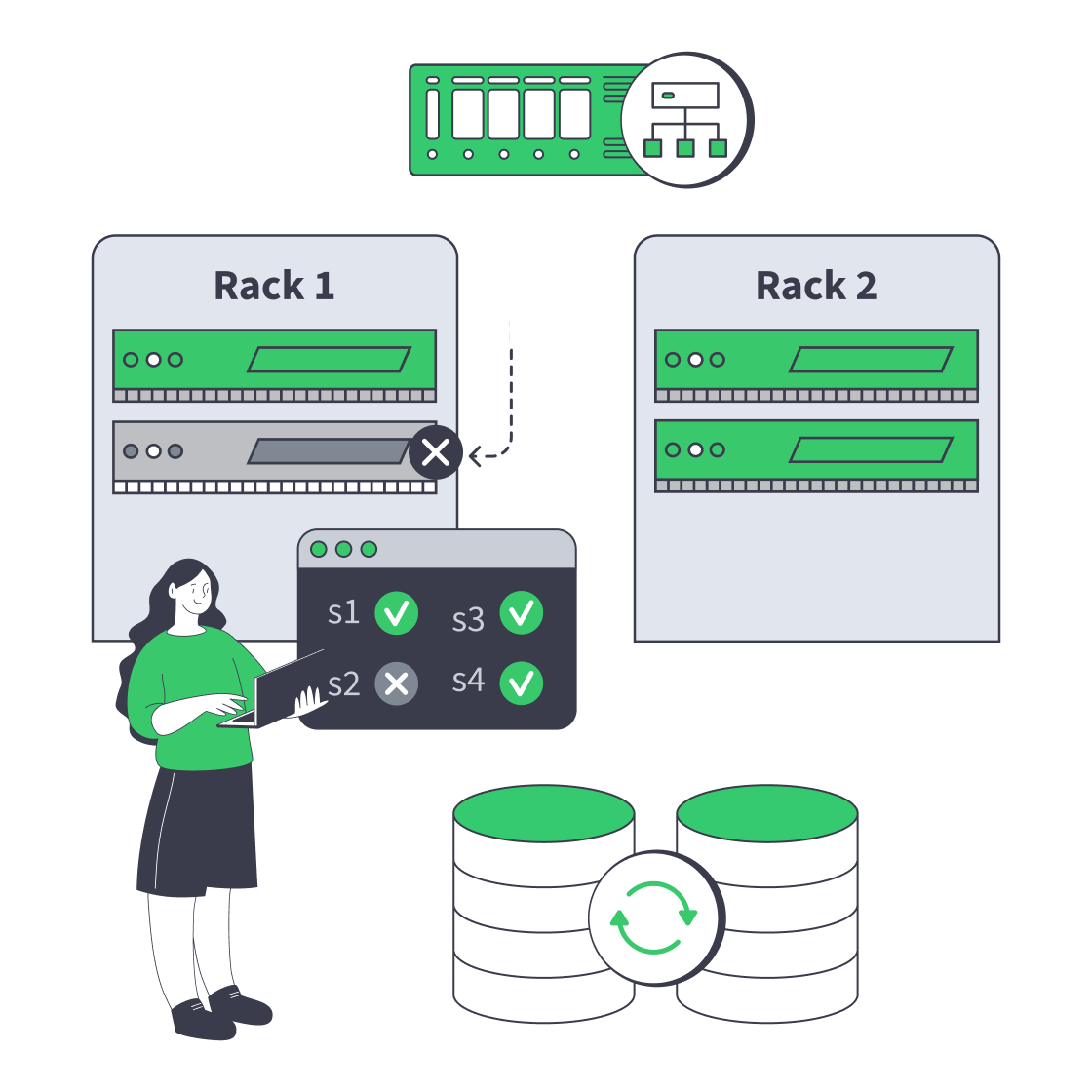
    Infrastructure insights for Kubernetes teams

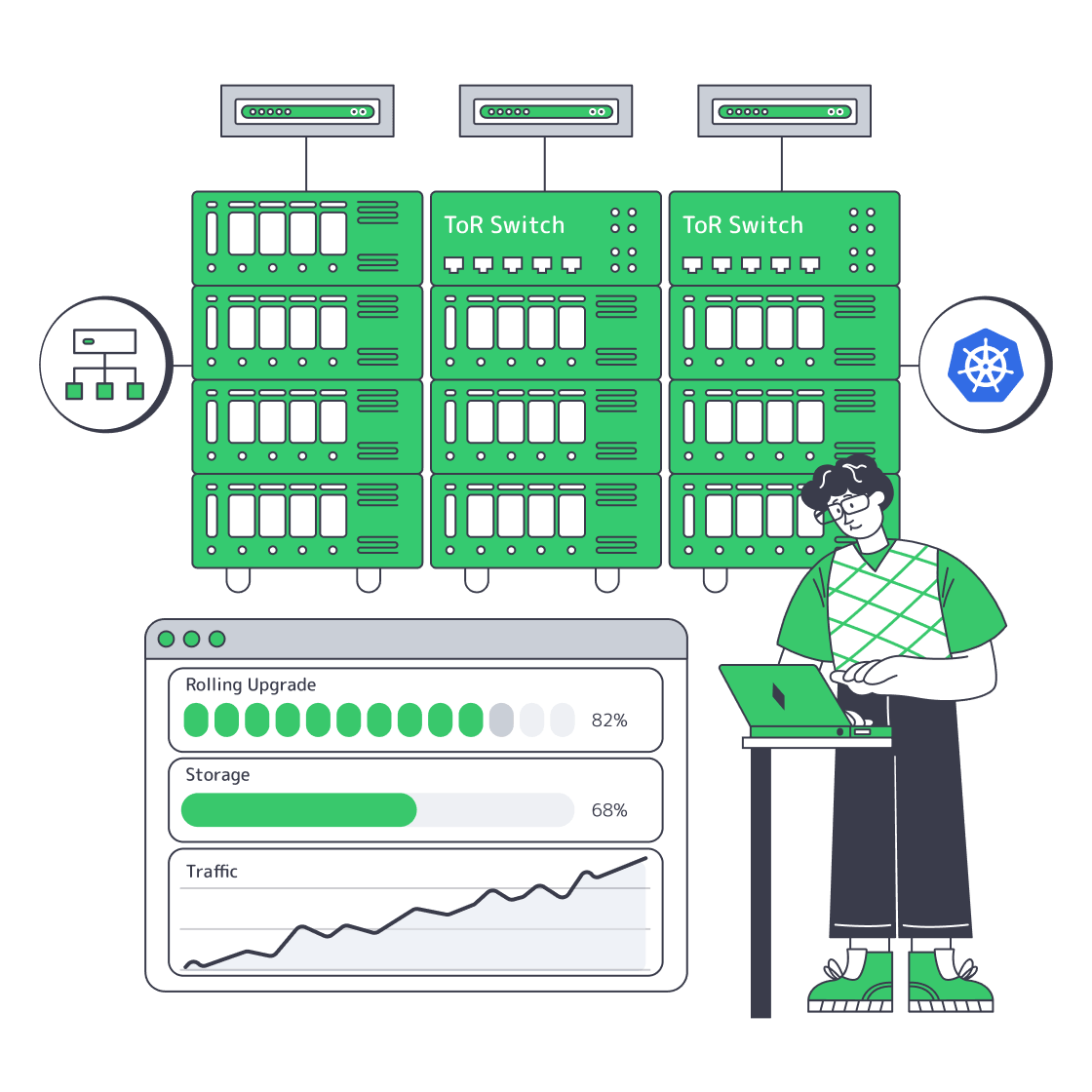
    Dedicated server cluster rerouting traffic after a node failure
    Designing High-Availability Clusters That Fail Safely
    Multi-rack Kubernetes cluster with HA control plane, BGP, storage, and observability
    Operating Big Bare Metal Kubernetes Clusters
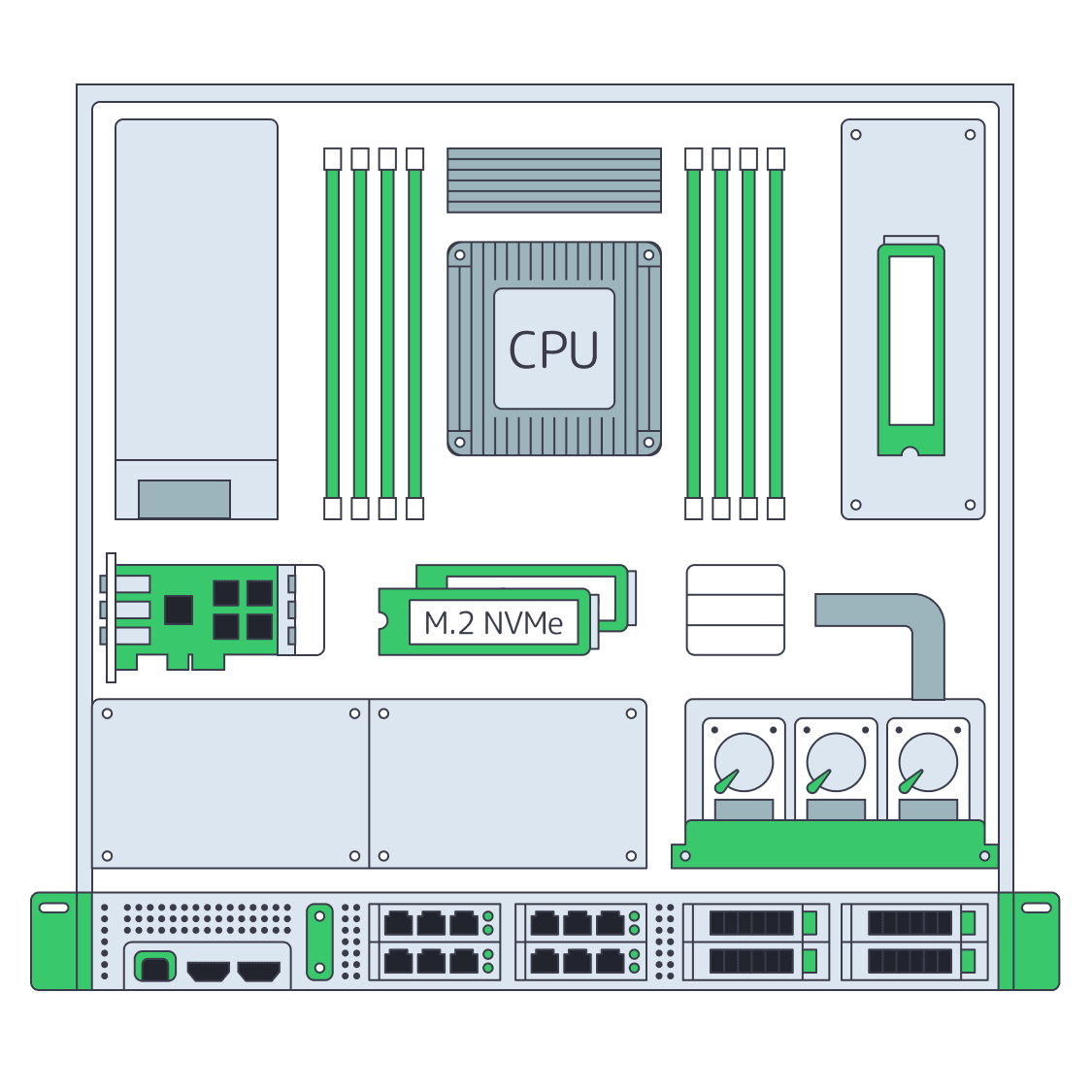
    Dedicated server BOM with CPU, RAM, NVMe, and NIC modules sized from workloads
    Spec Dedicated Servers From Workload, Not the Catalog
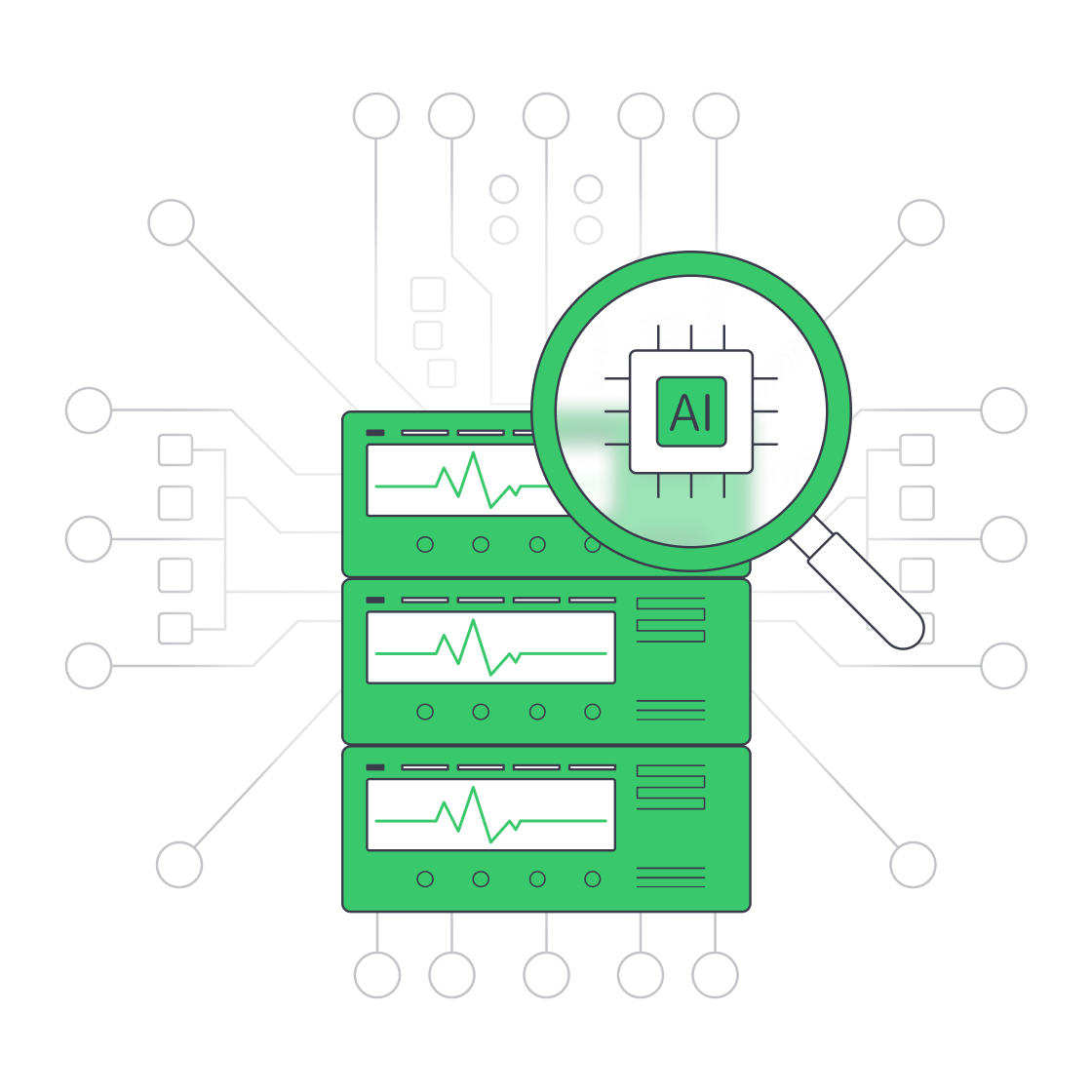
    Servers under AI magnifier displaying live metrics
    Building a Predictive Monitoring Stack for Servers
    More articles
    FAQ
    How do teams divide bare metal hosting and Kubernetes operations?
    How should teams plan bare metal Kubernetes cluster recovery?
    What is bare metal Kubernetes hosting in practice?
    How do you size worker nodes for Kubernetes on bare metal?
    Why isolate ingress from worker nodes?
    When should teams use custom server configurations?
    Does DDoS protection secure the Kubernetes cluster?
    How does location affect cluster performance?
    Set up your account
    Use the control panel to deploy servers and map node roles to available physical capacity.
    Create an account
    Plan your cluster roles
    Share node roles, workloads, and regions with experts to align hardware with Kubernetes design and recovery.
    Talk to an expert