RabbitMQ hosting sized around your growing message backlog

Rent dedicated servers for customer-operated brokers. Size storage for pending messages, reserve CPU and RAM headroom, and plan physical host placement for queue replicas.

RabbitMQ developer with message broker server

RabbitMQ server hosting with full control

Server capacity sizing
Whole-host headroom as your queues grow

Assign the host's CPU and RAM to broker workloads, with headroom for concurrent connections and queue growth.

Storage retention capacity sizing
Message storage for pending workloads

Choose drives and usable capacity for persistent messages, accounting for backlog growth and queue replication.

Private network shield
Private connectivity for queue members

Connect hosts over private links, with topology and capacity specified for replication traffic between broker nodes.

IPMI remote console
Installation access for broker operators

Use remote console access and your installation image to control the broker software running on each host.

Available configurations
Need a Custom Build?
Filters
Clear all
Data center
Data center
CPU
CPU
CPU Brand
CPU Brand
RAM
RAM
Storage
Storage
from
up to
GPU
GPU
    Bandwidth
    Bandwidth
    Data Transfer
    Data Transfer
    Available configurations –
    CPU
    Memory
    Storage
    Network
    GPU
    Data center
    Price
    Show more

    Budget for the work your queues hold

    Size broker hosts around message payload sizes, queue and connection counts, persistence and the backlog that builds while consumers catch up. Include pending orders, integration jobs and queue replicas in your storage budget. That ties the hardware spend to persistent messages waiting in queues and the capacity needed during publishing peaks.

    Melbicom rents whole physical hosts and delivers custom builds in 3–5 business days. Specify CPU and RAM for concurrent connections and sustained broker activity, drives and usable storage for persistent messages, and private networking for replica traffic. Build the hardware order around your queue capacity, publisher-confirm latency and backlog-drain targets.

    Place broker nodes on separate physical hosts and configure queue replication for that layout. Remote console access and your own installation image put software choices in your team’s hands. You install and operate RabbitMQ and Erlang, with control over queue monitoring, software upgrades and recovery tests, backed by Melbicom’s infrastructure support.

    Administrator managing RabbitMQ message queues

    Control the resources behind your queues

    Plan storage, node placement and network capacity around your backlog and replication traffic.
    Broker resource headroom
    Planned message storage
    Explicit physical node layout
    Specified inter-node capacity
    Software changes you control
    Monthly rental budgeting

    Host resources for broker operators

    Choose host resources for queued work, with private networking, installation access and infrastructure support.
    Assign a whole host to your brokers.
    Choose CPU and memory capacity.
    Select storage for queued messages.
    Order a custom hardware build.
    Connect hosts over private links.
    Specify bandwidth for broker traffic.
    Upload your own installation image.
    Access your host by remote console.
    Reach infrastructure support 24/7.
    Rent servers on monthly billing.
    Size your queue hosts
    Share message sizes, backlog and replication needs for a custom broker-host specification.
    Discuss your build

    Host the queues behind everyday operations

    Parallel queue worker processing
    Background jobs with variable demand

    Allocate CPU, RAM and usable message storage to job queues, sized for publishing peaks and consumer drain rates.

    E-commerce shopping cart
    Order processing with persistent queues

    Choose usable storage for pending order messages, with persistence and application retry behavior under your control.

    Queue worker workflow
    Integration queues between applications

    Size CPU and RAM for integration queues and connections, with storage for work awaiting downstream consumers.

    Storage retention capacity sizing
    Publishing peaks with queued messages

    Reserve host storage for messages that accumulate during bursts, then test how quickly consumers clear the backlog.

    User database topology
    Quorum queues across physical hosts

    Assign queue members to separate physical hosts, with private link capacity sized for traffic between broker nodes.

    Verified storage I/O
    Drive selection for persistent queues

    Evaluate drives with persistent messages and check publisher-confirm latency against the targets for your workload.

    CPU capacity sizing
    Broker connections under concurrent load

    Size CPU and memory for connection and queue counts, then test concurrent publishers against the selected hardware.

    Successful recovery test
    Recovery tests before production changes

    Test message recovery on separate hosts, using a supported restore procedure and checking that clients reconnect.

    Infrastructure reading for broker operators

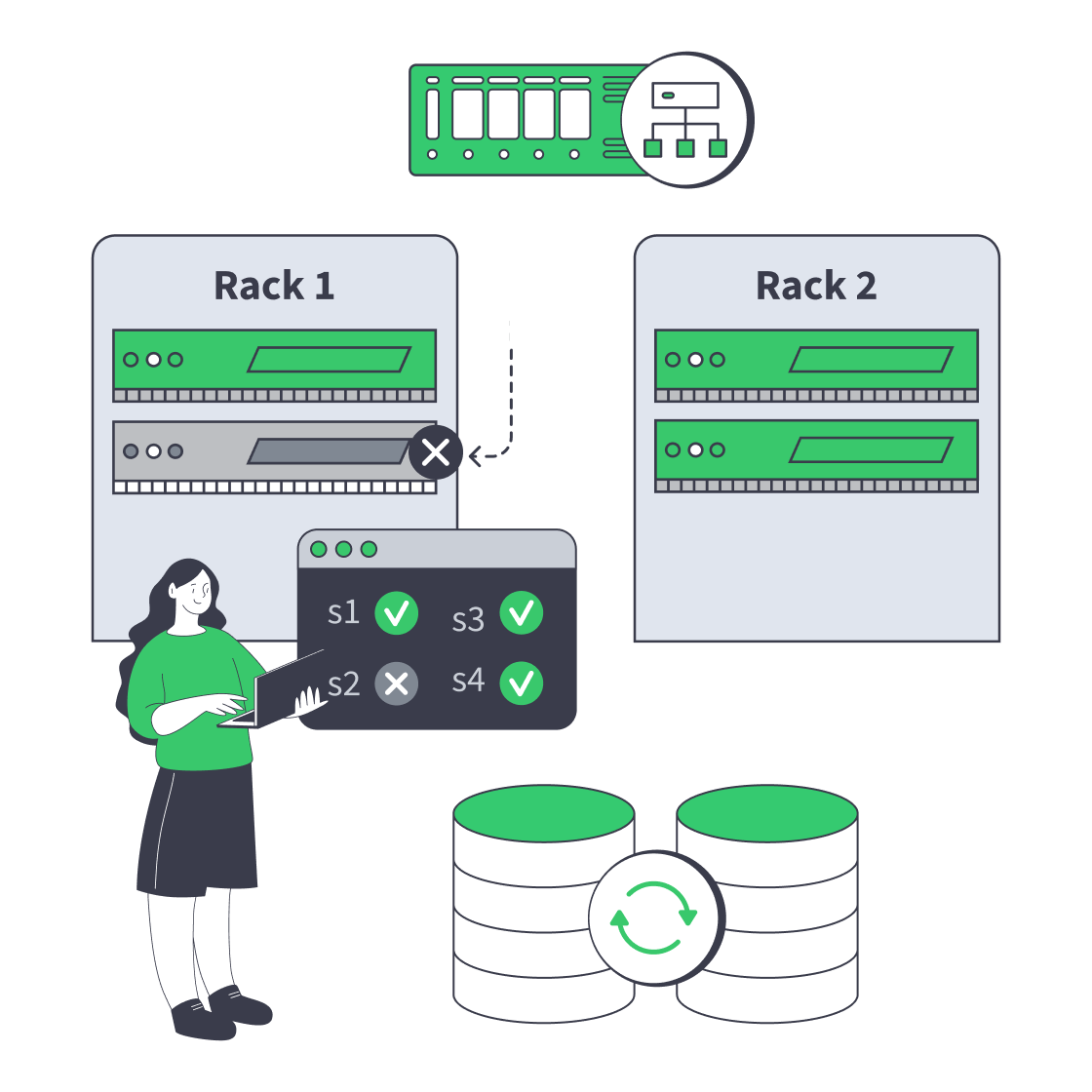
    Dedicated server cluster rerouting traffic after a node failure
    Designing High-Availability Clusters That Fail Safely
    Dedicated server BOM with CPU, RAM, NVMe, and NIC modules sized from workloads
    Spec Dedicated Servers From Workload, Not the Catalog
    Block vs object storage bridge linking a fast server and a scalable storage cluster
    Choosing Between Object and Block Storage for Your Workloads
    Illustration of servers linked to cloud object storage by green high‑speed cables
    Blueprint for High-Performance Backup Server Solutions
    More articles
    FAQ
    What does RabbitMQ hosting include?
    When does a whole physical host fit the workload?
    What should I provide for hardware sizing?
    How should I choose drives for persistent queues?
    How should I plan capacity around broker alarms?
    How should I place nodes for quorum queues?
    Can I connect broker nodes over private links?
    How do I install and maintain the broker?
    How do confirms and acknowledgments work together?
    What should a message recovery plan include?
    How do I evaluate a broker-host configuration?
    How do I order a custom broker host?
    Start your server order
    Create an account to order the host resources you have selected for your message workload.
    Create an account
    Plan your broker hosts
    Share payload sizes, backlog and replication plans to discuss hardware, placement and connectivity.
    Discuss your hosts