Size your Proxmox dedicated server for the guests you run

Rent hardware for Proxmox VE and a separate Proxmox Backup Server host. You install and operate the software, with control over guest resources and independent backup capacity.

Proxmox operator protecting server infrastructure

Proxmox hosting with independent backup capacity

CPU capacity sizing
Guest capacity with reserved headroom

CPU and RAM choices let you reserve guest memory, account for host overhead, and leave growth headroom.

Protected backup copies
Backup storage on a separate host

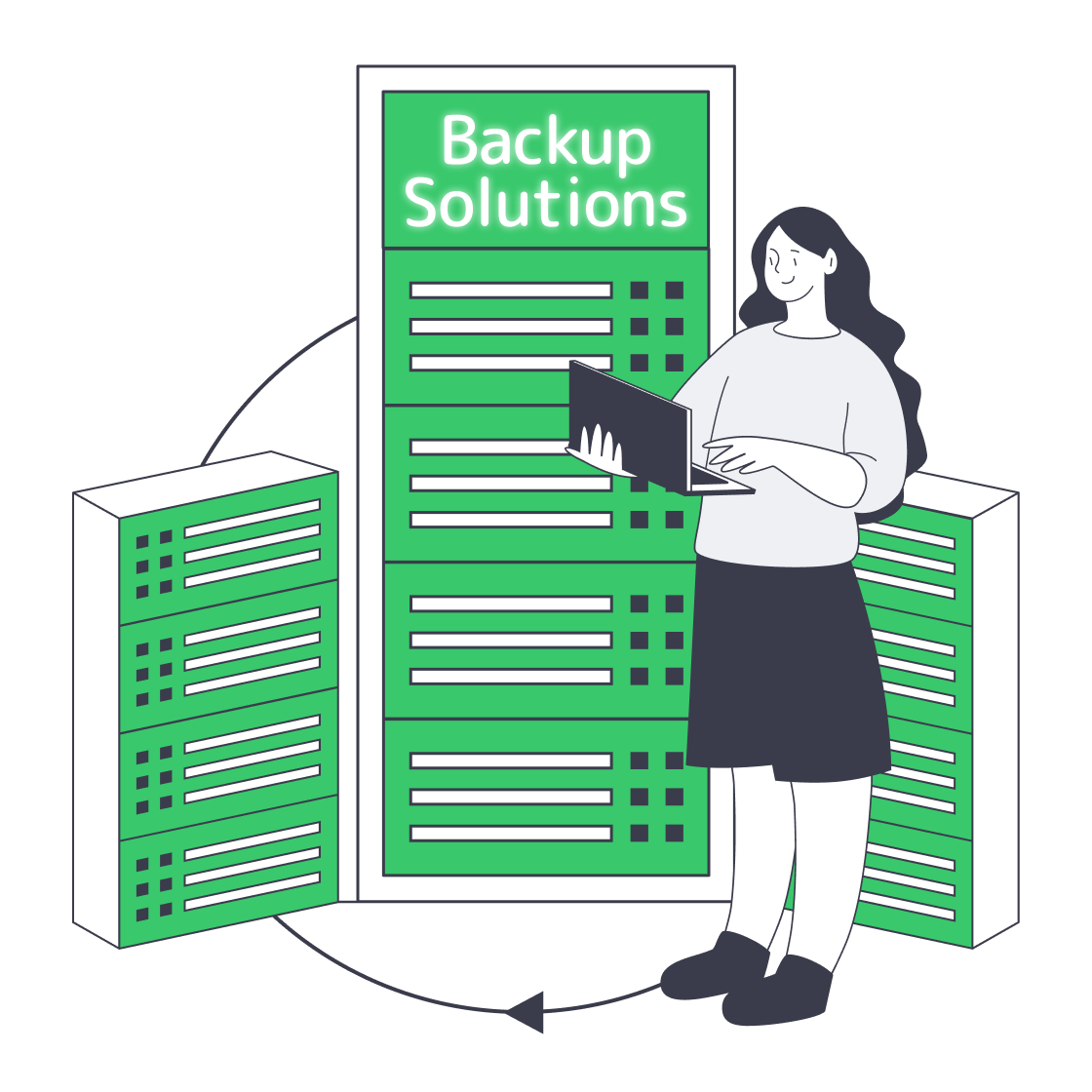
Backup storage sits on a separate physical machine, with capacity sized independently of the running VE guests.

Private network shield
Private networking for cluster traffic

Private networking links your hosts for cluster and backup traffic, with capacity matched to your deployment.

IPMI remote console
Remote console for software control

You install and maintain software through IPMI/KVM console access, with guest workloads under your control.

Available configurations
Need a Custom Build?
Filters
Clear all
Data center
Data center
CPU
CPU
CPU Brand
CPU Brand
RAM
RAM
Storage
Storage
from
up to
GPU
GPU
    Bandwidth
    Bandwidth
    Data Transfer
    Data Transfer
    Available configurations –
    CPU
    Memory
    Storage
    Network
    GPU
    Data center
    Price
    Show more

    Compute and backup sized separately

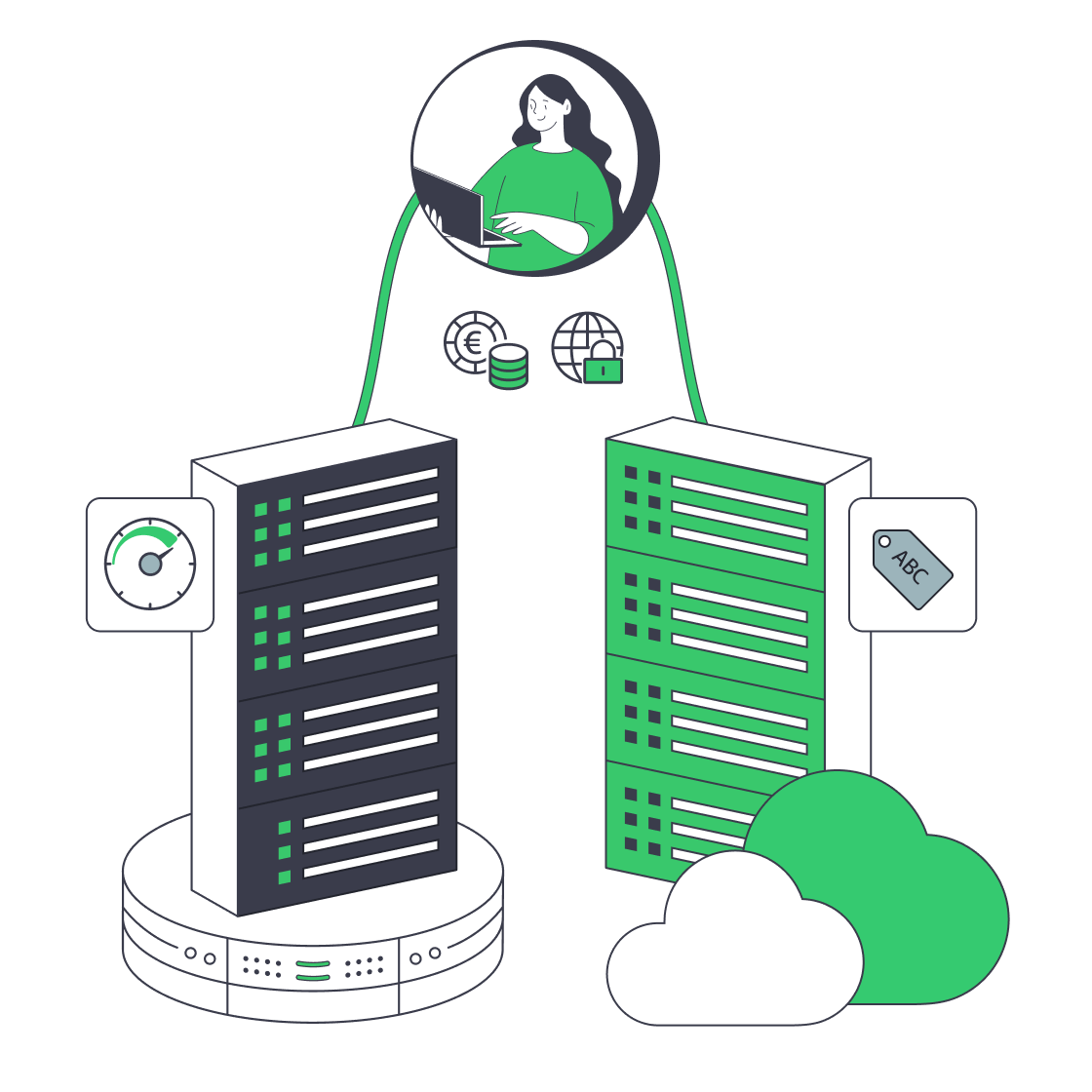
    Your guest inventory drives the hardware rental specification. CPU demand, reserved RAM, host overhead, and usable VM storage define the compute requirement, including room for growth. A separate backup host has its own capacity plan, based on retained data, expected growth, the backup window, and the restore duration your workloads can tolerate.

    Melbicom offers ready-to-go configurations and custom hosts built around your CPU, RAM, storage, and controller requirements. Custom builds are ready in 3–5 business days. Private networking links your hosts for cluster and backup traffic, while IPMI/KVM provides remote console access for software installation and ongoing host administration.

    VE compute and Proxmox Backup Server run on separate physical hosts, each sized for its role. Independent capacity plans connect peak guest demand and backup retention to distinct monthly host rental costs. Rent a full deployment or add a backup host for an existing VE estate, with Melbicom’s engineers supporting the infrastructure behind both roles.

    Proxmox administrator managing virtualized workloads

    Capacity and costs you can account for

    Your resource allocations, recovery targets, and rental budget belong in the same capacity plan.
    Reserved guest memory
    Defined VM storage capacity
    Separate backup capacity
    Documented restore targets
    Monthly rental cost planning
    Customer-owned operations

    You choose hosts and run the stack

    Your guest inventory and backup plan define the resources, access, and connectivity you rent.
    Your workload guides processor choice.
    Guest demand sets your memory budget.
    Storage is sized for your guest data.
    Controllers match your storage stack.
    You get remote host console access.
    Software control stays with your team.
    Private links fit your node layout.
    Regional choices suit each host role.
    Your host rental is billed monthly.
    Infrastructure support is available 24/7.
    Plan your host capacity
    Share guest demand, backup capacity, and location to discuss the hosts you need.
    Discuss capacity

    Build for guest growth and recovery

    Virtual machines on host
    First production host

    Your first VE deployment starts with hardware sized for guest types, reserved RAM, and usable VM storage.

    Expandable server capacity
    More guest capacity

    Add compute hosts for growing guest demand, with memory reserved for host services and planned growth.

    Verified storage I/O
    Storage layout control

    Custom builds match disks and controllers to your storage stack, with usable capacity sized for guest data.

    Virtualized server operations
    Additional VE nodes

    Rented nodes provide compute for your cluster design, with private links for traffic between your physical hosts.

    Protected backup copies
    A separate backup host

    Proxmox Backup Server hosting is available on its own, for backups from the VE estate you already operate.

    Storage retention capacity sizing
    Longer backup retention

    Backup hardware has its own storage budget, based on daily changes, retention length, and expected growth.

    Successful recovery test
    Restore test capacity

    Reserve a separate host for your team's restore tests, with compute and storage sized around recovery targets.

    Regional node placement
    Regional host placement

    Regional host choices bring VE workloads near users and allow a separate location for your backup hardware.

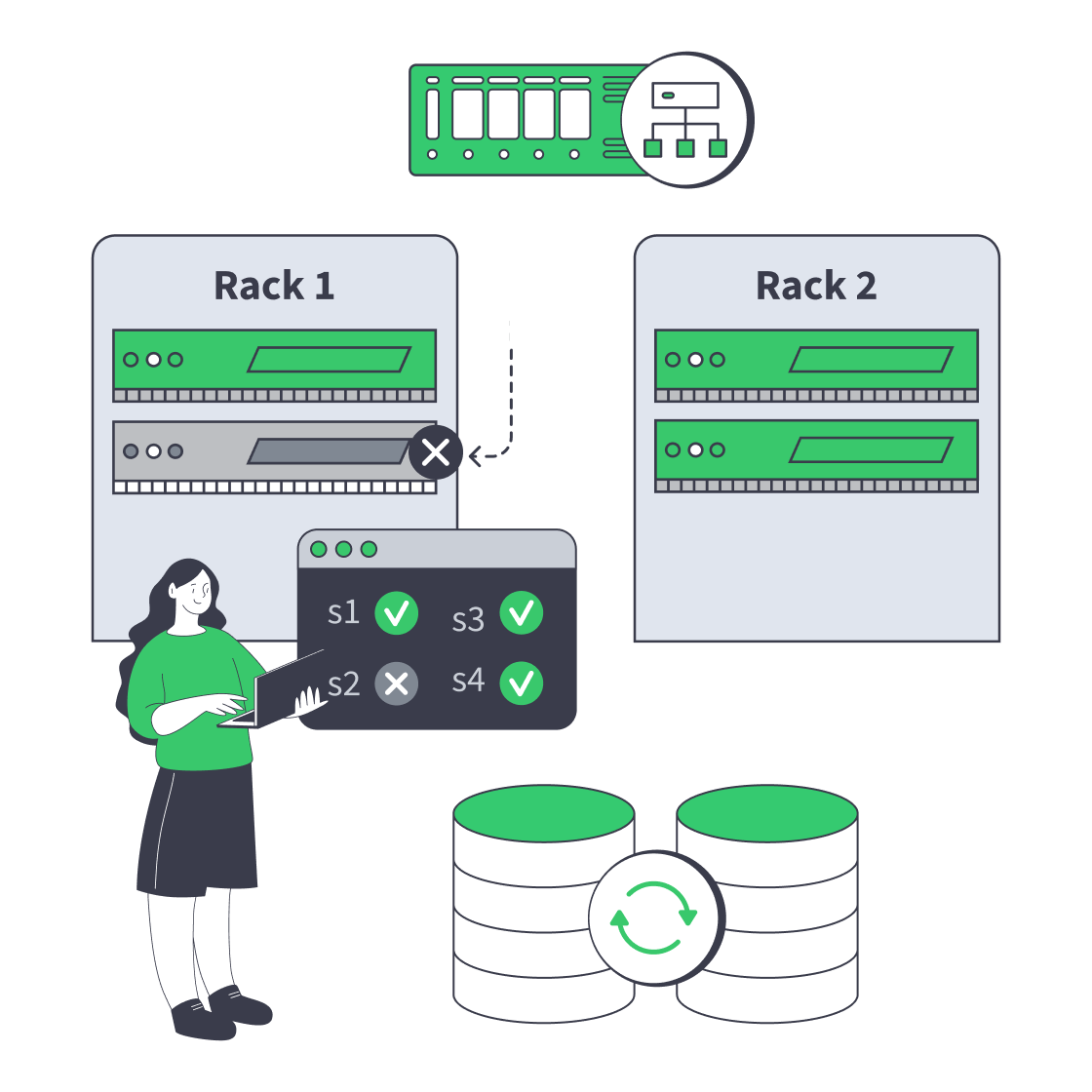
    Explore host sizing and recovery planning

    Dedicated server cluster rerouting traffic after a node failure
    Designing High-Availability Clusters That Fail Safely
    Dedicated server BOM with CPU, RAM, NVMe, and NIC modules sized from workloads
    Spec Dedicated Servers From Workload, Not the Catalog
    Block vs object storage bridge linking a fast server and a scalable storage cluster
    Choosing Between Object and Block Storage for Your Workloads
    Illustration of servers linked to cloud object storage by green high‑speed cables
    Blueprint for High-Performance Backup Server Solutions
    More articles
    FAQ
    What support comes with the infrastructure?
    Can I order a custom VE or PBS host?
    How do I size CPU, memory, and storage?
    How do I choose hardware for ZFS or Ceph?
    Can I connect hosts over a private network?
    How should I plan hardware for a VE cluster?
    Can I rent only a PBS host?
    How should I size backup storage?
    Where can I place VE and backup hosts?
    What determines backup and restore capacity?
    How is the infrastructure billed?
    What should I send for a configuration request?
    Start your host rental
    Create an account to rent physical hosts for the VE or PBS deployment your team operates.
    Create an account
    Discuss the host layout
    Share guest counts, usable storage, and restore targets to discuss your next host rental.
    Discuss your hosts