Nextcloud hosting for secure collaboration you can rely on

Give your team a shared workspace for files and collaboration, backed by dedicated infrastructure. Keep control of your data, access policies, and software as your organization grows.
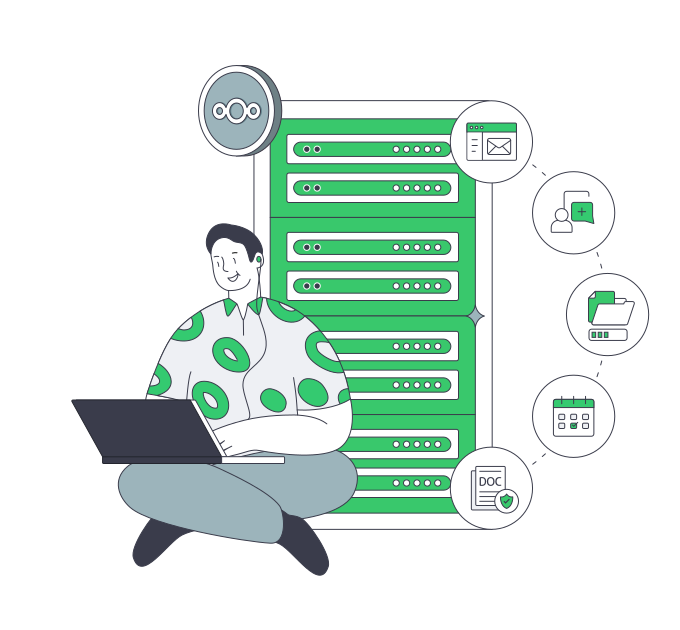
Nextcloud developer with collaboration server

Nextcloud server hosting with whole-host capacity

Isolated verified server
Host resources for shared working files

Allocate the host's compute and memory to your file deployment, with resources reserved for active sync operations.

CPU capacity sizing
Compute choices for concurrent activity

Select CPU and RAM for simultaneous file transfers and enabled apps, with headroom for your busiest periods.

Storage retention capacity sizing
Storage planning for growing file sets

Choose disk media, layout, and usable capacity around active files, retained versions, and your next projects.

Multi-location CDN network
Worldwide placement for your working team

Choose from 21 data centers worldwide to place shared working files near your employees or client teams.

Available configurations
Need a Custom Build?
Filters
Clear all
Data center
Data center
CPU
CPU
CPU Brand
CPU Brand
RAM
RAM
Storage
Storage
from
up to
GPU
GPU
    Bandwidth
    Bandwidth
    Data Transfer
    Data Transfer
    Available configurations –
    CPU
    Memory
    Storage
    Network
    GPU
    Data center
    Price
    Show more

    Turn file activity into a hosting plan

    A shared file service needs capacity for both simultaneous transfers and growing project folders. Concurrent uploads, downloads, and sync operations shape compute and memory requirements, while retained versions increase storage demand. Build the hardware budget around that activity, with headroom for new projects and the files your team keeps.

    Melbicom rents dedicated servers with CPU, RAM, storage, and networking choices for your file workload. Choose a ready-to-go configuration or a custom build ready in 3–5 business days, with disk media, layout, and usable capacity matched to simultaneous transfers, retained versions, and expected growth across your team’s project folders.

    Your team or MSP runs Nextcloud on the allocated host, keeping control of its software stack, file permissions, and maintenance schedule. Match application and cache memory to concurrent file operations, with transactional file locking configured for shared folders. Keep consistent backups outside the deployment and test restores against your required recovery window.

    Administrator managing Nextcloud files

    Keep file growth and changes under control

    Match compute, storage, and placement to active files and the projects ahead.
    Whole-host resource control
    CPU sized for concurrent sync
    Planned storage headroom
    File-host region choice
    Custom builds for file growth
    Budget tied to file activity

    Hardware built to elevate teamwork

    Match CPU, RAM, usable storage, and server location to concurrent sync and growing project folders.
    Rent a whole host for file operations.
    Select CPU for concurrent file activity.
    Select RAM for the application stack.
    Select disk media for file activity.
    Choose ready-to-go server builds.
    Order a custom server build.
    Choose disk layouts for your files.
    Plan usable capacity for file growth.
    Place your host near your team.
    Choose network capacity for file sync.
    Size your file host
    Share file activity and storage growth plans to discuss sizing your host.
    Discuss capacity

    Support the way your team handles files

    Overlapping storage folders
    Active team folders

    Give busy shared folders their own compute and storage capacity, with resources sized for simultaneous file sync.

    Verified storage I/O
    Large project files

    Select capacity around project file sizes and overlapping transfers, then validate sync times with representative files.

    I/O-heavy data synchronization
    Frequent file changes

    Size compute for repeated uploads and updates, then specify usable capacity for the file versions your team retains.

    Storage retention capacity sizing
    Growing working sets

    Include new projects and retained files in the storage requirement, then track capacity as the working set expands.

    Infrastructure operations control
    Internal IT teams

    Give internal IT control of host resources and software choices, with capacity reserved for daily business file workflows.

    Three-person user group
    MSP file services

    Choose each client's host region and resource mix around its shared folders, file activity, and expected storage growth.

    Checked server recovery
    Recovery planning

    Define restore targets for the hosted files and database, then test your own backups against that recovery window.

    QA server staging
    Upgrade validation

    Use optional cloud VPS staging to test upgrades and configuration changes separately from the active file deployment.


    Guides for running your file infrastructure

    Dedicated server BOM with CPU, RAM, NVMe, and NIC modules sized from workloads
    Spec Dedicated Servers From Workload, Not the Catalog
    Block vs object storage bridge linking a fast server and a scalable storage cluster
    Choosing Between Object and Block Storage for Your Workloads
    Illustration of servers linked to cloud object storage by green high‑speed cables
    Blueprint for High-Performance Backup Server Solutions
    Flat illustration of servers forming a shield around a secure backup folder
    File Server Backup Solutions: Step‐by‐Step Protection
    More articles
    FAQ
    Who installs and manages Nextcloud?
    How should I size a Nextcloud dedicated server?
    Which storage choices can I make for my file host?
    Can I choose the application software stack?
    How do caching and file locking affect sizing?
    Are file versions enough for a backup?
    How should we validate a host before launch?
    Where should I place my team's file host?
    Can an MSP operate Nextcloud for its clients?
    Can modest workloads use virtual infrastructure?
    Create your account
    Create your Melbicom account to order a host sized for your team's shared working files.
    Create an account
    Discuss your file host
    Share concurrent file activity, usable storage needs, and growth plans to discuss a suitable host.
    Discuss your build