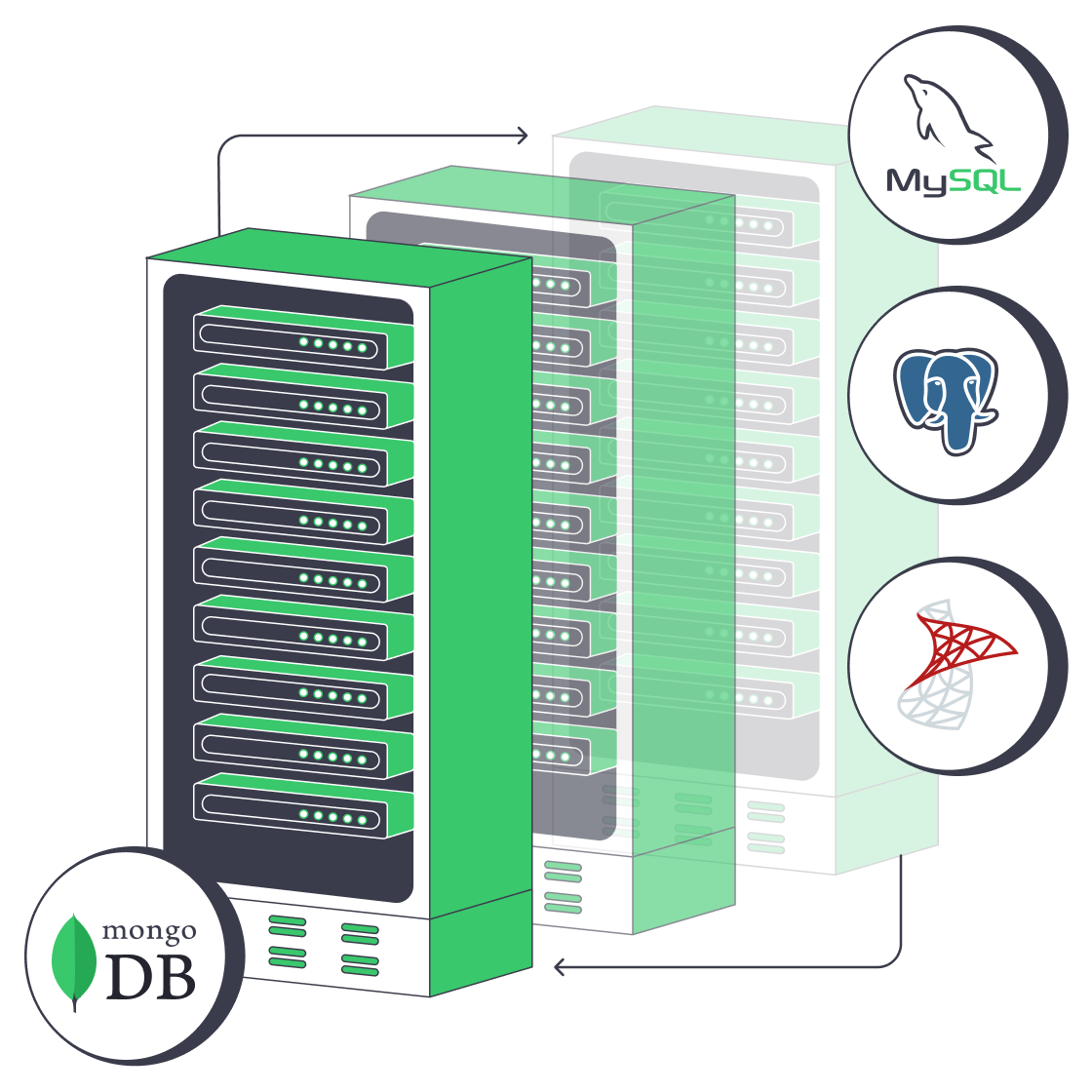
MongoDB hosting for stable query performance at scale

Run customer-managed MongoDB on isolated dedicated servers with configurable CPU, memory, storage, and bandwidth for steadier queries, consistent writes, and controlled maintenance windows.
Secure MongoDB hosting on dedicated servers

Control the resources behind MongoDB performance

RAM memory module
Working set isolation

Dedicated hardware isolates CPU and memory so WiredTiger cache and query paths avoid contention under load.

Database capacity sizing
Configurable resources

Select CPU, RAM, storage, bandwidth, and location to match indexes, write patterns, and replication workflows.

User database topology
Operator-owned topology

Full system access lets your team control MongoDB versions, replica sets, sharding, and tuning decisions directly.

Database backup storage
Separate backup storage

Use data storage as a separate location for backup files and archives outside production database nodes.

Available configurations
Need a Custom Build?
Filters
Clear all
Data center
Data center
CPU
CPU
CPU Brand
CPU Brand
RAM
RAM
Storage
Storage
from
up to
GPU
GPU
    Bandwidth
    Bandwidth
    Data Transfer
    Data Transfer
    Available configurations –
    CPU
    Memory
    Storage
    Network
    GPU
    Data center
    Price
    Show more

    Choices keep MongoDB query/write latency predictable under load

    MongoDB workloads lose stability when working sets exceed memory or compete for shared CPU and storage resources. Query latency variance increases, write throughput becomes inconsistent, and replication lag appears under sustained load, forcing teams to rebalance capacity repeatedly instead of maintaining predictable database performance across environments.

    Melbicom provides isolated dedicated infrastructure where you define CPU, memory, storage, bandwidth, and location characteristics. This allows teams to align resources with replica set roles, shard distribution, and workload patterns while retaining full control over MongoDB versions, tuning decisions, and maintenance planning across environments and lifecycle stages.

    You operate MongoDB directly while infrastructure remains stable and predictable under your control. Backup files and archives move to a separate data storage destination, keeping production nodes focused on queries and writes while recovery workflows remain clearly separated, auditable, and consistently managed by your team over time.

    Operator managing secure MongoDB infrastructure

    Stable MongoDB performance at scale

    Align infrastructure with working set size, topology design, and maintenance planning requirements.
    Lower query latency variance
    More consistent write throughput
    Reduced resource contention
    Clearer maintenance windows
    Controlled topology changes
    Separated backup capacity

    Own your full MongoDB system

    Configure setup while you own topology, tuning, and backups for MongoDB database hosting
    Isolated single-tenant server resources
    Configurable CPU, RAM, and storage
    Location choices for workload placement
    Full system access for database control
    Infrastructure aligned to working sets
    Resource planning for writes and reads
    Support for replica and shard layouts
    Flexible deployment and scaling options
    Separate data storage for backups
    Customer-managed archive workflows
    Build your server setup
    Select configurations or define a custom build aligned to host MongoDB database workloads.
    Talk to an expert

    MongoDB server hosting use cases we support

    Bidirectional database replication
    Replica set clusters

    Run replica sets on isolated primary and secondary servers, keeping CPU, memory, and storage predictable during failover.

    Scalable server resources
    Sharded cluster scaling

    Deploy sharded clusters with per-shard compute and storage control, tuning routing and scaling without cross-node contention.

    I/O-heavy data synchronization
    Write-heavy workloads

    Run write-heavy loads with isolated resources to reduce replication lag and keep throughput stable under sustained load.

    Database read processing
    Read-intensive applications

    Serve read-heavy services with large resident working sets on isolated memory and storage to keep query latency stable.

    Database performance optimization
    Aggregation compute

    Run aggregation jobs on isolated compute to avoid contention and protect operational query and write performance at scale.

    Regional node placement
    Regional node placement

    Place nodes across regions with controlled replication paths, keeping latency stable for distributed application workloads.

    Database backup storage
    Data storage snapshots

    Store snapshots and archives in separate data storage, preserving production resources for active query workloads.

    Verified database recovery
    External backup recovery

    Use external backups with customer-controlled recovery to isolate restores from live production resources during failures.

    Database infrastructure insights for MongoDB teams

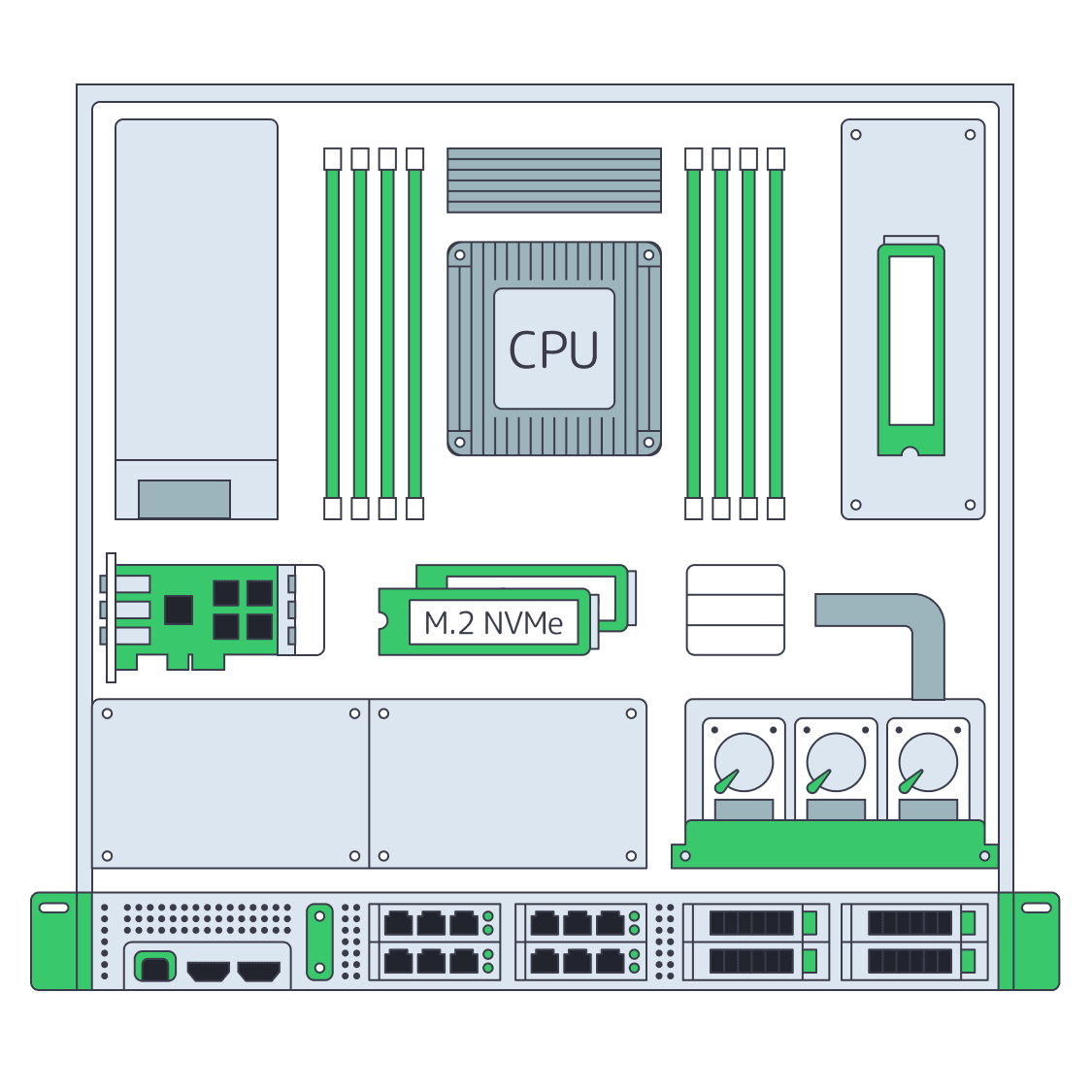
    Dedicated server BOM with CPU, RAM, NVMe, and NIC modules sized from workloads
    Spec Dedicated Servers From Workload, Not the Catalog
    MongoDB vs. SQL: choosing the right database hosting
    MongoDB vs. SQL: Choosing the Right Database Hosting
    Illustration of server rack topped by HDD, SSD, and NVMe icons showing speed hierarchy
    Choosing Dedicated Server Storage: HDD, SSD, or NVMe?
    Technician audits shielded server rack, symbolizing secure database hosting
    Effective Tips to Host a Database Securely with Melbicom
    More articles
    FAQ
    Which infrastructure choices keep MongoDB latency predictable?
    What should teams evaluate in a MongoDB hosting provider?
    How should MongoDB backups be separated from cluster resources?
    Who manages MongoDB in this hosting model?
    Can I host MongoDB without managed services?
    How should MongoDB teams choose metered or unmetered bandwidth?
    What workloads benefit most from MongoDB server hosting?
    Do you provide backup management or automation?
    Opening an account
    Create an account and configure servers in the control panel with your deployment settings.
    Create an account
    Migration without drama
    Work with engineers to map workloads and topology, aligning compute, storage, and network resources.
    Talk to an expert