Run a managed dedicated server with clear ownership

Match isolated hardware to workload demand, then define administration, access, component monitoring, and operating responsibilities so production launches with clear ownership and fewer delayed decisions.

Managed dedicated servers with defined ownership

Dedicated server hosting with defined scope

Server capacity sizing
Size hardware to workload

Choose CPU, memory, storage, bandwidth, and region from measured demand before defining the administration scope.

IPMI remote console
Retain out-of-band control

Use IPMI/KVM and the management API for access while responsibilities stay explicit across both operating teams.

Statistics monitoring dashboard
Confirm monitoring scope

Use component monitoring as a defined mechanism, then confirm any broader OS or application coverage before ordering.

Infrastructure operations dashboard
Bring specialists into scope

Use Melbicom specialists for administration, server configuration, and OS installation after agreeing the task boundary.

Available configurations
Need a Custom Build?
Filters
Clear all
Data center
Data center
CPU
CPU
CPU Brand
CPU Brand
RAM
RAM
Storage
Storage
from
up to
GPU
GPU
    Bandwidth
    Bandwidth
    Data Transfer
    Data Transfer
    Available configurations –
    CPU
    Memory
    Storage
    Network
    GPU
    Data center
    Price
    Show more

    Management scope becomes an operating decision

    Teams choose single-tenant infrastructure for workload control, but the harder decision is often operational: who handles access, configuration, monitoring signals, and day-to-day administration. That boundary must be clear before production services arrive, because an undefined scope turns routine work into delayed ownership decisions after launch.

    Melbicom pairs isolated hardware with 24/7 support, IPMI/KVM, a management API, component monitoring, configuration expertise, OS installation assistance, and access to specialists. Each mechanism has a specific role, so the exact tasks, cadence, exclusions, and commercial terms should be agreed before every order.

    Start with CPU, memory, storage, bandwidth, network, and regional requirements, then define the responsibility split around that configuration. Keep application, OS, and change responsibilities explicit while Melbicom handles only the agreed infrastructure tasks, creating a workable production model without an unlimited management promise.


    Operator launching managed dedicated server

    Operational control with defined ownership

    Clear boundaries reduce handoffs, ambiguity, and avoidable administration delays.
    Defined task ownership
    Out-of-band access
    Visible component status
    Workload-aligned capacity
    Documented scope decisions
    Controlled change planning

    Set operating roles before production

    Align hardware, access, monitoring, configuration, and administration under one clear responsibility split.
    24/7 infrastructure support
    IPMI/KVM remote server access
    Management API for operations
    Visible component monitoring
    Server configuration assistance
    Operating-system installation help
    Access to our technical specialists
    Custom server configurations
    Bandwidth and region selection
    Agreed responsibility boundaries
    Confirm your scope
    Confirm tasks, exclusions, cadence, and terms with a specialist before ordering.
    Talk to an expert

    Where clearer scope protects operations

    Application server operations
    SaaS production systems

    Set access/admin ownership before launch so customer-facing SaaS avoids delayed ownership decisions in production.

    E-commerce shopping cart
    Ecommerce operations

    Match capacity to peak transactions, then document responsibility for configuration, monitoring, and production changes.

    Stacked database cylinder
    Database services

    Size memory and storage for working sets while specialists handle only the administration tasks explicitly agreed.

    Infrastructure operations dashboard
    Agency infrastructure

    Standardize supported setup work across client environments without assuming application, backup, or security ownership.

    Configuration setup monitor
    Founder-led workloads

    Use configuration and OS installation help where internal engineering time must remain focused on product delivery.

    Infrastructure operations control
    Internal platform ops

    Use API access, IPMI/KVM, and component monitoring under a defined responsibility split across routine operations.

    Regional node map placement
    Regional deployments

    Choose location, bandwidth, and network fit first, then agree the supported administration scope for each deployment.

    Infrastructure operations dashboard
    Custom infrastructure

    Plan nonstandard CPU, memory, storage, or network requirements with specialists before fixing the responsibility boundary.

    Guides for planning managed dedicated infrastructure

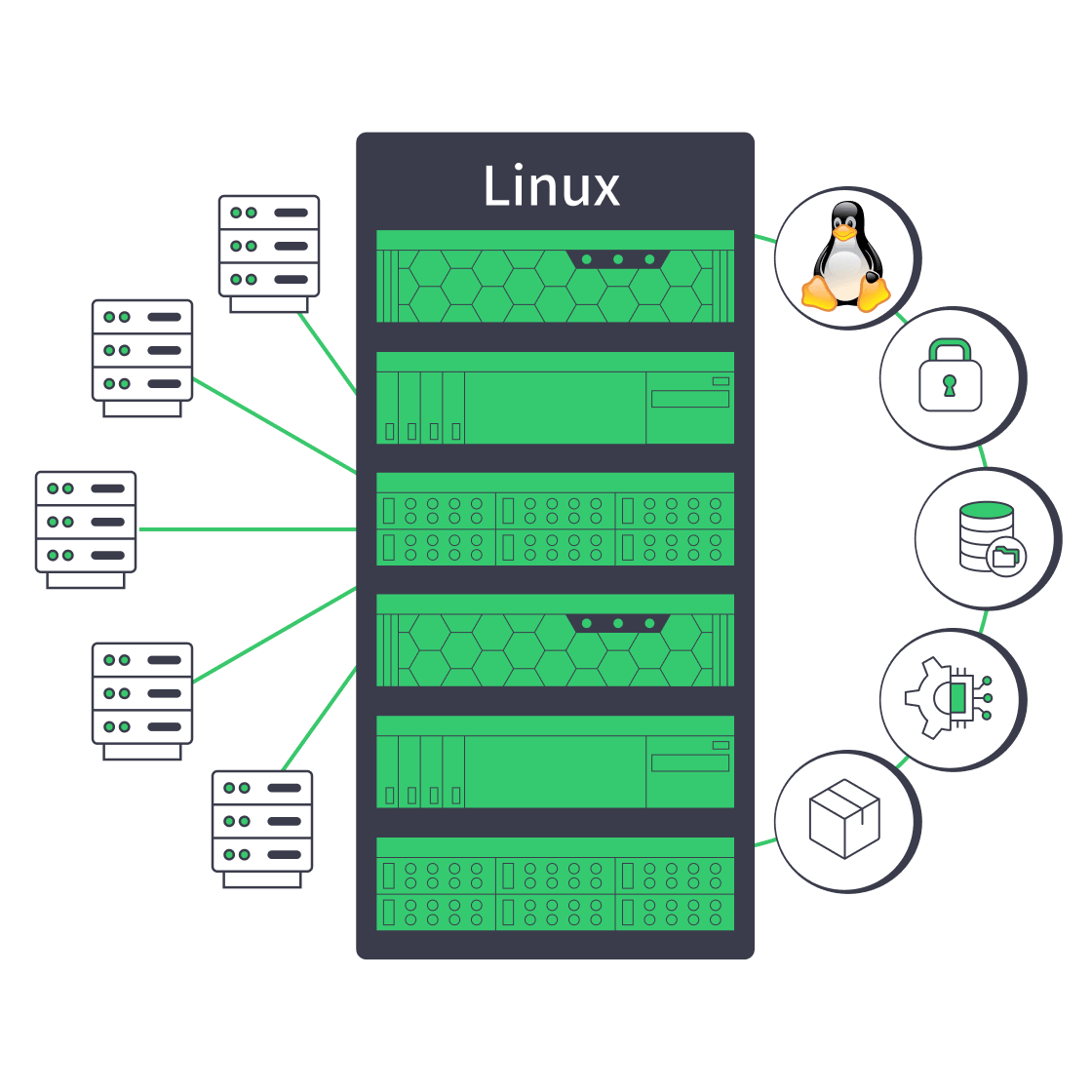
    Linux dedicated server with security, automation, storage, and network controls
    Linux Dedicated Server: Production Checklist for Control, Security, & Scale
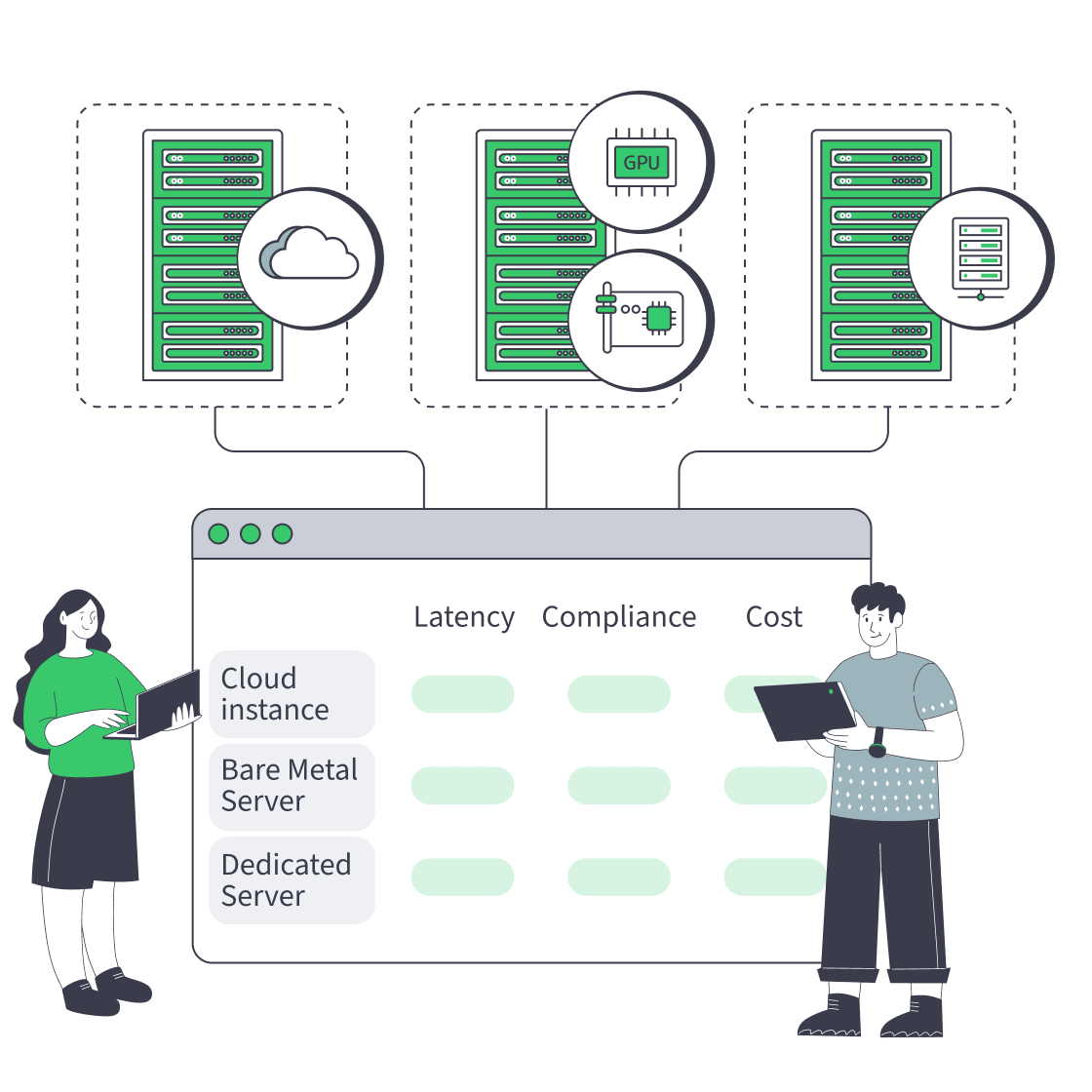
    Cloud, bare metal, and dedicated servers feeding one decision dashboard
    Bare Metal Server vs Cloud: Checklist for Performance, Compliance, and Cost
    Dedicated server pricing drivers arranged around a server rack and invoice
    Beyond Hardware: Total Cost Of Dedicated Servers
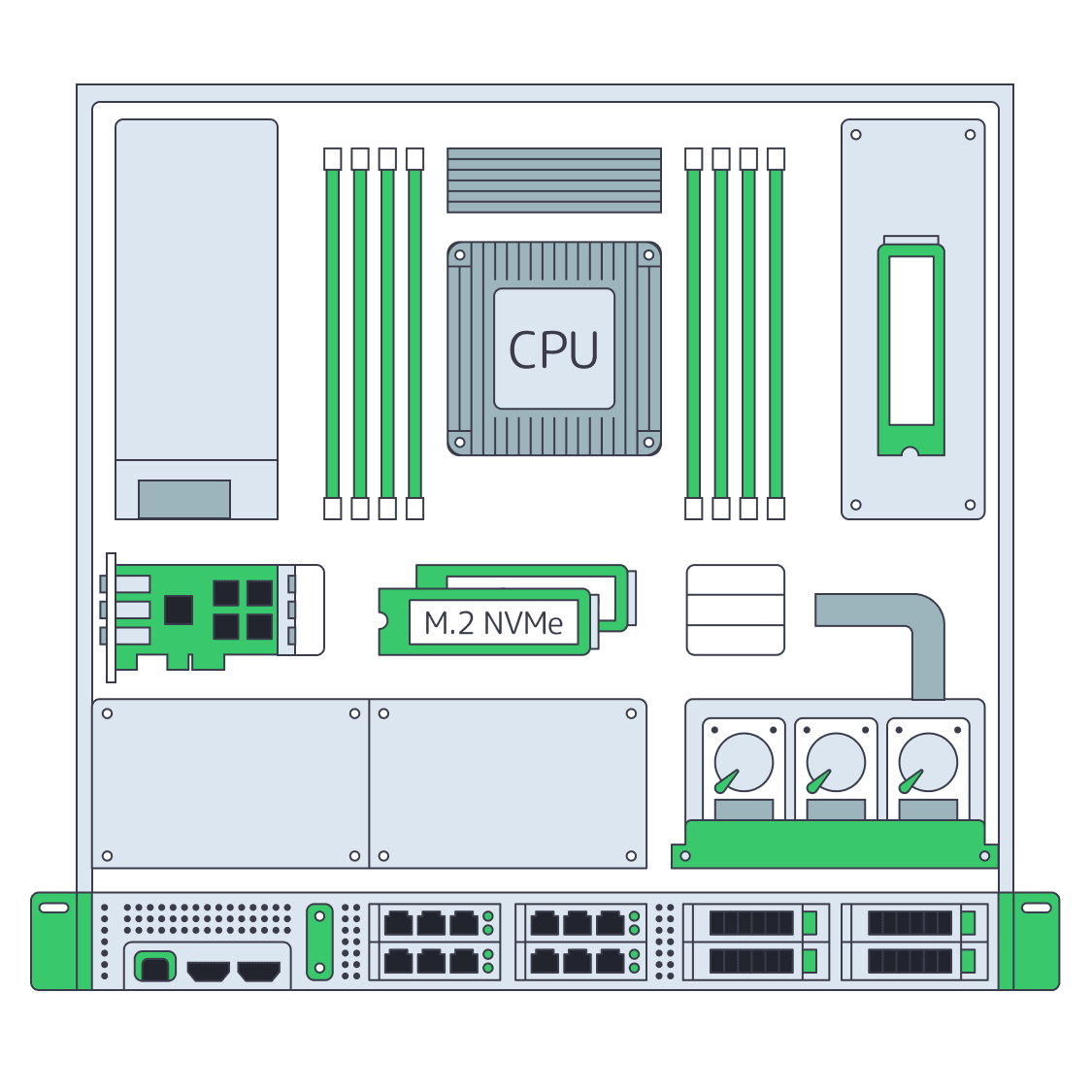
    Dedicated server BOM with CPU, RAM, NVMe, and NIC modules sized from workloads
    Spec Dedicated Servers From Workload, Not the Catalog
    More articles
    FAQ
    What does managed mean for this service?
    Which management tasks should we confirm before ordering?
    Is 24/7 support available?
    Do I get IPMI/KVM access?
    What does the management API cover?
    Does component monitoring include OS monitoring?
    Can Melbicom install the operating system?
    Are backups and restores included?
    Can specialists manage applications or databases?
    How should I size a dedicated server?
    Can I request a custom configuration?
    Start your configuration
    Create an account, choose workload-fit hardware and network options, then open the server configurator.
    Create an account
    Confirm management scope
    Review supported tasks, exclusions, cadence, and terms with a Melbicom specialist before ordering.
    Talk to an expert