WebRTC & LiveKit hosting built for rooms, tracks, and reachability

Rent dedicated servers with isolated CPU and network capacity for business calls, collaboration, support, and AI voice agents, matched to room fan-out, TURN traffic, and regional placement.

LiveKit and WebRTC real-time rooms running on dedicated media infrastructure

Plan LiveKit and WebRTC server hosting around rooms

Application traffic capacity sizing
Room fan-out defines the capacity budget

Reserve CPU and port headroom for published tracks, subscriptions, bitrate, simulcast layers, and overlapping rooms.

User-controlled routing policy
Fallback paths preserve session reachability

Expose UDP media, TCP fallback, and TURN/TLS to support client reachability across restrictive network conditions.

Regional node placement
Regional placement shortens media paths

Choose a host near participant groups, then compare routing, relay share, and quality across representative call loads.

Cloud VPS server stack
Control services fit bounded workloads

Use cloud VPS for staging, token APIs, and measured smaller deployments, preserving media capacity for sustained rooms.

Available configurations
Need a Custom Build?
Filters
Clear all
Data center
Data center
CPU
CPU
CPU Brand
CPU Brand
RAM
RAM
Storage
Storage
from
up to
GPU
GPU
    Bandwidth
    Bandwidth
    Data Transfer
    Data Transfer
    Available configurations –
    CPU
    Memory
    Storage
    Network
    GPU
    Data center
    Price
    Show more

    Room capacity starts with real traffic

    Business conversations put every published track, subscription, codec, and relay path into the same capacity equation. As rooms overlap, fan-out raises packet work and outbound traffic, while the largest room still has to fit one node. Renting reserved host capacity makes that limit easier to test and budget before overlapping rooms reach their production peak.

    Melbicom provides isolated CPU and NIC resources, selectable bandwidth, public reachability, and placement across 21 data centers worldwide. Your team can place media nearer participant groups, keep forwarding capacity reserved, and choose network headroom from measured room and TURN demand instead of relying on a generic participant count.

    Run sustained LiveKit and TURN traffic on media hosts sized for room shape, then assign staging, token APIs, and measured smaller deployments to cloud VPS where their demand fits. Budget STT, LLM, and TTS inference separately, so model load does not compete with the CPU and network resources that keep business conversations moving under load.


    Engineer planning real-time media rooms and LiveKit server capacity

    Operational results for LiveKit rooms

    Capacity choices tied to room behavior, reachability, and business call quality.
    Measured room capacity
    Planned relay headroom
    Workload-led bandwidth budgets
    Customer-controlled node drains
    Regional paths near participants
    Purpose-fit control services

    Infrastructure for every business call

    Keep packet forwarding, fallback paths, and room operations under your control as demand changes.
    Reserved CPU for packet forwarding
    Reserved NIC capacity for media
    Selectable bandwidth for room traffic
    Public IP reachability for WebRTC
    UDP, TCP, and TURN reachability
    Hosts for Redis-backed coordination
    Regional placement near participants
    Capacity headroom for controlled drains
    Resources for customer-run monitoring
    Cloud VPS for staging services
    Choose your media host
    Bring room shape, relay share, regions, and bandwidth targets into one host decision.
    Talk to an expert

    Business conversations that need real-time control

    Three-person user group
    Team video meetings

    Model team rooms from publisher counts, screen sharing, subscriptions, and participant groups in each region.

    WebRTC media network
    Remote care sessions

    Place live consultations near patient and clinician groups while budgeting media paths, relays, and concurrency.

    Live streaming presenter
    Interactive classrooms

    Plan each classroom around instructor video, student audio, screen sharing, and overlapping live sessions.

    Voice and chat support
    Customer support calls

    Route support calls through browsers, mobile networks, and firewalls with capacity placed near service teams.

    Approved deployment region
    Remote field assistance

    Connect field teams to experts with screen sharing, bidirectional media, TURN fallback, and hosts near each operating region.

    AI assistant operations
    AI voice agent sessions

    Keep CPU and network capacity focused on SFU transport; budget STT, LLM, and TTS inference separately for agents.

    Cross-platform application screens
    CPaaS media services

    Run embedded communications with room-level budgets for tracks, subscriptions, relay demand, and regional capacity.

    QA server staging
    Staging and pilot rooms

    Use cloud VPS for staging, token services, and measured pilot rooms while sustained media capacity stays reserved.

    Infrastructure guides for real-time teams

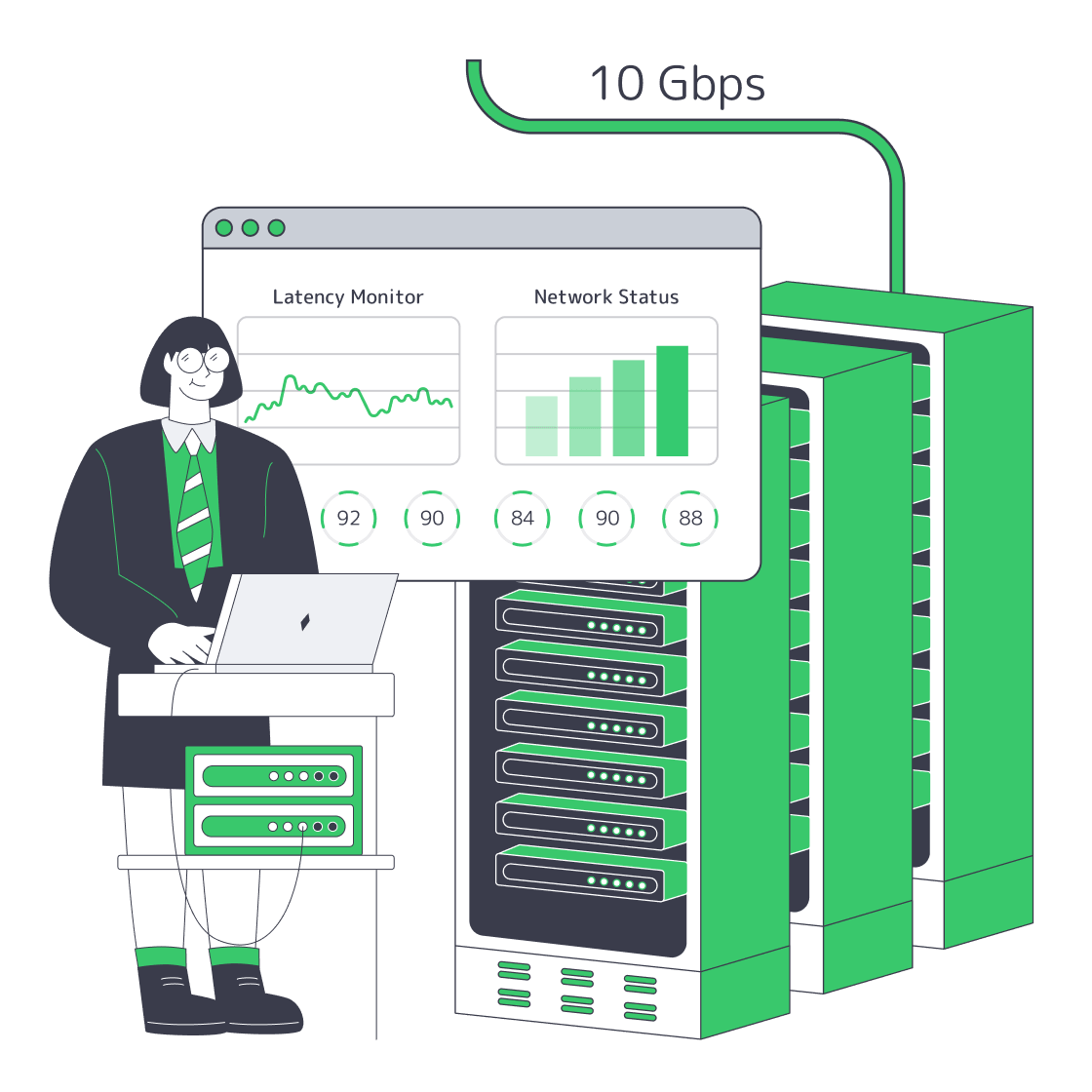
    Engineer monitoring a 10Gbps dedicated server and network status
    10Gbps Dedicated Server Providers: Compare Ports, Terms and Network
    Europe server map with city nodes, routes, compliance shield, and bandwidth gauge
    Choosing Country, Network, and Compliance in Europe
    Dedicated server BOM with CPU, RAM, NVMe, and NIC modules sized from workloads
    Spec Dedicated Servers From Workload, Not the Catalog
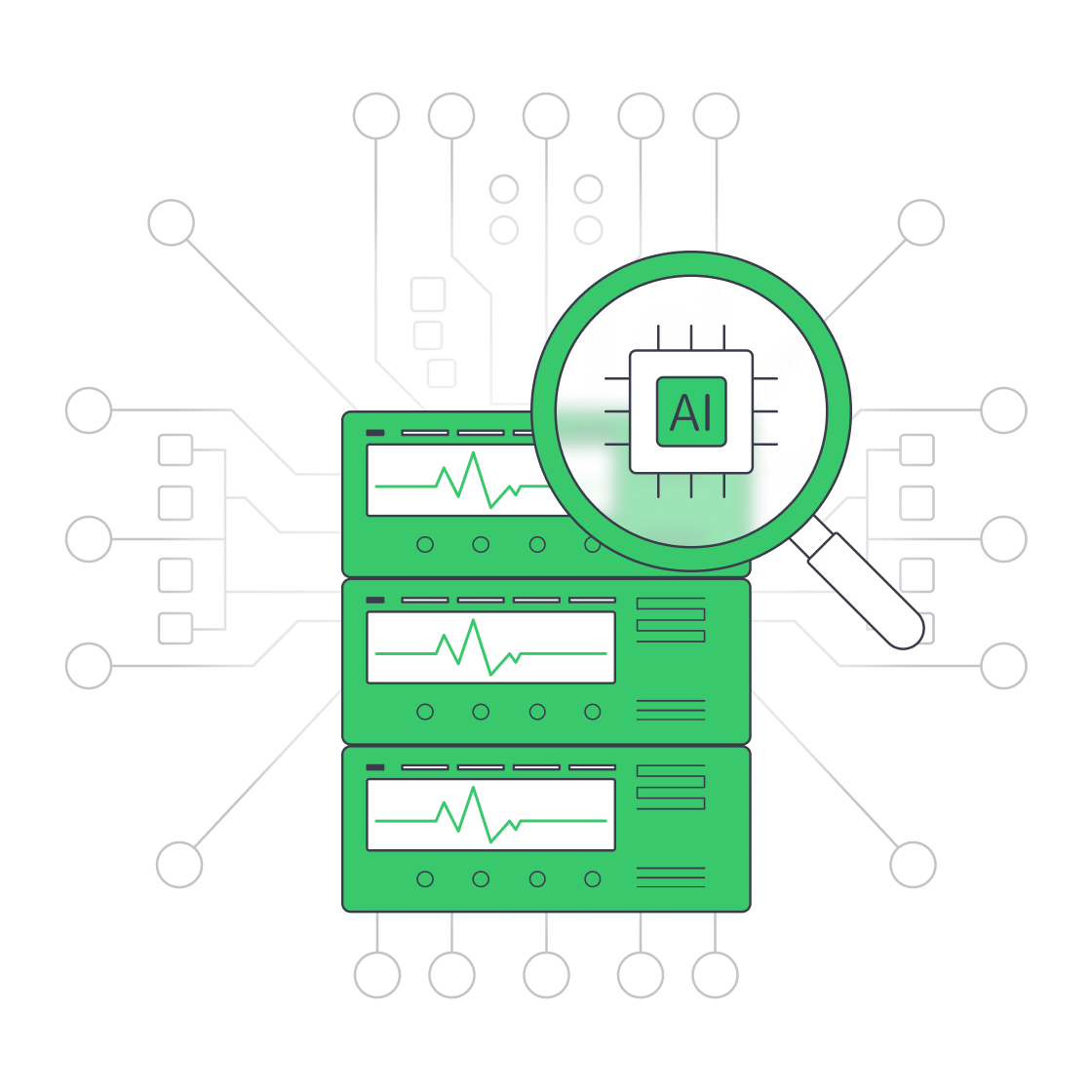
    Servers under AI magnifier displaying live metrics
    Building a Predictive Monitoring Stack for Servers
    More articles
    FAQ
    How should I size a LiveKit server?
    Why must the largest room fit one node?
    When does LiveKit need Redis?
    How does TURN server hosting affect capacity?
    Which server location should I choose?
    Can cloud VPS support part of the stack?
    Does LiveKit media forwarding need a GPU?
    How should I plan LiveKit upgrades?
    Which metrics should I monitor?
    What should I test before choosing bandwidth?
    Start with room data
    Create an account, compare hosts, and match CPU, bandwidth, and location to room demand.
    Create an account
    Shape the operating model
    Share room shape, relay share, regions, and scaling plans for a clear infrastructure map.
    Talk to an expert