Keycloak hosting on dedicated servers keeps login load attributable

Use bare metal server hosting to separate Keycloak runtime, proxy, and database capacity, then test login bursts, session growth, upgrades, and recovery against attributable resources.

Protected Keycloak SSO on dedicated servers

Dedicated server hosting maps capacity to login load

Verified identity login operation
Size login concurrency

Reserve CPU and memory for login bursts, token operations, JVM pressure, and active sessions under representative tests.

Stacked database cylinder
Trace database latency

Match SSD or NVMe capacity to identity data, transaction pressure, backups, and restore operations under load.

Secure identity login failover
Plan for instance failure

Use separate nodes when instance failure or maintenance must not interrupt login across connected applications.

Software development screen
Own the software lifecycle

Your team owns Keycloak, proxy, database, upgrades, monitoring, backups, restores, and incident response procedures.

Available configurations
Need a Custom Build?
Filters
Clear all
Data center
Data center
CPU
CPU
CPU Brand
CPU Brand
RAM
RAM
Storage
Storage
from
up to
GPU
GPU
    Bandwidth
    Bandwidth
    Data Transfer
    Data Transfer
    Available configurations –
    CPU
    Memory
    Storage
    Network
    GPU
    Data center
    Price
    Show more

    Plan login continuity around instance failure and maintenance

    Centralising SSO in Keycloak concentrates login bursts, token issuance, active sessions, federation lookups, and administration on one production dependency during peaks and maintenance windows. Capacity planning must cover the runtime, reverse proxy, production database, backup work, and recovery objectives—not just average request volume.

    At Melbicom, we provide isolated CPU and memory, SSD or NVMe storage, bandwidth choices, and regional placement through ready-to-deploy or custom dedicated infrastructure. Teams can test authentication demand against attributable resources, then assign separate nodes when instance failure or maintenance requirements justify a clustered design.

    Your team keeps the software boundary: realms, clients, identity providers, authentication flows, TLS, database topology, monitoring, upgrades, backups, restores, and failover procedures. We provide 24/7 technical support for the infrastructure; your team distinguishes resource contention from software faults and retains incident ownership during recovery.

    Operator managing centralised SSO access

    Keep centralised SSO visible under load

    Keep capacity, recovery, and ownership visible before access failures affect connected applications.
    Attributable login load
    Measurable database latency
    Planned upgrade windows
    Tested restore paths
    Clear incident ownership
    Lower login disruption risk

    Size each Keycloak role independently

    Match compute, storage, networking, recovery, and regional capacity to measured authentication demand.
    Isolated CPU and memory capacity
    SSD or NVMe database storage
    Regional infrastructure placement
    Bandwidth sized to identity traffic
    CPU and RAM configuration choices
    Storage and bandwidth options
    Ready-to-deploy server configurations
    Customizable hardware configurations
    Our 24/7 technical support
    Customer-owned Keycloak operations
    Configure your server
    Choose CPU, RAM, storage, bandwidth, and region around your Keycloak architecture.
    Talk to an expert

    Authentication workloads that shape server design

    Self-hosted Keycloak identity
    Workforce SSO operations

    Size runtime and database capacity for employee login bursts, active sessions, federation lookups, and administration.

    Verified identity login operation
    Customer login services

    Keep token issuance, session activity, and identity data attributable as customer demand changes across applications.

    Whitelisted network endpoints
    Federated identity traffic

    Reserve CPU, memory, and database I/O for directory lookups and external identity provider traffic under load.

    Private network shield
    Application access control

    Separate client, realm, and authentication-flow changes from infrastructure capacity planning and related recovery tasks.

    Generic server stack
    Single-node production

    Run a single instance when continuity requirements permit, with health checks, backups, and tested recovery steps.

    Secure identity login failover
    Multi-node login continuity

    Run Keycloak on separate nodes so login can continue through instance failure, maintenance, and controlled upgrades.

    Recovered storage files
    Database recovery planning

    Size storage and database I/O around backup volume, restore work, latency targets, and recovery objectives.

    QA server staging
    Controlled upgrade rollout

    Run upgrades through health checks, rollback plans, configuration control, and clearly assigned incident ownership.

    Operations guidance for Keycloak infrastructure

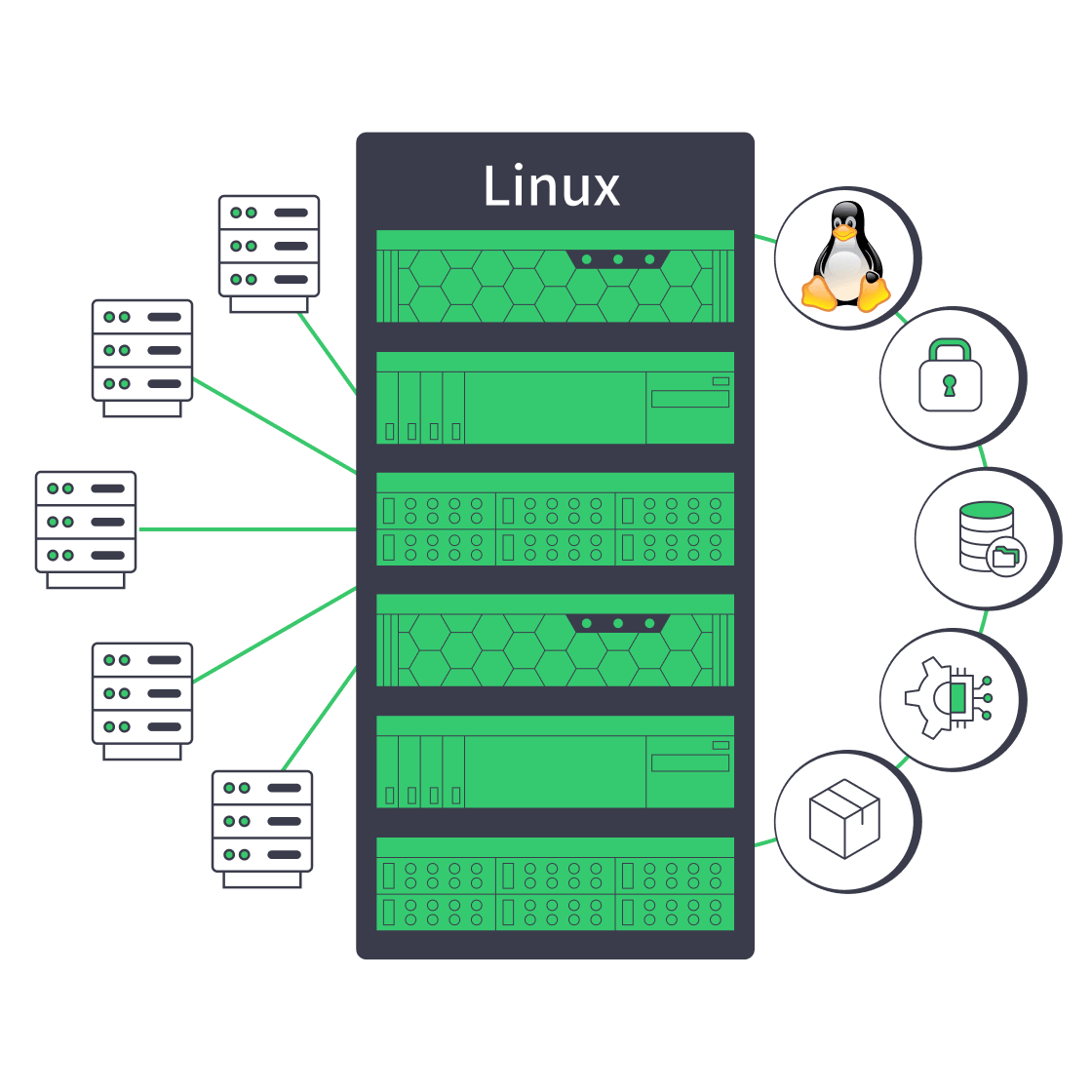
    Linux dedicated server with security, automation, storage, and network controls
    Linux Dedicated Server: Production Checklist for Control, Security, & Scale
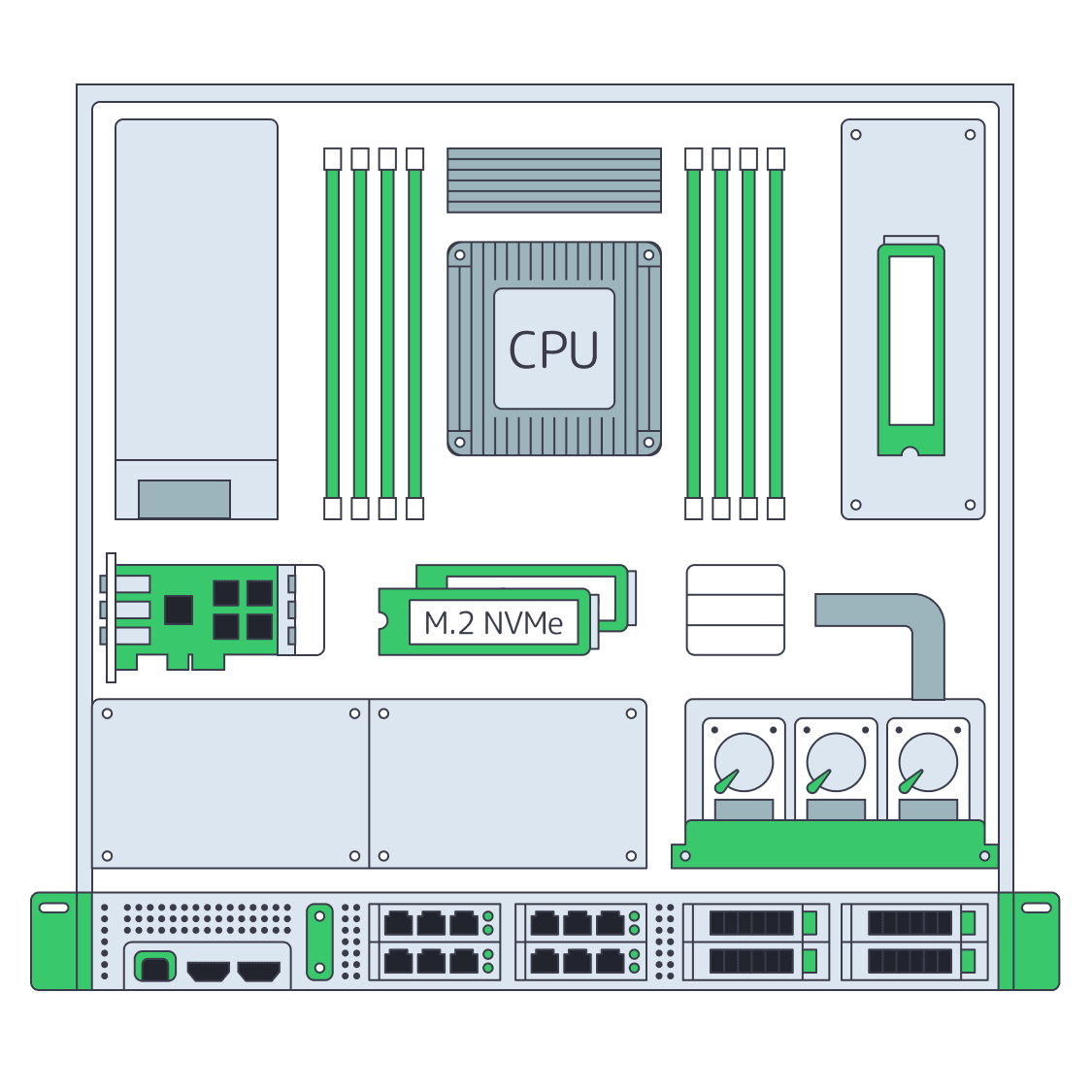
    Dedicated server BOM with CPU, RAM, NVMe, and NIC modules sized from workloads
    Spec Dedicated Servers From Workload, Not the Catalog
    Servers under AI magnifier displaying live metrics
    Building a Predictive Monitoring Stack for Servers
    Technician audits shielded server rack, symbolizing secure database hosting
    Effective Tips to Host a Database Securely with Melbicom
    More articles
    FAQ
    What should teams measure before sizing Keycloak?
    Does one larger server create Keycloak high availability?
    When should Keycloak use multiple instances?
    Does production Keycloak need a production-grade database?
    Who manages Keycloak on Melbicom infrastructure?
    Can Keycloak run on a Linux dedicated server?
    Which storage fits a Keycloak database?
    Who owns Keycloak backups and restore testing?
    Can Melbicom configure realms or identity providers?
    What support does Melbicom provide?
    How should teams choose a deployment region?
    Create your account
    Open the control panel, choose a server, and prepare your customer-operated Keycloak deployment.
    Create an account
    Plan your architecture
    Bring login demand, database roles, recovery targets, and regional needs into infrastructure planning.
    Talk to an expert