GLM hosting sized for parallel agent workloads

Rent GPU-equipped dedicated servers for AI coding agents and business assistants, with VRAM, system memory, NVMe, and topology matched to your GLM model, runtime, and concurrent load.
GLM hosting on dedicated GPU servers

Residency, sessions, and topology set the fit

GPU server appliance
Full-weight residency

Map the complete model weights across GPU partitions, then reserve VRAM for runtime workspaces on each GPU.

RAM memory module
Session cache headroom

Size cache for context, output length, batching, and concurrent agent sessions sharing the same hardware.

Automated service workflow
Iterative tool loops

Allow for repeated reasoning, tool results, code tests, and longer outputs across parallel agent workflows.

Private network shield
Sensitive data control

Process confidential source code or company documents with GLM models in a runtime your team controls.

Available configurations
Need a Custom Build?
Filters
Clear all
Data center
Data center
CPU
CPU
CPU Brand
CPU Brand
RAM
RAM
Storage
Storage
from
up to
GPU
GPU
    Bandwidth
    Bandwidth
    Data Transfer
    Data Transfer
    Available configurations –
    CPU
    Memory
    Storage
    Network
    GPU
    Data center
    Price
    Show more

    Move GLM models from loading into controlled production

    Loading the checkpoint is only the baseline. Full weights need a stable GPU partition plan, while context, cache, runtime workspaces, and parallel tool loops consume the remaining VRAM. Size the build for live agent sessions and response targets, not the first successful model start under test.

    Melbicom maps that session profile to rented GPU-equipped dedicated hardware, pairing preferred GPUs and VRAM with system memory, local NVMe, and the required host topology. When a ready configuration does not fit your workload, a custom GPU build is ready in 3–5 business days.

    Choose from 1100+ ready-to-go servers worldwide, including GPU-powered options, when a standard layout fits. Your team controls the model, runtime, tools, data, and releases. Live session counts and response targets guide capacity as evaluation moves into production on rented hardware.
    GLM deployment with dedicated infrastructure

    Keep operating headroom as workloads scale

    Concrete targets for residency, concurrency, topology, runtime control, and hardware spending.
    Model partitions stay resident
    Parallel session headroom
    Cache budget under load
    Topology matched to workload
    Runtime under team control
    Planned hardware spending

    Capacity built for parallel sessions

    Align GPU, memory, storage, and topology with full model weight residency and parallel session load.
    GPU selection matched to model version
    VRAM sized for model partitions
    Cache reserve for concurrent sessions
    Runtime workspace on each GPU
    CPU capacity for request handling
    System RAM for planned offload
    Local NVMe for model versions
    GPU count aligned to throughput
    Single-host or multi-host topology
    Root access for your runtime
    Plan your GPU build
    Match preferred GPUs and VRAM to your GLM model, runtime, and concurrent load.
    Plan your build

    Workloads that shape the server layout

    Software development screen
    AI coding agents

    Keep repository context, terminal output, tests, and patch history available across parallel coding sessions.

    AI assistant operations
    Reasoning assistants

    Reserve cache and output headroom for long prompts, multi-step analysis, and concurrent reasoning sessions.

    Automated service workflow
    Tool-using automation

    Run planning, retrieval, function calls, and result review while keeping capacity available for other active agents.

    Corporate business customer
    AI business copilots

    Match hardware to users, context, and response targets across research, analysis, and document workflows.

    Overlapping storage folders
    Knowledge assistants

    Keep models, prompts, embeddings, and application data on reserved hardware under your team's control.

    Landscape image content
    Multimodal assistants

    Reserve GPU memory for visual inputs alongside model weights, cache, batching, and expected text output.

    System log document
    Document extraction

    Run a compact OCR model for document parsing and structured extraction before steady downstream processing.

    Validated AI model processing
    Model evaluation labs

    Validate model fit, runtime settings, and cache behavior before planning replica counts and session targets.

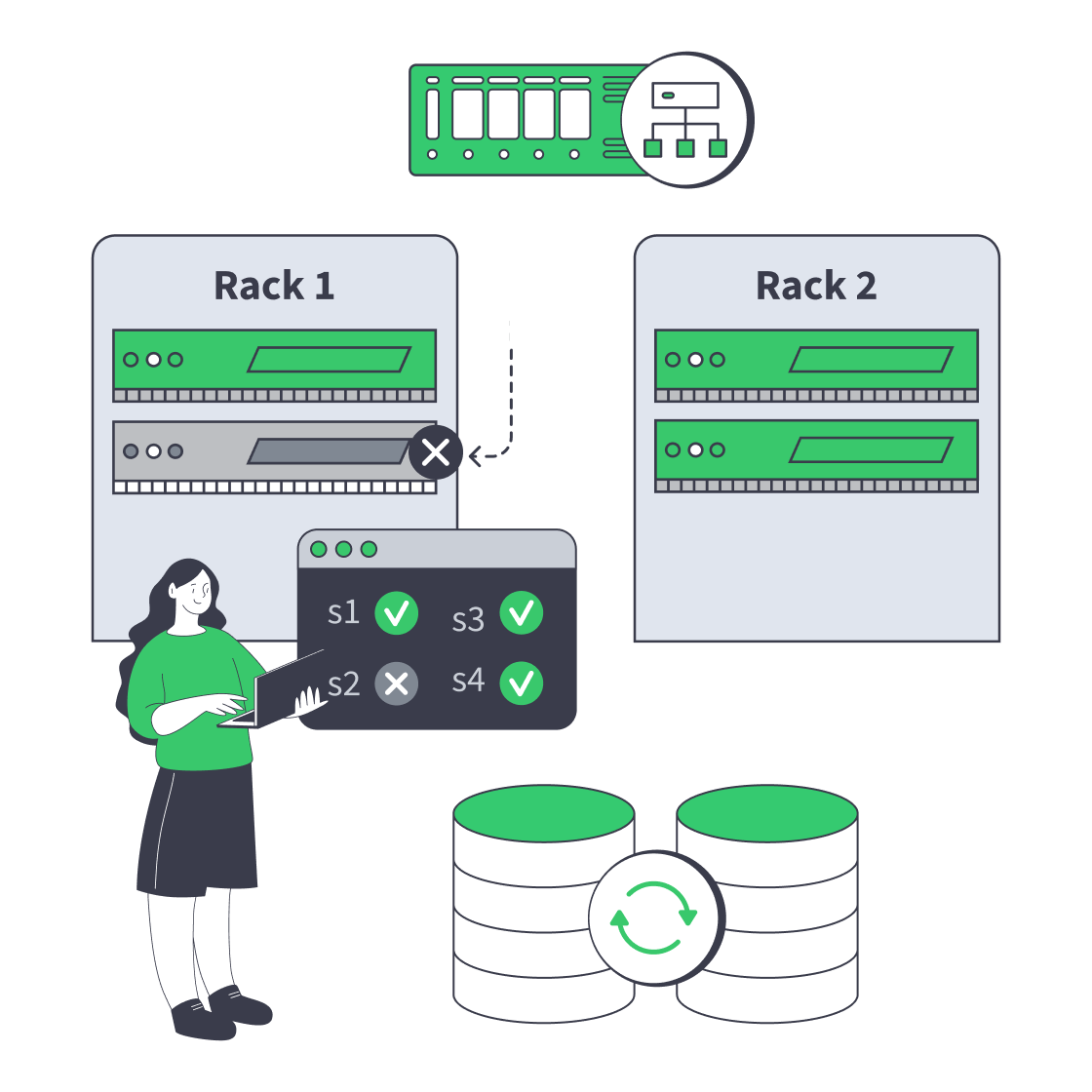
    Hardware and capacity choices for agent workloads

    Dedicated server cluster rerouting traffic after a node failure
    Designing High-Availability Clusters That Fail Safely
    Dedicated server pricing drivers arranged around a server rack and invoice
    Beyond Hardware: Total Cost Of Dedicated Servers
    Dedicated server BOM with CPU, RAM, NVMe, and NIC modules sized from workloads
    Spec Dedicated Servers From Workload, Not the Catalog
    Illustration of server rack topped by HDD, SSD, and NVMe icons showing speed hierarchy
    Choosing Dedicated Server Storage: HDD, SSD, or NVMe?
    More articles
    FAQ
    How should GLM GPU capacity be sized?
    Do active parameters define required VRAM?
    How does context length affect capacity?
    When does a deployment need multiple hosts?
    Can GLM run with CPU offload?
    Which serving runtimes fit this infrastructure?
    Can smaller GLM models use one server?
    How are coding-agent workloads sized?
    What belongs in a custom GPU build?
    Can we scale from evaluation to production?
    How do multimodal inputs change sizing?
    What control does the team retain?
    Configure your account
    Create your Melbicom account, fund the balance, and select a ready GPU server for deployment.
    Create an account
    Plan the right topology
    Share your GLM model version, runtime, concurrency target, and preferred GPUs for a model-matched build.
    Talk to an expert