GitLab hosting that keeps your coding team moving

Rent a dedicated server for production code collaboration. Reserve application resources, size storage for retained assets, and keep application settings and changes under your team's control.

GitLab developer with code workspace, server and launch rocket

Self hosted GitLab with application headroom

Dedicated bare-metal server stack
Whole-host capacity for code activity

Allocate the host's resources to clone, push, and merge activity, with capacity reserved for your code platform.

CPU capacity sizing
Compute for database and background work

CPU and RAM choices give database queries and background jobs room alongside your instance's application requests.

Storage retention capacity sizing
Storage shaped around retained code

Match usable capacity to repositories and release assets, leaving working space for temporary files and growth.

Application user controls
Software decisions with your own team

Choose application settings and access policies around your team's workflow, with changes on your schedule.

Available configurations
Need a Custom Build?
Filters
Clear all
Data center
Data center
CPU
CPU
CPU Brand
CPU Brand
RAM
RAM
Storage
Storage
from
up to
GPU
GPU
    Bandwidth
    Bandwidth
    Data Transfer
    Data Transfer
    Available configurations –
    CPU
    Memory
    Storage
    Network
    GPU
    Data center
    Price
    Show more

    Your team’s coding pace shapes the hosting plan

    Code reviews, repository transfers, and API calls draw on the same production instance while database queries and background jobs continue behind them. Reserve capacity for these overlapping demands, with storage for retained code and release assets. Tie the rental budget to the production activity your development teams generate throughout each release.

    Melbicom rents dedicated servers with CPU and RAM choices for application and database work, plus custom builds ready in 3–5 business days. Shape the hardware around repository I/O, usable storage, and expected growth in code, artifacts, and database activity. Select the location and configuration that suit your team’s production environment.

    Whole-host capacity gives the instance a defined allocation for collaboration, while your team chooses the application settings and enabled features that use it. That combination supports a code platform run to your release calendar and retention needs. Keep the configuration aligned with active projects as collaboration and repository history expand.

    GitLab administrator with CI/CD application server

    Keep code collaboration under your control

    Put resources behind code reviews, stored assets, and the release schedule your team owns.
    Reserved application capacity
    Planned database headroom
    Storage matched to retention
    Customer-scheduled updates
    Hardware fit for your workload
    Workload-led rental spending

    Shape the host for your operations

    Select compute, storage capacity, and custom hardware around your repositories and collaboration needs.
    Choose CPU capacity for repository work
    Select memory for database operations
    Choose from 21 data centers worldwide
    Order hardware to fit your workload
    Size storage for retained code assets
    Reserve space for database growth
    Choose your application configuration
    Set access rules for project teams
    Keep capacity for busy release windows
    Get support for rented hardware
    Plan your GitLab host
    Match a custom build to your production workload and retained repository data.
    Discuss your host

    Capacity for reviews, releases, and recovery

    Three-person user group
    Active code reviews

    Reserve compute capacity for concurrent code reviews and pushes during your team's busiest working hours.

    Verified storage I/O
    Large repositories

    Review repository I/O alongside clone and push durations when choosing hardware for large, frequently updated codebases.

    API server configuration
    API-led workflows

    Use API response time and background queue pressure to assess resources for your team's automated workflows.

    Overlapping storage folders
    Retained release assets

    Size storage for artifacts and registry data from enabled features, including the retention period your team needs.

    Server workflow topology
    Overlapping releases

    Release windows can combine clone traffic, API calls, and background work; allow capacity for these overlapping demands.

    Configuration setup monitor
    Planned upgrades

    Keep application changes on your release calendar, with time reserved for version validation before production use.

    Successful recovery test
    Recovery rehearsals

    Set aside compute and working storage for restore tests, keeping recovery exercises separate from active code collaboration.

    Expandable server capacity
    Growing project teams

    Shape your next host around more active repositories and contributors, with storage for the project history you retain.

    Infrastructure planning for your code platform

    Linux dedicated server with security, automation, storage, and network controls
    Linux Dedicated Server: Production Checklist for Control, Security, & Scale
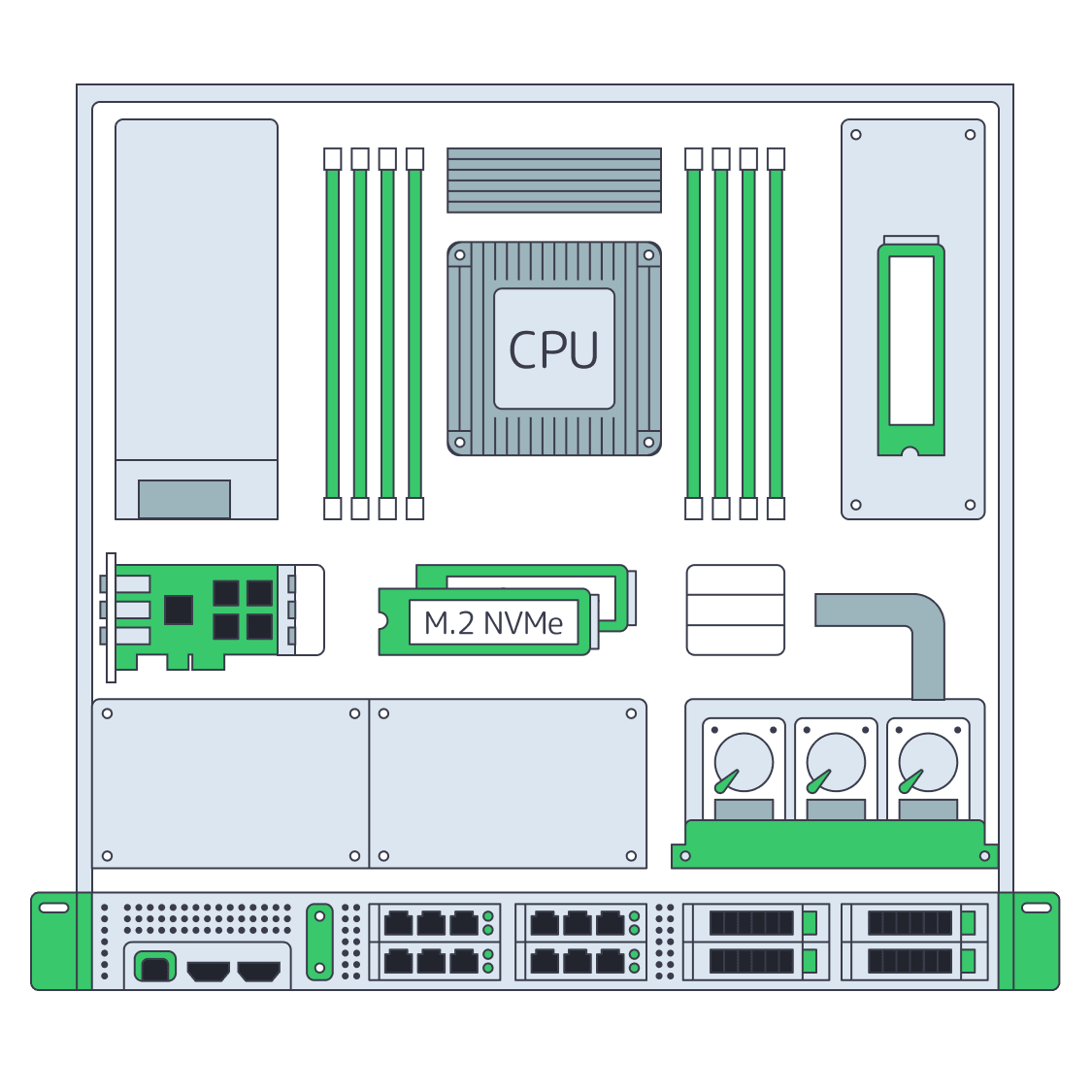
    Dedicated server BOM with CPU, RAM, NVMe, and NIC modules sized from workloads
    Spec Dedicated Servers From Workload, Not the Catalog
    Block vs object storage bridge linking a fast server and a scalable storage cluster
    Choosing Between Object and Block Storage for Your Workloads
    Illustration of servers linked to cloud object storage by green high‑speed cables
    Blueprint for High-Performance Backup Server Solutions
    More articles
    FAQ
    Who installs and operates GitLab?
    How should we size the production instance?
    What storage belongs in the capacity plan?
    Can the main components share a host?
    Where should Runner jobs execute?
    What belongs in the backup plan?
    What does a recovery rehearsal need?
    How should we plan GitLab upgrades?
    Can we order a custom server build?
    Can extra hosts make the instance highly available?
    Who chooses the GitLab edition and license?
    When does renting a whole host fit?
    Start with your account
    Create a Melbicom account to rent the host for your team's code and collaboration workflows.
    Create an account
    Shape your custom build
    Share repository activity and storage growth to shape the hardware for your production workload.
    Discuss your host