Plesk or cPanel dedicated server sized around your client sites

Rent a physical host with configurable resources for client sites. Remote console access lets you install cPanel/WHM or Plesk and control account allocation and software maintenance.
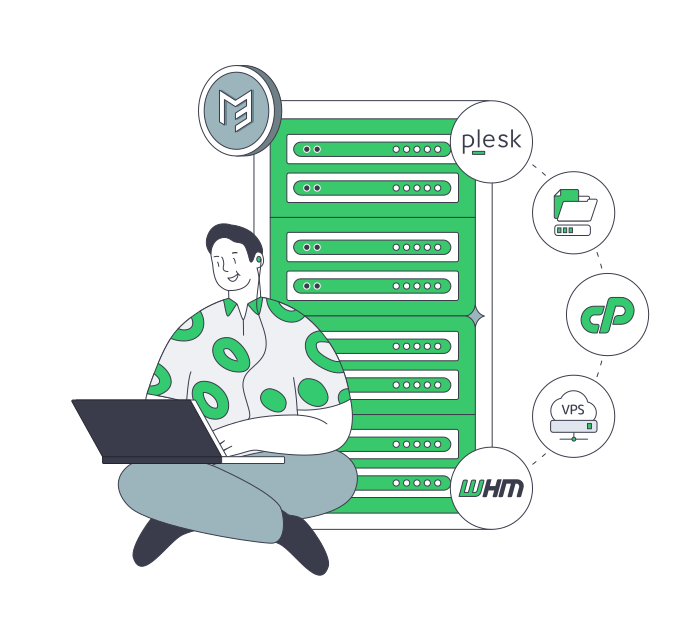
Administrator with cPanel and Plesk server hardware

Your control panel workloads drive hardware choices

Isolated verified server
Whole-host capacity for client workloads

The machine serves your client portfolio, with CPU capacity chosen for concurrent site and application demand.

RAM memory module
Memory sized to support active applications

Choose RAM for application processes and database working sets, leaving headroom as client demand grows.

Storage retention capacity sizing
Storage planned for account growth

Match usable storage to site files, databases, mail, and backup activity before adding more customer accounts.

IPMI remote console
Software control with remote console access

Use IPMI/KVM console access to install and maintain your chosen panel, with software operations under your control.

Available configurations
Need a Custom Build?
Filters
Clear all
Data center
Data center
CPU
CPU
CPU Brand
CPU Brand
RAM
RAM
Storage
Storage
from
up to
GPU
GPU
    Bandwidth
    Bandwidth
    Data Transfer
    Data Transfer
    Available configurations –
    CPU
    Memory
    Storage
    Network
    GPU
    Data center
    Price
    Show more

    Control your Plesk dedicated server

    Your account portfolio combines live sites, application processes, databases, and mailboxes on the same host. Size capacity for their combined demand, backup activity, and the next accounts you onboard. Account and edition limits guide licensing; peak workload demand and reserved headroom shape the resources behind the commitments you make to clients.

    Melbicom rents single-tenant hardware with processor, memory, storage, and network choices. Those choices let you match the host to your accounts’ combined workload and reserve headroom for new clients. Custom builds around that specification are ready in 3–5 business days, providing a hardware delivery window for your next client rollout.

    With IPMI/KVM console access, your administrator installs and maintains the chosen panel remotely, keeping software changes, account allocation, and backups under your team’s control. Budget monthly hardware rental, the eligible panel license, and ongoing administration together to keep infrastructure and software costs visible as your client portfolio grows.

    Administrator managing a control panel server

    A hosting budget your team can explain

    Account capacity, panel administration, and recurring costs belong in the same operating budget.
    Capacity mapped to accounts
    Memory headroom planned
    Control over software changes
    Backup demand accounted for
    Monthly rental budgeted
    License costs visible

    Run client sites on a host you control

    Hardware choices and remote access keep account capacity and software decisions with your team.
    The host serves your client portfolio.
    Choose processors for active sites.
    Select memory for application demand.
    Choose storage for account growth.
    Match bandwidth to client traffic.
    Place sites near their audiences.
    Console access supports remote installs.
    Control panel updates and accounts.
    Hardware rental is billed monthly.
    Reach infrastructure support 24/7.
    Plan account capacity
    Share site demand and account growth plans to discuss hardware requirements.
    Discuss capacity

    Put capacity behind your client commitments

    Three-person user group
    Agency portfolios

    Your agency allocates memory and storage across client sites, with capacity chosen for expected traffic and growth.

    Server capacity sizing
    Reseller operations

    Your account plans draw on the machine's CPU, RAM, and usable storage, with headroom reserved for onboarding.

    Browser application window
    Company websites

    Company sites share hardware your team operates, with capacity for applications, content updates, and staff access.

    Application capacity sizing
    Client applications

    Check panel compatibility, then size CPU and RAM for application processes and active database workloads.

    Overlapping storage folders
    Mailbox portfolios

    Size mailbox storage alongside site files and databases, with room for account growth and planned backup activity.

    Landscape image content
    Media-heavy sites

    Your storage selection accounts for site assets and uploads, while bandwidth choices reflect peak client traffic.

    Infrastructure capacity sizing
    Account onboarding

    Compare each new account's demand with available CPU, RAM, and storage before committing capacity to clients.

    Approved infrastructure migration
    Planned migrations

    Match destination hardware to the account inventory, then plan transfers, DNS changes, and application validation.

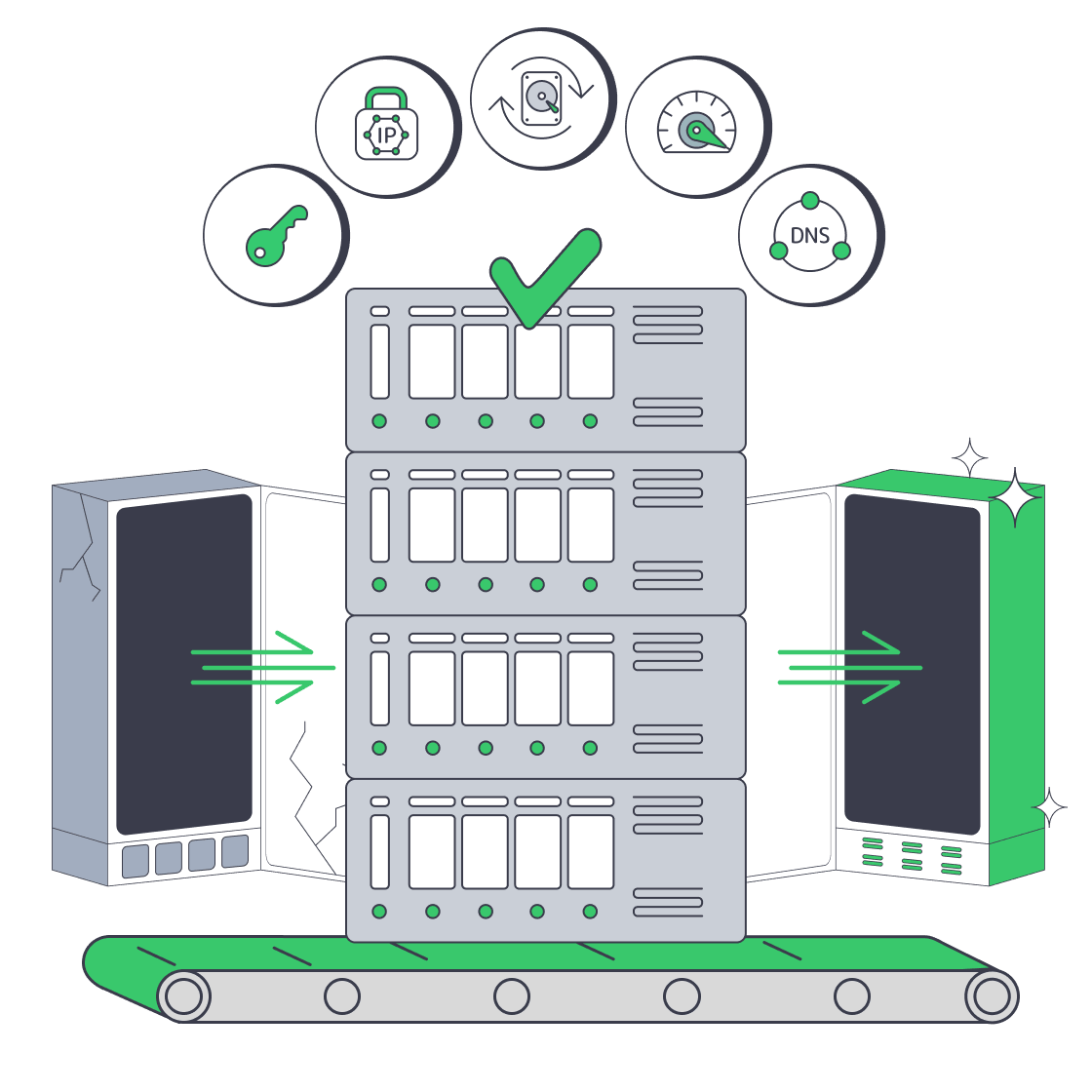
    Practical reading for hosting administrators

    Dedicated server migration with root access, IPs, backups, bandwidth, and DNS timing
    GoDaddy Dedicated Server Alternative: VPS vs. Dedicated
    Dedicated server pricing drivers arranged around a server rack and invoice
    Beyond Hardware: Total Cost Of Dedicated Servers
    Dedicated server BOM with CPU, RAM, NVMe, and NIC modules sized from workloads
    Spec Dedicated Servers From Workload, Not the Catalog
    Illustration of server rack topped by HDD, SSD, and NVMe icons showing speed hierarchy
    Choosing Dedicated Server Storage: HDD, SSD, or NVMe?
    More articles
    FAQ
    What am I renting from Melbicom?
    How should I size a host for client accounts?
    Which cPanel license fits a physical host?
    How do I choose a Plesk license?
    Which operating systems can I install?
    How do I administer the host remotely?
    How should I allocate resources across accounts?
    How many sites can one server host?
    How should I plan backups and account migration?
    How do I choose a location and network plan?
    How soon can I get a custom host?
    What belongs in the monthly operating budget?
    Set up your account
    Register for hardware rental, then choose a host for the client sites your team operates.
    Create an account
    Discuss your workload
    Share site traffic, account growth, and disk needs to discuss a host for your portfolio.
    Discuss hardware