Evaluate cloud repatriation before workloads move

Compare stable utilization, bandwidth costs, single-tenant isolation, location control, and elasticity to decide which workloads stay in cloud, move to dedicated servers, or use both.

Cloud workloads returning to dedicated infrastructure

Compare workload fit before choosing placement

Infrastructure capacity sizing
Size production demand

Use measured CPU, RAM, storage I/O, and bandwidth demand for predictable infrastructure costs and bandwidth spend.

Server workflow topology
Map hidden dependencies

Map proprietary services, data flows, telemetry, and cross-environment traffic before fixing the target architecture.

Approved infrastructure migration
Control cutover gates

Set pilot, replication, validation, cutover, rollback, and cleanup gates before production traffic changes direction.

Infrastructure operations control
Set operating ownership

Assign OS, application, monitoring, routing, and recovery roles inside a clearly defined single-tenant security boundary.

Available configurations
Need a Custom Build?
Filters
Clear all
Data center
Data center
CPU
CPU
CPU Brand
CPU Brand
RAM
RAM
Storage
Storage
from
up to
GPU
GPU
    Bandwidth
    Bandwidth
    Data Transfer
    Data Transfer
    Available configurations –
    CPU
    Memory
    Storage
    Network
    GPU
    Data center
    Price
    Show more

    Turn repatriation evidence into an operating model

    Cloud repatriation starts with evaluation, not an assumed exit. Score each workload by observed utilization, data movement, latency, location needs, dependencies, operating ownership, and change cost. Keep elastic demand in cloud capacity, move suitable stable workloads to isolated infrastructure, or combine both when a hybrid operating model fits.

    At Melbicom, we provide isolated dedicated servers with configurable CPU, RAM, storage, bandwidth, and regional placement. Stable workloads can gain more predictable infrastructure and bandwidth costs, single-tenant isolation, and precise placement when cloud capacity lacks the required location or control. Customers retain migration, monitoring, and recovery ownership.

    Run source and target together until replication, cutover, and rollback gates pass. In a hybrid model, dedicated infrastructure carries stable workloads while cloud capacity supplies elastic scaling. Optional S3 cloud storage can hold bounded migration artifacts or recovery copies during validation, while customers control routing, cleanup, and post-move operations.

    Operator planning secure cloud workload repatriation

    Workload fit guides cloud vs server decisions

    Compare demand, costs, isolation, location control, and elasticity before choosing placement.
    Measured capacity targets
    Mapped service dependencies
    Controlled cutover gates
    Predictable infrastructure costs
    Single-tenant isolation
    Bounded rollback copies

    Repatriation needs a live landing zone

    Size isolated capacity from measured demand, regional paths, transfer needs, and customer-owned operations.
    Intel and AMD processor options
    Configurable RAM and storage
    Bandwidth sized to transfer demand
    Precise regional placement options
    Isolated production capacity
    Customer-controlled operating stack
    Access to 24/7 technical support
    Measured recovery capacity
    S3 staging for migration artifacts
    S3 copies for rollback recovery
    Size the landing zone
    Map measured demand, transfer volume, regional paths, and recovery targets.
    Talk to an expert

    Workloads that reward selective repatriation

    Application server operations
    Steady application tiers

    Use dedicated capacity for steady application tiers while cloud capacity handles elastic demand above baseline.

    Server analytics processing
    Analytics workloads

    Run repeatable analytics on dedicated compute sized from batch windows, storage I/O, memory pressure, and data volume.

    Recovered database replica
    Stateful databases

    Move stateful databases only after replication, integrity checks, recovery procedures, and rollback gates pass.

    Low-latency stopwatch
    Latency-sensitive services

    Place latency-sensitive services by measured user paths, request patterns, queue depth, and tail latency.

    Infrastructure operations control
    Operating control

    Keep customer ownership of the OS, application stack, monitoring, data integrity, patching, and recovery after cutover.

    Application server migration
    Dependency replacement

    Resolve proprietary dependencies before the move, then test replacement behavior under representative production demand.

    Approved infrastructure migration
    Dual-run gates

    Run source and target in parallel until replication lag, test results, and cutover criteria meet agreed gates.

    Staged recovery deployment
    Artifact recovery staging

    Use optional S3 storage for migration artifacts and recovery copies during phased validation, never as the production target.

    Cloud repatriation planning for infrastructure teams

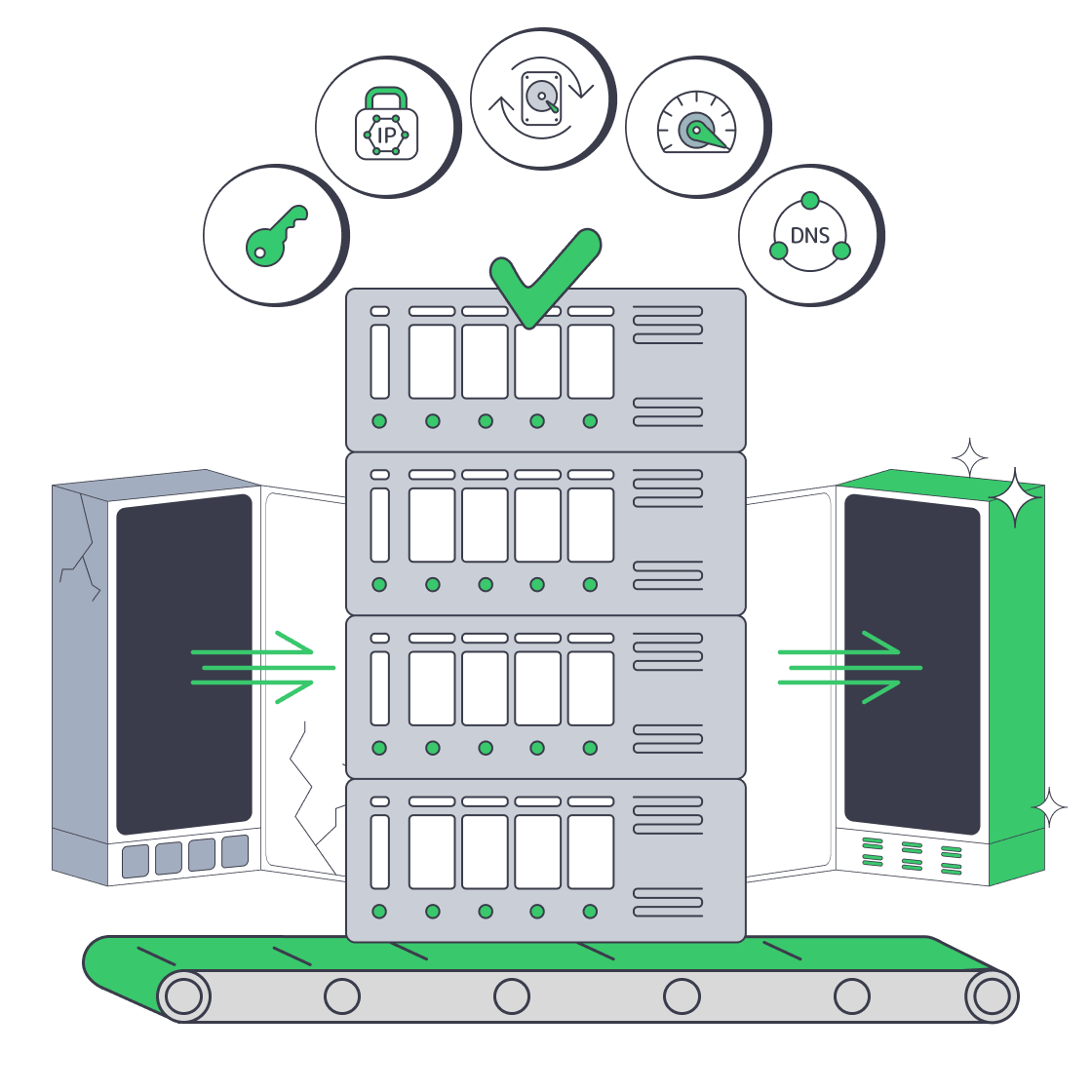
    Dedicated server migration with root access, IPs, backups, bandwidth, and DNS timing
    GoDaddy Dedicated Server Alternative: VPS vs. Dedicated
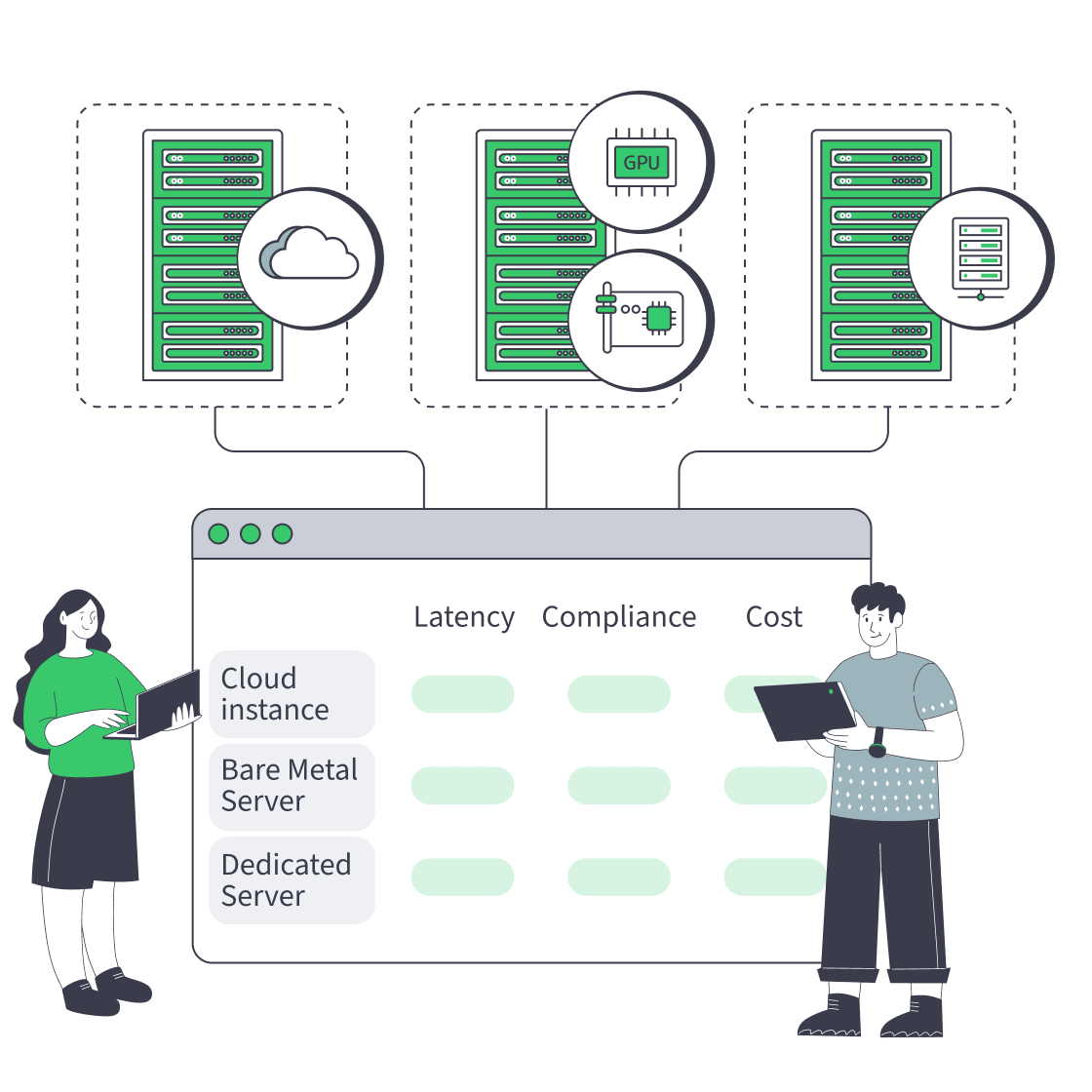
    Cloud, bare metal, and dedicated servers feeding one decision dashboard
    Bare Metal Server vs Cloud: Checklist for Performance, Compliance, and Cost
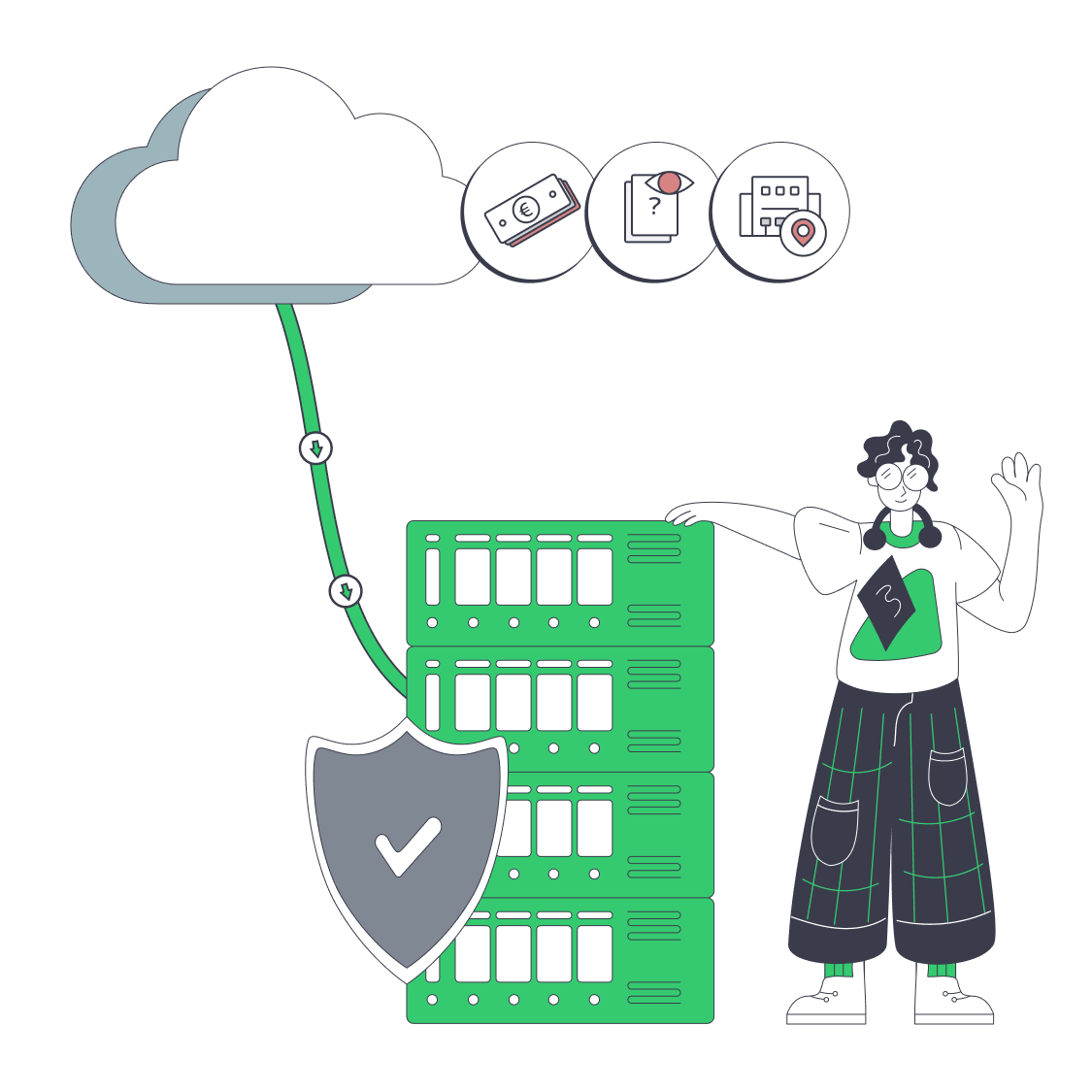
    Hybrid cloud repatriation with routing console, cloud, servers, and data paths
    Pragmatic Cloud Repatriation for Hybrid, Low-Risk Migrations
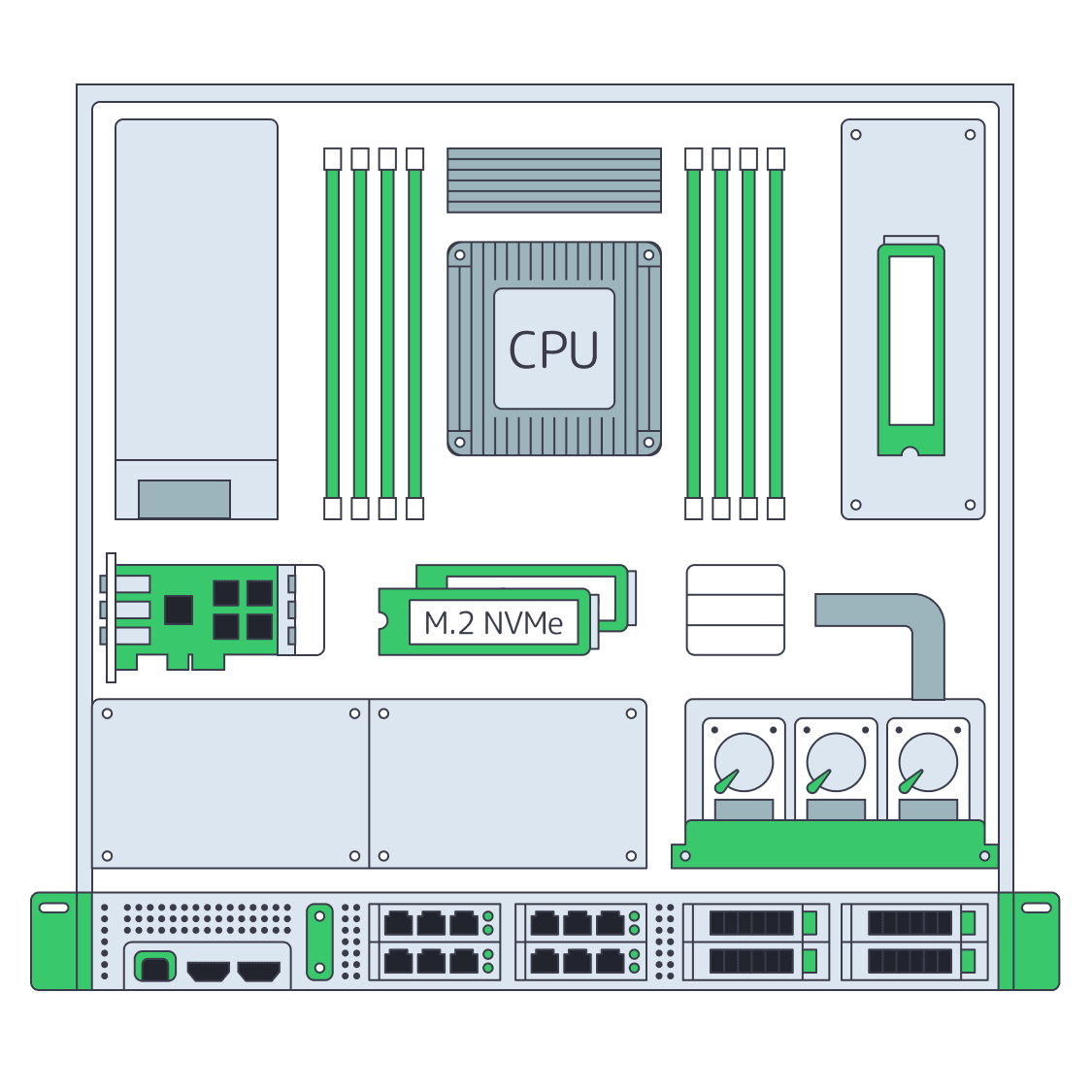
    Dedicated server BOM with CPU, RAM, NVMe, and NIC modules sized from workloads
    Spec Dedicated Servers From Workload, Not the Catalog
    More articles
    FAQ
    What is cloud repatriation?
    Which workloads fit cloud repatriation?
    How should target capacity be sized?
    Does Melbicom perform the migration?
    How should teams control cutover?
    What belongs in a rollback plan?
    Can S3 cloud storage support the move?
    Which service is the production target?
    How does regional placement affect repatriation?
    How should teams compare cloud and dedicated hosting?
    Create your account
    Open the control panel, fund your account, and prepare the selected server setup for ordering.
    Create an account
    Review the landing zone
    Bring measured demand, target regions, transfer volume, and recovery needs into the review.
    Talk to an expert