Build cloud migration infrastructure from workload evidence

Assess whether each VM-based workload should stay in the cloud, move to isolated dedicated capacity, or use a hybrid model based on demand, cost, location, validation, and cutover constraints.

Cloud workloads migrating to isolated servers

Evaluate migration targets from workload demand

Infrastructure location placement
Map dependencies first

Inventory applications, databases, identity paths, and network dependencies, then map workloads to migration waves.

Server cost-value balance
Compare dedicated costs

Use workload and bandwidth evidence to identify stable workloads with more predictable dedicated-server costs.

Cloud migration upload
Stage every transfer wave

Separate pilots, bulk transfers, validation, and cutover so stateful data stays visible throughout the move.

Infrastructure operations control
Control isolation and region

Assess single-tenant isolation, security boundaries, and regional placement for each workload and target location.

Available configurations
Need a Custom Build?
Filters
Clear all
Data center
Data center
CPU
CPU
CPU Brand
CPU Brand
RAM
RAM
Storage
Storage
from
up to
GPU
GPU
    Bandwidth
    Bandwidth
    Data Transfer
    Data Transfer
    Available configurations –
    CPU
    Memory
    Storage
    Network
    GPU
    Data center
    Price
    Show more

    Evaluate when cloud repatriation fits

    Cloud migration starts with evaluating the estate you actually run. Inventory applications, dependencies, stateful services, transfer volumes, operating constraints, and demand patterns, then decide what should remain in the cloud, move to dedicated infrastructure, or use a hybrid model. Rehost, replatform, retain, retire, replace, or refactor only after that evidence is clear.

    At Melbicom, we configure isolated dedicated server capacity around measured CPU, memory, storage I/O, bandwidth, and regional placement. Stable workloads can gain more predictable infrastructure and bandwidth costs, clearer security boundaries through single-tenant isolation, and more precise placement where a chosen cloud platform lacks the required location or control.

    A controlled plan can retain elastic demand in cloud capacity while placing steady workloads on dedicated infrastructure. Run any move through explicit gates for pilots, transfer, testing, cutover, validation, rollback, and cleanup. Optional S3 cloud storage can hold staging or recovery copies without becoming the production target or shifting execution away from the customer.


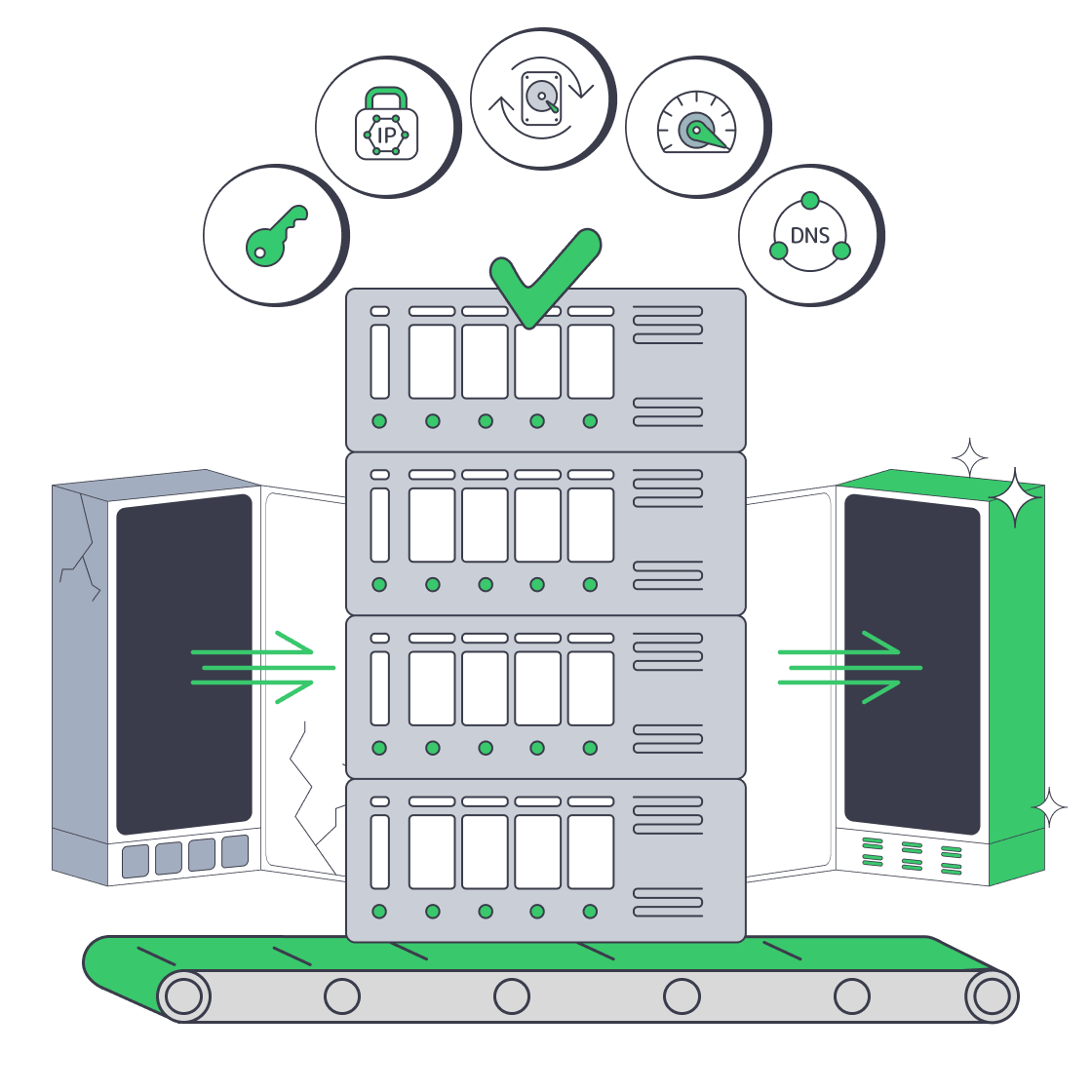
    Operator launching migrated cloud infrastructure

    A migration decision your team can defend

    Compare workload economics, isolation, placement, and control before choosing a migration path.
    Predictable workload costs
    Predictable bandwidth costs
    Single-tenant isolation
    Targeted regional placement
    Dedicated steady-load control
    Bounded staging copies

    Choose the right operating model

    Evaluate isolated capacity, regional control, and optional staging against the cloud or hybrid model you operate.
    Configurable CPU and memory
    Workload-matched storage capacity
    More predictable bandwidth costs
    Precise regional workload placement
    Single-tenant resource isolation
    Customer-controlled operating system
    Pilot and validation capacity
    Rollback capacity planned upfront
    Optional S3 staging copies
    Optional S3 recovery copies
    Scope the landing zone
    Scope workload demand, transfer volume, region, and cutover constraints before ordering.
    Talk to an expert

    Evaluate migration paths with explicit operating gates

    Virtual machines on host
    VM rehosting programs

    Rehost VM-based applications on isolated capacity sized from measured CPU, memory, storage I/O, and network demand.

    Stacked database cylinder
    Database relocation plans

    Move stateful databases through replication, testing, cutover, and rollback while your team owns every integrity check.

    Cloud repatriation download
    Cloud repatriation moves

    Move steady workloads from public cloud into customer-operated capacity without preserving unmeasured source allocations.

    Approved infrastructure migration
    Provider exit projects

    Sequence dependencies, data transfer, DNS changes, validation, and cleanup against explicit provider-exit acceptance criteria.

    Application server migration
    Application replatforming

    Replatform services while keeping tests, releases, observability, and application changes under direct customer control.

    Regional node map placement
    Regional workload moves

    Place workloads in a new region after measuring user paths, data volume, transfer demand, and operational dependencies.

    Approved infrastructure migration
    Balance hybrid capacity

    Keep elastic demand in cloud capacity and place stable workloads on dedicated infrastructure through migration waves.

    Cloud migration upload
    Migration artifact staging

    Use optional S3 cloud storage for migration artifacts or recovery copies during phased transfer, validation, and rollback.

    Migration planning for infrastructure teams

    Dedicated server migration with root access, IPs, backups, bandwidth, and DNS timing
    GoDaddy Dedicated Server Alternative: VPS vs. Dedicated
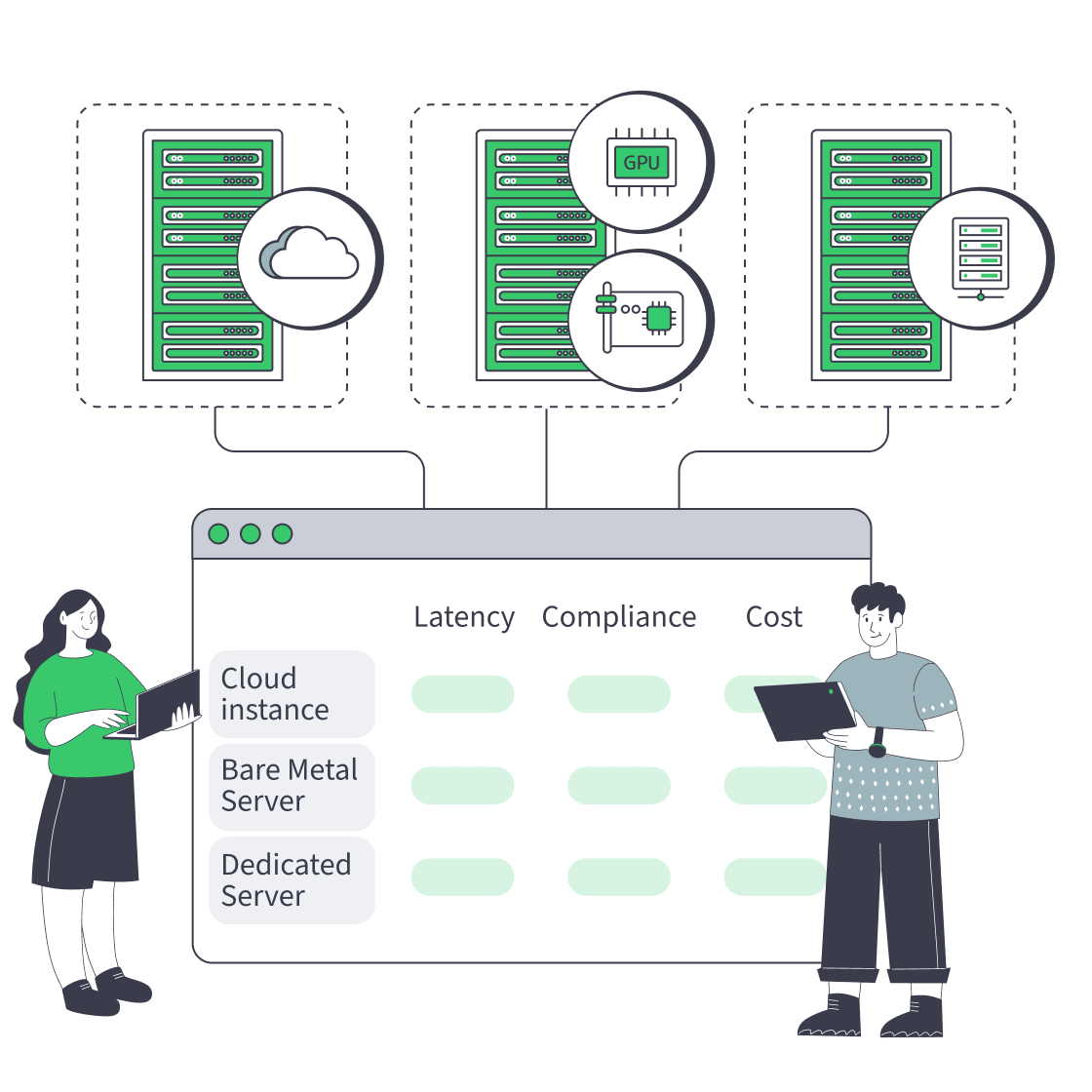
    Cloud, bare metal, and dedicated servers feeding one decision dashboard
    Bare Metal Server vs Cloud: Checklist for Performance, Compliance, and Cost
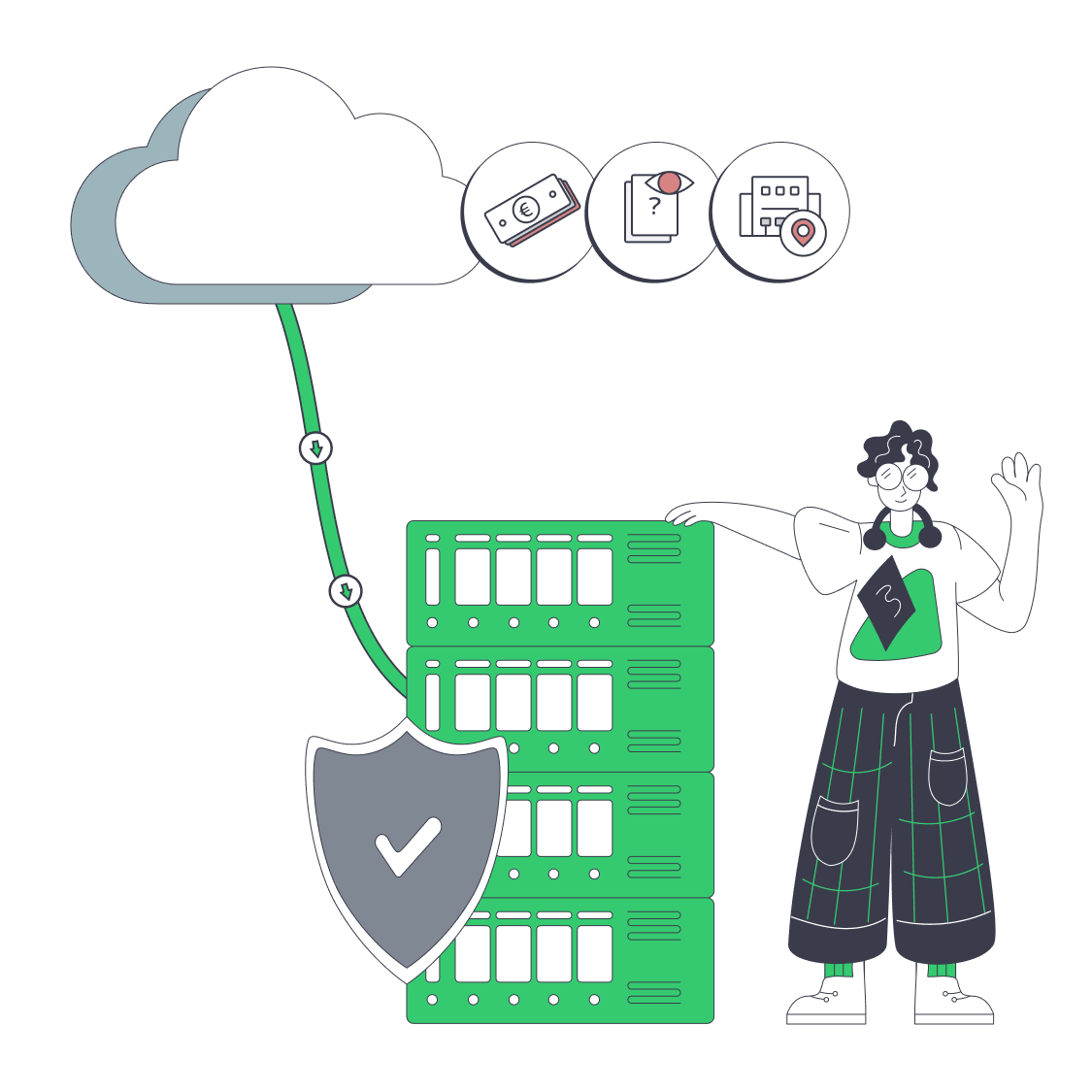
    Hybrid cloud repatriation with routing console, cloud, servers, and data paths
    Pragmatic Cloud Repatriation for Hybrid, Low-Risk Migrations
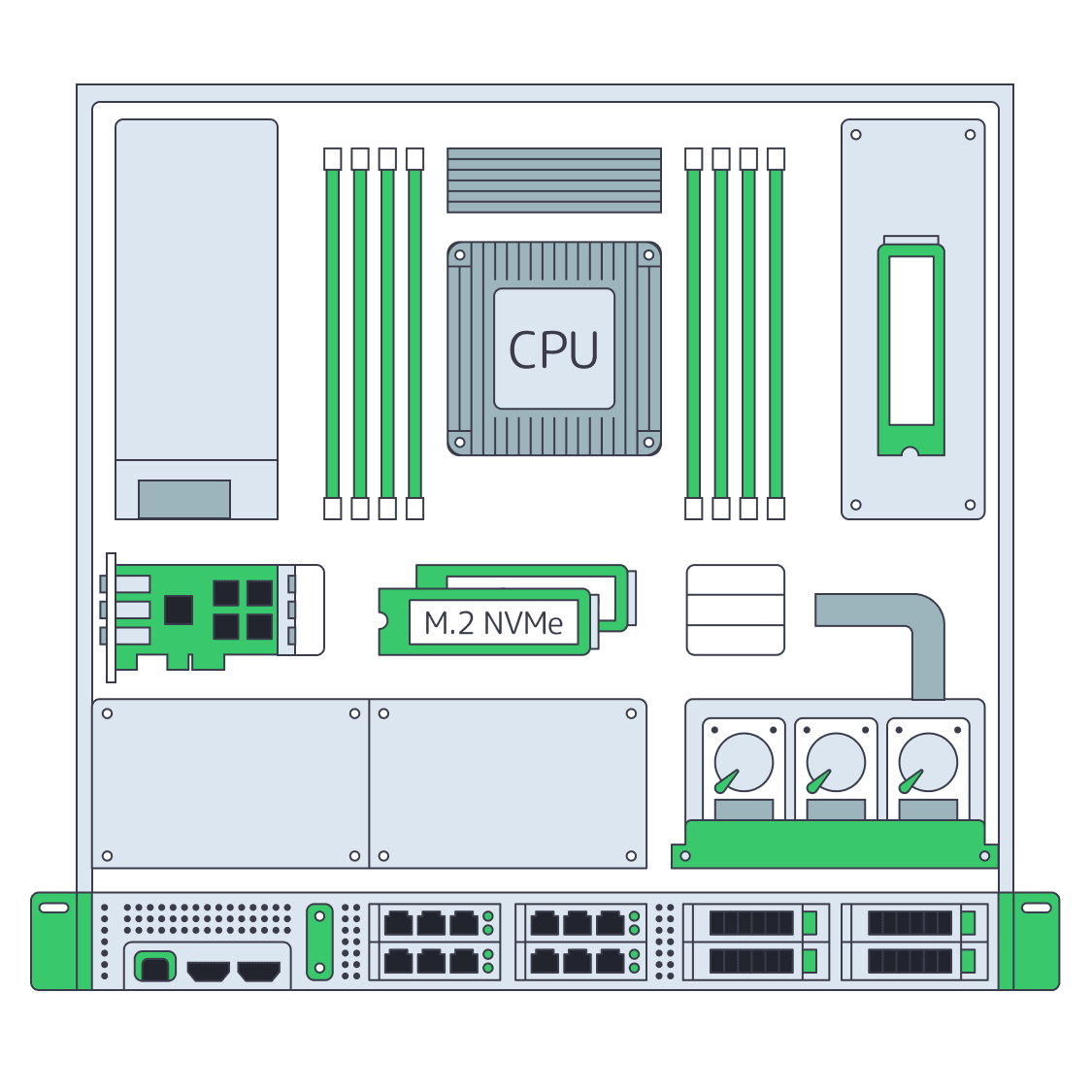
    Dedicated server BOM with CPU, RAM, NVMe, and NIC modules sized from workloads
    Spec Dedicated Servers From Workload, Not the Catalog
    More articles
    FAQ
    How should teams size cloud migration infrastructure?
    Does Melbicom execute the migration for us?
    What belongs in a migration inventory?
    Can we migrate from on-premises or another cloud?
    How should transfer bandwidth be planned?
    Can S3 cloud storage support migration staging?
    How should pilots and rollback gates be defined?
    Who manages workloads after cutover?
    Can we choose a regional deployment location?
    How should teams compare cloud and dedicated hosting?
    Is 24/7 technical support available after migration?
    Open a Melbicom account
    Access the control panel, fund your account, and configure capacity for the migration landing zone.
    Create an account
    Discuss migration capacity
    Before selecting capacity, share workload demand, transfer volume, target region, and operating limits.
    Talk to an expert