
Blog
Why SMBs Need a Dedicated Backup Server Now
Ransomware and breach risk remain acute for small and mid-size businesses (SMBs). Verizon’s 2026 DBIR reports ransomware in 48% of breaches overall, and its SMB summary flags small organizations as disproportionately affected while often having fewer resources to respond. The same summary lists the human element in 45% of SMB breaches, so a reliable backup plan is essential. Unfortunately, many SMBs rely on consumer-grade cloud sync as a backup or, worse, place their bets on a USB drive. When faced with a worst-case scenario, these recovery plans can leave them in a very unfavorable position when regulators, courts, and customers come knocking.
Choose Melbicom— 1,100+ ready-to-go servers — 21 global Tier IV & III data centers — 55+ CDN locations, 39 countries |
 |
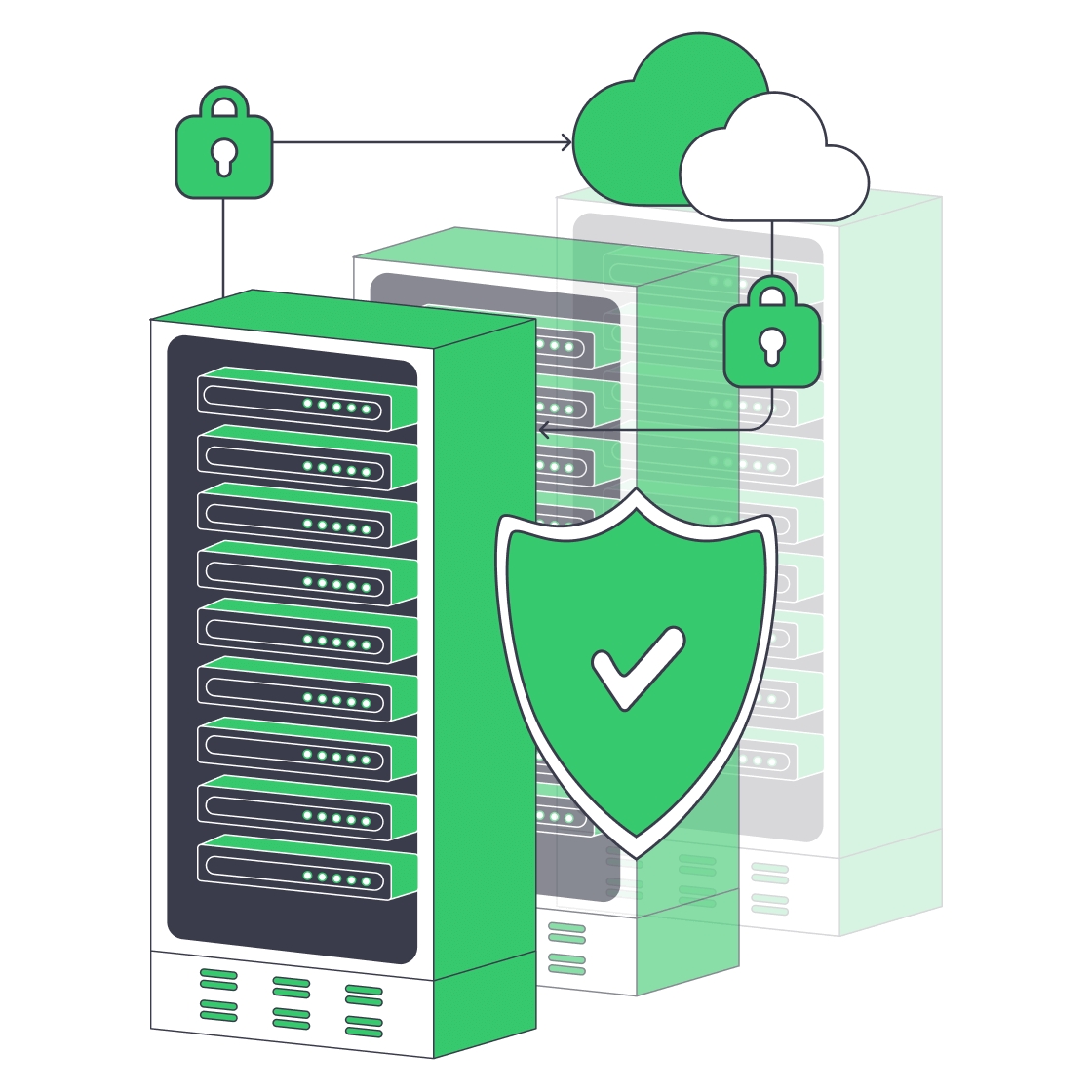
A much better plan is to use a dedicated backup server to capture and store data that can be rehydrated if there is a mishap. A single, hardened system dedicated to backup—whether deployed near production for fast restores or in a Melbicom data center as an off-site recovery target—gives SMBs the following:
- Self-controlled protection without third-party retention policies, API limits, or hidden egress charges.
- Predictable costs with a fixed hardware or rental fee and storage you can scale.
- Low-latency recovery because restores can run at LAN or dedicated-link speed rather than over a public pipe that may be congested.
Additionally, backup software ecosystems have evolved to provide an array of modern tools that were previously reserved for much larger enterprises. This means SMBs with even the leanest IT teams can better support compliance audits. Combining tools such as incremental-forever data capture, built-in immutability, and policy-driven cloud synchronization creates a stronger protection plan to reduce ransomware risk, avoid accidental deletion crises, and satisfy security regulators.
Technology Evolution: Why USB and Tape Backups No Longer Suffice on Their Own
First, legacy backup media that once worked are no longer enough against modern risks:
| Medium | Weaknesses | Consequences |
|---|---|---|
| USB/external drives | Manual plug-in, no centralized monitoring, easy to mistakenly overwrite | Backup gaps, silent corruption |
| Tape rotation | Slow restores, operator error, single-threaded jobs | Extensive RTOs, unreliable for frequent restores |
Theft and fire are also concerns with either medium. USB drives are especially exposed when they stay attached and writable, while tape only helps against ransomware when rotation, off-site storage, and restore testing are disciplined. Used alone, both media can leave SMBs with slow, incomplete, or unverified recovery points.
Rapid Deployment, Modest Budgets: Hardware Is the Answer

Setting up a dedicated backup server once meant long procurement cycles, but Melbicom offers 1,100+ ready-to-go configurations across 21 global Tier III/IV data centers. Ready-to-go servers can be activated in under two hours, custom configurations are delivered in 3-5 business days, and per-server bandwidth scales up to 200 Gbps for large seeds, replication jobs, and nightly deltas.
Remote management and support also matter for lean IT teams. Melbicom provides IPMI/KVM management access and 24/7 support, letting teams control the server without driving to the rack. That reduces maintenance overhead and avoids the depreciation and refresh planning that come with buying a chassis outright.
How Do Incremental-Forever Backups Save Disk and Bandwidth?
Incremental-forever backups save disk and bandwidth by sending only changed blocks after the first full backup and consolidating restore points in the background. For SMBs, the practical sizing question becomes daily change rate, retention length, and deduplication efficiency rather than repeated full-copy transfers.
- Initial full or synthetic full baseline.
- Block-level deltas thereafter.
- Deduplication and compression to reduce duplicate chunks and repeated transfers.
The result is that backup traffic grows with changed data, not with the total file share every night. This is especially useful for SMBs with growing datasets because they can protect more data without automatically doubling storage or WAN capacity.
How to Sync Off-Site Without High Cloud Overheads (the 3-2-1 Rule)
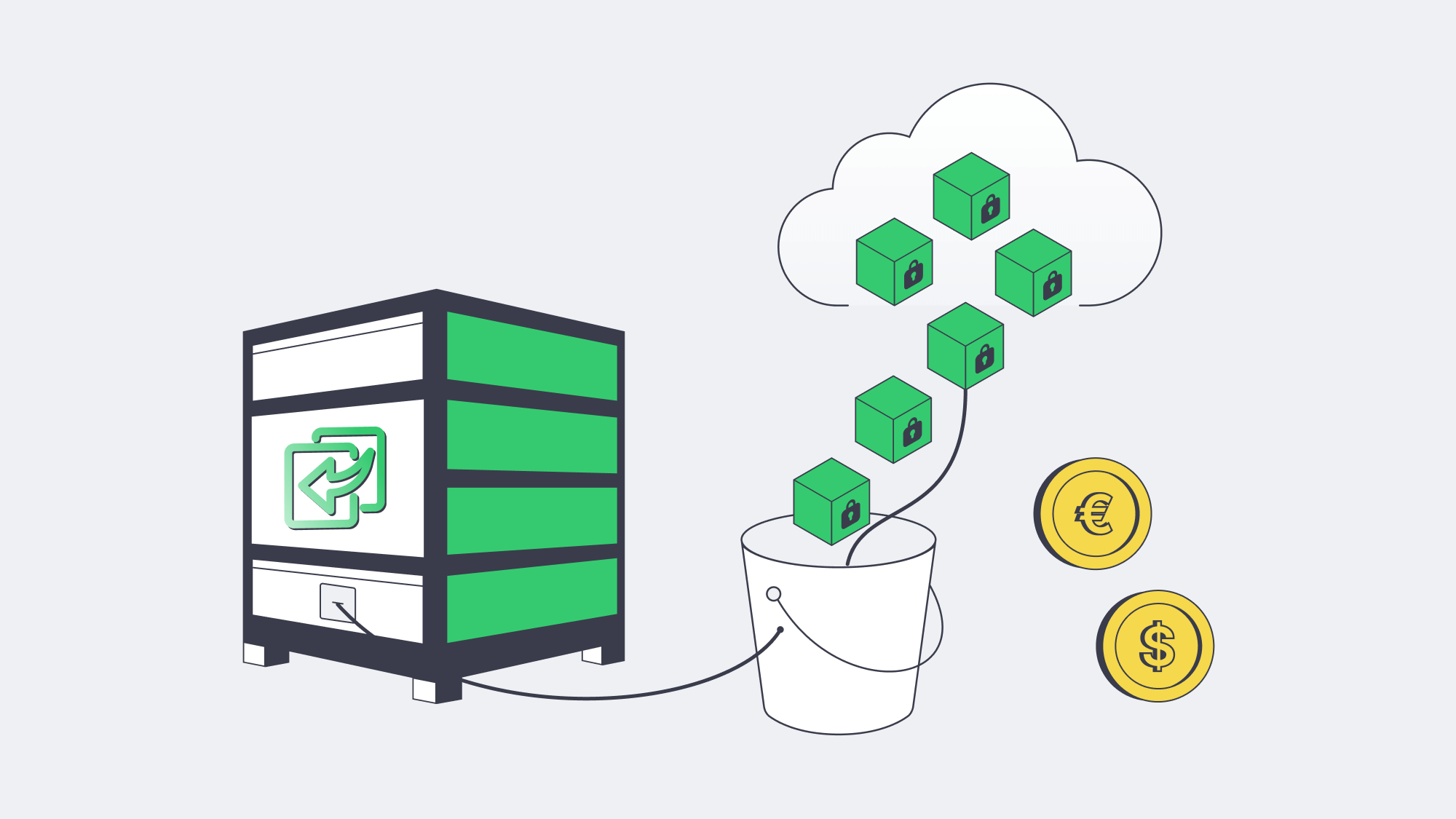
Depending on a single copy is risky. The 3-2-1 rule means keeping three copies of data on two distinct media, with one copy stored off-site. A dedicated backup server can hold fast local restore points while an encrypted, policy-driven copy is replicated to object storage or a second site:
- Data is encrypted and synced to object storage, such as Melbicom’s high-performance S3 cloud storage.
- Uploads are scheduled during off-peak hours with throttling so daytime bandwidth remains available.
- Where upstream links are small, the first terabyte can be seeded via a shipped disk.
This keeps cloud storage bills down because only compressed deltas travel after the initial seed. The off-site copy also protects against flood, fire, or burglary without requiring expensive clustering or complex disaster-recovery tooling.
How Immutability Protects Backups
Built-in immutability limits ransomware damage by making selected backup restore points undeletable and unchangeable until their retention window expires. It does not stop data theft or replace incident response, but it protects the recovery copy that attackers often try to destroy before encrypting production systems.
Modern backup stacks on a dedicated backup server can enable write-once-read-many (WORM) retention. Once a lock is properly enforced at the storage layer, even privileged accounts should be unable to alter or purge the protected restore point until the window expires. Many SMBs start with a 14- to 30-day lock window, then extend retention for regulated or slow-detection workloads. This immutability can be strengthened further with hardened Linux repositories or object-lock storage that separate production credentials from stored backups and avoid ordinary SMB/CIFS browsing paths.
Immutability is not a full recovery plan, so pair it with offline or off-site copies, monitored jobs, and regular restore tests. The goal is simple: even if attackers encrypt production systems, the recovery point they need to destroy remains intact and usable.
Lightweight, Automated Day-to-Day Ops
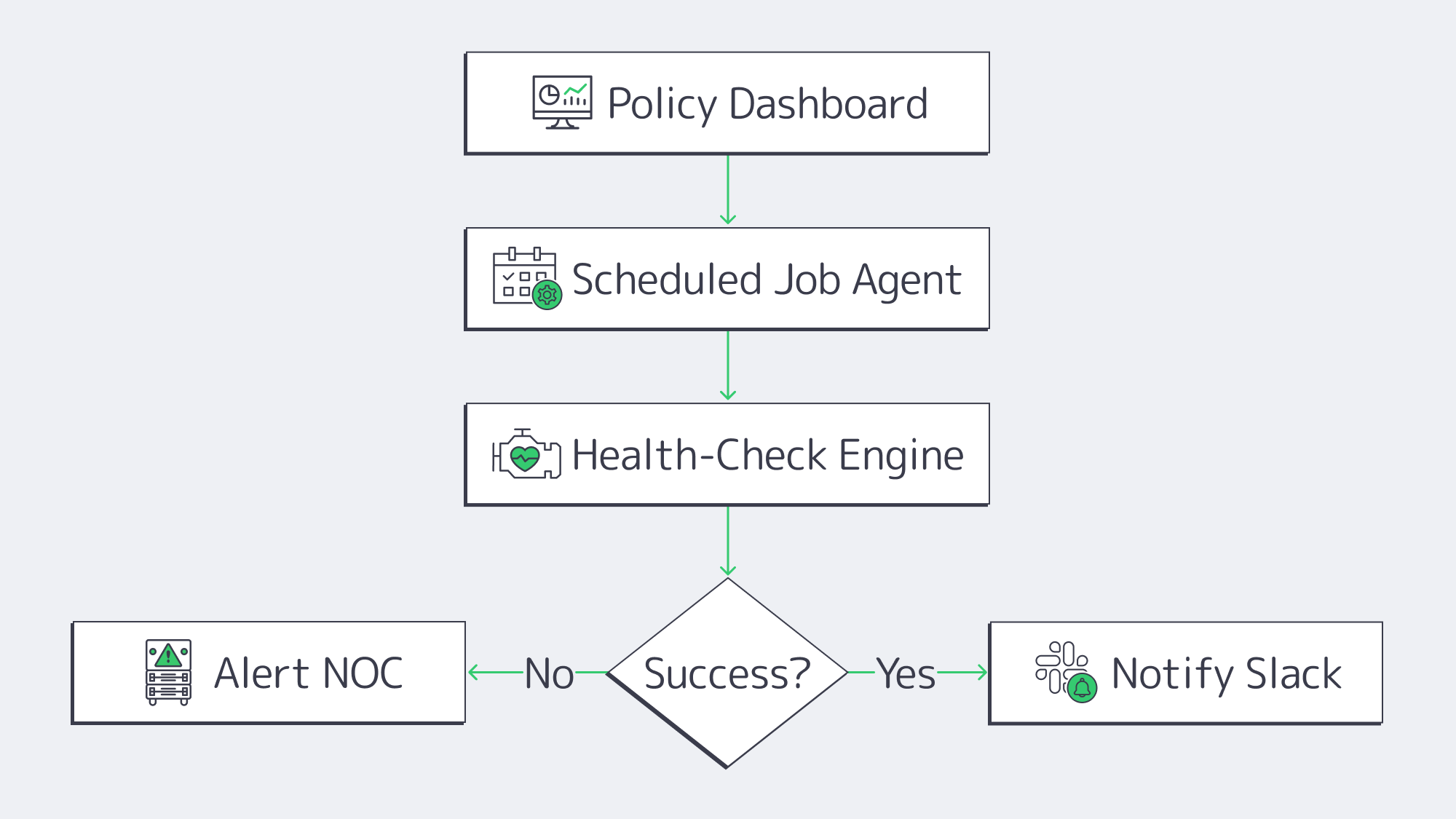
In SMBs where IT resources are constrained, backup babysitting can be a real headache, but modern engines streamline operations and IT workloads:
- Job scopes are defined with policy-first dashboards. Agents inherit RPOs, retention, and encryption once settings are applied.
- Automated health checks verify that restore points are bootable.
- Success and failure events are automatically forwarded to Slack, SIEM, or an NOC queue through API hooks and webhooks.
Workflow time for quarterly test restores can be reduced because modern backup platforms can automate job selection, validation, and reporting. Teams can select a VM and a handful of files, verify hashes, and compare them with production by starting them in an isolated VLAN or sandbox.
A Brief Overview of Best Hardening Practices
- Isolating networks: You can reduce unnecessary port exposure by placing the backup server on a VLAN of its own or operating on a separate subnet.
- MFA as standard: Secondary forms of authentication are required for both console and software access.
- In flight and at rest encryption: Replication paths should employ TLS and stored blocks should leverage AES-256 encryption as standard.
- Frequent patching: Hardened backup appliances need to be regularly patched to reduce the attack surface; if self-patching, follow a 30-day update target.
These controls reduce exposure to ransomware attacks. If an attacker gets in, segmentation, MFA, encryption, patching, and monitoring make it more likely that suspicious activity is detected before protected restore points are damaged.
Checklist: Implement a Dedicated Backup Server with Confidence
| Step | Outcome |
|---|---|
| Size capacity & retention | Enough headroom for 12–18 mo. growth |
| Select incremental-forever capable software | Faster jobs, smaller footprint |
| Enable immutability locks | Protect recent backups against deletion |
| Configure cloud sync or second site | Satisfy 3-2-1 without manual media rotation |
| Schedule quarterly test restores | Prove backups are usable |
Follow the list and the gap between a compliance breach and a clean audit narrows.
Make Your SMB Data Protection Future-Proof with a Dedicated Backup Server
Backup efforts need to take the following into consideration: ransomware, compliance scrutiny, and raw data growth. Modern-day digital operations have gone beyond cloud SaaS and tape silos. A practical solution is a dedicated backup server for full control. With a dedicated server solution, incremental-forever captures run in the background, syncs are automatic, and deltas are stored off-site, bolstered by advanced encryption. This keeps data sealed, and all restore points are protected by immutable locks that prevent tampering. For SMBs, this modern model brings enterprise-style recovery controls within reach without hefty budgets, global clustering overheads, or complex DR orchestration.
Making the move to a dedicated setup is far less of a headache than it sounds. Simply provision a server, deploy backup software and point agents on it, and leave policy engines to do the hard work for you. For very little outlay and effort, you get controlled retention and rapid restoration at LAN speed should disaster strike. With this type of modern setup and the best practices in place, ransomware actors have less opportunity to corrupt usable restore points, and the documented restore process demonstrates secure operations to compliance auditors and customers. Organizations with smaller IT teams will also benefit from a higher return on uptime than ever before.
Order a Backup Server
Deploy a purpose-built backup server quickly and safeguard your SMB data today—with Melbicom’s top-line infrastructure.