
Blog
Beyond Free: Building Bullet-Proof Server Backups
Savvy IT leads love the price tag on “free,” but experience shows that what you don’t pay in license fees you often pay in risk. The 2025 IBM “Cost of a Data Breach” report puts the global average breach cost at $4.44 million, down 9% from 2024 but still a multimillion-dollar incident.[1] Meanwhile, ITIC’s 2024 downtime analysis shows that an SMB estimating $25,000 in hourly downtime could lose about $417 for each minute a business-critical server is down, while higher-cost environments scale quickly from there.[2] With those stakes, backups must be bullet-proof. This piece dissects whether free server backup solutions—especially those pointed at a dedicated off-site server—can clear that bar, or whether paid suites plus purpose-built infrastructure are the safer long-term play.
Choose Melbicom— 1,400+ ready-to-go servers — 21 global Tier IV & III data centers — 39 CDN PoPs across 6 continents |
 |
Can Free Server Backup Solutions Work?
Free server backup solutions can be secure enough for a single low-risk server when restores are tested, alerts are monitored, and off-site copies are protected. They are usually not enough for production workloads that need provable recovery, compliance evidence, centralized oversight, or ransomware-resistant retention across multiple systems.
Why “Free” Still Sells
Free and open-source backup tools (rsync, Restic, Bacula Community, Windows Server Backup, etc.) thrive because they slash capex and avoid vendor lock-in. Bacula alone counts 2.5 million downloads, a testament to community traction. For a single Linux box or a dev sandbox, these options shine: encryption, basic scheduling, and S3-compatible targets are a CLI away. But scale, compliance and breach recovery expose sharp edges.
Reliability: A Coin-Toss You Can’t Afford
Sophos’ 2025 ransomware survey found that just 54% of organizations whose data was encrypted restored it using backups—the lowest rate in six years—while 49% paid the ransom and got data back.[3] Free tools can encrypt and schedule jobs, but they rarely verify images, hash files, or alert admins when last night’s job died. A mis-typed cron path or a full disk can lurk undetected for months. Paid suites automate verification, catalog integrity, and “sure-restore” drills—capabilities that cost time to script and even more to test if you stay free.
Automation & Oversight: Scripts vs. Policy Engines
Backups now span on-prem VMs, SaaS platforms, and edge devices. Free solutions rely on disparate cron tasks or Task Scheduler entries; no dashboard unifies health across 20 servers. When auditors ask for a month of success logs, you grep manually—if the logs still exist. Enterprise platforms ship policy-driven scheduling, health dashboards and API hooks that shut down noise. Downtime in a for-profit shop is measured in cash; paying for orchestration often costs less than the engineer hours spent nursing DIY scripts.

Storage Ceilings and Transfer Windows
Free offerings hide cliffs: older Windows Server Backup deployments and VSS-based jobs have practical volume limits; Microsoft’s current VSS guidance flags unsupported operations above 64 TB volumes, and native tooling still leaves more cataloging, central reporting, and restore validation to the administrator.[4] Object-storage-friendly tools avoid many single-job caps but can choke when incremental chains stretch to hundreds of snapshots. Paid suites bring block-level forever-incremental engines and WAN acceleration that help meet nightly windows at multi-terabyte scale.
Ransomware makes scale a security issue too. Sophos’ 2024 backup-compromise analysis found that 94% of organizations hit by ransomware said attackers attempted to compromise their backups, and 57% of those attempts succeeded.[5] Those odds demand at least one immutable or air-gapped copy—controls that are rarely turnkey in gratis software and must be verified on the chosen storage target.
Compliance & Audit Scenarios
Regulatory and customer audits increasingly ask not only, “Do you have a backup?” but also, “Can you prove it is encrypted, tested, access-controlled, and retained in the right geography?” Free tools leave encryption, MFA, and retention-policy scripting to the admin. Paid suites ship pre-built compliance templates and tamper-resistant logs—useful evidence when the clipboard comes out. In regulated environments, backup proof must show custody, retention, and test history before recovery pressure is highest.
The Hidden Invoice: Support and Opportunity Cost
Open-source forums are invaluable but not an MSA. During a restore crisis, waiting for a GitHub reply is perilous. Those hours are not free: someone must maintain scripts, monitor jobs, rotate credentials, document restore steps, and run test recoveries. For a small estate, that may be acceptable; for production systems, the opportunity cost can exceed the license savings. Factor in the reputational hit when customers learn their data vanished, and “free” becomes the priciest line item you never budgeted.
Why Do Dedicated Backup Servers Improve Security, Speed & Compliance?
A dedicated backup server improves resilience by separating recovery data from the production site, giving backup jobs predictable network and disk resources, and letting teams choose locations that match recovery and data-residency needs. It does not replace backup verification, but it gives free or paid tools a safer recovery target than shared, best-effort storage during an incident.
| Feature | Free Tool + Random Storage | Paid Suite on Dedicated Server |
|---|---|---|
| End-to-end verification | Manual testing | Automatic, policy-based |
| Retention protection | DIY scripting | Built-in retention controls; object lock where supported |
| Restore speed | Best-effort | Automated VM/file-level options |
| Support & escalation | None/community | Vendor + provider support |
Isolation and Throughput
Pointing backups to a dedicated backup server in a Tier III/IV data center separates recovery data from local disasters and noisy shared instances. Melbicom dedicated servers can be configured with up to 200 Gbps per server, so network capacity is less likely to be the bottleneck; actual transfer time still depends on source-side throughput, backup software, compression, and route conditions. Free tools can leverage that pipe too when the target is single-tenant infrastructure with predictable capacity rather than cheap shared storage.
Geographic Reach and Compliance Flex
Melbicom operates 21 data-center locations across Europe, North America, Asia, Africa, and the Middle East, giving customers data-residency choices and lower-latency DR access. You can place backup infrastructure in Amsterdam for EU-oriented retention needs or Los Angeles for U.S.-based recovery capacity, then align retention, access policy, and recovery location with the applicable regulation.
Affordable Elastic Retention via S3
Melbicom’s S3-compatible Object Storage offers plans from 1 TB to 500 TB, free ingress, erasure coding, IAM security, and NVMe acceleration from an Amsterdam Tier IV data center. Any modern backup suite can target an S3-compatible bucket for off-site copies, but WORM-style immutability should be confirmed separately on the chosen storage target before it is treated as ransomware-proof. The blend of dedicated server cache + S3 deep-archive for off-site retention gives SMBs a practical 3-2-1 design without hyperscaler billing complexity.
Support That Shows Up
We provide 24/7 hardware and network support; if your backup server has a hardware or network issue, you have a provider escalation path in addition to your backup-tool documentation and community forums. That safety net converts an open-source tool from a weekend hobby into a production-ready shield.
Free vs. Paid Backup Solutions: The Math
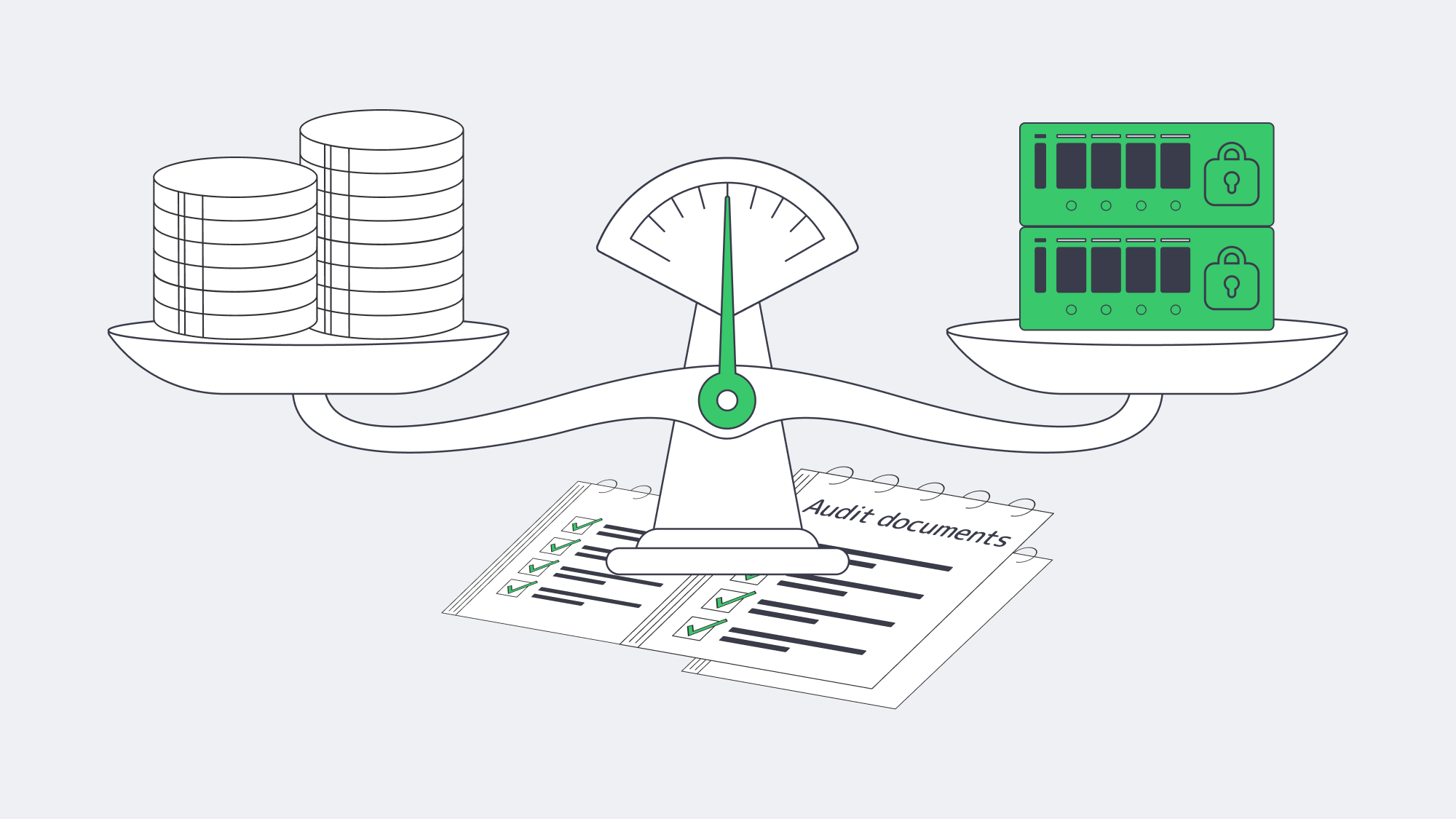
The financial calculus is straightforward: tally the probability × impact of data-loss events against the recurring costs of software and hosting. For many SMBs, a hybrid path balances software, storage, support, and recovery risk:
- Keep a trusted open-source agent for everyday file-level backups.
- Add a paid suite or plugin only for complex workloads (databases, SaaS, Kubernetes).
- Anchor everything on a dedicated off-site server with object-storage spill-over for off-site retention and a separately verified immutable or air-gapped copy.
Fortify Backups Beyond Good Enough
Free server backup solutions remain invaluable in the toolbox—but they rarely constitute the entire toolkit once ransomware, audits, and multi-terabyte growth enter the frame. Reliability gaps, manual oversight, storage ceilings, and limited support paths expose businesses to outsized risk. Coupling a robust backup application—open or commercial—with a dedicated backup server gives recovery teams capacity, isolation, and time to work.
Deploy a Dedicated Backup Server
Order a high-bandwidth backup node and keep recovery copies isolated from local failures.