
Blog

Dedicated Server Cheap: Streamlining Costs and Reliability
When it comes to tech startups or newly opened businesses, a tight budget is often a factor when choosing hosting infrastructure. It’s true—cloud platforms do offer outstanding flexibility, but traditional hosting remains a go‑to option for predictable, high‑control workloads, with dedicated servers serving as a middle ground between cloud-style flexibility and single-tenant control.
In this article, we explore how to rent reliable yet affordable dedicated servers by choosing balanced CPU generations, storage options, and bandwidth tiers. We also briefly recall the 2010s “low‑cost colocation” times and explain why hunting for low‑end prices without considering service terms and support can be a risky practice, turning planned savings into extra support work later.
Choose Melbicom— 1,400+ server configs — 21 global Tier IV & III data centers — 39 CDN PoPs across 35 countries |
 |
A Look Back: Transition from Low‑Cost Colocation to Affordable Dedicated Servers
In the 2010s, the most common scenario for an organization seeking cheap hosting was simply choosing the cheapest shared hosting, VPS, or no‑frills dedicated server options. Considering this philosophy, providers were building their strategies around using older hardware located in basic data center facilities and cutting costs on support. Performance guarantees were rare, and frequent downtime was often considered normal for budget hosting buyers at the time.
Today, the low‑cost dedicated server market still treats affordability as a cornerstone, yet many providers combine it with modern hardware, robust networks, and data center certifications. Operating at scale, they can offer previous‑gen CPUs, fast SSDs, or even NVMe drives with smart bandwidth plans. The result is happy customers who get reliable hosting solutions and providers that make a profit by offering great services on transparent terms.
Which CPU Generation Should You Choose for a Cheap Dedicated Server?
For a cheap dedicated server, choose the newest CPU generation only when the workload needs maximum per-core speed, the latest instruction sets, or high memory bandwidth. For many steady web, database, and virtualization workloads, a recent previous-generation CPU can lower monthly cost while still leaving enough performance headroom.
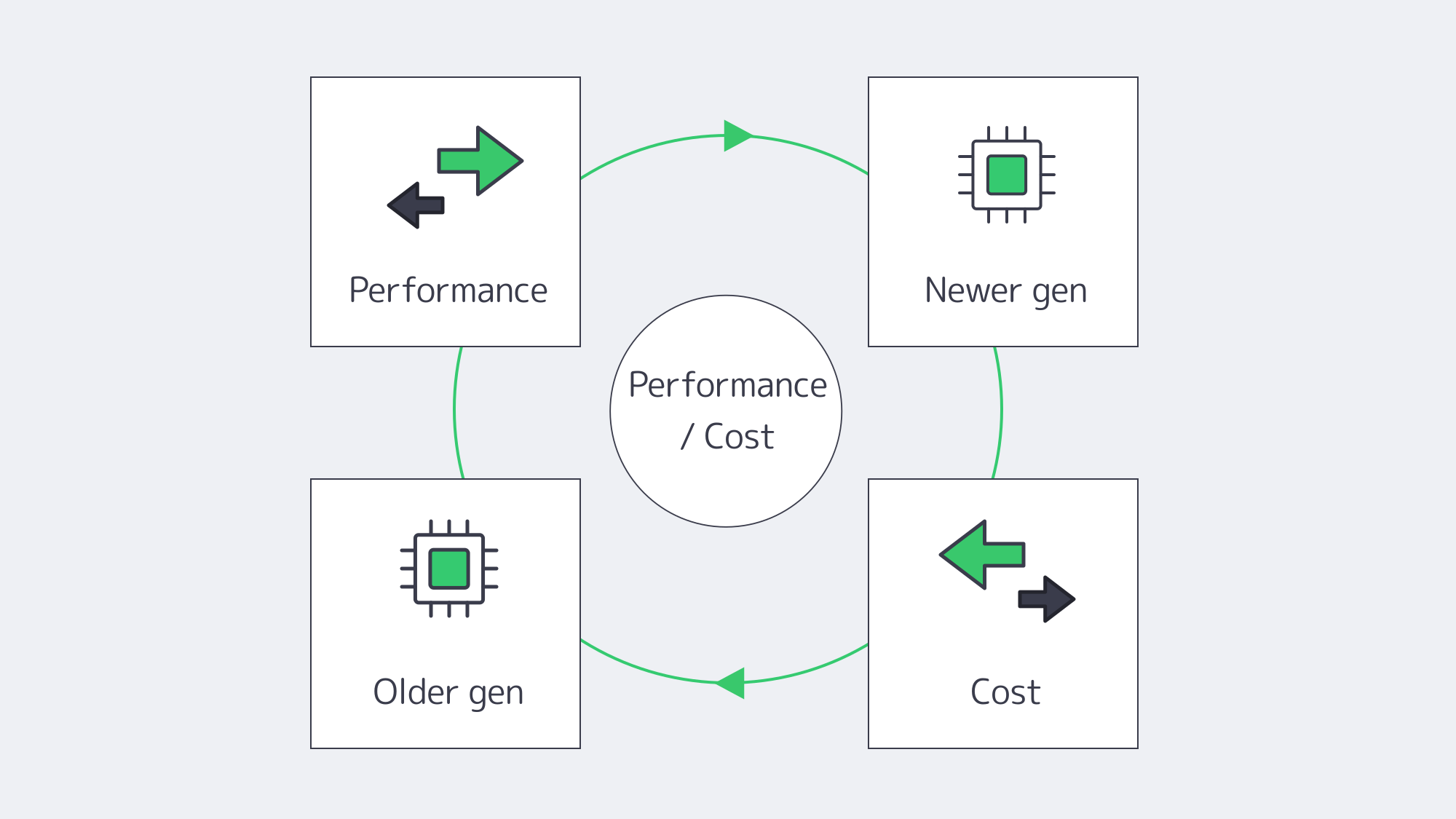
Here is the reality—when looking for cheap dedicated servers, the newest CPU generation is not always the best-value choice. Newer platforms can improve efficiency, memory support, and core density, but many workloads still run well on recent previous-generation CPUs. Choosing a slightly older CPU can reduce hosting costs when the workload does not require the newest instruction sets or maximum per-socket performance.
Per‑core / multi‑core trade‑offs. Some usage scenarios (e.g., single‑threaded applications) require solid per‑core CPU performance. If that’s your case, prioritize high-frequency CPU options over total core count.
High‑density virtualization. If your organization requires isolated virtual environments for different business services (e.g., CRM, ERP, database), a slightly older dual‑socket Xeon E5 v4 can pack a substantial number of cores at a lower cost.
Avoid outdated features. We recommend picking CPUs that support virtualization instructions (Intel VT‑x/EPT or AMD‑V/RVI). Ensure your CPU choice aligns with your RAM, storage, and network needs.
Melbicom addresses these considerations by offering more than 1,400 dedicated server configurations—including Intel Xeon and AMD options—so you can pinpoint the best fit for your specific workloads and use cases.
How to Achieve High IOPS with Fast Storage
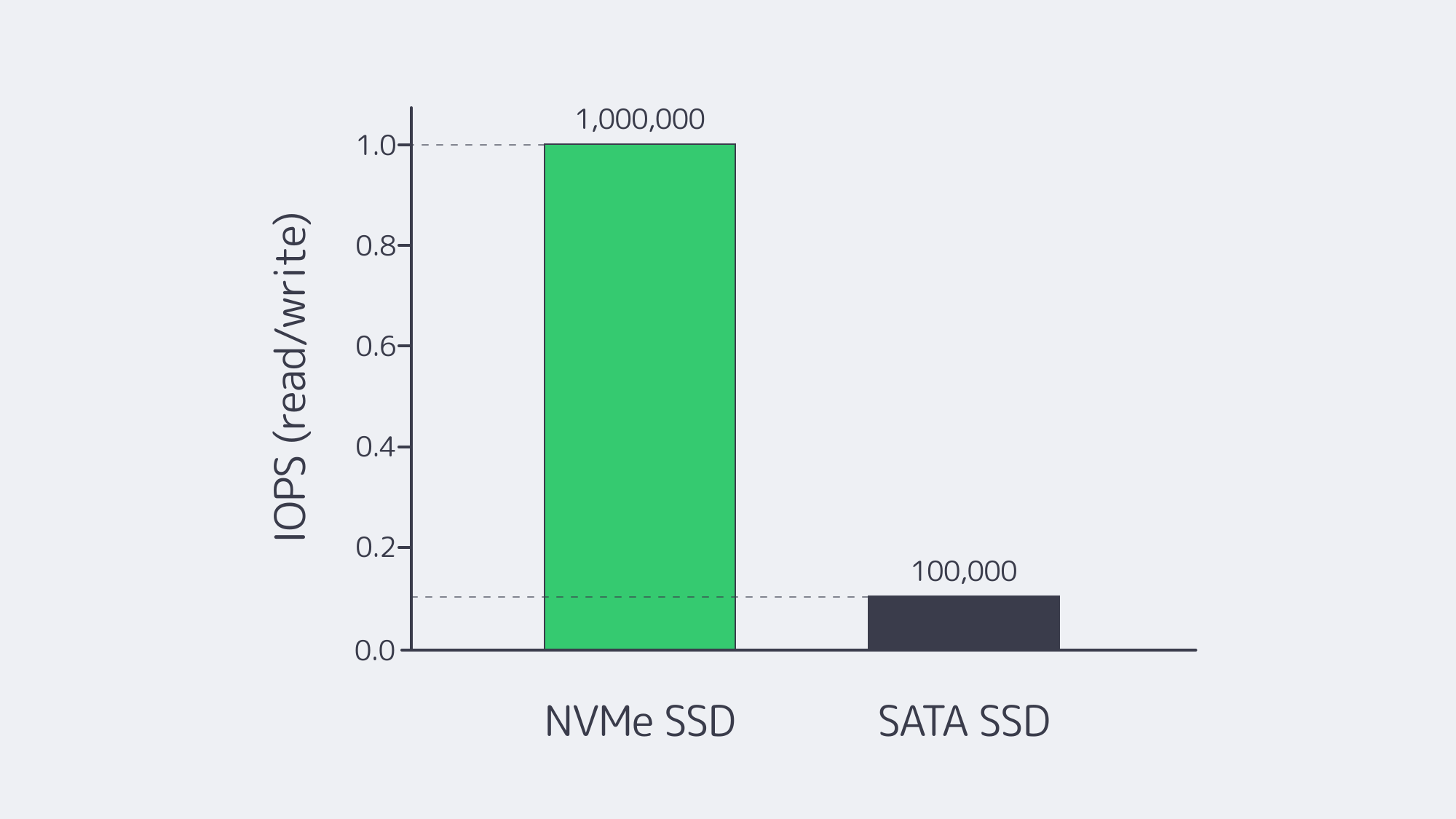
Picking the right storage technology is critical as slow drives often play a bottleneck role in the entire service architecture. Since the first NVMe (Non‑Volatile Memory Express) drives reached the market in 2013, NVMe has become a go‑to option for workloads that need low latency and high throughput, such as databases, streaming, and gaming.
Enterprise NVMe drives can reach over 1M IOPS (Input/Output Operations Per Second), which is far above typical SATA SSD ceilings around 100K IOPS. They also offer significantly higher throughput—2,000–7,000+ MB/s (SATA drives give only 550–600 MB/s).
| Interface | Latency | IOPS / Throughput |
|---|---|---|
| SATA SSD (AHCI) | ~100 µs overhead | ~100K IOPS / 550–600 MB/s |
| NVMe SSD (PCIe 3/4) | <100 µs | 1M+ IOPS / 2K–7K MB/s |
SATA and NVMe performance comparison: NVMe typically delivers 10x or more IOPS.
Let’s say you are looking for a dedicated server for hosting a database or creating virtual environments for multiple business services. Even an affordable option with NVMe can deliver drastically improved performance. And if your use case also requires larger storage, you can always add SATA SSDs to your setup to achieve larger capacity at low cost.
Which Bandwidth Tier Keeps Cheap Dedicated Server Hosting Reliable?
A cheap dedicated server remains reliable when the bandwidth tier matches normal traffic plus realistic burst headroom. Start with 1 Gbps for predictable workloads, move to higher unmetered or committed tiers when sustained throughput grows, and choose a location near users before paying for maximum port capacity.

Things are quite simple here: choosing an uncapped bandwidth plan with the maximum data‑transfer speeds could be very time‑saving in planning, but not cost‑saving (to put it mildly). To reduce hosting bills without throttling workloads, it’s important to allocate some time for initial consideration of what plan to choose: unmetered, committed, or burstable, as well as the location(s) for optimal content delivery.
Burstable bandwidth. A common scenario for providers offering this option is to bill on a 95th percentile model, discarding the top 5% of client traffic peaks. This allows short spikes in bandwidth consumption without causing extra charges.
Unmetered bandwidth. What could have been considered a provider’s generosity in the beginning, in reality might turn into good old capacity overselling. In some cases, other clients cause bandwidth drops; in others, your own spikes create the same congestion for everyone else on the network.
Location matters. Sometimes placing your server closer to your clients can better help you meet the ultimate goals of delivering data to your audiences, reducing network overheads.
With Melbicom, you can choose the most convenient data center for your server from among 21 options located worldwide. We offer flexible bandwidth plans from affordable 1 Gbps per server connectivity options up to 200 Gbps for demanding clients.
Why Choose Providers That Operate in Modern Data Centers
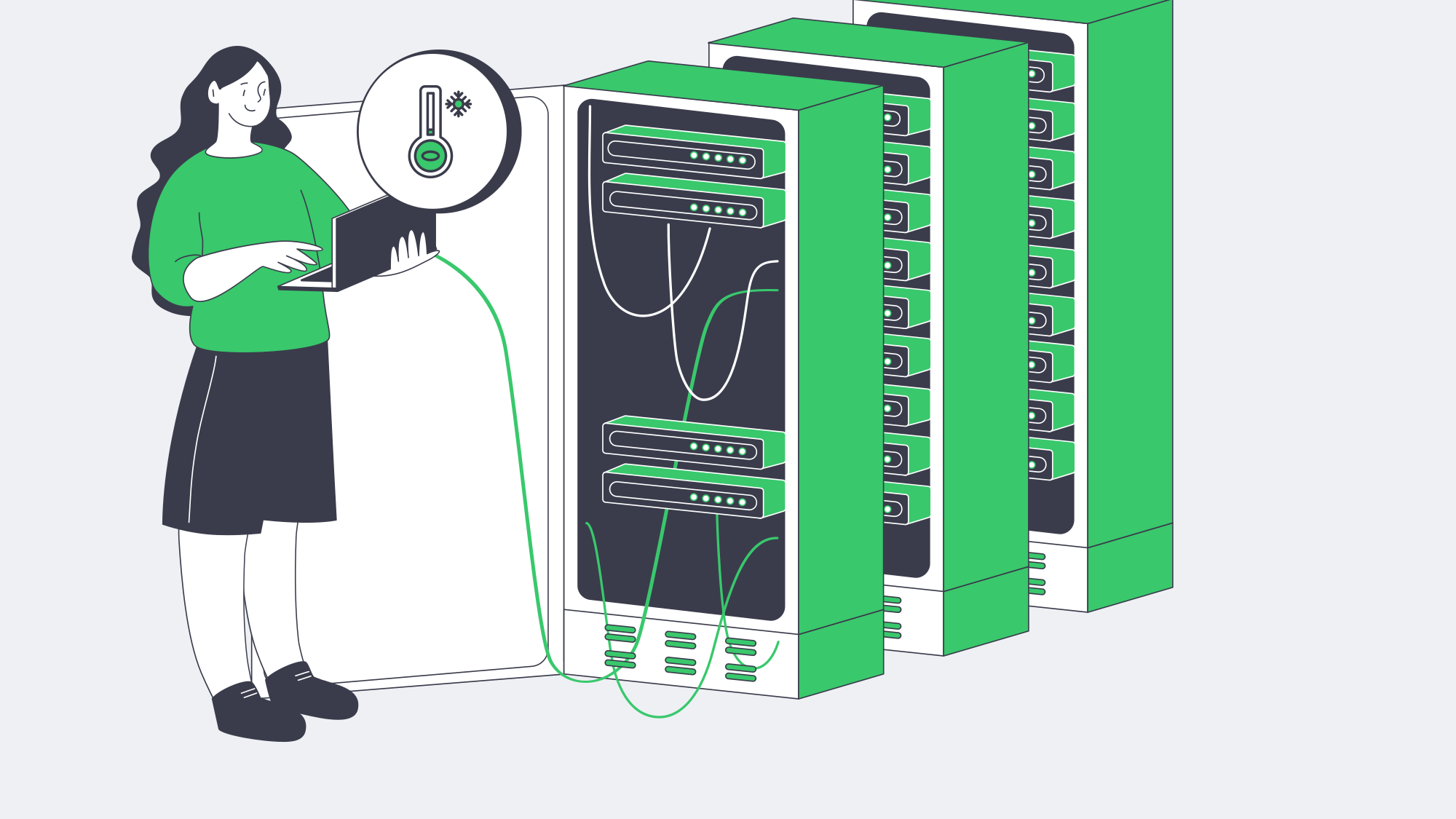
Tier I/II data centers aren’t necessarily bad—in some rare scenarios (read: unique geographical locations), they could be the only options that are available. But in most scenarios, you will be able to choose the location. Because energy and cooling are major operating expenses for data center operators, we recommend choosing facilities that combine resilience with efficient power and cooling design. Efficient hardware and advanced cooling lead to lower overhead for data center operators. Those savings help hosting providers offer customers more competitive prices.
Melbicom operates only in Tier III/IV data centers that incorporate these optimizations. Our dedicated server options include Intel and AMD platforms in modern facilities, with configurations that support efficient performance and remote management. This allows us to offer competitive prices to our customers.
How to Streamline Monitoring to Lower TCO
We are sure you are familiar with the concept of total cost of ownership. It’s not only important to find dedicated servers with a well‑balanced cost/performance ratio; it’s also crucial to establish internal practices that will help you keep operational costs to a minimum. It doesn’t make a lot of sense to save a few hundred on a dedicated server bill and then lose those savings to system administrators’ time spent fixing preventable issues. This is where a comprehensive monitoring system comes into play.
Monitor metrics (CPU, RAM, storage, and bandwidth). Use popular tools like Prometheus or Grafana to reveal real‑time performance patterns.
Control logs. Employ ELK or similar stacks for root‑cause analysis.
Set up alert notifications. Ensure you receive email or chat messages when anomalies are detected. For example, a sudden CPU usage spike can trigger an email notification or even an automated failover workflow.
With Melbicom’s out‑of‑band IPMI access, you can manage servers remotely and integrate easily with orchestration tools for streamlined maintenance. This helps businesses stay agile, keep infrastructure on budget, and avoid extended downtime, which is especially damaging when system administrator resources are limited.
Why Can Ultra-Cheap Dedicated Server Providers Cost More Long-Term?
Ultra-cheap dedicated server providers can cost more long-term when low monthly pricing comes with weak support, no service guarantees, outdated hardware, or poor facility security. Downtime, emergency troubleshooting, and migration work can quickly erase the savings that attracted a buyer to the lowest advertised price.
Many low‑end box hosting providers use aggressive pricing to acquire cost‑conscious customers, but deliver subpar infrastructure or minimal support. The lack of an SLA is a red flag, as without it, you expose yourself to ongoing service interruptions, delays in response, and no legal protection when the host fails to meet performance expectations. Security also remains a concern because outdated servers may miss timely firmware updates, while insecure physical facilities can put critical operations and data at risk during an incident.
Support can be equally critical. A non‑responsive team or pay‑by‑the‑hour troubleshooting model might cause days of downtime. Investing slightly more in providers that offer 24/7 support is essential for business workloads. For instance, we at Melbicom provide free 24/7 support with every dedicated server.
Conclusion: Cost and Performance

Dedicated servers serve as essential infrastructure for organizations that require both high performance and stable costs along with complete control. The combination of balanced CPU generations, suitable storage and bandwidth strategies, and monitoring automation allows you to achieve top performance at affordable costs.
The era of unreliable basement‑level colocation has ended because modern, affordable dedicated server solutions exist. They combine robustness with low cost, especially when you select a hosting provider that invests in quality infrastructure as well as security and support.
Why Choose Melbicom
At Melbicom, we offer 1,400+ ready-to-go dedicated server configurations located in Tier III/IV data centers across the globe at budget-friendly prices. Our network provides up to 200 Gbps per-server speed, and we offer NVMe-accelerated hardware, remote management capabilities, and free 24/7 support.